Free tools can draft a chapter, not a finished book. Every free AI book writer I tested has a cap, a trial clock, or a locked export, and none produces a publish-ready manuscript without your editing.
Check which kind of free you are getting. Word caps, chapter limits, watermarked exports, and time-limited trials all hide behind the same label, so confirm the shape before you build a manuscript inside a tool.
Pick the tool by job. Of the nine tools compared, Eney fits fiction, Squibler fits outlines, and Type.ai or Claude fit nonfiction drafts.
Memory is the real test. Ask for a second scene in the same session and see whether names and details survive. Eney keeps context across a session and has a 14-day free trial with 10,000 AI credits. Get it free on Setapp.
Setapp covers the manuscript. Setapp Membership includes Ulysses for editing and Craft for planning your draft together with 300+ other apps. Try it free for 7 days.
The best free AI book writer depends on your job, but none of them writes a publish-ready book. I gave nine tools the same fantasy brief and self-help outline, then asked for a second scene to test memory, because one free tool once forgot my protagonist’s name by chapter two.
Below: the four types of limits to check first, how each tool compares, and a Mac workflow for drafting and editing a real chapter.
Free AI book writers: 4 types of limits to check first
Free AI book writers come with four types of limits, and most tools combine two of them. Check these before you build a manuscript inside any tool:
Token or word caps: Limit how much text you can generate before the tool stops
Chapter limits: Cap the size of the project, such as a handful of chapters per book
Watermarked or locked exports: Let you write but not leave with a clean file
Time-gated trials: Give you full features for a few days or weeks, then ask for money
It also helps to know which job you are hiring the tool for. A full AI draft means you supply a premise and the tool writes chapters. AI assisting a human draft means you write and the tool rewrites, expands, or checks. Outlining and brainstorming only means the tool never touches your prose. Most free tiers are generous with the third job and stretched thin on the first.
Before you pick a tool, write down which of the three jobs you need done and roughly how many words you expect to generate. That one note rules out half the options.
The best free AI book writers compared: Caps, memory, and exports
I gave every tool the same premise: one fantasy chapter brief with two named characters, and one self-help chapter outline. I asked for a 1,000-word draft, then a second scene to test memory. The pattern held everywhere: no free tool produces a publish-ready book part without human editing. I ran the same premise through Eney on my Mac to see how well it handles this task.
Here’s a quick comparison of every tool I tested. Free tiers change often, so I checked each against its current pages in November 2026. Detailed descriptions of the tools, grouped by what you are writing, follow below:
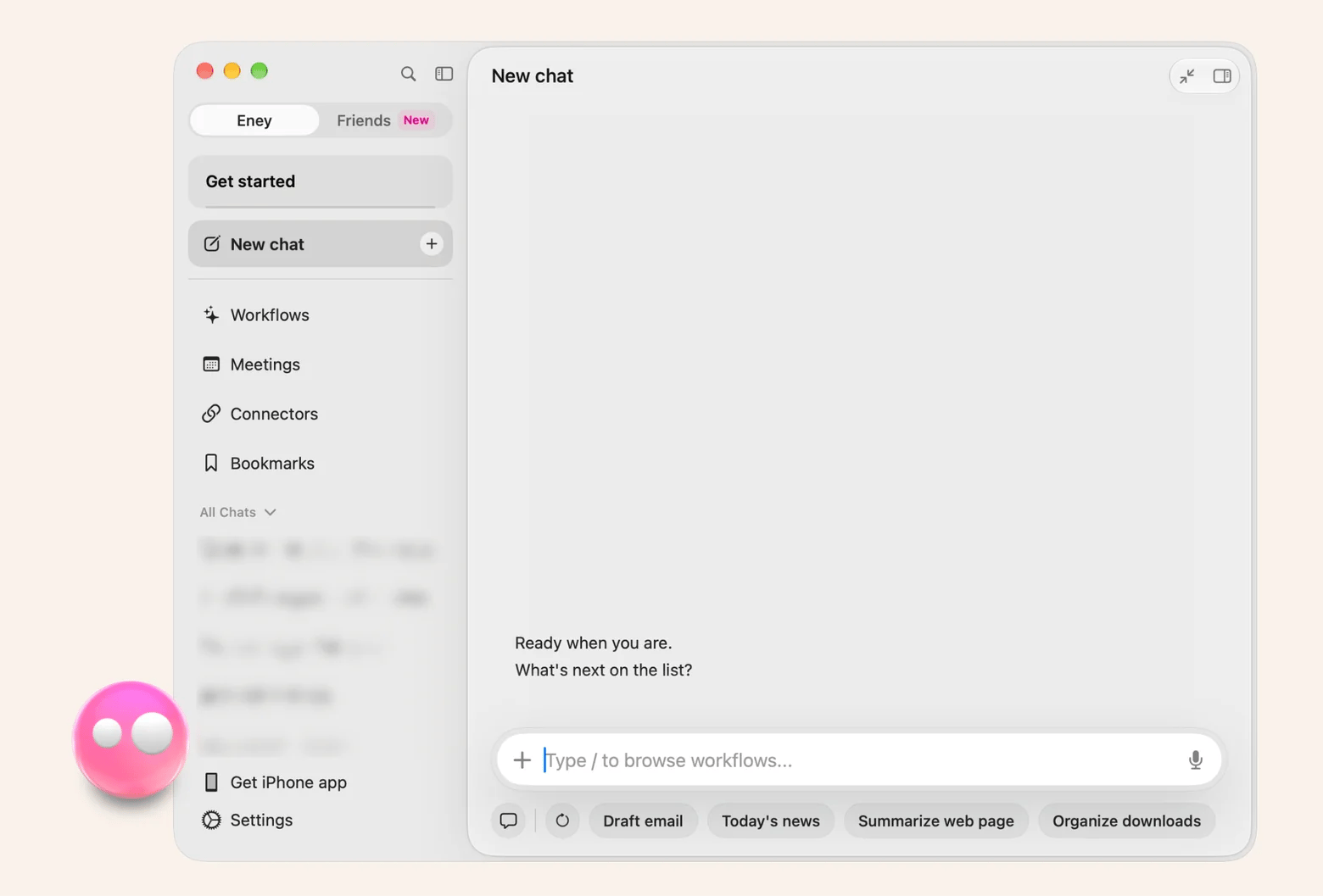
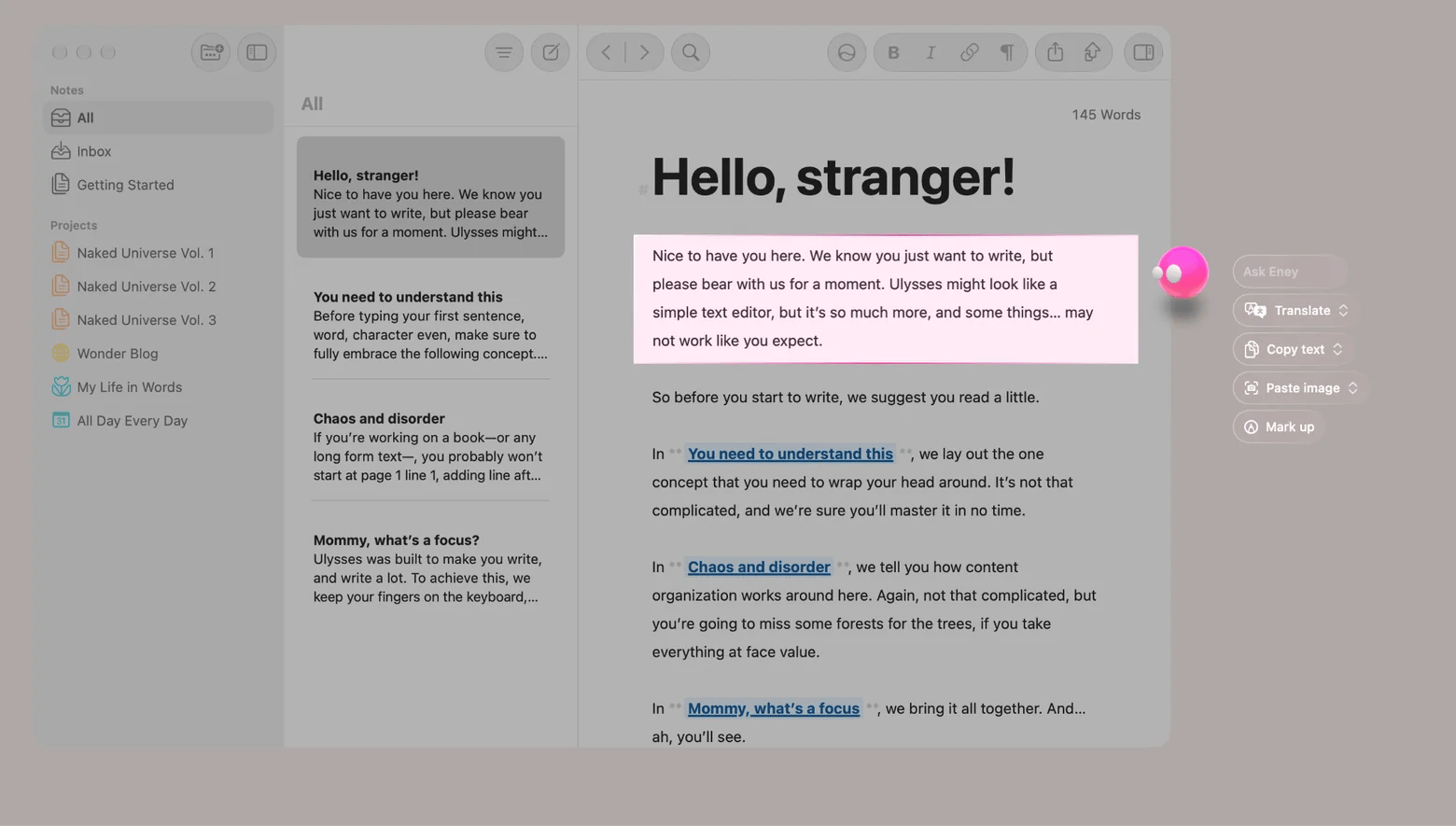
Eney is MacPaw's AI assistant for Mac, built to work with your own notes and documents. I ran it on the fantasy brief, asked for the second scene in the same session to test character consistency. Both character names and the setting carried over without re-pasting my story bible. When one paragraph read flat, I selected it and rewrote it with Eney Wand, which works on selected text, images, and files right on your screen.
Eney's edge over web tools is that it keeps context across the session and works with your Google Docs through connectors.
What you get for free: A 14-day free trial with 10,000 AI credits, then a paid AI credits subscription. It needs an M-series Mac on macOS 15 or later.
Watch out for: It is a general Mac assistant, not a dedicated novel studio, so the structure lives in your own notes and manuscript app.
Sudowrite is a fiction-first tool built around a story bible, brainstorming, and scene drafting. It suits novelists who want guided drafting.
What you get for free: A free trial with no credit card required. The trial credit amount isn’t clearly published, so check it when you sign up.
Watch out for: There is no permanent free plan, and paid plans start around $10 a month billed yearly.
NovelAI is a browser-based story writer made for fiction and interactive stories.
What you get for free: A one-time Paper trial, with 50 text generations on an email-verified account.
Watch out for: The trial does not renew, and 50 generations disappear fast, so treat it as a demo. Paid plans start at $10 a month.
NovelCrafter is a planning-heavy novel workspace with a Codex for characters and world details. It suits series authors.
What you get for free: A 21-day trial with every feature unlocked and no credit card required.
Watch out for: There is no free plan afterward, and the lower paid plans leave AI usage to your own API key.
Best free AI tools for outlining and book structure
Squibler is a book and screenplay studio that combines templates, chapter organization, and a Smart Writer for scene expansion.
What you get for free: A permanent free plan with 1,000 AI credits a month.
Watch out for: Credits run out quickly, and full-length manuscript generation sits on the paid Plus plan.
AIWriteBook generates a book chapter by chapter from character, outline, and style builders.
What you get for free: A free plan with 100 credits, roughly 12 pages.
Watch out for: Free exports are watermarked, and clean files need a paid plan.
Best free AI tools for nonfiction and general drafting
Type.ai is a document editor with AI drafting built in, aimed at long-form writing. It suits nonfiction chapters.
What you get for free: A free plan with a fixed pool of credits that never expire and never reset.
Watch out for: Once the pool is empty, AI features stop until you pay. Paid plans start at $8 a month.
ChatGPT is the general-purpose option for outlines and nonfiction drafts.
What you get for free: Free text chats with no message cap after OpenAI's August 2026 change, on the GPT-5.6 Luna model. File uploads and image generation stay limited.
Watch out for: Memory lives inside a single chat, so you re-paste your character notes for every new session.
Claude is another general-purpose assistant, strong on dialogue and revision.
What you get for free: A permanent free plan with a session-based usage limit that resets every five hours.
Watch out for: Heavy drafting can hit the limit mid-chapter, and there are no fiction-specific tools like a codex.
Pick one tool from each group you need, run your own premise through it, and compare the second scene. That memory test tells you more than any feature list.
How to write a book chapter with a free AI tool in 5 steps
This is the workflow I used in Eney with the fantasy brief:
Write a one-paragraph story bible covering characters, setting, and tone, and keep it in a note Eney can read.
Prompt for the chapter with structure: goal, conflict, turn, and exit line.
Ask for the next scene in the same session, then check continuity against your story bible, including names, details, and who knows what.
Use the draft as scaffolding and rewrite the weak passages yourself, selecting any flat paragraph and reworking it with Eney Wand.
Export the finished text to your manuscript app.
The same steps work in any tool with a chat field, with more copy-paste between your notes, the chat, and your manuscript. If you want to see what else fits this workflow, check this roundup that covers more AI writing assistants for Mac, iOS, and the web.
How to set up a Mac workflow for writing a book with AI
Six habits keep a book project organized on Mac and stop your drafts from getting lost between chats, notes, and manuscript files:
Keep the story bible in a note or doc the assistant can read.
Draft in the assistant and edit in a writing app, never in a browser tab.
Save AI outputs as Markdown so they import cleanly anywhere.
Keep one project folder per book, with the story bible, drafts, and exports inside.
Use the local model for anything you do not want on a server, such as an unpublished manuscript.
Preview Markdown with Quick Look before importing: select the file in Finder and press Space.
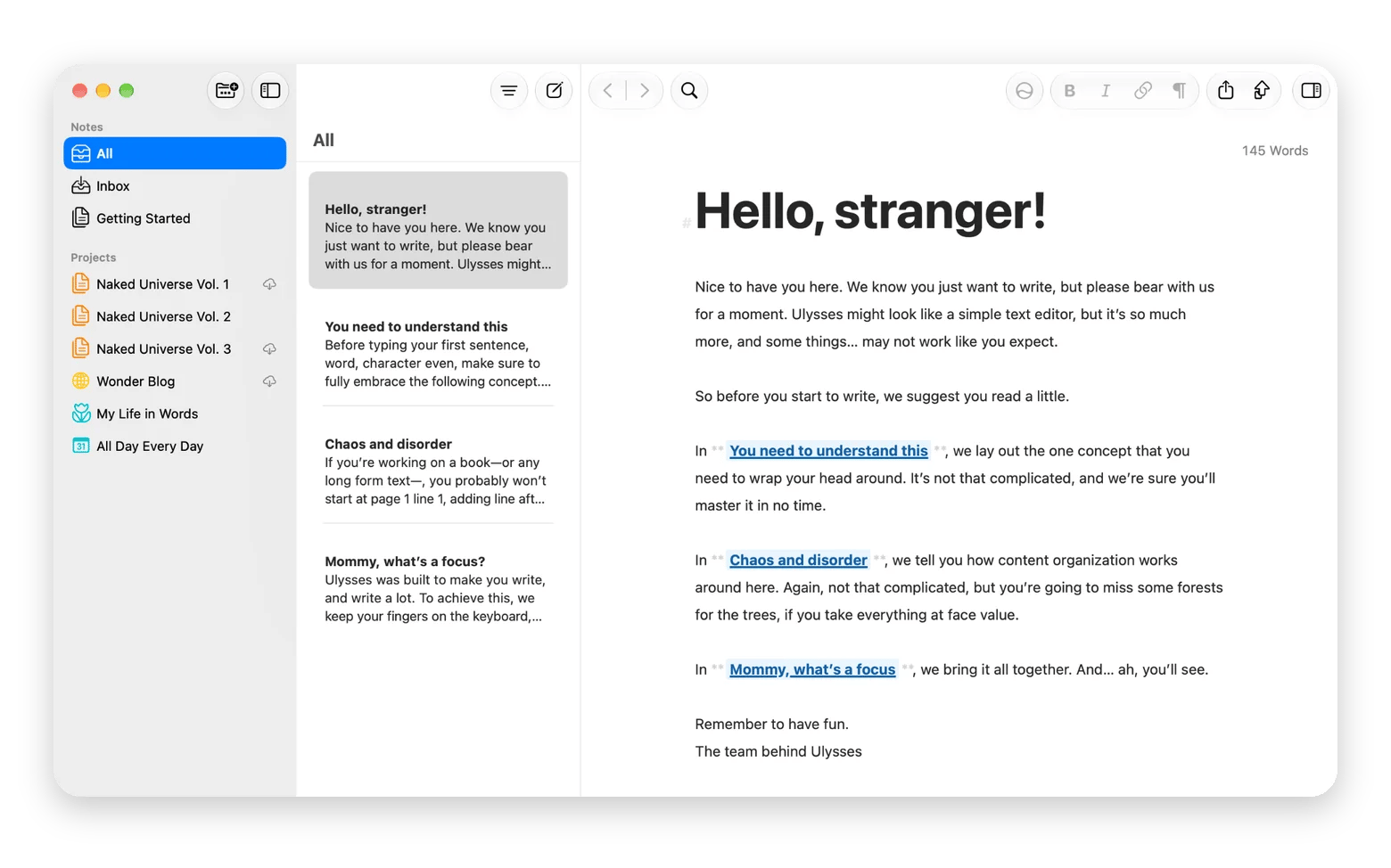
Ulysses is where my editing stage lives. It is a Markdown-based writing app for Mac and iOS, so the Markdown files I save from Eney import cleanly, and I can keep the whole manuscript in one library instead of scattered across chats and docs. When the text is final, you can export it as an e-book or PDF, or publish straight to WordPress or Medium.
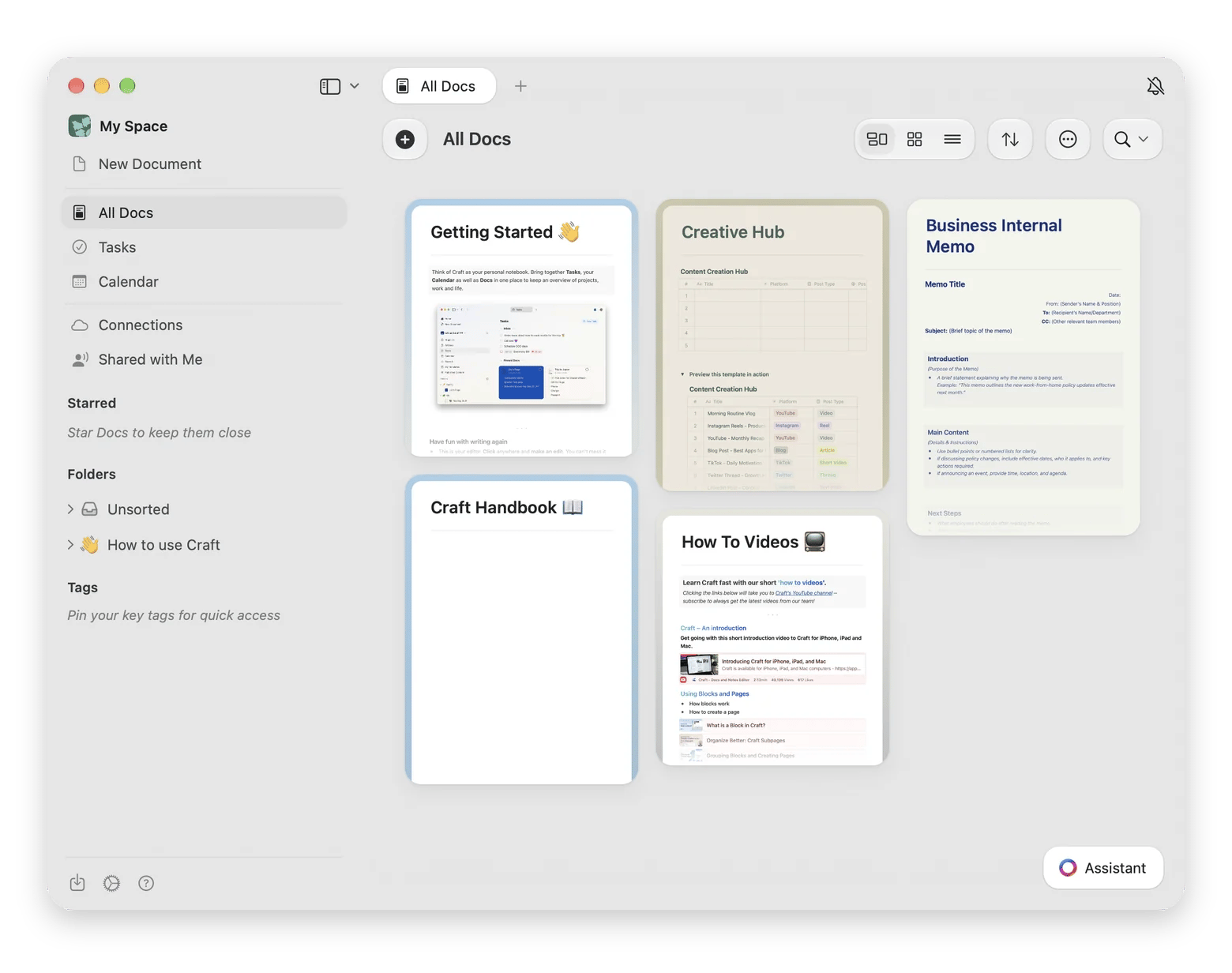
If you want a dedicated home for your story bible and outline, Craft is a note-taking app for Mac that I recommend. You can structure characters, setting, and chapter outlines as linked documents. It also works as a shared space if you swap drafts with an editor or a writing partner. Craft is available on Setapp, a subscription platform offering 300+ macOS, iOS, and web apps for a flat monthly fee. You can try it free for 7 days.
Free vs. paid AI book writers: What paid plans add
Paid plans mostly buy four things:
Longer context so the tool remembers more of your book
Better coherence across chapters
No output caps
Story features like character memory and world-building
The hybrid approach is often the sensible one: draft with a free tool, then pay for a writing environment that handles organization and export. That costs less than a generator you open twice a month.
Here’s what each plan type suits:
Free is enough for
Paid is better for
Testing a premise or a voice
Drafting every day
Outlines and brainstorming
Novel-length continuity
A few scenes or one short chapter
Clean, unwatermarked exports
Short nonfiction sections
Character memory and world-building
Use free tools until you hit a cap you actually feel, then pay for the one that removed it.
Which free AI book writer should you start with?
Free tools are good enough to test a premise and draft a chapter, but none replaces your own editing. Pick by job, then run the second-scene test before you commit to a tool:
Fiction: Start with Eney for same-session memory. If you want a dedicated novel studio and are willing to pay, try Sudowrite or NovelCrafter.
Outlines: Squibler’s permanent free plan is the most usable one I found.
Nonfiction: Type.ai or Claude’s free plan gives you the most room to draft and revise.
On a Mac, I would draft in Eney, keep the story bible in Craft, and edit the manuscript in Ulysses, so nothing important lives in a chat window. Get Eney on Setapp, free for 14 days with 10,000 AI credits, and see how far a single chapter goes.
Can I write a full book for free with AI without hitting a word limit?
Not in one tool. NovelAI's trial stops at 50 text generations, Squibler's free plan gives 1,000 credits a month, and AIWriteBook covers roughly 12 pages. ChatGPT's free text chats are uncapped, but you re-paste context. Eney's 10,000 trial credits are finite too, so plan to combine tools.
Which free AI tool is best for writing fiction?
I would start with Eney, because it keeps context across a session, and scene two can build on scene one. For a dedicated novel studio, NovelCrafter's 21-day trial is the most complete free window I found.
Is it legal to publish a book written with AI assistance?
Generally, yes, but disclosure rules differ by platform. Amazon KDP, for example, asks you to disclose AI-generated text, images, and translations but not AI-assisted work; read its AI content guidelines. Copyright for purely AI-generated text is a separate question. This is not legal advice.
How do I keep characters and plot consistent across chapters with a free AI tool?
Write a story bible, keep it in a note, and draft in the same session so the assistant sees both. Eney keeps context across the session and reads your notes and Google Docs through connectors. In any other tool, paste the story bible at the start of every new chat.
What's the difference between an AI story generator and an AI book writer?
A story generator produces scenes or short pieces from a prompt. An AI book writer adds structure and memory for long-form drafting: outlines, chapters, characters, and continuity across a manuscript. Many tools blur the line, so test the second scene, not the first.
Unlock AI apps
Access 260+ Mac/iOS apps, including AI tools, with one Setapp subscription.





 Best solution
 Best solution