The best free AI presentation maker depends on the file you need.KeyComposer exports PPTX and Keynote on a Mac, Gamma suits narrative decks, and Canva AI gives the most layout control.
Free plans limit more than just slides. Gamma’s 400 credits are one-time, and its free exports carry a watermark, while Canva blocks clean downloads of designs that use Pro elements.
Test the export before you commit. Run one project update through the whole flow, because watermarks and credit limits show up at the export step.
A clear brief gives a better first draft. Write one paragraph on audience, goal, and length, and use headers in your source notes.
KeyComposer starts free, and Membership adds more. Get KeyComposer on Setapp with 5,000 free AI credits. Setapp Membership adds more credits, Speeko for rehearsing your delivery, and 300+ other apps, with a 7-day free trial.
The best free AI presentation maker comes down to the file you need to walk away with. KeyComposer exports PPTX and Keynote with no watermark, Gamma drafts narrative decks fastest, and Canva AI gives the most layout control. I ran one project update through each tool and tried to export it. That step showed which free plans are usable and which are only demos.
How to choose a good free AI presentation maker
A good free AI presentation maker gives you an editable deck you can export without a watermark, within limits you can actually work with. Slide quality matters, but the free plan’s fine print decides whether the deck is usable.
To test this, I gave every tool the same source document, a one-page project update with headers, and asked for a 10-slide deck. Then I tried to export it. That second step separated usable tools from demos.
Five criteria decided which tools made the list:
Layout quality
Free-plan generosity (slide caps, export formats, watermarks, and generation credits)
Ease of editing after generation
Template variety
Whether you get a PowerPoint or Keynote file you can keep
Free plans often fail at the export step. A watermark, one-time credits, or PowerPoint export locked behind a paid plan can leave you with a demo instead of a usable deck, and you usually find out at the deadline.
To choose the right AI presentation maker for you, decide which single thing you can't compromise on, such as an editable file or no watermark, and use it as your filter.
The best free AI presentation makers right now
Three tools passed my test: KeyComposer for editable exports on a Mac, Gamma for narrative decks, and Canva AI for design control. Each got the same project update and the same 10-slide request, and I checked every free plan in November 2026.
Here’s how they compare on free limits, export formats, and watermarks. Detailed description follows below:
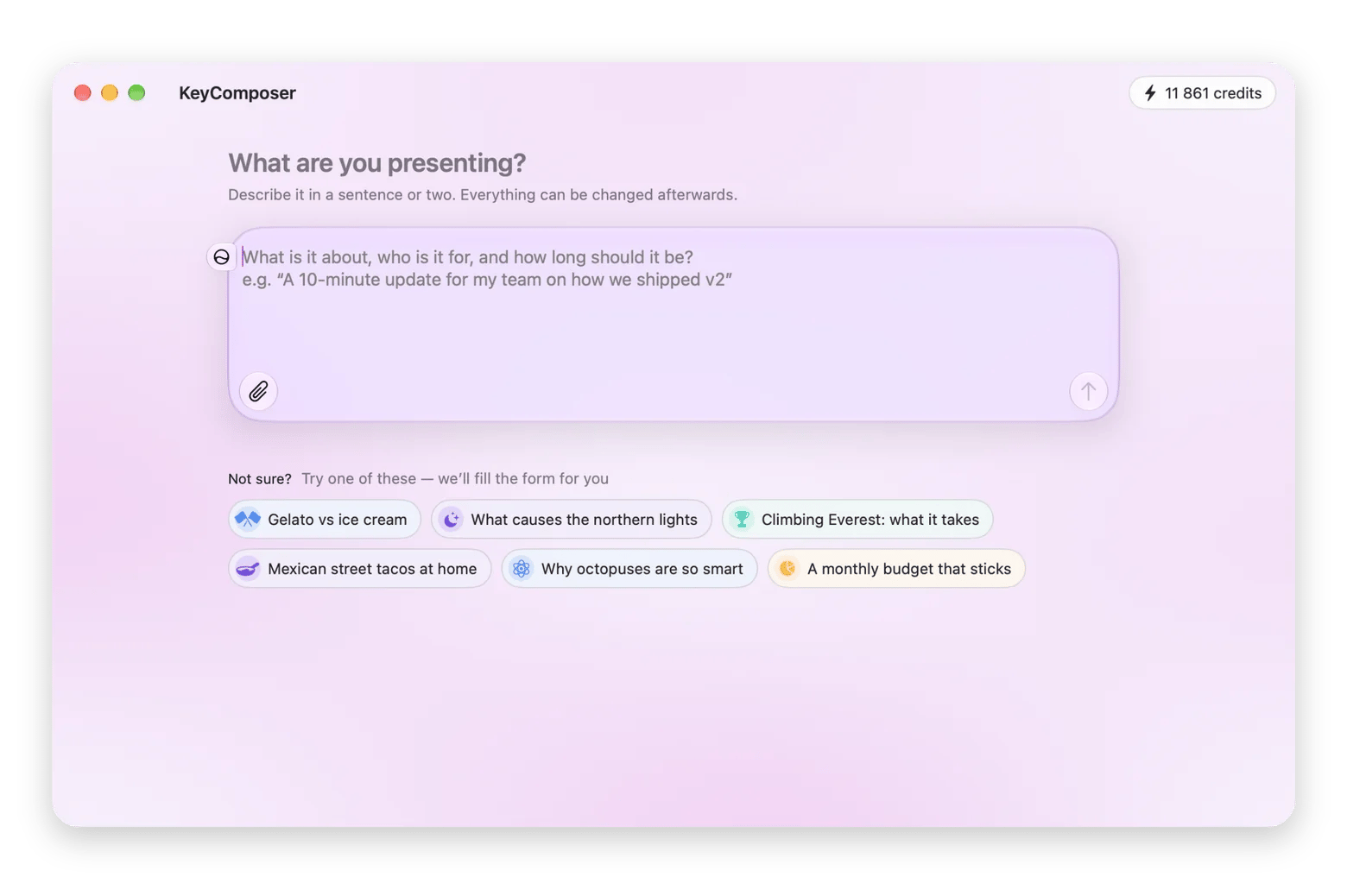
KeyComposer is a native Mac app that builds an editable deck from a prompt or from your own notes and PDFs.
I pasted the project update into KeyComposer and generated the 10-slide deck. Then I edited copy and layouts in the visual editor, added a licensed stock photo from the built-in library, and exported to PPTX and Keynote. Because the slides are built around your own notes, the content stayed tied to what I wrote.
What the free plan covers:
Free to download for Mac
5,000 AI credits when you sign in with a Setapp account
A credit estimate before each AI step, and nothing is spent until you confirm it
Export to PDF, PPTX, Keynote, or HTML with no watermark
The honest trade-off is that the free plan runs on AI credits. Small edits cost little, but web research, large files, and AI images use more. Once they run out, you need a Setapp Membership to get more.
KeyComposer requires a Mac with Apple silicon and macOS 15 or later.
Verdict: The best fit if you want an editable PPTX or Keynote file on a Mac and are fine with paying for more AI credits later.
Gamma: Best for narrative decks
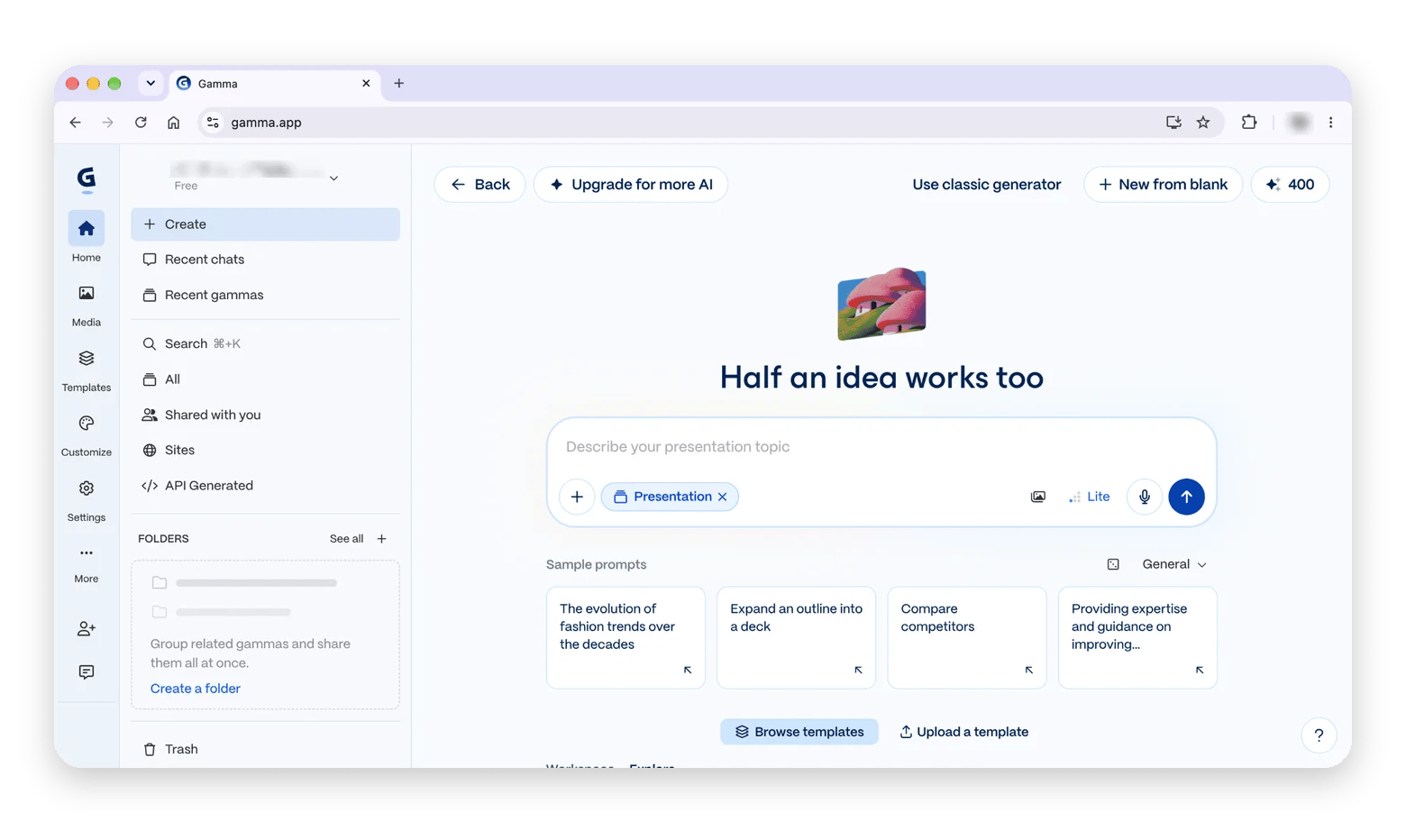
Gamma is a web tool that turns a topic or outline into a structured, narrative deck.
What the free plan covers:
400 AI credits at sign-up, one-time, with no monthly refresh
Up to 10 cards per prompt
Exports to PDF, PPTX, and PNG with a “Made with Gamma” watermark
Watermark removal only on a paid plan
No credit card required
The honest trade-off is that the credits run out quickly. At roughly 40 credits per deck, 400 credits cover about 10 short decks, and fewer if you use AI edits or image generation.
Verdict: Strong for narrative decks, but the credits don't renew, and every free export carries a watermark, so the free plan is a sample, not a routine.
Canva AI: Best for design control
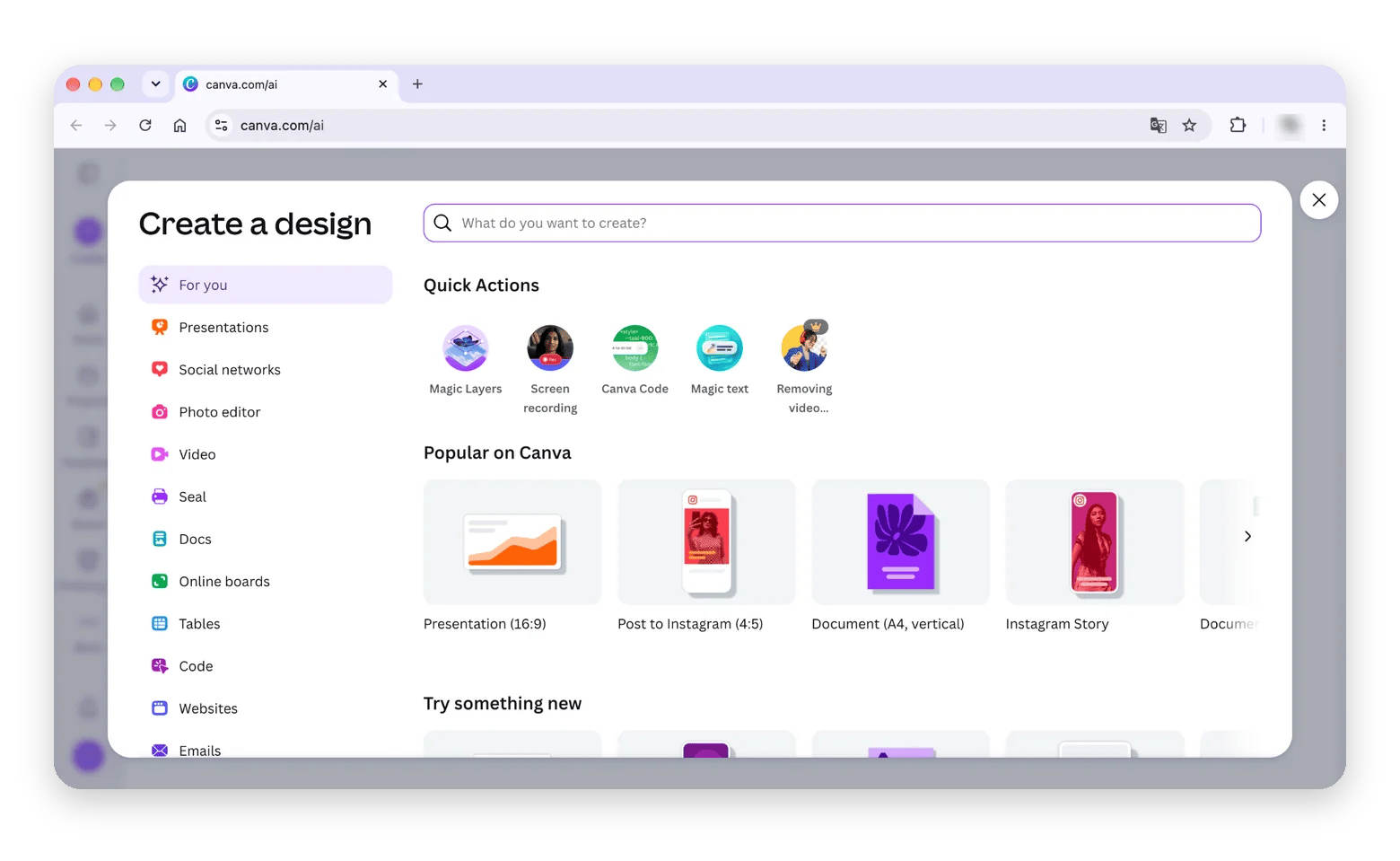
Canva AI is a design editor with AI built in. You generate slides from a prompt and then refine them like any Canva design.
What the free plan covers:
Limited AI generation, drawn from a small shared allowance across Canva’s AI tools
Export to PDF, JPG, PNG, and PPTX
A full visual editor for layout, fonts, and images
Designs that use Pro elements need an upgrade or download with a watermark
The honest trade-off is that the AI allowance is small, and generated decks often pull in Pro assets. You may have to swap those out before you can export a clean file.
Verdict: A good choice if you already work in Canva and want design control, but check every slide for Pro elements before you export.
If you also want to see where Keynote, Google Slides, and PowerPoint fit, this roundup of the best presentation tools for Mac covers them.
Free plan limits to check before you commit
Before you pick a tool, read what the free plan takes away. The tools I tested hit me with three kinds of limits:
Export restrictions: Gamma adds a “Made with Gamma” watermark to every free export, and Canva blocks or watermarks designs that use Pro elements.
Usage caps: Gamma’s 400 credits are a one-time allowance, KeyComposer starts you with 5,000 credits, and Canva’s AI allowance is small and shared across its AI tools.
Account requirements: KeyComposer needs a Setapp account to start, and Gamma needs a paid plan to remove its watermark.
Before you commit to any tool, run one test deck through the whole flow, export included.
How to get better results from AI presentation makers
A clear brief and a structured source document improve the first draft more than any tool setting.
I used these five steps on my test project update in KeyComposer, and they apply to Gamma and Canva AI as well:
Write a one-paragraph brief. State the audience, the goal, and the length, for example: a 10-slide update for the leadership team on where the project stands and what we need next.
Use headers in your source. Headers tell the tool where one slide ends and the next begins, so a project update with sections like Status, Risks, and Next Steps splits logically.
Choose the template or theme before you generate. Picking the look first means the layouts, colors, and fonts are right from the first draft, so you don’t have to rework every slide.
Replace placeholder data in generated charts. AI charts often use invented numbers, so open each chart and type in your real figures, such as this quarter's actual milestones.
Export an editable file for final polish. Send the deck to PPTX or Keynote and fix the last details there, such as spacing, speaker notes, and a closing slide. If you’re new to finishing decks in Keynote, this guide on how to make a slideshow on Mac walks through the basics, from themes to export.
Spend five minutes on the brief and the headers, and every tool on this list will give you a better first draft.
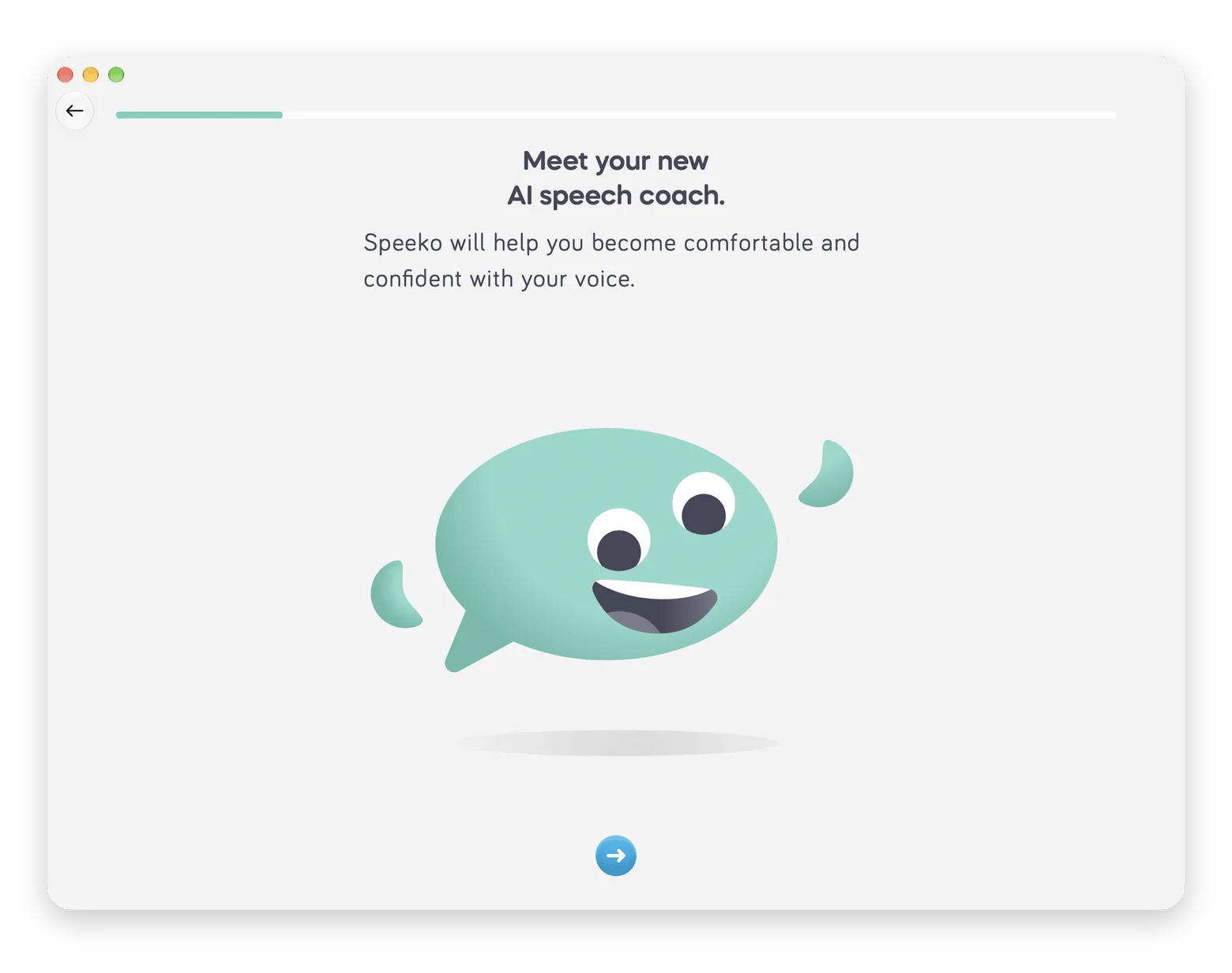
When the deck is done, practice delivering it. I recommend trying Speeko, a public speaking coach that records you as you rehearse and gives feedback on filler words, pace, intonation, and pausing. It’s available on Setapp, a subscription platform offering 300+ macOS, iOS, and web apps for a flat monthly fee. I like Speeko because the transcript shows exactly where I stumbled, so I know which slides to rework before I present.
When free AI presentation makers are not enough
A free AI presentation maker is enough for a first draft. Three situations call for more:
Brand presentations: AI layouts drift from your brand rules, and free plans rarely let you lock fonts and colors. Set a brand template once, generate from it, and check each slide against your style guide before it goes out.
Data-heavy decks: AI charts frequently need manual correction, and a polished-looking wrong number is worse than a plain right one. Treat generated charts as placeholders, rebuild them from your real data, and have a colleague check the figures.
Confidential content: A web tool stores your deck on its servers, and AI generation sends your notes to an AI model. Before you paste in a client’s numbers or an unreleased plan, read the tool’s privacy terms and keep final files on your own device.
In each case, the AI builds the structure, and you finish the deck: check the brand rules, rebuild the numbers, and decide what content is safe to share.
Which free AI presentation maker should you choose?
The best free AI presentation maker is the one that fits the deck you need. Start with Gamma for narrative decks, because it turns a topic into a story fast, but its credits don’t renew, and free exports carry a watermark. Choose Canva AI for design control, though Pro elements can block a clean download.
For an editable PPTX or Keynote file on a Mac, I recommend KeyComposer. It was the only tool in my test that exported both without a watermark, and it builds slides from your own notes. When the deck is done, rehearse it in Speeko.
Which free AI presentation maker produces the best-looking slides without design experience?
In my test, KeyComposer gave me the best balance because it shows an editable outline before it designs anything, and the visual editor lets you fix any element.
Can I use a free AI presentation tool to make a PowerPoint file I can download and edit?
Free plans often add a watermark or limit exports. Gamma exports PPTX with a watermark on its free plan, according to its own guide, and Canva’s free plan exports PPTX, PDF, JPG, and PNG, though designs with Pro elements need an upgrade or carry a watermark. KeyComposer exports PPTX and Keynote, plus PDF and HTML, with no watermark. It’s free to download on Setapp with 5,000 AI credits at sign-up, and more credits come with Setapp Membership.
Do free AI presentation makers work for business or client presentations?
As a first draft, yes. For the final version, brand consistency and data slides need manual work. Generate the structure with AI, then finish the deck in Keynote or PowerPoint, rebuild any charts from real figures, and check every slide against your brand guidelines.
What's the difference between Gamma and Canva AI for presentations?
Gamma centers on narrative generation: you give it a topic, and it drafts a structured deck. Canva AI is a design editor with AI inside, so you generate slides and then refine the layout like any Canva design. Choose Gamma for story speed and Canva for visual control.
Are AI presentation tools safe for confidential content?
Not fully. Most AI presentation makers send your notes to an AI model to generate slides. A native Mac app such as KeyComposer stores your decks locally on your Mac, but generation still uses AI models, so check its privacy terms before you paste in anything confidential.
Unlock AI apps
Access 260+ Mac/iOS apps, including AI tools, with one Setapp subscription.






 Best solution
 Best solution