
KeyComposer
From prompt to polished deck
Mac
Version 1.3.0
macOS 15.0 or later
20.6 MB
6 languages
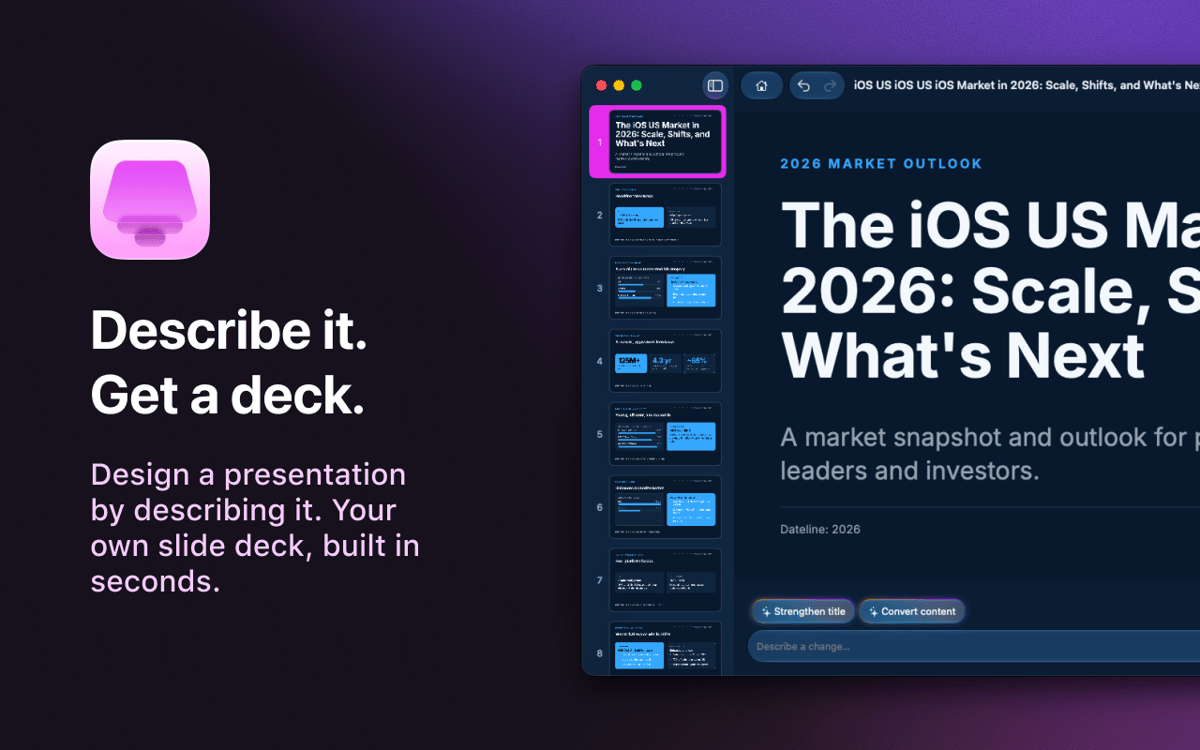
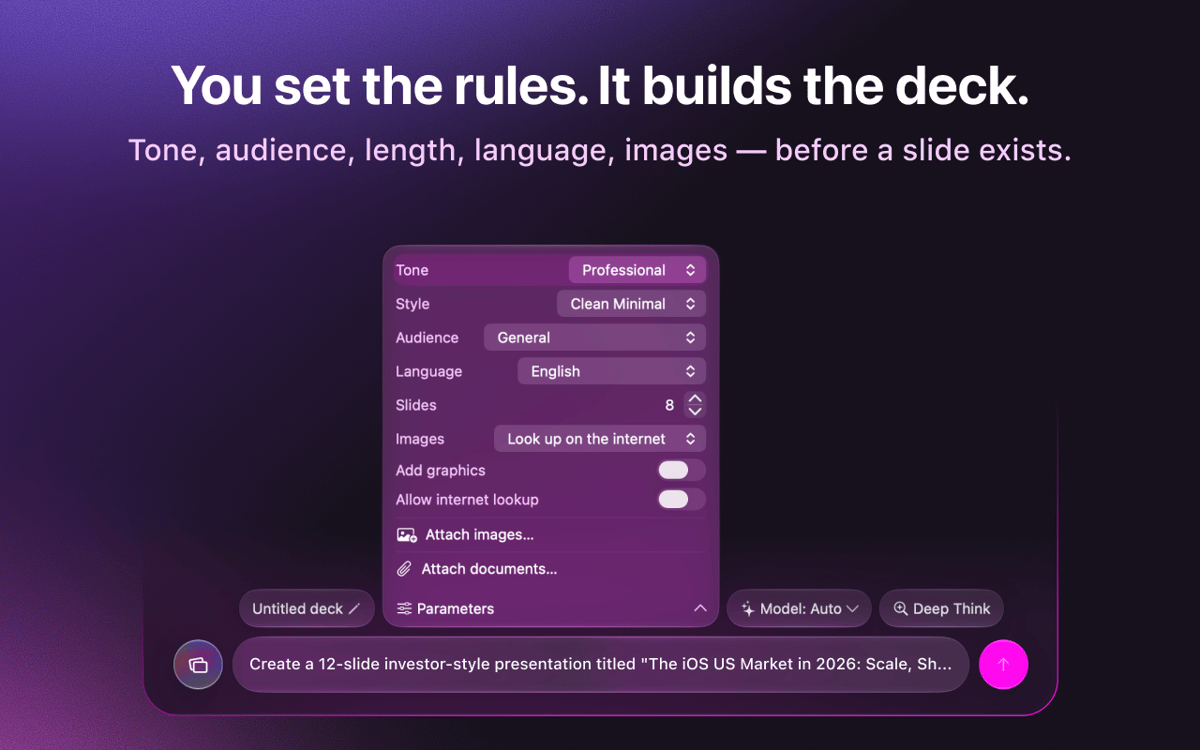
KeyComposer — AI presentation maker for Mac. Describe the deck you want, and it generates editable slides you can actually shape — no blank-canvas dread, no wrestling with layouts. Drop in your own notes or documents to keep the content on point, then swap images, tweak text, and rearrange slides right in the app. When it’s ready, export to PDF, PPTX, Keynote, or HTML and present anywhere.
Build a pitch deck from one prompt
Turn rough notes into real slides
Export to PDF, PPTX, or Keynote
Edit visuals and copy effortlessly
KeyComposer features
Decks from a single prompt
Type what you need. KeyComposer drafts a full deck, structure and copy included, in one pass.
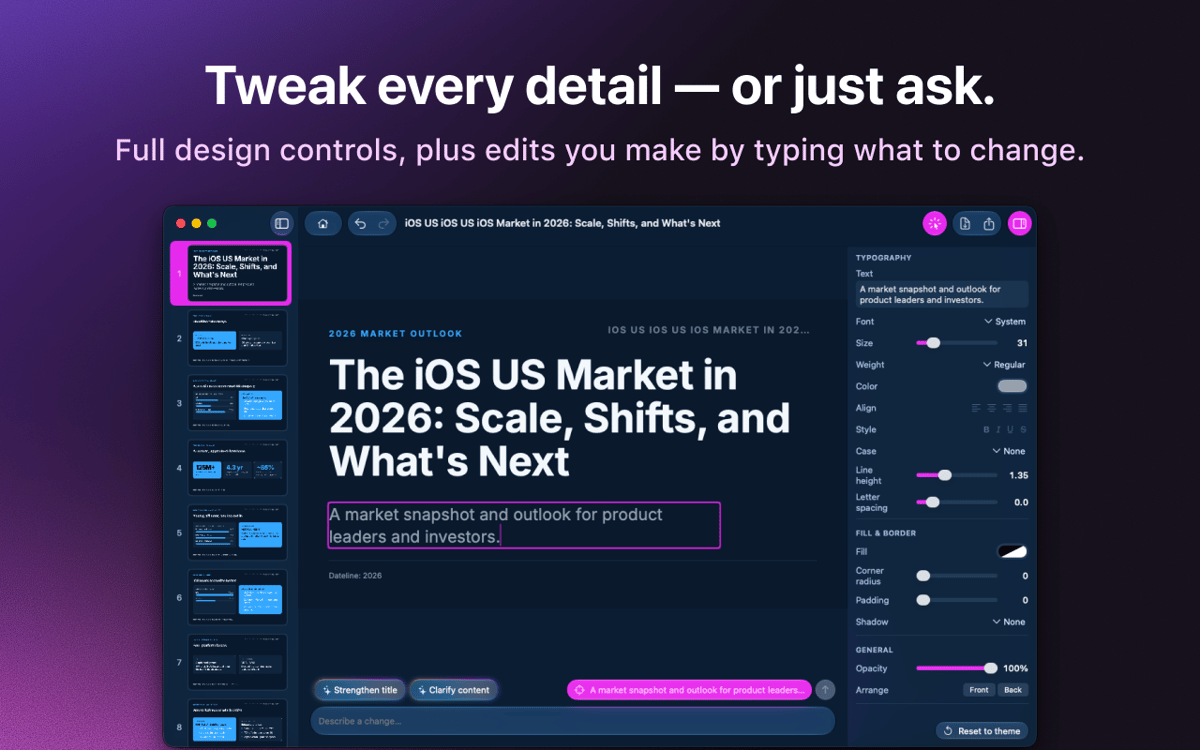
Edit everything, break nothing
Rewrite text, reorder slides, and restyle layouts in a visual editor. No HTML, no code.
Your content, your facts
Drop in notes, PDFs, or docs and KeyComposer builds the deck around them, so slides stay accurate.
Licensed images, ready to use
Search curated, properly licensed stock photos and place them straight onto a slide.
Export to any format
Send your deck to PDF, PPTX, Keynote, or self-contained HTML and open it wherever you present.
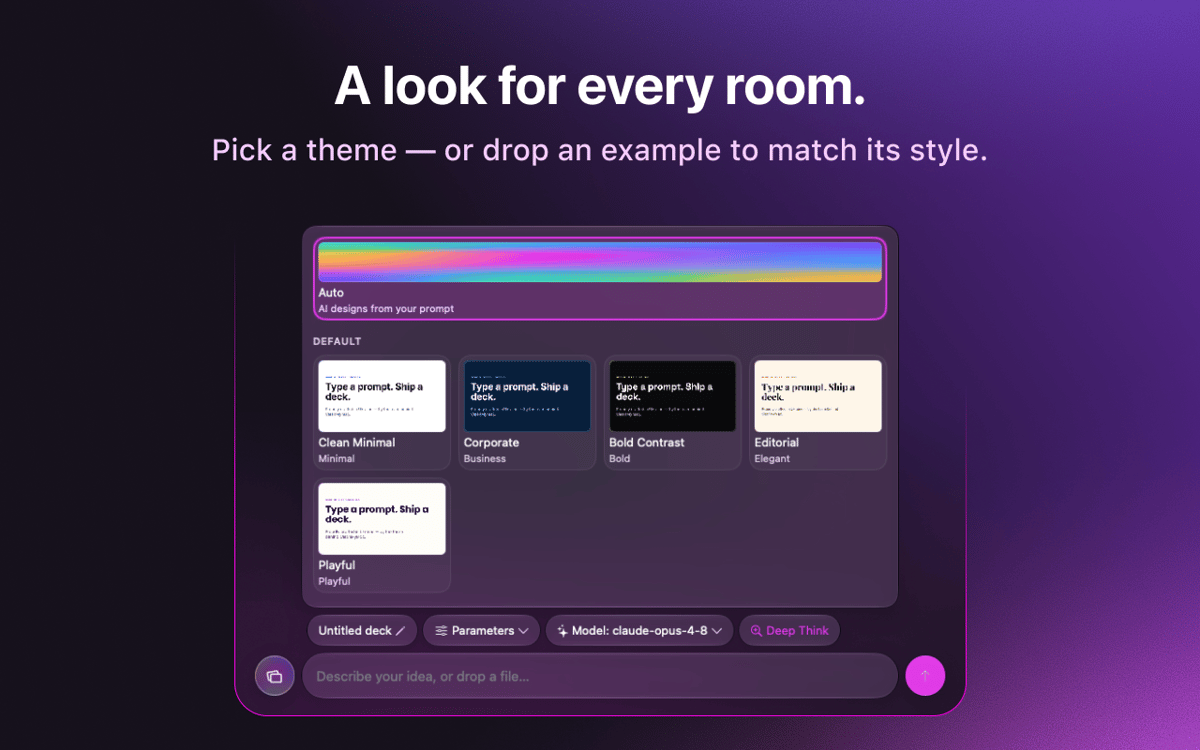
Brand templates that stick
Import your brand’s look once and reuse it across decks for a consistent feel.
Ratings and reviews
KeyComposer
•
18 ratings
Anja
Aug 27, 2026
App version: 1.1.0
I love it! useful app, helps with your presentation in minutes
Nadir Palacios
Aug 19, 2026
App version: 1.1.0
Great app
Marek Skrabak
Aug 10, 2026
App version: 1.1.0
Wiped out 300 ai credits. did nothing.
Response from Developer
Aug 11, 2026
Thank you for the feedback! To dig into your case, it would really help if you could email us at [email protected] and share how you built your deck — what you were creating and which settings you used. We appreciate you taking the time to try it.
Get hundreds of apps with Membership
Become Setapp member and use hundreds of stellar apps with one subscription.
Try 7 days free, then pay one simple fee.
Install Setapp on Mac
Explore apps for Mac, iOS, and web. Find easy ways to solve daily tasks.

Get the app you came for
That one shiny app is waiting inside Setapp. Install with a click.

KeyComposer
Choose your subscription
One app or more with a Setapp membership. Get apps the way you want.

Get hundreds of apps with Membership
Become Setapp member and use hundreds of stellar apps with one subscription.
Try 7 days free, then pay one simple fee.
1
Install Setapp on Mac
Explore apps for Mac, iOS, and web. Find easy ways to solve daily tasks.
2
Get the app you came for
That one shiny app is waiting inside Setapp. Install with a click.
KeyComposer
3
Choose your subscription
One app or more with a Setapp membership. Get apps the way you want.
Home to the top apps
From planning and routine tasks to creative pursuits and coding, tackle tasks with apps on Setapp.


KeyComposer
From prompt to polished deck