For the only true Audacity-style replacement, use n-Track Studio. It covers multitrack recording, a large effects library, third-party VST/AU/DX plugin support, and sampling rates up to 192 kHz.
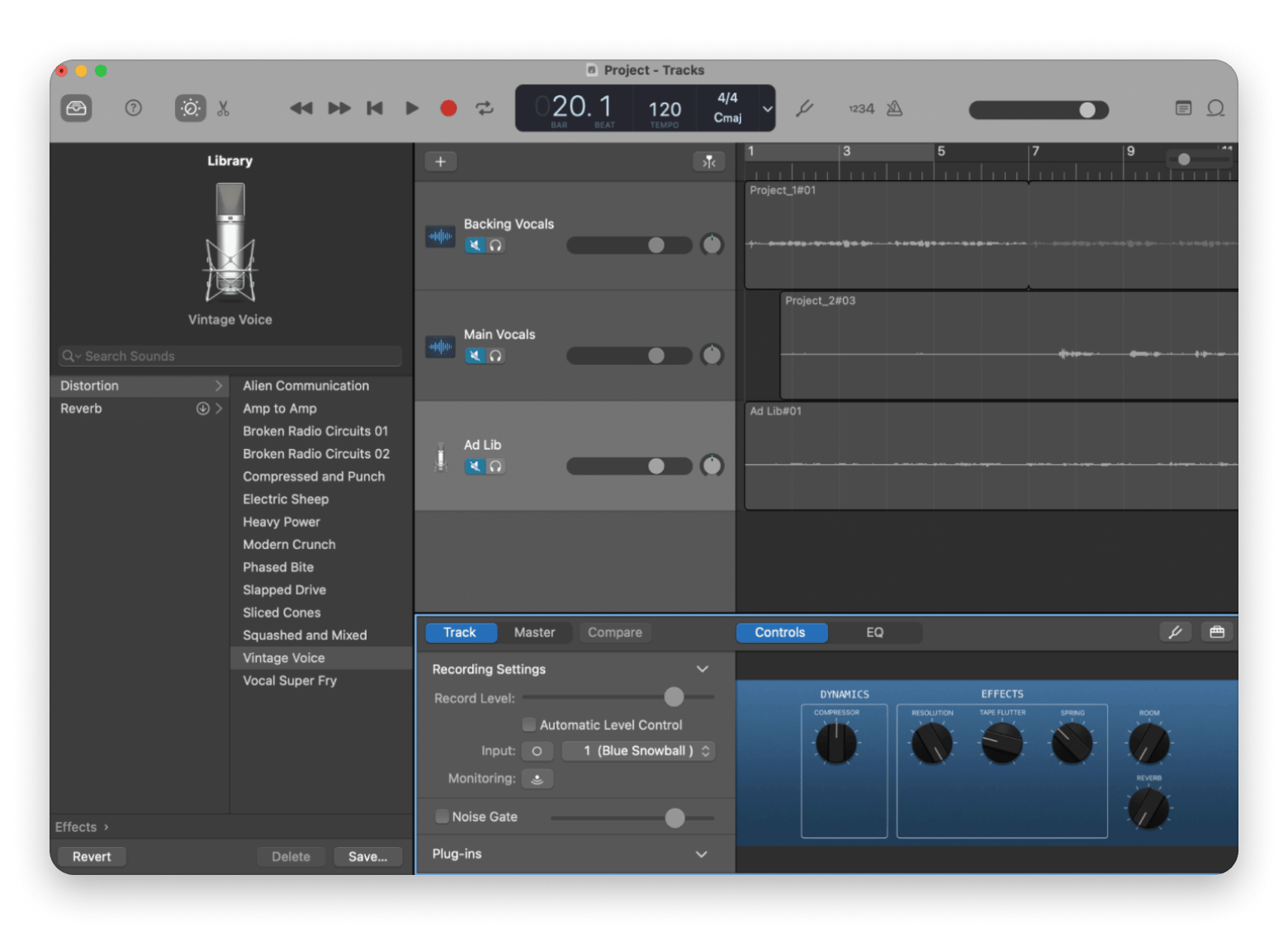
For a free, Mac-native starting point, GarageBand is the easiest to switch to. It's already on your Mac, supports AU plugins, integrates with Logic Pro, and is genuinely beginner-friendly.
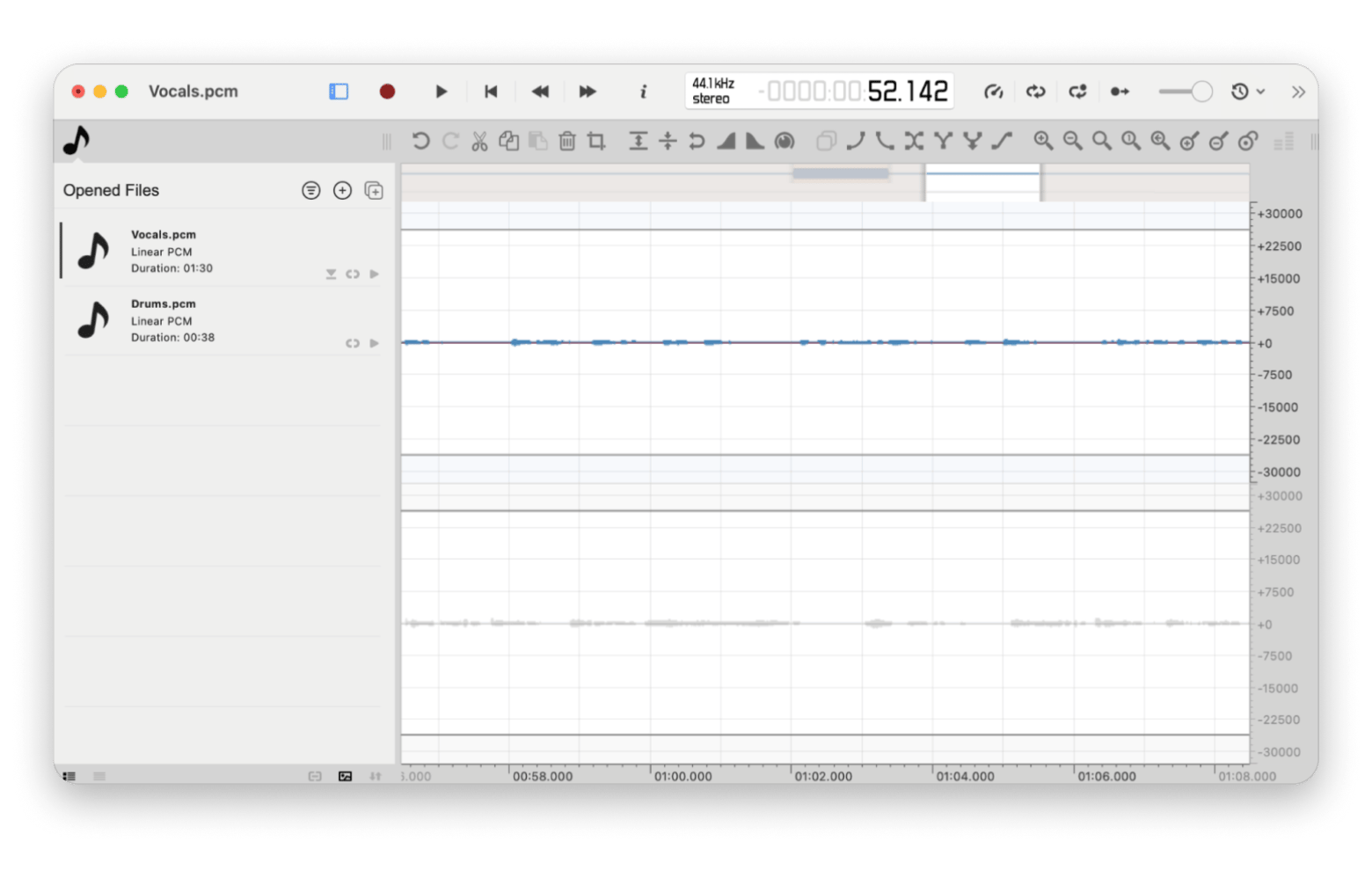
For a like-for-like Audacity replacement (waveform editor, free), ocenaudio is the closest match. Same editing paradigm, better Mac feel, real-time preview, and free to download.
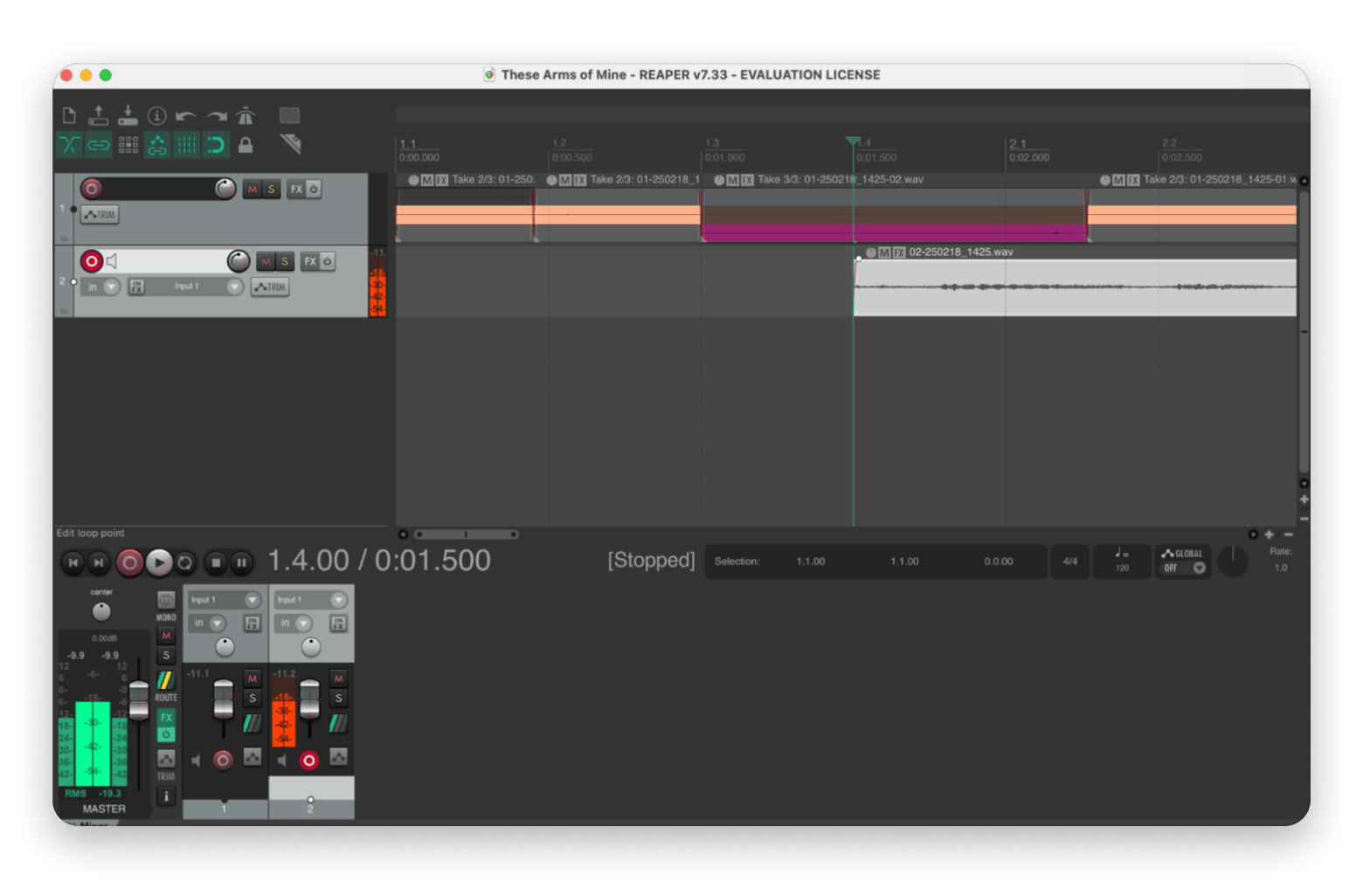
For power users and podcast producers who need maximum customization, REAPER is the strongest option. From $60 one-time, supports VST/AU/JS plugins, and handles virtually any audio production scenario.
If you need to clean up your mic before recording, JoyCast handles system-wide noise removal. Reducing cleanup work before your audio even hits the editor. Requires Setapp AI credits or your own OpenAI API key.
n-Track Studio is in Setapp. n-Track Studio, the only Audacity replacement on Setapp, offers multitrack support, VST plugins, and a full effects library. Start your 7-day Setapp trial — Cancel before Day 7 — $0 charged.
For all you fellow music fans and wannabe music producers who have switched to Mac for its sleek and smooth interface, you might be wondering whether Audacity is still a good fit. Well, while most macOS users search for Windows app alternatives, this is one of those times where you might want to look for an Audacity equivalent for Mac for a more elevated, intuitive experience.
Ready to see how I've upgraded my audio editing workflow? I'll be going over a range of options so you can, too.
Does Audacity work on Mac? Compatibility, stability & UI notes
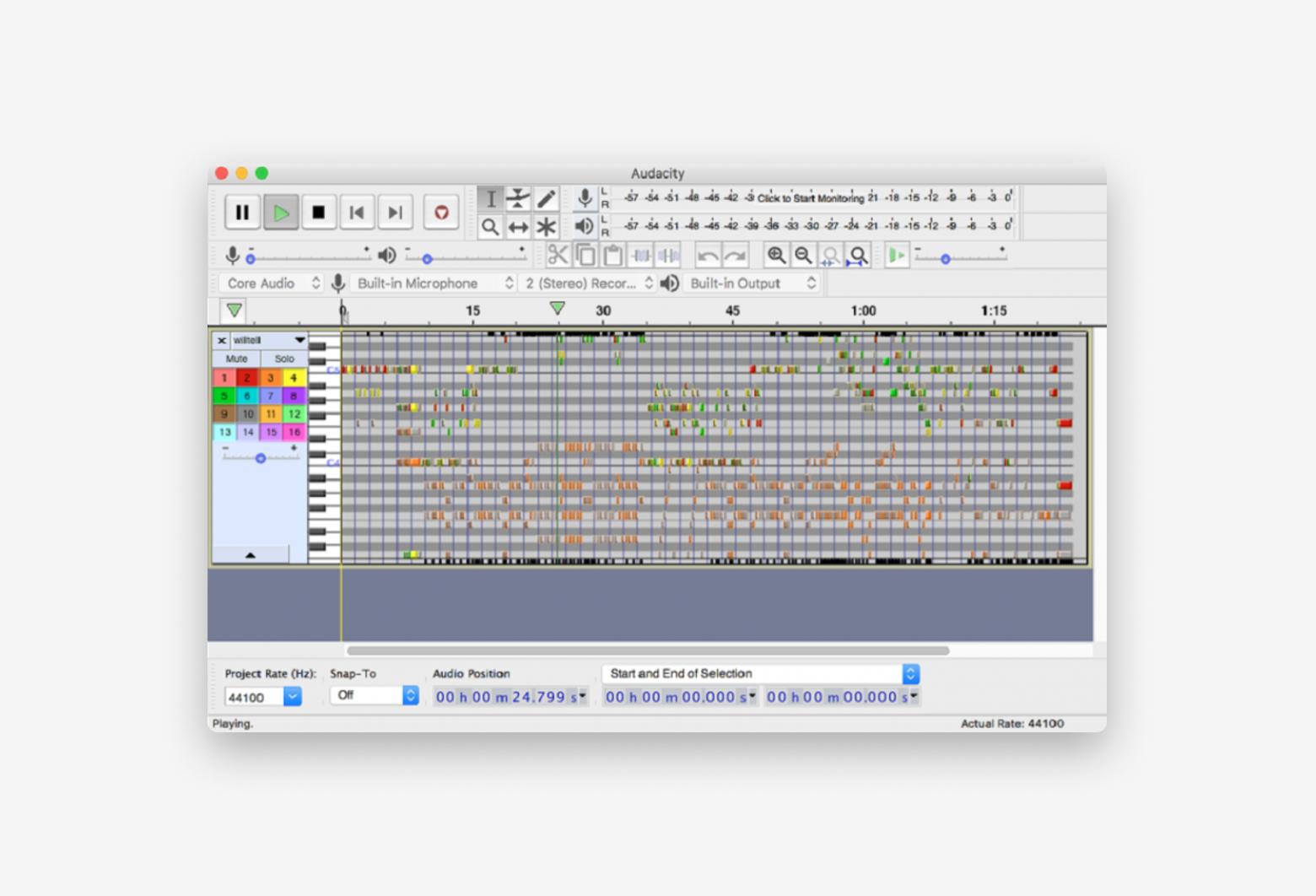
Mac does have a compatible Audacity version, but it doesn't adapt very well to the macOS system. It can be buggy and look unpolished, as it appears pretty much like a Windows program installed on a Mac interface.
The minute I downloaded Audacity onto my Mac, I decided to look for other alternatives for these exact reasons.
If you're willing to do all the research and testing yourself, you can go through my quick guide table and look at the apps I've compiled. In the next section, I round up all the Audacity macOS alternative options that are worth your while, going into much more detail:
Not sure whether you need a full DAW or just a waveform editor for your project? This Mac video tools assistant helped me work out which category I actually needed before committing to a download. Describe your project type, and it gives you a practical recommendation.
6 best Audacity alternatives for Mac (ranked by use case)
Whether you're looking for basic editing tools or professional-grade features, I've experimented with a variety of alternatives for Audacity for macOS so you can find a suitable fit for your projects.
n-Track Studio — Best Audacity alternative on Setapp for multitrack recording & mixing
Best for: Musicians and producers who want multitrack features
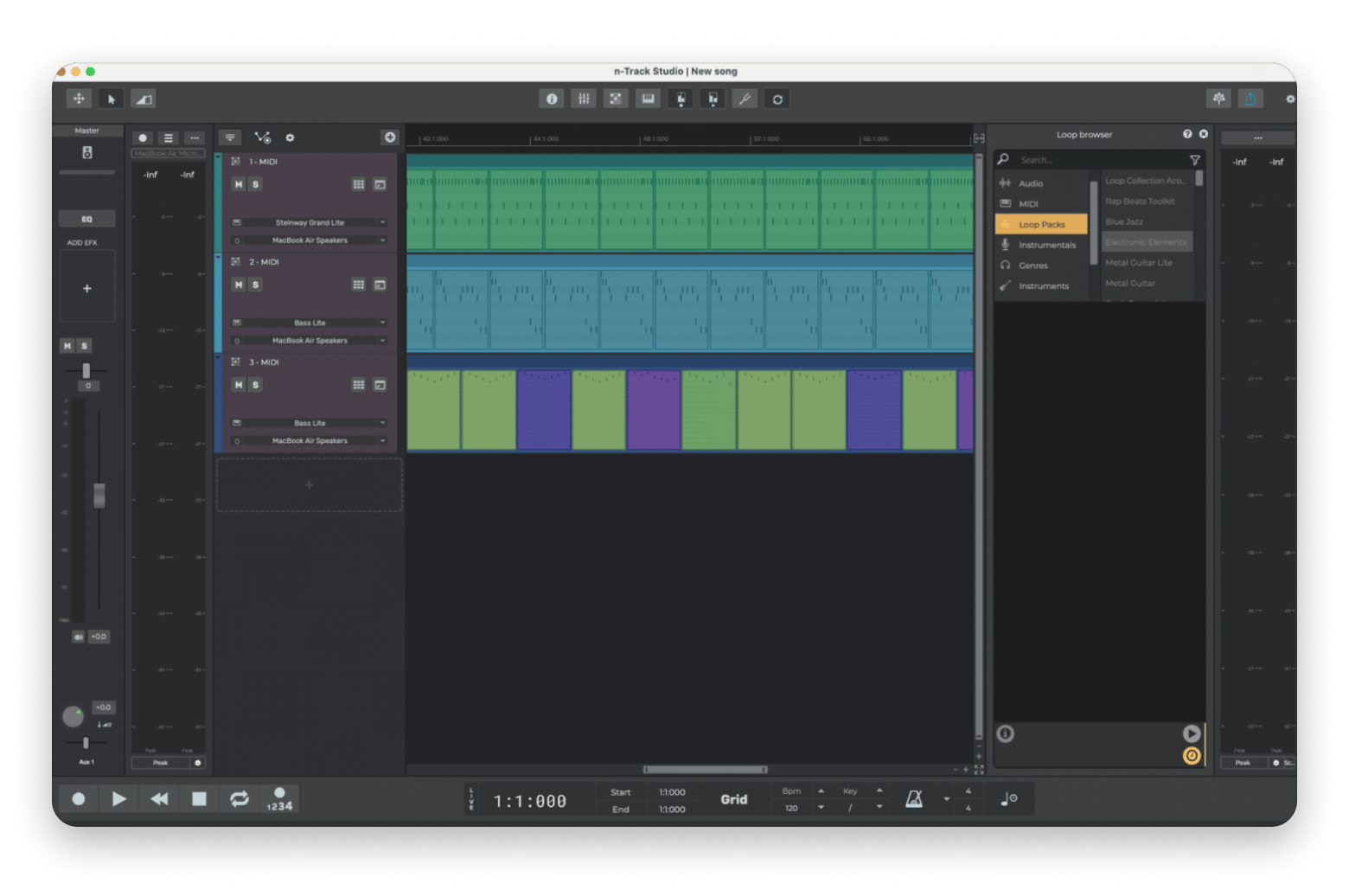
n-Track Studio is the total package. Emulating a studio environment, it has all the tools you need to control every aspect of your mix, pick and choose from a variety of presets and loops, and browse through a vast library of effects. And it's not just the features that are sure to draw you in — it's the incredible audio engine with a non-memory-hungry audio engine and support for sampling rates up to 192 kHz.
What I like:
✅ Live input music recorder supports third-party VST plugins.
✅ Multi-effects for live performance recording.
What I don't like:
❌ Steep learning curve for those unfamiliar with full-on studio apps.
MixPad — Best for built-in sound library + fast export and sharing
Best for: Content creators and hobbyists looking for an intuitive and budget-friendly option
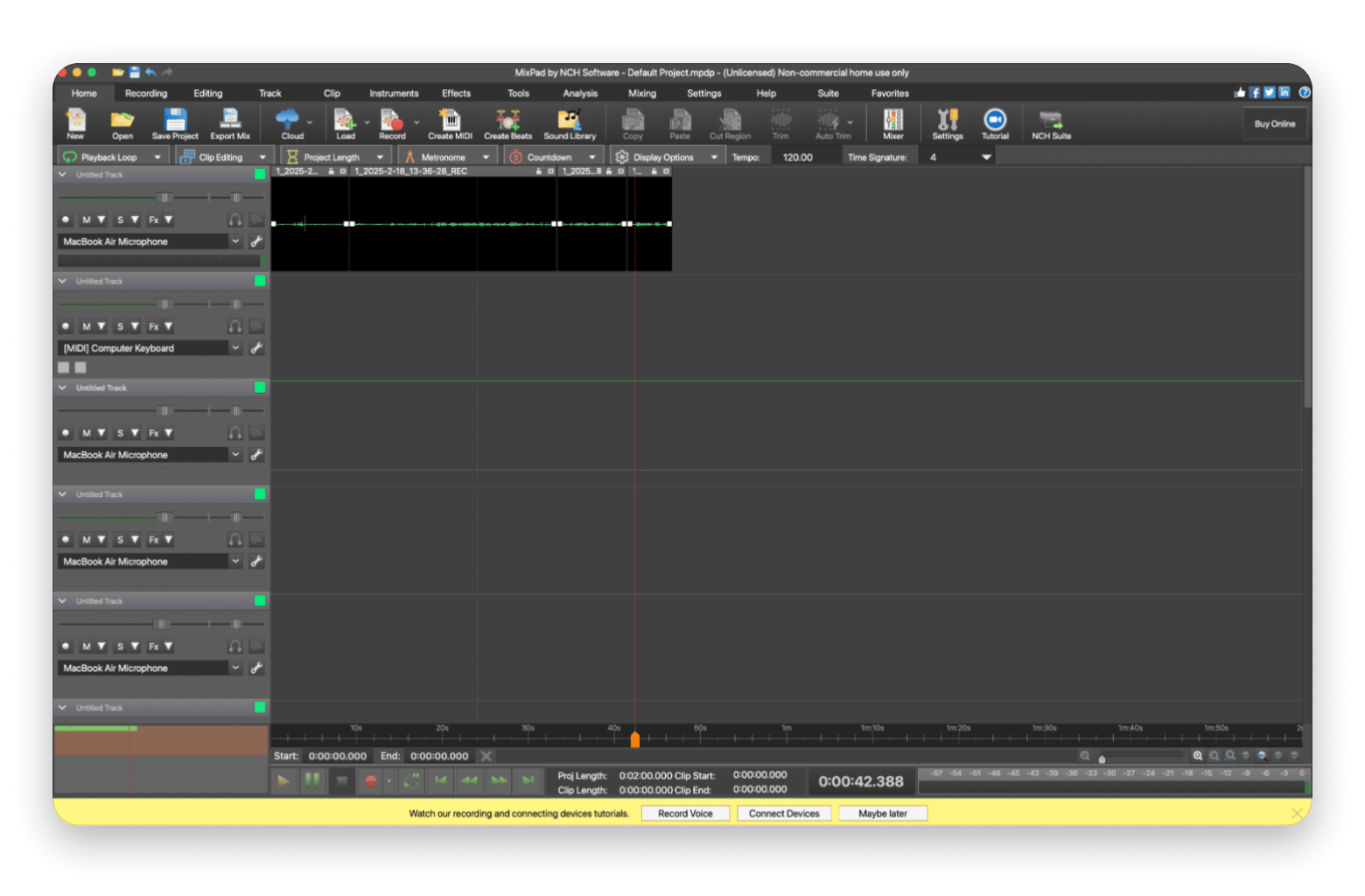
MixPad's multitrack mixing and recording software caters to both beginners and professionals. It features a built-in music library for royalty-free sound effects and music to give you a head start (or inspiration) if needed, a beat designer section, and all sorts of editing tools like pitch correction and reverb. Rather than being a tool that requires a ton of experimentation to figure out, MixPad makes it easy with an intuitive interface.
What I like:
✅ Ability to upload directly to YouTube, SoundCloud, and other cloud services.
✅ Claims to have more supported formats than any other mixer.
Ableton Live — Best for beat-making & live performance (electronic/hip-hop)
Best for: Music producers and live performers
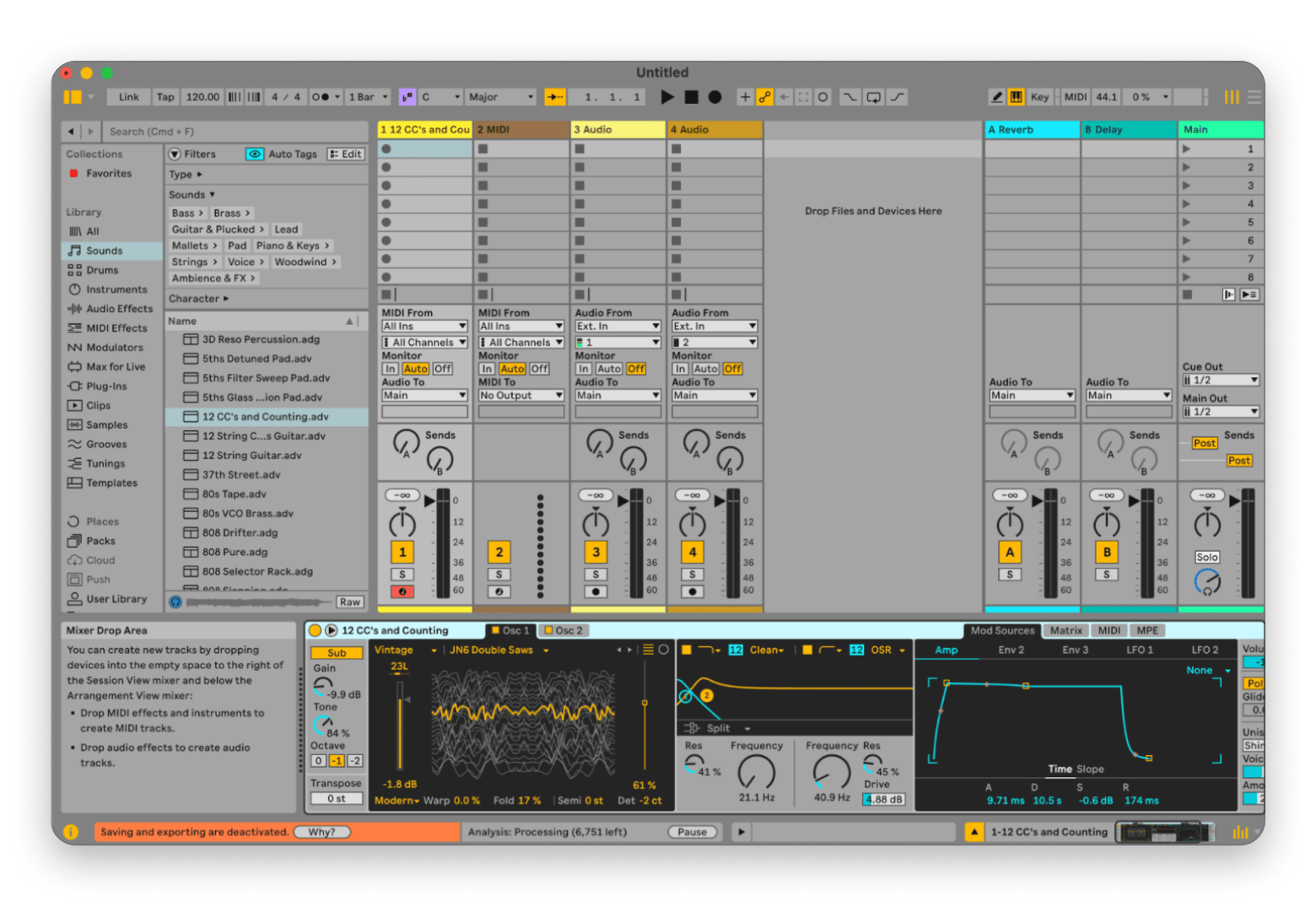
Ableton Live has long been a favorite for DJs and those in the electronic and hip-hop music genres, thanks to its tools for beat-making and live-looping. If you make music in these niches or often perform live, you can't miss out on this one. It's considered a DAW (digital audio workstation) with endless effects, decks, and features that cut right to the chase. Once you add the loops, kits, samples, and other sounds to your deck, you can trigger them with external controllers for easy manipulation.
What I like:
✅ Advanced automation tools and built-in effects.
✅ Flexible workflow that encourages creative exploration.
What I don't like:
❌ May be overkill if you only need basic audio editing.
ocenaudio — Best lightweight Audacity-like waveform editor for quick edits
Best for: Casual editors and sound designers who want quick, precise waveform edits
ocenaudio is similar to Audacity in that it's built for Linux, Windows, and Mac, making it a cross-platform software with all the audio editing tools you need. What makes ocenaudio stand out most is its real-time preview feature, which allows you to hear the processed signal while adjusting effects and controls. It also has a one-of-a-kind spectrogram view that lets you take a close look at the spectral content of your audio signal — perfect for sound designers.
What I like:
✅ Multi-selection tool to listen, edit, and apply effects.
✅ Real-time preview and other niche functions to make the editing process easier.
What I don't like:
❌ Less common interface with sparse toolbars and panels.
REAPER — Best for pro editing, customization & power users
Best for: Advanced users and professionals who need extensive customization
REAPER doesn't exactly have a specialization — it does it all. With such a flexible feature set, it's suitable for sound design, game development, education, research, and more. The program can support third-party plug-in effects, has hundreds of studio-quality effects, and is practically any advanced audio producer's dream, thanks to its constantly updating roster of tools.
What I like:
✅ Advanced tools like swipe comping, razor edits, and tracks that support up to 128 channels.
✅ Regular updates with entire changelogs of fixes and changes.
What I don't like:
❌ Not beginner-friendly
GarageBand — Best free Audacity alternative for beginners on Mac
Best for: Beginners and hobbyists who want a free, Mac-native starting point
Baked into macOS is GarageBand — the most user-friendly music editing software for Mac users. Once you start up the program, you'll know exactly how to record your voice or instruments and put together a full-fledged song. The app has a range of easy-to-use pre-made loops, sound effects, and virtual instruments to get you started and inspired without the extra frills of advanced DAWs like Ableton.
What I like:
✅ Integrates smoothly with Apple hardware and software like Logic Pro.
✅ Seamless start for basic recording and mixing projects with the ability to expand into more advanced production.
What I don't like:
❌ Limited editing features that may be too basic for advanced projects.
Best free Audacity alternatives for Mac
If Audacity has been doing it for you, but you just need a cleaner interface or a few extra features, you can probably do with a free Audacity alternative.
The best free Audacity alternatives are:
GarageBand: The best starting point for Mac users. Being from Apple, it's quite polished, and it has enough features for beginners and intermediate users.
ocenaudio: Clean and lightweight. It's also a waveform editor like Audacity, and is actually the like-for-like equivalent on Mac.
If you are working on a short-term project, REAPER is also available for free via its 60-day evaluation. If you already have Setapp, you can install n-Track Studio at no extra cost.
Best audio editing program for Mac: what to choose if you want the best
If you are looking for a more professional music production tool, Apple's Logic Pro is the best audio editing program for Mac. It's deeply integrated with macOS and Apple Silicon, and it's the next step if you've outgrown programs like GarageBand.
If you want something that won't set you back $199 but still offers excellent audio production features, n-Track Studio, REAPER, and Ableton Live each hold their own depending on your workflow.
How to choose an Audacity alternative on Mac (Checklist + use cases)
When we're talking about audio editing software, making a choice depends on more than just what sort of interface you prefer. The main consideration that should sway your decision is the features it offers — are they advanced or basic enough for your liking? Other aspects to look at include:
Performance: Is the app able to handle large projects without shutting down or becoming overwhelmed?
Customization: Can you customize your workspace to suit your workflow, or is the program quite rigid in that regard?
Compatibility: Does it work with the other audio tools and instruments you might be using?
Price: Is it overly expensive, considering how much you plan to use the program and what you plan to use it for?
Software updates: When was the last time the app was updated? Is it supported and backed by a team, or typically left as is?
Whenever possible, test these apps before making the commitment to see if the interface is really as easy to navigate as it claims.
Audacity vs DAWs: do you need a waveform editor or a full music studio?
Audacity and ocenaudio are waveform editors, which essentially means they work on audio directly. When you edit or apply effects and save, you permanently change the audio file. This approach works well for podcasting, cleanup work, and straightforward recording tasks.
On the other hand, a DAW, short for digital audio workstation, uses a timeline to allow you to layer multiple tracks, instruments, loops, and effects. Changes do not affect the underlying files, so these tools are more suitable for music production and multi-track editing. DAWs include n-Track Studio, REAPER, Ableton Live, and GarageBand.
If you are editing a podcast episode or cleaning up a voiceover, a waveform editor is probably enough. If you are making music or working with multiple tracks, you'll need a DAW. That said, n-Track Studio and REAPER sit comfortably in both camps.
Why people stopped using Audacity (privacy, telemetry & UI controversy)
Many users moved on after the 2021 Muse Group acquisition raised telemetry concerns (largely addressed) and due to Audacity’s dated interface compared to smoother Mac-native options.
Considering the tool was associated with open-source principles and privacy before the acquisition, users started branding it as "spyware".
The plan was shelved, but the new developers have also been accused of unnecessarily complicating existing features and of consistently poor UI design.
Is Audacity still free and safe to use?
Yes, Audacity is still free and open-source despite the 2021 acquisition by Muse Group. The telemetry concerns were largely addressed, and any data collection requires user permission.
That said, most users today prefer Mac-native solutions like n-Track Studio and other more powerful alternatives like REAPER.
What is Audacity? (Features, pros & limitations on Mac)
Audacity is an audio editing software for mixing, editing, and recording. People love it because of its entirely free and open-source nature and the fact that it offers many useful features like audio effects, multi-track editing, and plenty of support for different file formats.
It's particularly useful for musicians, producers, podcasters, and anyone who needs to play with audio tracks.
Final recommendations: Best pick for beginners vs podcasts vs music production
Everyone's audio editing needs are drastically different. Maybe you're a music producer looking to make it in the big leagues, or perhaps you're really just looking to make your personal songs or podcast episodes sound a little more polished. That's why I featured a range of apps that'll do the trick for any need on the spectrum.
n-Track Studio (Audacity alternative for Mac) is one of those intuitive apps that cater well to most needs. With a detailed and in-depth tutorial section, you won't get lost trying to figure out how to make it work for you. If you teach audio editing or share your workflow during screen shares, Presentify lets you annotate directly on screen — highlight EQ settings, signal flow, and controls during live demos or video tutorials without switching apps.
n-Track Studio, CleanShot X, JoyCast, and Presentify — your complete audio production toolkit on Setapp. Record, edit, document, and teach — all covered in one subscription. 250+ Mac apps, free for 7 days. Get 250+ Mac Apps Free.
FAQ: Audacity alternatives for Mac
What is the alternative to Audacity for Mac?
If you are looking for a beginner-friendly app that's Mac-native, start with GarageBand or ocenaudio. The former is from Apple and the smaller version of Logic Pro, while the latter is more of a like-for-like replacement (but better). If you want multi-track production, go for n-Track Studio, REAPER, or Ableton Live.
Why did people stop using Audacity?
Some people stopped using Audacity after Muse Group acquired it in 2021 and planned to introduce telemetry data collection. Its interface is also quite outdated, and there are better Mac-native options like ocenaudio and n-Track Studio.
What is the best audio editing program for Mac?
The best audio editing program for Mac is Logic Pro because it handles professional production well. However, if you are a home producer or hobbyist, REAPER and n-Track Studio are excellent.
Is Audacity free anymore?
Yes — Audacity remains free and open-source to download. The telemetry concerns from the 2021 acquisition were largely addressed, and any data collection now requires user permission.
Does Audacity work well on Mac (Apple silicon)?
Audacity runs on macOS, but some users report a less "Mac-native" feel. Performance and stability can vary by macOS version and plug-ins — test your setup before committing.
Which Audacity alternative is best for podcast editing on Mac?
ocenaudio is the best Audacity alternative for podcast editing on Mac as it's free, lightweight, and handles waveform editing well. If you want multi-track editing, you can consider n-Track Studio or REAPER.
Which Audacity alternative supports VST/AU plug-ins on Mac?
n-Track Studio, REAPER, Ableton Live, and ocenaudio all support VST and AU plug-ins. If you have an extra focus on compatibility, REAPER is the most flexible option overall.
Get a music studio for Mac
All in one music recorder and mixer, n-Track Studio.






 Best solution
 Best solution