- Distribution is a business decision, not a technical one. Your platform choice shapes commission structure, discoverability, release cadence, and how much time your team spends on operations, not just where your app ends up.
- The big two stores trade reach for overhead. Apple App Store and Google Play give you access to billions of users, but charge 15–30% commissions and demand continuous investment in ASO, paid acquisition, and compliance management to stay visible.
- Alternative stores cut restrictions but shift the work to you. AltStore PAL (EU and Japan) and Aptoide reduce gatekeeping and lower commissions, but discovery, user trust, and acquisition rely entirely on your own marketing efforts. They're great for experimentation, not for scale.
- Setapp offers a different trade-off for Mac and iOS developers. With two revenue models — Membership (subscription bundle) and Marketplace (direct sales, one-time or subscription) — Setapp provides built-in visibility, a paying audience, fast review cycles, and up to 90% revenue share, removing most of the acquisition grind.
Most developers spend months building an app, but then realise they have no idea how to get it in front of users.
Apple App Store revenue reached $117 billion in 2025, with year-over-year growth of more than 10%. Demand for apps is real. But having the technical skill is only half the equation. Distribution means dealing with commissions, acquisition spend, review cycles, and significant release management. Get the channel wrong, and you pay for it in both time and margin.
This comparison covers five platforms that matter in 2026. The focus is on the details that actually affect your business: revenue share, visibility, acquisition effort, and how much ongoing work each platform requires.
Why your distribution platform is a business decision, not a technical one
Distribution determines your revenue model, commission structure, discoverability, and how much time you spend on operations. It is a strategic choice that shapes how your app grows.
Every platform treats four key variables differently:
- Visibility: How likely new users are to find your app without paid marketing.
- User acquisition effort: The cost and work required to bring new users to your app.
- Revenue predictability: How stable income is over time.
- Release management: The time you invest in reviews, updates, and compliance per release.
App distribution platforms compared
Here is a quick overview before the detailed breakdown:
Platform | Best for | User acquisition effort | Commission |
Apple App Store / Mac App Store | iOS and Mac devs looking for high-expenditure users | High | 15–30% |
Setapp (Membership and Marketplace) | Mac/iOS developers looking for large-scale exposure | Low | 10-30% (based on the pricing model) |
Google Play Store | Android devs looking for maximum reach | High | 15–30% |
AltStore PAL (EU iOS) | iOS devs testing alternative iOS distribution in the EU | Medium | *0% (self-publish) |
Aptoide (Android) | Android devs looking for less restrictive distribution | Medium | 10-25% |
*Apple's 5% Core Technology Commission may apply.
Apple App Store / Mac App Store — high reach with high competition and ongoing overhead
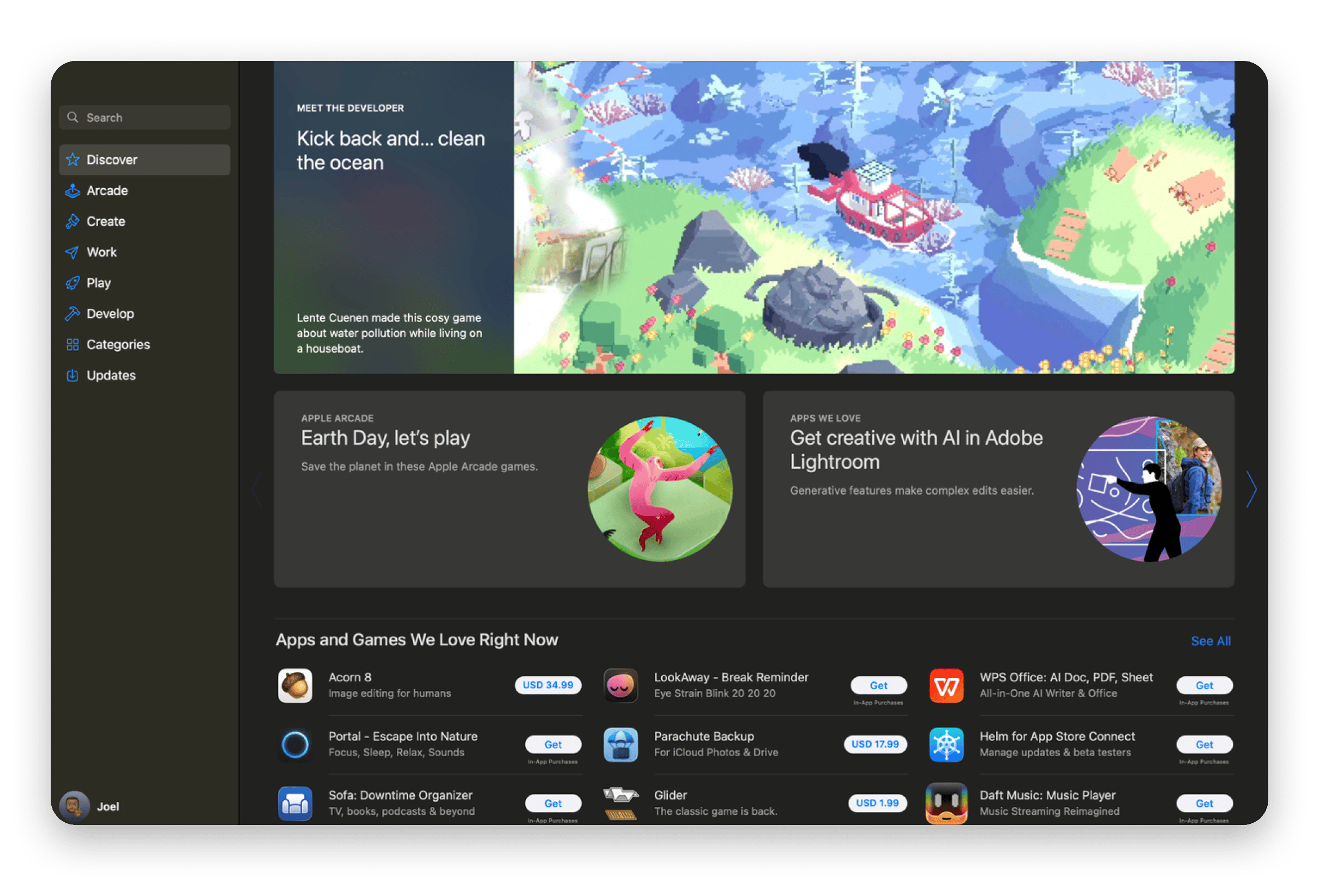
Best for: Devs who want a large iOS and macOS user base but are willing to invest in growth and management.
It’s hard for iOS and macOS developers to ignore these two default stores, despite Apple's strict controls, especially in the mobile store. The two give devs access to premium users who spend more than on other platforms.
The store has over 2 million apps and publishes almost 2,000+ apps daily. Getting visibility means that you need to invest heavily in ASO (App Store Optimization) and user acquisition. You’ll have control over the pricing, but you need to accommodate Apple’s 15-30% commission.
Besides that, Apple has strict guidelines for publishing. Some app categories are banned outright, and the store also restricts features that you can find in other stores.
Operationally, you’ll also need to do a lot of work. Every release and update goes through a manual review. The compliance guidelines are strict, and the process takes longer than at other stores. Over time, this overhead becomes noticeable.
Pros:
- Access to a global user base across iOS and macOS
- Users on the platform have higher trust and spend more
- Has a strong payment and distribution infrastructure
- Ongoing relaxed control through regulations
Cons:
- High user acquisition effort due to competition
- The review process is strict and slows down releases and updates
- Lots of operational overhead for updates and compliance
Setapp — subscription platform and direct marketplace for Mac and iOS apps
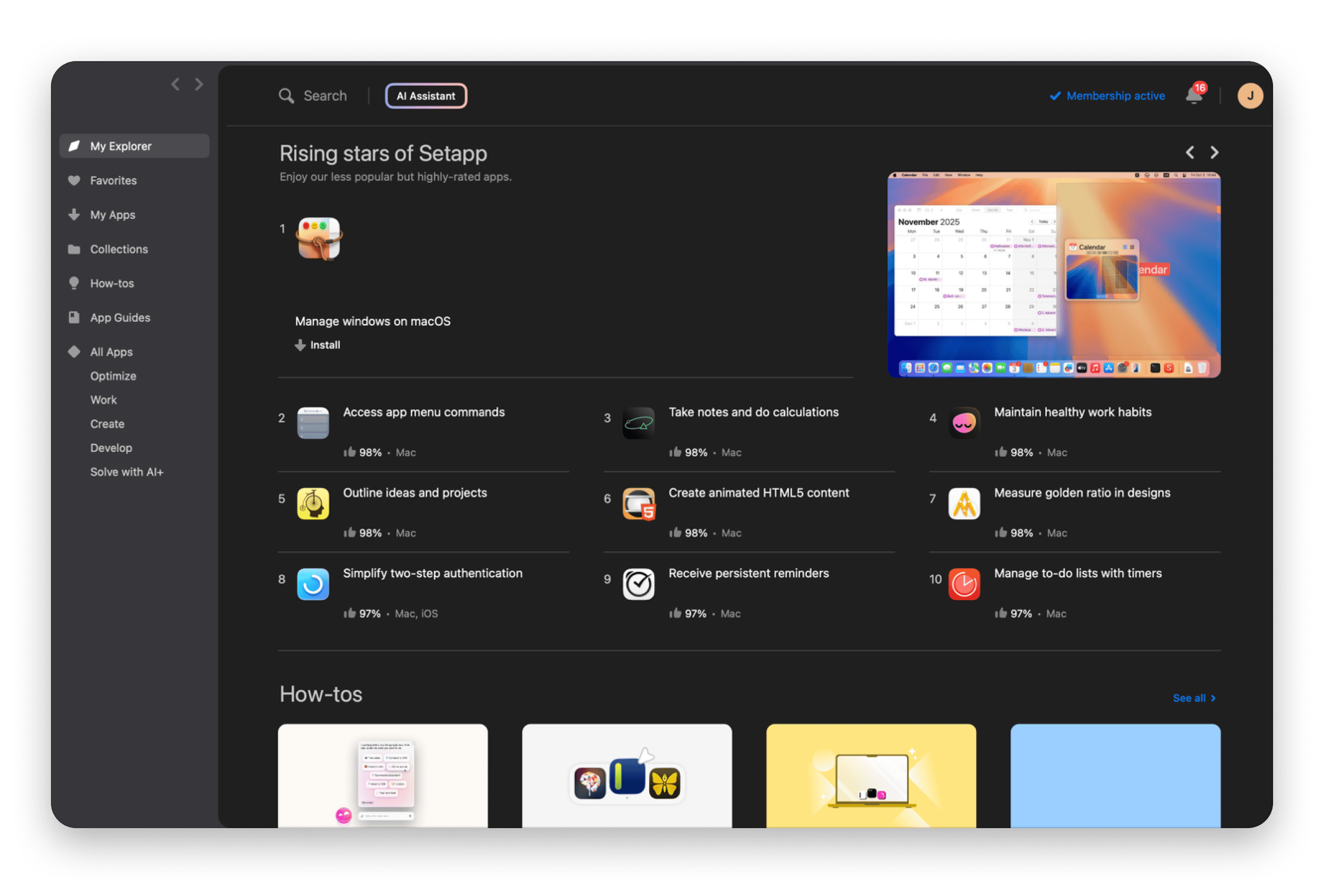
Best for: Mac and iOS developers who want fast distribution without App Store dependency and launch overhead.
Setapp takes a completely different approach from the other stores I’ve looked at. It gives developers two distinct revenue paths:
- The Membership model plugs your app into a subscription catalogue where users pay a flat fee, which gives them access to all the apps listed in the iOS and Mac application distribution platform.
- The Marketplace model lets you sell directly, supporting both one-time purchases and subscriptions.
Setapp curates the apps that join its catalogue, and they usually undergo quality and security checks. However, the process is still much friendlier and faster than Apple’s.
Developers gain access to an already paying audience and enjoy minimal management burden compared to the App Store. The small number of apps also means visibility is quite high, and Setapp actually promotes them itself.
"Setapp shows what's possible when the marketplace cares about both developers AND customers. There's no conflict: everyone is treated with dignity. The review process on Setapp has always been quick, professional and fair", shares Zac Cohan, Soulver app developer.
"Review cycles are leagues better than the Mac App Store, and the team is responsive to questions and feedback. For a long-running indie shop, those two things matter more than almost anything else." — Carmen Huidobro, CTO at Incredible Bee, developer of Archiver and Renamer.
Curious how it works? Join Setapp as a developer
Pros:
- Access to paying users
- Much lower acquisition effort and operational overhead
- Two pricing models: subscription or single-app purchase. Choose one or both
- No pricing or significant visibility competition
- Revenue is highly predictable
Cons:
- Smaller audience compared to the App Store
- The approval process is selective
Google Play Store — broad reach with lower barriers
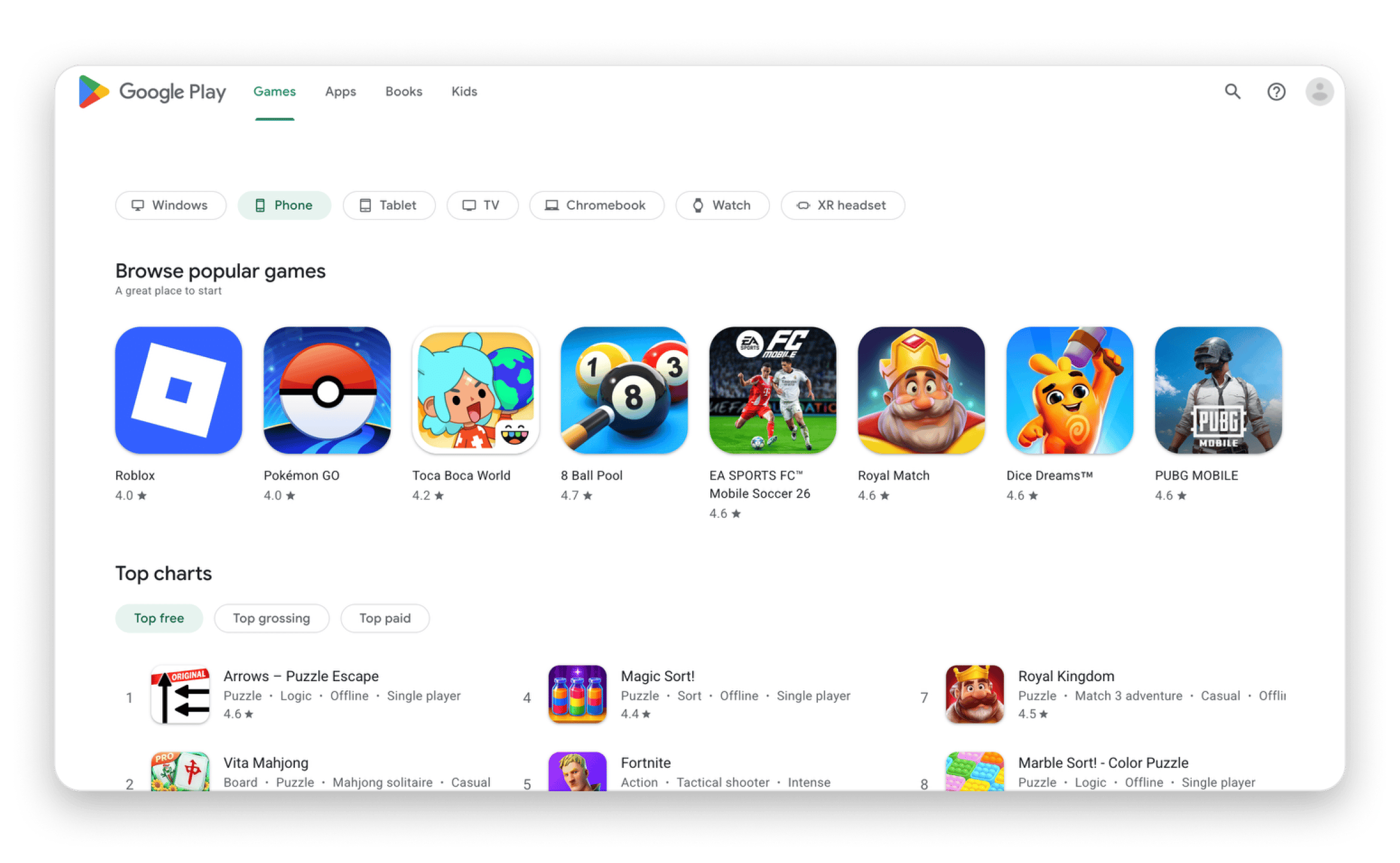
Best for: Android devs who want fast iteration and a broad reach.
The Google Play Store is almost unmatchable in raw numbers. It hosts around 2 million apps (dropped from over 3 million in 2024) and enjoys more than 2.5 billion monthly users. This means publishing on the store will give a wide reach and a global audience.
The process is also quite straightforward. Most of the checks are automated, and the guidelines are more relaxed compared to the Apple App Store. This means that apps can have more features, and updates are much faster.
However, it also means that everything else is on you. Competing with the millions of apps on the store means that you need to do a bit more ASO. Downloads depend heavily on recommendations, reviews, ratings, and often paid acquisition.
The revenue division works similarly to most other major stores. Developers get between 70% and 85%, depending on categorisation.
Pros:
- It’s the store with the most users
- App approvals and update cycles are fast
- There’s a low barrier to entry for new apps
- Feature regulations are dev-friendly
Cons:
- High competition for visibility
- App quality varies, which affects user trust
- Requires significant ongoing acquisition effort
AltStore PAL — third-party iOS distribution in the EU & Japan
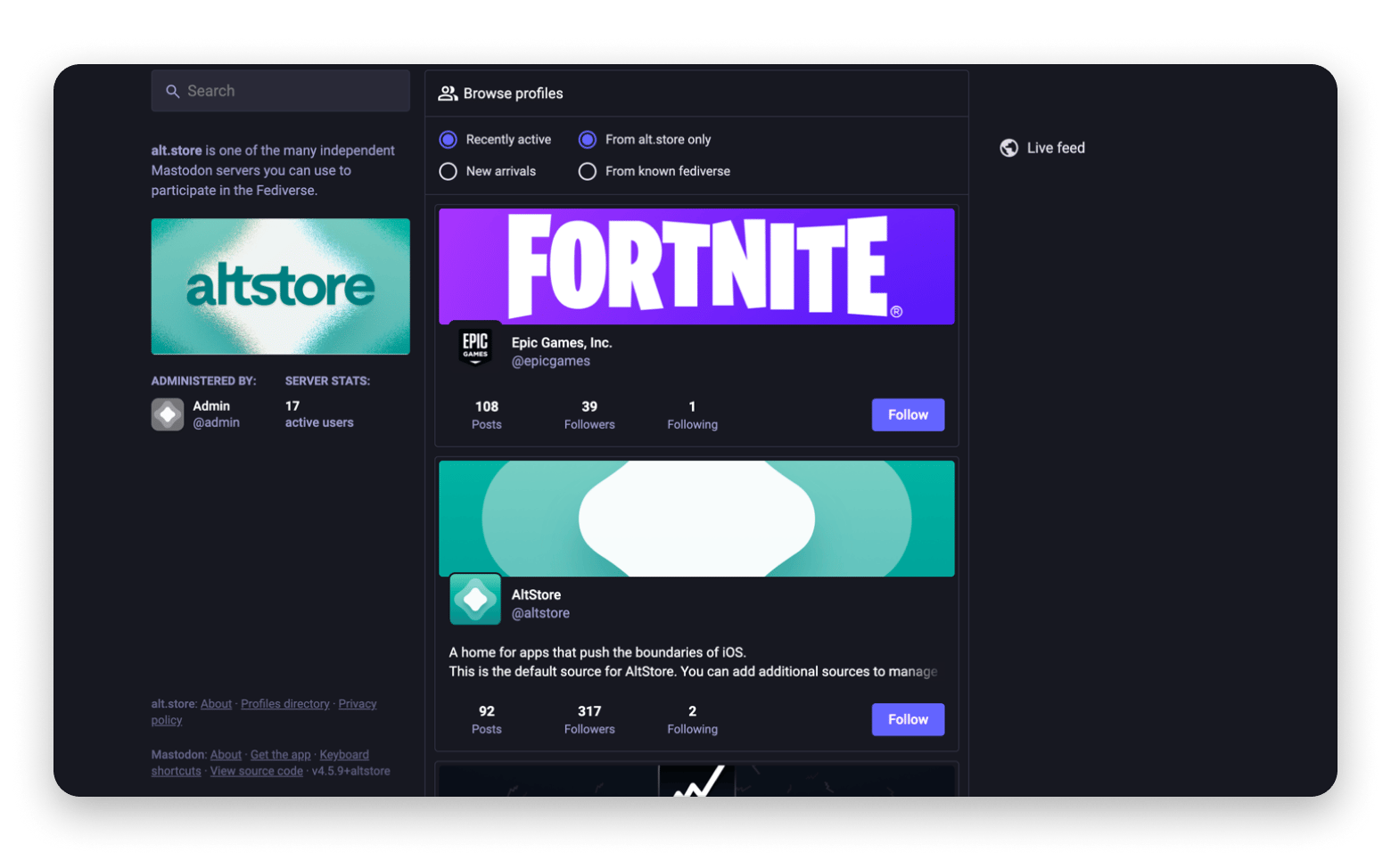
Best for: Developers who want to experiment with alternative iOS app store distribution.
AltStore PAL is one of the benefits iOS users have gotten from the EU’s Digital Markets Act. It launched in April 2024, and it expanded to Japan in Dec 2025 after the country passed the Mobile Software Competition Act.
AltStore PAL pretty much does away with the many restrictions Apple has set on the App Store. The review process is quite straightforward, as you only need to observe basic rules like legality, not causing harm, and copyright protection. Only Apple Notarization is required, meaning devs can upload apps that are restricted on the App Store. The likes of emulators, certain utilities, and adult content.
Publishing apps is totally free, and anyone can do it. However, this also means that everything else is on you. Visibility is low, so you need to find ways to pull users to your apps. Revenue predictability is also low, and you can expect the willingness to spend to be lower than on the App Store. It’s up to you to build user trust.
Some of these extra efforts balance out the costs of avoiding review constraints and commissions.
Pros:
- Devs have more control over pricing and distribution
- Publishing is straightforward
- No commission on revenue
- An extra path for iOS app distribution
Cons:
- Visibility is significantly limited
- You can only target users in the EU and Japan
- Acquisition relies on you and external channels
Aptoide — alternative Android distribution
Best for: Android developers looking for alternative distribution channels.
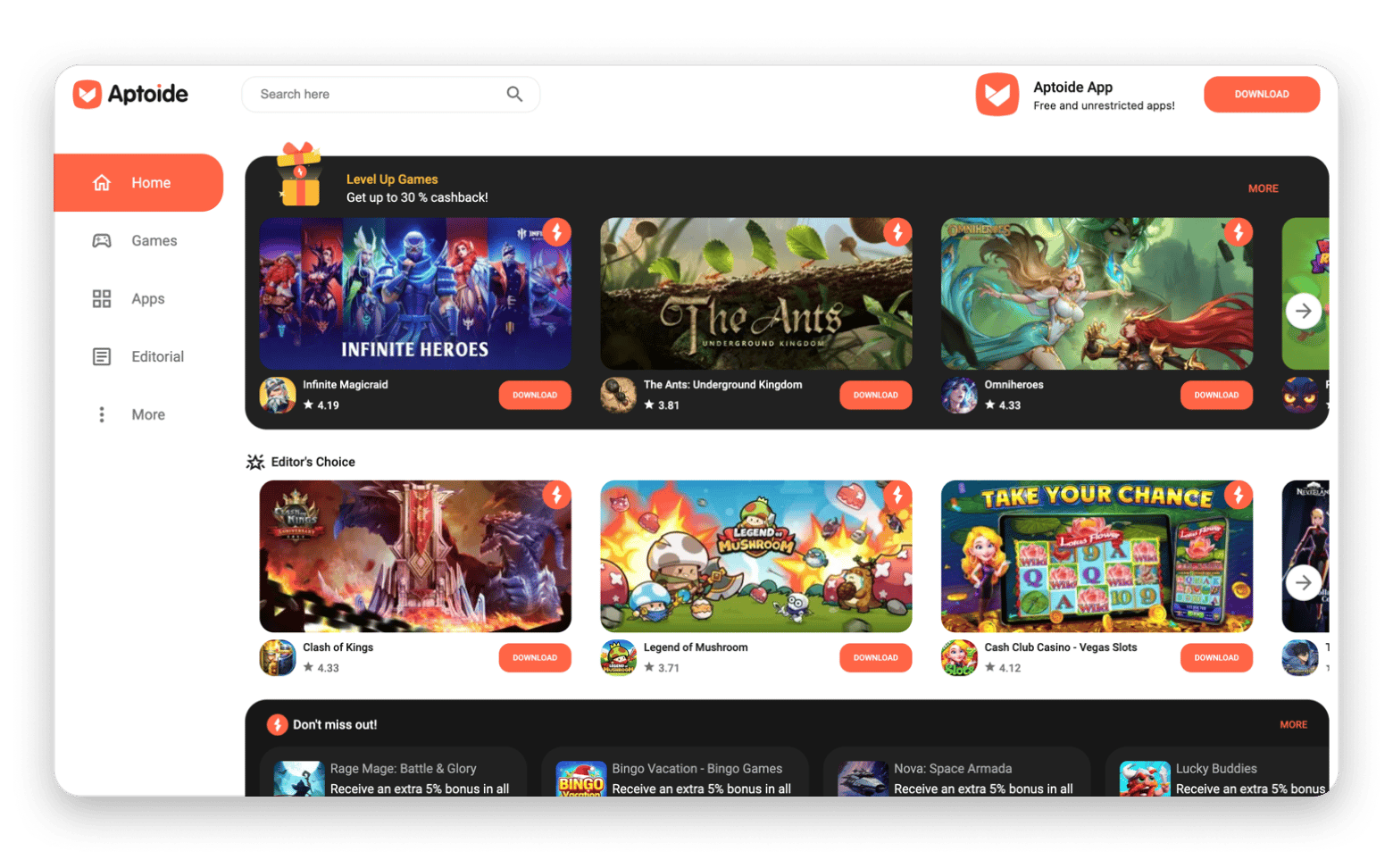
Aptoide is one of the established alternative app stores. It’s been around since 2011 and boasts 200 million users globally and 1 million apps.
It’s mainly a store for Android apps, and you can publish general apps or even types that the Google Play Store doesn’t allow. If you also have different versions with the Play Store one lacking some features for compliance, this is the place to distribute them.
Monetisation on the platform is much more friendly compared to the Google Play Store. For example, if it’s a direct download from the store, developers get 90% of the revenue. If the user has been redirected from a marketer, Aptoide and the marketer share 25%, leaving the developer with 75% of the revenue.
But while approval is easier and monetisation is friendlier, the audience is smaller than on the Google Play Store. It’s also less monetizable, and you still need to promote your apps.
Aptoide has a new iOS store following the EU’s DMA rules, but the app list is still quite limited.
Pros:
- Has a lower commission compared to most stores
- Publishing and updating apps is straightforward
- There’s less competition for visibility
- Flexible monetisation rules
Cons:
- The user base is smaller
- Built-in discovery is limited
- More effort is required to drive sales
How to choose the right distribution platform for your app
You can only get the right app distribution platform after evaluating compatibility, then balancing out visibility, acquisition effort, revenue predictability, and operational overhead.
If you are trying to reach as many users as possible, consider the Apple App Store and the Google Play Store. They will give you reach, although you’ll still have a lot of marketing and management work to do. They are great if you have a growth plan.
If you want to experiment with an alternative distribution to avoid restrictions, AltStore PAL and Aptoide give you just that. You’ll have more control, but user acquisition and trust rely heavily on your efforts.
If you want to lower the go-to-market friction, Setapp is the option. You won’t have to build acquisition from scratch, and you’ll get access to users who are already paying. Plus, you have two pricing models (Membership and Marketplace) to find the perfect fit for your product. It’s a particularly great option for Mac app distribution as it doesn’t have the sandboxing restrictions of the Mac App Store but still enjoys high user trust.
App distribution defines how your app grows, so choose the channel that matches your capacity
Most platforms give you access to a large audience. In return, they take a 15–30% commission and leave acquisition, ASO, and compliance entirely in your hands.
Before committing to a channel, understand its full cost structure: how discovery works, what the review process looks like, and whether your team has the capacity to maintain it. A platform that looks cheap by commission rate can be expensive in time.
If you are a Mac or iOS developer looking to reduce that effort, Setapp is worth trying. Built-in visibility, minimal release overhead, and access to a paying subscriber base make it a practical complement, or alternative, to the default options.
FAQ
What is the difference between app distribution platforms and app stores?
An app store is an official marketplace where users can discover and buy apps. It’s a type of app distribution platform, but the term also covers the various tools, infrastructures, and alternative stores developers use to deliver their apps to users.
How much commission do app stores take from developers in 2026?
Apple and Google usually charge a 15-30% commission, depending on the developer's size. The 15% applies to developers in the Small Business Program, which caps annual revenue at $1M. Setapp and other alternative stores tend to be more pocket-friendly.
Can I distribute an iOS app outside the App Store without jailbreaking?
Yes, you can distribute an iOS app outside the App Store without jailbreaking, but this is limited to the EU and Japan. It remains to be seen whether regulations expand this to more countries.
What is Setapp's revenue model for developers?
Setapp pays developers from a shared revenue pool. It first categorises them based on the app type and regular pricing, then distributes up to 90% of its revenue to developers based on usage and pricing model (Membership or Marketplace). The platform handles all processing, billing, and monetisation.
Is it worth distributing a Mac app on the Mac App Store vs. directly vs. Setapp?
It all depends on the type of app and what your team can handle:
- The Mac App Store will give you a wide audience, but sandboxing requirements may force you to remove some features.
- Direct distribution avoids this, but it puts all visibility efforts on you.
- Setapp gives developers a much-needed balance as features aren’t restricted, and the platform manages visibility and monetisation.






 Best solution
 Best solution