Signal gets the basics of privacy messaging right, and I still recommend it to most people who ask me about secure one-to-one messaging.
But maybe you are a journalist or activist and don’t want to hand over your phone number. Or maybe you want a less stripped-down version of Signal to use features like channel broadcasts.
I’ve used most of the best Signal alternatives over the years. I’ll compare them to show you where each shines and help you choose the right one for your privacy needs.
Why users look for a Signal alternative
Users look for Signal alternatives for three main reasons: Signal requires a phone number to register, it lacks features like broadcast channels, and some users prefer apps based outside the US for stronger legal privacy protections.
While Signal now has usernames, you still need to provide your phone number when registering. If you are a journalist in a surveillance-heavy region, that can be a problem. Even for privacy-conscious individuals, handing your phone number to “the privacy app” as the first thing feels a bit odd.
Add this to the fact that Signal is based in the US. The company has a history of not providing authorities with any personal data, but several alternatives are based in Switzerland to benefit from stronger privacy laws.
Apart from that, Signal lacks some features you might find elsewhere, like Telegram’s broadcast channels. You may also be forced to move or at least add an alternative if the people around you are on a different platform.
If you're thinking seriously about privacy, a secure messenger is a good start — but so is the guide to the best VPN for Mac, which covers the next layer of your digital footprint.
Quick comparison table: Signal alternatives at a glance
Before we get into the reviews, here’s a quick overview of the best Signal alternatives.
App
Best for
End-to-end encryption default
Phone number required
Open source
Price
Threema
Paid privacy-first messaging
✅
❌
✅
$6 one-time
Session
Anonymous messaging
✅
❌
✅
Free
SimpleX Chat
No identifiers at all
✅
❌
✅
Free
Wire
Secure business communication
✅
Email or phone
✅
Free, paid business plans
Element
Decentralized messaging
✅
Email or username
✅
Free
Telegram
Feature-rich messaging
Secret Chats only
✅
Partially
Free
WhatsApp
Staying in touch with everyone
✅
✅
❌
Free
iMessage + Advanced Data Protection
Apple users
✅, manual
Apple Account
❌
Free
Briar
Offline and peer-to-peer messaging
✅
❌
✅
Free
Detailed reviews of each Signal alternative
Let's take a closer look at how the various Signal alternatives compare.
Threema: Best paid privacy-first messenger
Source: threema.com
Best for: People who want a paid, privacy-first messenger without using a phone number.
Threema is the best Signal alternative if you don’t want to give out your phone number or email address. When creating an account, you get a randomly generated Threema ID to keep your work and personal details separate.
All messages, voice calls, group chats, and files are end-to-end encrypted by default, and the app’s source code is open for public review. The company and its servers are based in Switzerland, which is a privacy-friendly jurisdiction.
The only major trade-off is that the open-source messenger has a smaller community and requires a $5 one-time payment.
Pricing (August 2026):
$49.99 one-time for the Mac app
$9.99 one-time for the iPhone app
$19.99 one-time for the iPad app
Session: Best phone-number-free anonymous messenger
Source: getsession.org
Best for: People who value anonymity over speed
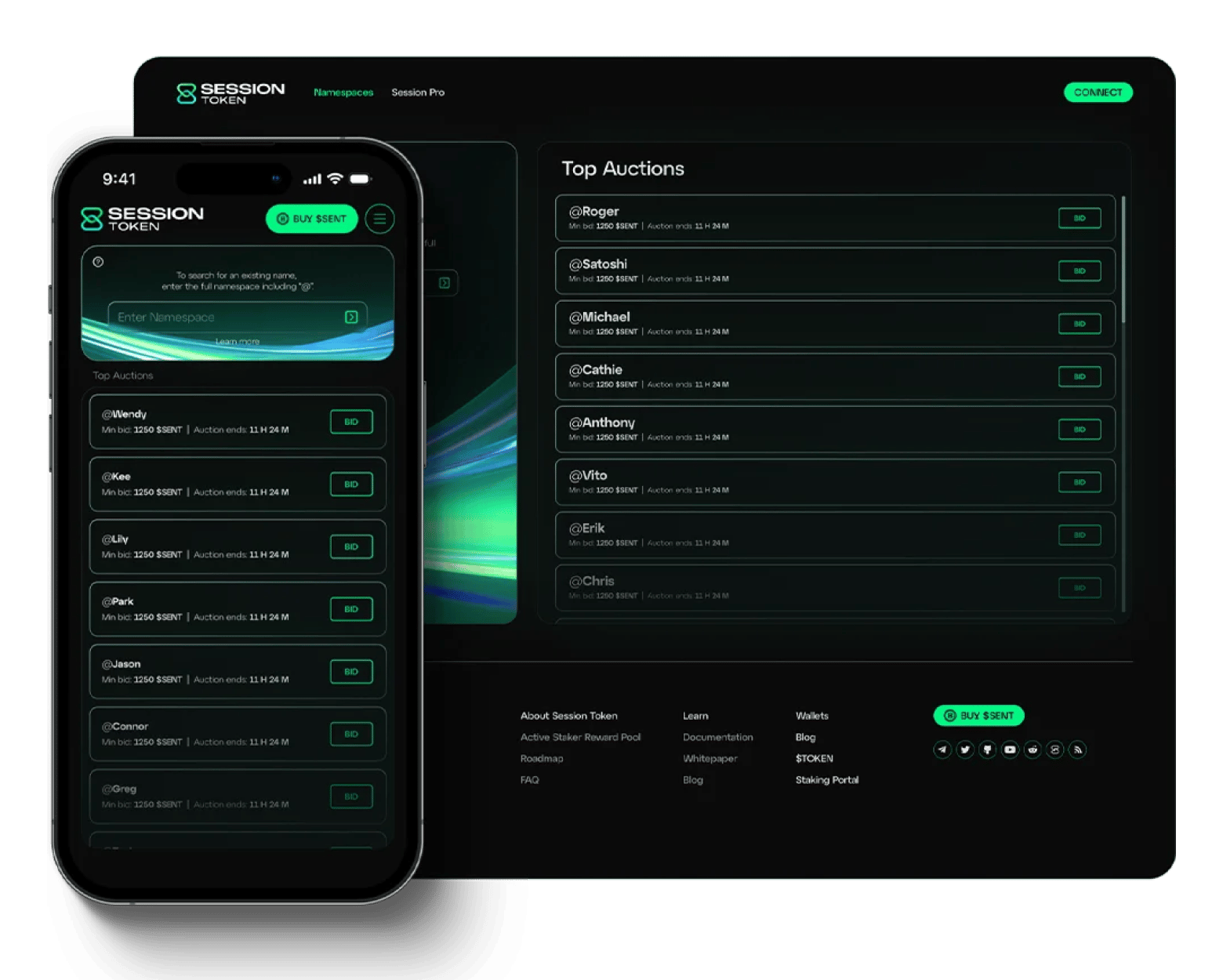
Session takes privacy and anonymity to a level higher than both Threema and Signal. Instead of just hiding the message, it also offers metadata privacy. There’s no phone number, email, or even a username. When you sign up, you get a random Session ID, and that’s it.
Everything is then routed through the Session Network, which is a network of onion-style servers, instead of a central server that the government can subpoena. The developers also recently moved the headquarters from Australia to Switzerland to enhance privacy.
The onion-style network makes it slower than Signal and Threema, and its call and video features are also less intuitive. However, you get dedicated apps across mobile and desktop.
Pricing (August 2026): Free
SimpleX Chat: Best truly identifier-less messenger
Source: simplex.chat
Best for: Privacy enthusiasts who want to share as little personal information as possible
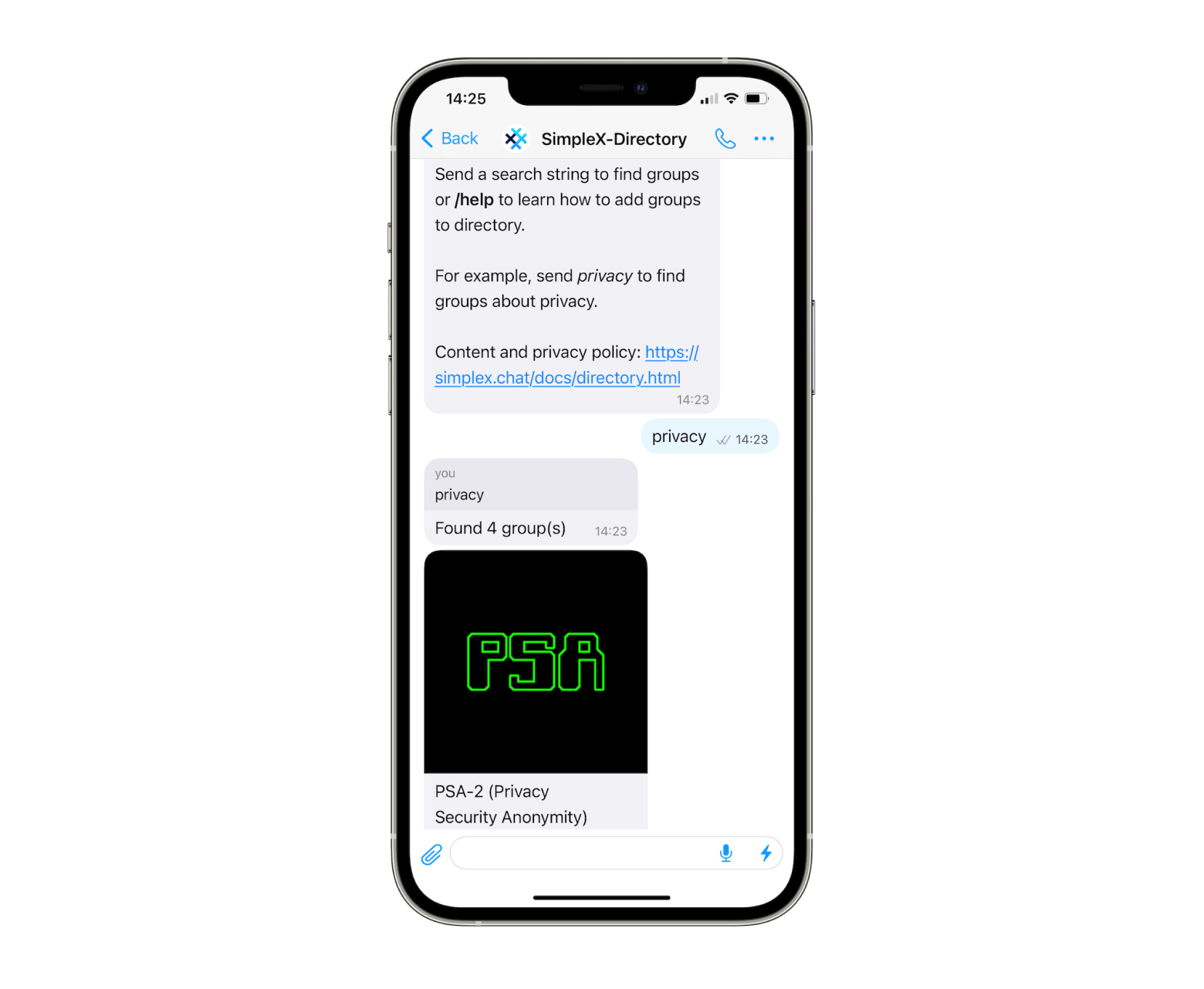
SimpleX Chat is relatively newer, but it’s increasingly recommended by security researchers. It skips identifiers entirely, including random ones. Instead, you connect to people through one-time invite links or QR codes. And because of this, the app has no way to tie your account to anything.
SimpleX Chat is also an open-source messenger that is end-to-end encrypted and runs on decentralized chat servers. It has desktop apps that mirror an iOS or Android app, but the interface is still maturing. It works best if you don’t mind trading this for the strongest metadata privacy out there.
Pricing (August 2026): Free
Wire: Best business-focused encrypted messenger
Source: wire.com
Best for: Teams that want secure messaging with built-in collaboration features
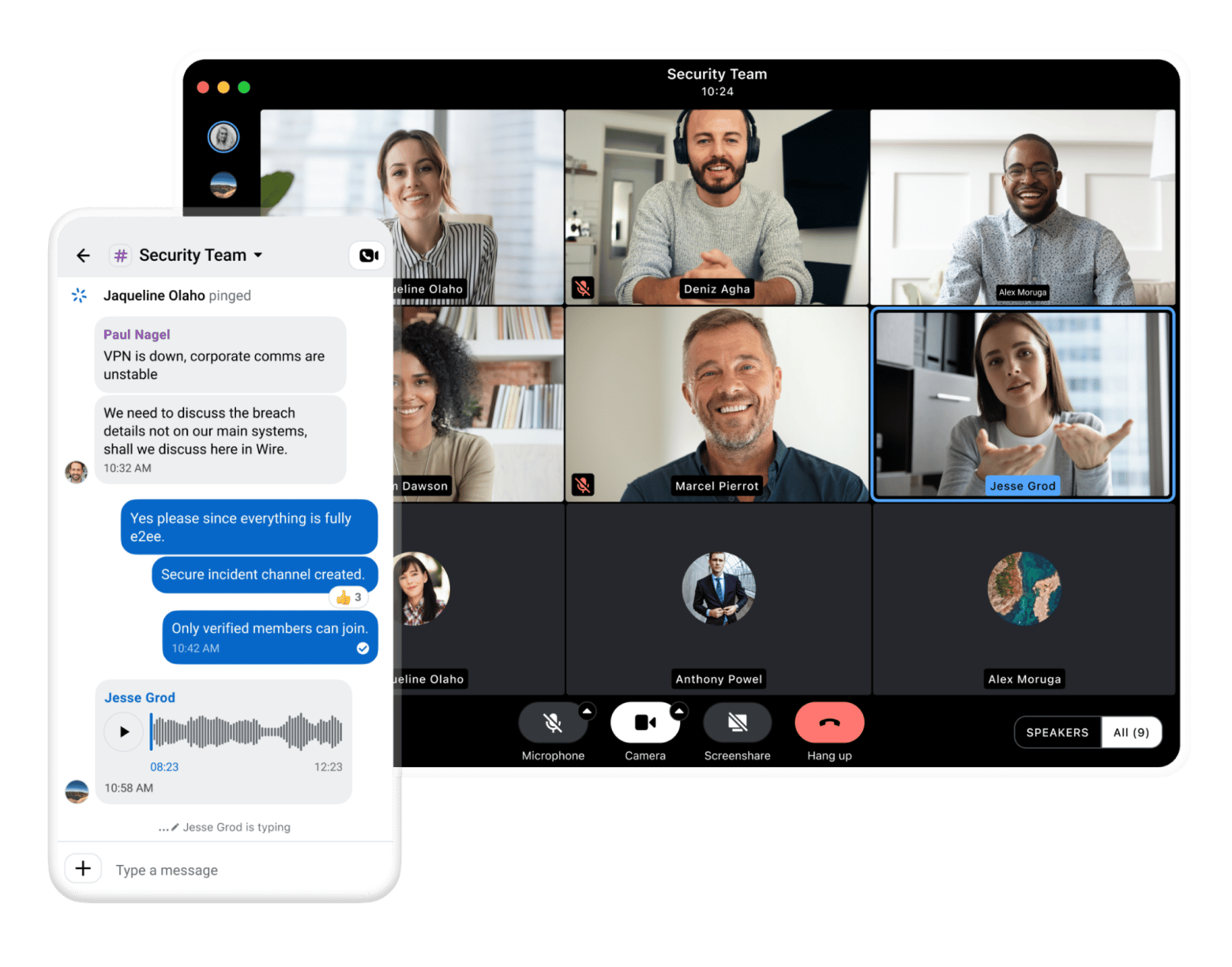
Wire is more of a business-focused Signal alternative. It retains privacy features while adding collaboration features such as group video calls, screen sharing, guest access, and team management tools. This has made it popular among European corporations and law firms.
You can sign up with a phone number or an email address, which makes it easier to add colleagues. The codebase is open-source, and the company is based in Switzerland.
You’ll need to pay for the business plans, but the free personal version works well for one-to-one conversations.
Pricing (August 2026):
Free for personal use
Paid plans from €7.45 per user/month
Element (Matrix): Best decentralized open protocol messenger
Source: element.io
Best for: People and teams that want full control over where their messages are stored.
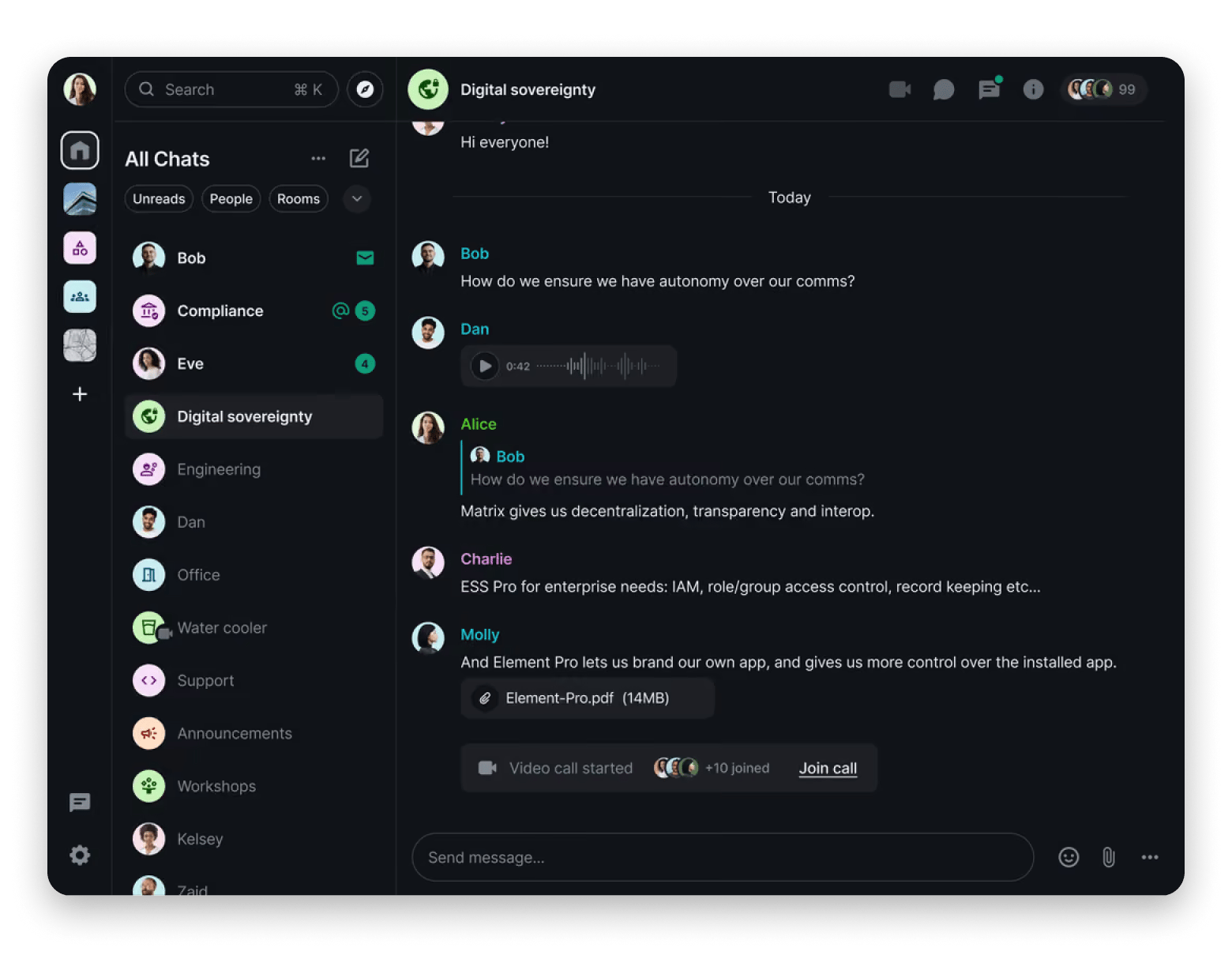
Element is the most popular messaging app built on the Matrix protocol, which is an open-source and decentralized network. You can use the app as it is or create your own server. You’ll still communicate with everybody else in the network, similar to owning an email server, and all communications are end-to-end encrypted by default.
This level of flexibility has made Element popular among open-source communities, universities, and organizations that want an alternative to commercial platforms like Slack or MS Teams.
Element has native apps for mobile and desktop platforms, but its interface is more complex than those of Signal and Threema. It works best if you want more control over your data.
Pricing (August 2026): Free, with quotations available for enterprise plans.
Telegram: Best mainstream messenger with optional encryption
Source: telegram.org
Best for: People who want a feature-rich messaging app and don't mind the privacy trade-offs
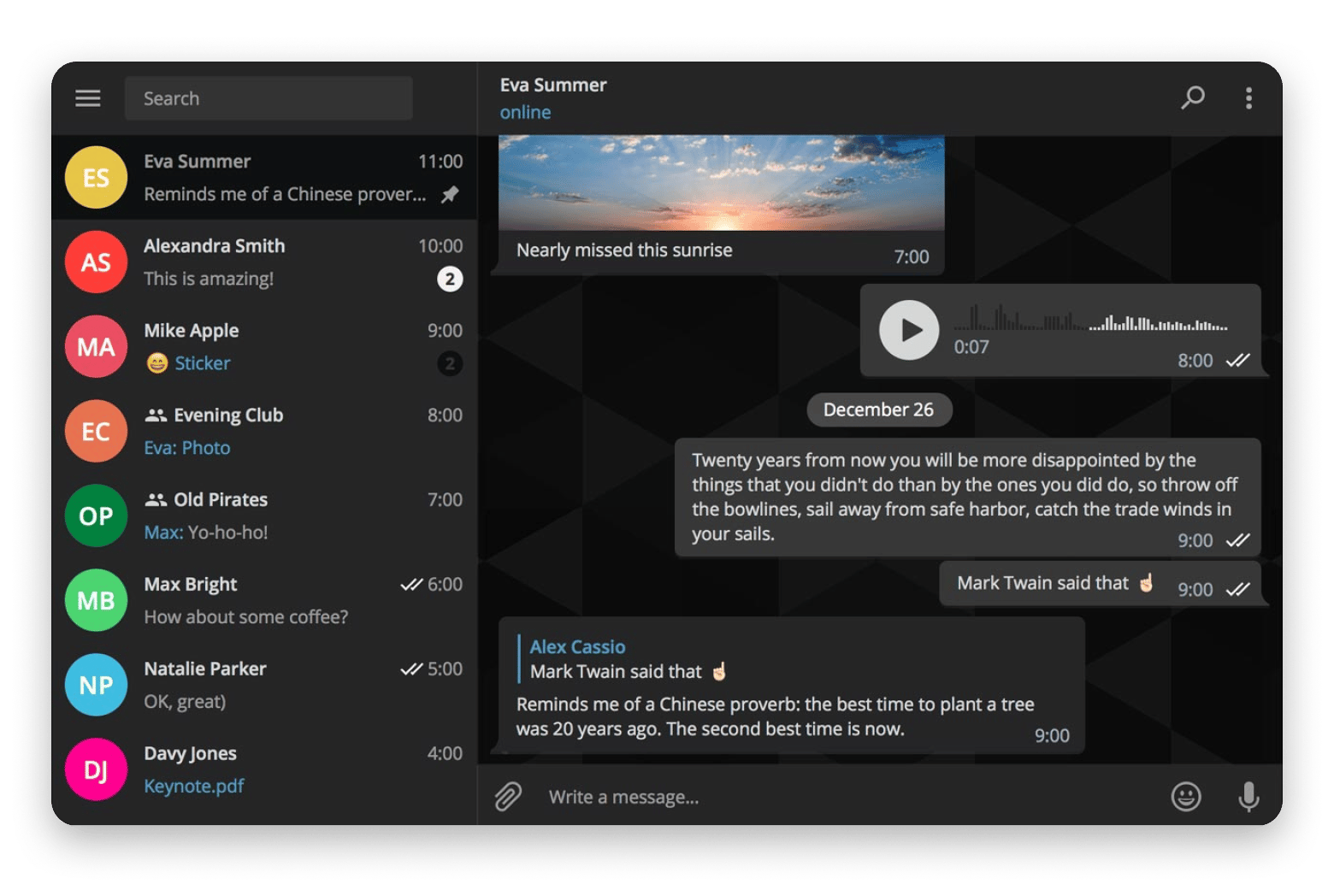
Telegram is often mentioned alongside Signal when discussing privacy-oriented messaging platforms, but the two take different approaches to privacy. The biggest is that Telegram doesn’t encrypt chats by default. Sure, your messages are encrypted on the server, but Telegram still retains the keys. For end-to-end encryption, you have to manually start a secret chat.
That said, Telegram offers the largest feature set among the apps I’ve listed here. It supports large channels, lets you share up to 4GB files, and includes bots and stickers. The UI is also polished, making it easy to move from a platform like WhatsApp.
It’s available for Mac, iPhone, Android, Windows, Linux, and the web.
Pricing (August 2026):
Free
Telegram Premium from $5/month
WhatsApp: Best for reaching the most people
Source: whatsapp.com
Best for: Staying in touch with friends, family, and colleagues
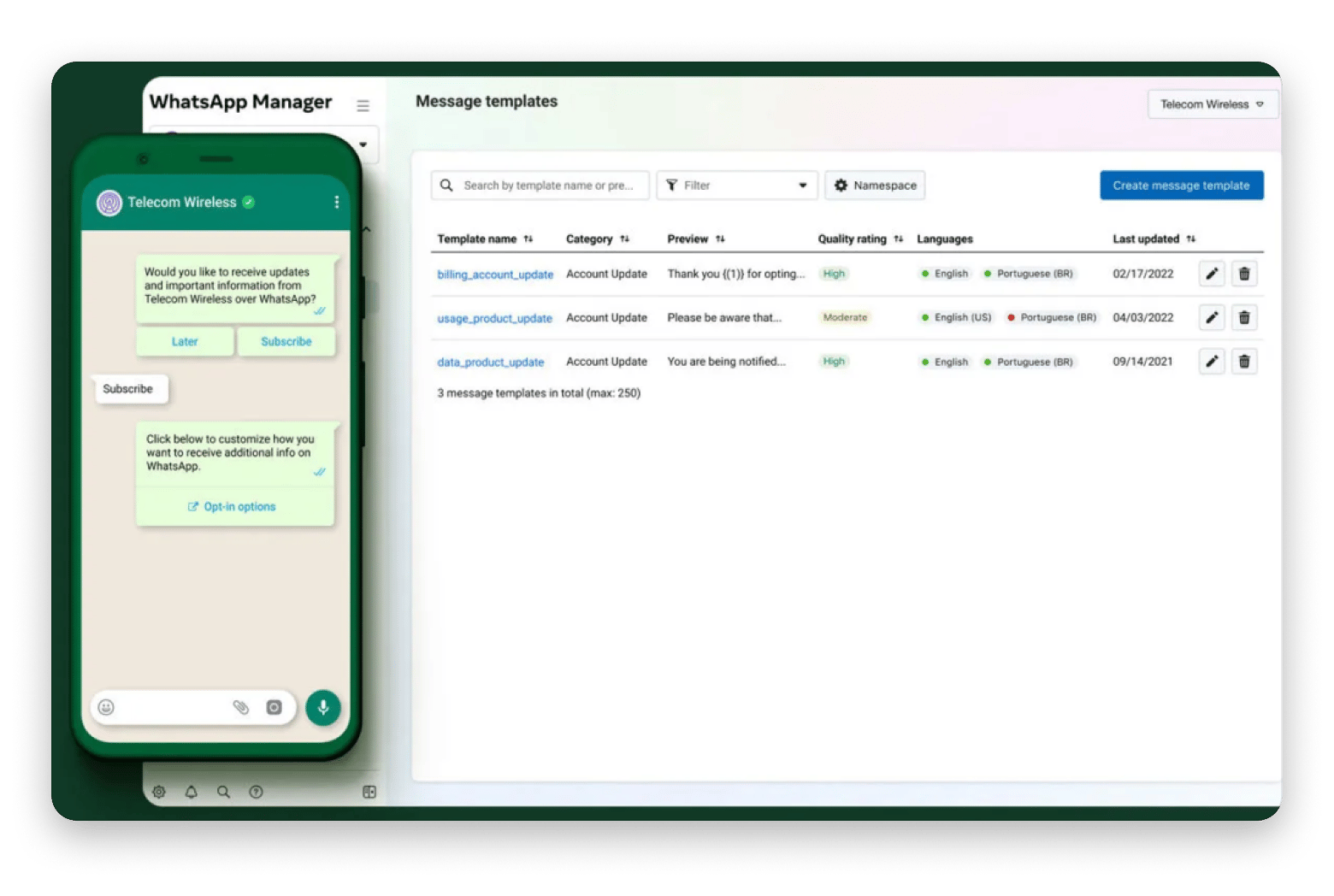
WhatsApp is a bit of a privacy conundrum: it’s owned by Meta, which is known for extensive tracking, yet still provides significant privacy. The app offers end-to-end encryption out of the box using the Signal Protocol (the same one from Signal), which means Meta can’t access the actual data you transfer.
However, it collects everything else it can. This starts with your mobile number and extends to metadata such as who you communicate with, when, and how often.
Its biggest advantage is that everyone you want to message likely has WhatsApp installed. It also offers seamless group chats, voice, and video calls. But if you want to maximize privacy, Signal, Session, and Threema are all better alternatives.
Pricing (August 2026): Free
iMessage with Advanced Data Protection: Best for Apple-only users
Source: apple.com
Best for: People who communicate almost exclusively with other Apple users.
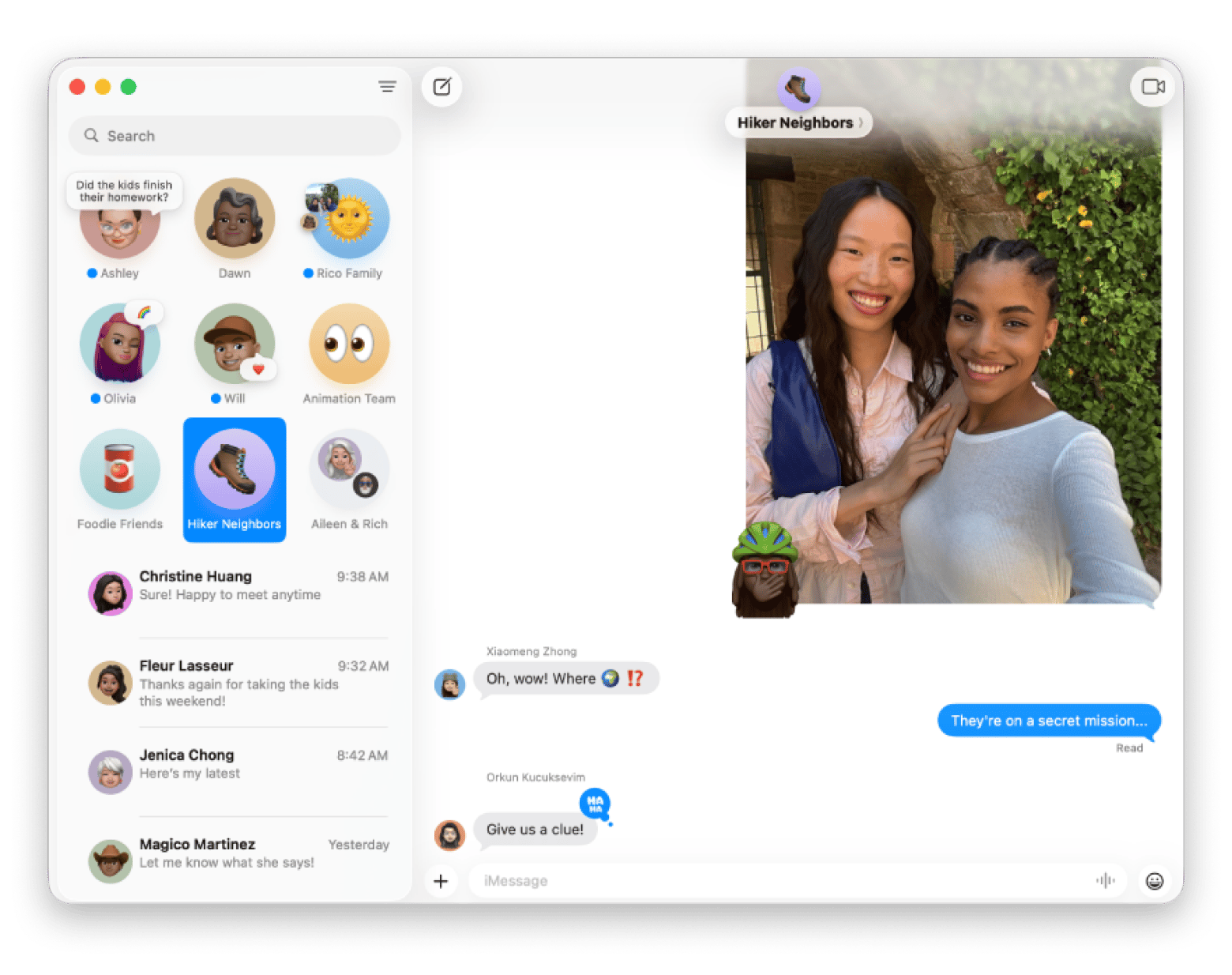
iMessage still offers privacy, but you need to manually turn on Advanced Data Protection for iCloud to maximize it (Settings > Apple ID > iCloud > Advanced Data Protection). This extends end-to-end encryption to your backed-up messages, ensuring Apple can’t decrypt them.
The platform is best suited to casual messages if most of your contacts use iCloud. Otherwise, there’s always a risk of falling back to SMS or RCS when texting Android users.
iMessage is already built into every iPhone, iPad, and Mac.
Pricing (August 2026): Free
Briar: Best for offline and peer-to-peer messaging
Source: briarproject.org
Best for: People who want a messenger that can keep working even when the internet doesn't.
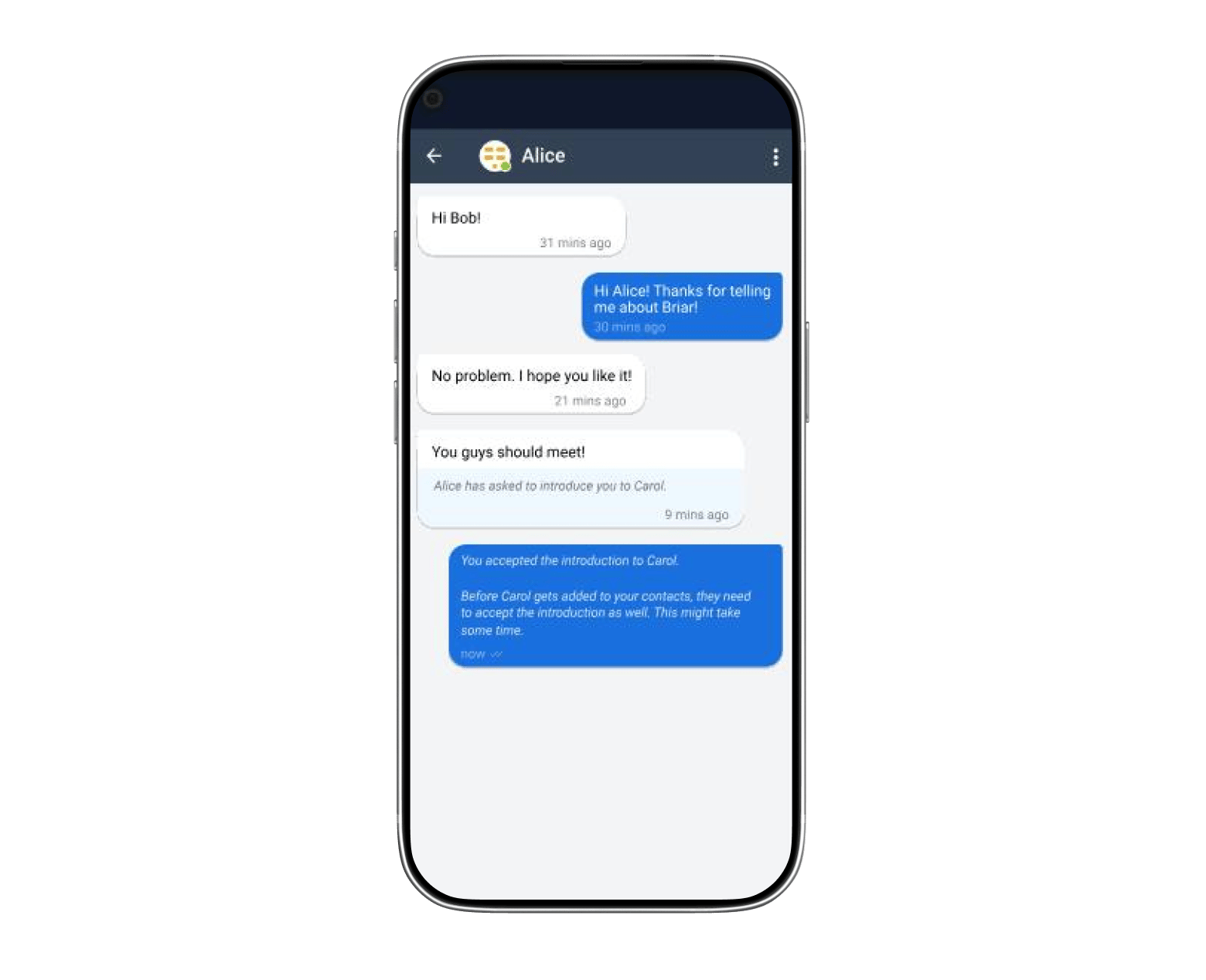
Briar is built for heavy censorship, and it works even without an internet connection. When you have two Android devices nearby, Briar can send messages over Bluetooth or the same Wi-Fi network without relying on any mobile data or external servers.
When the internet is available, Briar routes traffic through Tor to add a tough privacy layer. The major trade-off is that it’s not available on iOS. It also tends to drain the battery while constantly searching for peers, making it best suited as an emergency fallback for activists, journalists, and field teams during infrastructure shutdowns.
Pricing (August 2026): Free
Best Mac apps to complete your private messaging setup
Even with the best task manager, you’ll still need a few supporting tools. Here are a few that help me complete the task management workflow.
Secrets 4 keeps your passwords private
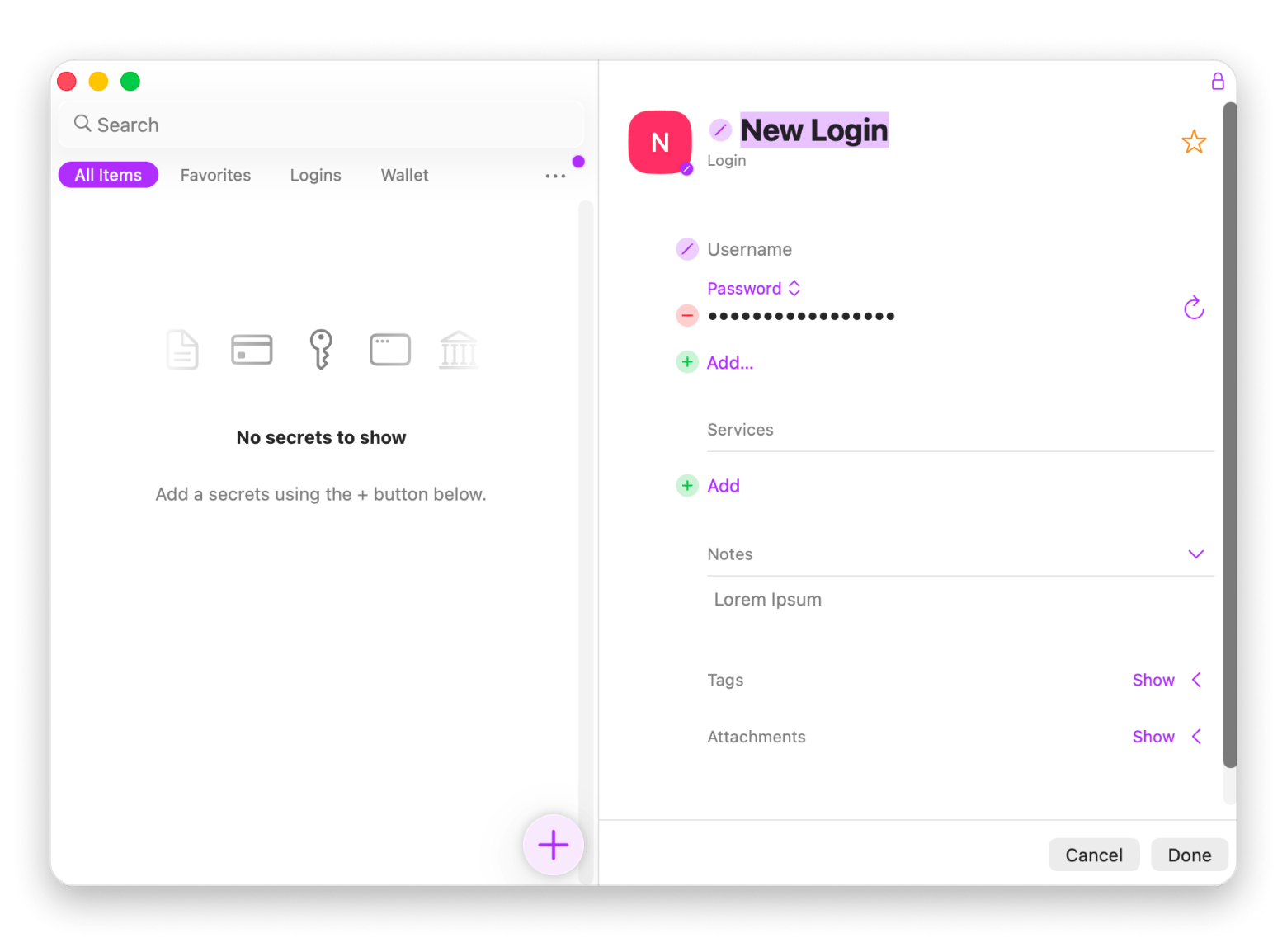
Your messenger and other accounts are only as secure as the passwords protecting them. I use and recommend Secrets 4 because it stores all your details in an encrypted local database protected by your master password and Face ID. If you choose, you can then sync them to iCloud. The tool makes it easy to store and retrieve your passwords and passkeys instead of scattering them across browsers.
Encrypto protects files before you send them
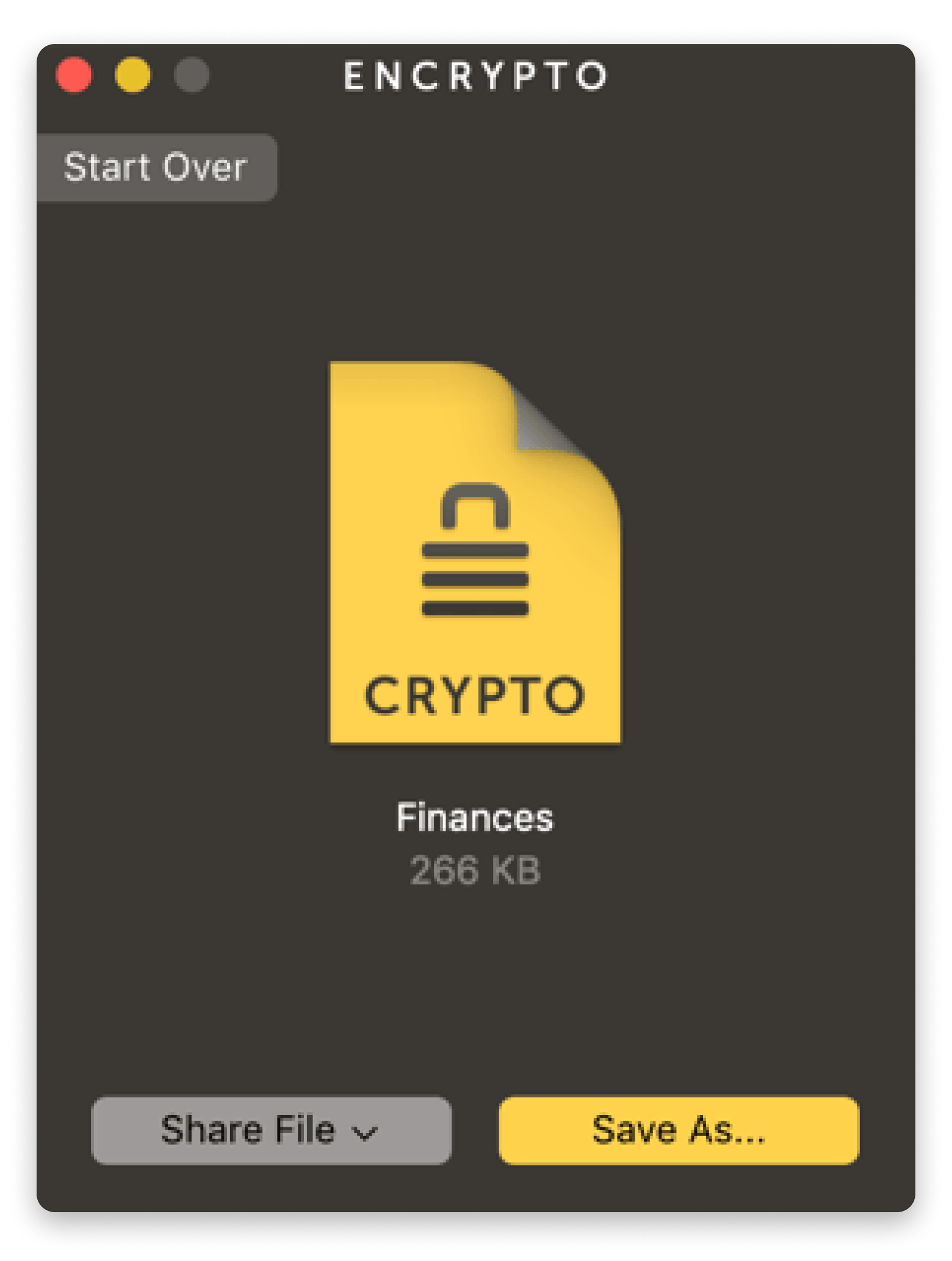
Some documents are too sensitive to share in plain text, even if the chat is end-to-end encrypted. When I want to share a financial document or another sensitive file, I add another layer of protection with Encrypto. It uses AES-256 to secure files and ensure only someone with the password can open them. Wherever the file ends up, it stays protected.
CleanShot X removes details you didn't mean to share
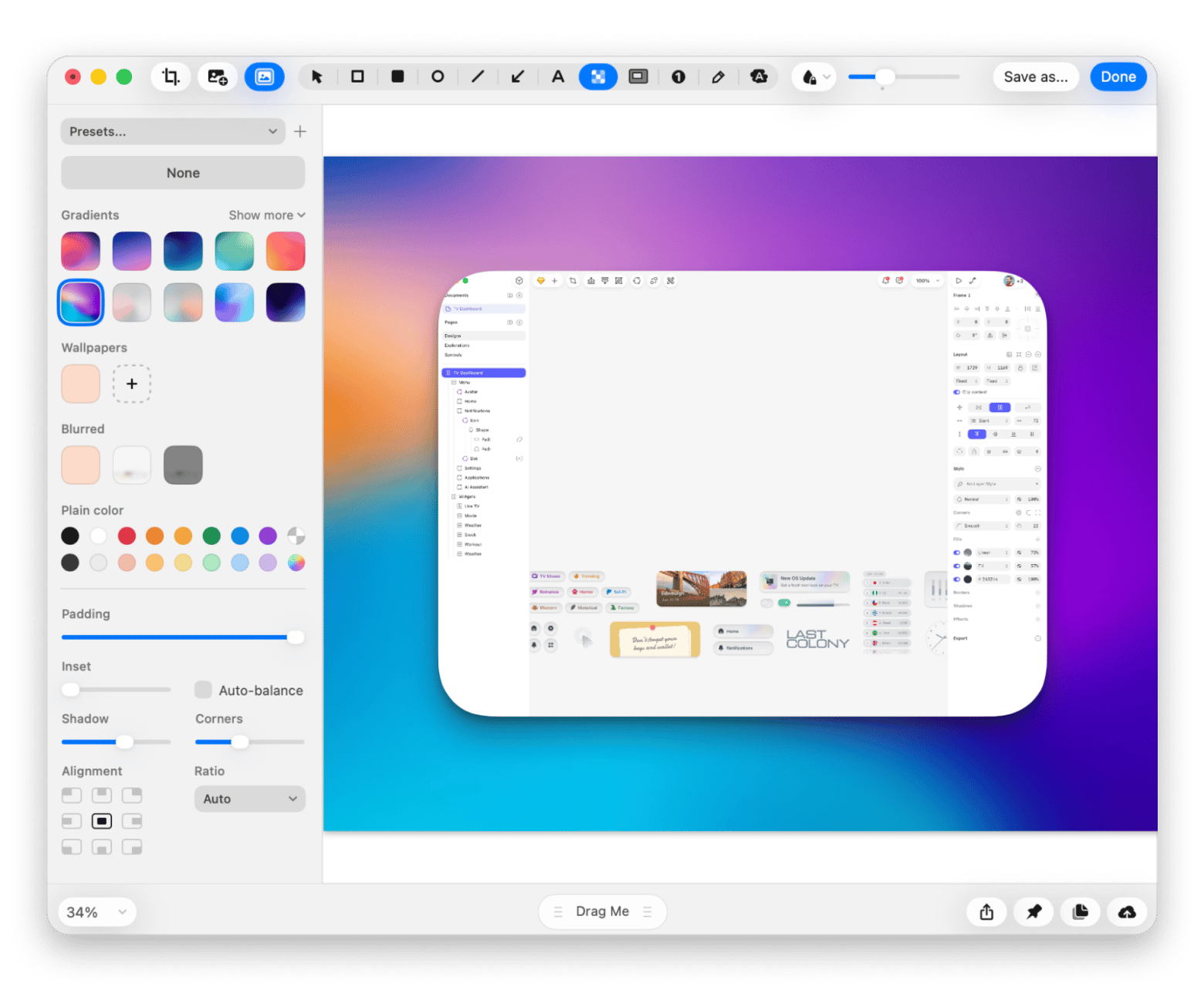
Sometimes, you want to share a screenshot or image without showing personal details like names, email addresses, or your notification previews. When taking screenshots on Mac, I use CleanShot X because I can easily blur sensitive details. The editor is lightweight and also works with other files.
Screenshots leak more than you think — blur the details before you hit send. CleanShot X lets you capture, annotate, and blur sensitive information in seconds. Available on Setapp. Try CleanShot X Free.
Choosing the right Signal alternative for your use case
One thing you might have realized is that there’s no single app that covers everything. It all depends on what your priorities are, and here’s how you can use them to narrow down to the best Signal alternative:
I want a paid, audited product backed by Swiss law → Threema
I don't want to sign up with a phone number or any permanent identifier → Session or SimpleX Chat
I run a business and need secure team communication → Wire or Element if you want to self-host your own Matrix server.
I just need a private messenger that my friends will actually install → Signal still deserves the top spot for most people.
I want the richest feature set and don't mind enabling encryption only for sensitive conversations > Telegram.
Everyone I message uses Apple devices > iMessage with Advanced Data Protection turned on.
I need a messenger that can keep working with limited or no internet access > Briar.
Considering that most of these are free, there’s nothing stopping you from using more than one app. For example, you can keep Signal for private conversations, use WhatsApp for Family groups, and join communities on Telegram. It’s all about how you communicate.
Migrating from Signal to your new messenger
If you are ready to move, here’s how to make the migration smoother.
Export your Signal chat history (Settings > Chats > Chat backups) to store it as an archive (can’t import it elsewhere). Encrypt the file with Encrypto to prevent unauthorized access.
Tell your contacts you are switching to a specific Signal alternative but will keep both messengers for a couple of weeks (as an adjustment period).
Leave Signal installed for at least 30 days in case someone doesn’t know you’ve moved.
Review the privacy settings on your new app. Adjust features and ensure you turn on E2EE if applicable.
If switching to a phone-number-free messenger, use the chance to refresh old or reused passwords. You can keep them in Secrets for secure storage.
If you're treating the migration as a full privacy reset, the guide on how to secure your passwords on Mac is worth reading alongside this one.
Encrypto, Secrets 4, and CleanShot X are all available on Setapp, a unified marketplace for Mac and iPhone users to discover handpicked, secure apps. Your private messenger is only the first layer. Setapp covers the rest. Secrets 4, Encrypto, CleanShot X, and 270+ more Mac apps — one subscription, free for 7 days. Cancel before Day 7 and you won't be charged. Start My 7-Day Free Trial.
FAQ
What is the best free Todoist alternative for Mac?
Threema, SimpleX Chat, and Session are the best Signal alternatives when privacy is a top priority. If you simply want a secure app, Signal is still hard to beat.
Which messaging app is the most private?
SimpleX Chat is the most private messaging app as it doesn’t require a phone number, email address, or permanent user ID. Threema and Session are great Signal alternatives for privacy.
Is Telegram more secure than Signal?
No, Signal is more secure than Telegram because it encrypts all chats by default. Telegram’s end-to-end encryption requires Secret Chats.
Can I use an encrypted messenger without a phone number?
Yes. Session, SimpleX Chat, and Threema all let you create an account without linking a phone number.
Can I transfer my Signal chats to another messenger?
No, Signal chats can’t be loaded into other apps. However, you can export them as a file and secure them with Encrypto to prevent unauthorized access.
Keep your passwords safe
Get Secrets, a secure password manager app for Mac.






 Best solution
 Best solution