- Discord — best free option; unlimited message history, always-on voice channels, no per-seat cost.
- Microsoft Teams — best for Microsoft 365 users; chat, calls, and docs in one ecosystem.
- Mattermost — best for self-hosting; full Slack feature set on your own infrastructure.
- Element — best for security; end-to-end encryption by default, built on open-source Matrix protocol.
- Zoho Cliq — best for small budgets; unlimited users on the free plan.
- Basecamp — best for larger teams; flat-rate pricing with project management built in.
- Twist — best for async teams; thread-based conversations that don't demand instant replies.
There's probably not a living soul who has ever been part of a remote team and hasn't worked in Slack at least once. Slack has been the main team chat app in almost every team I've ever been a part of. Recently, I joined a creative team that was using Slack but was looking for a better alternative that was not as distracting as Slack and was more affordable.
We ended up using Discord, but since I had to do my own research and recommend the best Slack alternative for Mac, I've put together this guide to help you make the best decision.
Why teams are looking past Slack
Teams leave Slack for three main reasons: rising costs, notification overload, and high RAM usage on Mac and for a few reasons:
- The first one is cost. Slack's free plan limits message history to 90 days, which means older messages disappear, and there's no way of tracking them. If you want full access to your history, you'll have to upgrade to one of the paid plans that start at $7.25/user/month. So if you're a team of 10, that's $870 per year just for using Slack. This might be a bit pricey for startups and growing businesses.
- Another common complaint is the notifications overload. Slack is built around real-time communication, so this means you're getting pings, emails, and other kinds of notifications at all times, which can be distracting.
- Slack is Electron-based, which means it can consume 400 MB to 1.5 GB of RAM with just one workspace open, and considerably more after a full workday. Here’s also how to free up RAM on Mac.
- And let's not forget privacy. Slack encrypts messages both in transit and at rest, but it doesn't offer end-to-end encryption. That means Slack can technically access message content if necessary. If you or your company is handling sensitive information, this is definitely an issue.
Slack alternatives at a glance: Quick comparison
The best Slack alternative depends on what you actually use Slack for. Discord is the top free pick with unlimited history and voice channels. For self-hosting and full data control, Mattermost or Rocket. Chat are the mature choices. For end-to-end encrypted messaging, Element is the strongest option.
Here's a quick overview before we get into the details:
| App | Best for | Top use case | Team that benefits most | Native Mac app | End-to-end encryption |
| Discord | Free team chat with voice channels | Always-on voice rooms + unlimited message history | Startups, open-source projects, creative teams | Yes | No |
| Microsoft Teams | Teams using Microsoft 365 | Chat + docs + calls in one Microsoft ecosystem | Enterprises already on Microsoft 365 | Yes | No |
| Google Chat | Google Workspace teams | Lightweight chat inside Google Workspace | Teams living in Gmail, Docs, and Drive | Yes (browser-based) | No |
| Mattermost | Open-source self-hosted chat | Full Slack feature set on your own infrastructure | IT, healthcare, finance — compliance-heavy teams | Yes | Optional |
| Rocket.Chat | Self-hosted with customer messaging | Team chat + customer support channels in one place | Support teams that need omnichannel messaging | Yes | Optional |
| Element / Matrix | Encrypted decentralized chat | End-to-end encrypted messaging by default | Journalists, governments, security-first organizations | Yes | Yes (default) |
| Zoho Cliq | Small businesses on a budget | Full-featured team chat without the Slack price tag | Small teams already using Zoho apps | Yes | No |
| Twist | Async-first remote teams | Thread-based conversations that don't demand instant replies | Remote teams across time zones | Yes | No |
| Basecamp | All-in-one with flat-rate pricing | Project management + chat without per-seat costs | Teams of 10+ where per-seat pricing adds up | Yes | No |
| Spike | Email + chat + tasks in one app | Turn email threads into chat-style conversations | Freelancers and small businesses managing email + chat | Yes | No |
10 Slack alternatives reviewed: What they do best
Let's now explore each Slack alternative more closely and see what it does as well as or better than Slack, where it falls short, and who it's best for.
Discord: Best free Slack alternative with voice channels
Discord is the best free Slack alternative for teams that want unlimited message history and voice channels without a per-seat price.
Discord was originally a chat app for gamers. But over the years, it has grown into a popular app that's used by remote teams worldwide. It's one of the best free Slack alternatives if you want to chat with teammates and quickly jump into voice calls.
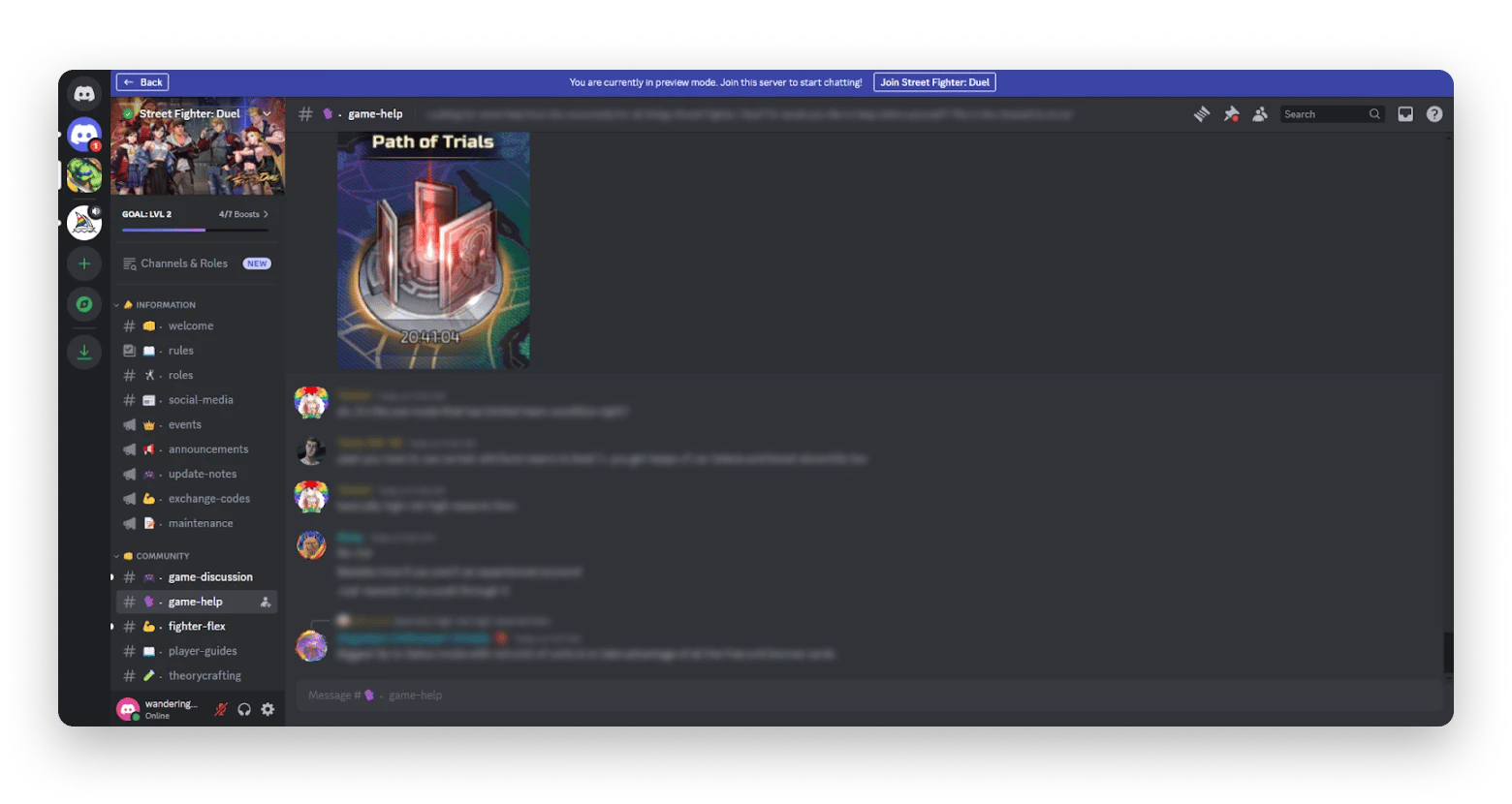
The free plan might be all you need if your needs are more basic. You get unlimited message history, text and voice channels, screen sharing, video calls, a native Mac app, and a huge collection of bots that can automate everyday tasks. One feature people really like is the always-on voice channels. Instead of scheduling a meeting, teammates can hop into a voice room whenever they want and leave when they're done.
Downside: You won't find business features like workflow automation or integrations with business tools like Salesforce and HubSpot.
Pricing (at the time of writing): Free plan available. Discord Nitro starts at $2.99/month for individuals, while the core collaboration features remain free for teams.
Microsoft Teams: Best if you have Microsoft 365
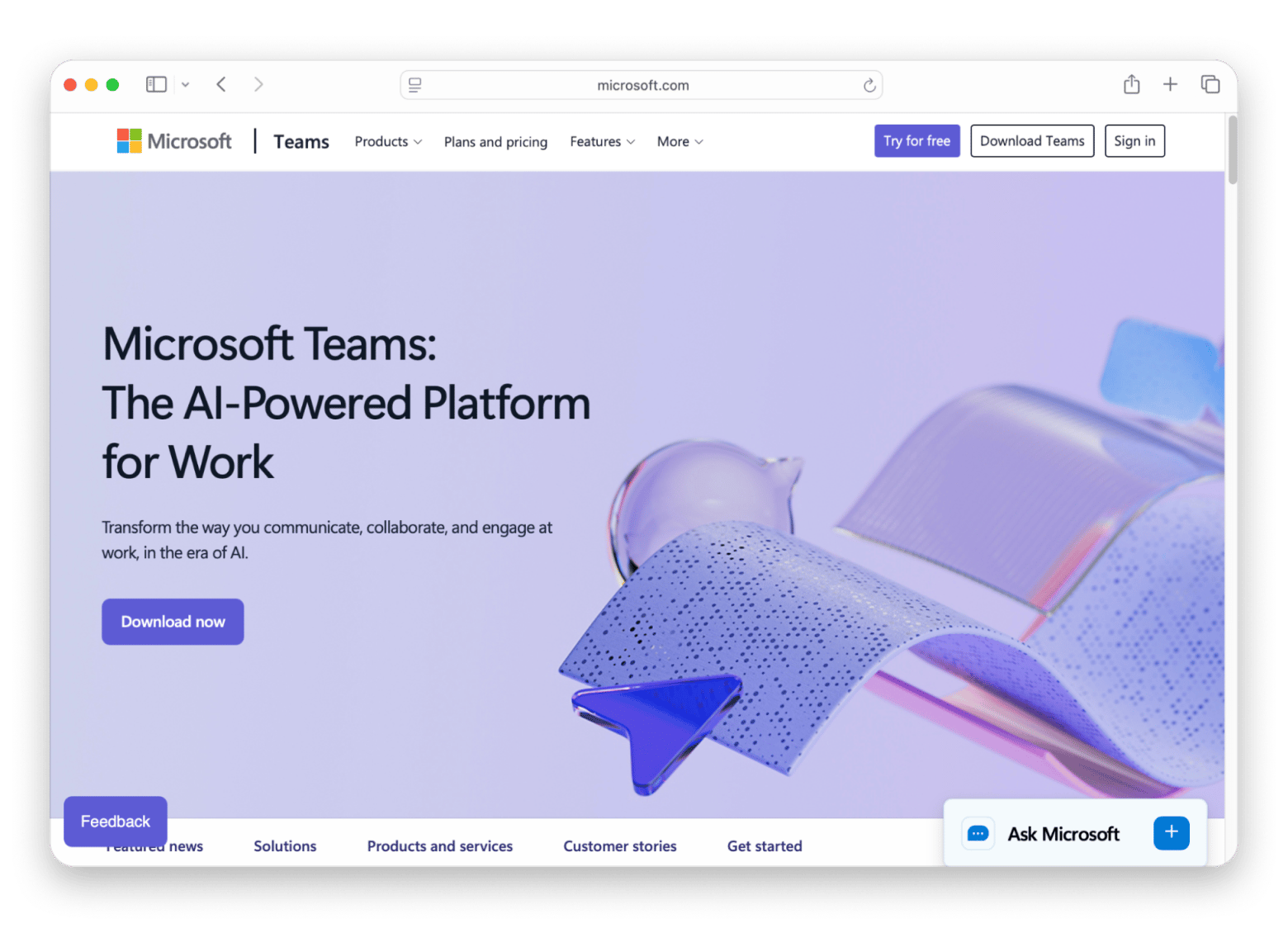
If your company is already using Microsoft 365, then Microsoft Teams is the obvious choice (you're already paying for it!).
Source: https://www.microsoft.com
It works great with the rest of Microsoft's apps, which you're probably using daily. You can chat with your teammates while editing Word documents or Excel spreadsheets. It connects with Outlook, OneDrive, SharePoint, and every other app in the Microsoft ecosystem. The relatively new Teams 2.0 app is faster and more responsive than the original version.
Downside: Teams can feel bulky. It uses more system resources than many chat apps, and the interface can be overwhelming if you simply need a tool to chat with your team.
Pricing (at the time of writing): Free plan available with limited features. The app is included in many Microsoft 365 Business and Enterprise plans.
Google Chat: Best for Google Workspace teams
Google Chat is an awesome Slack alternative if your team already works in Google Workspace. It comes included in your plan, along with apps like Gmail, Google Docs, Drive, Calendar, and other productivity apps made by Google.
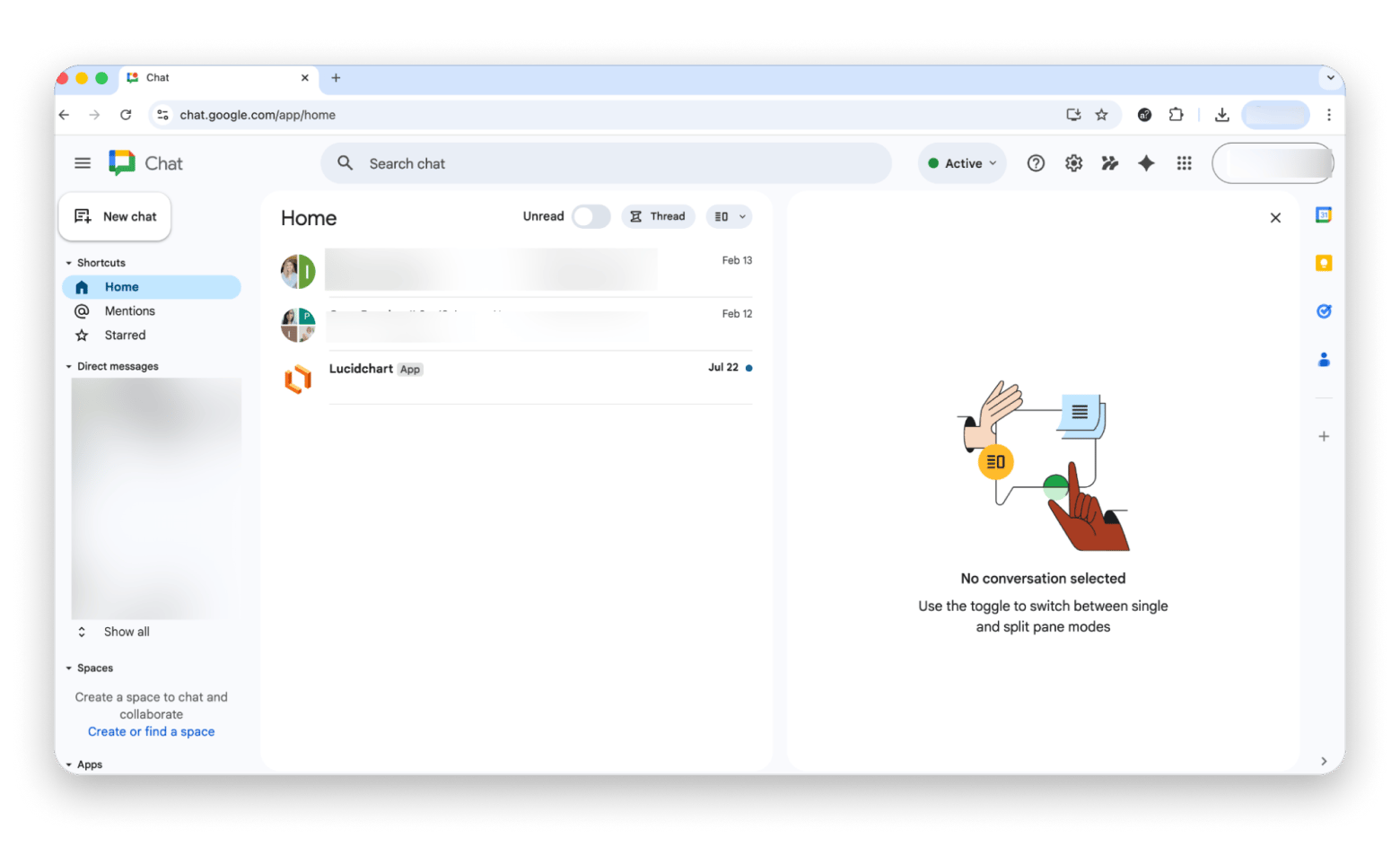
You can schedule meetings from Google Calendar and jump from a chat into a Google Meet call in just a couple of clicks. It runs in the browser, so it's not as resource-heavy as other apps.
Downside: It has fewer features than its competitors and supports fewer third-party integrations. This might be limiting for teams with more advanced workflows.
Pricing (at the time of writing): Included with all Google Workspace plans, which start at about $7 per user/month. A limited free version is also available with a personal Google account.
Mattermost: Best open-source self-hosted Slack alternative
What attracts users to Mattermost is that it gives you complete control over your data. It's an open-source Slack alternative that you can host on your own infrastructure, whether that's a Linux server or Docker. It's a popular choice for companies with strict security and privacy requirements in industries like healthcare and finance.

Source: https://mattermost.com
It has many of the collaboration features that Slack has, like channels, threaded conversations, file sharing, voice and video calls, and integrations with other tools. There's a native Mac app, and you can also add plugins for end-to-end encryption if your company needs that extra protection.
Downside: You'll need technical knowledge to set it up and keep it running. If you don't have a dedicated IT team, then you should go with a cloud-based platform.
Pricing (at the time of writing): Free self-hosted open-source version available. Professional and Enterprise plans start at $10 per user/month.
Rocket.Chat: Best open-source with omnichannel
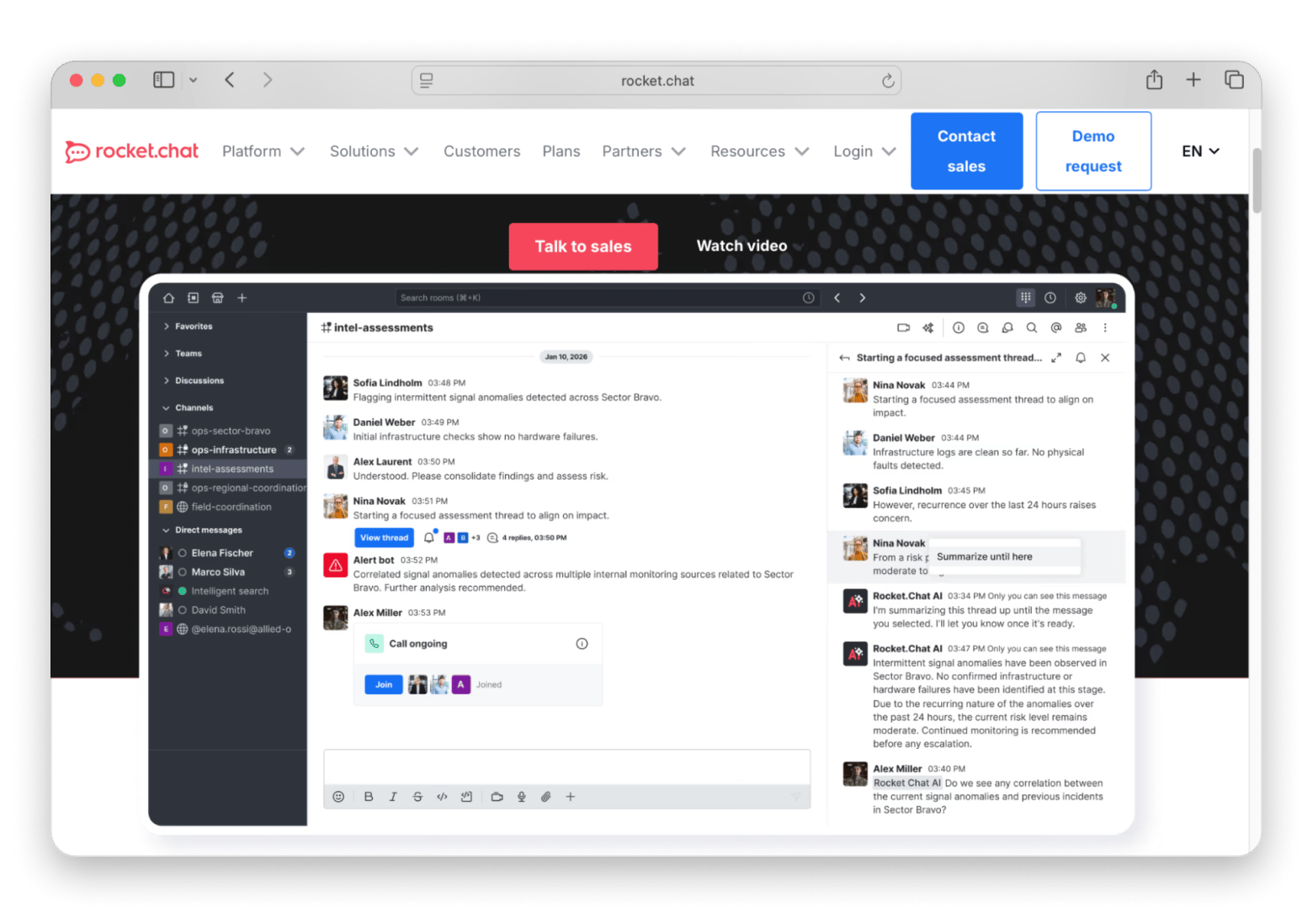
Rocket.Chat is an interesting app that combines team collaboration with customer support tools. If your business requires both, then this choice is obvious.
Source: https://www.rocket.chat
You'll find all the features you'll need from a chat app, like direct messaging, channels, voice and video calls, and file sharing. One thing that makes it different than other apps is omnichannel support (handling messages from multiple platforms in one place). You can bring messages from WhatsApp, Facebook Messenger, email, and other customer channels into one place, so your team doesn't have to switch between different apps.
Downside: Its large suite of features also means that there's more to configure and manage. It's not the simplest platform to use, so keep this in mind when making the choice. It also has a smaller user community than Slack, so it's harder to find tutorials and community support.
Pricing (at the time of writing): Free self-hosted open-source version available. Cloud and Enterprise plans are available with custom pricing.
Element / Matrix: Best decentralized e2e-encrypted team chat
Element is a good choice if security is your priority. It's built on the open-source Matrix protocol (Element is built on Matrix, an open-source, decentralized communication protocol), which gives you more control over your communications than other chat apps. Private conversations are also protected with end-to-end encryption by default.
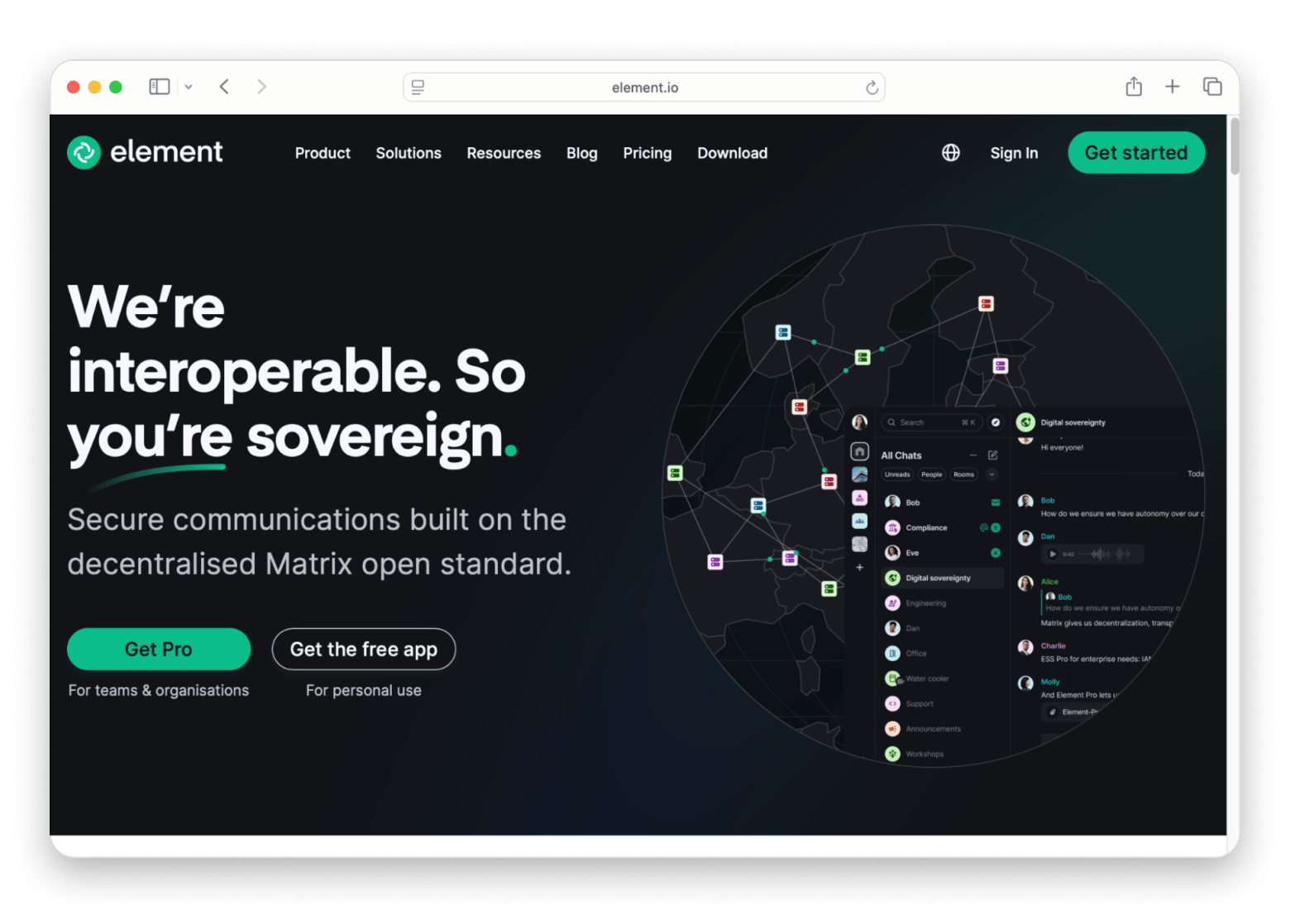
Source: https://element.io/en
You can choose between hosting Element on your own servers or using its managed cloud storage service. It comes with all the features you'd expect from a team chat app, like channels, direct messages, voice and video calls, and secure file sharing.
Downside: I tested Element for over two weeks, and the setup process is genuinely not beginner-friendly. It isn't as easy to use as Slack. Its decentralized design gives you more flexibility, but it also complicates setup and day-to-day management.
Pricing (at the time of writing): Free to use with self-hosted Matrix servers. Managed cloud plans are also available.
Zoho Cliq: Best for small business on a budget
Zoho Cliq is an app with a generous free plan and affordable paid plans. That's why it's the best Slack alternative for small businesses that want a capable team chat app without spending a fortune.
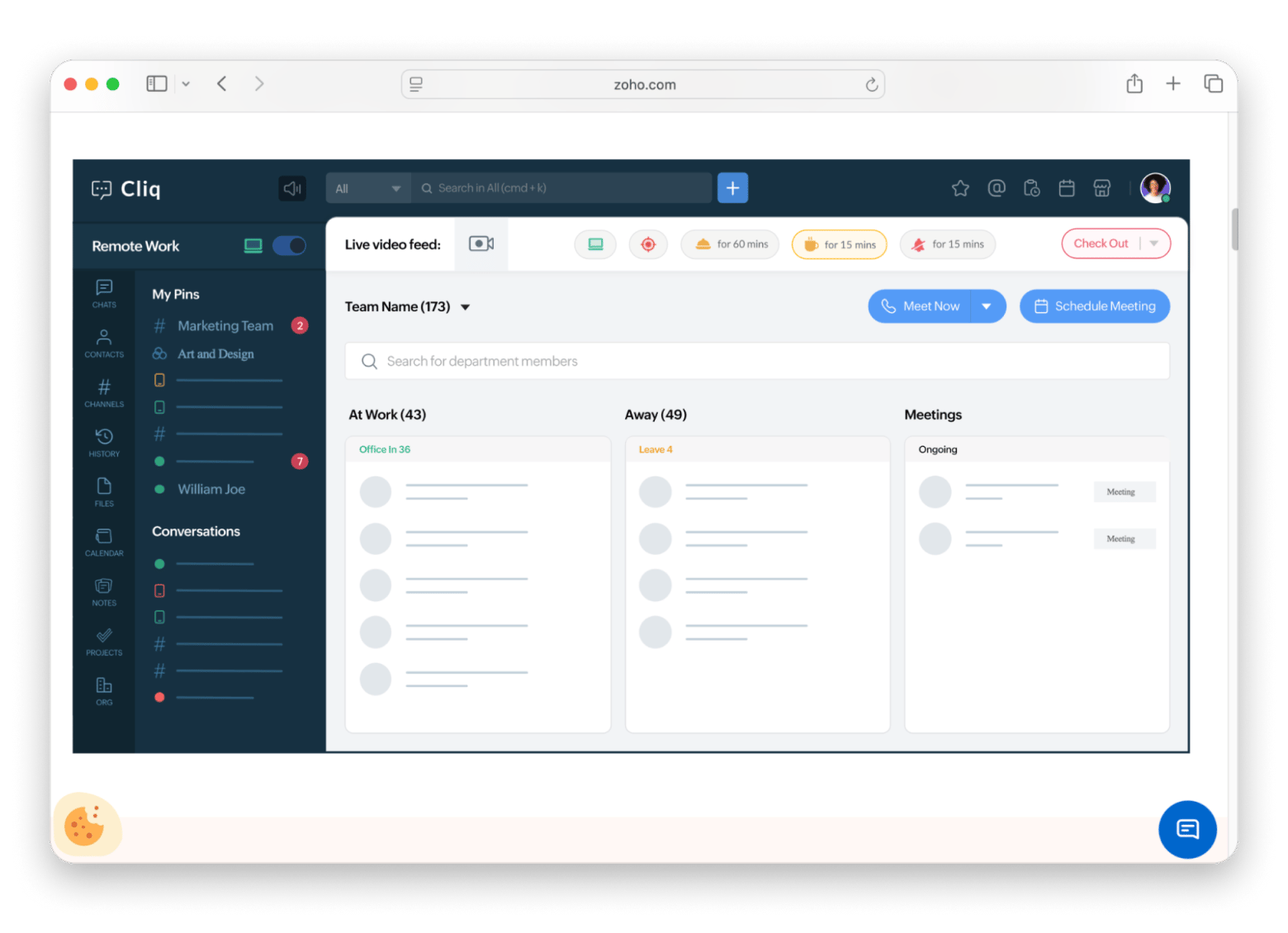
Source: https://www.zoho.com
It's even better if you're already using other apps from the Zoho ecosystem, as it works smoothly with all of them, like Zoho CRM and Zoho Projects.
Zoho Cliq Free plan supports unlimited users and gives you access to channels, threaded conversations, voice and video calls, screen sharing, and a native Mac app.
Downside: While it works with other Zoho apps, it doesn't support as many third-party integrations as Slack. So if your team depends on external apps, then Zoho Cliq is a bit limiting.
Pricing (at the time of writing): Free unlimited user plan. Paid plans start at $18 for up to 25 users/month.
Twist: Best async-first remote team chat
Twist is a team chat app that does things a bit differently from Slack. It organizes conversations into threads around specific topics, and not into chat channels. This makes it easier to follow discussions without scrolling through hundreds of messages.
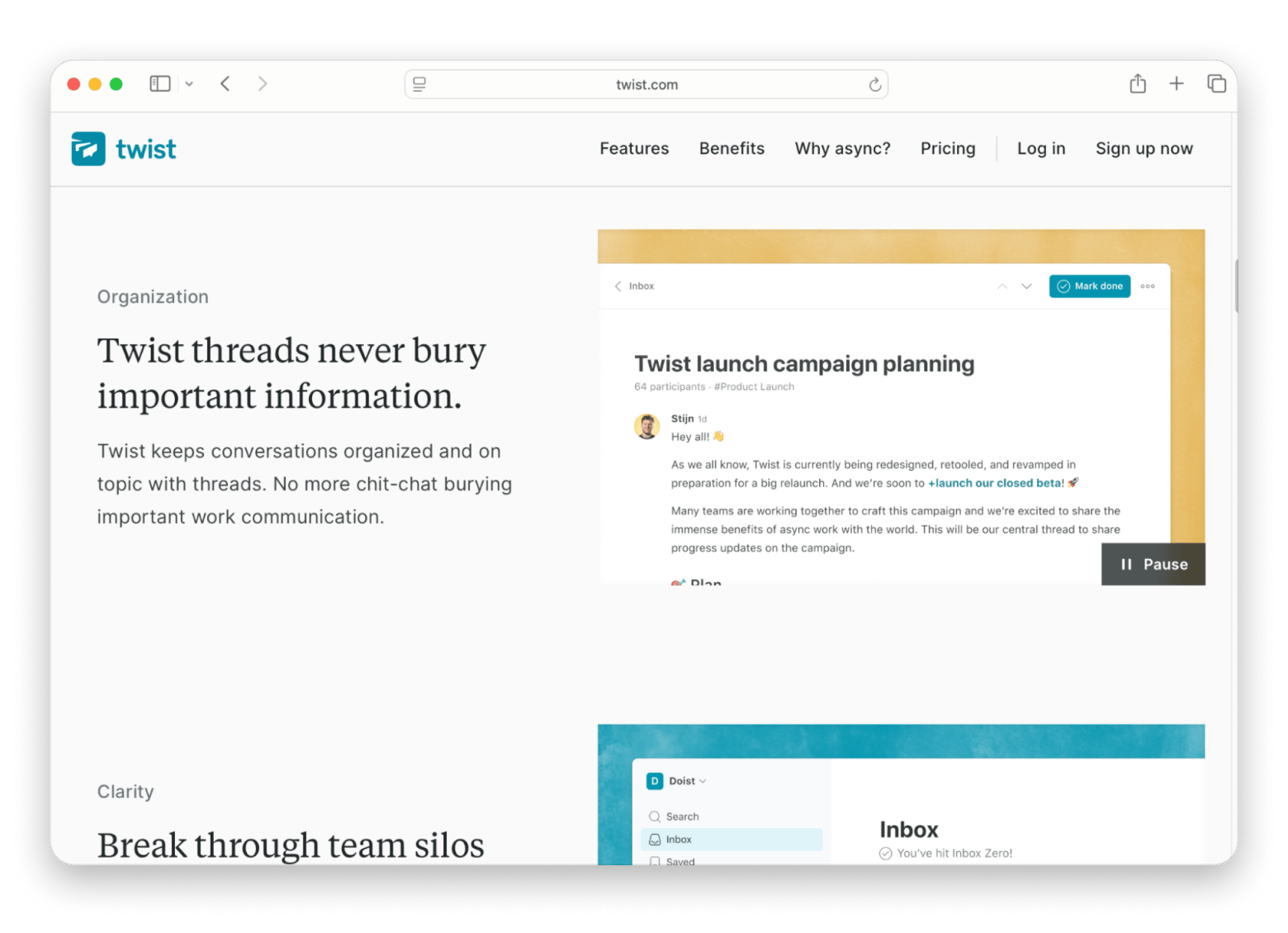
Source: https://twist.com
It integrates with all the best productivity tools and comes with a native Mac app. So if you think your team needs an app that's not as distracting as Slack, then this is a strong alternative for remote teams that prefer calmer communication.
Downside: It's not for teams that rely on quick back-and-forth conversations throughout the day. Slack is a better fit for real-time communication. But it's definitely a solid alternative for remote teams that want a calmer way to communicate.
Pricing (at the time of writing): Free plan available. Paid plans start at $6 per user/month when billed annually.
Basecamp: Best opinionated all-in-one tool
Basecamp is built for teams that want to work from one central place instead of juggling between multiple apps. Apart from team chat, Basecamp also has project management tools, message boards, shared schedules, to-do lists, and file storage, among other features.
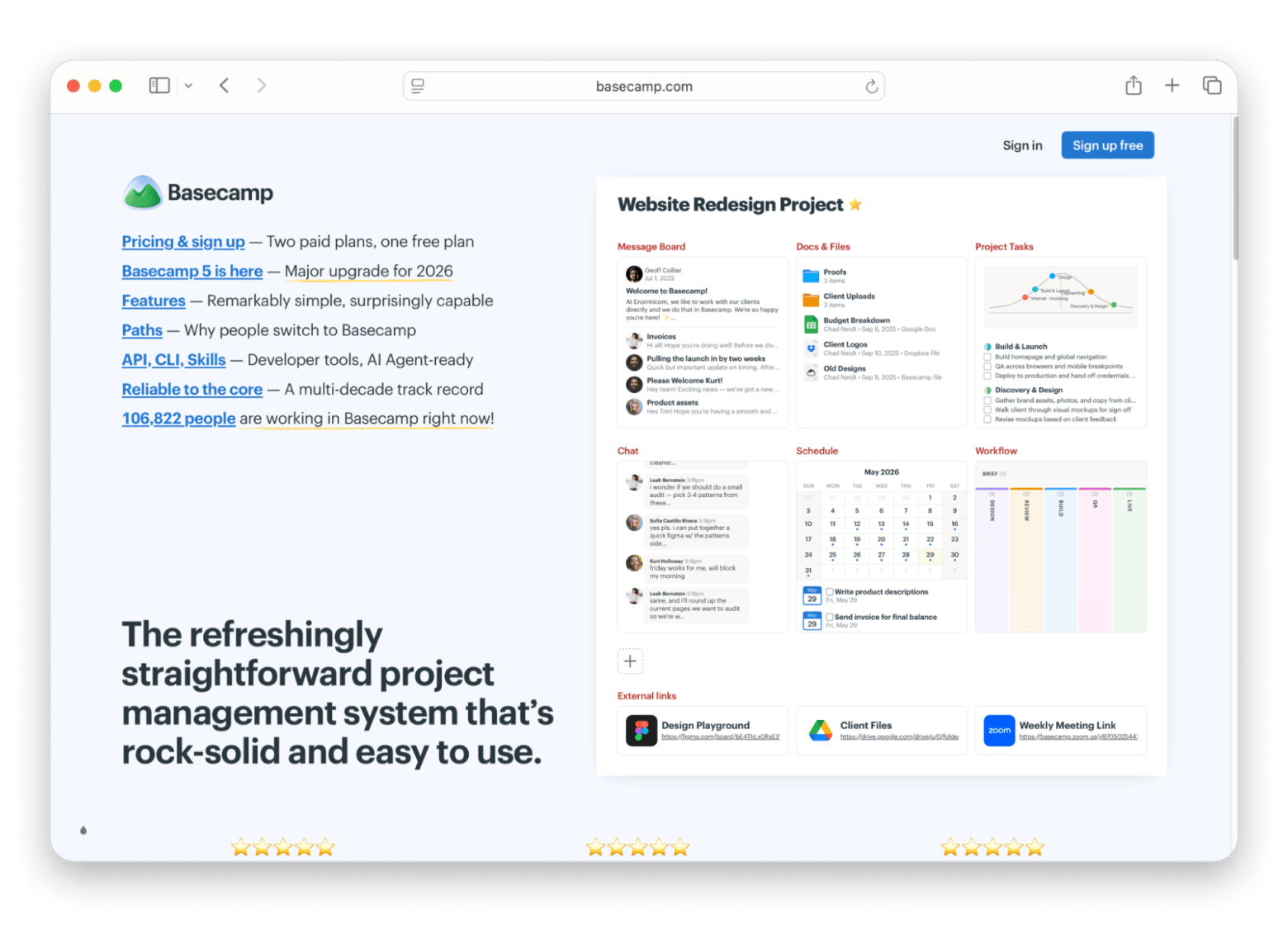
Source: https://basecamp.com
Unlike Slack, which charges per user, Basecamp has a flat-rate plan with unlimited users, which is a major perk for larger teams. If you have 50+ users, it costs less than paying for Slack Pro licenses for everyone. There's also a generous free plan.
Downside: Basecamp isn't built for fast, real-time conversations. It encourages teams to communicate through message boards and project discussions instead of expecting everyone to reply right away. If your team relies on constant back-and-forth chat, it might be too slow for your workflow.
Pricing (at the time of writing): Free plan available with limited features. Basecamp Pro Unlimited costs $299/month billed annually, and includes unlimited users.
Spike: Best chat + email + tasks in one app
Spike combines email, team chat, tasks, notes, and video meetings together in one app. It focuses on emails instead of chats. It turns long emails into chat-style conversations that are easy to scan and reply to.
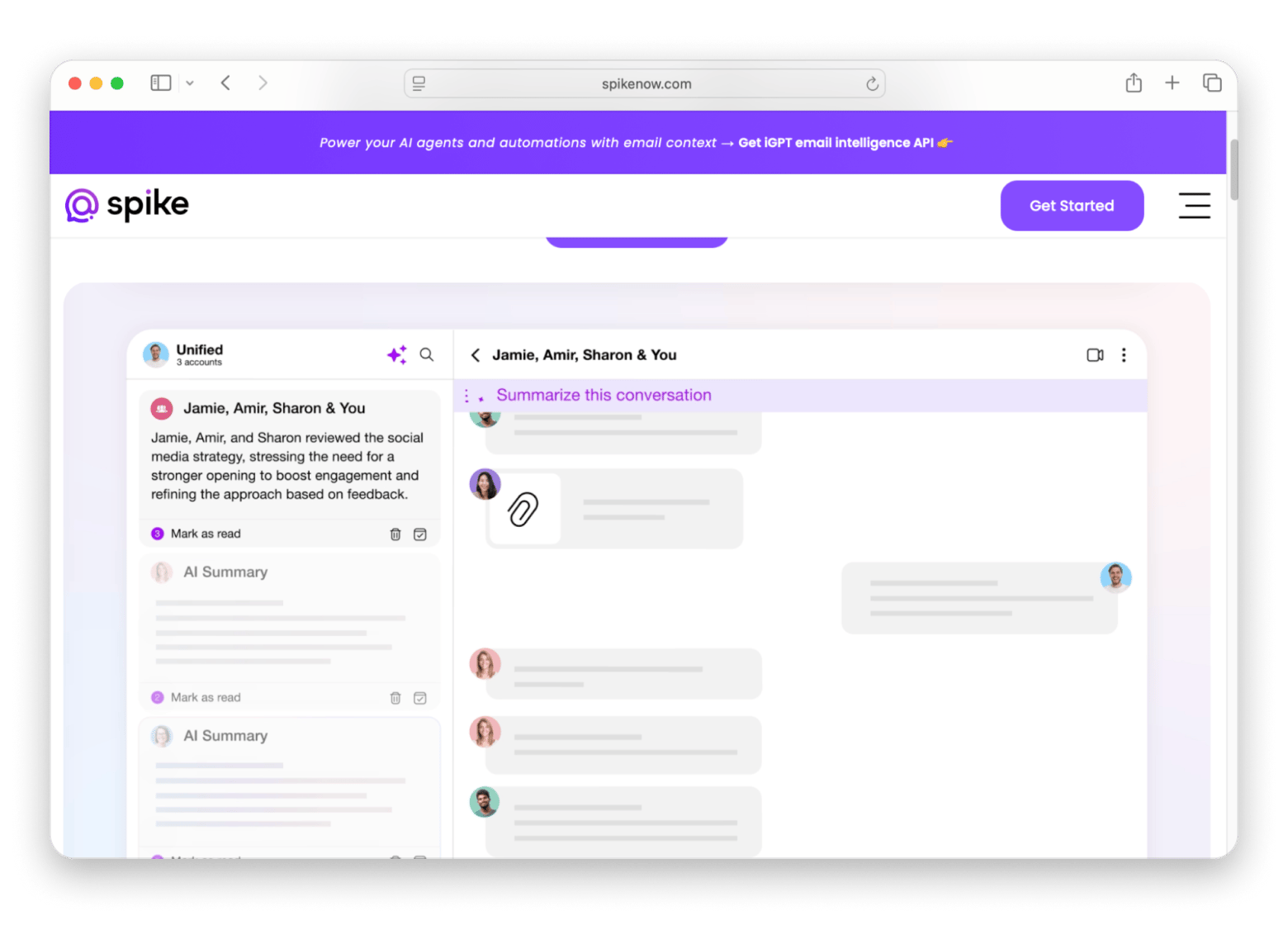
Source: https://www.spikenow.com
Apart from email, you can also create team chats, assign tasks, share notes, and start video calls. It's best for freelancers and small businesses that want to manage email and internal communication from one place (freelancers can check out this list of the best Mac apps for freelancers!).
Downside: It's not built for large companies, though. If you need more advanced features for collaboration, you'd be better off with Slack.
Pricing (at the time of writing): Free plan available. Paid plans for individuals and teams start at $6 per user/month when billed annually.
Mac tools that make any team chat workflow better
You can choose the best team chat app for your workflow, but it won't be everything. You'll still need an app to manage passwords, capture screenshots, take notes, or communicate better with your team. Here are a few Mac apps from Setapp that pair well with almost any collaboration platform.
Note: Setapp is a Mac app subscription that gives you access to 270+ apps for a flat monthly fee. The three tools below are all included.
CleanShot X: The fastest way to explain anything to a teammate
Let's say you're reporting a bug or making a screen recording to explain an issue to a colleague. That's when you can use an app like CleanShot X. It lets you capture scrolling screenshots, annotate images, blur sensitive information, and record your screen, so it's easier to show the problem before sharing it in your team chat app.
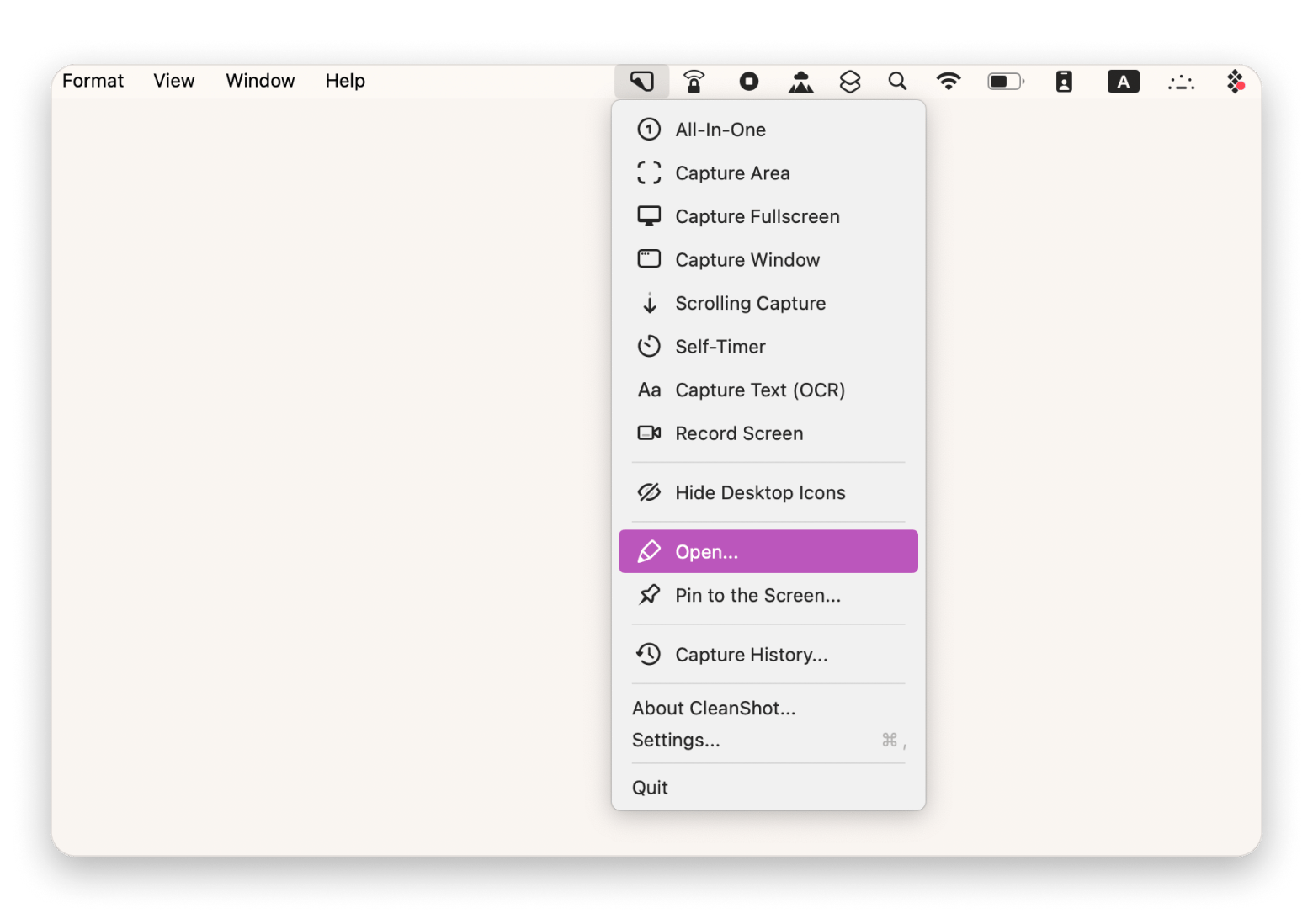
I use CleanShot X to report bugs in our team's workspace. Instead of describing an issue in a paragraph, I capture a scrolling screenshot, annotate it with arrows and text, and drop a link in the chat.
If you're building a full remote workflow around your new chat app, the guide to the best remote work tools for Mac is worth reading alongside this one — it covers task management, focus, and async communication tools that pair well with any team chat setup.
Or get Bartender as a standalone app — from $19.99 USD/year.
Bartender: Keep your Mac menu bar clean when apps start piling up
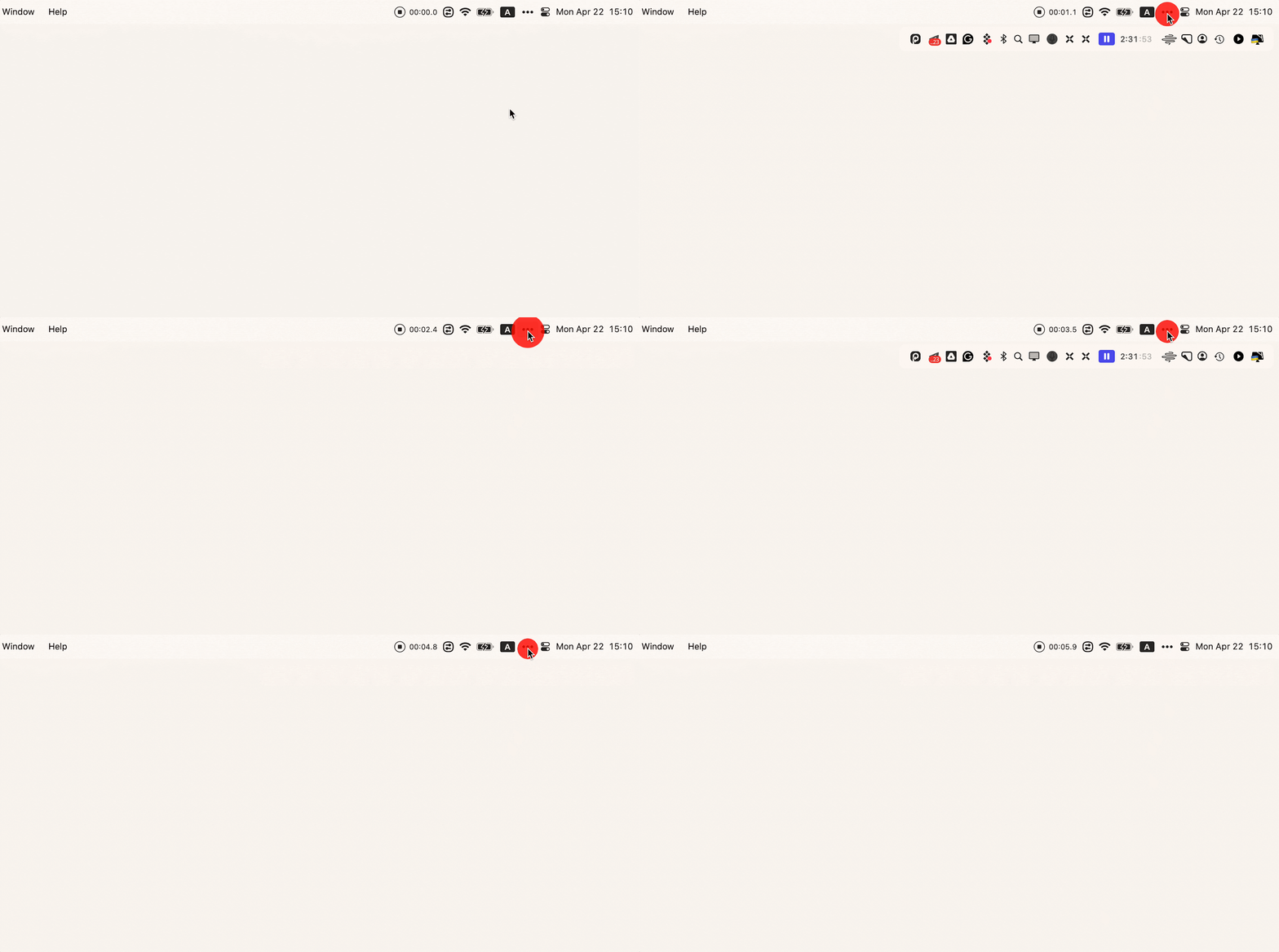
If you're using a dozen apps for your workflow, chances are your Mac's menu bar is filled with icons. To make it cleaner, you can install an app like Bartender that keeps the clutter under control. It'll organize the menu bar icons for you in a few seconds. You can keep the icons you use most often and hide the others. You can also toggle through and navigate everything with your keyboard.
One Switch: Silence notifications and reclaim focus in one click
Team chat apps are great until the notifications never stop. If you need some uninterrupted time to focus, One Switch makes it easy to turn on Do Not Disturb, connect your AirPods, switch to Dark Mode, and toggle other macOS settings without digging through System Settings.
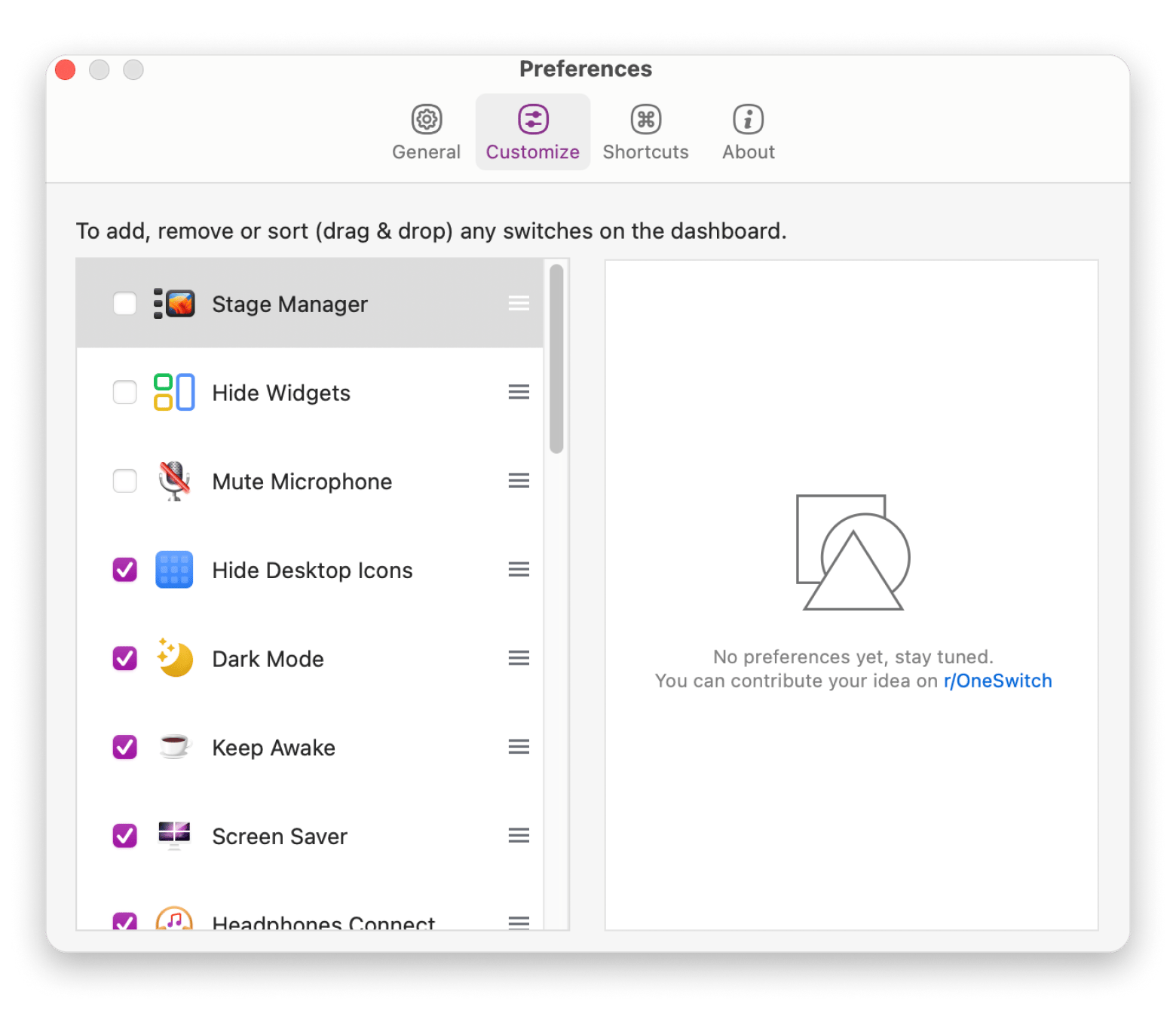
One click to silence everything. One Switch makes uninterrupted work a toggle, not a settings hunt. Free for 7 days. Get One Switch on Setapp.
Choosing the right Slack alternative for your use case
Still not sure which Slack alternative is the best pick for your team? Here's a quick way to narrow down your options based on what matters most:
- I want a free team chat app with unlimited message history > Discord is the ideal option
- My company already uses Microsoft 365 > Go with Microsoft Teams
- We're already using Google Workspace > Google Chat is what you should opt for.
- We need to self-host our communication platform > You can't go wrong with Mattermost or Rocket.Chat.
- We need end-to-end encrypted team chat > Choose Element
- We're a small business looking for an affordable option > Zoho Cliq is built for this use case.
- Our team prefers async communication over constant chat > Twist has what you need
- We want chat and project management in one app with flat-rate pricing > Try Basecamp.
- I want to combine email, team chat, and tasks in one place > Spike is the obvious choice here.
Migrating your team off Slack
Migrating from one app to another can be made easier and smoother if you take it one step at a time. To migrate off Slack:
- Export your Slack data: Go to Workspace Settings > Import/Export and download your workspace. Free plans export public channels, while paid plans can export more data.
- Review what your team uses: List your active channels, DMs, files, and integrations. Decide what needs to move right away and what can stay in Slack for now.
- Migrate your active channels first: Many Slack alternatives can import Slack export files. This makes it easy to bring over channels and message history.
- Reconnect your integrations: Things like automations and third-party apps don't migrate automatically. You'll need to set them up again.
- Keep Slack as a backup: Leave it in read-only mode for about 60 days so your team can search old conversations. Let each person decide whether they want to import their DMs.
- Here’s also how to delete profile information from Slack.
For documenting the migration process or training your team on the new tool, our roundup of the best screenshot apps for Mac covers CleanShot X and other options that make it easy to capture and share step-by-step guides.
Which Slack alternative is the right fit for your Mac workflow?
I've tested every app on this list, and the honest answer is: there's no universal winner. The right Slack alternative is the one that matches how your team actually works.
For most teams, Discord is the easiest switch — free, fast, and closer to a real workplace tool than people expect. If privacy is non-negotiable, Element is in a different category entirely. And if you're tired of per-seat pricing, Basecamp's flat rate makes more sense the bigger your team gets.
Whatever you pick, pair it with tools that reduce the noise around it. CleanShot X, Bartender, and One Switch are three Mac apps that make any chat workflow cleaner.
CleanShot X, Bartender, One Switch, and 270+ more — one Setapp Membership, $14.99 USD/mo + tax. Start My Free Trial. Already know which app you want? Browse individual apps on Setapp Marketplace.
FAQ
What is the best free Slack alternative for small teams?
Discord is the best free Slack alternative for small teams. It offers unlimited message history, voice channels, screen sharing, and video calls at no cost, and it has a native Mac app.
Is Discord a real Slack alternative for business?
Yes, especially for startups and open-source projects. Discord offers channels, voice and video calls, screen sharing, and a generous free plan. It doesn't have Slack's enterprise features or business integrations, but it's a capable and affordable choice for many smaller companies.
Which Slack alternative can I self-host?
Mattermost, Rocket.Chat, and Element all support self-hosting. They're popular with companies that have strict security or privacy requirements. Self-hosting requires technical expertise, so they're best suited for teams with dedicated IT support.
What is the best end-to-end encrypted Slack alternative?
Element is one of the best options if end-to-end encryption is a priority. Built on the open-source Matrix protocol, it encrypts private conversations by default and lets you self-host your own server if needed. It's a strong choice for teams that need maximum privacy and control.
Can I migrate my Slack history to another tool?
Yes. Many Slack alternatives can import Slack export files. Keep in mind that you need to rebuild integrations and workflows, while direct messages may require extra steps depending on the platform you choose.






 Best solution
 Best solution