- iCloud Drive — best for Apple users; built into macOS, E2EE with Advanced Data Protection, 5 GB free.
- Google Drive — best for collaboration; 15 GB free, real-time editing in Docs and Sheets.
- pCloud — best for lifetime pricing; pay once for 500 GB instead of subscribing monthly.
- Proton Drive — best for privacy; zero-knowledge E2EE by default, Swiss-based, 5 GB free.
- MEGA — best free tier with encryption; 20 GB free with end-to-end encryption built in.
- Microsoft OneDrive — best for Microsoft 365 users; 1 TB included with your existing subscription.
- Already using multiple cloud services? CloudMounter mounts Dropbox, Google Drive, OneDrive, and more as native Finder drives — no separate sync clients, no desktop clutter. Stream files on demand and add AES-256 encryption to any folder.
Try CloudMounter FREE for 7 days on Setapp — cancel before Day 7, $0 charged.
Quick answer: The best Dropbox alternatives for Mac are iCloud Drive for Apple-native integration, pCloud for lifetime pricing without monthly subscriptions, Proton Drive for maximum privacy, and Google Drive for collaboration. If you use multiple cloud services, CloudMounter on Setapp mounts them all as native Finder drives so you don't need separate sync apps.
I was one of those people who saved their treasured files on Dropbox at the peak of its popularity. But then, over time, as it became popular to take 20 different pictures of the same sunset and my work involved dealing with large files, the 2 GB of free storage space didn't cut it for me.
I started looking for an alternative and found the best one for my needs and workflow. I put together this guide of the best Dropbox alternatives for Mac, in case you're dealing with the same problem.
The best Dropbox alternatives for Mac at a glance
App | Best for | Free storage | Encryption | Price |
iCloud Drive | Apple-only setups | 5 GB | E2EE (opt-in) | From $0.99/mo |
Google Drive | Collaboration | 15 GB | Server-side | From $1.99/mo |
pCloud | Paying once | 10 GB | Add-on | $199 lifetime |
kDrive | Space per franc | 15 GB | Server-side | 3 TB, CHF 4.99/mo |
Proton Drive | Privacy | 5 GB | E2EE (default) | From $3.99/mo |
MEGA | Free encrypted space | 20 GB | E2EE (default) | From ~$5/mo |
Sync.com | Privacy plus Office | 5 GB | E2EE (default) | From $8/mo |
Icedrive | Design and privacy | 10 GB | Twofish | From $2.99/mo |
OneDrive | Microsoft 365 users | 5 GB | Server-side | 1 TB with 36 |
Or get CloudMounter as a standalone app from $7.99 USD/month.
Why Mac users leave Dropbox
Most people leave Dropbox for one of three reasons: the 2 GB free tier, the price of the paid plans, or the lack of zero-knowledge encryption. The sync engine is fast and it works with more third-party apps than any rival, so nobody switches because Dropbox is broken. They switch because the deal stopped making sense.
The free tier is the first crack. Dropbox has offered 2 GB for over a decade, while iCloud Drive and OneDrive give 5 GB, pCloud and Icedrive give 10 GB, and Google Drive gives 15 GB.
Price is the second. Dropbox Plus runs $11.99 per month for 2 TB. pCloud sells the same space as a one-time purchase, so if you plan to store files for years, buying once can cost less than about three years of subscription.
Privacy is the third. Dropbox encrypts your files, but it holds the keys and its terms allow content scanning in some cases. Proton Drive, MEGA, and Sync.com all use end-to-end, zero-knowledge encryption instead.
The 9 best Dropbox alternatives for Mac
Here is what each one does better than Dropbox, and where it falls short.
iCloud Drive: Best built-in option for Mac
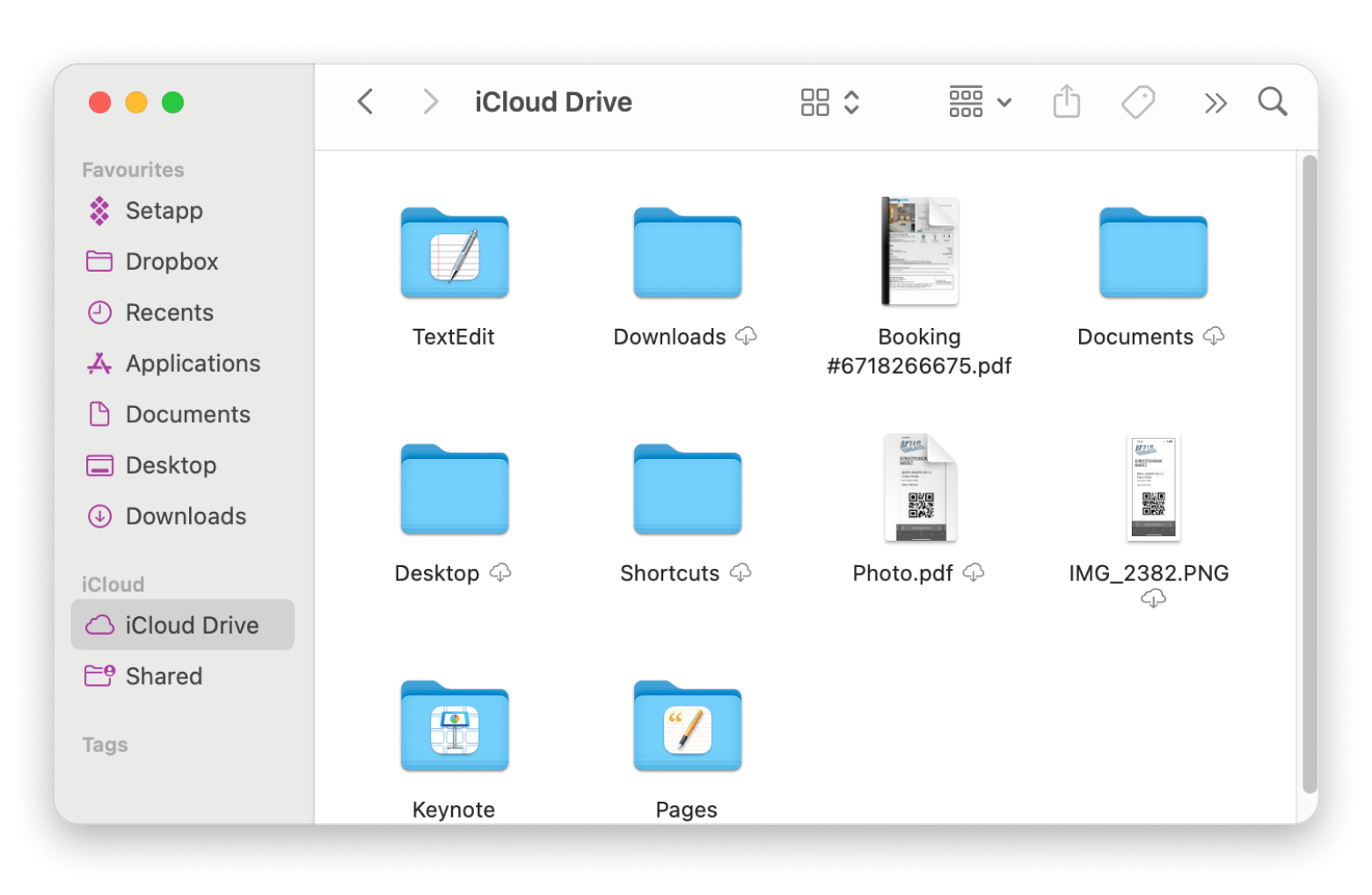
iCloud Drive is already on your Mac, already signed in, and probably already syncing your Desktop and Documents folders. For a lot of people that is the whole answer, and it is the first thing I suggest to anyone who does not want to think about this at all.
The integration is the point. Files show up in Finder with no third-party client running, Optimize Mac Storage clears local copies when your disk fills up, and everything carries over to iPhone and iPad with no setup. I keep personal files here and nothing work related. Where it struggles is anything outside Apple: sharing with Windows users is clumsy, collaboration is basic, and if you ever leave, this is the hardest migration on the list.
Best features:
- Built into macOS with native Finder integration and no extra app
- Desktop and Documents sync across every Apple device
- Optimize Mac Storage frees local space automatically
- iCloud+ adds Private Relay, Hide My Email, and custom email domains
- Advanced Data Protection for end-to-end encryption on most data
Pros:
- Zero setup if you already use a Mac and an iPhone
- Nothing extra running in the background
- Sensible pricing at the middle and upper tiers
Cons:
- Only 5 GB free, the smallest here apart from Dropbox
- Monthly billing only, with no annual discount
- Advanced Data Protection is off by default, so Apple holds the keys until you turn it on
- Poor experience on Windows or Android, and the hardest service to leave later
Price: Free with 5 GB. iCloud+ starts at $0.99/month for 50 GB, $2.99 for 200 GB, and $9.99 for 2 TB, billed monthly.
Google Drive: Best for collaboration
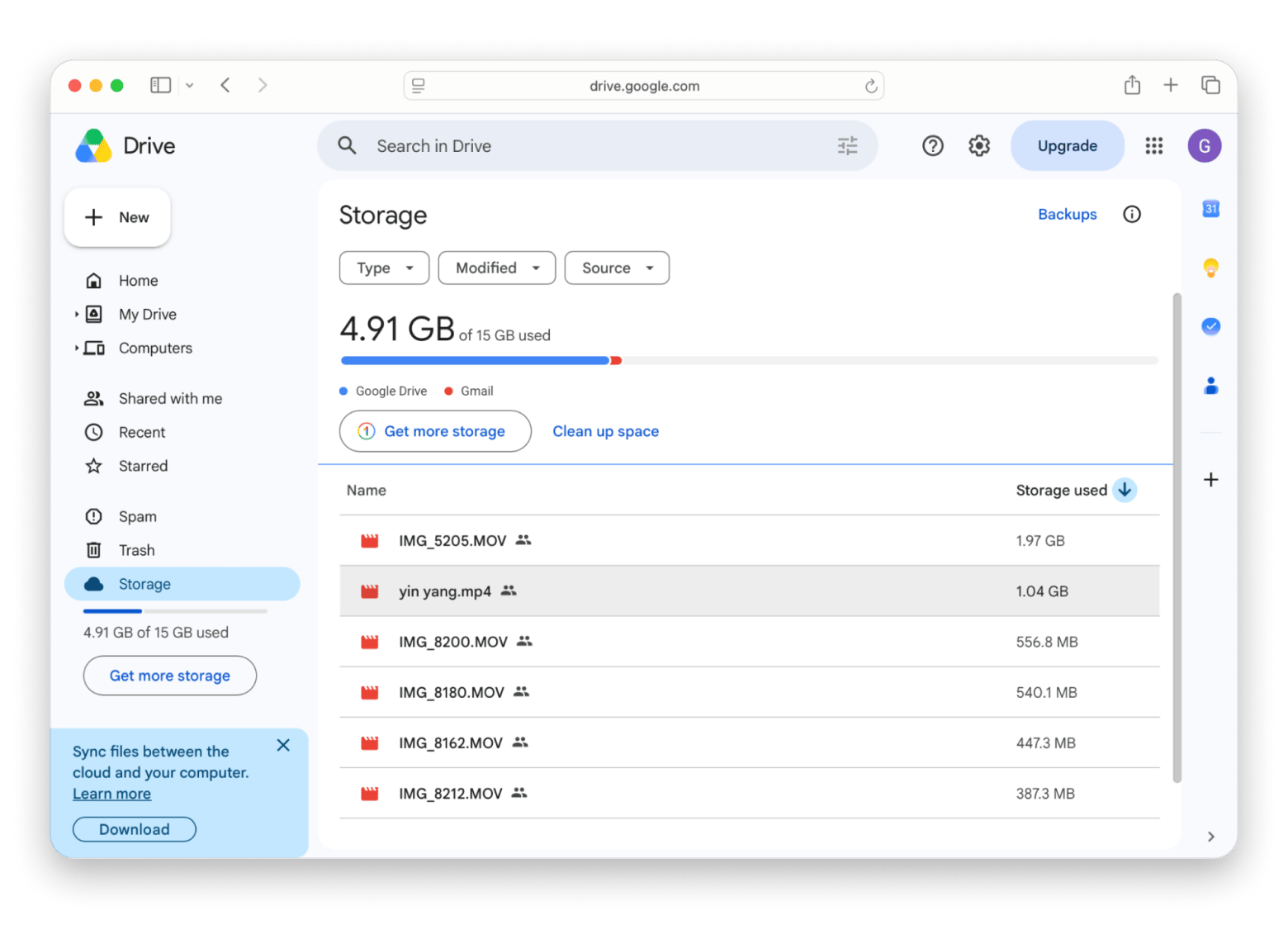
Google Drive is not a privacy choice and I would not pretend otherwise. It is a collaboration choice, and on that front nothing else here comes close. The reason is boring and unavoidable: your clients already have Google accounts. When someone sends a Sheet and expects comments back by Friday, being the person who asks them to sign up for something else is not a good look.
You get 15 GB free, shared across Drive, Gmail, and Photos. The macOS app streams files rather than copying everything locally, so a large account does not fill your SSD. The thing to watch in 2026 is what Google did to its personal plans. Above the 100 GB Basic tier there is no storage-only option left. The 2 TB and 5 TB plans are now Google AI Plus and Google AI Pro, and both fold Gemini into the price whether you wanted it or not.
Best features:
- 15 GB free, shared across Drive, Gmail, and Google Photos
- Real-time editing in Docs, Sheets, and Slides with comments and version history
- Drive for desktop streams files instead of keeping a full local copy
- Shared drives with permissions set per file and per folder
- Search that reads text inside PDFs and images
Pros:
- Everyone you work with already has an account
- The best collaboration layer of anything on this list
- Free tier is more than seven times what Dropbox offers
Cons:
- No zero-knowledge encryption, so Google can read what you store
- The 15 GB is shared with Gmail and Photos, so a heavy inbox eats into your file space
- The ladder jumps from 100 GB straight to 2 TB, with nothing in between
- Larger tiers charge you for Gemini whether you use it or not
Price: Free with 15 GB. Paid storage runs through Google One, from $1.99/month for 100 GB, then 2 TB and 5 TB on the Google AI Plus and Google AI Pro tiers.
pCloud: Best for paying once instead of subscribing
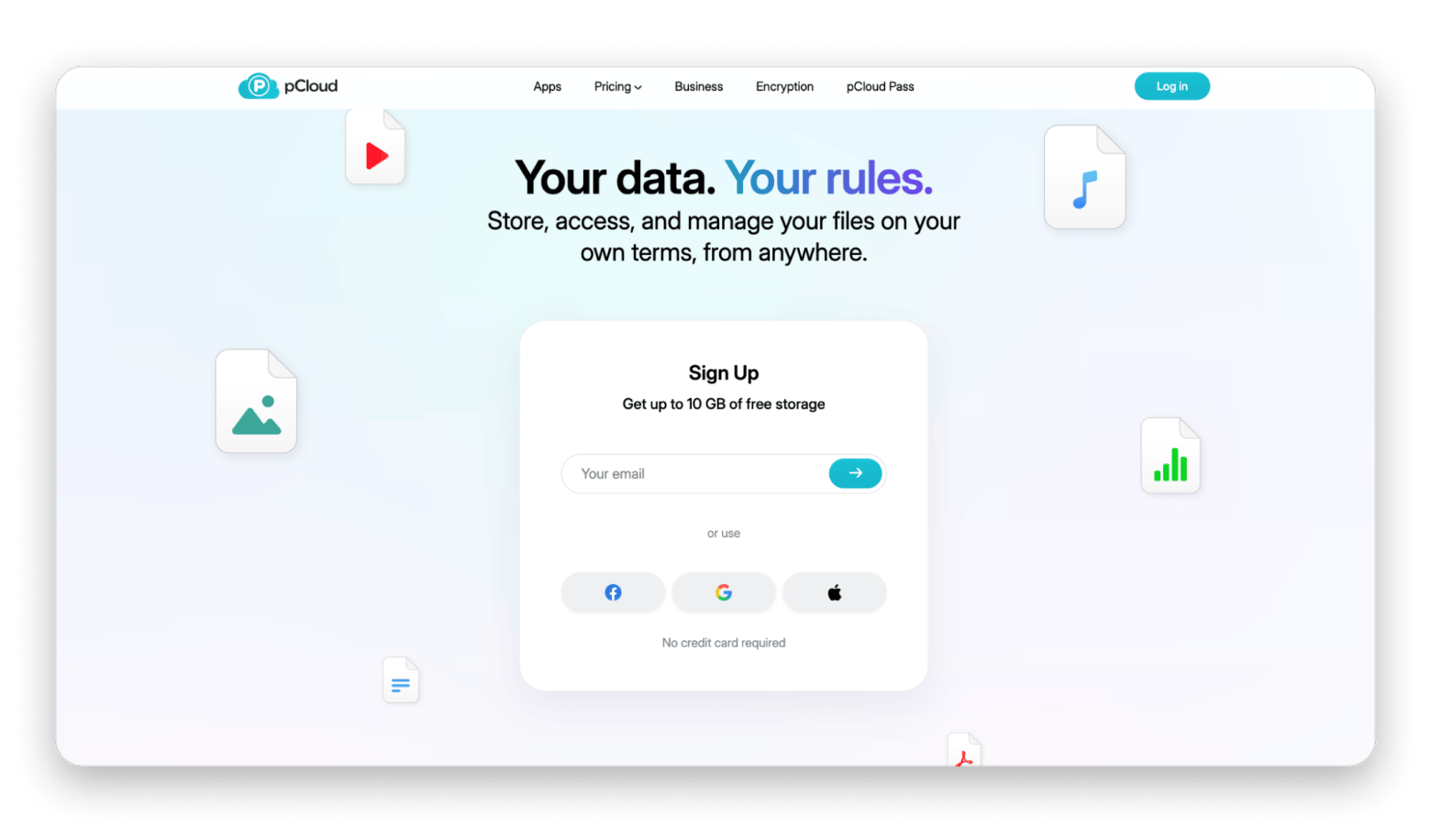
If subscription fatigue is what is pushing you off Dropbox, pCloud answers it directly. You can buy 500 GB once for $199 and never pay for that storage again. Against Dropbox at $11.99 a month, the lifetime plan pays for itself in a little over three years, and after that it is free.
The Mac app integrates with Finder through pCloud Drive, so you stream files on demand instead of storing everything locally. The one thing to know before you buy: end-to-end encryption is not included. It is a paid add-on called pCloud Crypto, so if zero-knowledge protection matters to you, budget for it on top.
Source: https://www.pcloud.com
Best features:
- Lifetime plans that replace a monthly subscription entirely
- pCloud Drive streams files on demand from Finder
- 10 GB free, five times the Dropbox free tier
- Client apps for macOS, iOS, Windows, Linux, and the web
- Built-in file versioning and shared links
Pros:
- Pay once and stop thinking about renewals
- Generous free tier compared to Dropbox
- Clean Finder integration without a full local copy
Cons:
- Zero-knowledge encryption costs extra through pCloud Crypto
- The lifetime price is a large upfront cost
- Fewer collaboration tools than Google Drive
Price: 10 GB free. Paid plans from $49.99/year or $199 lifetime for 500 GB, with a 2 TB lifetime plan at $399.
kDrive by Infomaniak: Best value for money
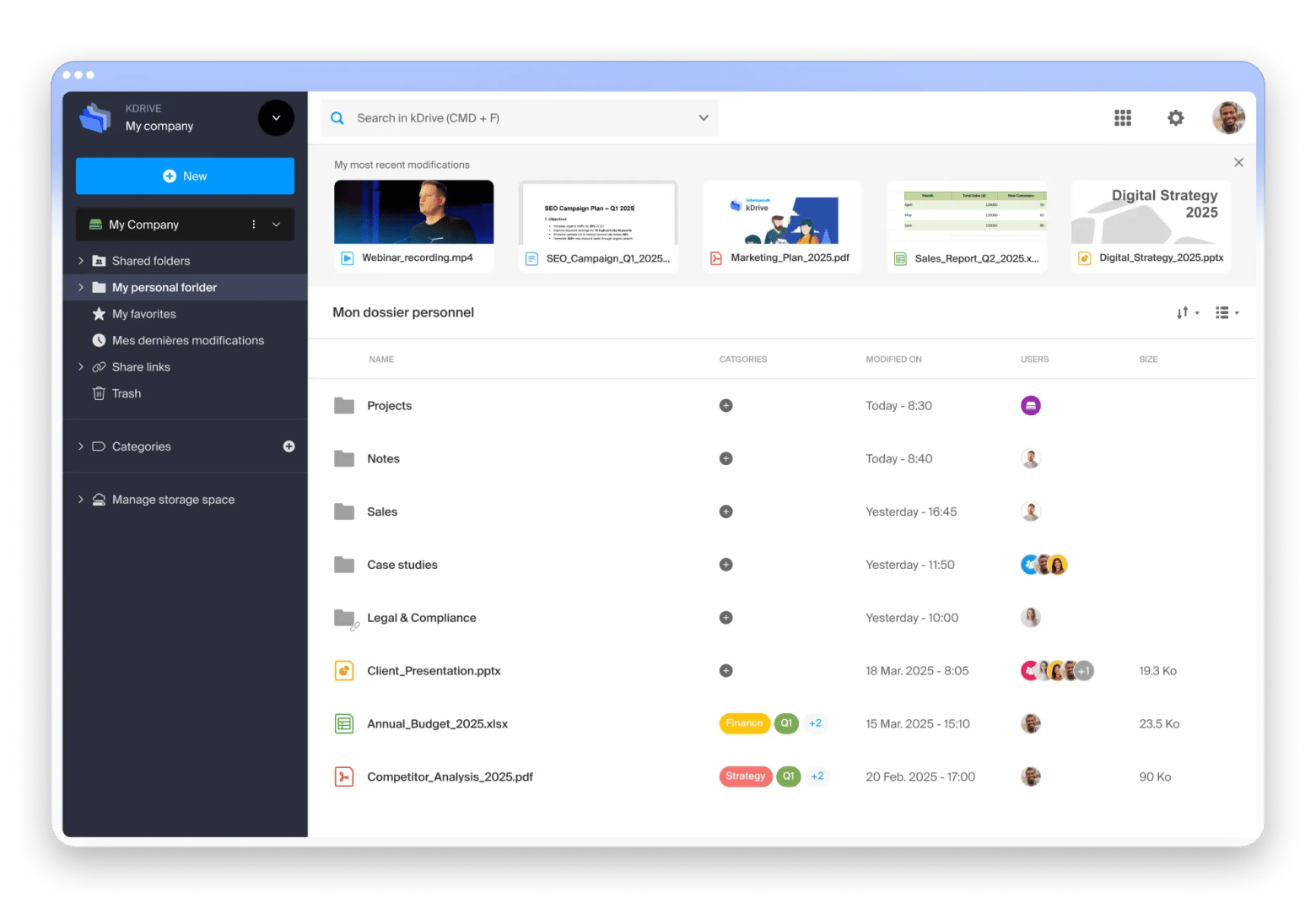
kDrive is the one that surprised me. It is built and hosted entirely in Switzerland by Infomaniak, an independent company owned by its own employees, and it does the whole job without the constant upsell.
The value case is simple. kDrive Solo gives you 3 TB for CHF 4.99 per month on annual billing, which is roughly what a 2 TB plan costs elsewhere for half again as much space. What sold me was the collaboration layer: kDrive has OnlyOffice built in, so you can edit Word, Excel, and PowerPoint files in the browser with version history and comments. For client work where someone sends a .docx and expects edits back, that saves a lot of round trips. The macOS sync agent behaves the way Dropbox did, with selective folder sync, so the switch took me about ten minutes.
Best features:
- kDrive Solo gives 3 TB on a single-user plan
- Data stored only in Swiss data centers, GDPR and nFADP compliant
- OnlyOffice built in for editing Office files in the browser
- Native sync agent for macOS, Windows, and Linux, with selective folder sync
- WebDAV support on paid plans, plus Synology and QNAP sync
- Triple backup redundancy across two data centers
Pros:
- The most storage per franc of anything on this list
- Real collaboration features rather than storage on its own
- Swiss jurisdiction, with a company that does not run on ad revenue
Cons:
- Not zero-knowledge, so Infomaniak could access files if legally compelled
- The 3 TB on Solo cannot be increased, so growth means changing plans
- The advertised 35 GB free is 15 GB of Drive plus 20 GB of mail, not 35 GB for files
- Smaller ecosystem, so fewer third-party integrations than Google or Dropbox
Price: 15 GB of Drive storage free for life through my kSuite. kDrive Solo gives 3 TB for CHF 4.99 per month on annual billing.
Proton Drive: Best for privacy and encryption
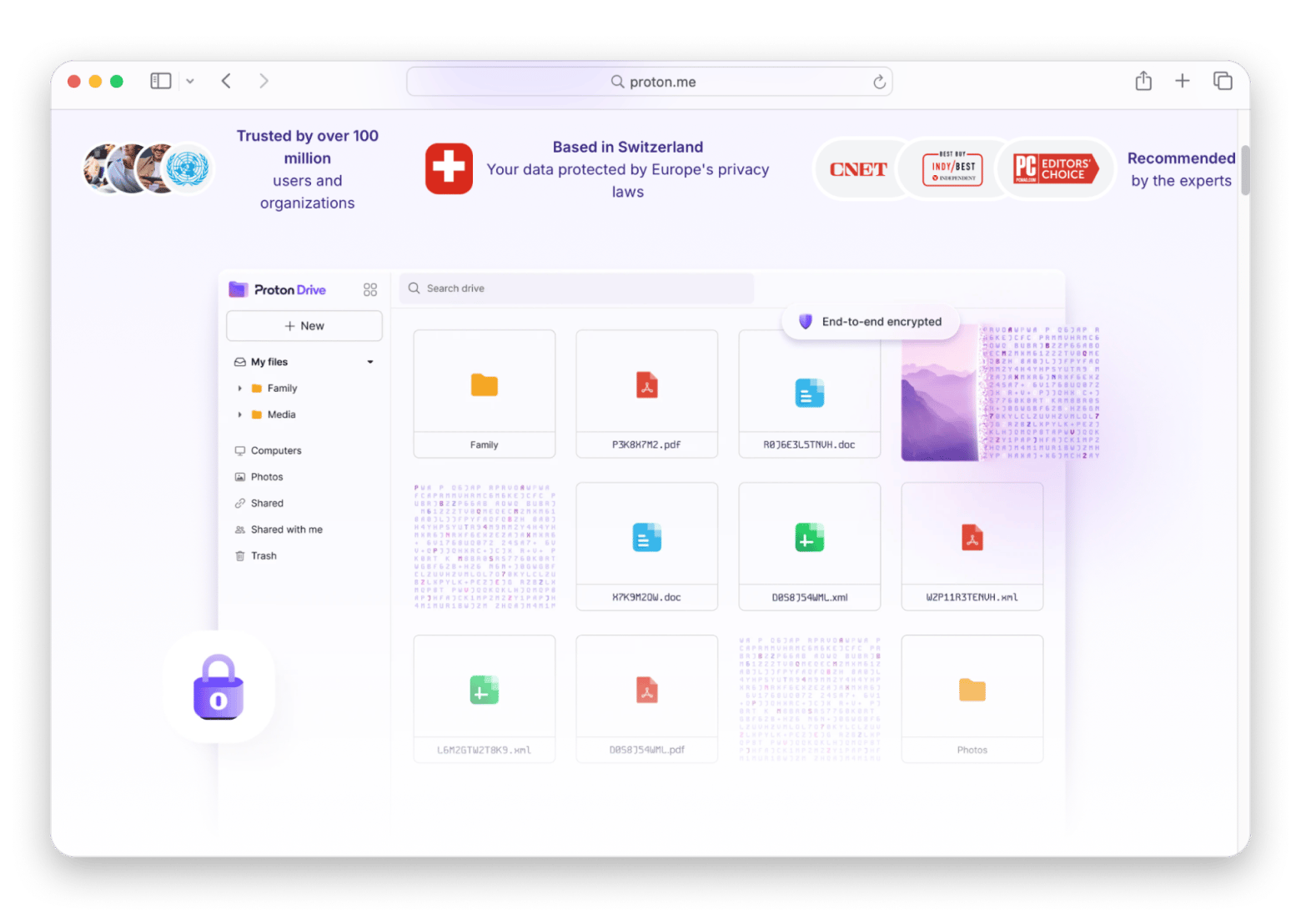
Proton Drive is where I put anything I would not want read: contracts, invoices, ID scans, client material under NDA. Encryption covers file contents, folder structure, and file names, not just what is inside the file, and Proton cannot decrypt any of it. The company sits in Geneva and the apps are open source and independently audited.
The macOS app gives you a virtual drive with selective sync, so a large account does not eat your disk. Proton Docs and Proton Sheets let you edit privately, though the collaboration is nowhere near Google. I would not run it as my only drive. The free allowance is small and shared with Mail and Calendar. For the small share of documents that genuinely matter, though, it is the right place to put them.
Source: https://proton.me
Best features:
- End-to-end encryption covering files, folders, names, and metadata
- Swiss jurisdiction, with open-source and independently audited apps
- Virtual drive on macOS with selective sync
- Password-protected and expiring share links, included on the free plan
- Proton Docs and Proton Sheets for private document editing
- Automatic photo backup on iOS and Android
Pros:
- The strongest privacy guarantees of anything here
- Sharing controls that other services reserve for paid tiers
- Makes obvious sense if you already pay for Proton Mail or VPN
Cons:
- Free storage starts at 2 GB and only reaches 5 GB after setup steps
- Storage is shared with Mail and Calendar, so email competes with your files
- File version history is a paid feature only
- Costs more per gigabyte than everything else on this list
Price: Free from 2 GB, rising to 5 GB after a few setup steps. Drive Plus gives 200 GB from $3.99/month on annual billing, and Proton Unlimited bundles 500 GB with Mail, VPN, and Pass at $9.99/month.
MEGA: Best free tier with encryption
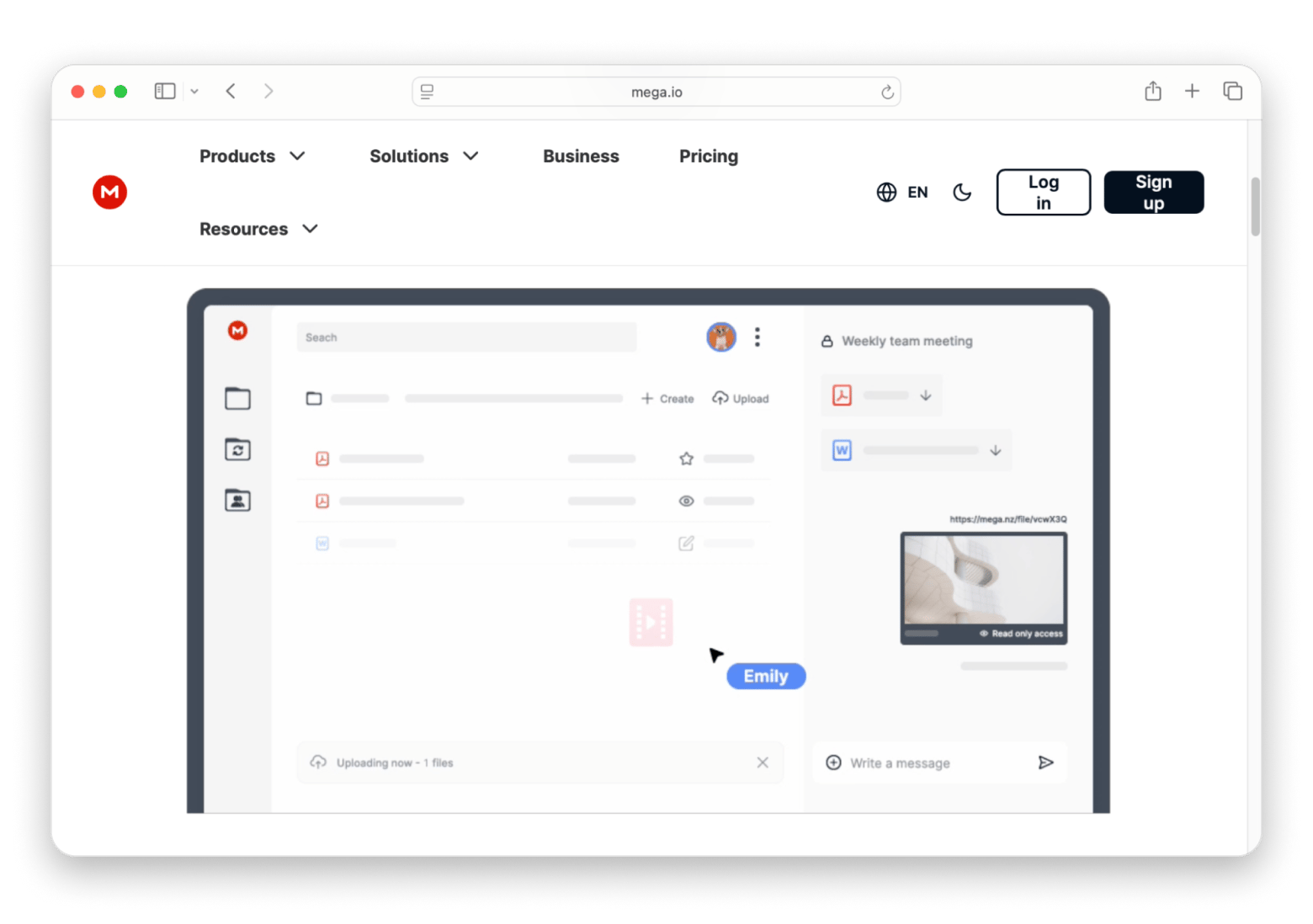
MEGA gives you 20 GB free with end-to-end encryption switched on by default. Dropbox gives you 2 GB and no encryption you control. That gap is hard to argue with before you have paid anything. Client-side encryption applies to every plan, the free one included, so files are locked on your Mac before they go anywhere.
I use MEGA for one-off transfers. When a client needs a 4 GB file and I do not want to spend a link on my main drive, it goes here and I forget about it. Pro Lite is worth a look too: it gives you 750 GB, which lands in exactly the gap Dropbox refuses to sell. The catch is transfer. Every MEGA plan caps how much data you can move, the paid ones included, and most rivals do not meter you at all. If you shift large files constantly, check that number before you commit.
Source: https://mega.io
Best features:
- 20 GB free, the largest unconditional free tier here
- Client-side encryption on every plan, including the free one
- Pro Lite starts at 750 GB, a size most rivals do not sell at all
- Every Pro plan bundles MEGA VPN and MEGA Pass at no extra cost
- Apps for macOS, iOS, Android, Windows, and Linux, plus MEGAcmd for scripting
- File versioning and a built-in encrypted chat
Pros:
- Nothing else gives you this much encrypted space for free
- Encryption is the default rather than an upgrade
- Handles very large single-file transfers without complaint
Cons:
- Every plan meters data transfer, the paid ones included
- Bonus space earned through referrals and achievements can expire
- Collaboration and real-time editing are basic
- Charged in euros, so the price in your currency is only an estimate
Price: Free with 20 GB and encryption included. Pro plans are charged in euros and run from 750 GB on Pro Lite up to 20 TB on Pro III, every tier bundling MEGA VPN and MEGA Pass.
Sync.com: Best zero-knowledge storage with Office support
Sync.com protects every file with zero-knowledge encryption, like Proton and MEGA. What sets it apart is that it supports real-time collaboration on Word, Excel, and PowerPoint files through the browser, so you do not have to choose between privacy and working with other people on Office documents. The Mac app is reliable and keeps files in sync across devices without much fuss.
The trade-off is reach. Sync.com has fewer features and far fewer third-party integrations than Dropbox, so if your workflow leans on lots of connected apps, this will feel narrow. For a professional or small team that lives in Office files and does not want to hand the keys to a provider, it fits well.
Source: https://www.sync.com
Best features:
- Zero-knowledge encryption on every file by default
- Real-time collaboration on Word, Excel, and PowerPoint in the browser
- Reliable native Mac sync client
- Password-protected share links with expiry controls
- Generous paid storage at a low monthly price
Pros:
- Privacy and Office collaboration in the same tool
- Straightforward, no-surprises sync on Mac
- Strong value on the 2 TB plan
Cons:
- Fewer features than Dropbox or Google Drive
- Limited third-party integrations
- Real-time editing is browser-only
Price: 5 GB free. Paid plans from $8/month for 2 TB.
Icedrive: Best-looking privacy alternative
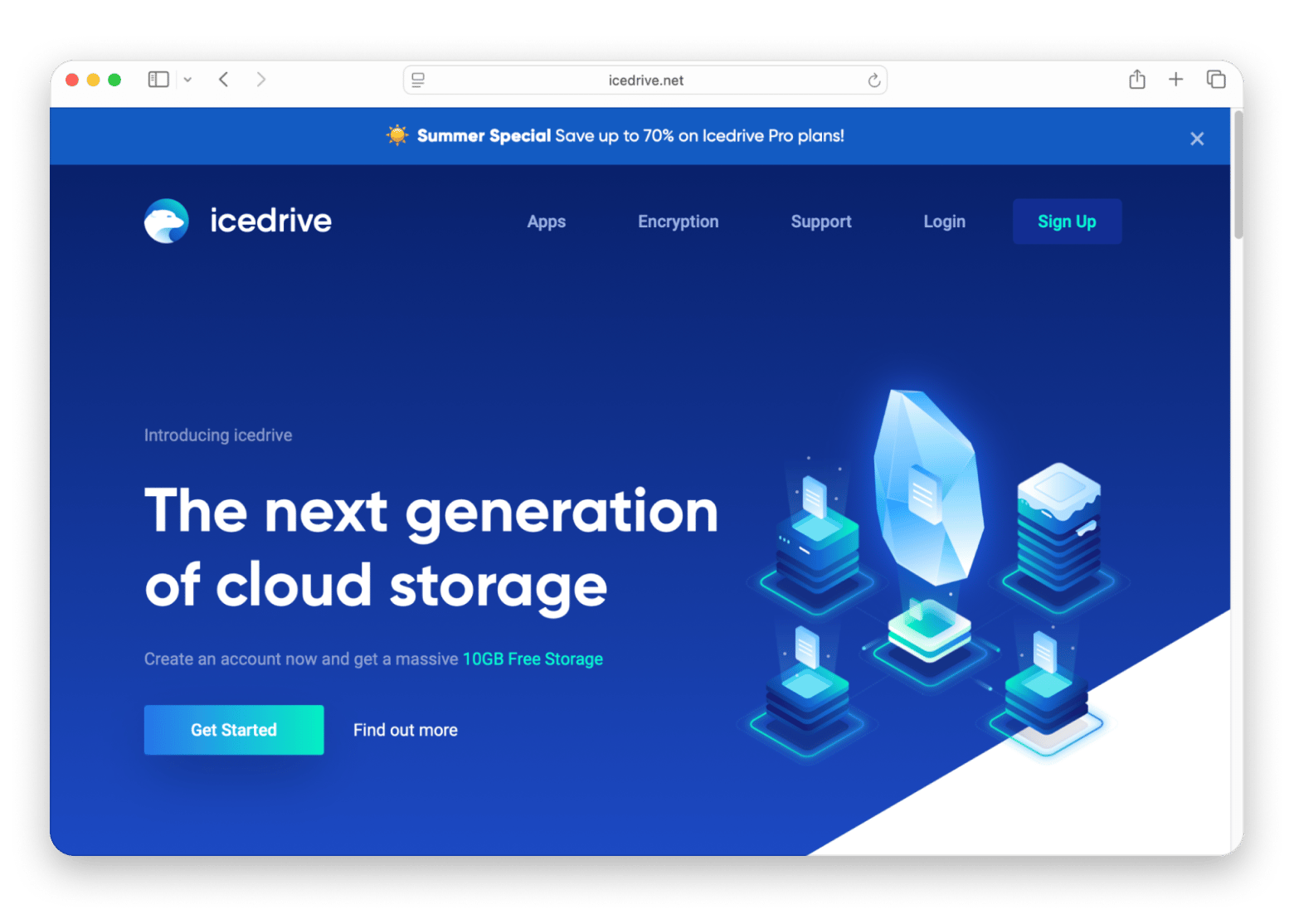
Icedrive is the one to pick if the interface matters to you. It has a clean, modern design and mounts as a virtual drive in Finder, so you can reach files without storing everything locally. Instead of AES it uses the Twofish algorithm, a trusted alternative, and it offers lifetime plans if you would rather pay once than subscribe.
The limits are the familiar ones for a smaller service: it does not have the collaboration tools or the third-party integrations of Dropbox, so it is not built for large teams. If your priority is private storage that looks good and stays out of your way, Icedrive earns its place.
Source: https://icedrive.net
Best features:
- Polished, modern interface across Mac and web
- Virtual drive in Finder with on-demand streaming
- Twofish encryption on paid plans
- Lifetime plans as an alternative to monthly billing
- 10 GB free, five times the Dropbox free tier
Pros:
- One of the nicest interfaces of any service here
- Lifetime pricing option
- Good free allowance
Cons:
- Thin collaboration tools
- Few third-party integrations
- Smaller company and ecosystem
Price: 10 GB free. Paid plans from $2.99/month for 150 GB, with lifetime plans from $99 for 512 GB.
Microsoft OneDrive: Best if you already pay for Microsoft 365
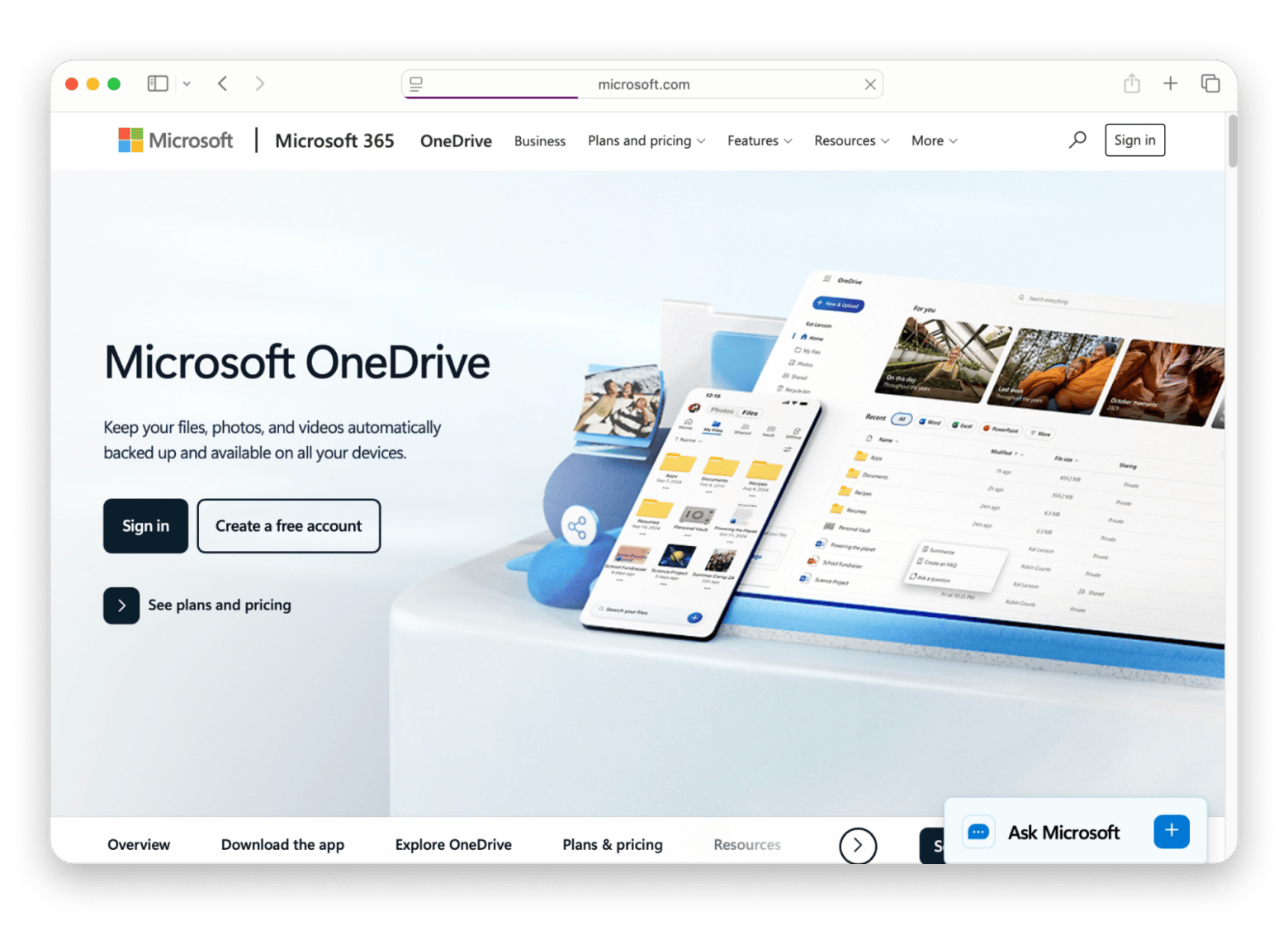
If you already pay for Microsoft 365, OneDrive is the easiest switch on this list, because you may already have the storage. Every Microsoft 365 subscription includes 1 TB per user, so the cloud space is sitting there whether you use it or not. It also works cleanly with Word and Excel, which matters if your day runs through those apps.
The Mac app is the weak point. It has improved, but some users still report high CPU use and the occasional sync delay, and it uses server-side rather than zero-knowledge encryption. If you are already inside the Microsoft world, none of that will stop you. If you are not, there are better picks above.
Source: https://www.microsoft.com
Best features:
- 1 TB included with any Microsoft 365 subscription
- Tight integration with Word, Excel, and PowerPoint
- Files On-Demand streaming in Finder
- Version history and easy link sharing
- Personal Vault for sensitive files
Pros:
- No extra cost if you already pay for Microsoft 365
- Familiar for anyone who lives in Office
- Reliable sharing inside the Microsoft ecosystem
Cons:
- The Mac app is less polished than rivals
- Reports of high CPU use and sync delays
- Server-side encryption, not zero-knowledge
Price: 5 GB free. Microsoft 365 Personal starts at $9.99/month and includes 1 TB of OneDrive storage.
Three Mac tools that make any cloud storage better
Switching services fixes the storage problem. It does not fix the two things that bothered me most about Dropbox: a sync client running permanently, and a full copy of everything sitting on my SSD. These three apps sit on top of whichever service you pick. None of them is a storage provider, and that is worth saying plainly, because Setapp does not sell storage and I am not going to pretend otherwise.
CloudMounter: Best for using cloud storage without syncing it
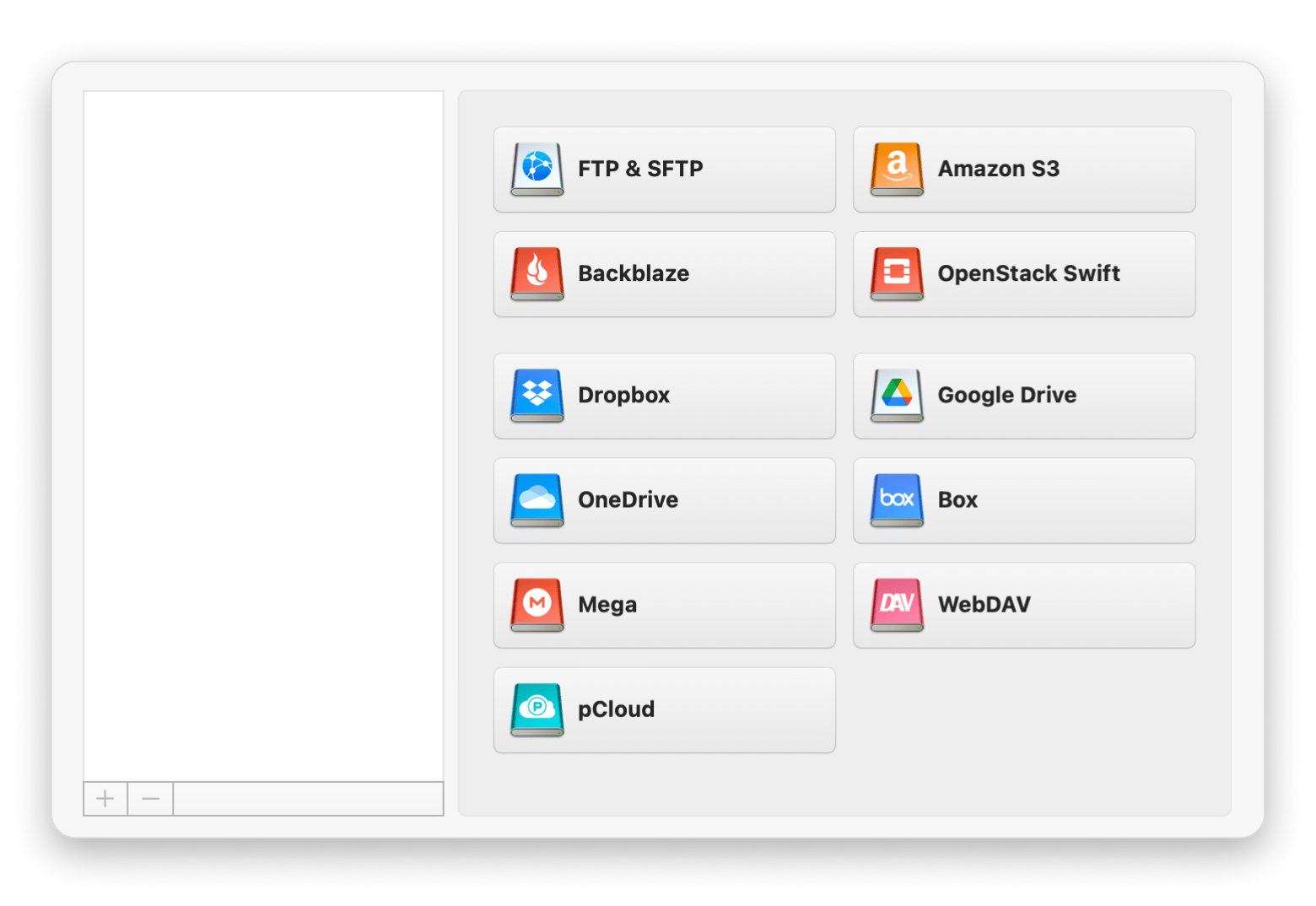
CloudMounter mounts cloud storage in Finder as if it were an external drive. Files stream on demand, so a 3 TB account takes up no space on your Mac. On a MacBook Air with 256 GB, that changes what is possible. It handles several accounts from the same provider without the conflicts the official clients still have, and you can drag a file from one cloud service to another in Finder without downloading and re-uploading it. There is also an AES-256 encryption layer you can apply on top of whichever provider you use.
Best features:
- Mounts cloud storage in Finder as a local drive, with no syncing
- Files stream on demand, so a large account uses no disk space
- Several accounts from the same provider without conflicts
- Drag files between two cloud services directly in Finder
- AES-256 encryption layer applied on top of your provider
Pros:
- Removes several sync clients from your login items at once
- Makes a small SSD workable alongside a large cloud account
- One place to reach every account instead of one app per service
Cons:
- Does not support MEGA, Proton Drive, or iCloud Drive
- Free kDrive plans exclude WebDAV, so only paid kDrive can be mounted
- Streaming means no offline access to your files
Price: Included with Setapp Membership, from $14.99 + tax/month for 250+ apps with a 7-day free trial. Available on its own from $7.99/month.
If you have already picked your service and just want it in Finder without the sync agent, CloudMounter is handpicked and quality-tested by Setapp. Try it free for 7 days, cancel before Day 7 = $0 charged.
ForkLift: Best for moving files between clouds during the switch
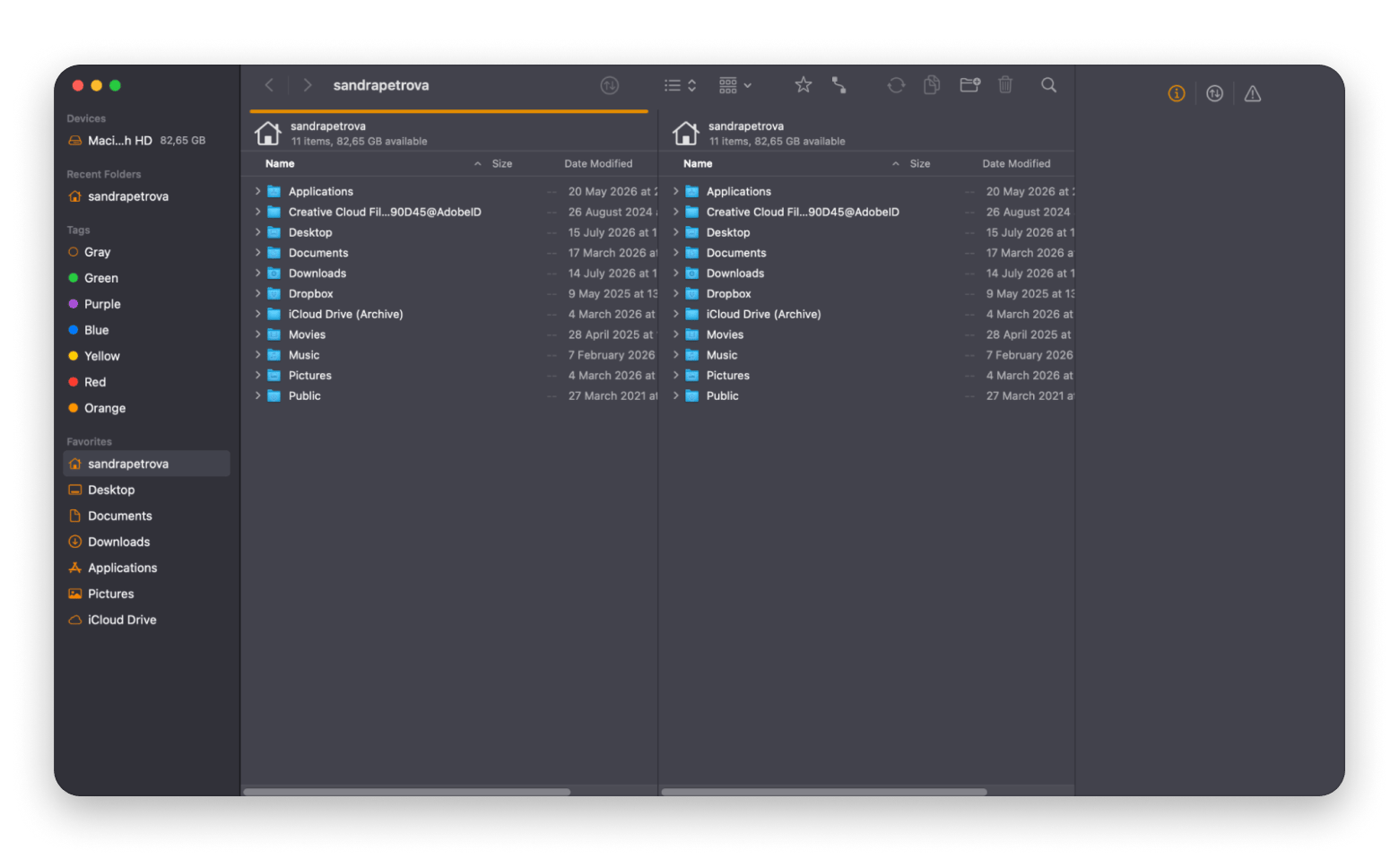
The riskiest part of leaving Dropbox is the move itself. ForkLift makes it painless. It is a dual-pane file manager that connects directly to FTP, SFTP, WebDAV, Amazon S3, Google Drive, and more, so instead of downloading a folder from Dropbox to your Mac and re-uploading it to the new service, you drag it from one pane to the other and let ForkLift handle the transfer.
When I moved about 40 GB of project folders off Dropbox, it finished in a fraction of the time Finder would have taken, and the dual-pane view made it easy to spot the duplicate folders I had collected over years of messy syncing.
Best features:
- Dual-pane layout for dragging files between two locations
- Direct connections to SFTP, WebDAV, Amazon S3, Google Drive, and more
- Transfers between two remote services without a full local copy
- Batch rename, sync folders, and compare directories
- Built-in file preview and archive handling
Pros:
- Turns a cloud-to-cloud migration into a drag
- Much faster than moving folders through Finder
- Makes duplicate cleanup obvious
Cons:
- The dual-pane workflow takes a little learning
- More app than you need if you never move files in bulk
Price: Included with Setapp Membership from $14.99 + tax/month. Also available as a standalone purchase.
Dropshare: Best for sharing links from your own storage
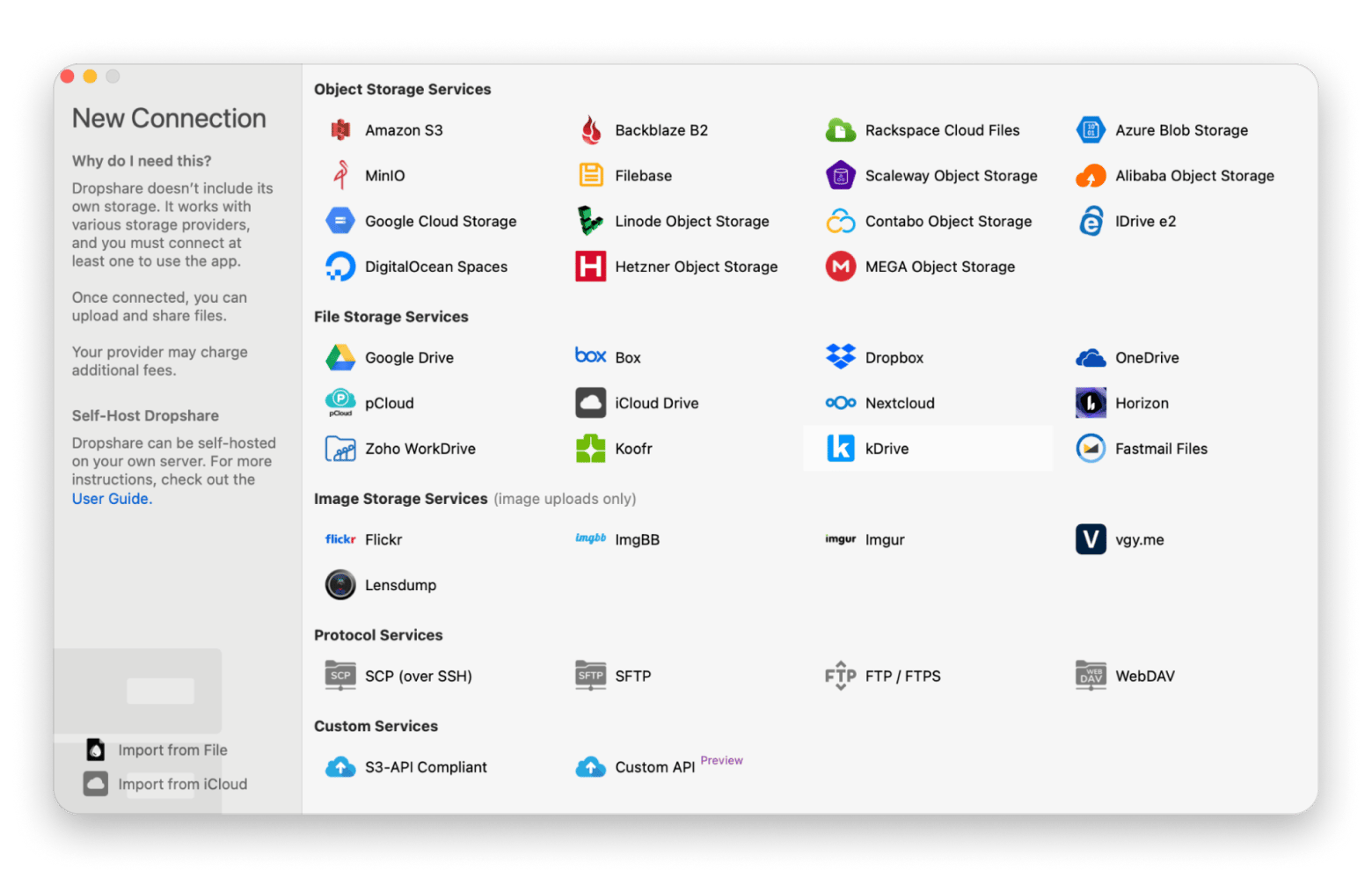
If the part of Dropbox you actually used was the link, Dropshare replaces it. It lives in the menu bar, you drop a file on it, and the link is in your clipboard before you have switched windows. The difference is where the file goes: uploads land on storage you control, whether that is Amazon S3, an SFTP server, WebDAV, or your own hosting. You can set passwords on links, add expiry dates, and build custom landing pages so the download page carries your own branding.
In my workflow this replaced most of what I did in Dropbox. Screenshot, link, sent. No shared folder, no invite, no account needed on the other end. One thing to know before you start: Dropshare Cloud, the hosted storage that used to come with the app, shut down on 31 January 2024. You bring your own backend now, and that is real setup work if you have never configured object storage.
Best features:
- Menu bar uploads with the link copied to your clipboard automatically
- Works with S3-compatible storage, SFTP, FTP, WebDAV, and Google Drive
- Password-protected links with expiry dates
- Custom landing pages built from HTML, CSS, and JavaScript
- Client-side encryption before files reach your storage
- Built-in screen capture and screen recording
Pros:
- The fastest way to produce a shareable link on a Mac
- Files sit on your own storage, with no middleman holding them
- Several destinations, each with its own keyboard shortcut
Cons:
- No hosted storage included since Dropshare Cloud closed in January 2024
- Setting up your own backend is real work if you have not done it before
- Not a sync service, so it does not replace a working drive
Price: Included with Setapp Membership from $14.99 + tax/month. Also sold on the Setapp Marketplace as a one-time purchase from $39.
How to migrate off Dropbox without losing anything
Migrating files is always risky. There's always the possibility of some files not moving properly, but it doesn't have to be that way. Follow these steps for a straightforward migration process:
- Pause Dropbox syncing: Before you start, pause Dropbox so files don't change while they're being copied. This helps prevent missing files or sync conflicts during the migration.
- Copy your files to the new cloud service: Use a tool like CloudMounter to move your Dropbox files while preserving the original folder structure. If you're comfortable with Terminal, you can also use rsync to copy files while keeping timestamps and other file attributes intact.
- Don't forget Smart Sync files: If you use Dropbox Smart Sync, make sure all online-only files are downloaded to your Mac before you migrate. Files that exist only in the cloud won't be copied unless they're available locally.
- Recreate shared folders and update apps: Shared Dropbox folders don't automatically transfer to another service, so you'll need to create new shared folders or links and send them to collaborators. Also, update any apps that point to your Dropbox folder, such as creative software or password managers with synced vaults.
- Keep Dropbox for a few weeks: Don't uninstall Dropbox right away. Leave it installed for at least 30 days so you can confirm everything transferred correctly.
Choosing the right Dropbox alternative for your use case
Not every cloud storage service is built for the same type of user. Here's a quick way to find the best Dropbox alternative for your needs:
- I'm too involved in the Apple ecosystem > Opt for iCloud Drive with Advanced Data Protection turned on.
- I'm tired of monthly subscriptions > Choose pCloud and its lifetime storage plans.
- I want maximum privacy with end-to-end encryption > Proton Drive is the right choice for you.
- I want privacy and Microsoft Office collaboration > You can't go wrong with Sync.com.
- I want a generous free plan with encryption > Look no further than MEGA.
- I want to keep Dropbox but stop running the sync agent > Go with CloudMounter.
- I work mostly in Google Docs and Sheets > Google Drive is a solid pick.
- I already pay for Microsoft 365 > Microsoft OneDrive is a no-brainer.
Whichever service you land on, the right Mac apps can make the switch smoother. CloudMounter lets you mount any combination of cloud services as native Finder drives — no separate sync clients, no desktop clutter. ForkLift handles bulk transfers between cloud accounts in a dual-pane view that makes Finder feel outdated. And Dropshare turns file sharing into a one-drag menu bar action with automatic link generation.
The best Dropbox alternative is the one you actually switch to. These Mac tools make it happen. CloudMounter, ForkLift, and Dropshare — plus 270+ more Mac apps — free for 7 days on Setapp. Start My Free Trial. Just want CloudMounter? Get it as a standalone app from $7.99 USD/month.
FAQ
What is the best free Dropbox alternative with more storage?
MEGA offers the most free space at 20 GB, with end-to-end encryption switched on by default. Google Drive gives 15 GB, and pCloud and Icedrive give 10 GB each. All beat Dropbox's 2 GB, so any of them is a better place to start if you do not want to pay yet.
Can I get lifetime cloud storage instead of paying monthly?
Yes. pCloud and Icedrive both sell lifetime plans, so you pay once instead of every month. If you expect to use the service for several years, a lifetime plan can work out cheaper than paying for Dropbox over the same period.
Which Dropbox alternative has the best Mac-native client?
For Apple-only users, iCloud Drive is the most seamless because it is built into macOS. If you run more than one cloud service, CloudMounter on Setapp is the better answer, since it mounts several accounts as Finder drives without a separate sync app for each one.
What is the most private alternative to Dropbox?
Proton Drive is the strongest choice for privacy. It uses end-to-end encryption by default and cannot read your files, folder names, or metadata, and it is based in Switzerland. MEGA and Sync.com are also zero-knowledge if you want alternatives.
Do I need to pay for Setapp to switch off Dropbox?
No. You can move to any of the nine services above without Setapp. Setapp is only useful for the layer on top: CloudMounter to mount clouds in Finder, ForkLift to move files during the switch, and Dropshare to share links. All three come with a membership, free for 7 days.






 Best solution
 Best solution