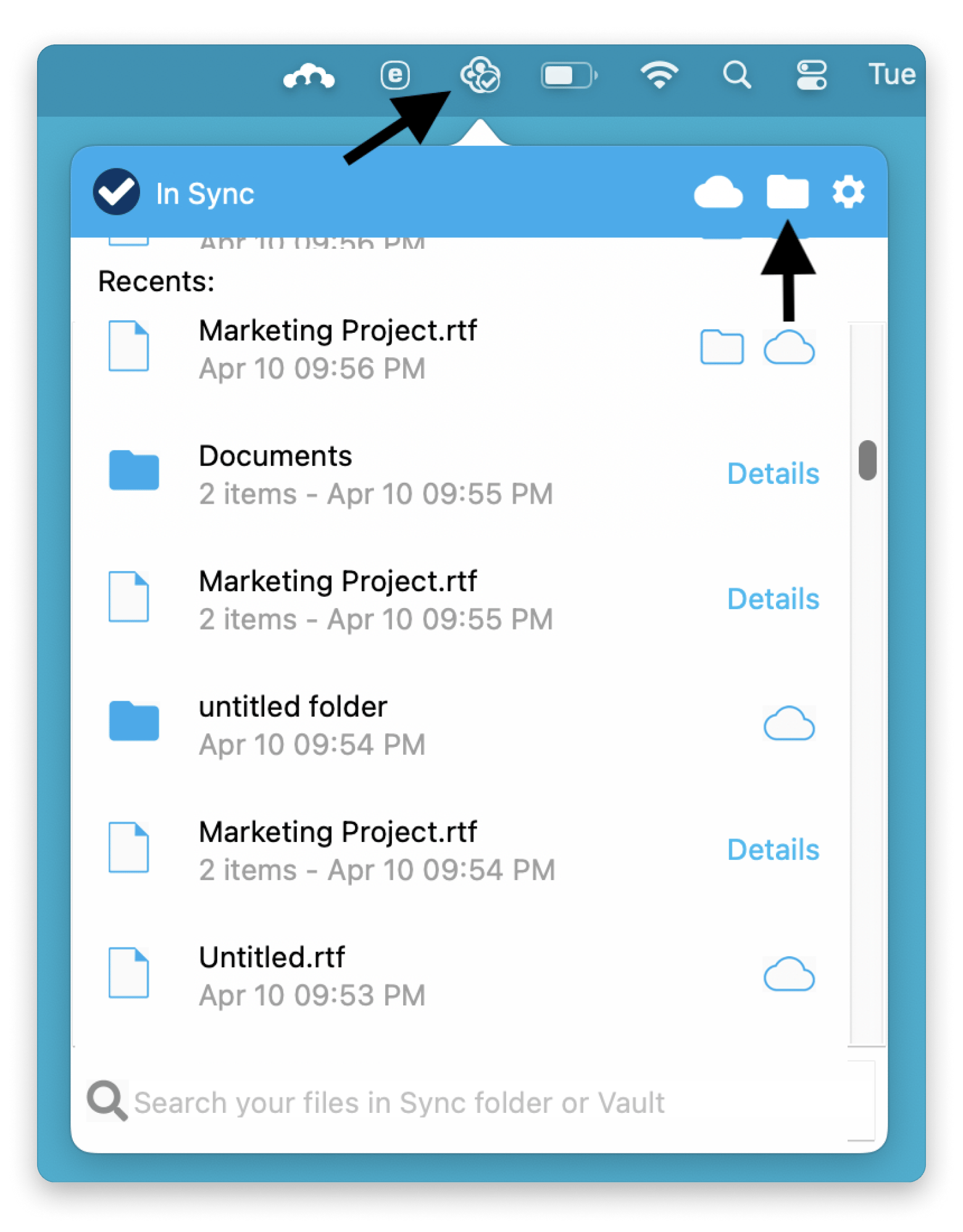
iCloud Drive — best Mac-native integration; Desktop and Documents sync automatically, E2EE with Advanced Data Protection, 5 GB free.
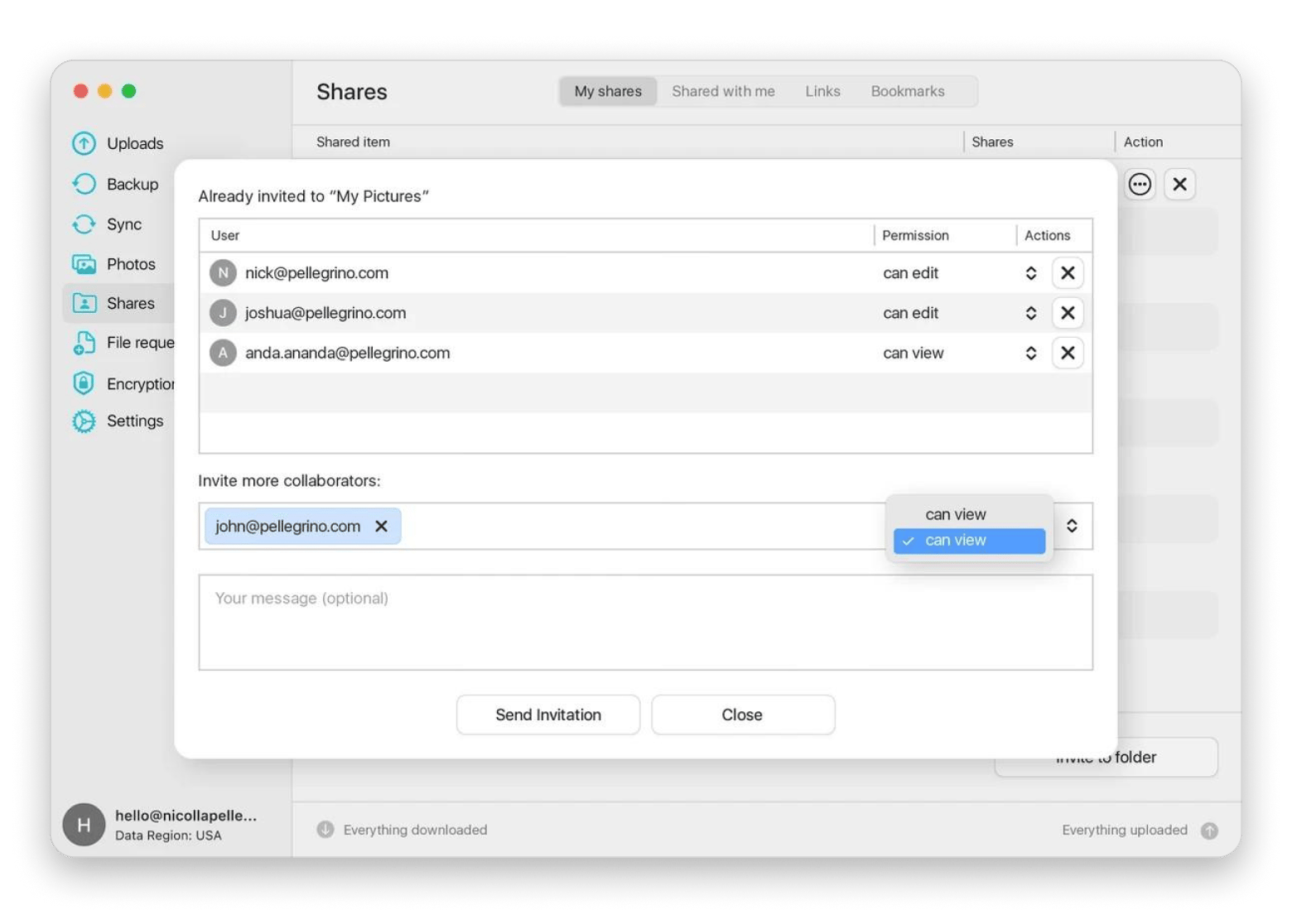
Dropbox — best sync engine; delta sync for large files, Smart Sync for on-demand access.
Google Drive — best for collaboration; 15 GB free, real-time editing across Mac, Windows, and mobile.
Proton Drive — best for privacy; zero-knowledge E2EE by default, Swiss-based, native Mac app, 5 GB free.
pCloud — best for lifetime pricing; pay $199 once for 500 GB.
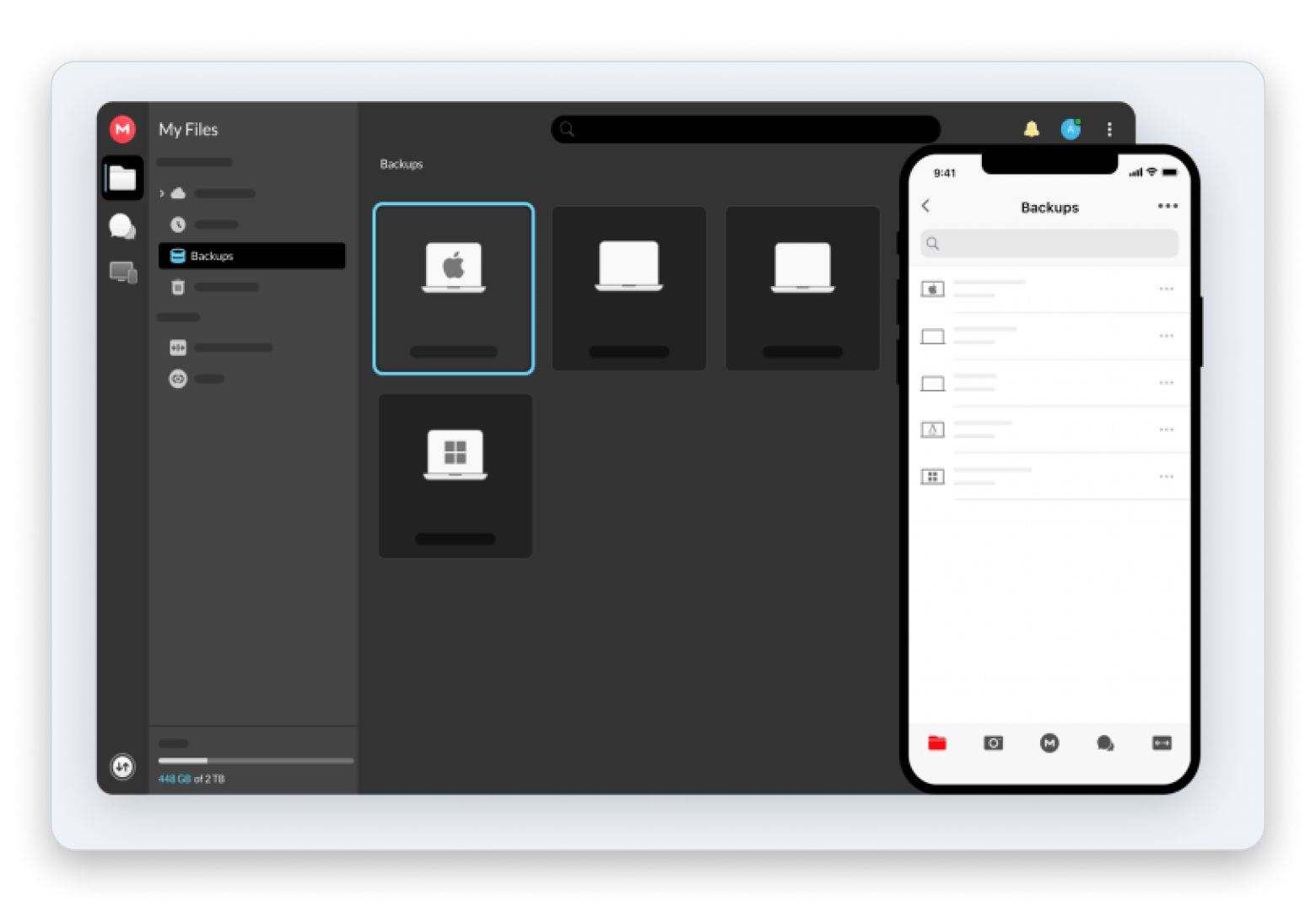
MEGA — best free tier with encryption; 20 GB free with E2EE built in.
Happy with OneDrive but hate the Mac app? CloudMounter mounts OneDrive, Google Drive, Dropbox, and S3 as native Finder drives — no sync client, no performance issues, just drag and drop between services. Try CloudMounter FREE for 7 days on Setapp — cancel before Day 7, $0 charged.
Most of us have used OneDrive or interacted with it at some point because it’s part of the larger Microsoft Ecosystem. It’s still a great and convenient cloud service, but it can feel sluggish or a bit quirky on Mac.
I’ve tried several OneDrive alternatives to find something that feels more at home on Mac, and I’ll take you through my top nine. Some are direct replacements, while others address the pain points in different ways.
The most common reasons Mac users switch away from OneDrive are performance issues on Apple silicon, privacy concerns, and cost when not using Microsoft 365. OneDrive works well only if your team lives in Word, Excel, SharePoint, and Teams.
The more detailed reasons to look for OneDrive alternatives:
Many Mac users often experience Mac OneDrive client issues like high CPU usage and slow syncing, especially on Apple silicon. In my case, a file could get stuck somewhere between Finder and the cloud app. The issues don’t affect everyone, but they may make it worth looking for an alternative.
Privacy is another major concern because Microsoft stores all encryption keys and can technically access your files. MS 365 terms also allow content scanning.
Then, there’s the cost. When you are not benefiting from direct integration with other Microsoft services, it becomes harder to justify the $1.99/month for 100 GB.
Quick comparison table: OneDrive alternatives at a glance
Let’s take a quick look at how the different OneDrive alternatives for Mac stack up.
Included with Setapp for $14.99 USD/mo + tax (including 270+ apps)
Detailed reviews of each OneDrive alternative
The best OneDrive alternatives for Mac are iCloud Drive for Apple-native integration, Dropbox for fast syncing, Google Drive for collaboration, Proton Drive for privacy, and CloudMounter if you want to keep using OneDrive without the Mac client issues. Each has a different strength — choosing depends on whether your priority is privacy, price, real-time collaboration, or Mac-native behavior.
We can now get into the OneDrive vs other cloud storage comparison and look at how the different services handle file storage, sharing, and collaboration.
iCloud Drive: Best Apple-native OneDrive alternative
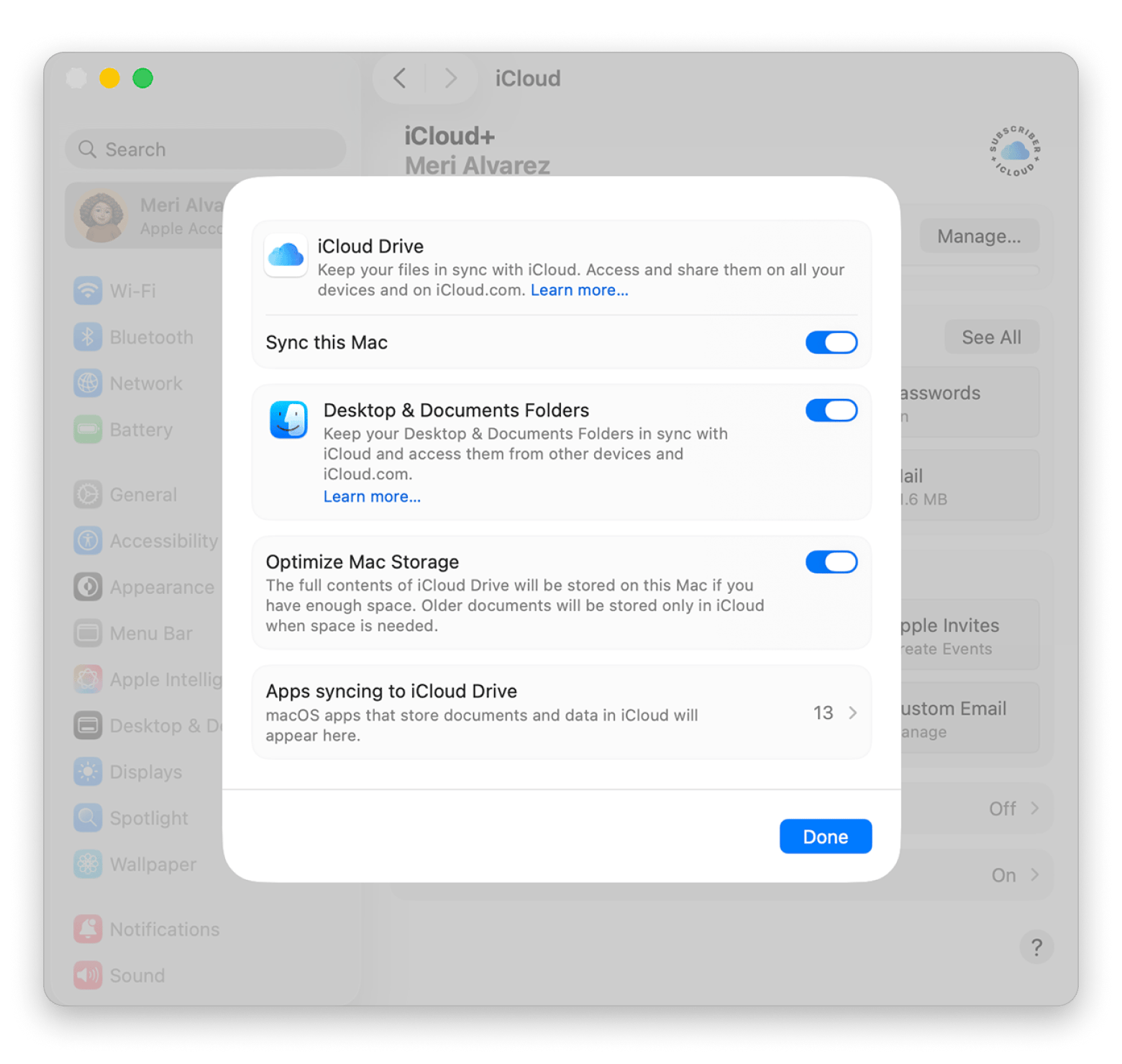
Source: apple.com
Best for: Apple users who want a cloud storage that’s built into macOS
iCloud Drive is the best OneDrive alternative for Mac if you mainly use a Mac, iPhone, or iPad.
Its biggest strength is that it’s built into all three, which gives it advantages other cloud options can’t match. Your Desktop and Documents folders sync automatically, there’s optimized storage, and you’ll find the Mac file you were working on waiting on your iPhone.
However, the free storage is limited to just 5GB, and sharing outside the Apple ecosystem feels clunky. You’ll also need to explicitly set up end-to-end encryption from your device settings.
Available on: Mac, iPhone, iPad, Windows, and web.
Pricing (August 2026):
5 GB free
iCloud+ plans start at $0.99/month for 50 GB
Dropbox: Best Mac sync engine
Best for: People who want to fast-sync large files
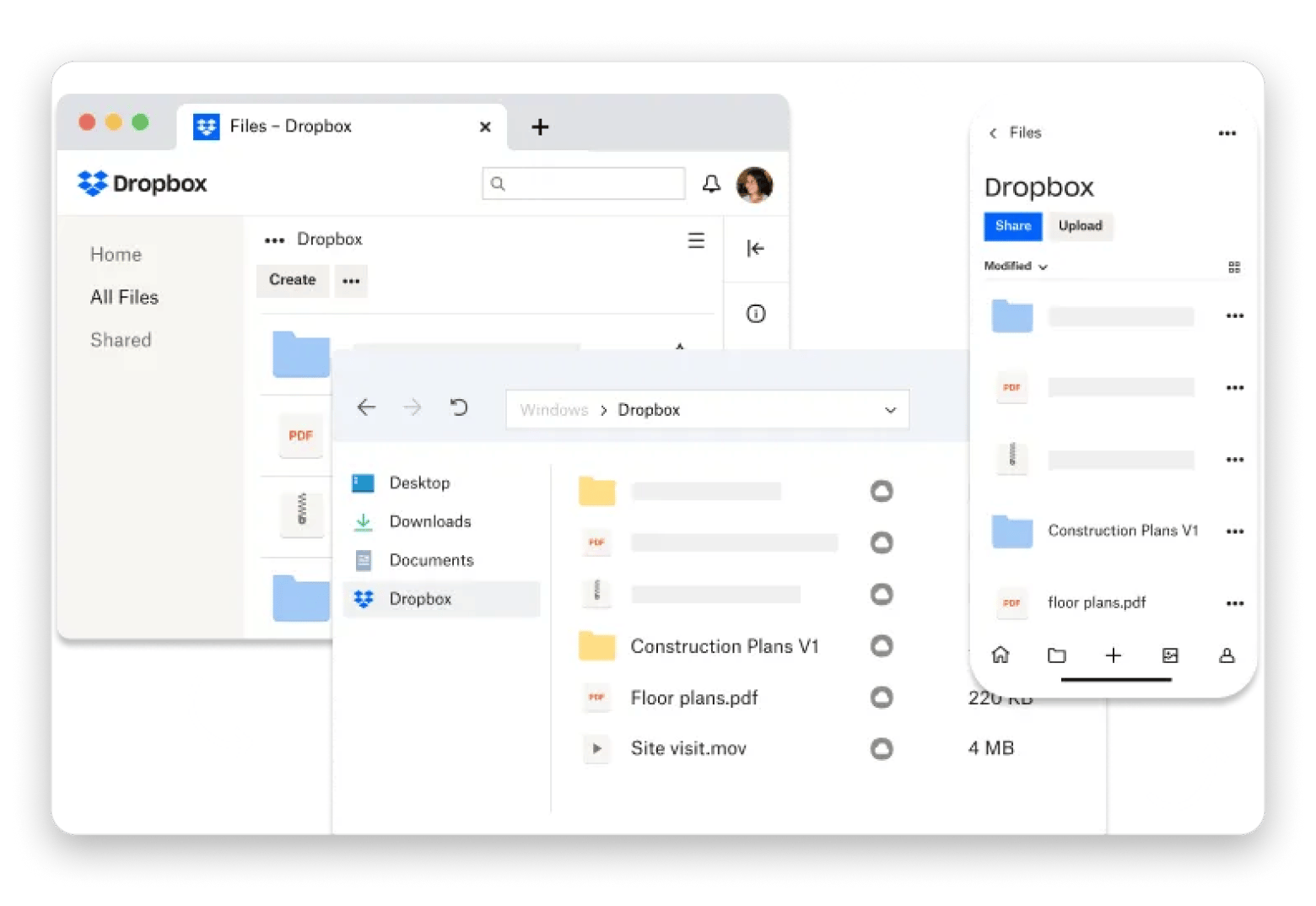
Source: dropbox.com
Dropbox has been around for a long time and is still one of the best cloud storage platforms. It’s probably the best OneDrive alternative if you deal with large files, thanks to its delta sync, which only uploads modified files.
The cloud service plays well with macOS, its desktop client feels polished, and Smart Sync lets you keep files online until you need them.
The main catch is the price. The free tier is severely limited to just 2 GB, and the paid tiers start at 2 TB.
Available on: Mac, Windows, iPhone, iPad, Android, and web.
Pricing (August 2026):
2 GB free
Paid plans start at $11.99/month for 2 GB
Google Drive: Best for Docs collaboration
Best for: Users who collaborate frequently and don't need zero-knowledge privacy
Google Drive will give you the strongest collaborative experience of any provider, especially if your work happens within the Google Workspace.
You can share a file with different permission levels, and it’s hard to beat how easy it is to leave comments, suggest edits, or work on the same document at the same time. You can also upload to continue editing Microsoft Office documents, regardless of whether your team is on macOS, Windows, or mobile.
The main compromise is privacy, as Google manages the encryption keys. The Finder experience also doesn’t feel as native as iCloud Drive.
Available on: Mac, Windows, iPhone, iPad, Android, and web.
Pricing (August 2026):
15 GB free
Google One plans start at $1.99/month for 100 GB
Proton Drive: Best privacy-first OneDrive alternative
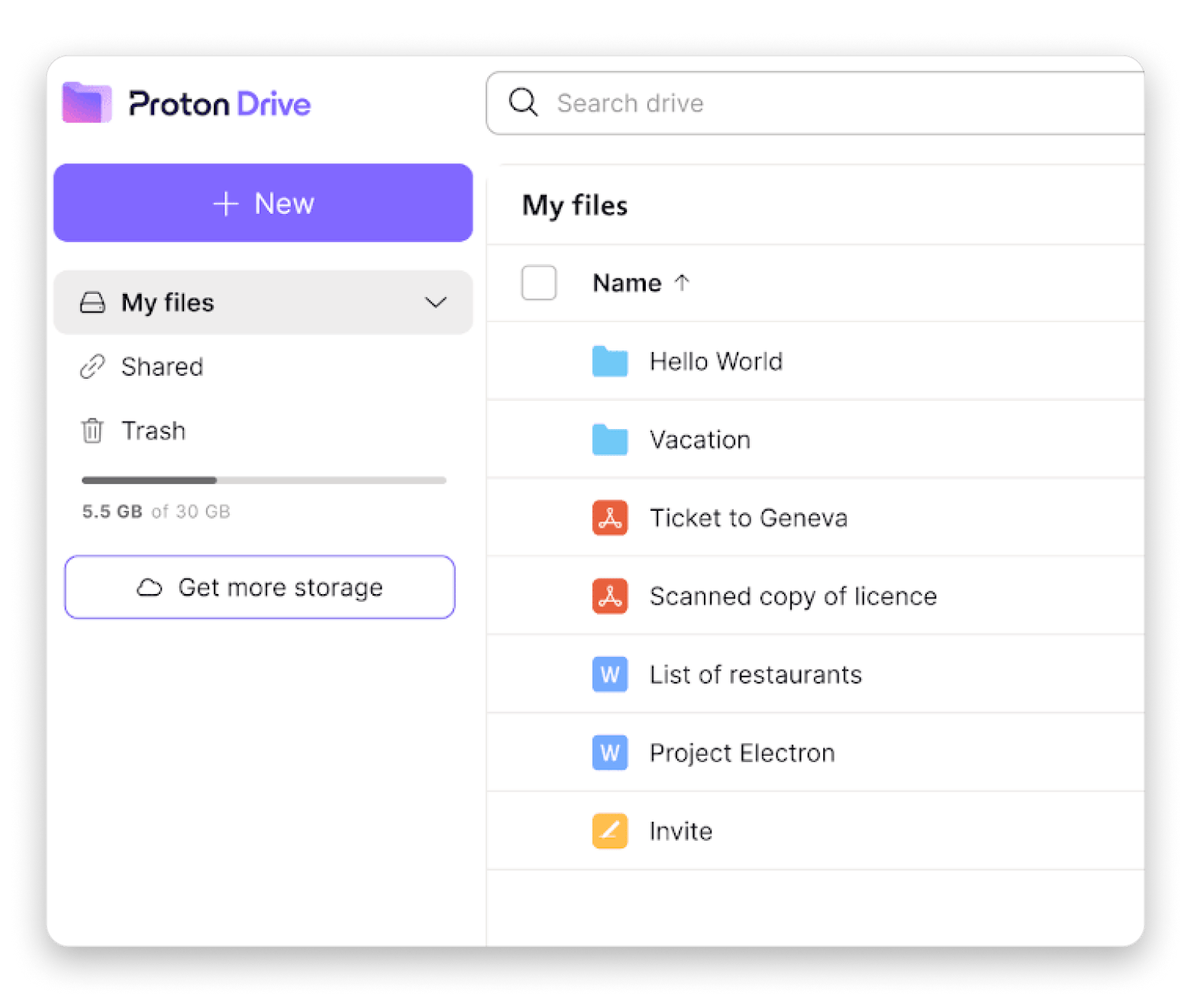
Source: proton.me
Best for: People who care more about cloud storage privacy than real-time collaboration
Proton Drive is the most private OneDrive alternative, and it addresses most of the privacy concerns you might have about OneDrive.
It’s based in Switzerland and offers end-to-end encrypted cloud storage by default to ensure only you have the keys. It also has a native Mac app, encrypted file sharing, and a maturing document editor with live cursors, comments, presence indicators, and suggestion tracking.
OneDrive and Google Drive still have the edge in collaboration, but Proton Drive is better for privacy-conscious users.
Available on: Mac, Windows, Linux, iPhone, iPad, Android, and web.
Pricing (August 2026):
5 GB free
Paid plans start at $4.99/month for 200 GB
Sync.com: Best zero-knowledge alternative with Office support
Source: sync.com
Best for: People who want private cloud storage without giving up Microsoft Office files
Sync doesn’t make you choose between cloud storage privacy and collaboration.
The service uses end-to-end encryption by default and still lets you work with Word, Excel, and PowerPoint files through Office for the web. Zero-knowledge encryption remains even during collaboration, although working with MS Office docs means an unencrypted stream is sent through Microsoft. The experience is also not as polished as using OneDrive.
The Mac app is straightforward to use. It makes a compelling case as the best private OneDrive alternative for users who occasionally open and share Office documents.
Available on: Mac, Windows, iPhone, iPad, Android, and web
Pricing (August 2026):
5 GB free
Paid plans start at around $4/month for 150 GB
pCloud: Best lifetime pricing alternative
Source:pcloud.com
Best for: People who'd rather pay once than add another monthly subscription
pCloud lets you stop worrying about recurring payments through a lifetime purchase option. It makes sense if you know you’ll be using cloud storage for a long time. The $199 lifetime plan pays for itself in roughly 8 years compared to a comparable Google Drive plan. It’s a compelling argument if you're planning to keep using cloud storage long-term.
pCloud works well with Finder. Instead of downloading everything on your computer, it streams files when you need them to save local storage. However, zero-knowledge encryption requires an additional subscription.
Available on: Mac, Windows, Linux, iPhone, iPad, Android, and web.
Pricing (August 2026):
10 GB free
Lifetime plans start at $199 for 500 GB
Box: Best for enterprise compliance
Source:box.com
Best for: Businesses that need strict security, compliance, and admin controls
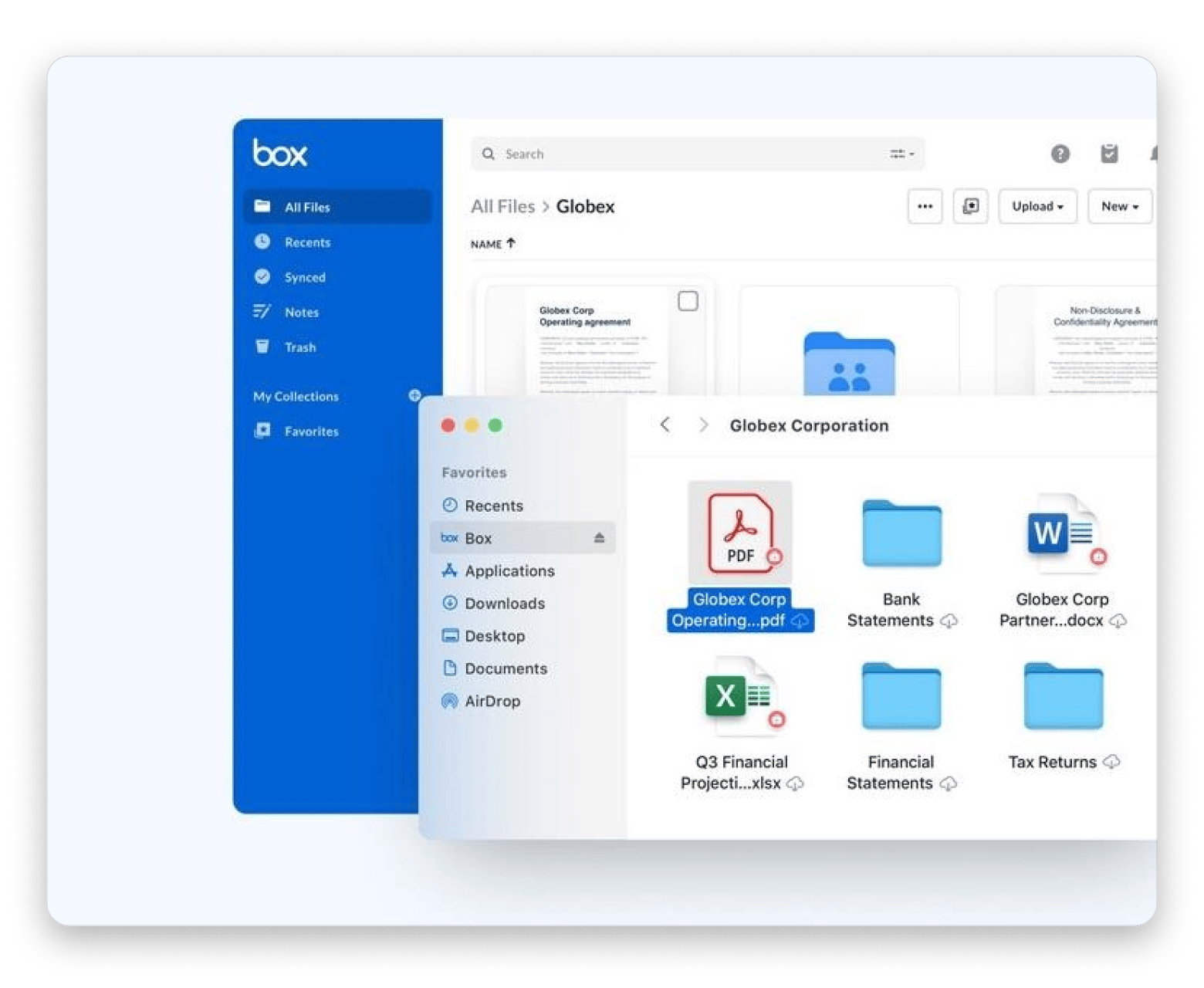
Box is a OneDrive alternative for business, and it doesn’t really compete with most of the options in this list.
The service focuses on organization-level features like detailed permission settings, audit trails, and compliance with standards like HIPAA, FedRAMP, and SOC 2. These are significant if you work in healthcare, legal, finance, or another regulated industry.
Compared to OneDrive, IT teams have more control over who can access their data and what they can do with it. However, it’s not a service suited to personal use.
Available on: Mac, Windows, iPhone, iPad, Android, and web
Pricing (August 2026):
10 GB free
Paid plans start at $10/month
MEGA: Best free tier with encryption
Source: mega.com
Best for: People who want plenty of free storage without giving up privacy
Mega offers 20 GB of free storage, making it a strong contender for the title of best free OneDrive alternative for Mac.
Its privacy is also commendable. Files are protected with end-to-end encryption by default, and the platform also offers similarly protected messages, one-on-one calls, and meetings.
The Mac app allows you to share files with different access permissions, but there’s no document editor for collaborating on documents.
Available on: Mac, Windows, Linux, iPhone, iPad, Android, and web
Pricing (August 2026):
20 GB free
Paid plans start at around $5/month for 400 GB
CloudMounter (Setapp): Best Mac-native multi-cloud manager
Best for: People who want to keep using OneDrive without dealing with the OneDrive app
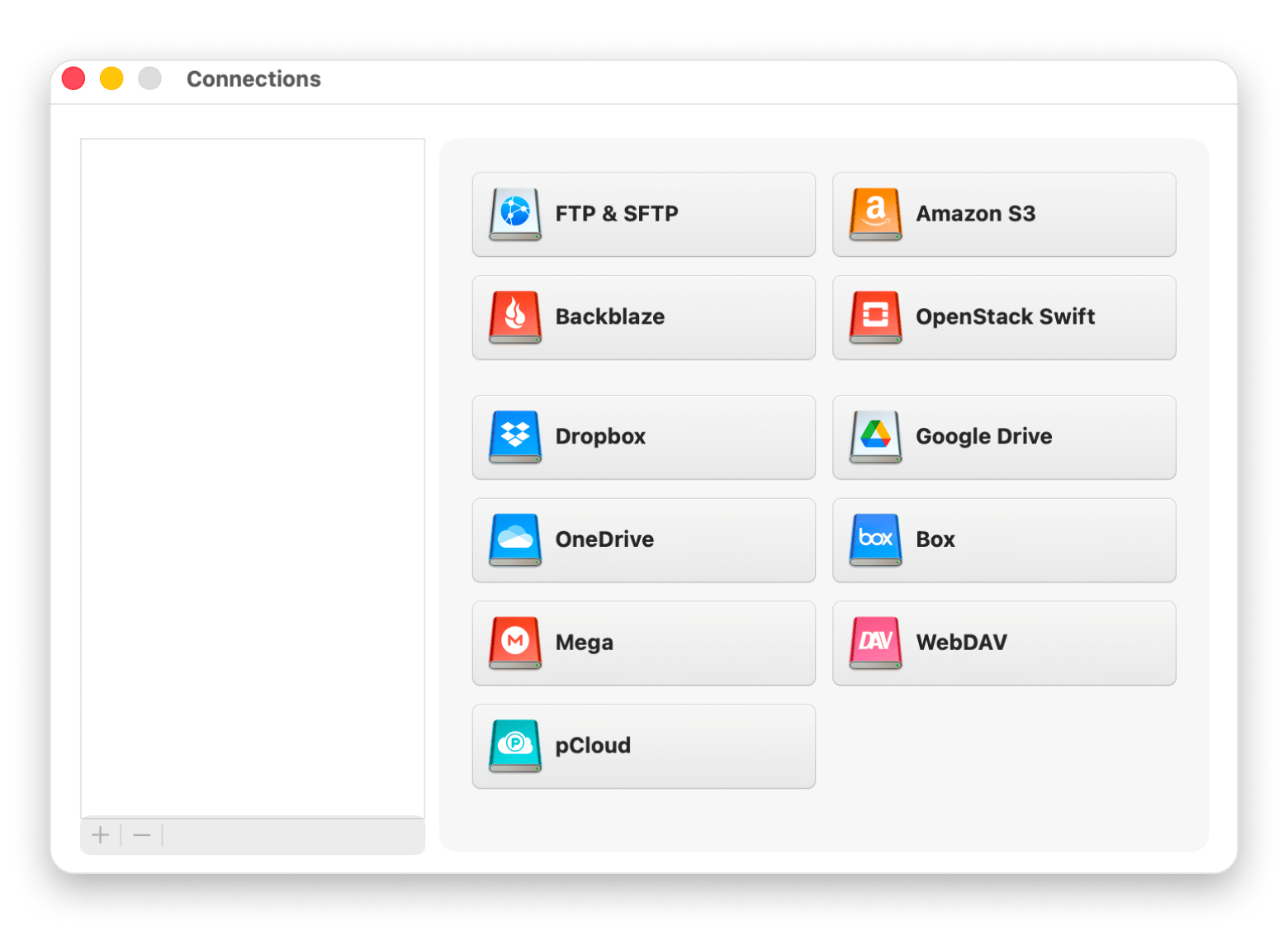
CloudMounter is a Mac app that mounts cloud storage services — OneDrive, Google Drive, Dropbox, Amazon S3, and others — as local drives in Finder, without replacing your existing cloud accounts.
Since most people just add a new cloud service instead of fully switching, it helps mount them as drives in Finder, which makes it an effective iCloud storage alternative. It lets you use OneDrive, Google Drive, Dropbox, Amazon S3, and more without installing multiple sync clients. It’s actually the file sync alternative I’d recommend if you are happy with your Microsoft 365 subscription but are frustrated with the Mac OneDrive client issues.
Once you mount OneDrive and Google Drive side by side in Finder, moving files between them is just a drag.
The tool also adds an extra layer of protection with AES-256 encryption before your files reach your cloud provider, regardless of the service you use.
It takes the hassle out of juggling multiple cloud services.
Available on: macOS
Pricing (at time of writing):
Available via Setapp Membership (from $14.99 + tax)
App-only subscription via Setapp for $7.99/month
Other Mac tools that make any cloud storage work better
Besides selecting a cloud service provider, you still need to move, organize, and share files. I find the apps below quite useful for simplifying these processes.
ForkLift takes the pain out of large file transfers
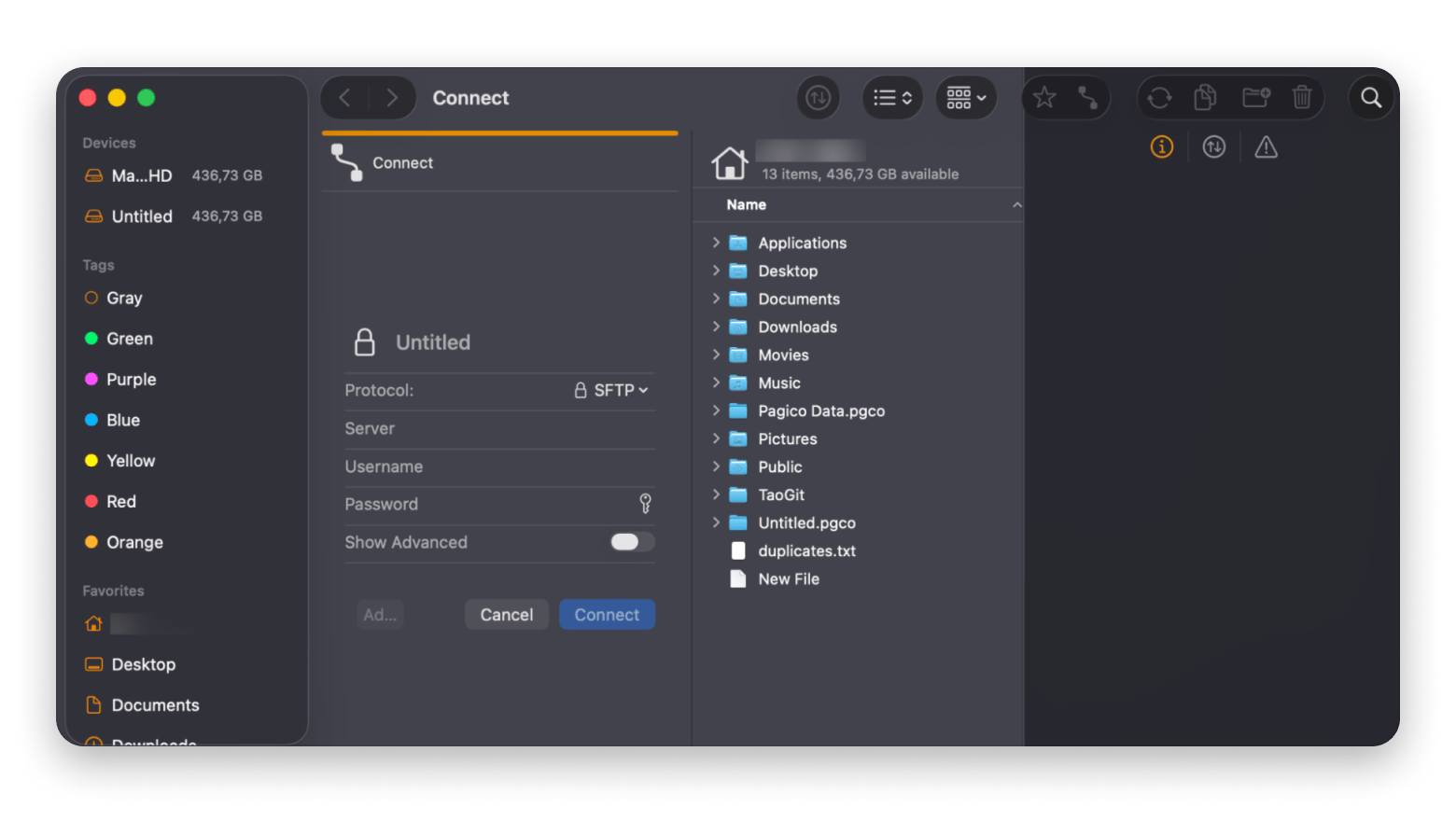
ForkLift will come in handy when moving files between cloud services. It connects directly to services like Drive, Amazon S3, WebDAV, FTP, and SFTP, then gives you a dual-pane view good enough to replace Finder. You can compare, organize, and move files between cloud services from a single interface.
Dropshare lets you share files without the extra steps
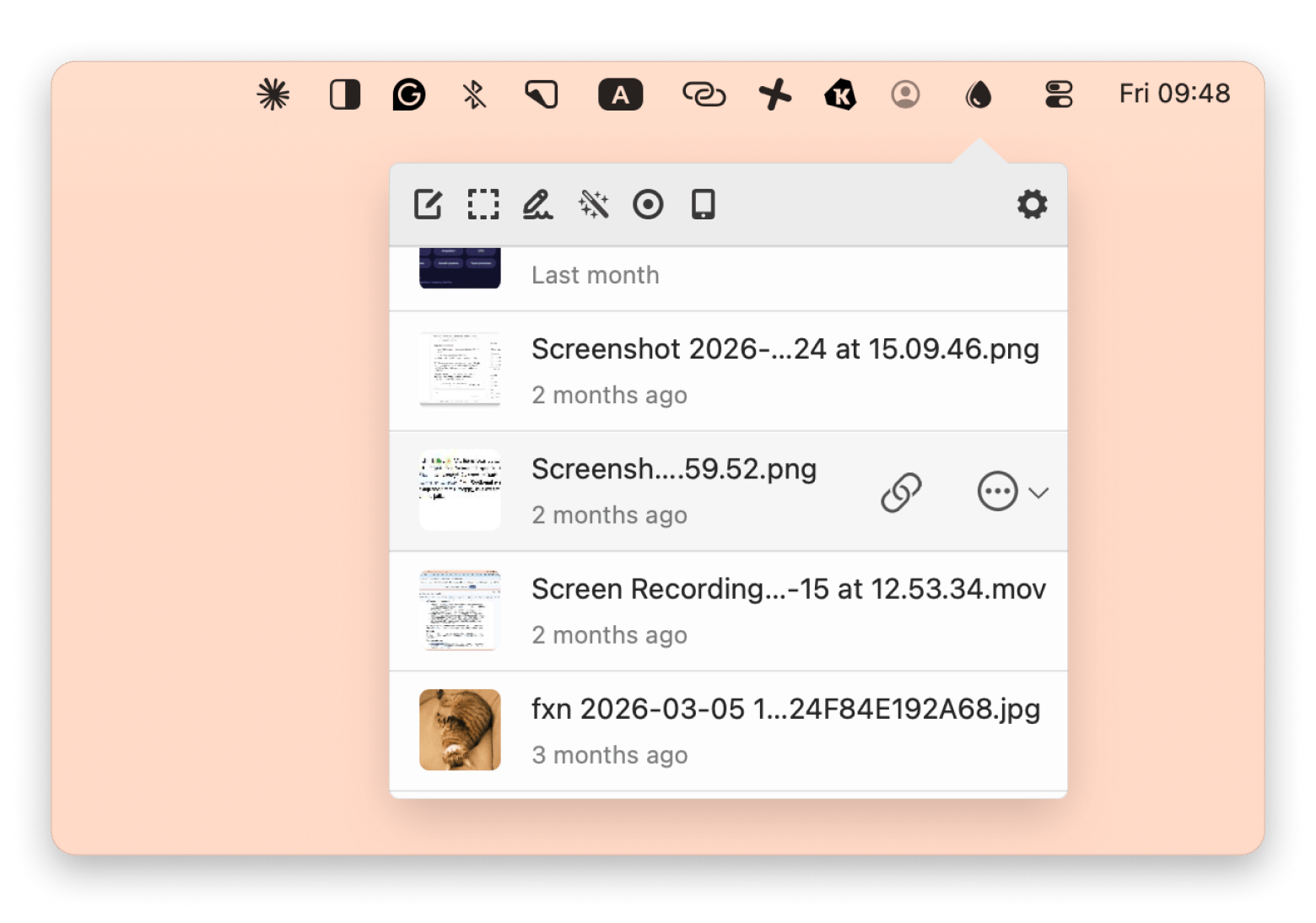
Dropshare makes link sharing more seamless. If you just want to send a file and move on without opening multiple interfaces, just drag and drop it on the menu bar. The app connects to multiple cloud services, and you can even connect it to your own server. You can also create links and password-protect files without opening a full cloud service app.
Menu bar drag-and-drop sharing with password protection and multi-cloud support — Dropshare makes file sharing the way it should have always worked. Try it through Setapp — free for 7 days.
How to migrate off OneDrive without losing anything
If your Microsoft 365 subscription is about to end, don’t wait till the last minute to move your files.
Download your OneDrive files before canceling to avoid file loss.
Separate Office files from everything else to know those that may not work outside Microsoft 365 (complex formatting and tracked changes).
Start by moving your sensitive files if switching to an encrypted service like Proton Drive or Sync.com.
Set up your new cloud service on your Mac before deleting anything. If you want to use multiple services, install CloudMounter to see them all in Finder.
Keep OneDrive for at least 30 days to spot anything you forgot to move.
You can take advantage of Forklift’s dual-pane view and universal cloud support to simplify the process and prevent file loss.
Choosing the right OneDrive alternative for your use case
Here’s a simple selection approach you can use:
I want the deepest Mac integration → iCloud Drive with Advanced Data Protection turned on.
I want the most reliable sync engine on Mac → Dropbox.
I need real-time Office collaboration without Microsoft → Sync.com if privacy matters, or Google Drive if collaboration comes first.
I want the most private OneDrive alternative → Proton Drive.
I want to pay once instead of every month → pCloud with a lifetime plan.
I work in a regulated industry → Box.
I want to keep using OneDrive but hate the Mac app → CloudMounter.
I want the biggest free plan with built-in encryption → MEGA.
If your company still depends on OneDrive, you can keep it and combine it with a different product. You can then manage the two with CloudMounter.
The app, alongside Forklift and Dropshare, is available on Setapp, a unified marketplace for Mac and iPhone users to discover handpicked, secure apps.
The Mac cloud tools that actually work are already in Setapp. CloudMounter, ForkLift, and Dropshare — plus 270+ more Mac apps — free for 7 days. Start My Free Trial. Just want CloudMounter? Get it as a standalone app from $7.99 USD/month.
FAQ
What is the best free OneDrive alternative for Mac?
The best free OneDrive alternative is Google Drive for its 15 GB free tier and collaboration features. MEGA is also generous at 20 GB with end-to-end encryption by default. If you want to keep using any of these free tiers without dealing with multiple sync clients, CloudMounter lets you mount them all directly in Finder.
Can I leave OneDrive without losing my Microsoft Office files?
Yes, you can leave OneDrive without losing your files, as you can import them to a service like Google Drive. You can still collaborate and share the files seamlessly on the platform.
Which OneDrive alternative has the best Mac native client?
Dropbox is widely considered the best Mac-native client, but iCloud offers the deepest macOS integration.
Is iCloud Drive a real replacement for OneDrive on Mac?
Yes, iCloud Drive is a real replacement for OneDrive if you use Apple Devices. It integrates more naturally with macOS and iOS.
What is the most private alternative to Microsoft OneDrive?
Proton Drive and Sync.com are among the most private alternatives to OneDrive because they offer zero-knowledge encryption by default. Even the cloud companies can’t view your files.
Is Dropbox good on Mac?
Dropbox has the most polished Mac desktop client and the fastest sync engine for large files, thanks to delta sync.
Is Proton Drive available on Mac?
Yes — Proton Drive has a native Mac app with end-to-end encryption on by default and no server-side key access.
Is pCloud worth it for Mac users?
pCloud offers lifetime storage plans starting at $199 for 500 GB, which pays for itself after around 8 years compared to Google Drive.
Expand cloud storage on Mac
CloudMounter connects unlimited storage to Finder.






 Best solution
 Best solution