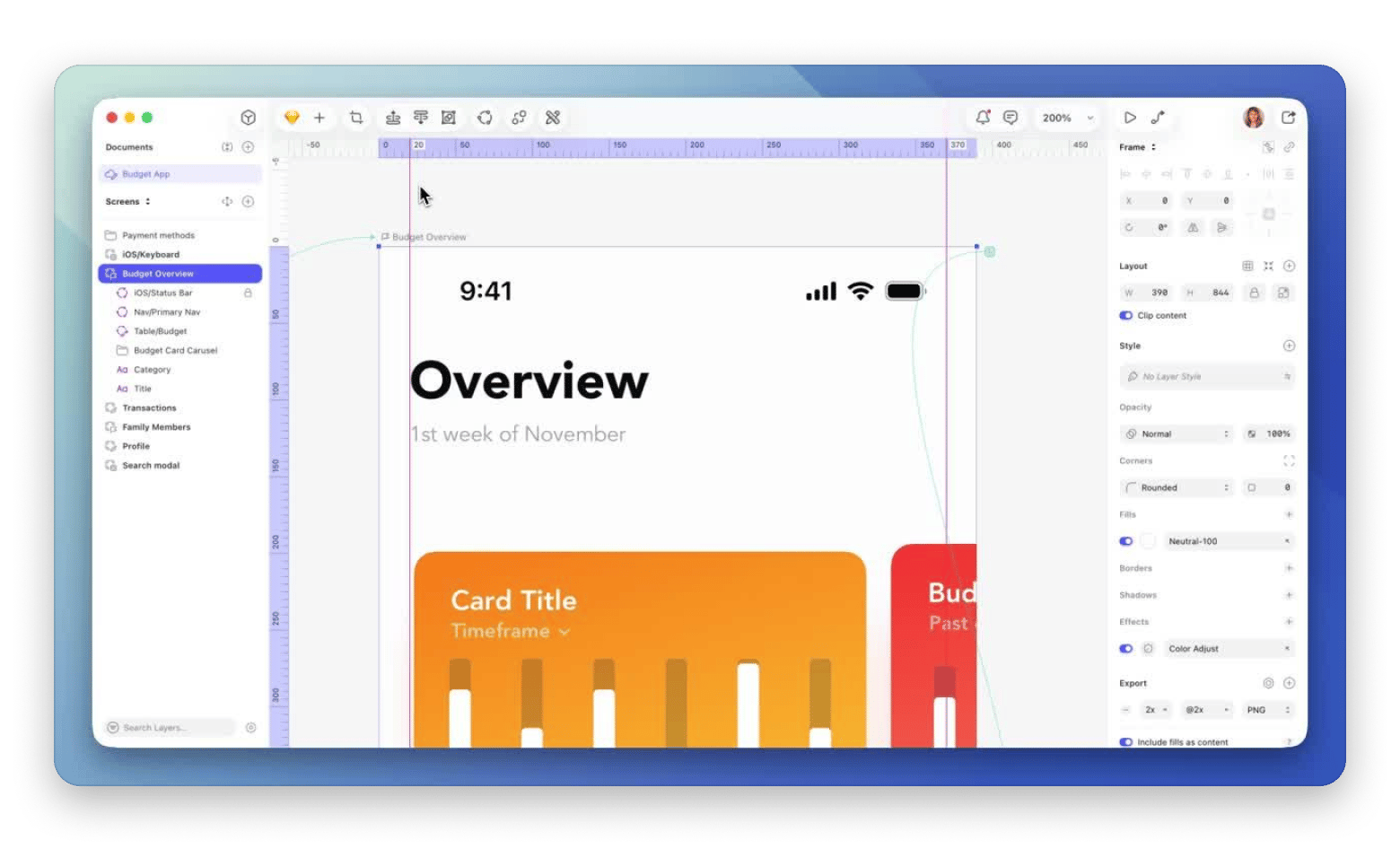
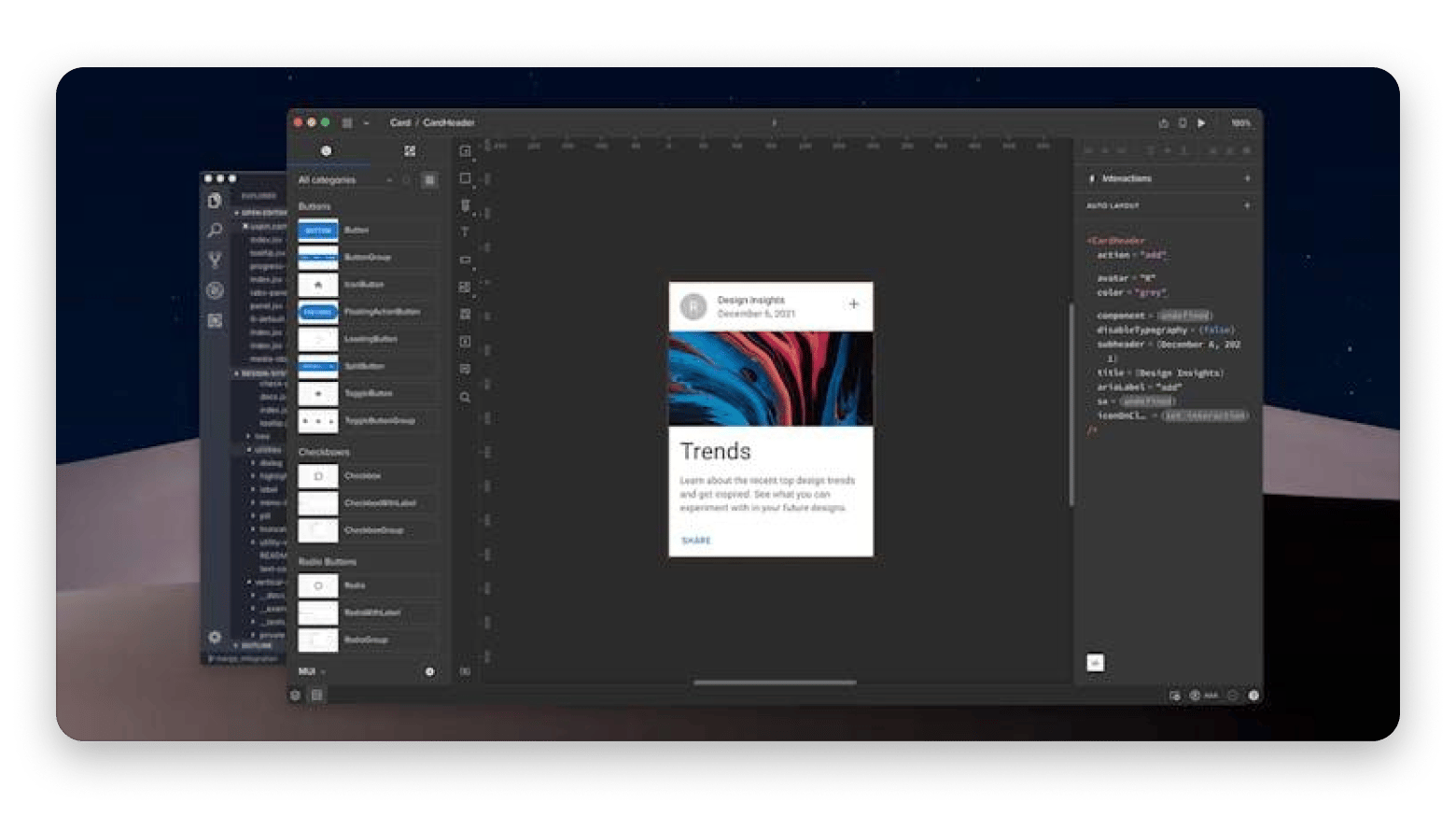
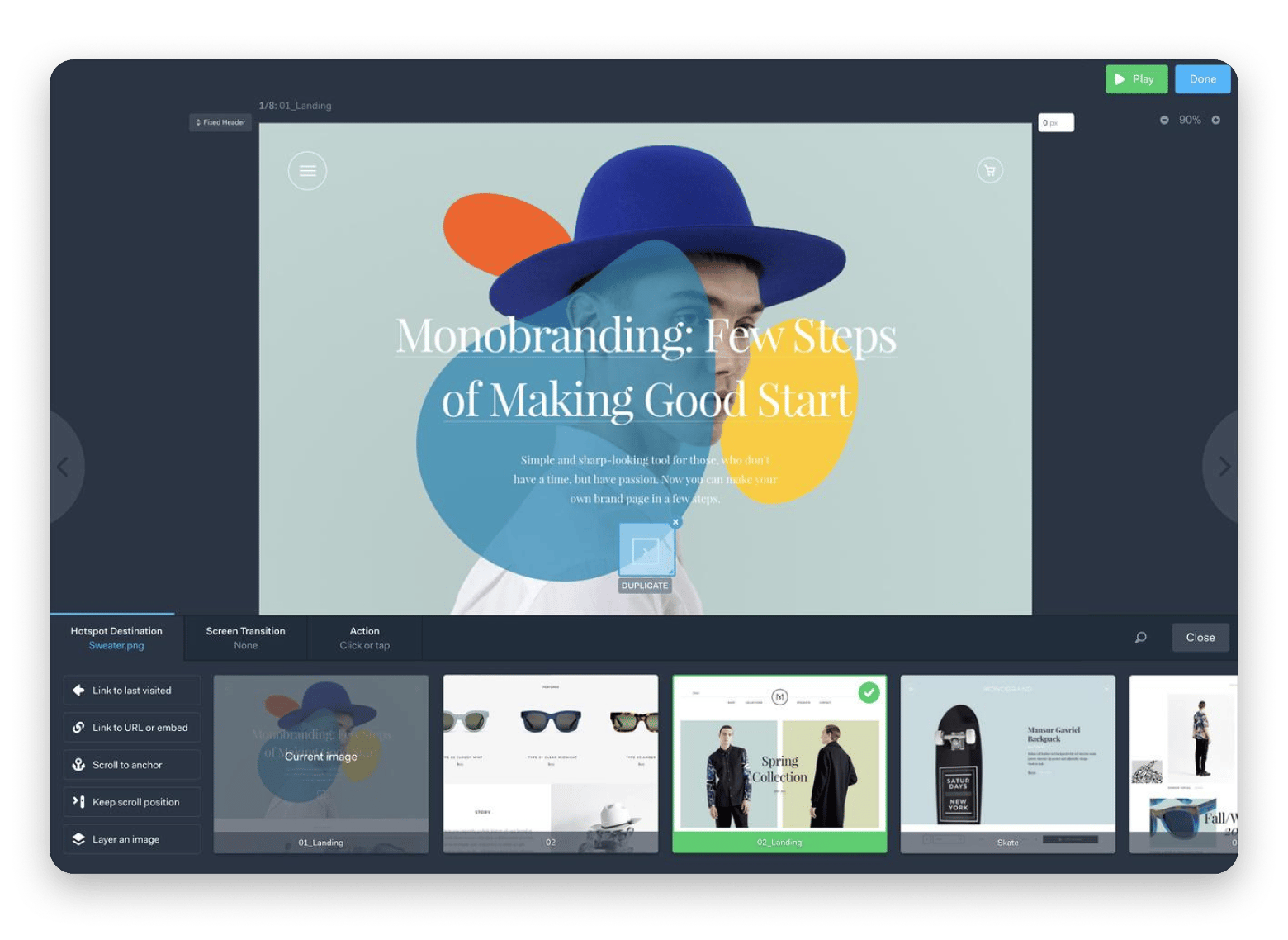
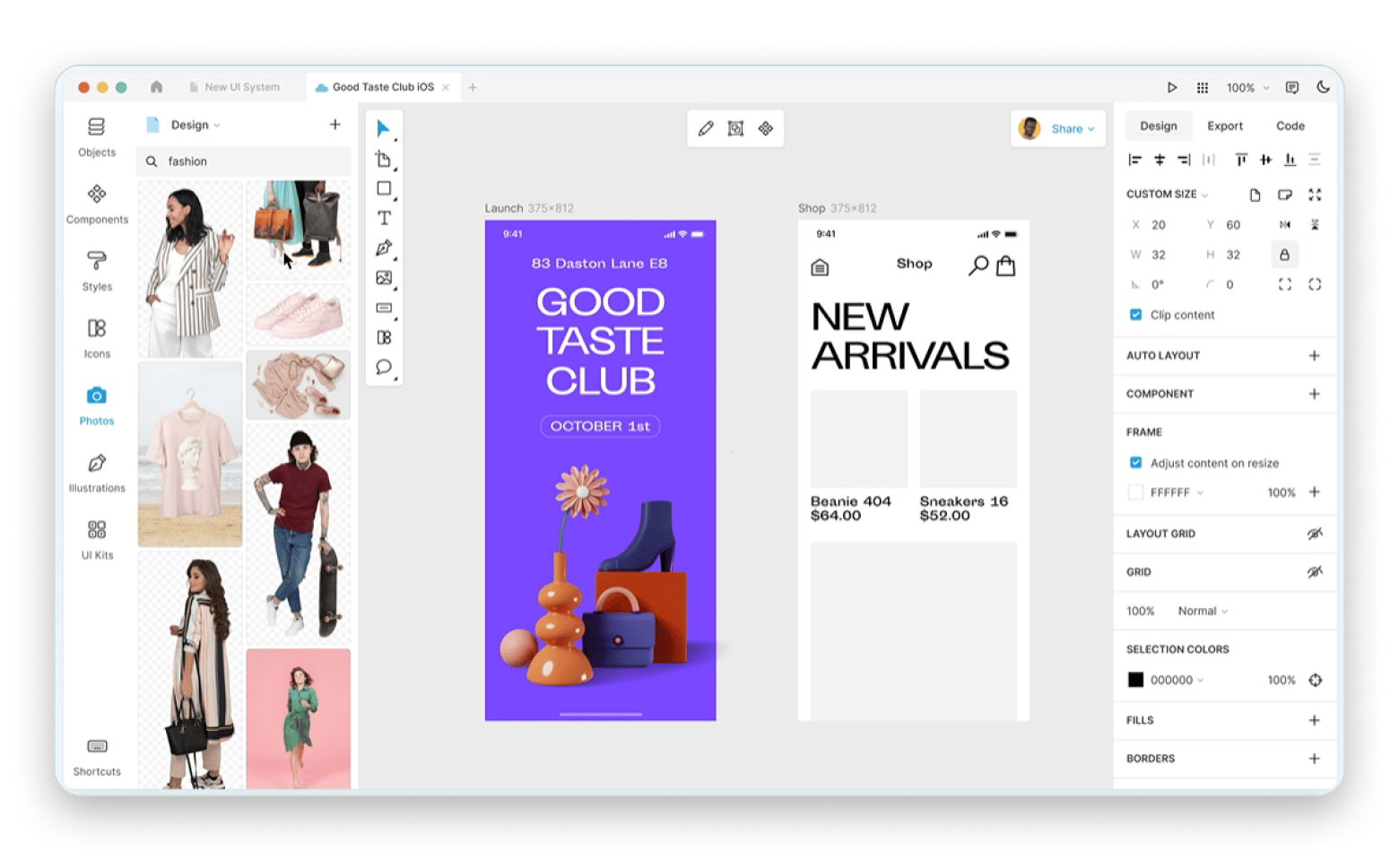
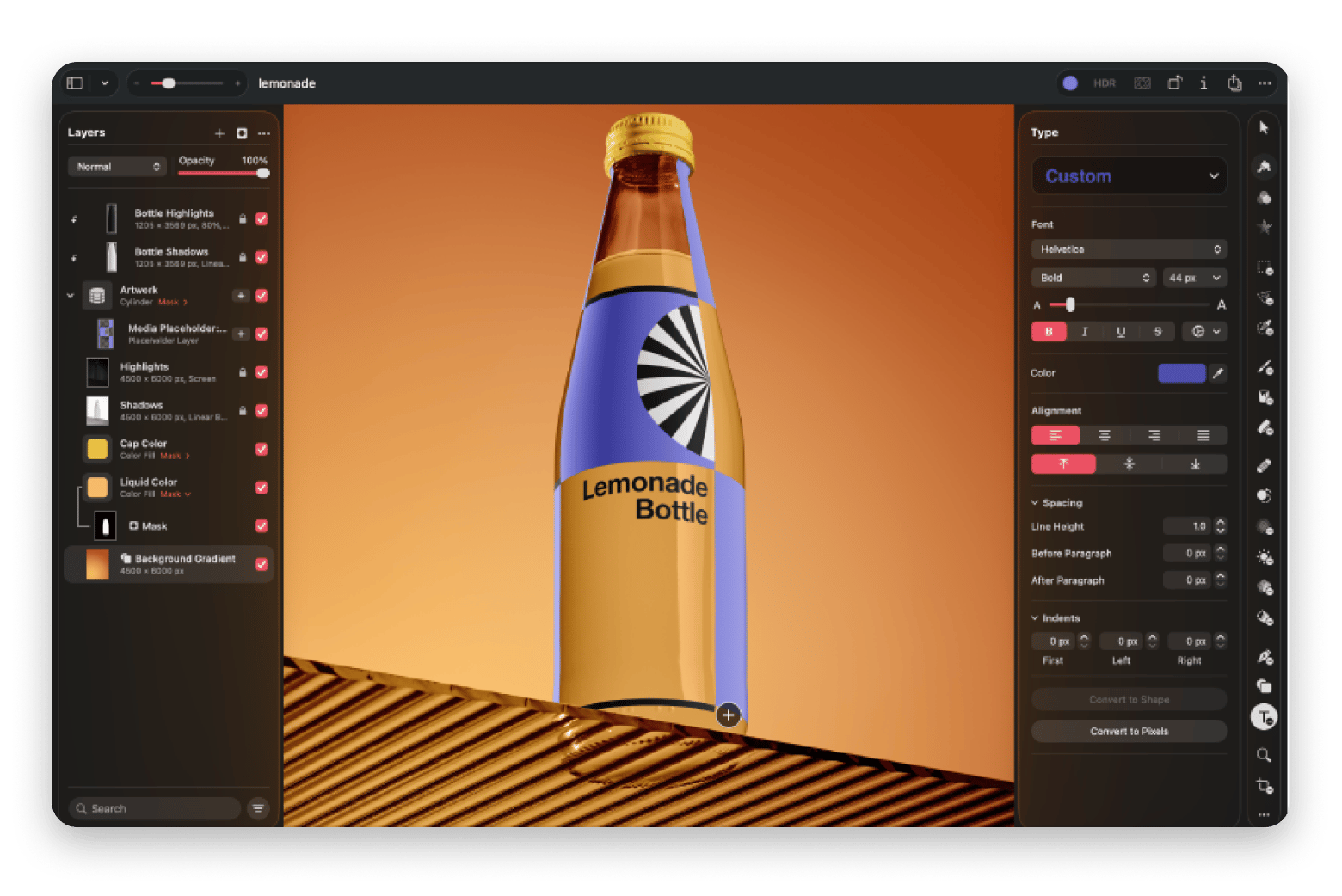
Sketch is the best Mac-native Figma alternative. It works fully offline, stores files locally, and feels genuinely native on a Mac — unlike Figma's Chromium-based desktop app.
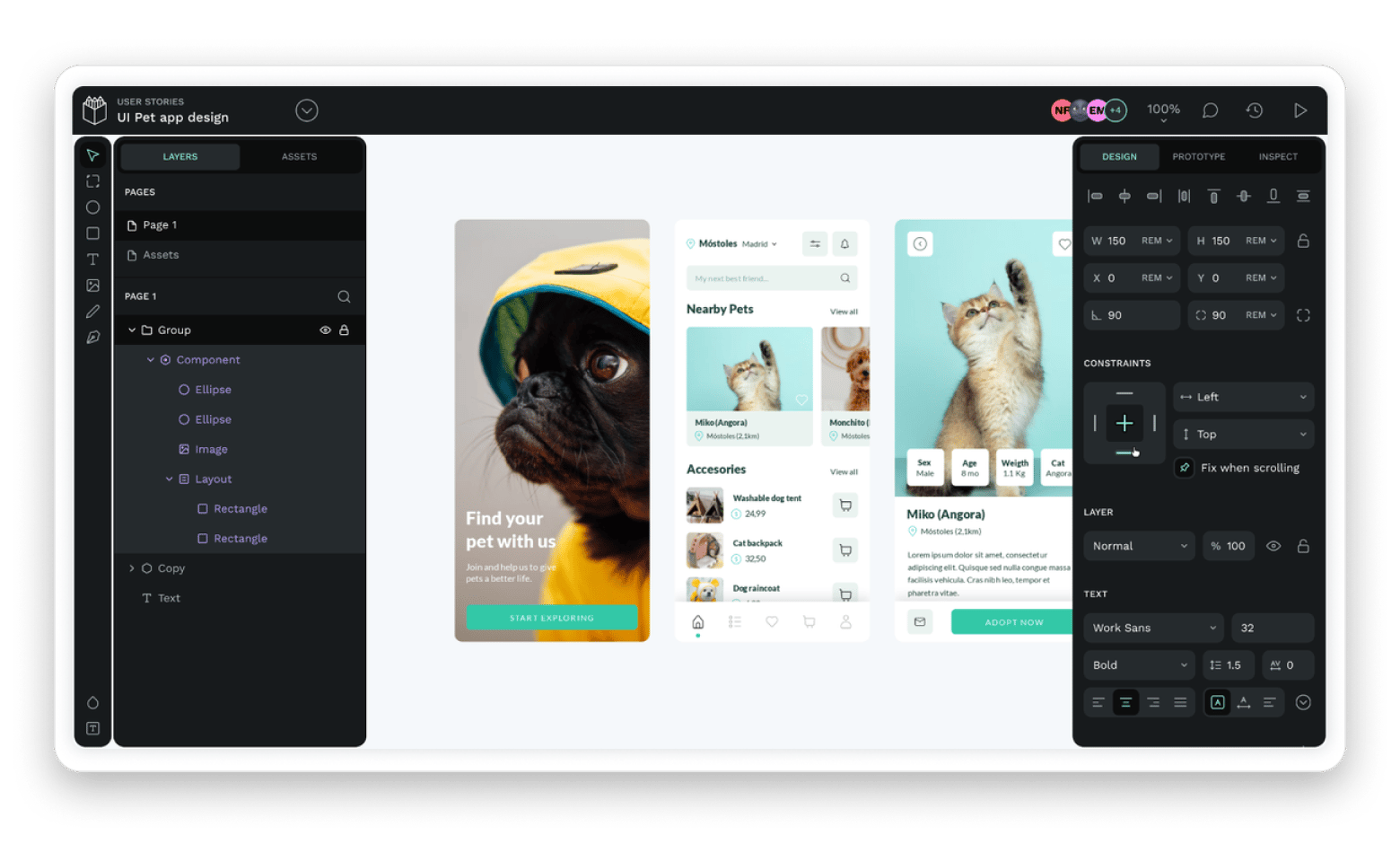
Penpot is the best free, open-source option. You can self-host it, avoid vendor lock-in with SVG-based files, and collaborate in real time — all without a subscription.
Lunacy is the best free desktop alternative. It supports offline workflows, handles large files well, and can import .sketch files for cross-tool compatibility.
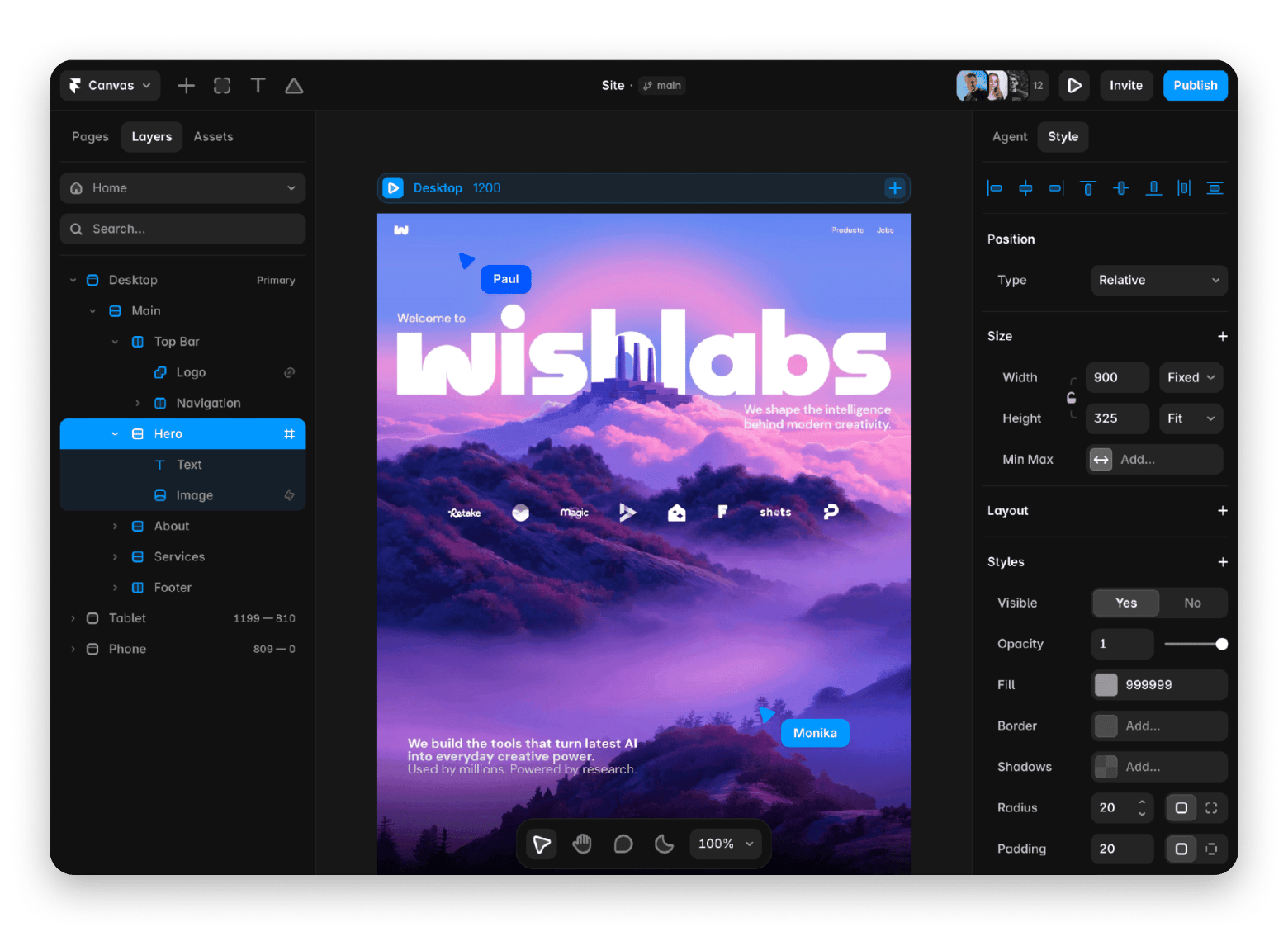
Framer suits designers who publish live websites. If your deliverable is a live marketing page rather than a design system handoff, Framer shortens the workflow.
Figma still deserves its place at the top because there aren’t many design tools that make collaboration feel so effortless.
However, it’s no longer the obvious choice for everyone. Between the ever-rising subscription costs and the lack of true offline work, I’ve noticed more Mac designers asking whether there’s something that fits the way they work.
After trying and using different Figma alternatives over the years, I’ll take you through the top 9. They all offer something different, from open-source self-hosting to a more native Mac experience.
Why Mac designers are looking past Figma
Figma still leads in UI design and real-time collaboration. But this doesn’t come cheap. The recent move to the tiered-set pricing model means that full access for larger teams costs between $55-90/month per designer.
The desktop apps don’t help as they are essentially Chromium wrappers, and all data is stored in the cloud. This often affects performance and causes issues for developers who want to work offline.
Then there’s the 2023 Adobe deal fallout and the many changes that followed, which led many teams to evaluate Figma alternatives.
Quick comparison table: Figma alternatives at a glance
Before we look at the different tools in detail, here’s a quick glance at the best Figma alternatives for Mac.
Option
Best for
Mac app
Offline support
Free tier
Sketch
Mac-native UI design and product design
✅ (native)
✅
❌
Penpot
Open-source UI design and self-hosted collaboration
✅ (wrapper)
❌
✅
Framer
High-fidelity prototyping and React export
✅ (wrapper)
❌
✅
Adobe XD
Designers already using Creative Cloud
✅ (native)
✅
❌
UXPin
Design systems with real code components
✅ (wrapper)
❌
✅
Marvel
Fast, simple interactive prototypes
✅ (wrapper)
❌
✅
Lunacy
Free desktop UI design
✅ (native)
✅
✅
Pixelmator Pro
Static design, marketing assets, and visual content
✅ (native)
✅
❌
Linearity Curve
Vector design across Mac and iPad
✅ (native)
✅
✅
Detailed reviews of each Figma alternative
Sketch: Best Mac-native Figma alternative on Setapp
Best for: Mac-first product designers, freelancers, and small teams that want a native design tool
Source: sketch.com
Sketch is the best Figma alternative for Mac and is actually the original Mac-native design tool that started this category before Figma existed.
In many ways, it still feels more natural on a Mac. It launches quickly, works offline by default, and stores files locally (with optional cloud sync). It covers most of the features you’ll need, including components, responsive layouts, prototyping, and developer handoff. It also integrates with thousands of extensions.
The only major drawback is that the web version isn’t as intuitive as Figma.
Platforms: Mac (native) | Web
Pricing (August 2026):
$120 one-time Mac-only license
Subscriptions from $14/month/editor
Penpot: Best open-source Figma alternative
Best for: Open-source teams, privacy-conscious organizations that want full control over their design files
Source: penpot.app
Penpot is probably the first alternative you should look at if your biggest concern with Figma is that everything lives in the cloud. It's not local-first like Sketch, but it lets teams set up their own servers. Plus, its reliance on an SVG-based file format means that you avoid vendor lock-in.
Penpot is also the main open-source Figma alternative that competes directly with Figma on web standards. It’s web-first, but there’s a community-driven wrapper you can install on Mac.
Platforms: Web | Mac, Windows & Linux (community wrappers)
Pricing:
Free cloud and self-hosting plans
Paid plans start at $7 /user/ month
Framer: Best for designing and publishing live websites without code
Best for: Product designers, marketers, and startups that want to design and publish websites without switching tools
Source: framer.com
Framer is more of an all-in-one platform where you can design a website, add interactions and animations, and publish directly without code or a developer. If you just want a live marketing site or a product landing page, the workflow is shorter than in Figma.
This makes it a great Figma alternative for designers whose work revolves around shipping websites rather than maintaining complex design systems.
However, while it has components and variables, it lacks Figma’s deep design system controls. It’s primarily a web app, but there’s a desktop wrapper for Mac.
Platforms: Mac (wrapper) | Windows (wrapper) | Web
Pricing (August 2026):
Free plan
Paid plans start at $15/month
Adobe XD: Best for maintaining legacy Adobe XD projects
Best for: Designers who already have existing Adobe XD projects or access through an older Creative Cloud subscription.
Source: adobe.com
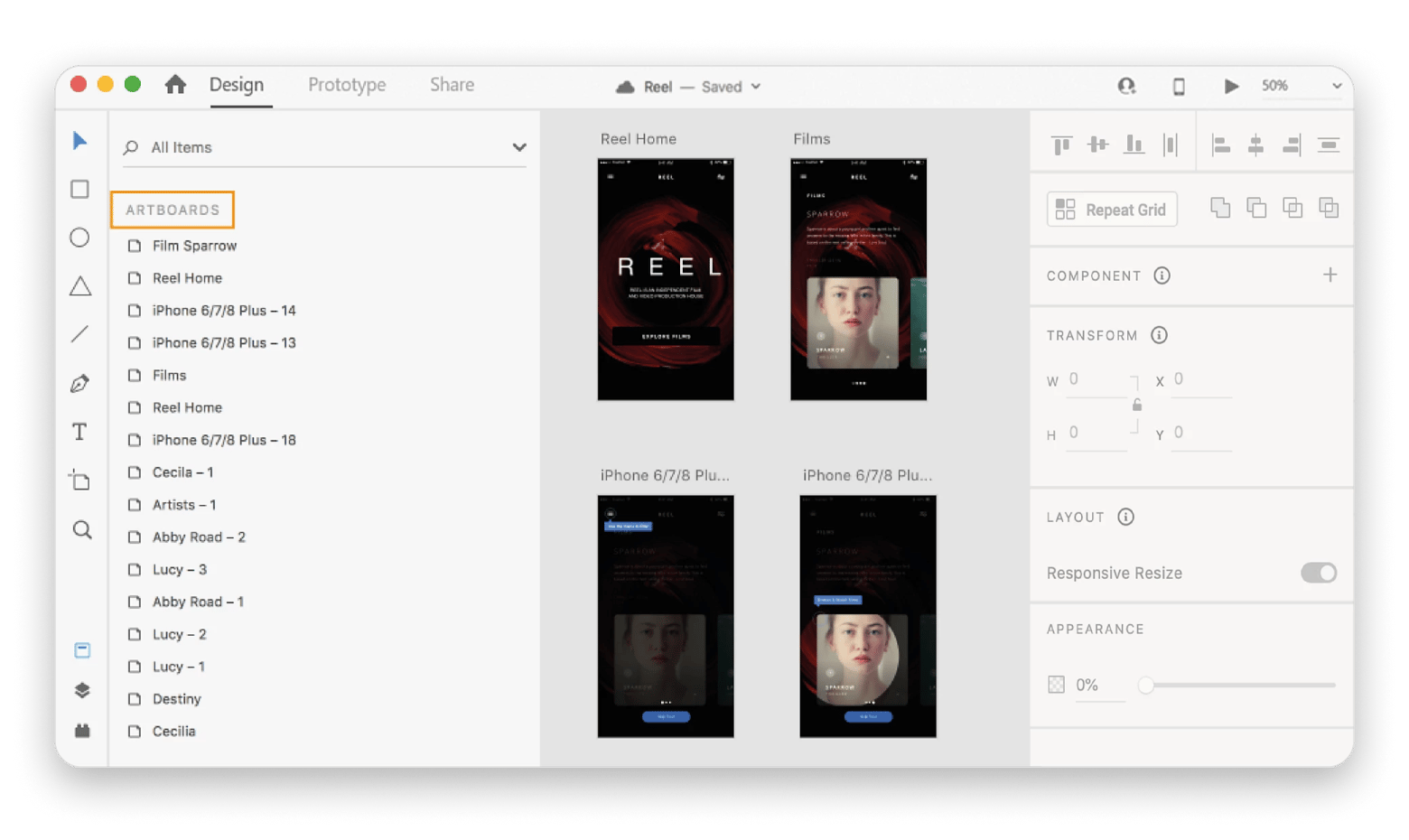
Adobe XD has been in prolonged maintenance mode since the Adobe-Figma deal fell through in 2023, but it’s still available for legacy users.
If you have some projects in Adobe XD and still have a Creative Cloud license, you can use it to edit and export your projects or even create new ones. For everyone else, Sketch offers a Mac-native experience, while Figma remains the collaboration leader.
Platforms: Mac (native) | Windows (native) | Web (view & inspect only)
Pricing (August 2026): Legacy licenses, no plans for new users
UXPin: Best for design systems with real code
Best for: Product teams with established component libraries that want designers and developers to work from the same source
Source: uxpin.com
UXPin lets you merge design work with actual production components pulled from a code repository. It connects directly to React and Storybook to bring support for Vue, Angular, and HTML/CSS libraries.
This means that if you are a large product team, the design systems team only needs to update a single button or form component. Everyone else will then work with the latest production version.
The main trade-off against Figma is that UXPin is aimed at more experienced designers. The interface feels more technical than Figma or Sketch, and the free version is highly limited.
Platforms: Mac (wrapper) | Windows (wrapper) | Web
Pricing (August 2026):
Limited free plan
Paid plans start at $69/month for access to advanced code-syncing features
Marvel: Best for simple prototyping
Best for: Product managers, founders, and anyone who needs to turn ideas into clickable prototypes quickly
Source: marvelapp.com
Marvel keeps things simple by focusing on creating interactive prototypes that are easy to build and simple to share.
You can upload your screens, link them together, add a few interactions, and have something people can click through in minutes. That’s quite useful for a product manager who wants to create a realistic user flow for a presentation without spending hours on polished interfaces.
The simplicity means that you won’t get the advanced design and collaboration features of Figma, but it’s a tool you can learn quickly.
Platforms: Mac (wrapper) | Web | iOS & Android (Mobile)
Pricing (August 2026):
Free plan
Paid plans start at $16/month
Lunacy: Best free desktop Figma alternative
Best for: Solo designers, students, and small teams looking for a capable design tool without a subscription
Source: icons8.com
Lunacy is a free Figma alternative that’s also quite powerful.
Unlike most of the services we’ve looked at, it offers an actual desktop app for Mac, Windows, and Linux. This means it supports offline workflows, and performance is much better when working with large files. When you need to share your files, there’s a cloud option that allows multi-user collaboration even on the free tier.
Lunacy is built on the .sketch file architecture to offer compatibility with Sketch assets. It doesn’t match the design capabilities and integrations of Sketch or Figma, but it’s a great free Figma alternative.
Platforms: Mac, Windows & Linux (native) | Web (view & cloud dashboard)
Pricing (August 2026):
Free plan
Paid plans start at $14.98/month for Lunacy Cloud Pro features
Pixelmator Pro: Best for static design and visual work
Best for: Designers who create marketing assets, social media graphics, and illustrations
Pixelmator Pro doesn’t specialize in UI design, but it’s a great Mac-native design app for static visuals. It’s a good Figma alternative if most of your work involves banners, blog graphics, or social media posts, because you are probably paying for features you rarely use in Figma.
Pixelmator Pro saves on design cost and focuses on image editing and visual design while still supporting vector tools and SVG files.
Platforms: Mac, Windows & Linux (native) | Web (view & cloud dashboard)
Pricing (August 2026): $49.99 one-time purchase.
Linearity Curve: Best for vector design with iPad support
Best for: Designers and illustrators who work across Mac and iPad
Source: linearity.io
Linearity Curve (formerly Vectornator) is a good Figma alternative if you are more into vector illustration and prefer working on your iPad.
It has native Mac and iPad apps that keep projects in sync. A freelance illustrator, for example, can sketch concepts on their iPad with an Apple Pencil while on a commute. They can then open the same file on a Mac to finish the icons, logos, or marketing illustrations.
However, it doesn’t replace Figma for UI design. The free plan is also quite limited and is more of a free trial.
Paid plans start at $20/editor/month for Linearity Pro
Other Mac tools that complete a design workflow
Besides working with a design interface, you’ll also need to capture feedback, grab colors, and keep your workspace organized.
Here are the apps I use to make those tasks easier.
CleanShot X makes design reviews seamless
Design work often involves taking screenshots or recording your screen to share mockups or save inspirations. CleanShot X makes it easy to capture, annotate, and share your screenshots or screen recordings. I find it to be the easiest way to give clear visual feedback on Mac.
If you want to compare more capture tools before committing, our roundup of the best screenshot apps for Mac is worth bookmarking.
Sip keeps your colors consistent across apps
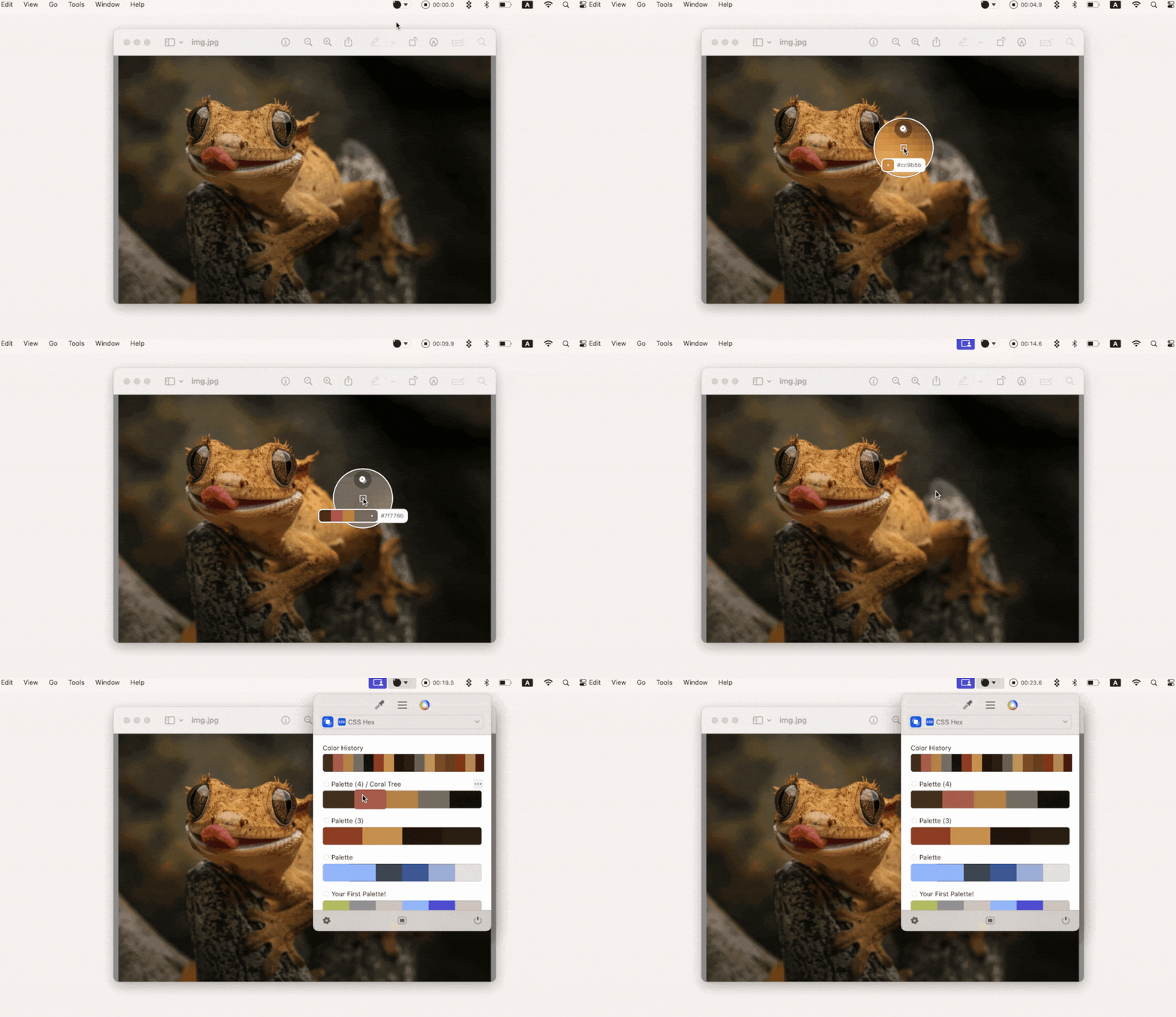
Sip comes in handy when you want to match a brand color from a website or screenshot. You can use it to pick a color from anywhere on your screen, whether it’s another app or a paused video. It then lets you organize them into palettes and copy values in the format you like. You can use it after changing tools to ensure that your designs are consistent.
Bartender keeps your workspace distraction-free
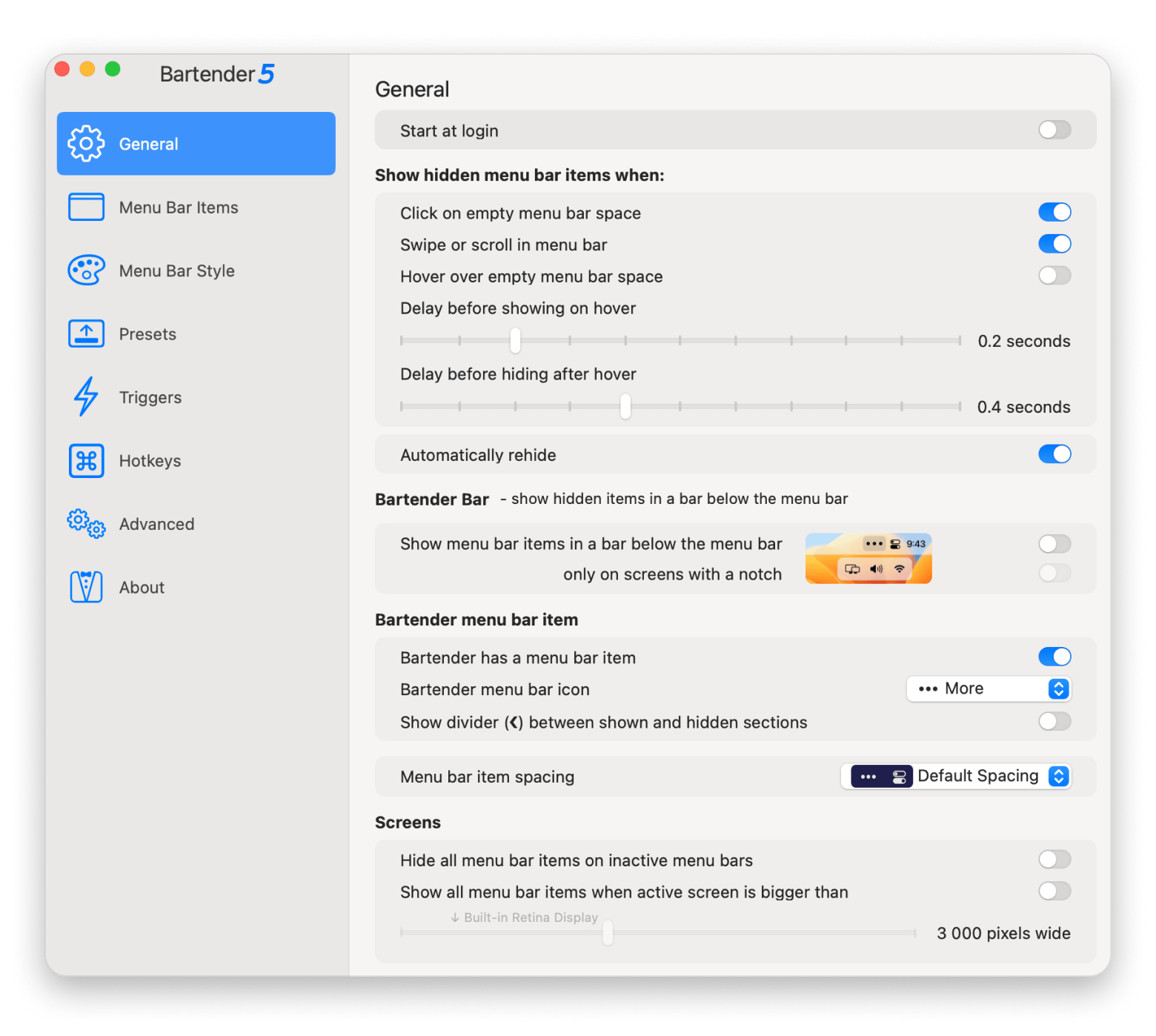
Design tools, collaboration apps, and cloud storage quickly fill up your menu bar with icons. Bartender lets you organize them and hide the ones you don’t need, making your Mac feel less cluttered. It’s a small improvement that becomes quite significant during client presentations or just regular screen-sharing sessions.
Choosing the right Figma alternative for your use case
If you still aren’t sure which tool is right, here’s how to determine the best Figma alternative for your actual work.
I want a Mac-native app with full offline support → Sketch
I want an open-source tool I can self-host → Penpot
I want to design and publish interactive websites → Framer
My team has a design system built on production components → UXPin
I'm a solo designer who wants a capable free desktop app → Lunacy
Most of my work is marketing graphics and visual design, not UI → Pixelmator Pro
I work across Mac and iPad with Apple Pencil → Linearity Curve
I already have legacy Adobe XD projects → Adobe XD (but I wouldn't recommend adopting it for new work)
You can use the free plans to get a proper feel of your top choices.
Migrating from Figma to your new design tool
Most Figma alternatives won’t allow you to directly import your work, but you can still make the migration process easier.
Download your most important files in the native .figma format. Some apps like Sketch and Lunacy import them directly.
Clean up imported projects to correct components, styles, and libraries.
Reconnect the design tokens you need, like Figma Variables or Tokens Studio.
Develop a collaboration framework for your new platform. In most cases, it’s worth keeping Figma to support colleagues.
Keep your Figma account active for about 60 days to reduce the risk of lost files.
While you're setting up your new workflow, the guide on the best apps for a new Mac covers the essential utilities worth having from day one.
The supporting tools we mentioned - CleanShot X, Sip, and Bartender - will also help enhance your new workflow and boost productivity. The three are available on Setapp, a unified marketplace that offers handpicked apps for Mac, iOS, and web under a single subscription.
Whichever design tool you switch to, your Mac workflow still needs the right utilities around it. CleanShot X, Sip, and Bartender are all included in Setapp — 270+ Mac apps, $14.99 USD/mo + tax. Start My 7-Day Trial.
FAQ
Is there a free Figma alternative for Mac that works offline?
Yes, Lunacy is a free Figma alternative that works fully offline. Penpot is also free to use and can be self-hosted.
Can I import my Figma files into another design tool?
Yes, you can import .fig files directly into supporting design tools like Sketch and Lunacy. If your Figma alternative doesn’t have the option, export and import your projects as SVG or PNG, then rebuild the components.
Which Figma alternative is best for solo designers on Mac?
It depends on the specific type of work, but Sketch is a great choice for UI and product design. Lunacy is a good free alternative, while Pixelmator Pro works great for marketing graphics.
Is Sketch still a serious Figma alternative in 2026?
Yes, Sketch is one of the best Figma alternatives for designers in 2026. It offers a native Mac experience, works fully offline, and supports modern UI workflows. It can also import Figma files.
What is the best open-source Figma alternative?
Penpot is the best open-source Figma alternative. It can be self-hosted and supports real-time collaboration.






 Best solution
 Best solution