Quick answer: The best Zoom alternatives for Mac are Google Meet for Google Workspace teams, Microsoft Teams for Microsoft 365 users, FaceTime for Apple-only calls, Jitsi Meet for free open-source meetings, and Whereby for no-download client calls. Each has a different strength, and choosing depends on whether your priority is cost, privacy, collaboration, or convenience.
Every company I've ever worked at used Zoom for video meetings. As much as I wanted to like the app, I always believed it was too complex and packed with unnecessary features. Can you imagine how thrilled I was when I finally joined a team that told me, "We're using Google Meet"? My ears had never heard sweeter words.
I was so frustrated with Zoom that I spent months researching better Zoom alternatives, hoping to suggest one to the team. Now I'm sharing what I found with you.
The best Zoom alternatives for Mac at a glance
Here's a quick overview before we dive into the details:
App
Best for
Native Mac app
Browser-based
Free tier (group meeting limit)
End-to-end encryption
Google Meet
Google Workspace users
Yes
Yes
60 minutes
No
Microsoft Teams
Microsoft 365 users
Yes
Yes
60 minutes
No
Webex
Enterprise webinars
Yes
Yes
40 minutes
Optional
GoToMeeting
Traditional business meetings
Yes
Yes
Free trial only
No
FaceTime
Apple ecosystem
Yes
Yes (via FaceTime links)
Unlimited
Yes
Jitsi Meet
Free open-source meetings
No
Yes
Unlimited
Supported
Whereby
No-download client calls
No
Yes
30 minutes (group, max 4 participants)
Optional
Discord
Casual and community calls
Yes
No
Unlimited
No
Why Mac users are looking past Zoom
The biggest reason Mac users switch away from Zoom is the 40-minute limit on free group meetings. Small teams on a budget have to end the call and start a new one, which wastes time and breaks the flow.
Another reason is performance. Users say Zoom's Mac app uses a large amount of CPU and memory during long meetings, which may cause Macs to slow down and the battery to drop faster. Some users also remember the 2019 webcam vulnerability and are a bit skeptical.
There's also the encryption issue. It's not turned on by default, and if you enable it, you lose features like cloud recording and toll dial-in. This is a major downside for users who want stronger privacy built into the default app.
Some users want a clean app that focuses just on video calls. Zoom has evolved into something more than a video calling app, and now comes with team chat, whiteboards, AI meeting summaries, scheduling tools, and more. Some businesses might need those features, but for those who want a simple tool, they would be better off with a lighter alternative.
Detailed reviews of each Zoom alternative
Now, let’s look at the best Zoom alternatives for Mac, what they do better than Zoom, and where they fall short, along with their pricing plans.
Google Meet: Best for teams already on Google Workspace
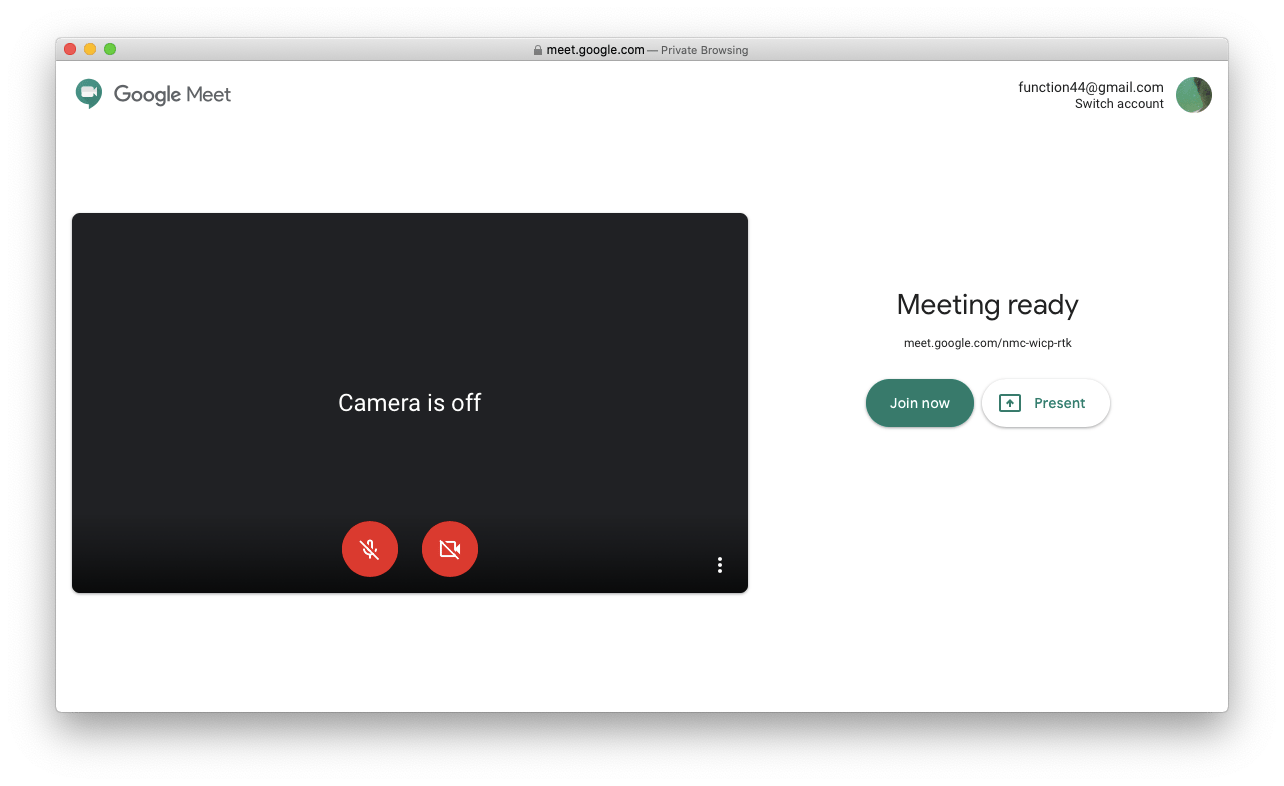
Google Meet is the best Zoom alternative for Mac if you're already using Google Workspace. It runs in any browser, so there's nothing to install before you join a meeting. This is a perk when you're meeting with clients or teammates who don't already have the app. You also get 60 minutes for group meetings with the free plan, plus unlimited one-on-one calls. You'll see all of your meetings in Google Calendar and can join them by just clicking on the join link.
The downside is that it doesn't support end-to-end encryption by default. It also has fewer advanced meeting and webinar features than Zoom.
Pricing (at the time of writing): Free for personal use with a 60-minute limit on group meetings. Paid plans start at ~$8 per month.
Microsoft Teams: Best if you're already paying for Microsoft 365
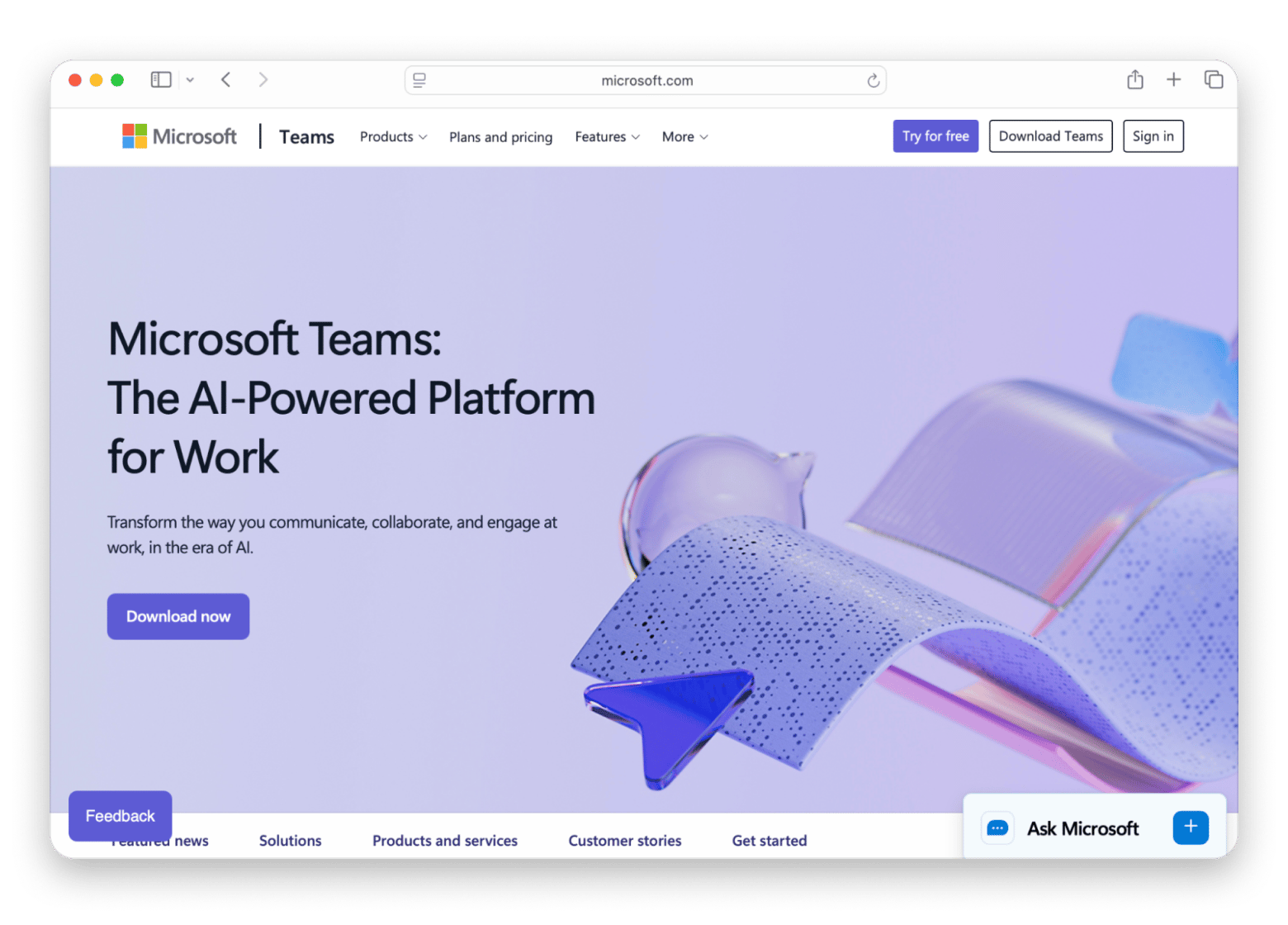
Google Meet makes sense for those already using Google Workspace. Microsoft Teams makes sense if you have Microsoft 365. If the company is paying for a Microsoft 365 subscription, then you already have Teams included. The current Mac app is significantly faster and lighter than the older version, using far less memory — reduced chat switch latency by 20% in the first half of 2026. You'll get features like screen sharing, built-in whiteboards, meeting recordings, and Outlook calendar integration.
The downside is that many find it too slow to launch and consumes too much memory. Also, like Zoom, E2EE is not enabled by default for most meetings.
Pricing (at the time of writing): Free for personal use. Business features are included with most Microsoft 365 plans.
Webex: Best Zoom alternative for webinars and large-scale events
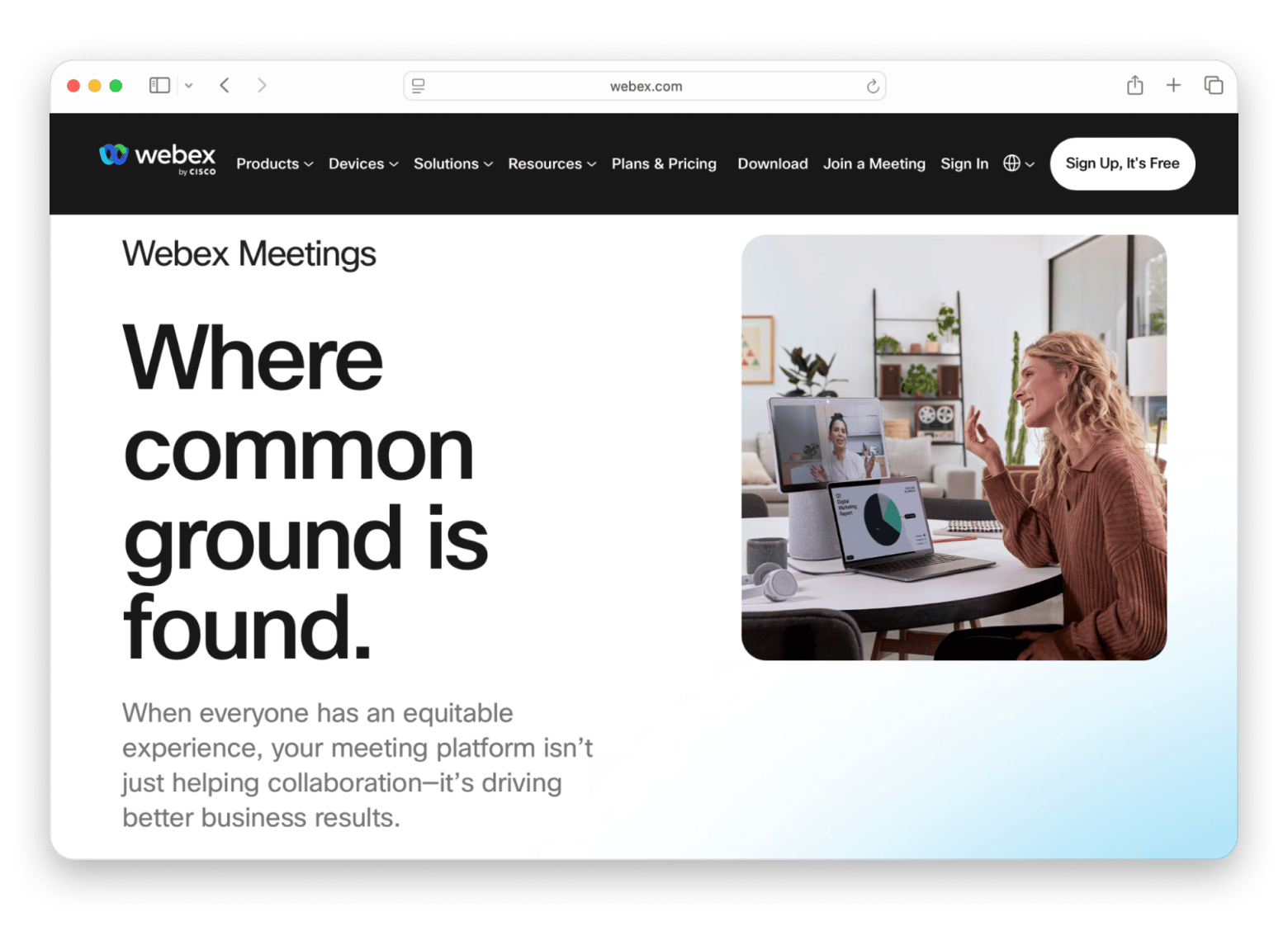
Webex is the video meeting app of choice for companies that run webinars and online conferences. It's a great Zoom alternative if you're a large company that needs features like attendee registration, live Q&A, breakout rooms with skill-based assignment, and detailed recording options. There's also a native Mac app, and you can enable end-to-end encryption.
The downside is that, just like Zoom, there's a 40-minute limit on group meetings. The vast feature set can make it feel more complex than lighter meeting apps.
Pricing (at the time of writing): Free plan available with a 40-minute limit on group meetings. Paid plans start at $14.50/user/month billed monthly.
GoToMeeting: Best for business meetings with phone dial-in
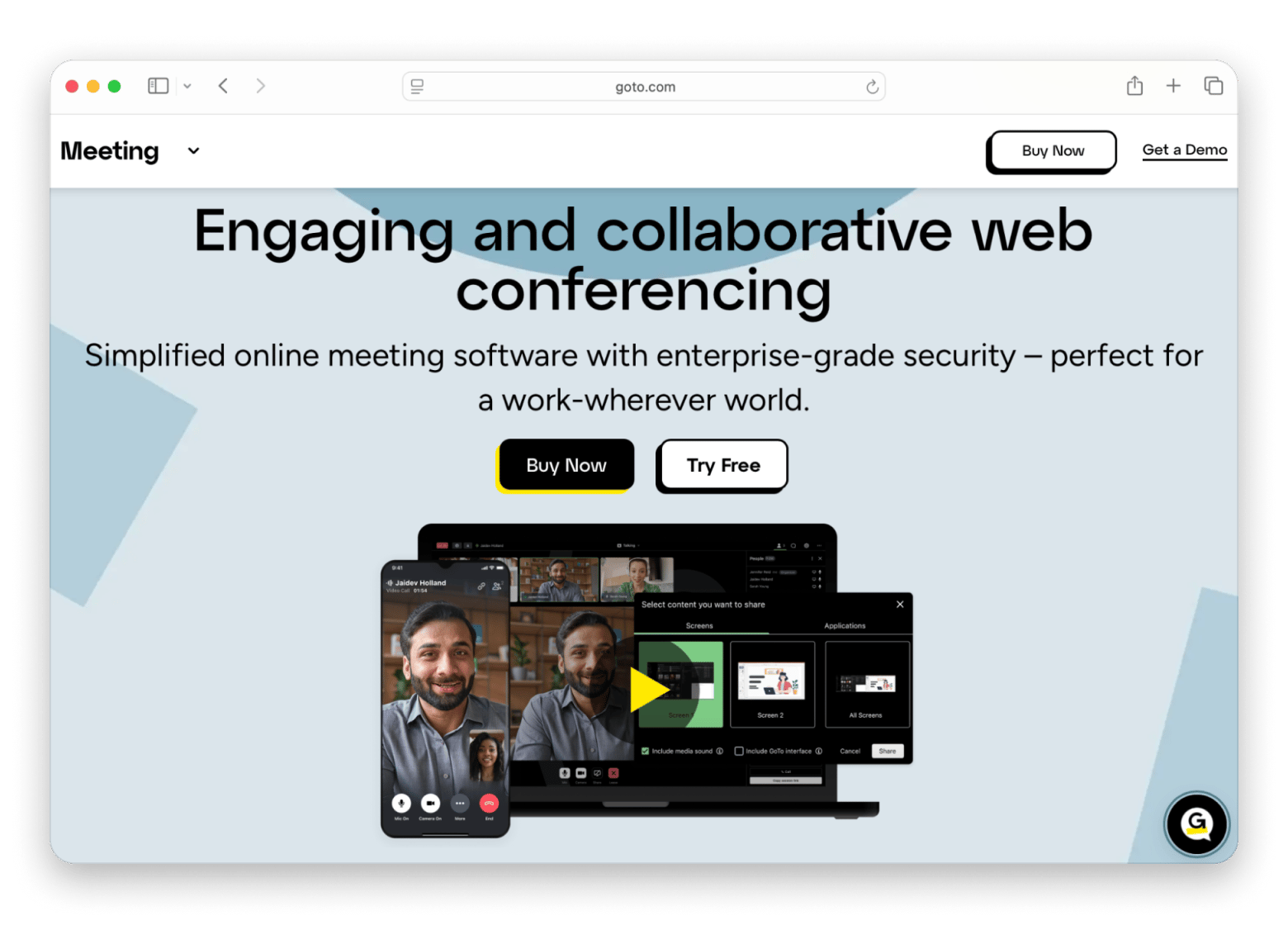
Traditional businesses that need reliable meetings with strong phone support will find GoToMeeting to be a solid alternative to Zoom. The platform comes with the essentials, like HD video and audio, screen sharing, meeting recording, and automatic transcripts. It also has phone dial-in support, so it's an awesome pick for hybrid meetings where some participants want to join by phone.
The downside is that it lacks some of the more advanced collaboration features Zoom has.
Pricing (at the time of writing): Free trial available. Paid plans start at $14 /organizer /month, billed monthly.
FaceTime: Best free Zoom alternative for Apple users
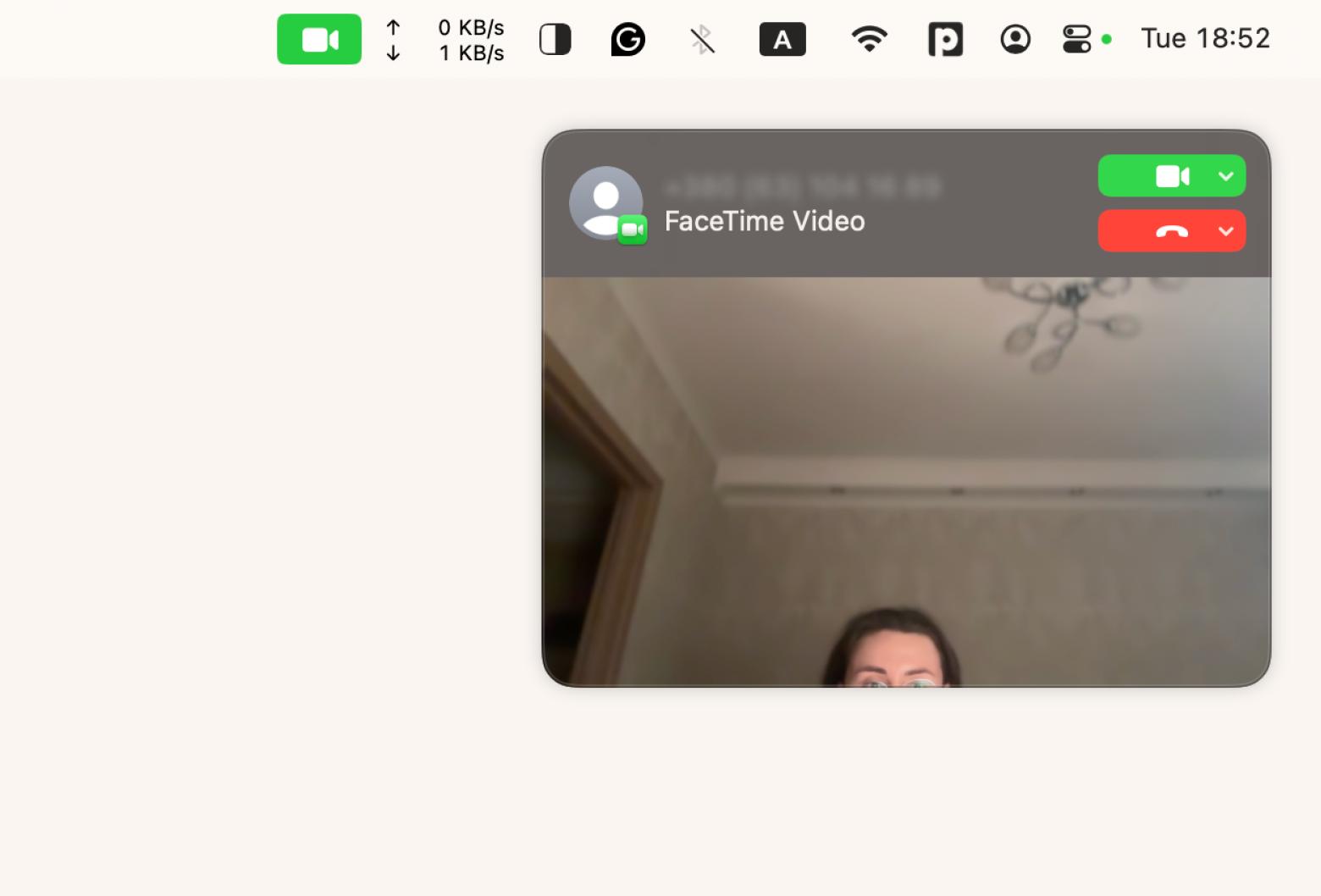
So you already have an Apple Account and just want a simple way to stay connected? FaceTime was built with users like you in mind. It's built into macOS and iPhone, so you won't have to download any software. You can host calls with up to 32 participants, share your screen during a call, use SharePlay to watch videos or listen to music together, and more. Even better, there's no time limit on meetings. If someone doesn't have an Apple device, you can send them a FaceTime link, and they can join from a Windows PC or Android phone through a web browser.
The downside is that it's not an app for formal business meetings. You won't find waiting rooms or built-in meeting recording, so it's not ideal for larger companies.
Pricing (at the time of writing): Completely free with an Apple Account.
For a deeper look at all the ways you can share your screen — FaceTime, Zoom, and third-party tools included — check the guide on how to screen share on Mac.
Jitsi Meet: Best free and open-source Zoom alternative with no account required
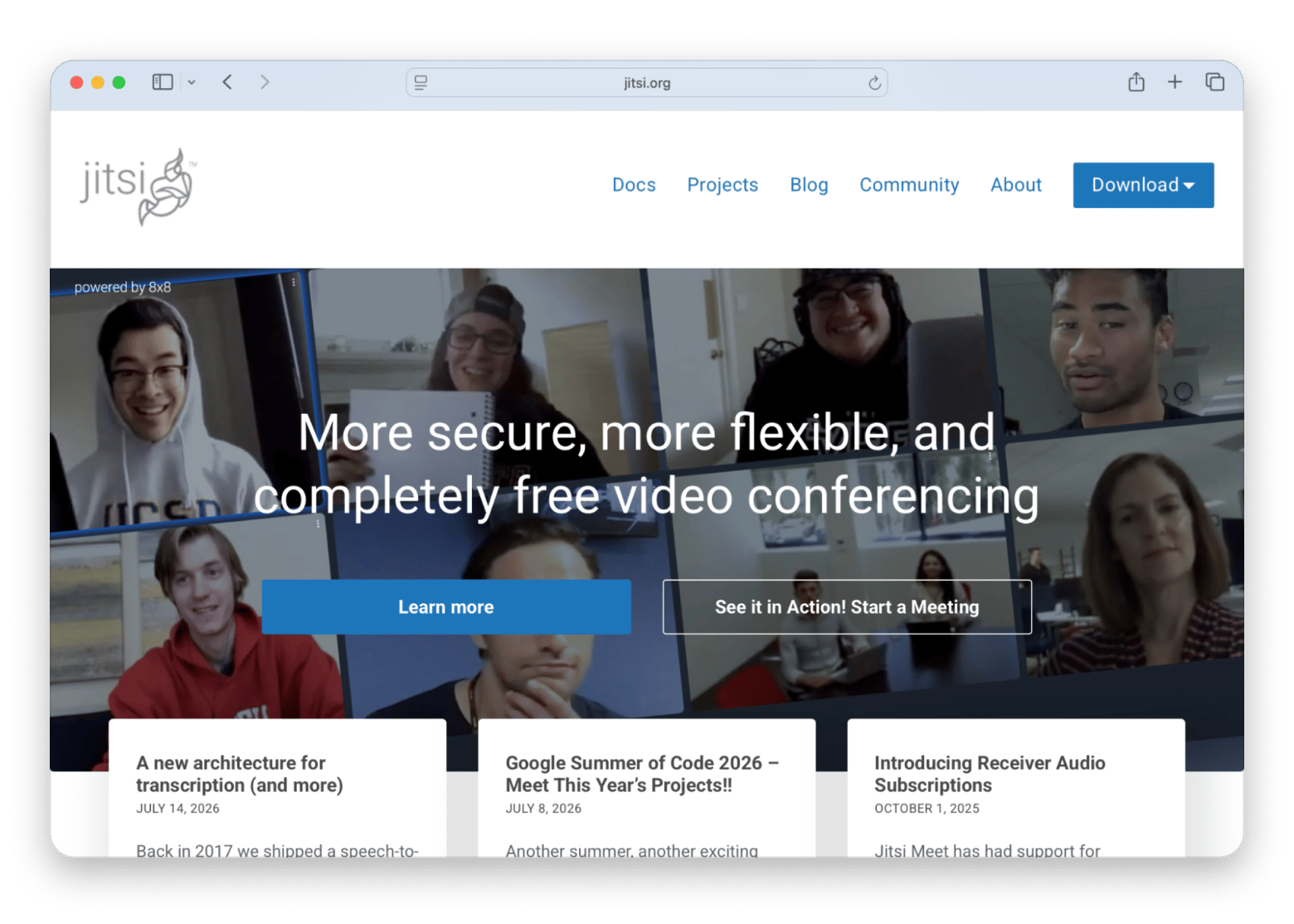
Some people just prefer using open-source software, and if you're one of them, then Jitsi Meet is the best free Zoom alternative. It runs in your browser, so you won't have to bother with installing any software. You don't even need an account to start a meeting. Just create the meeting link and share it. Jitsi Meet also supports E2EE in supported scenarios, and because it's open source, you can self-host it for complete control over your data.
I tested Jitsi with a 15-person team standup, and it held up well — video was stable, and nobody needed to create an account. I wouldn't use it for a 100-person webinar, but for everyday team calls where privacy matters, it's good..
The downside is that it's not the best tool for large meetings. Performance can become less reliable once you reach around 30 to 50 participants.
Pricing (at the time of writing): Free to use. Self-hosting is also free, although you'll need to cover your own server costs.
Whereby: Best for client calls that need zero downloads
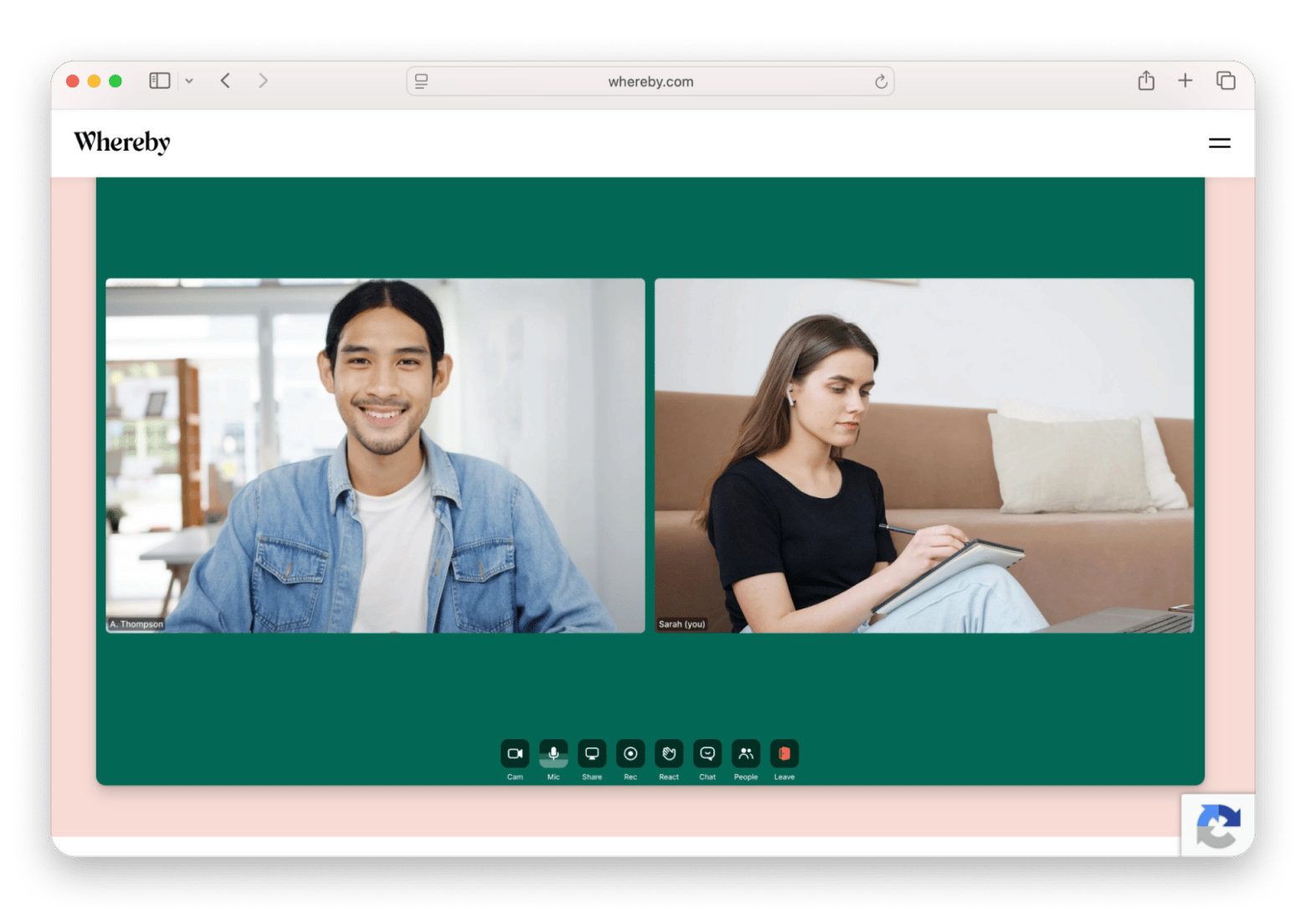
Whereby is the most convenient Zoom alternative for client calls, and for a few reasons. First, it runs in the browser, so people can join with a single click without downloading anything. Second, each meeting room has a permanent URL, which means you can reuse the same link instead of creating a new meeting every time.
The downside is that the free plan has a 45-minute limit on group calls, and the platform isn't built for large meetings or webinars.
Pricing (at the time of writing): There's a free plan, while paid plans start at $10.99/month.
Discord: Best for always-on team communication and community calls
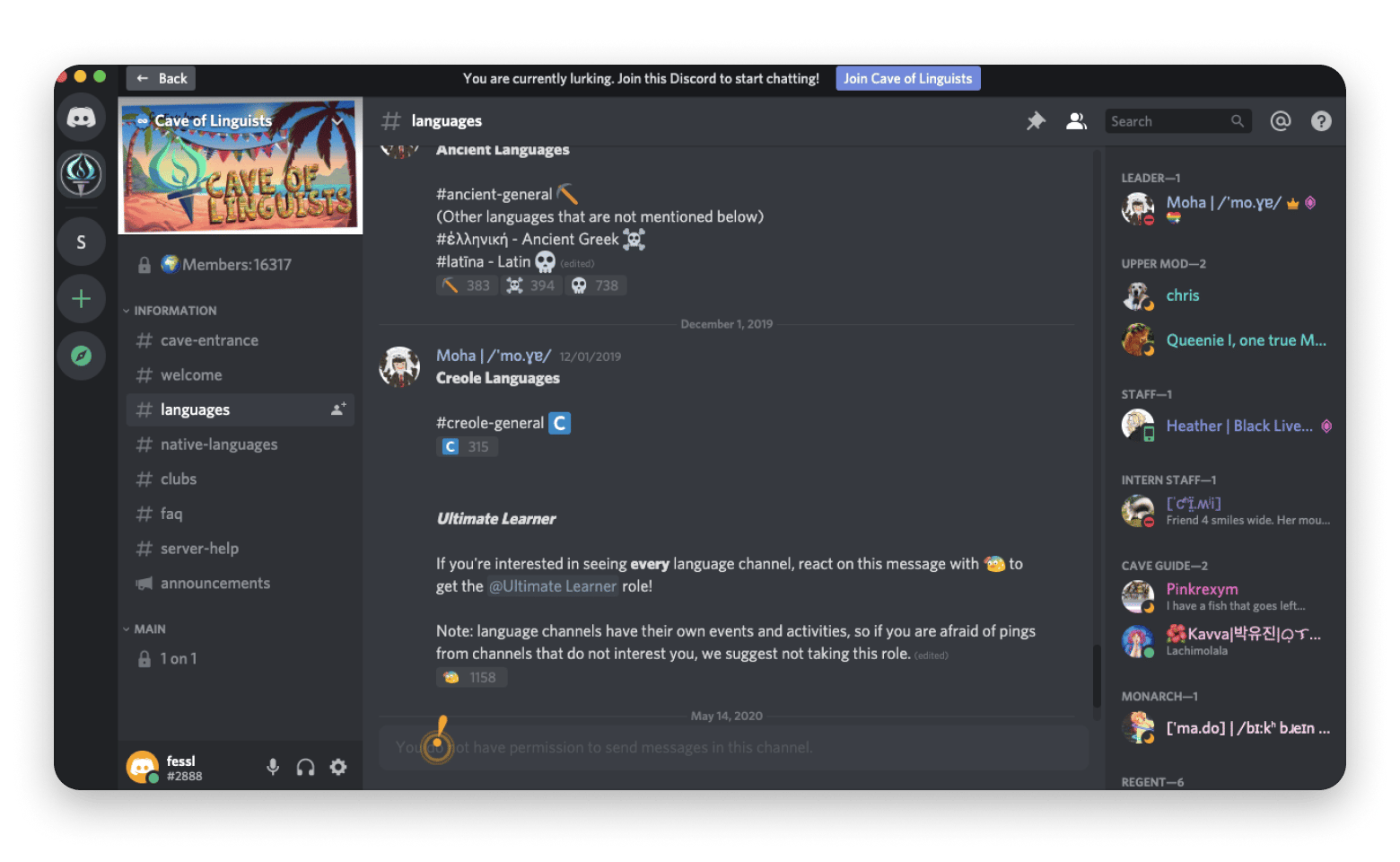
Discord, originally built for gamers, has evolved into a popular collaboration platform for indie companies and open-source projects that rely on voice communication. What makes it stand out from other apps is that its always-on voice channels let teammates join and leave meetings whenever they need, unlike with scheduled meetings (see this list of the best scheduling apps).
The downside is that it lacks built-in workflow automation and native calendar features that many companies expect from workplace collaboration software. So if you're managing a larger organization with complex compliance or productivity needs, then Discord might not be the best pick. But it's undoubtedly the best Zoom alternative for small businesses.
Pricing (at the time of writing): Free plan available; paid plans start at $2.99/month for individual users, while most business collaboration features remain free.
Mac tools that make any video meeting workflow better
The right companion apps can help you get more out of your communication platform. These Mac apps are all available through Setapp, a single subscription with 270+ tools. Here are some useful options:
CleanShot X: Capture and annotate screenshots instead of scheduling another call
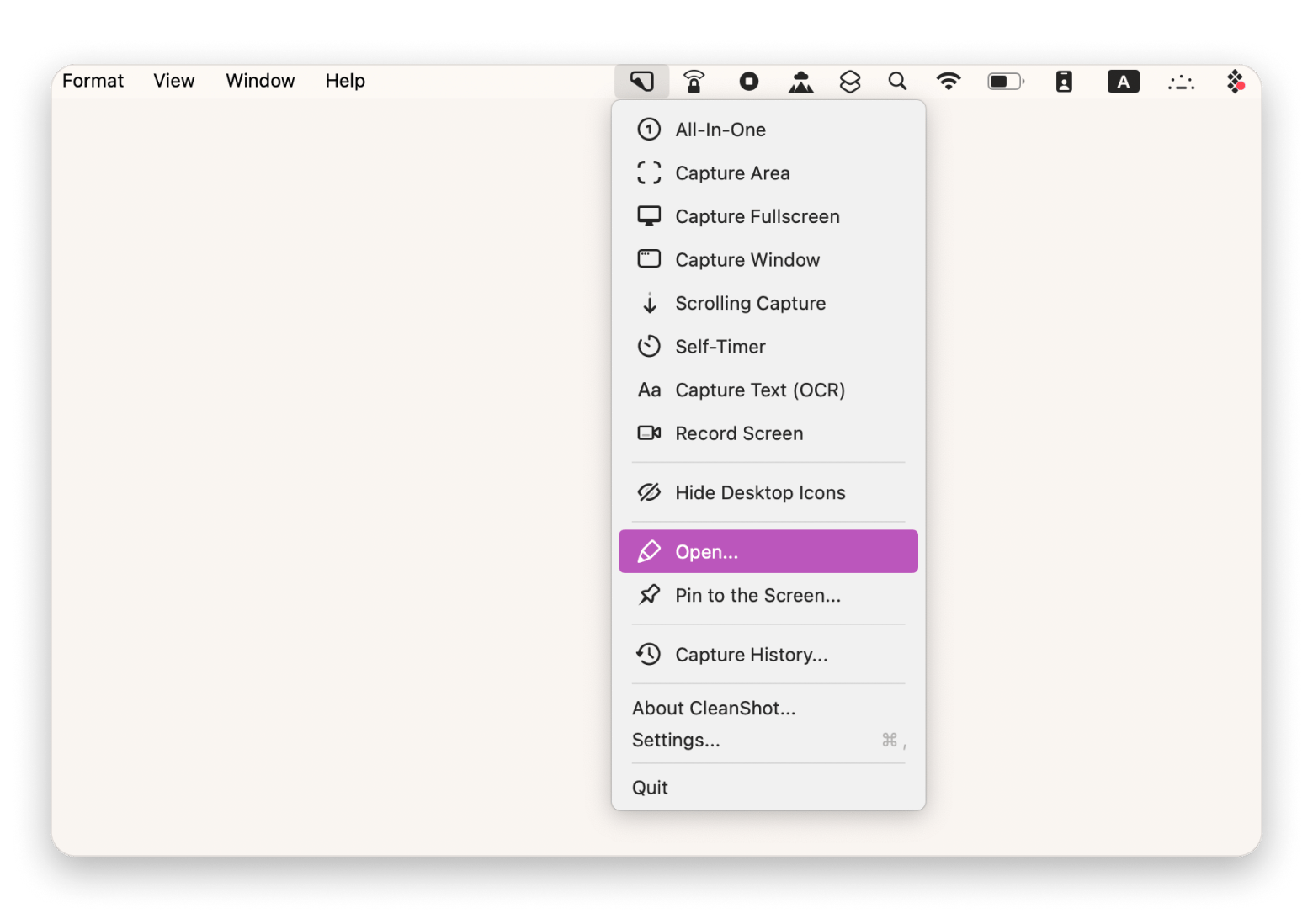
Have you ever had to explain a problem by typing a long email or message? You can make your life easier and install an app like CleanShot X. Then, you'll be able to capture screenshots to report a bug or simply make a screen recording. You can capture scrolling screenshots, blur sensitive information, add annotations, and more.
I use CleanShot X, so I don’t have to type what I see on my screen in Slack messages. I just capture, annotate, and drop it into the chat in about five seconds. It's not a meeting tool, but it's replaced half the meetings I used to have.
Bartender: Keep your menu bar organized across multiple meeting apps
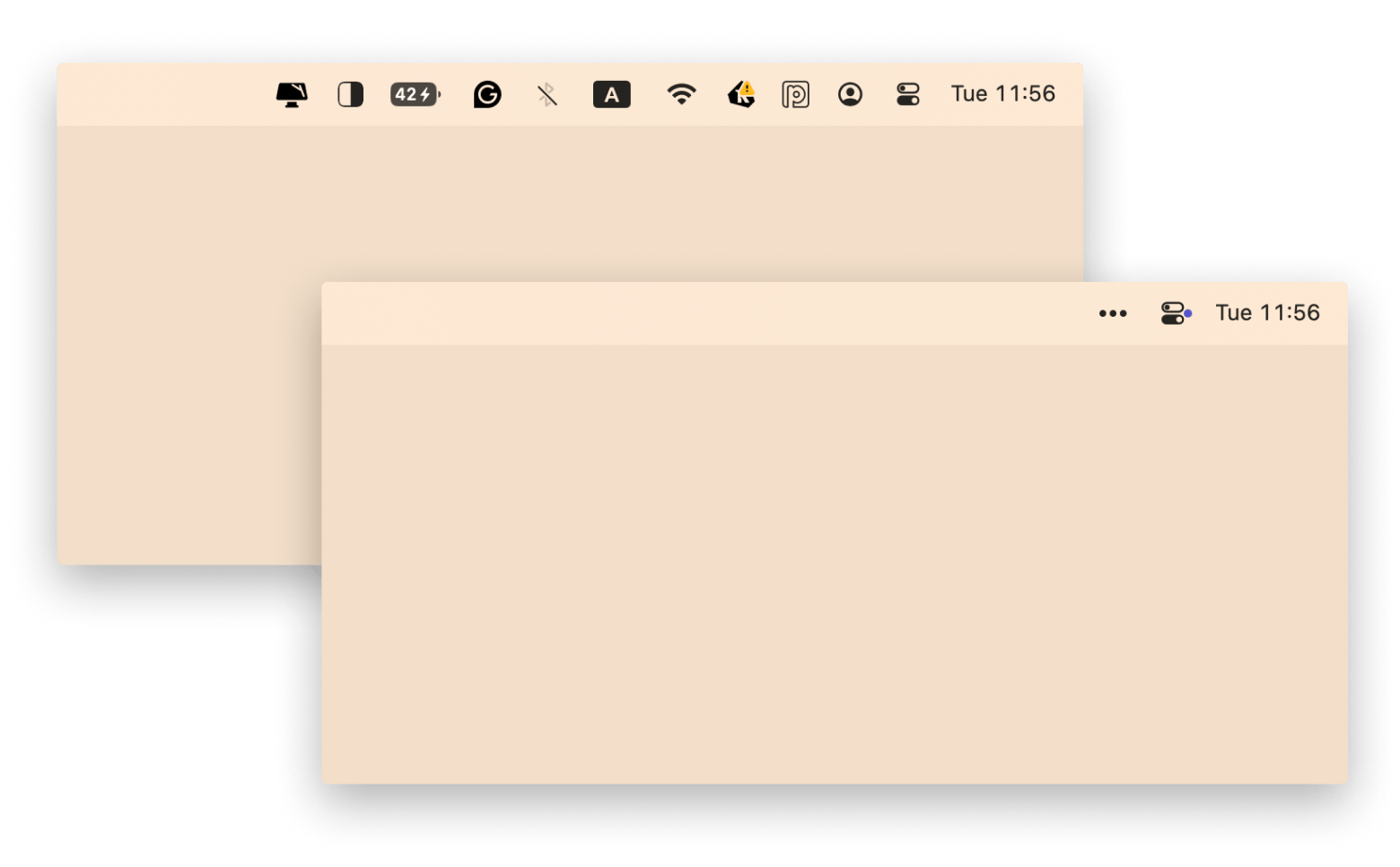
Using multiple communication apps can quickly clutter your menu bar. Bartender helps keep it organized by showing only the icons you use most often. The rest stay hidden, but you can access them in a single click whenever you need them.
One Switch: Switch Do Not Disturb, Dark Mode, and AirPods in one click
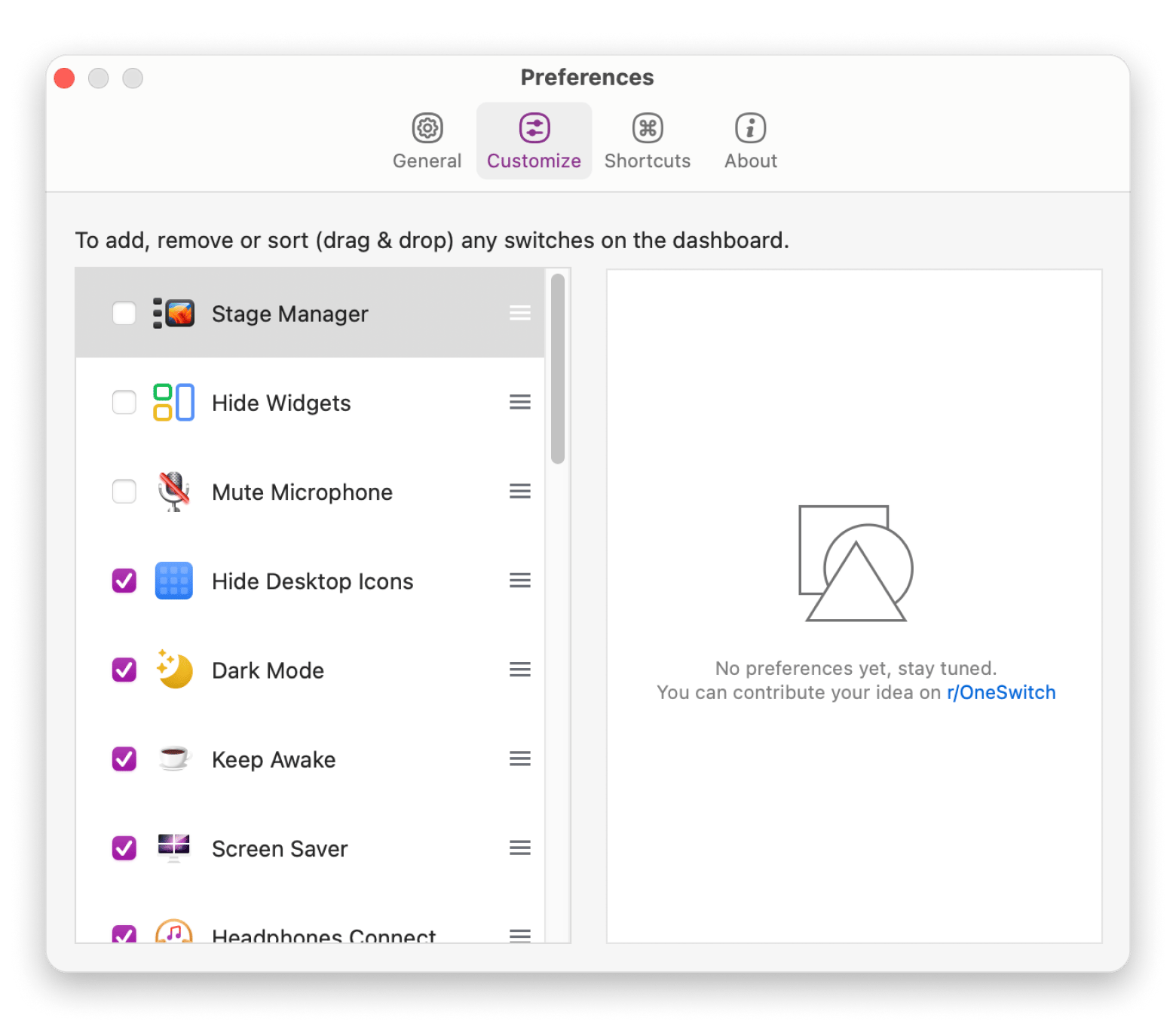
Staying focused can be a challenge if your team is sending messages all day long. To improve focus, you can install One Switch. The app gives you quick access to Do Not Disturb, AirPods, Dark Mode, and other Mac settings from a single menu, so you can reduce distractions in seconds.
Switching from Zoom to your new video tool
To switch from Zoom to a new video meeting app without losing anything, follow these five steps:
Decide what you use Zoom for: Think about whether you mainly use Zoom for internal team meetings, client calls, webinars, or personal chats. You may find that one tool doesn't have to handle every type of meeting.
Export your Zoom contacts and scheduled meetings: Go to Zoom Web Portal > Profile > Personal contacts > Select Name > Export to CSV.
Update your calendar invites: Replace Zoom links in any future meetings with links from your new platform. If you have recurring meetings, you'll need to edit each event or create new ones with the updated meeting link.
Let people know you're switching: Tell your team and clients which platform you'll be using and when the change takes effect. Many people keep both Zoom and their new meeting app for a few weeks while everyone adjusts.
Keep your free Zoom account for a while: Even if you stop hosting meetings in Zoom, you'll probably still receive Zoom invitations from other people. Before you cancel your account, download any cloud recordings you want to keep, as they may be deleted after your subscription ends or your account is closed.
Choosing the right Zoom alternative for your use case
The best Zoom alternative for you depends on your needs and the way you work. Here's a quick guide to help you choose:
I want free unlimited group calls > Jitsi Meet or FaceTime.
We're a Google Workspace team > Google Meet.
We have Microsoft 365 > Microsoft Teams.
I run webinars or large meetings > Webex, or stick with Zoom Webinars if you already pay for Zoom.
I do lots of client calls and want people to join without downloading an app > Whereby.
We're a small startup team that wants a more casual meeting experience > Discord.
I want end-to-end encrypted calls > Jitsi Meet (when self-hosted) or FaceTime.
I just want to call family on Apple devices > FaceTime.
I need reliable business meetings with strong phone dial-in support > GoToMeeting.
Whichever platform you choose, a few Mac tools can make your meeting workflow better. CleanShot X captures annotated screenshots and screen recordings you can drop into any conversation instead of scheduling another call. Bartender keeps your menu bar organized when you're running multiple communication apps. And One Switch gives you one-click access to Do Not Disturb, Dark Mode, and AirPods controls so you can reduce distractions before a meeting starts.
Your next video meeting app is just the start. The Mac tools around it matter just as much. CleanShot X, Bartender, and One Switch — plus 270+ more Mac apps — free for 7 days on Setapp. Start My Free Trial.
FAQ
What is the best free Zoom alternative with no time limit?
If you want free group video calls without a time limit, Jitsi Meet is one of the best options. It works in your browser, doesn't require an account, and is completely free. Apple users can also use FaceTime, which offers unlimited calls with up to 32 participants at no cost.
Is there a Zoom alternative that doesn't require a download?
Yes. Google Meet, Jitsi Meet, and Whereby all let you join meetings directly from a web browser. There's nothing to install, making them ideal for client calls or meetings with people who don't want to download another app. Simply click the meeting link and join.
Which Zoom alternative is the most private and encrypted?
For maximum privacy, Jitsi Meet is one of the strongest choices, especially when self-hosted. It supports end-to-end encryption in supported scenarios and gives organizations full control over their data. FaceTime is another excellent option, with end-to-end encryption enabled by default for every call.
Can I use FaceTime as a Zoom alternative for business meetings?
Yes, but it depends on your needs. FaceTime works well for small team meetings, client calls, and one-on-one conversations. It supports screen sharing, FaceTime links, and end-to-end encryption. However, it lacks business features such as waiting rooms, built-in recording, webinar tools, and advanced admin controls.
What is the best Zoom alternative for webinars?
Webex is one of the best alternatives for webinars. It includes attendee registration, live Q&A, breakout rooms, recording tools, and other features designed for large online events. If you already rely on Zoom for webinars, however, Zoom Webinars remains one of the most complete and reliable solutions available.
Clean menu bar with Bartender
Organize menu bar items and keep your desktop tidy.






 Best solution
 Best solution