- Luminar Neo — best for AI-powered editing; sky replacement, object removal, and portrait retouching with one-click AI. Available on Setapp.
- Affinity Photo — best Photoshop feature parity; layers, RAW, CMYK, and 32-bit editing with no subscription.
- GIMP — best free option; layer-based editing, masks, plugins, and solid PSD compatibility.
- DxO PhotoLab — best for RAW photography; DeepPRIME AI noise reduction and lens-specific corrections.
- TouchRetouch — best for object removal. Available on Setapp.
- TouchRetouch is rated 98% by Setapp users. Luminar Neo is 90% .
Try both free on Setapp — cancel before day 7, $0 charged.
Last year, I was making a collection of all the best photos I've taken throughout the years and decided to edit them. I chose Adobe Photoshop and ended up enhancing these images with different color adjustments and filters. But soon, I had to look for an alternative to Photoshop because it was too pricey to use for basic editing.
So I did my research and tested dozens of Adobe Photoshop alternatives, and now, I'll share my list with you to save you the time of finding the right editor yourself.
Best Adobe Photoshop alternatives for Mac at a glance
Let's start with a quick comparison. For a detailed review, scroll down.
| Option | Best for | Top use case | Users that benefit most | Pricing model |
| Luminar Neo | AI-powered photo editing | Sky replacement, object removal, portrait retouching with one-click AI | Photographers who want pro results without manual masking | $14.99 with Setapp Membership or $5.69/month on Setapp Marketplace |
| Photomator | Apple ecosystem photographers | Batch editing and AI adjustments inside Apple Photos | Mac and iPhone photographers with large libraries | Subscription or lifetime license |
| GIMP | Free open-source image editing | Layer-based editing, masks, plugins, scripting | Budget-conscious users who need real editing power | Free |
| Photopea | Browser-based PSD editing | Open and edit PSD, AI, Sketch, and XD files in a browser | Occasional editors and teams that share Photoshop files | Free with ads or Premium ($5/month) |
| Affinity Photo | Photoshop-level editing without a subscription | Professional layer editing, RAW, CMYK, and 32-bit — all free | Designers and photographers escaping Adobe's subscription | Freemium (under Canva ownership) |
| Krita | Digital painting and illustration | Brush engine, animation, and illustration tools | Concept artists, illustrators, comic artists | Free and open-source |
| DxO PhotoLab | Professional RAW photography | DeepPRIME AI noise reduction, lens-specific corrections | Photographers who shoot RAW and care about image fidelity | One-time purchase |
| Capture One | Tethered shooting and professional photography | Live tethered capture and precise color editing during studio shoots | Professional studio photographers | Subscription or perpetual license |
| TouchRetouch | Object removal | Remove power lines, photobombers, and distractions in seconds | Real estate agents, travel and product photographers | $14.99 with Setapp Membership or $4.99/month on Setapp Marketplace |
Or get Luminar Neo as a standalone app — no Membership needed.
Why Mac users are looking past Adobe Photoshop
Mac users are switching away from Adobe Photoshop for three main reasons: subscription cost ($22.99/month with no one-time option), an interface that feels designed for Windows, and the realization that most editing tasks need only 20% of Photoshop's features.
Adobe Photoshop is one of the best photo editing software programs, but it's not for everyone. If you need a software program just to do light editing for your social media posts, then Photoshop is overkill.
Those who prefer a native Mac experience are also looking elsewhere. Photoshop runs smoothly on Apple silicon Macs, but it still feels like Adobe software. Some elements, like floating panels and modal dialogs, can make editing more complex than it needs to be.
Some users have realized they just need simple software without an overwhelming feature set. Learning the dozens of specialized tools in Photoshop takes time, and for basic photo retouching and social media graphics, more casual tools are a better choice.
Detailed reviews of each Photoshop alternative
Let's now explore each Adobe Photoshop alternative more closely and see what it does as well as or better than Photoshop, where it falls short, and who it's best for.
Luminar Neo: Best AI-powered photo editor on Setapp
Luminar Neo is a great AI Photoshop alternative for photographers who want AI to help them with editing. You'll find all kinds of features for editing your visuals, like Relight AI to brighten faces, GenErase for removing objects, portrait retouching, and RAW photo editing. It supports layers and can work as a plugin for Lightroom and Photoshop if your workflow still includes Adobe apps. Just keep in mind it's not built for advanced design work, so there are limited typography tools and no vector editing capabilities. Still, it's one of the best AI photo editors on the market that's easier and cheaper than Photoshop.
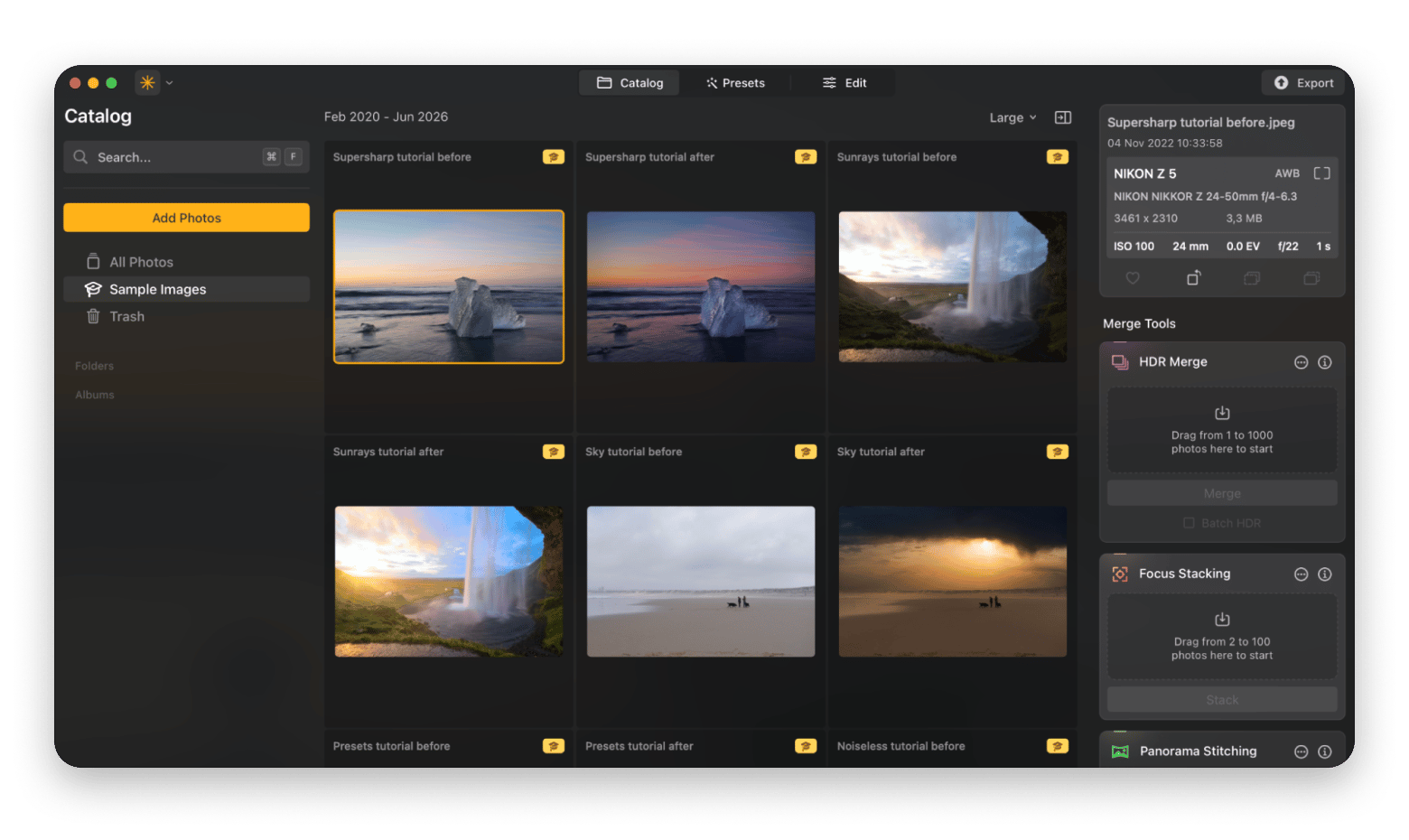
Pricing: Included in Setapp Membership for a flat monthly fee, along with 270+ other apps. You can also buy it as a standalone tool on Setapp Marketplace for $5.69 + tax per month per device.
Photomator: Best for Apple ecosystem photographers
Photographers who want software with a Mac-native feel built specifically for photography should look into Photomator. It comes with features like one-click presets, batch editing, automatic adjustments, and integration with Apple Photos. This makes it easy to organize and edit large photo libraries without switching between multiple apps. The downside is that it has more limited PSD support, and it's not created for design projects.
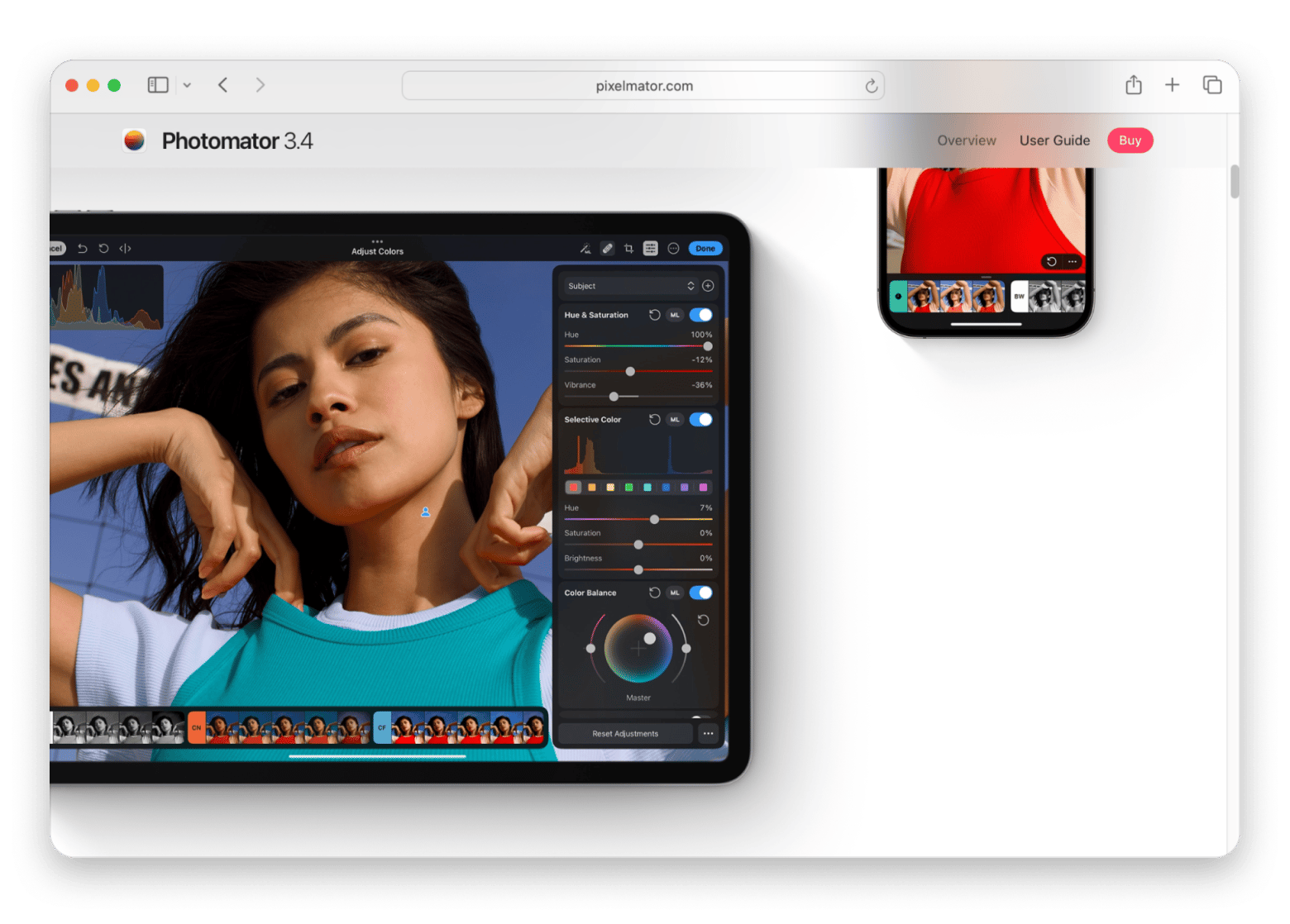
Source: https://www.pixelmator.com
Pricing: Photomator is available through a subscription (plans start at $7.99/month) or a one-time lifetime license ($119).
GIMP: Best free open-source Photoshop alternative
If you're operating on a budget but still need powerful editing tools, then GIMP is the best Photoshop alternative for Mac for you. It offers features like layer-based editing, masks, plugins, scripting support, and good PSD compatibility. One small limitation is that the Mac version doesn't feel as polished as native macOS apps because it's built with the GTK toolkit. The interface is also a bit challenging for new users.
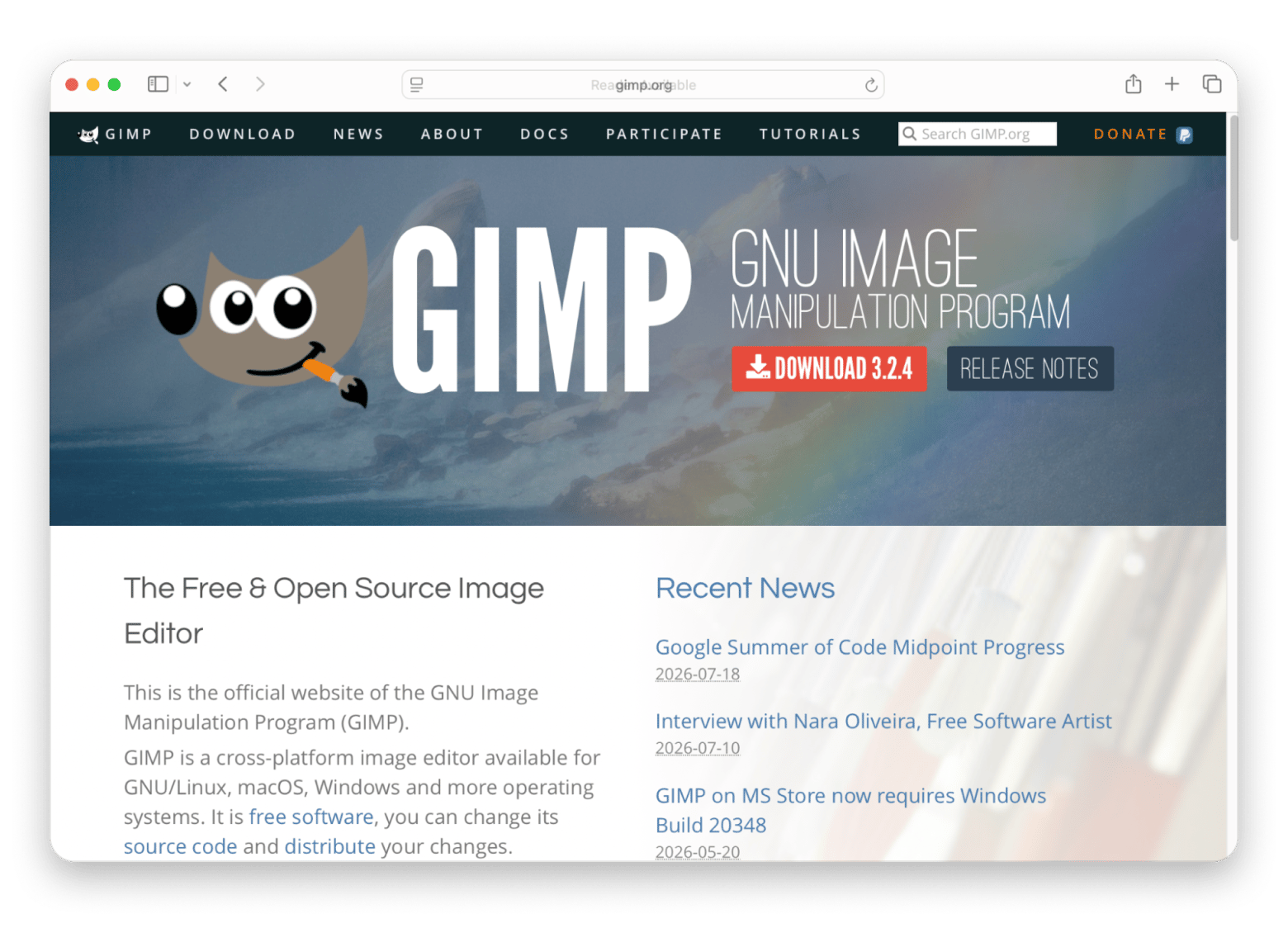
Source: https://www.gimp.org/
Pricing: Free to use.
Photopea: Best browser-based PSD-compatible editor
Some people just prefer to work in their browser instead of installing software. If you're one of them, then you might be a fan of Photopea. It supports PSD files along with formats like AI, Sketch, XD, and PDF. You'll find many of the features Photoshop has, like layers, masks, smart objects, and blend modes, so the workflow feels familiar to many users. Overall, this Photoshop alternative is best for occasional editing, but it's not ideal for large or complex projects.
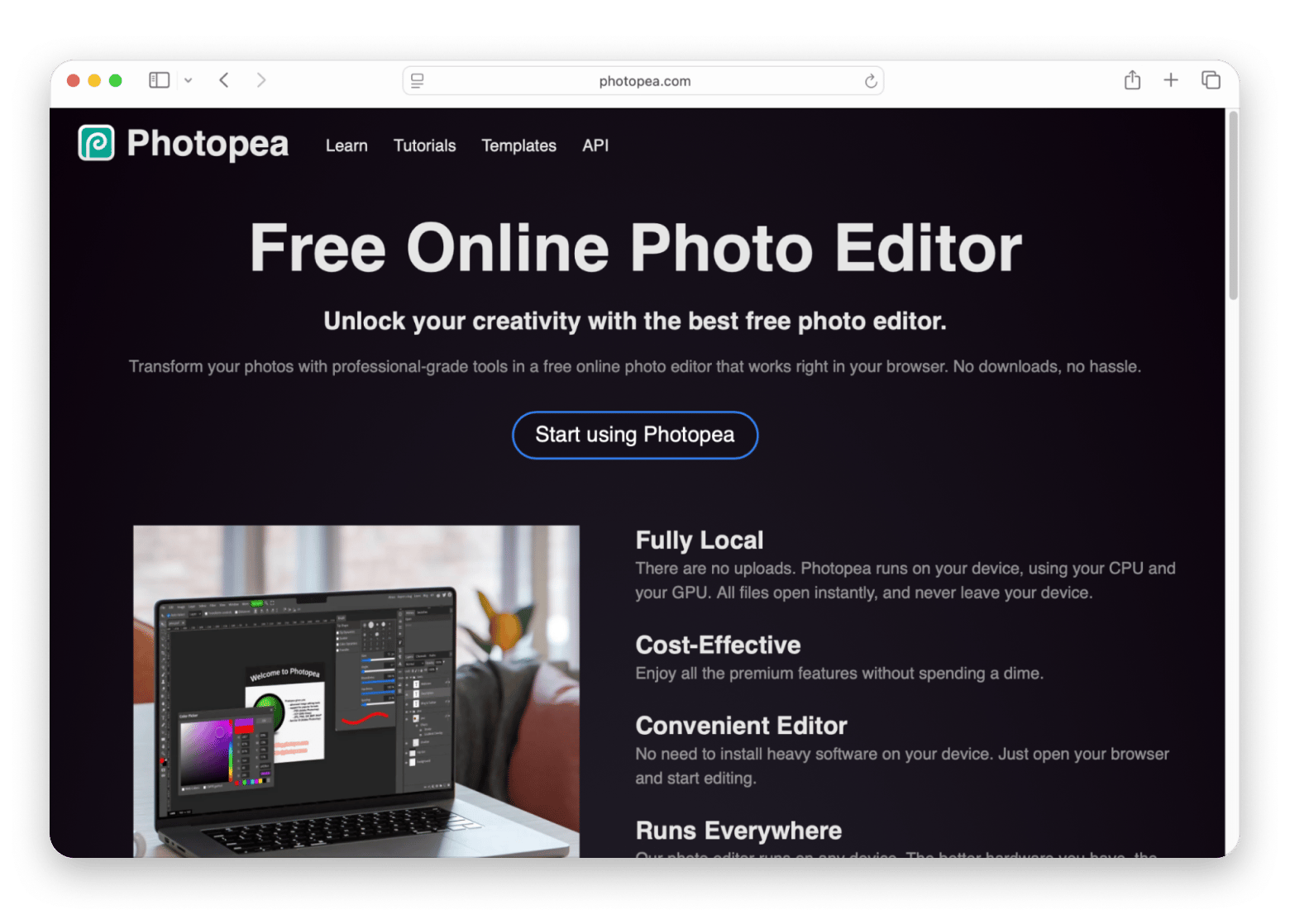
Source: https://www.photopea.com/
Pricing: There's a free version (with ads), and the Premium plan costs $5 per month.
Affinity Photo: Best Photoshop feature parity at lower cost
What about an alternative that comes with all the features Photoshop has, but more affordable? Affinity Photo fits this description perfectly. It comes with all the features photographers and designers need, like advanced retouching tools, 16- and 32-bit editing, professional CMYK (the color model used for print production) and print workflows, HDR (high dynamic range) merging, focus stacking, among many others. The app also works smoothly on modern Macs, so you can enjoy a near-native Mac experience. Affinity was acquired by Canva in 2024, so you need a Canva account to access it.
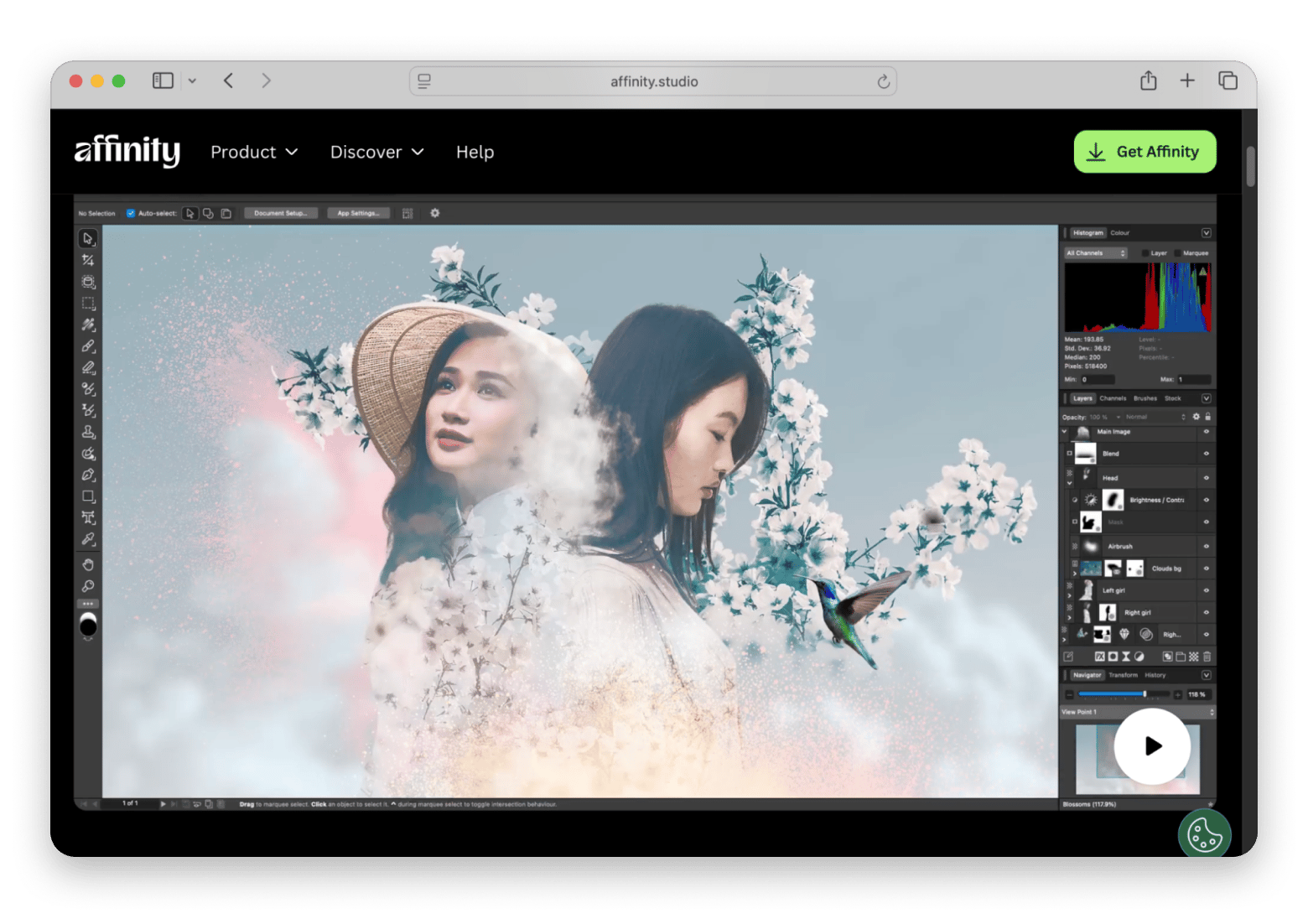
Source: https://www.affinity.studio
Pricing: There's a free plan, and if you have a Canva paid plan (starts at $15/month), you can also use Canva's AI tools directly in Affinity through Canva AI Studio.
Krita: Best for digital painting and illustration
Digital artists who want software that was built with them in mind should look into Krita. It's a free, open-source app that comes with all the features you'd need for creating digital drawings and illustrations, like a powerful brush engine and customizable painting tools. The app also supports animation, so it's a strong choice for concept artists, too. The downside is that it's not ideal for graphic designers and photographers as it lacks many of the advanced retouching and graphic design tools they rely on.
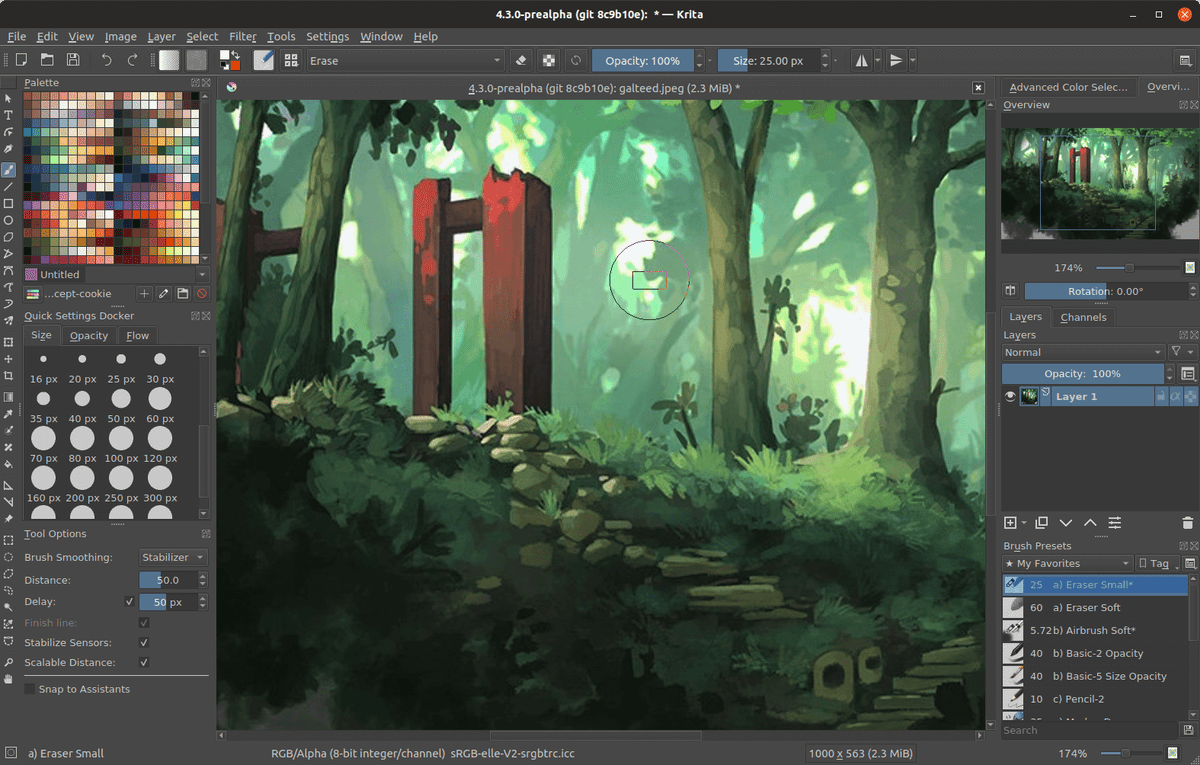
Source: https://krita.org
Pricing: Free and open-source
DxO PhotoLab: Best for professional RAW photography
DxO PhotoLab is a top choice for photographers who want the highest possible image quality from their RAW files, which preserve more image data than JPEGs. Its RAW processing engine offers lens-specific optical corrections, DeepPRIME AI noise reduction, support for hundreds of camera and lens profiles, among other features. The limitation of the app is that it's not geared towards graphic designers who need advanced editing features.
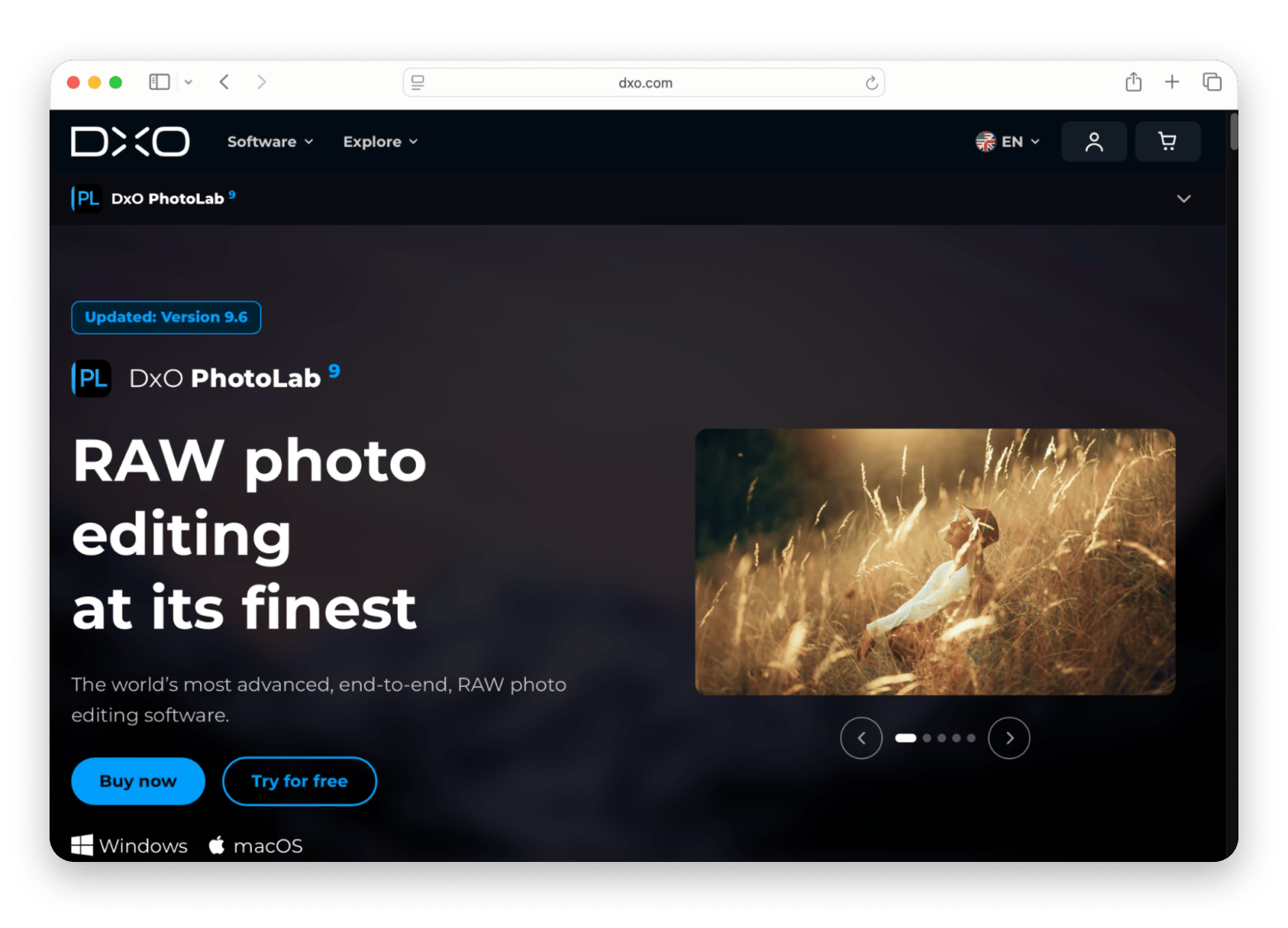
Source: https://www.dxo.com
Pricing: It's available as a one-time purchase of $239.99.
Capture One: Best for tethered shooting and pro photographers
Professional photographers, especially those who work in studio environments, can take Capture One for a spin. It's a tool used for tethered shooting as it allows photographers to capture and edit images in real time during a shoot. This Adobe Photoshop alternative is loved by users for its advanced color editing tools, which many professionals consider comparable to Photoshop's for color work. Just keep in mind that it has a steeper learning curve, so it might be a bit challenging for beginners. It's a strong alternative for serious photographers who care about precise color control and a professional tethered workflow.
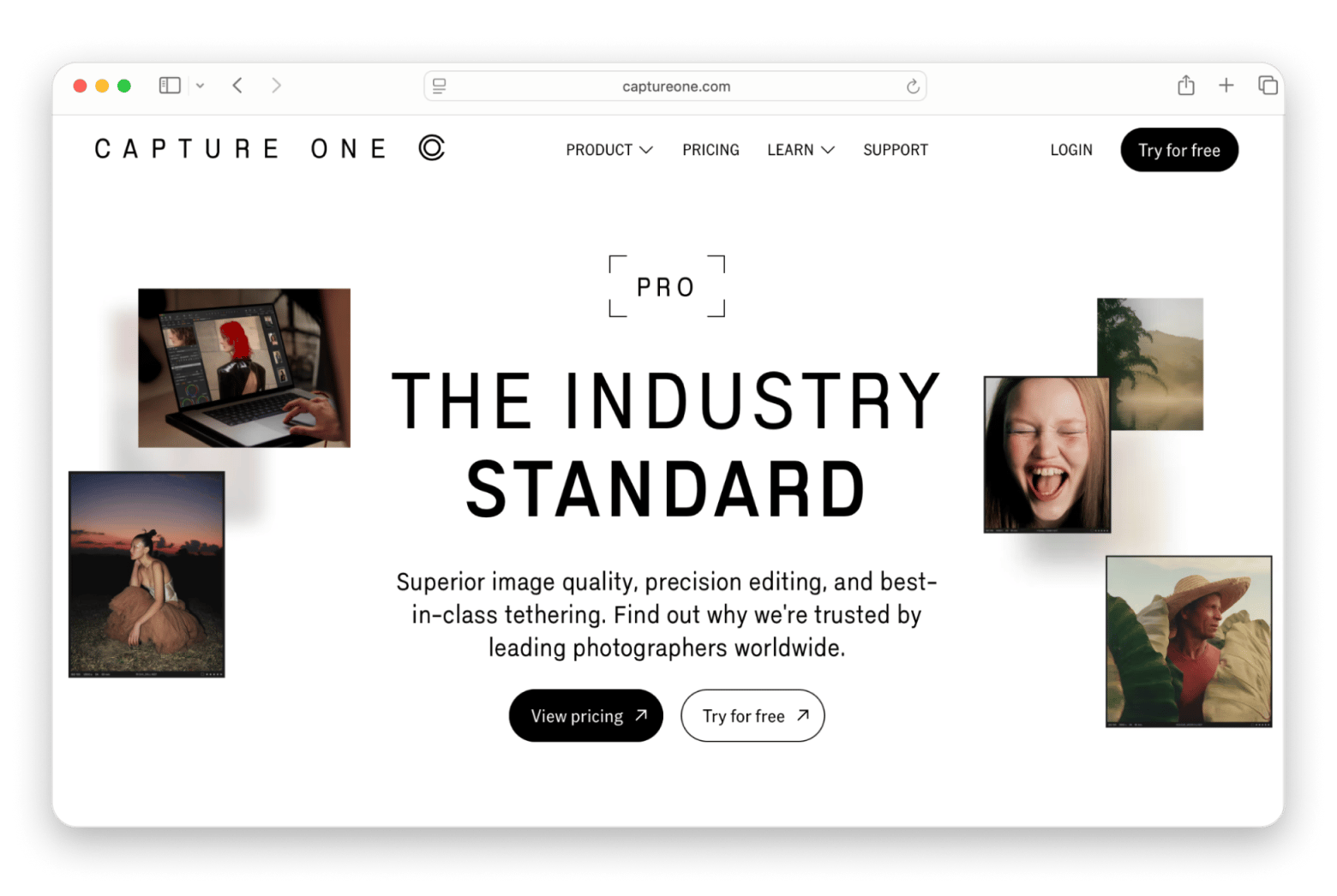
Source: https://www.captureone.com
Pricing: Paid plans start at $18/month or $349 for a perpetual license.
Or get TouchRetouch as a standalone app — no Membership needed.
TouchRetouch: Best for one specific task — object removal on Setapp
TouchRetouch is a bit different than the other alternatives on the list. It's not a full Photoshop replacement, but it's one of the best and easiest tools for removing unwanted objects from photos. You can remove an object, like a power line or a photobomber, in a few clicks. There's no learning curve, and it works great on Mac, so it's the ideal tool for beginners working from a Mac. But don't expect features like layers, masks, or any advanced editing tools (you'll need a more capable photo editor for this). For example, let's say you're a real estate agent. You can use TouchRetouch to remove trash bins from listing photos in seconds, and then do more advanced edits in an app like Luminar Neo.
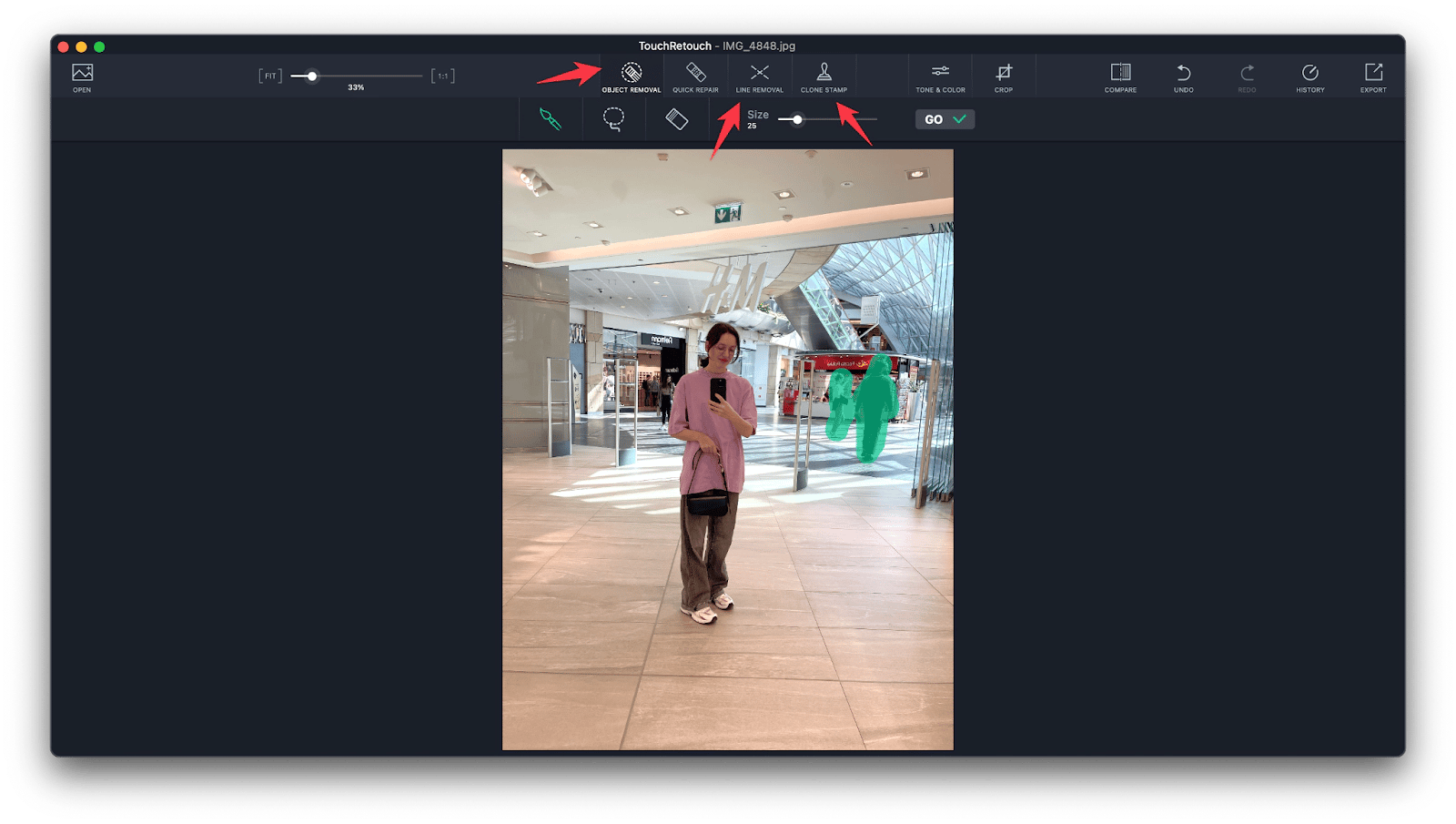
I use it for a much simpler task: removing street signs and car license plates from architectural photos before sharing them publicly. It takes under 30 seconds per photo.
Pricing: Included in Setapp Membership for a flat monthly fee, along with 270+ other apps. You can also buy it as a standalone tool on Setapp Marketplace for $4.99 + tax per month per device.
Other Mac tools that complete a photo editing workflow
For an even faster and more efficient photo editing workflow, you can pair your photo editing tool with a second app. Here are some of our best recommendations:
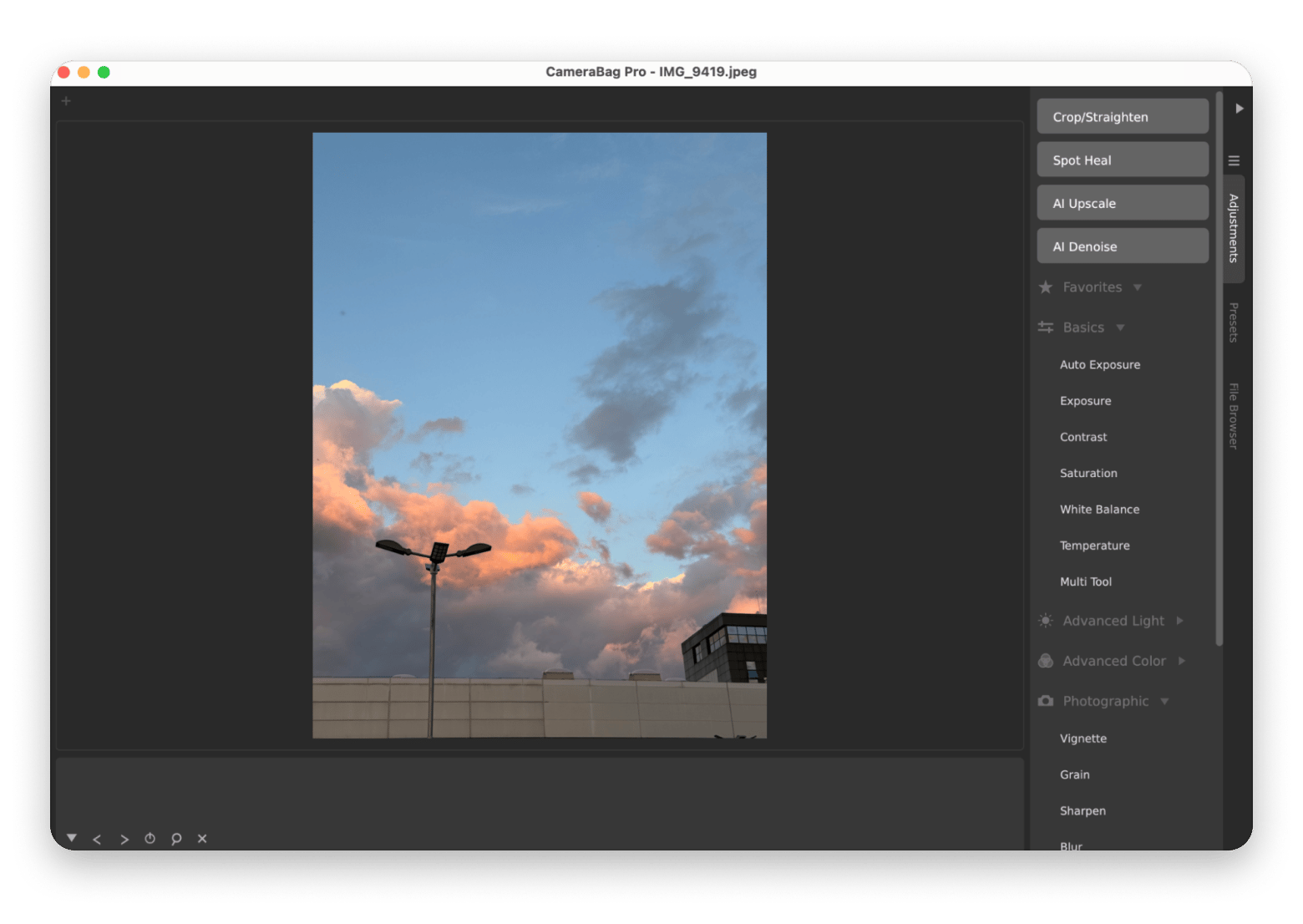
- CameraBag Pro is an awesome app that lets you apply film-inspired filters and presets to multiple photos at once. For example, you can edit an entire travel photo album with the same filter in a few clicks.
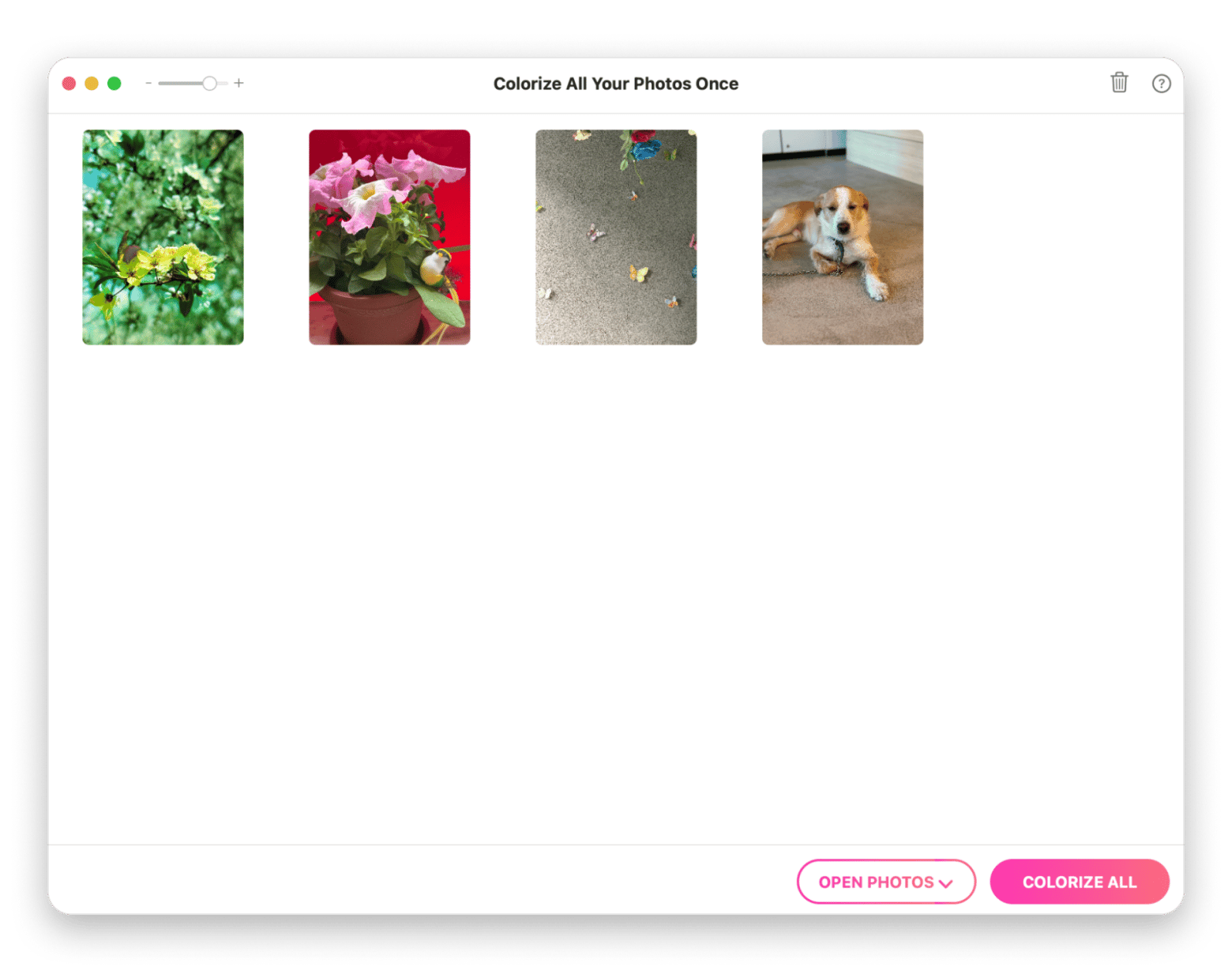
- PhotosRevive uses AI to restore and colorize old black-and-white photos. Instead of manually coloring an image in Photoshop, you can bring old family photos back to life in minutes.
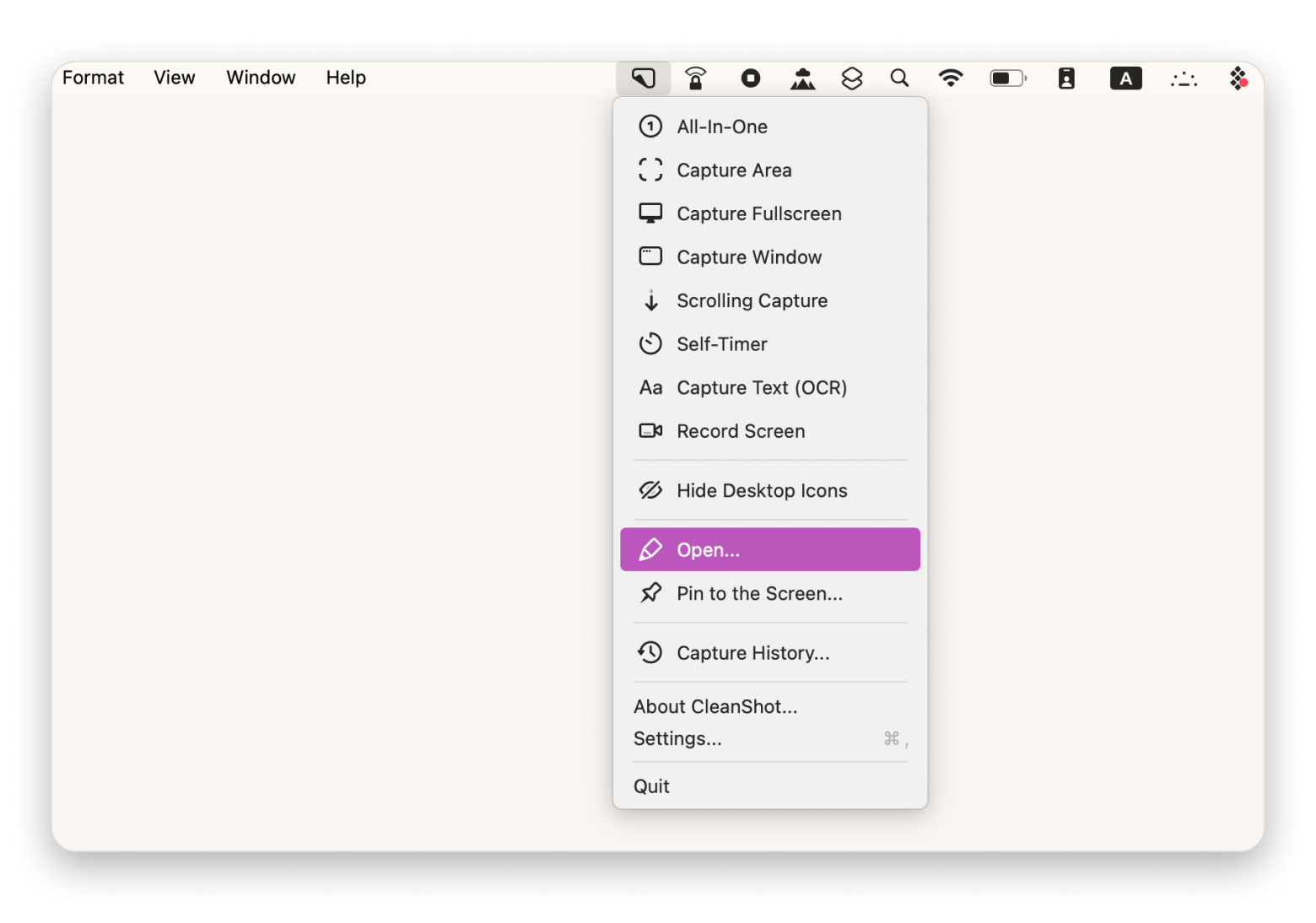
- CleanShot X is perfect if you're dealing with a lot of screenshots (probably for work). You can use it to create better tutorials and product guides with the help of features like scrolling screenshots, annotation, and cropping.
Choosing the right Photoshop alternative for your use case
You can choose the right Photoshop alternative based on the use case:
- I'm a photographer using AI for fast edits > Go with Luminar Neo
- I'm a serious photographer in the Apple ecosystem > Photomator is a solid pick for you
- I want Photoshop features with a one-time license > Affinity Photo has what you need
- I want a completely free editor and don't mind a non-native interface > GIMP is one of the best alternatives for you
- I need to open a PSD file occasionally without installing anything > Try Photopea
- I do digital illustration and painting > Krita is the best tool for this use case
- I shoot RAW professionally > DxO PhotoLab or Capture One
- I just need to remove unwanted objects from photos > No easier tool than TouchRetouch
Migrating from Photoshop to your new image editor
Migrating from one app to another is never fun, but it can be made easier and smoother if you take it one step at a time.
- Test your PSD files first: Export your most important Photoshop projects and make sure they open correctly in your new editor. Affinity Photo offers the best PSD compatibility, while GIMP and Photopea handle most files well. Krita has more limited support.
- Rebuild your brushes, presets, and actions: These don't transfer cleanly between different editing apps, so expect to recreate the tools and shortcuts you use most.
- Check your fonts: If you've been using Adobe Fonts, you'll lose access to them when you cancel your Creative Cloud subscription. Make sure your brand fonts are available through another service or that you own the proper licenses.
- Review your plugins: Photoshop plugins won't work in other image editors. Identify the plugins you rely on and confirm that your new app offers similar built-in features or compatible alternatives.
- Keep Photoshop available for a few weeks: Don't cancel your Photoshop subscription just yet, but consider keeping it for about 30 days while you transition. This gives you time to open older projects that don't transfer perfectly.
The best Adobe Photoshop alternative depends on what you actually need
The best Adobe Photoshop alternative for Mac depends on what you use Photoshop for. For AI-powered photo editing, Luminar Neo is the strongest pick. For professional-grade editing without a subscription, Affinity Photo is now free and covers most Photoshop workflows. For open-source and free editing with full PSD support, GIMP is the most capable option. For occasional PSD access without installing anything, Photopea runs in your browser.
You've found your Photoshop replacement. Try it free before you commit. Luminar Neo, TouchRetouch, and 270+ other Mac apps — $14.99 USD/mo + tax, free for 7 days. Start My Free Trial. Want just one app? Browse individual apps on Setapp Marketplace.
FAQ
Is there a free Photoshop alternative for Mac that opens PSD files?
GIMP and Photopea are the best free options for opening and editing PSD files on a Mac. Photopea runs in your browser, while GIMP is a desktop app. Both support layers and basic editing, although very complex Photoshop documents may not transfer perfectly.
What is the best Photoshop alternative for photographers on Mac?
The best Photoshop alternative for photographers on Mac depends on your workflow. Photomator is ideal for Apple ecosystem users, Luminar Neo excels at AI-powered editing, DxO PhotoLab offers exceptional RAW processing, and Capture One is the top choice for professional studio photographers.
Can I use a Photoshop alternative for professional design work?
Apps like Affinity Photo include advanced layer editing, masks, color adjustments, and PSD compatibility, which makes them suitable for many professional design projects. However, if your workflow depends on Adobe-specific features, Photoshop may still be the better choice.
Which Photoshop alternative has the best AI features in 2026?
Luminar Neo is a Photoshop alternative that has the best AI-powered editing tools. It includes features such as sky replacement, Relight AI, GenErase for object removal, portrait retouching, and noise reduction. Photographers can achieve professional-looking results with less manual work than traditional photo editing software.
Is Pixelmator Pro a real Photoshop replacement?
For many Mac users, yes. Pixelmator Pro includes layers, masks, vector tools, RAW editing, AI-powered features, and excellent PSD compatibility. While it doesn't match Photoshop's extensive plugin ecosystem or every advanced professional feature, it handles most everyday editing and design tasks.





 Best solution
 Best solution