Insight: The best Microsoft Teams alternative for most Mac users is Slack — it's faster, more polished, and has one of the largest integration ecosystems available. For privacy-focused or self-hosted teams, Mattermost and Element are the strongest options. If your team already uses Zoom, Zoom Team Chat avoids adding a separate app.
I was recently part of a remote team with members spread across the globe. The team was using Microsoft Teams when I joined, and they already had some doubts about the app. So the whole team started looking for and testing alternatives that were faster and more intuitive.
We ended up finding the best Microsoft Teams alternative for Mac for our workflow, and now I'll help you do the same.
Best Microsoft Teams alternative for Mac at a glance
Here's a quick overview before we get into the details:
App
Best for
Native Mac app
Self-hostable
End-to-end-encryption
Free tier
Microsoft 365 integration
Slack
Most teams
Yes
No
No
Small–Enterprise
Partial
Discord
Free chat with voice channels
Yes
No
No
Small
No
Google Chat + Meet
Google Workspace teams
Yes
No
No
Small–Enterprise
No
Mattermost
Open-source, self-hosted teams
Yes
Yes
Optional
Mid-size–Enterprise
Partial
Rocket.Chat
Self-hosted teams with customer communication
Yes
Yes
Optional
Mid-size–Enterprise
Partial
Element/Matrix
Privacy-focused teams
Yes
Yes
Optional
Small–Enterprise
No
Zoom Team Chat
Teams already using Zoom
Yes
No
Partial
Small–Enterprise
Partial
Twist
Async-first remote teams
Yes
No
No
Small–Mid-size
No
Spike
Chat, email, and tasks in one app
Yes
No
No
Solo–Small
No
Detailed reviews of each Microsoft Teams alternative
Let's now explore each Microsoft Teams alternative more closely and see what it does as well as or better than Teams, where it falls short, and who it's best for.
Slack: Best general Microsoft Teams alternative
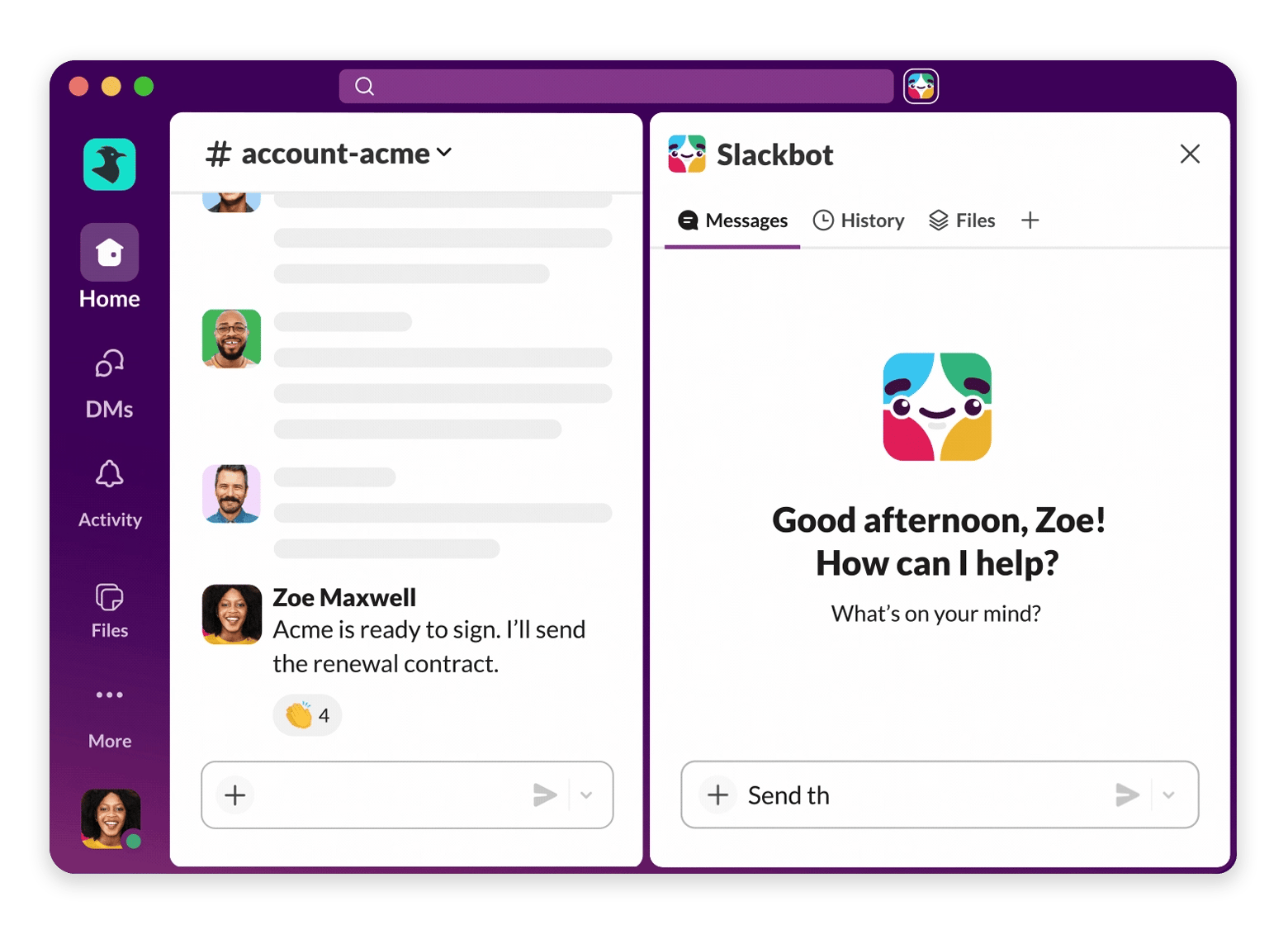
Slack is probably the most well-known name in the online communication world. There's rarely a remote team that hasn't worked on Slack at some point. And there are many reasons to love the app. It's lighter than Microsoft Teams and overall feels faster and more responsive than Teams.
It offers channel-based messaging and threaded conversations. You can have one channel for the marketing team, for instance, and another one for the engineering team. Threads make online discussions easier to follow, too. Not to mention that it integrates with thousands of tools, like Google Drive, Asana, GitHub, Salesforce, and more. You can even jump on a call straight from the app. Just activate Slack Huddles, and you can start voice or video conversations in a few seconds.
One drawback:
It's not end-to-end encrypted. Messages are encrypted while they're being sent and stored, but Slack can technically access that data. If you're on the free plan, you can view your message history for only 90 days.
Pricing (at the time of writing): Free plan available; paid plans start at $7.25 per user/month.
Discord: Best free chat with voice channels
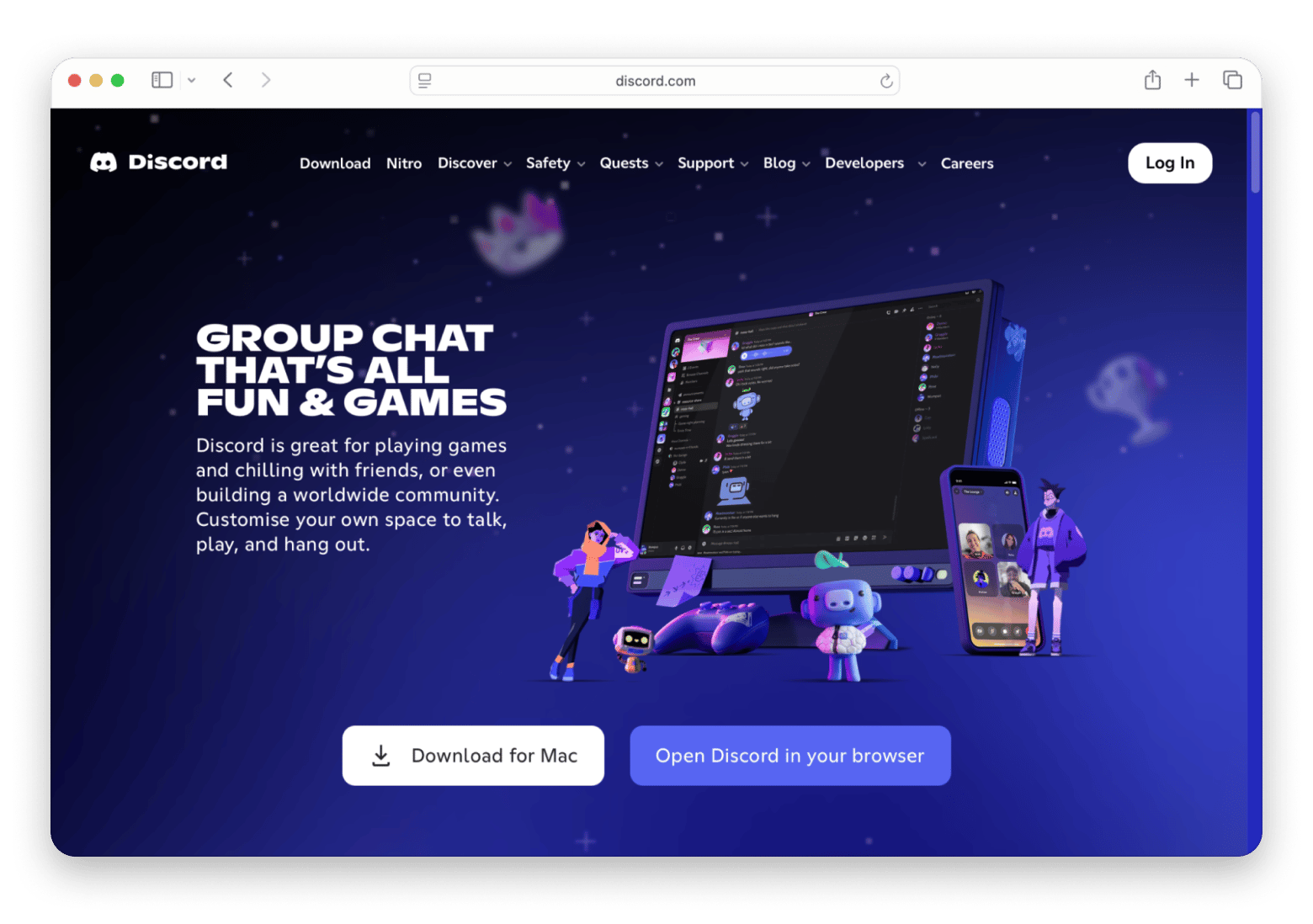
Discord was originally built for gamers, but has grown into a popular collaboration platform for indie companies and open-source projects that rely on voice communication.
What it does best:
It has a very generous free plan that gives you message history, voice channels, screen sharing, video calls, and a native Mac app. What makes it stand out from other apps is that its always-on voice channels let teammates join and leave meetings whenever they need, unlike with scheduled meetings.
It lacks things like built-in workflow automation and native calendar features that many companies expect from workplace collaboration software. So if you're managing a larger organization with complex compliance or productivity needs, then Discord might not be the best pick.
But if you're a creative team, a small startup, or an open-source community, then this is a serious option you should consider (or check out some of the best Discord alternatives for Mac).
Pricing (at the time of writing): Paid Nitro plans start at $3.99/month for individual users; most business collaboration features remain free.
Google Chat + Meet: Best for Google Workspace teams
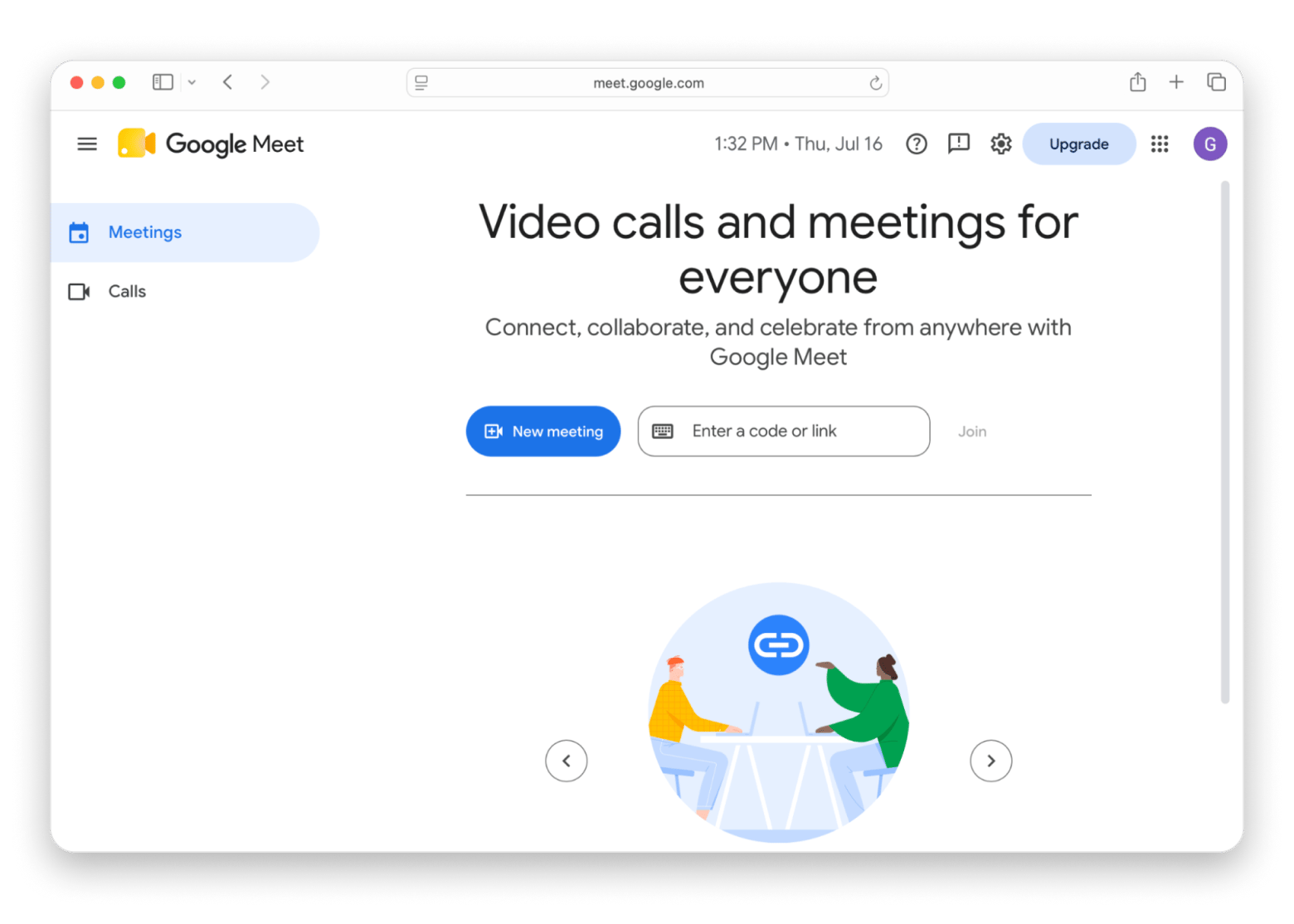
Google Chat + Meet makes sense for companies that are already using Google Workspace, as it comes included, along with Gmail and Docs (and the rest of Google's productivity suite). It's awesome too, so if you're already subscribed, it can be the Microsoft Teams alternative you're looking for.
Teams can schedule meetings from Google Calendar and jump from a chat to a Google Meet call in a few clicks. Everything runs in the browser, so it feels lighter and more responsive on a Mac than Microsoft Teams.
One drawback:
It doesn't have as many features as other apps, like Slack, for instance. It also integrates with fewer apps and has less advanced channel organization.
With that said, it's a great pick if you want a collaboration platform that's tightly integrated with Google's ecosystem.
Pricing (at the time of writing): Included with all Google Workspace plans (plans start at ~$8 per month). A limited free version of Google Chat is also available with a personal Google account.
Mattermost: Best open-source self-hosted Teams alternative
What attracts users to Mattermost is that it gives you complete control over your data. It's a fully open-source platform, which means you can self-host it on your own infrastructure, like a Linux server or Docker.
It offers the same collaboration features you'd find in Teams, like channels, threaded conversations, file sharing, integrations, and voice and video calls. It also has a native Mac app, and you can add optional plugins for end-to-end encryption if you need an extra layer of security.
Your data stays on the infrastructure you manage, which makes Mattermost the best Microsoft Teams alternative for companies with strict security or data residency requirements.
One drawback:
Setting it up and maintaining a self-hosted deployment also requires technical expertise.
Pricing (at the time of writing): Free open-source self-hosted version available; paid Professional and Enterprise plans start at $10 per user/month.
Rocket.Chat: Best open-source with extensive features
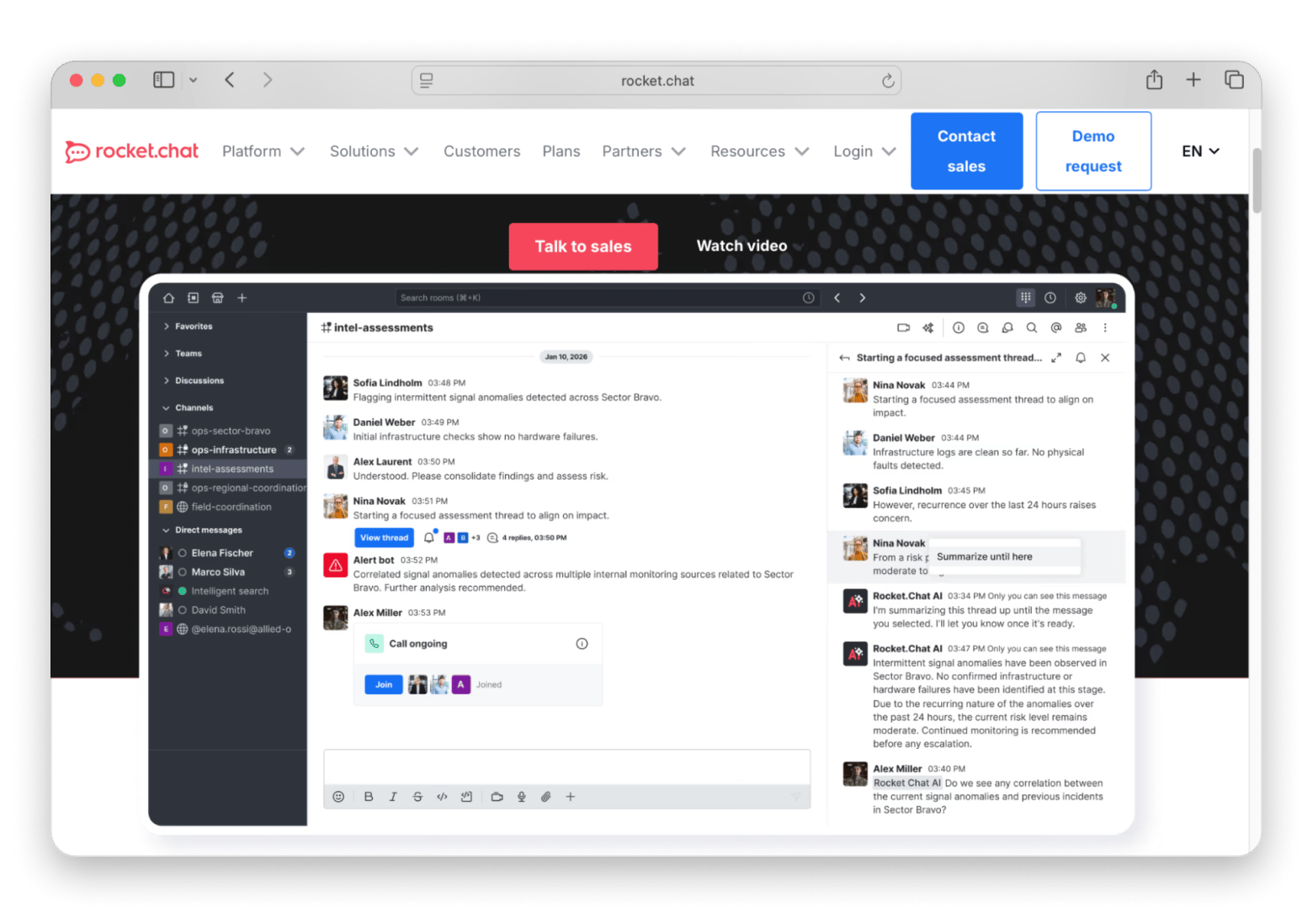
What if your team needs an open-source alternative that also has advanced collaboration and customer support features? Rocket.Chat fits this description well.
What makes it better than Microsoft Teams is its omnichannel capabilities. It can bring conversations from WhatsApp, Facebook Messenger, email, and other customer communication channels into one place, which is a selling point for businesses that manage both internal collaboration and customer interactions.
One drawback:
It has a smaller user community, and its rich set of features makes it a bit complex to configure and manage. As such, it's not the best pick for teams that need a simple chat platform.
Pricing (at the time of writing): Free open-source self-hosted version available; paid cloud and enterprise plans are available with custom pricing.
Element / Matrix: Best decentralized open protocol team chat
Element is a Microsoft Teams alternative that's built on the open-source Matrix protocol. It offers decentralized communication with end-to-end encryption enabled by default in private rooms.
Companies have the flexibility to self-host their own servers or use Element's managed cloud service. It includes native Mac and web apps, along with channels, direct messaging, voice and video calls, and secure file sharing. Because Matrix is a federated protocol, teams can communicate across different Matrix servers instead of being tied to a single provider.
This makes Element a best pick for companies that need strong security and greater control over their communications.
One drawback:
It's not as intuitive as Microsoft Teams. Its decentralized approach makes setup and administration more complex, especially for companies that don't have a dedicated IT team.
Pricing (at the time of writing): Free to use with self-hosted Matrix servers; paid managed hosting plans are also available.
Zoom Team Chat: Best if your team already uses Zoom
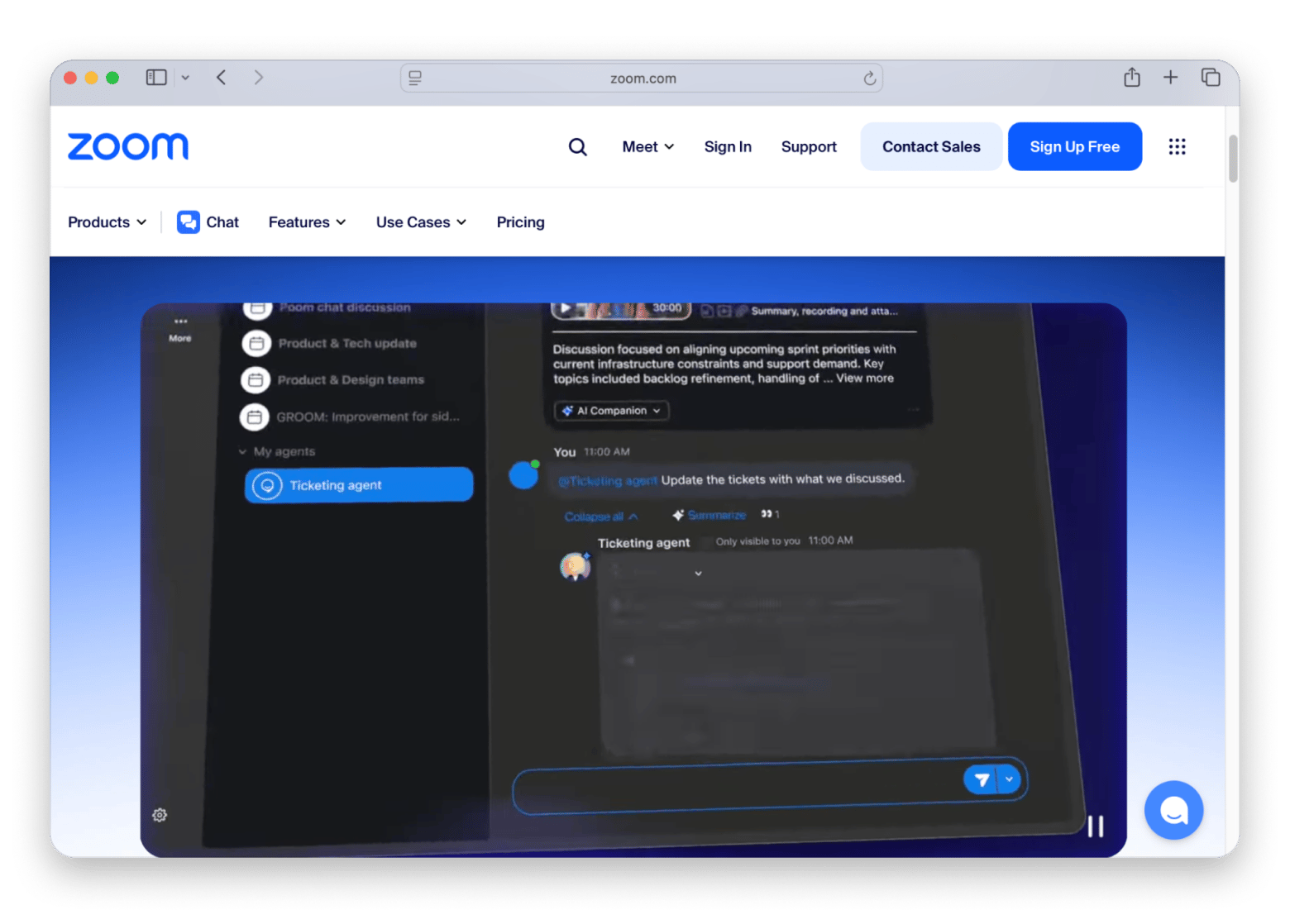
If you're already using Zoom for meetings, then Zoom Team Chat is the obvious Microsoft Teams alternative for you. Why have your team use separate apps for messaging and video conferencing when they can keep both workflows in the same platform?
You can be chatting with a teammate, but decide the topic is too complex for a written conversation. With just one click, you can jump on a video call right from the chat. There are also features like channels, direct messaging, file sharing, and a native Mac app.
One drawback:
Compared to Slack, which excels at team messaging, Zoom Team Chat isn't as advanced.
Pricing (at the time of writing): Paid plans start at $14.16 per user/month, billed annually ($16.99/month on monthly billing).
Twist: Best for async-first remote teams
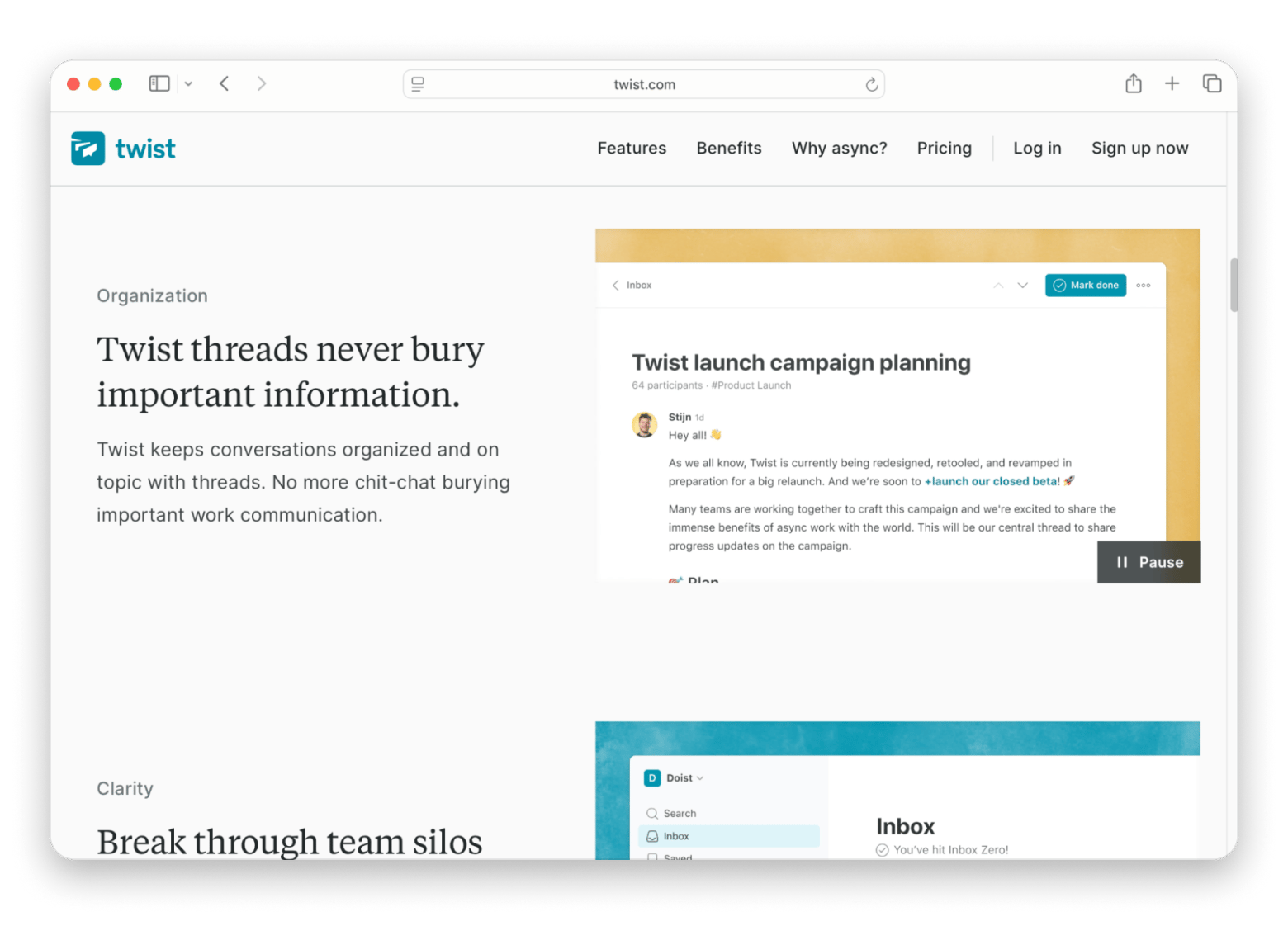
Twist introduces a "twist" in asynchronous communication. It organizes conversations into threads based on specific topics, instead of having users communicate in channels. This approach makes it easier to follow discussions and catch up after time away.
Twist can quickly change your relationship with notifications. After one week, I stopped checking Slack reactively because there was nothing to react to — Twist's thread model means conversations have beginnings and ends. It's a small structural difference that has a surprisingly large effect on focus.
One drawback:
Twist isn't built for fast-paced, real-time collaboration. If your team depends on instant responses or frequent voice calls, then Microsoft Teams or Slack are better options.
Pricing (at the time of writing): Paid plans start at $5 per user/month (billed annually) or $6/month billed monthly.
Spike: Best chat + email + tasks in one app
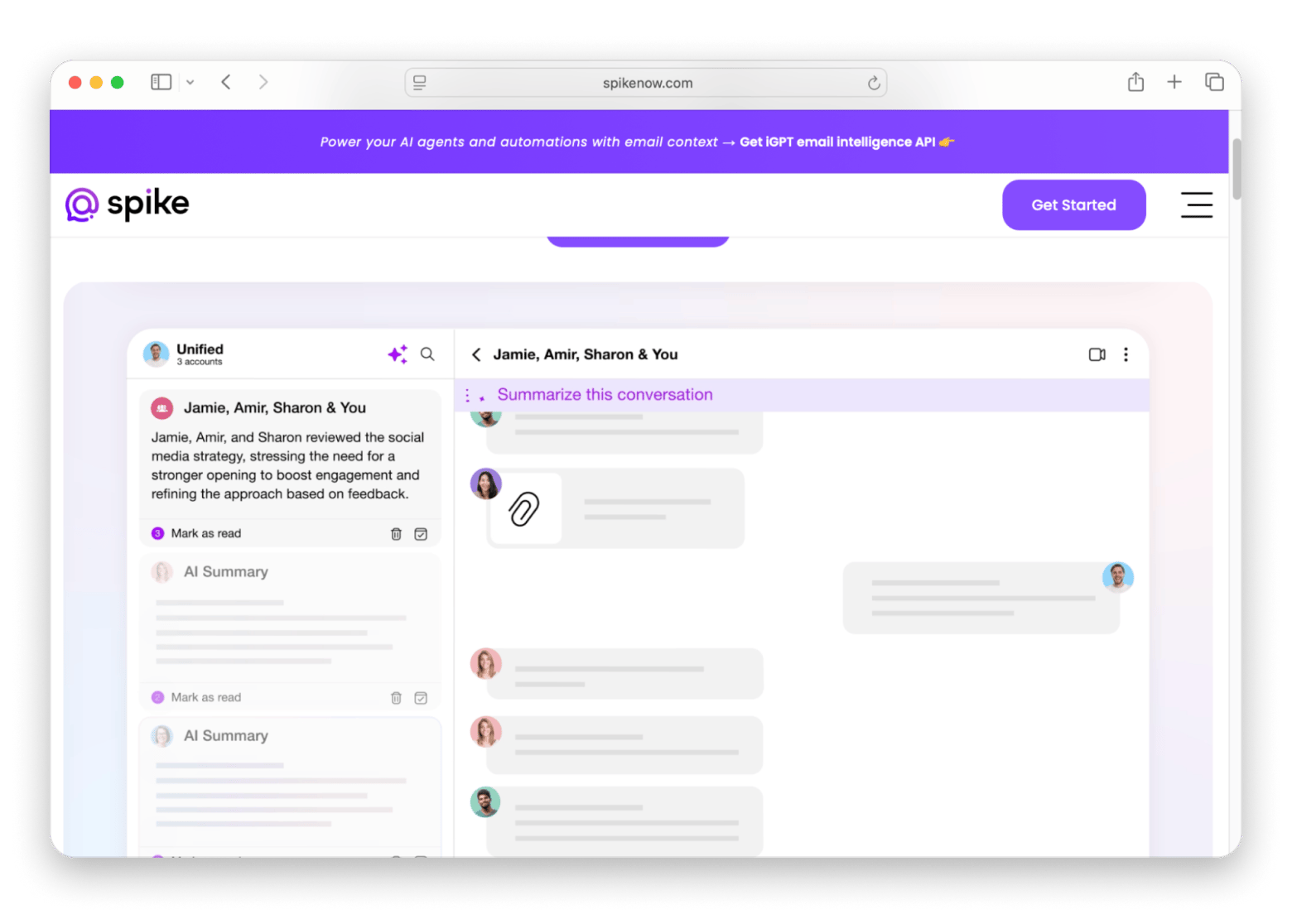
Spike combines different types of communication and collaboration, like email, chat, tasks, and meetings, into one app. What makes it different than its competitors is its email-first approach. Email threads are displayed as chat conversations, which makes communication feel more natural. You can also create team chats, assign tasks, take shared notes, and start video calls.
Source: https://www.spikenow
What it does best:
All of these features make Spike an awesome pick for freelancers and small teams that spend much of the day in email and don't have the budget to subscribe to a dozen communication apps (also check out some of the best Mac apps for freelancers).
One drawback:
If some members use standard email clients and others use Spike, the chat-like experience breaks down on the non-Spike side. It's also worth noting that the free plan has meaningful limits on AI features, search history, and storage, which means growing teams will likely need to upgrade.
Pricing (at the time of writing): Free plan available; paid plans for individuals and teams start at $5 per user/month (billed annually).
Best Mac apps to pair with any team chat tool
Working in any communication platform is easier when you pair it with supporting tools that make the workflow even smoother. Here are some suggestions:
CleanShot X: Best screenshot and screen recording tool for Mac teams
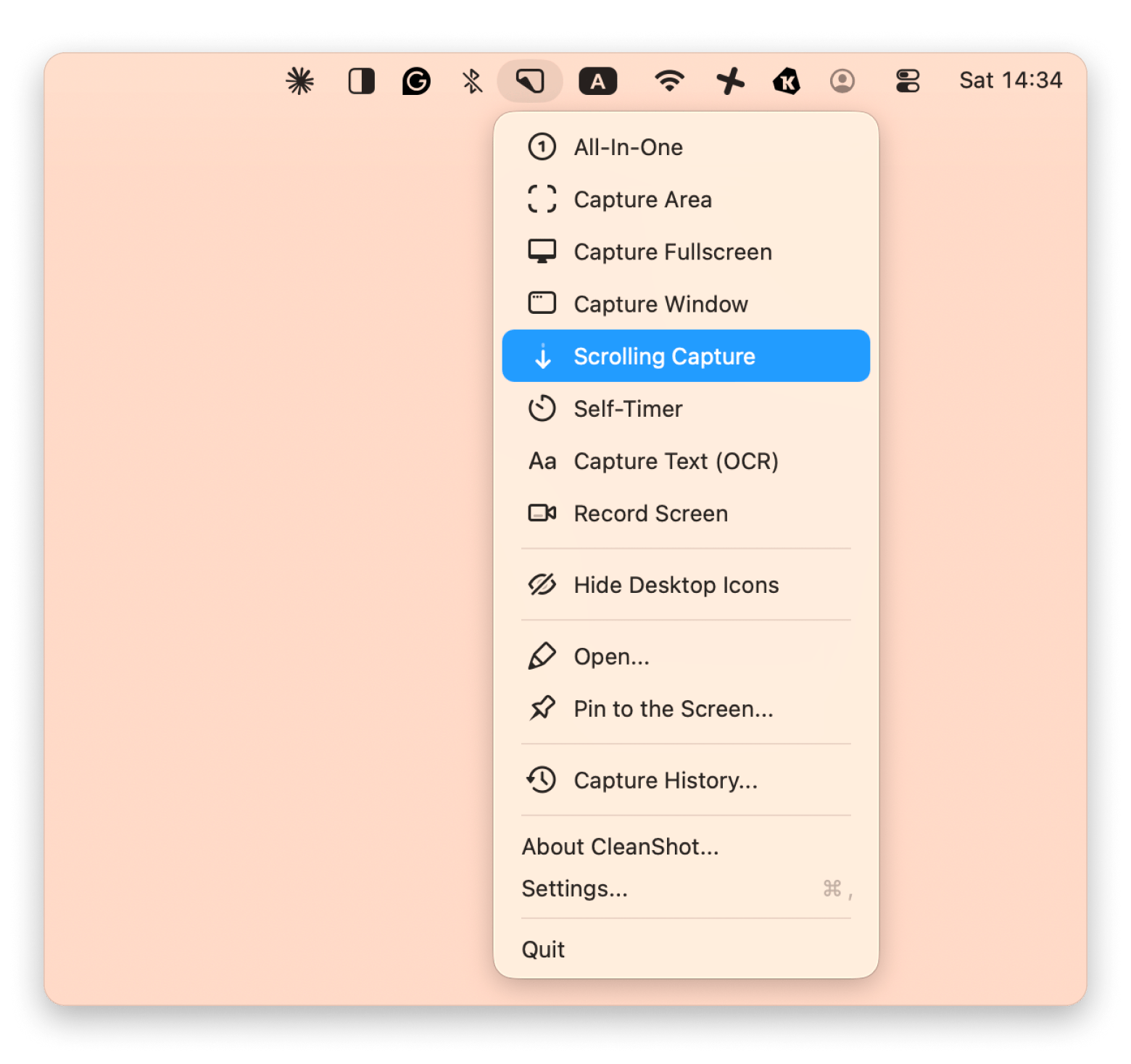
CleanShot X will come in handy when you start capturing screenshots to report a bug or making a screen recording to explain a problem better than a long message. It lets you capture scrolling screenshots, annotate images, blur sensitive information, and record your screen before sharing it in Teams or Slack.
The interface of CleanShot X, a screenshot and screen recording app available on Setapp
I use CleanShot X on a regular basis, since it also has an option to pick a format png, jpg, or webp before saving so I can share the proper format depending on the case.
Bartender: Best menu bar organizer for Mac
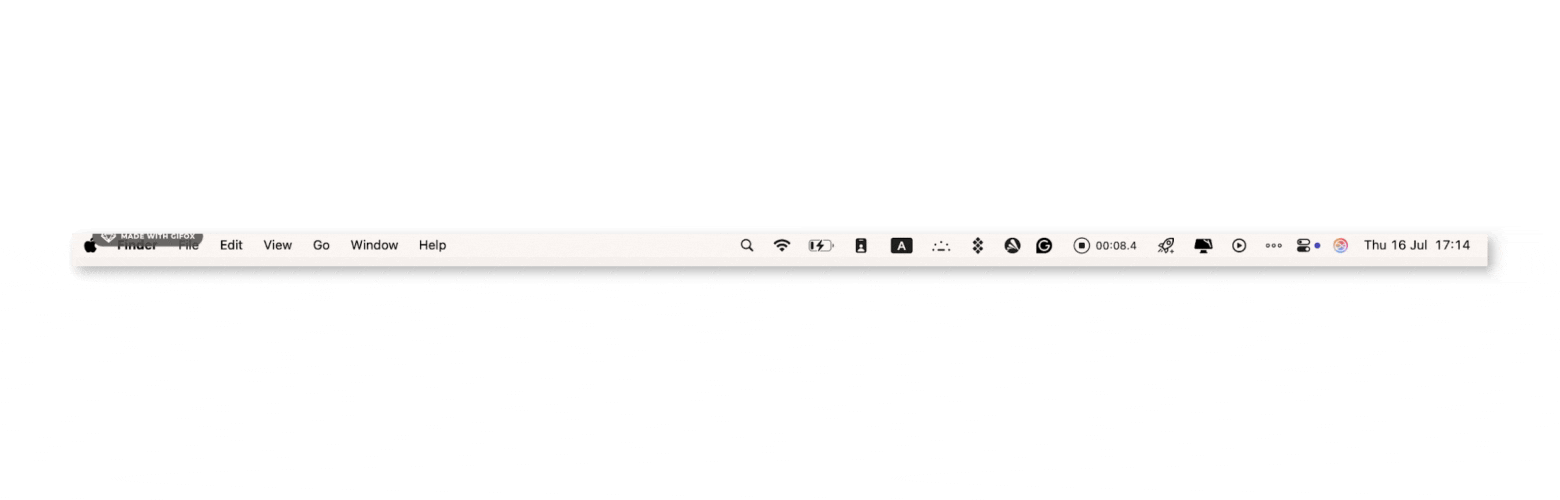
Communication apps can fill my menu bar with dozens of icons and turn it into a cluttered mess where I can't find anything. But if you install a tool like Bartender, it'll organize the menu bar icons for you in a few seconds.
For instance, I can keep the icons I use most often and hide the others. You can also turn them on and off by activating items using keyboard navigation.
One Switch: Best quick-toggle tool for focus and Do Not Disturb
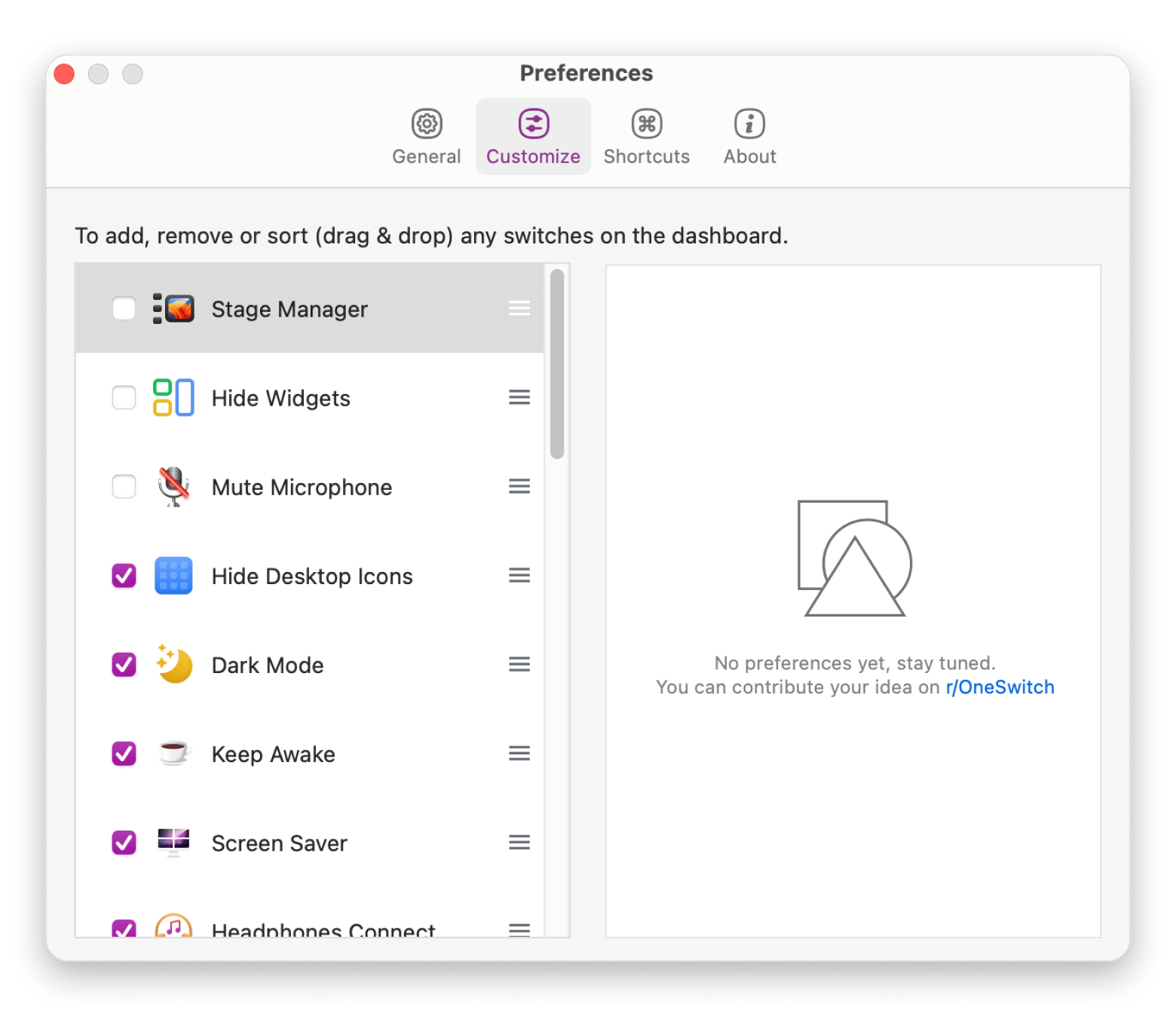
Constant notifications can make it difficult to concentrate, especially if your team communicates throughout the day. One Switch lets you quickly enable Do Not Disturb, mute notifications, connect to AirPods, turn on Dark Mode, and control other common macOS settings from a single menu. For me, it's a simple way to create uninterrupted focus sessions without digging through System Settings every time you need a break from chat.
Every time you interrupt your flow to mute notifications, you lose 20 minutes of focus. One Switch puts all your common toggles in one place — one tap, back to work. Try One Switch Free.
If you're also rethinking your broader Mac toolkit, our roundup of the best productivity apps for Mac is worth bookmarking alongside this one.
Migrating your team off Microsoft Teams
Switching away from Microsoft Teams doesn't have to be stressful for you or the team. You just have to break the migration into smaller steps to minimize disruption and create more time to adjust to a new workflow.
Follow this step-by-step process:
Audit how your team uses Microsoft Teams: Before choosing a replacement, identify which features you actually rely on. Then, migrate each part of the workflow independently.
Export your Teams data if you need it: Export your Teams chat history before making the switch. Microsoft has data export options through its Compliance portal.
Move team chat first: Chat is usually the biggest adjustment for employees, so start there. Create channels that mirror your most active Teams channels and invite everyone to the new platform.
Migrate meetings and files separately: If you're replacing Teams with multiple services, for example, Slack for messaging and Zoom for meetings, move each part of your workflow one at a time. If you're leaving Microsoft 365 entirely, migrating files from SharePoint and OneDrive will likely be the most time-consuming part of the process, so treat it as a separate project.
Keep Microsoft Teams available during the transition: Don't uninstall Teams immediately. Leave it accessible for at least 60 days so teammates, clients, and external partners can still reach you through existing Teams chats or meeting links while everyone adapts to the new platform.
Why Mac users are looking past Microsoft Teams
One of the biggest complaints users have about Microsoft Teams is performance. Many find it too slow to launch and consumes too much memory, which drains the battery life faster than competing apps.
Many teams also didn't have a say in choosing the app; it was just included in the Microsoft 365 plan. Companies tend to adopt it by default since they're already paying for it and don't want to waste time comparing it with alternatives like Slack or Discord.
Over the years, Microsoft Teams has grown into a heavy app that combines messaging, video meetings, calendars, file sharing, and other services in a single interface. It can feel a bit overwhelming if you want a more focused communication tool.
Privacy concerns have also been putting users off the platform. Teams encrypts data in transit and at rest, but all your files are stored within Microsoft's cloud services and aren't protected with end-to-end encryption by default. This might be an issue for businesses working with sensitive information or strict compliance requirements.
So, in what scenarios does Microsoft Teams still make sense? It remains a solid pick for companies that already rely on SharePoint, Outlook, Exchange, and the rest of Microsoft 365.
Tip: If you're not sure which Mac tools to pair with your new chat setup, the Productivity Tools GPT assistant is worth a quick try. Describe your workflow, and it'll point you toward apps that actually fit — rather than sending you down a 40-tab research spiral.
Which Microsoft Teams alternative is right for you?
Here's the quickest way to find the right Microsoft Teams alternative for your workflow:
I want a clean, polished chat tool that most businesses use > Go with Slack.
I'm a startup or open-source community on a budget > Discord is the best pick.
We use Google Workspace > The best option for you is Google Chat + Meet.
We need to self-host our communication platform for data sovereignty > Choose Mattermost or Rocket.Chat.
We need end-to-end encrypted team chat > Element (Matrix) is built for this.
We already use Zoom for meetings > Zoom Team Chat is a no-brainer.
We're a fully remote team that prefers async communication > Try Twist.
I want to combine email, chat, tasks, and notes in one app > Spike has everything you'll need.
We're staying on Microsoft 365 but want a better Mac experience > Keep Microsoft Teams and improve your workflow with tools like Bartender to organize your menu bar and One Switch to reduce distractions during focus sessions.
What is the best free Microsoft Teams alternative for Mac?
Discord is the best free Microsoft Teams alternative for most Mac users. It offers unlimited message history, voice channels, screen sharing, video calls, and a native Mac app without charging for core features. If you need an open-source option, Mattermost, Rocket.Chat, and Element also provide free self-hosted editions.
Is Slack better than Microsoft Teams for small businesses?
Yes, Slack is a great Teams alternative for small businesses. It performs faster on Mac and has one of the largest integration ecosystems available. Microsoft Teams is the better choice if your business already relies heavily on Microsoft 365, SharePoint, Outlook, and Office apps.
Can I leave Microsoft Teams without leaving Microsoft 365?
Yes. You can continue using Microsoft 365 services such as Outlook, Word, Excel, OneDrive, and SharePoint while replacing Teams with another chat platform like Slack or Zoom Team Chat. Many companies keep Microsoft 365 for productivity while adopting a different tool for team communication.
Which Microsoft Teams alternative is most private?
Element is the strongest choice for privacy. It supports end-to-end encryption by default in private rooms and can be self-hosted for complete control over your data. Mattermost and Rocket.Chat are also excellent options for companies that need data sovereignty and self-hosting.
What is the best open-source Microsoft Teams alternative?
Mattermost is the best open-source Microsoft Teams alternative for most companies. It offers channels, threads, integrations, voice and video calls, and flexible self-hosting options. Rocket.Chat is a better fit if you also need customer communication features, while Element is ideal if end-to-end encryption is your highest priority.
Best screen capturing app
Use CleanShot X for all your screen recording needs.






 Best solution
 Best solution