Teal is the best free all-rounder. It combines a free download, a job tracker, and AI credits. Use Jobscan to check ATS fit, and Eney to tailor every application on your Mac.
Most free plans stop at the download. Kickresume, Resume.io, and Zety block a clean PDF. Test the export with a throwaway resume before you enter real data.
Input quality beats price. In my tests, detailed notes and a pasted job posting improved results more than any paid plan did.
Eney drafts from your notes. Eney writes a tailored resume and cover letter from your experience and the job posting, then exports a clean PDF. Get it on Setapp, free for 14 days.
One subscription covers the extras. Setapp Membership includes Speeko for interview practice, Ulysses for writing, and 300+ other apps, with a 7-day free trial. Start your free trial.
Teal is the best free AI resume builder overall, but most free plans block a clean PDF download. I built the same resume in seven tools and kept every export. This comparison shows which free tiers let you download, how ATS filters read each file, and how to tailor every application on your Mac.
What to look for in a free AI resume builder: 6 criteria
A free AI resume builder is worth using when you can finish the resume, download a clean file, and point the AI at a specific job posting. Many tools fail at the download.
I built the same resume in every tool below: an anonymized software engineer with seven years of experience, applying to one real posting. I kept every export, so the notes come from the files, not the marketing pages.
Employers increasingly screen applications with applicant tracking systems, and generic AI resumes tend to look alike. Six criteria decided my ranking:
ATS parse: The exported PDF reads back as plain text in the right order, with standard section names.
Job-aware suggestions: The AI reacts to the pasted job description instead of recycling generic phrases.
Template quality: A readable single-column layout, not decoration.
Clean export: A PDF with no watermark or branding, ideally plus a .docx.
Cover letter support: A draft from the same inputs, not a separate form.
An honest free tier: What is capped (downloads, AI credits, number of resumes) and when the paywall appears.
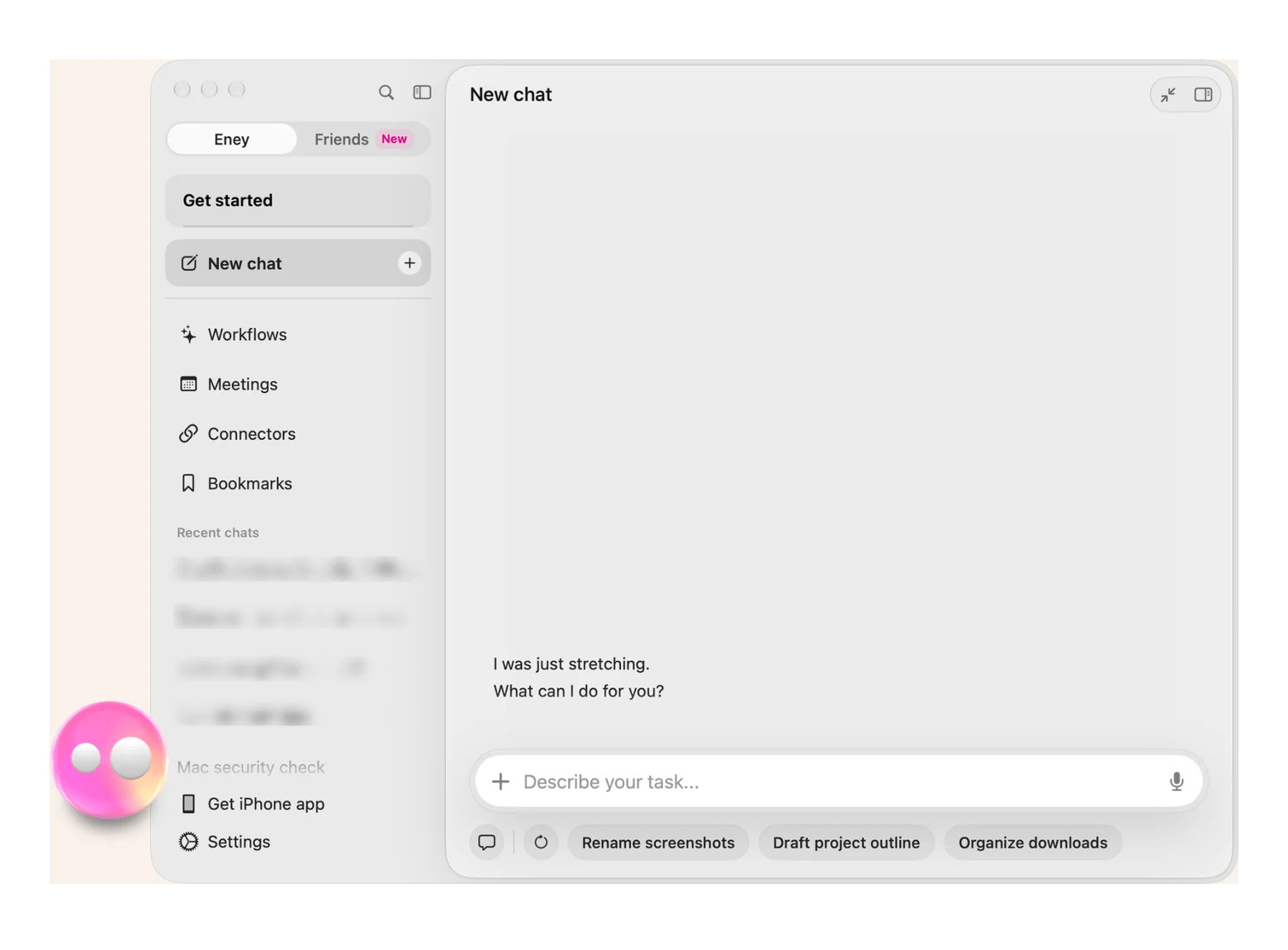
I also ran the same resume through Eney, an AI assistant for Mac, to see how it compares with web builders. Detailed comparison follows below.
Best free AI resume builders compared: Free tier, ATS checks, and export
This table shows what each of the seven tools gives you for free, including ATS checks, clean PDF export, and cover letters. I checked the free-tier details against each vendor’s public pages and recent review roundups in November 2026:
Most builders start from a blank form, not from your career. Eney by MacPaw starts from your experience notes and the job posting: paste both, ask for a tailored resume and cover letter, have it create the document, and export it as a PDF. I reported the result the same way as for every other tool. The draft followed the posting's wording, and the PDF opened clean.
Eney works inside Google Drive, Gmail, and Mail through connectors. It includes a 14-day free trial with 10,000 AI credits, then requires a paid credits subscription starting at $14.99 USD/mo incl. tax. It requires an M-series Mac on macOS 15 or later.
Beyond resumes, Eney also handles inbox summaries and file tasks, and this explainer on Eney, the proactive AI assistant for Mac, walks through its skills and connectors.
Suits: Anyone tailoring several applications on a Mac.
Weakest point: It’s a trial, not a free-forever plan.
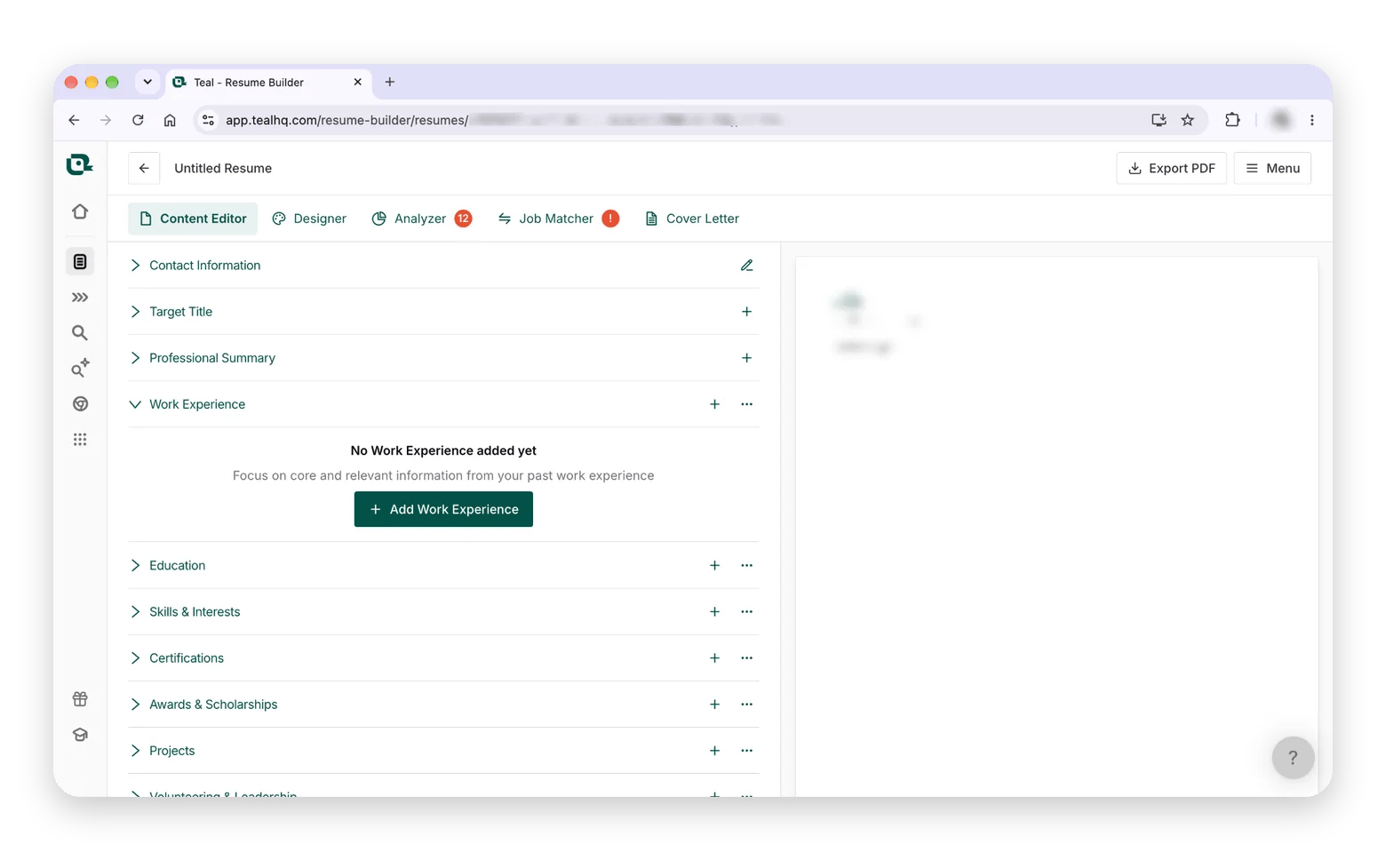
Teal: Best free all-rounder
Teal is a job-search tracker with a resume builder attached, and one of the few tools here that includes a free download. The free plan gives you the builder, unlimited job tracking, a Chrome extension, and a limited number of AI credits that do not renew. It shows only the top five job-description keywords, so a longer keyword list needs Teal+, which is billed weekly, monthly, or quarterly.
Suits: People managing many applications.
Weakest point: The AI credits run out fast, and weekly billing is easy to forget.
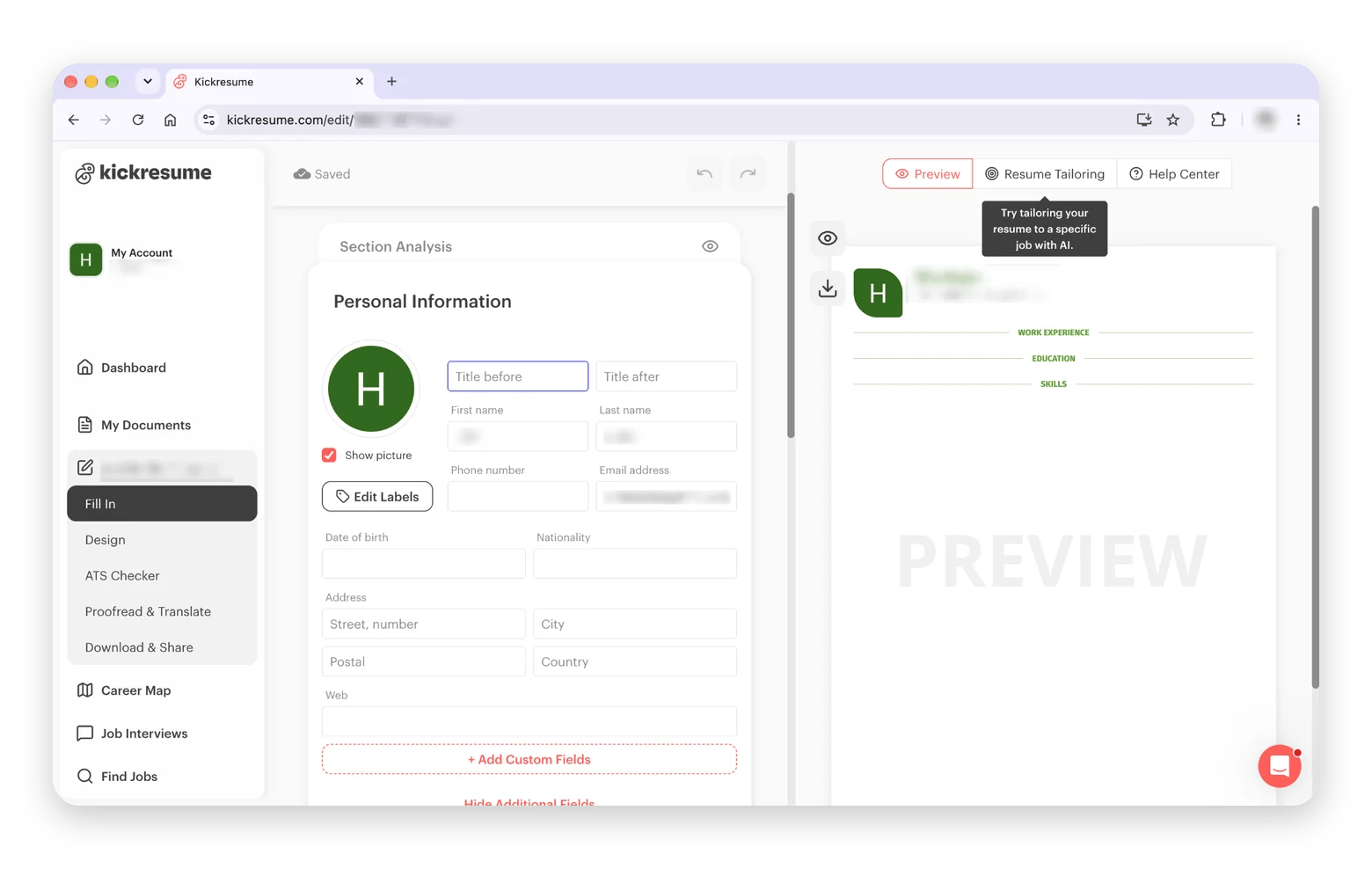
Kickresume: Best for design and entry-level
Kickresume gives you four basic templates and four matching cover letter templates on the free plan, plus 20,000 pre-written phrases. The AI Resume Writer and the ATS checker sit behind Premium, and downloads require a paid plan that starts with a 14-day trial. Students and teachers get six months of Premium free, according to the vendor. With 40+ templates in total, it is the strongest design option when you pay.
Suits: Students and entry-level applicants.
Weakest point: The AI writing and ATS check are exactly what the free plan withholds.
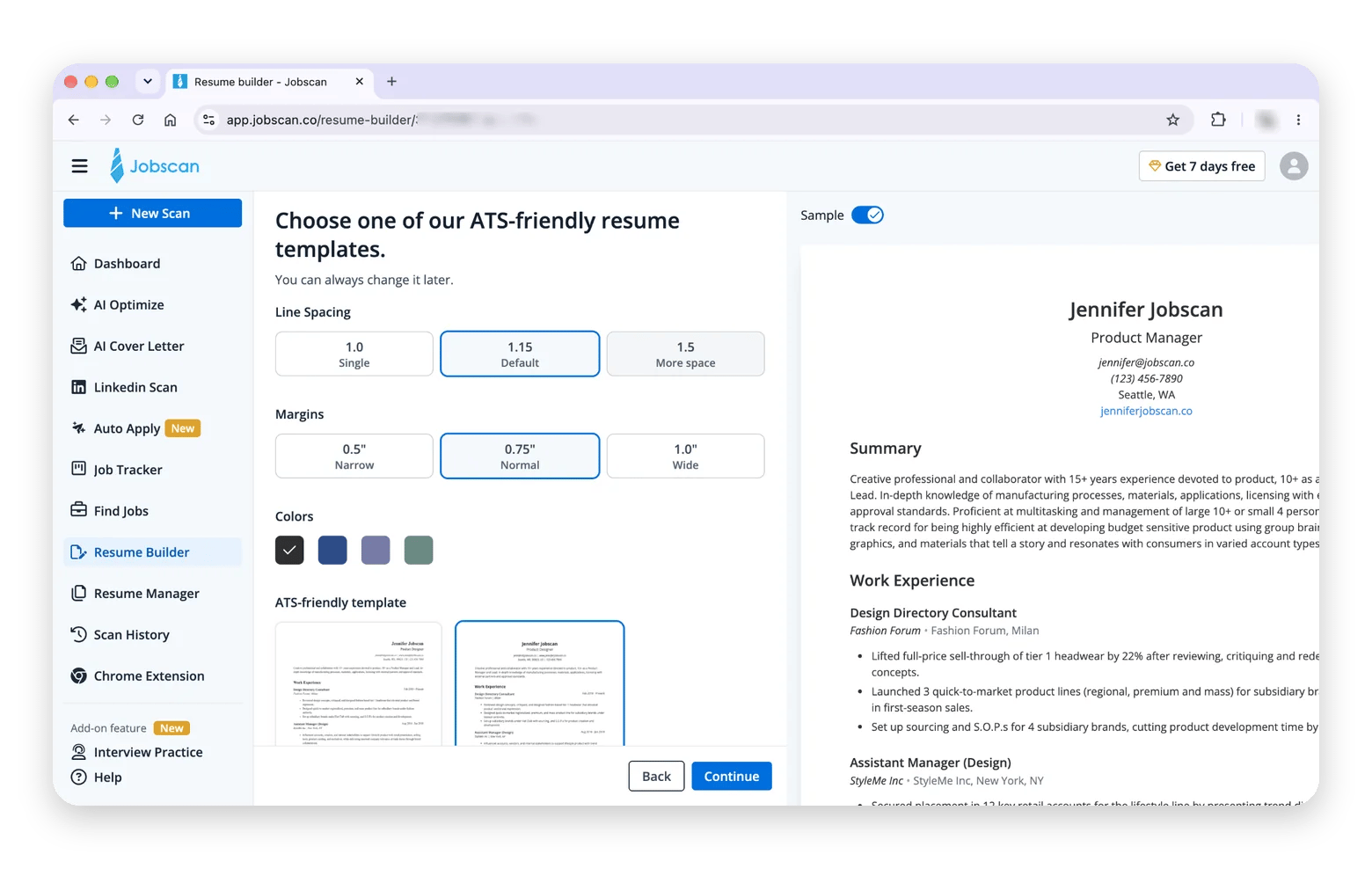
Jobscan: Best for ATS checks
Jobscan is a checker first and a builder second. Free accounts get five resume scans per month, with a match score and keyword analysis against a pasted posting. Unlimited scans, cover letter checks, and the LinkedIn optimizer require Premium. Its AI bullet writing is weaker than dedicated writers, so I used it to score drafts rather than create them.
Suits: A handful of high-stakes applications.
Weakest point: Five scans disappear quickly if you tailor every application.
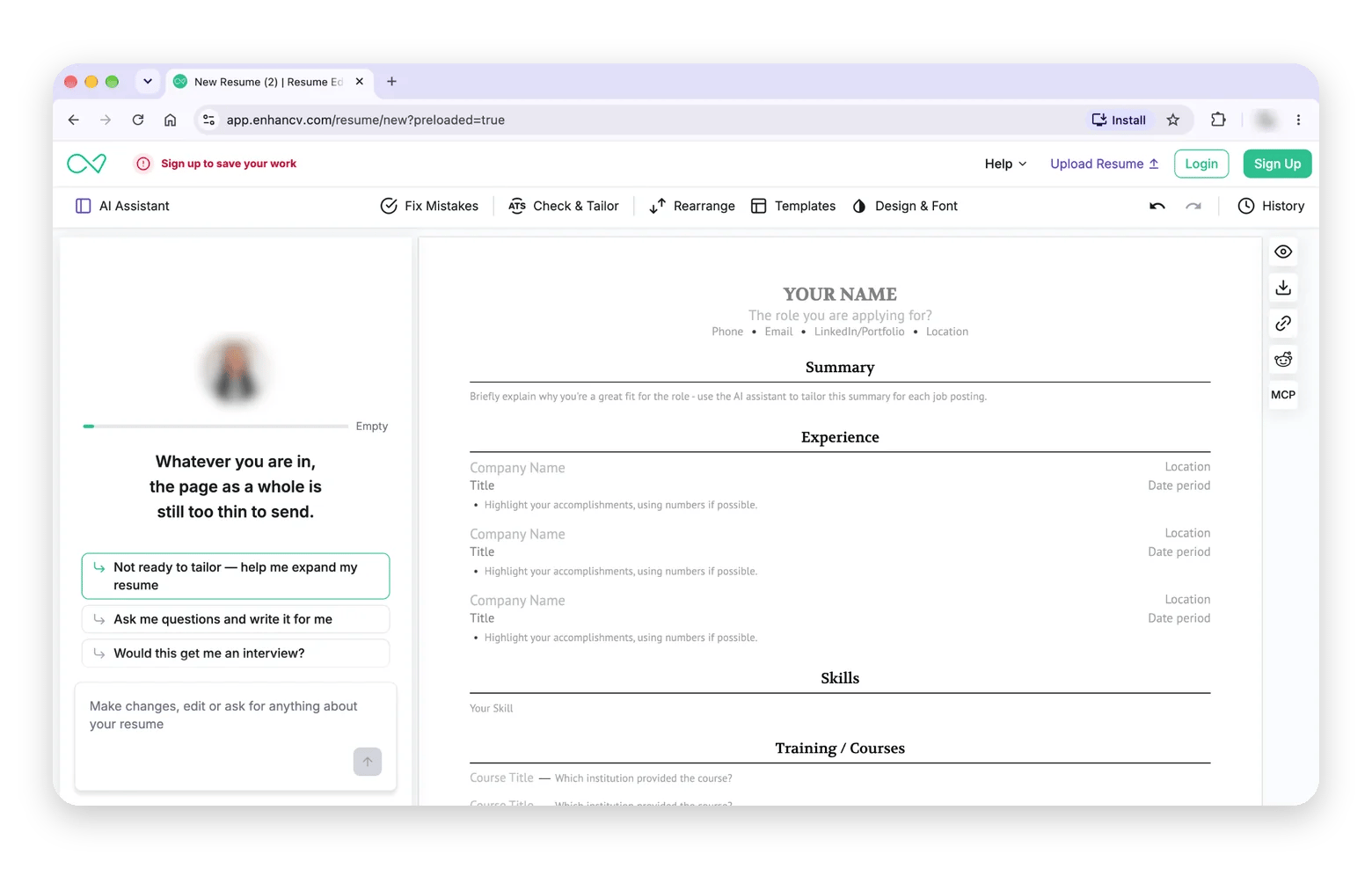
Enhancv: Design-first resumes
Enhancv is the one to look at if design matters. Sources disagree on what free users get: some report a few branded downloads, others report none. A 7-day paid trial gives you the rest, and pricing after it is unclear, so confirm on the pricing page before you build. The layouts are visual, which can suit creative roles and hurt strict ATS parsing.
Suits: Designers and creative roles.
Weakest point: A free tier that is hard to pin down.
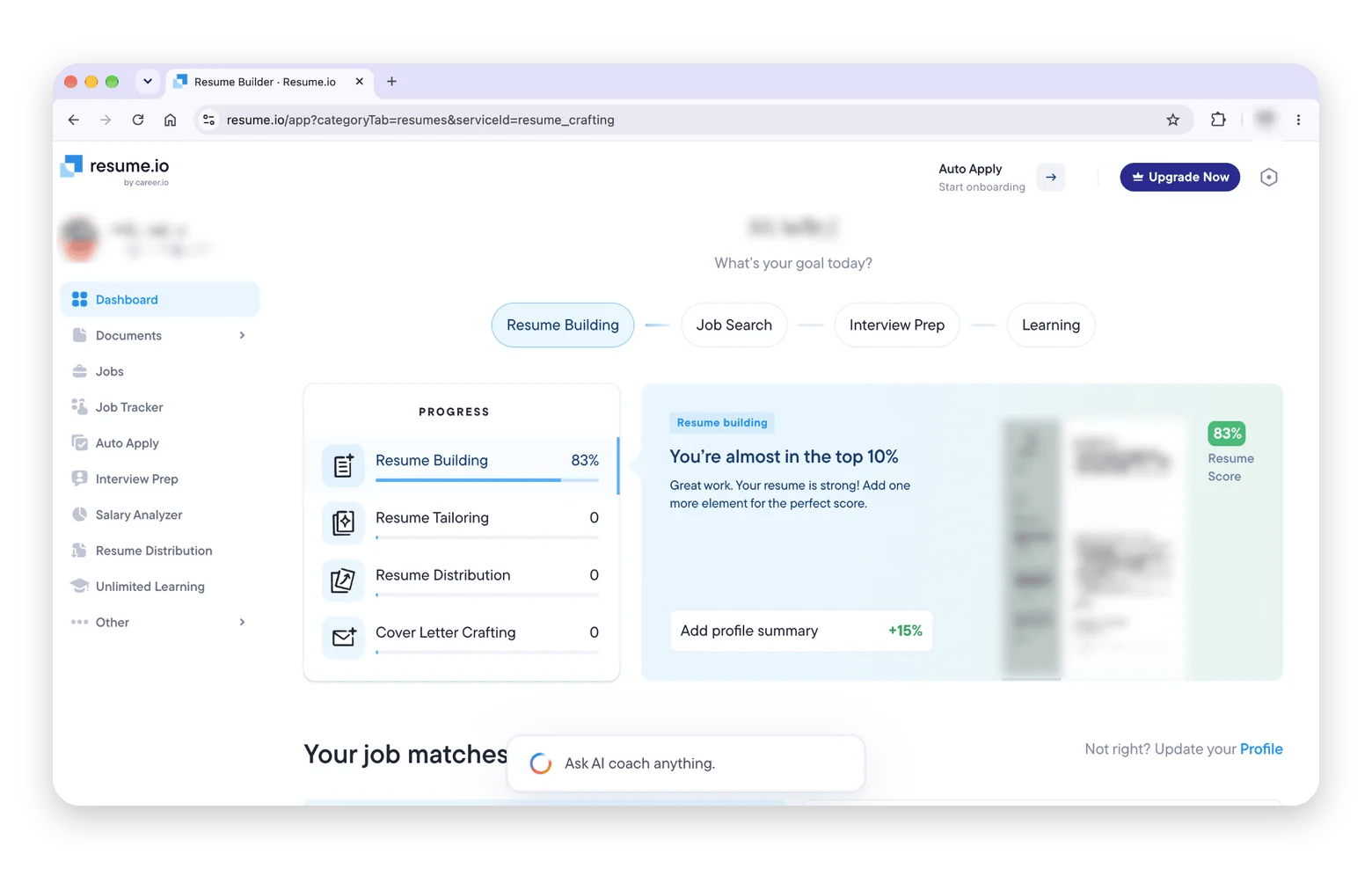
Resume.io lets you build one resume and one cover letter for free with a single basic template. The catch comes at download: the free plan exports TXT only, which strips formatting. Premium access starts with a $2.95 7-day trial that renews every four weeks, so set a reminder if you try it.
Suits: People who value polished templates and will pay.
Weakest point: The free plan cannot produce a usable PDF.
Zety: Guided builder, TXT-only free export
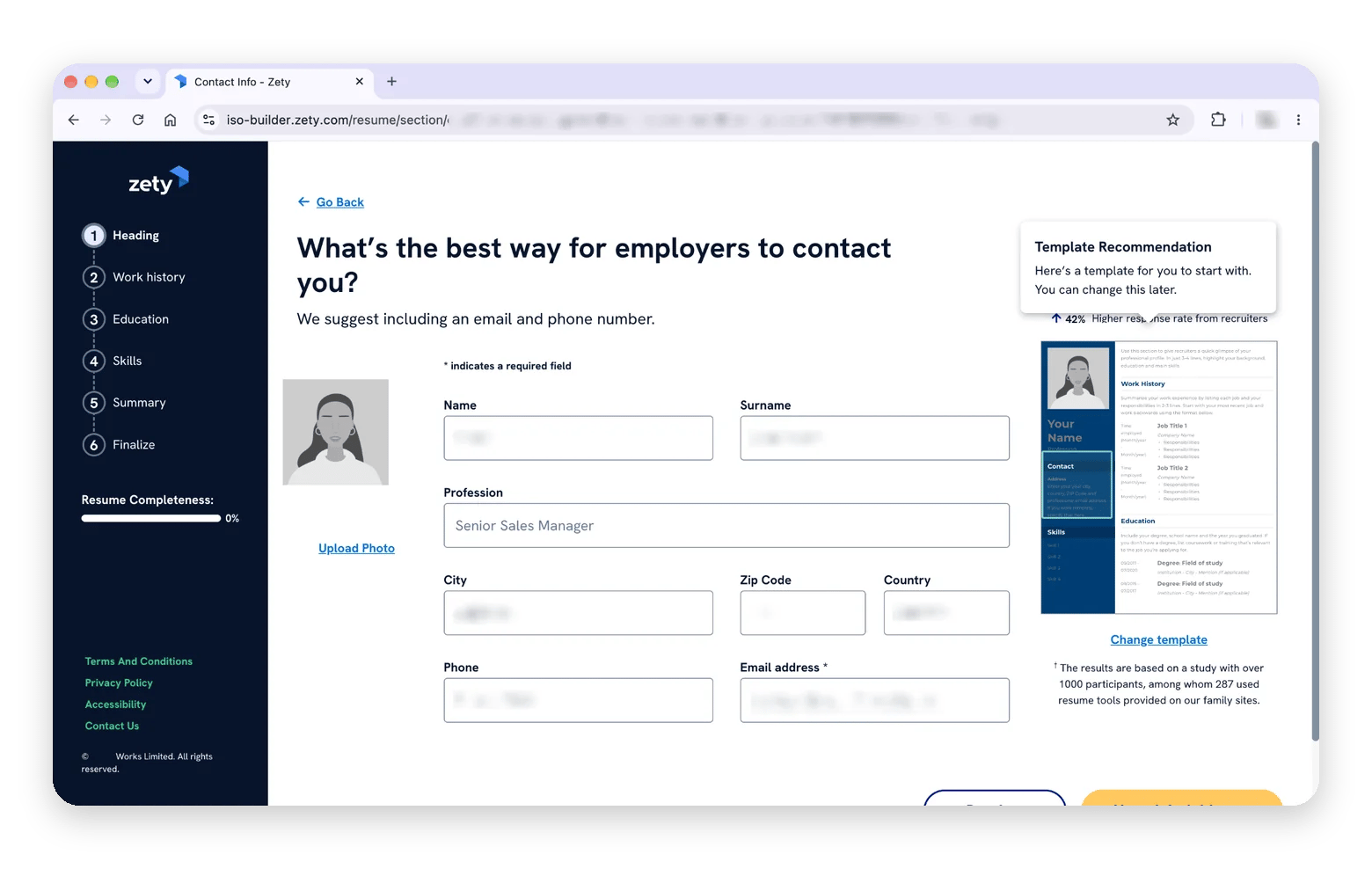
Zety walks you through the resume step by step, and building is free. The paywall comes at the download: free users get a plain-text (TXT) file that strips formatting, while PDF and Word need a paid plan. That plan starts with a $1.95 14-day trial, then renews at $25.95 every four weeks, so set a reminder. The ATS check and cover letters are paid features too. Zety has 18 templates.
Suits: People writing their first resume who want step-by-step guidance.
Weakest point: The free tier is a preview, not a product.
How to pass ATS filters with an AI resume builder
An applicant tracking system (ATS) splits your file into fields, matches your keywords against the posting, and relies on standard section labels such as Experience and Education. When any of these fails, a clean resume turns into jumbled text.
AI builders help when they pull exact terms from the posting and rewrite your bullets around them. They hurt when they stuff keywords, invent achievements, or export tables and icons that a parser reads out of order. Here is the workflow I used in Eney with my test posting:
Paste the job description into Eney and ask it to extract the required keywords, grouped into skills, tools, and responsibilities.
Paste your master resume and ask Eney to rewrite each bullet against that list, keeping every number and fact from your notes.
Ask Eney to flag formatting an ATS can't parse, including tables, images, icons, and creative section names such as "My journey."
Export a clean PDF and a .docx, then open the PDF and select all text to confirm it reads in order.
The posting excerpt was for a software engineer: "Build and maintain REST APIs in Python and Go, own CI/CD pipelines on AWS, mentor junior engineers." Three bullets changed:
Before
After
Worked on backend services for the payments team.
Built and maintained Python and Go REST APIs for the payments team.
Helped with deployments.
Owned CI/CD pipelines on AWS, cutting release time from two hours to twenty minutes.
Trained new hires.
Mentored four junior engineers through onboarding and first production releases.
Eney also drafts the follow-up email in Mail or Gmail from the same notes. If you send a lot of follow-ups, this roundup of the best AI email tools for Mac is worth bookmarking.
One caution: don’t write only for the parser. A keyword-stuffed resume may pass the scan, but a recruiter still has to be convinced when they read it.
Are paid AI resume builders worth it? Free vs. paid compared
Free tiers are enough more often than the upgrade banners suggest. Paying makes sense in a narrower set of cases:
Free is enough for
Paid is better for
Entry-level applications
A high-volume search
A first draft of a career change
Strict ATS requirements
Fewer than 10 applications
Branded cover letters
One resume tailored by hand
A full LinkedIn rewrite
Where free is enough. If you are early in your career, have a short work history, or are drafting a first career-change resume, a free builder plus careful editing does the job. Under 10 applications, even Jobscan's five scans a month go a long way.
Where paying makes sense. Applying to dozens of roles a month means unlimited scans and unlimited AI generations. Companies with strict ATS requirements reward a checker with deeper analysis. Branded cover letters and a LinkedIn rewrite are worth paying for during an active search.
A paid tier does not perform better by itself. In my tests, output quality tracked input quality: detailed notes and a pasted posting beat a premium plan fed a job title. Tailoring effort matters more than the plan.
Count how many applications you plan to send this month. Under 10, stay free. Over 20, consider a paid tier.
How to write a resume with AI without inventing facts: 5 tips
AI output quality depends on input. These five habits keep the tool honest:
Write raw experience notes first. Example: "Cut checkout errors by moving retries to a queue; errors fell from 4% to 1%," not "improved reliability."
Give the tool the posting, not just a title. Example: paste the full text for "Senior Data Analyst," not just those three words, so the AI sees SQL, dashboards, and stakeholder reporting.
Reject suggestions you can't back up in an interview. Example: if the AI writes "led a team of 12" and you led four, change it before it goes anywhere.
Keep your own voice. Example: if you never say "spearheaded," swap it for "started" or "ran."
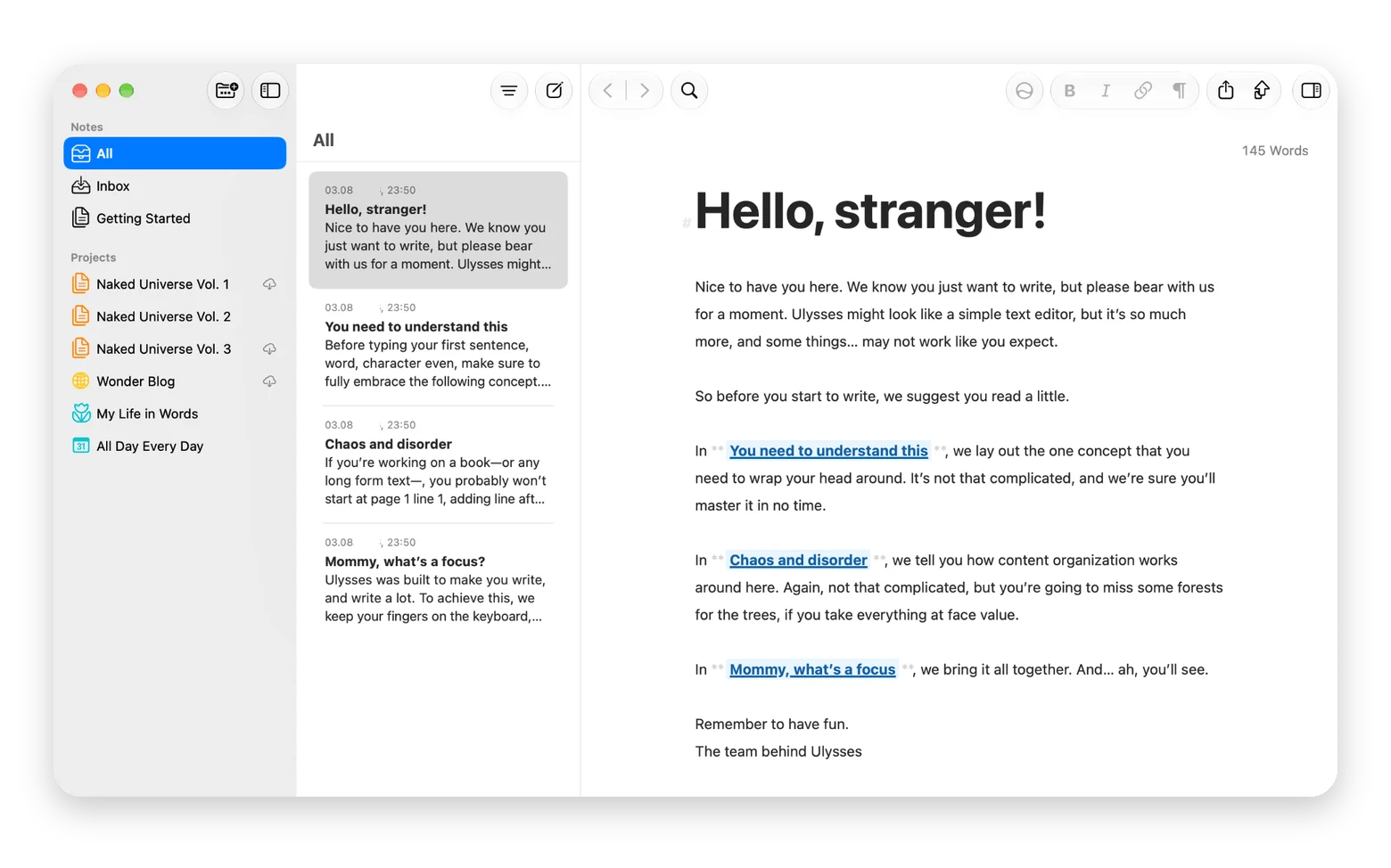
Keep one master resume and tailor copies per application. Example: a master with 20 bullets, and a one-page copy per role that keeps the best six. Eney is where I keep the master resume and ask for tailored versions, so every copy stays tied to one source. If you prefer a dedicated writing app for the raw notes, Ulysses from Setapp is a calm place to draft them.
Thousands of applicants now feed similar prompts to similar tools, which is why so many resumes sound identical. Specific numbers, real project names, and your own phrasing are what break the pattern.
Which free AI resume builder should you pick?
My verdict by user type: Teal is the best free AI resume builder overall, and Jobscan is the best for checking ATS fit. Kickresume suits design and entry-level applicants, since students and teachers can get six months of Premium free, per the vendor.
On a Mac, my pick is Eney, which suits senior roles and heavy tailoring. It drafts from your notes and the posting, keeps your master resume and tailored copies on your Mac, and writes the follow-up email. Get Eney with its 14-day free trial with 10,000 AI credits.
Are free AI resume builders safe to use with personal information?
Read the retention policy before you paste anything: look for how long data is kept, whether it trains models, and how to delete it. Resumes hold your address, phone, and work history.
Can an AI resume builder help if I'm switching careers with no directly relevant experience?
Yes, mainly for reframing transferable skills. Paste the target posting and your old job's duties, then ask the AI to map them. A teacher moving into training, for example, can turn "planned lessons for 30 students" into "designed and delivered curriculum for 30 learners." Keep only claims you can defend in an interview.
Does an AI resume builder replace a professional resume writer?
Not for senior or niche roles, where positioning and judgment matter. A builder replaces the blank page and the formatting work, and gives you a solid first draft quickly. For executive or highly specialized searches, a human writer still adds strategy that a tool cannot, so consider using both.
How often should I update my AI-generated resume for different applications?
For every application. Keep one master resume with all your experience, then tailor a copy to each posting's keywords and priorities. In Eney, that means asking for a new version from your master each time rather than editing the same file again and again.
Do AI resume builders work for non-English resumes or international job markets?
It varies by tool. Kickresume translates a resume into eight languages, including Spanish, Portuguese, French, German, Czech, and Slovak, according to its own translation page. Check any tool's language list before you build. Eney translates in place, so you can write in one language and ask for another version of the same resume.
Too much to keep track of?
Let Eney bring your work together and help you get it done






 Best solution
 Best solution