Pick the tool by the task. For a one-off text, Google Translate or DeepL is enough. On a Mac, Eney handles text, documents, and recorded video. It comes with a 14-day free trial and 10,000 AI credits.
Free tiers cap text and files. Google Translate takes about 5,000 characters per paste, QuillBot 5,000 per translation, and Lara 60,000 a month. Long documents need a paid plan or a desktop app.
Check where your text goes. Web translators send your text to remote servers, so read each tool’s privacy policy before you paste anything sensitive.
Medical text always needs a human check. No free tool is certified, so check every drug name and dose against a glossary.
The best free AI translator depends on the task: Google Translate or DeepL for a quick translation, and Eney for documents and PDFs on a Mac. I ran the same email, patient leaflet, and video through each tool to see where the free tiers break. Here’s how they compare, and what to check before you paste sensitive text.
What makes a free AI translator useful
Five checks decide whether a free AI translator is useful for your task:
Language pair coverage: Decides whether your language is supported at all.
Character or file limits on the free tier: Decide whether a full document fits or has to be split.
Domain accuracy: Matters because general, medical, and legal text each fail in their own way.
Privacy handling: Tells you where your text goes and how long it stays there.
Output formats (plain text, documents, subtitles): Decide whether you can use the result as it is or have to rebuild it.
To compare fairly, I ran the same three pieces through every tool: a 300-word business email, a one-page patient information leaflet (public, not real patient data), and a two-minute video with an SRT file. The task decides the tool, which is why the sections below are split by task.
How to translate text, documents, and photos on a Mac with Eney
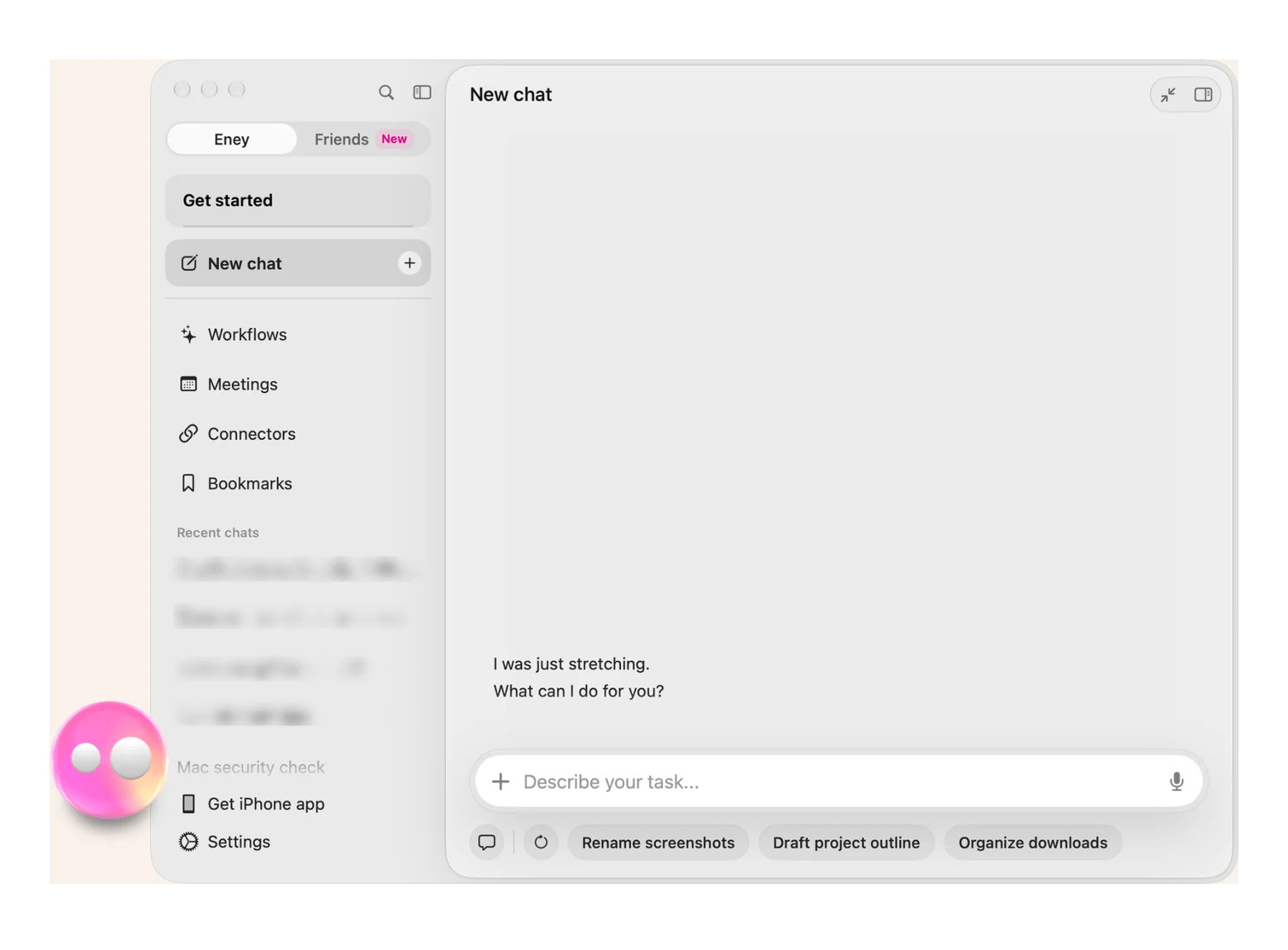
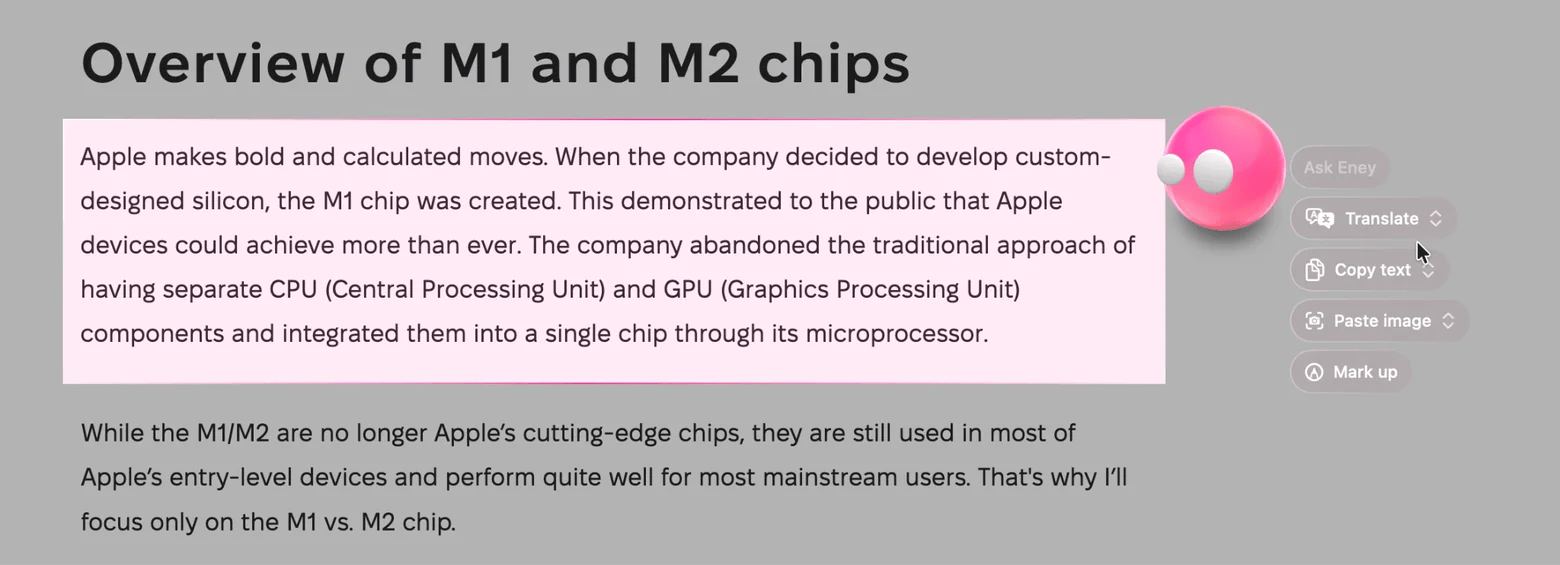
Copying text into a browser tab, translating it, and pasting it back breaks your focus. Eney by MacPaw works where the text already sits. Eney Wand translates, summarizes, or extracts whatever you select on a web page, PDF, email, or chat. It also translates whole documents and PDFs and reads text from a photographed form, menu, or screenshot.
The limits: Eney needs an M-series Mac with macOS 15 or later. It is free for 14 days with 10,000 AI credits, then moves to a paid credits subscription. It is also a general AI assistant, not a certified translation service, so verify critical terms.
To translate text, documents, or a photographed form with Eney, follow these steps:
Install Eney from Setapp and start the 14-day free trial.
Open Eney Wand, select a paragraph on any web page or PDF, and choose Translate.
To translate a photographed form instead, drop a photo of a printed form into Eney and ask it to extract the text and translate it into English.
Read the result against the original and check names, numbers, and dates.
Because Eney works where the text already sits, you skip the copy, paste, and switch-tabs routine of web translators.
Best free AI translators for text
Eney comes first because it works in place, in any app. I ran the email through its translation skill: open Eney Wand, select the text, and choose Translate. After a recent update, you can also just copy the text in a different language, and Eney offers the translation.
Web tools lack two things Eney has: use inside any app and whole-PDF handling. Eney is free for 14 days with 10,000 AI credits, then paid.
This table compares seven tools by language count, free limit, sign-up, data handling, and best use:
500 characters per submission, per a third-party review
Yes
Wordvice servers
Short academic passages
Lara Translate
200+
60,000 characters a month, shared across features
Free account
Lara servers
Context-aware text
Grammarly
50+ on the web translator
5,000 characters on the web; inline translate is paid
No (web)
Grammarly servers
Translate, then polish
On my email test, Eney was the one I'd reach for, because it recognized the copied text and offered the translation without extra steps. Its limit is credits rather than a character count, so a long document uses more of the trial.
The web tools' weaknesses showed up more in their limits than in the wording. Wordvice's cap stops a full email. DeepL's free tier limits text length and allows only three documents a month. Grammarly keeps its in-app translation feature for paid plans. Google and Lara cover the most languages, while DeepL is often praised for European pairs.
Best free AI translators for medical and clinical text
A free AI translator can draft medical text, but none is certified, so check every drug name and dose before anyone acts on it.
On my leaflet test, Eney needed the fewest steps, but that is my result on one document, not a ranking. I translated the leaflet with Eney's translation skill.
General translators fail on clinical text in predictable ways. Drug names, dosage formats, anatomical terms, and abbreviations get mistranslated or left untouched. The workaround is a strong general translator plus a medical glossary for every critical term.
Patient information never belongs in a public web tool (HIPAA in the US, GDPR in the EU), so remove names, record numbers, and other identifying details before you paste anything.
Run through these checks every time before you translate clinical text with a free AI translator:
Check every drug name, dose, and unit against a medical glossary.
Write out abbreviations ("once daily" instead of "q.d.") before translating.
Never paste identifiable patient data into a free translator.
Have a qualified bilingual clinician review anything a patient will act on.
Treat the translation as a draft: a clinician’s review is what makes it safe for a patient to act on.
Best free AI translators for video subtitles and live captions
Video translation is three separate jobs: translating an existing subtitle file, creating translated captions for a recorded video, and translating a live feed.
How to translate an existing SRT file
DeepL supports SRT files, though its website lists the feature under paid plans, and free use runs through the DeepL API. Upload the file, pick the language, and check the timing on a short clip.
How to translate a recorded video
I use Eney because it handles transcription, translation, and formatting in one place. It covers recorded videos only.
To translate a recorded video with Eney:
Drop the recording into Eney and ask it to transcribe the audio.
Ask for the transcript translated into your target language.
Ask Eney to format the translation as an SRT file with numbered cues and timestamps.
Play the video with the file loaded and fix any out-of-sync lines.
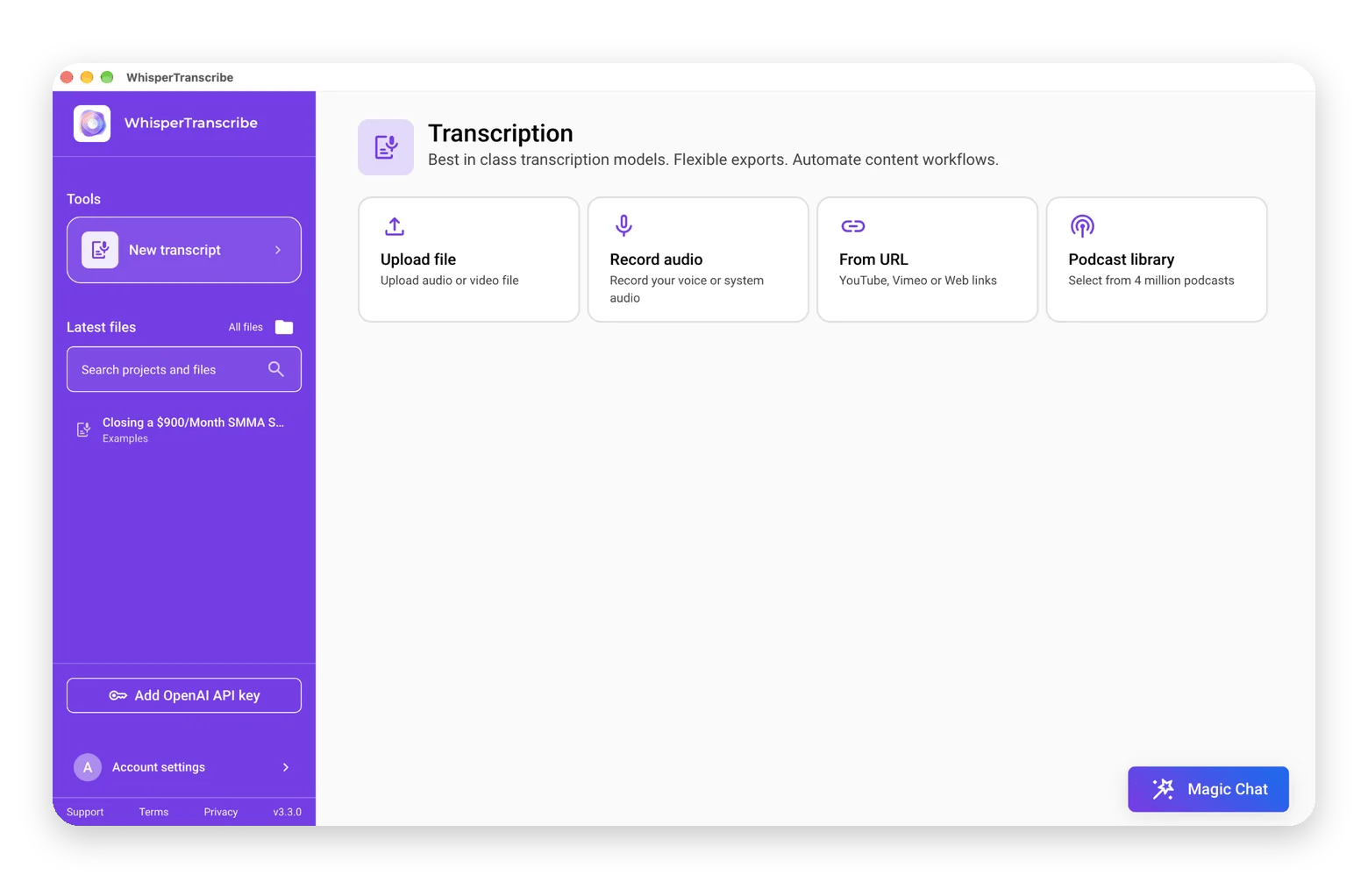
WhisperTranscribe from Setapp also transcribes recordings and translates the transcript into 60+ languages, so check its SRT export formats if you prefer a dedicated transcription app. WhisperTranscribe is included in Setapp Membership, so you can try it free for 7 days alongside 300+ other Mac, iOS, and web apps.
How to get live translated captions on a Mac
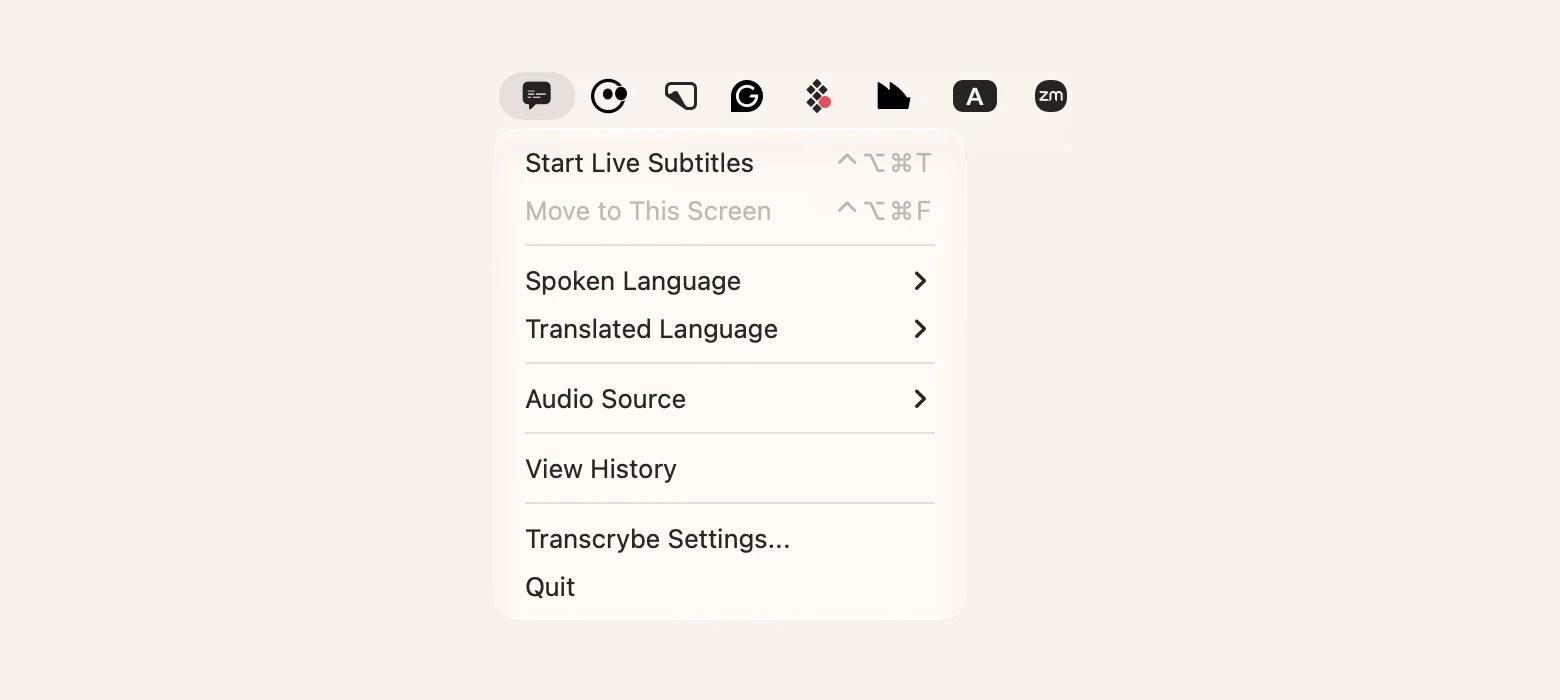
Transcrybe captures audio from any app, such as a video call, webinar, or stream, and shows live translated captions, processed on the device. Because the audio stays on your Mac, it suits private calls and sensitive meetings. Live captions trade accuracy for speed, so expect more errors than in a recorded transcript, and don’t rely on them for medical or legal decisions.
Free vs. paid AI translation: When free is enough and when you should upgrade
Free tiers share four limits. Character or page caps break long documents, formatting gets lost, accuracy drops for low-resource languages such as Swahili and Mongolian, and free web tools process sensitive text in the cloud. Desktop apps and paid plans give you full documents with preserved layout.
Here is when to upgrade:
Occasional short text: Free is fine.
Regular translation of long documents: Upgrade.
Sensitive or client material: Upgrade, and read the privacy policy first.
Professional work where errors cost money: Upgrade, and add human review.
Count how often you translate in a month. If it's weekly or more, a free cap will cost you time.
Which free AI translator should you use?
My picks depend on the task:
Text:Eney on a Mac, or Google Translate or DeepL for a one-off
Medical text: A general translator plus a medical glossary, and no identifiable patient data pasted into any free tool
Recorded video: Eney, or DeepL if you already have an SRT file
Start with one task and test it on a short sample. Free tiers cap length, and no free tool is certified for medical use, so check every critical term.
Transcrybe and WhisperTranscribe are included in a Setapp Membership alongside 300+ other Mac apps with a 7-day free trial. Eney is a standalone app, with its own 14-day free trial and 10,000 AI credits.
FAQ
Is there a completely free AI translator with no character limit?
Not really. Google Translate comes closest for short text, with a cap of roughly 5,000 characters per paste. Every document-level tool caps something: QuillBot allows 5,000 characters, Lara 60,000 a month, and DeepL three documents a month. For long documents on a Mac, Eney limits you by credits instead of characters: 10,000 during the free 14-day trial.
Which free AI translator is most accurate for medical and pharmaceutical terms?
None is certified. On my one test leaflet, Eney needed the fewest steps, but that is a single document, not a ranking. Whichever tool you use, check every drug name and dose against a medical glossary.
Can I use a free AI translator to add subtitles to a video?
Yes, for SRT files and recorded video. DeepL translates SRT files, and Eney works with recordings. For live captions on a Mac, use Transcrybe.
Which free AI translator is the most private?
Free web translators send your text to remote servers, so read each tool’s privacy and retention policy before you paste anything sensitive. Keep confidential or identifiable text out of free tools. For live audio, Transcrybe processes captions on your Mac.
Which free AI translator works best for low-resource or rare languages?
Google Translate has the widest coverage at 249 languages, and Lara lists 200+. Expect lower accuracy for rare languages, and spot-check important text with a native speaker.






 Best solution
 Best solution