The best FL Studio alternative for Mac is Logic Pro, a Mac-native digital audio workstation (DAW) at $199.99 USD one-time. GarageBand is the free pick, Ableton Live suits live electronic sets, and Reaper ($60 USD) is the best budget pro DAW. LMMS is the closest free match to FL Studio’s step sequencer. This guide compares nine FL Studio alternatives with 2026 prices, plus three Setapp apps that tidy your samples, bounces, and tags.
Next, I’ll show you each alternative in detail: what it does, its key features, its pros and cons, and which producer it suits.
Tool
Best for
Native Mac
Apple silicon
Free option
Price
Logic Pro
Mac-native pro DAW
Yes
Yes
No
$199.99 one-time
Ableton Live
Electronic, live sets
Yes
Yes
30-day trial
$99-$749
GarageBand
Free Mac DAW
Yes
Yes
Free with macOS
Free
Reaper
Budget pro DAW
Yes
Yes
60-day evaluation
$60 or $225
Fender Studio Pro
Songwriters
Yes
Yes
Separate free app
$199.99 one-time
Bitwig Studio
Clips and modular
Yes
Yes
Free trial
$99-$399
Cubase
Scoring, orchestral
Yes
Yes
60-day trial
$99.99-$579
Pro Tools
Pro recording
Yes
Yes
Free Intro tier
$9.99/$34.99/mo or $99/$299/yr
LMMS
Free open source
Yes
Alpha only
Free, open source
Free
Note: First, a quick definition. A digital audio workstation (DAW) is the app where you record, program, arrange, edit, and mix music. Every DAW below covers those basics. What separates them is workflow, the sounds they ship with, and which plugin formats they load.
Audio Units (AU): Apple’s plugin format, used by Logic Pro and GarageBand.
VST2 and VST3: Steinberg’s cross-platform formats, used by most other DAWs.
AAX: Avid’s format, required by Pro Tools.
CLAP: a newer open plugin standard, co-developed by Bitwig and u-he.
Logic Pro: Best Mac-native FL Studio alternative
Logic Pro for Mac is Apple’s own digital audio workstation. It runs only on Apple silicon and comes with a huge library of synths, drums, and mixing plugins. Live Loops also adds an Ableton-style session grid.
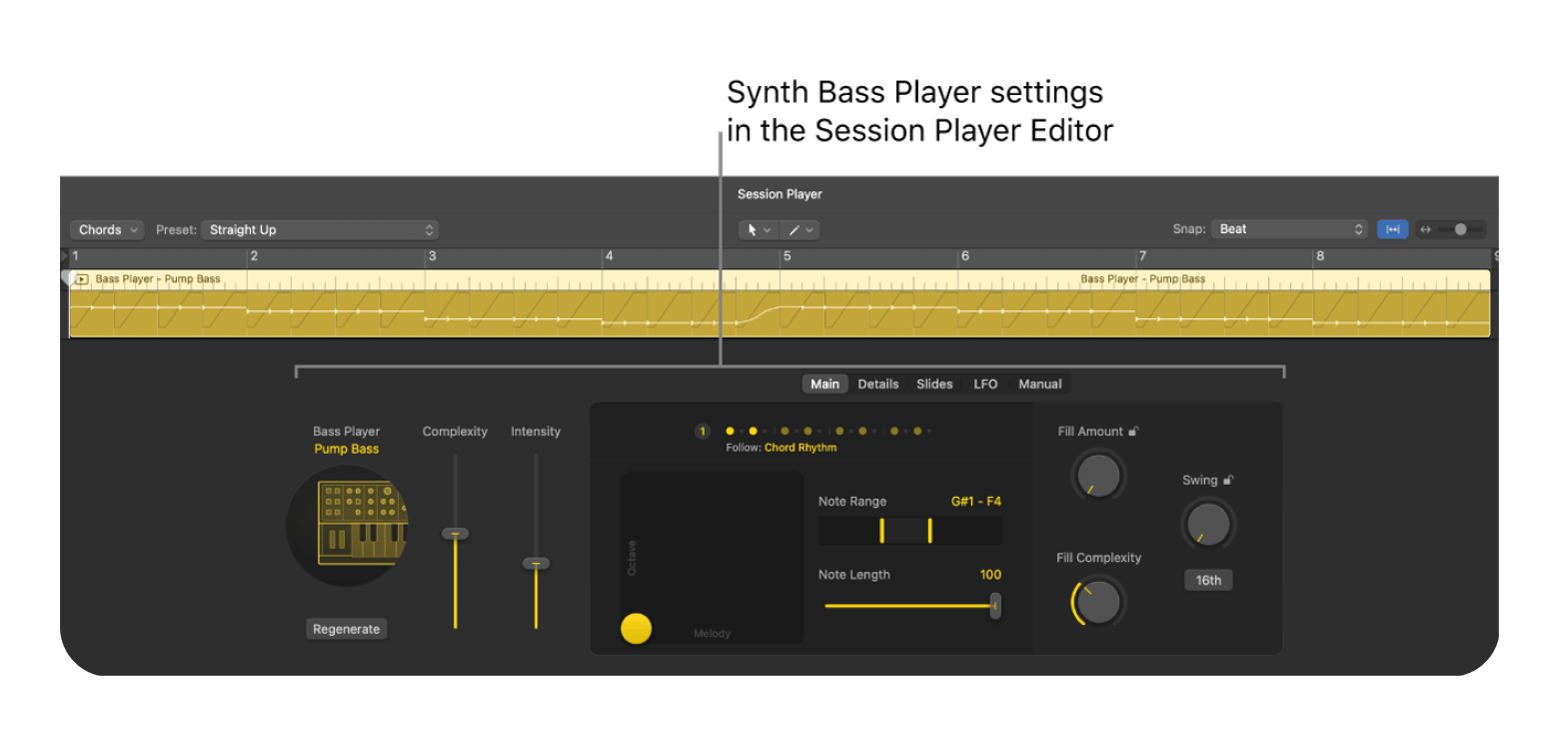
Logic Pro 12 is the current major version. Its biggest draw is Session Players, virtual band members that write parts for you. Drummer, Bass Player, and Keyboard Player are joined by Synth Player, which writes synth chords and bass lines that follow your song’s chord track. Chord ID reads the chords from an audio or MIDI region and feeds them to those players.
When I dropped Synth Player onto a four-bar chord loop, it followed my chord track right away. The bass part sounded generic until I raised the complexity setting, so expect to tweak it rather than accept the first take.
Key features:
Large stock instrument library
Live Loops session view
Session Players, including Synth Player
Stem Splitter and Chord ID
Step Sequencer for grid-based beats
Pros:
Native Apple silicon performance
No ongoing cost
Cons:
Mac-only
Audio Units only, so VST-only plugins will not load
Price: $199.99 one-time, or $12.99 a month inside Apple Creator Studio.
Apple Creator Studio is Apple’s subscription bundle for creative apps. Alongside Logic Pro for Mac and iPad, it includes Final Cut Pro, Pixelmator Pro, and MainStage.
Best for: Mac-based beat makers and songwriters who want a pro DAW without ongoing costs.
Ableton Live: Best for electronic and live performance
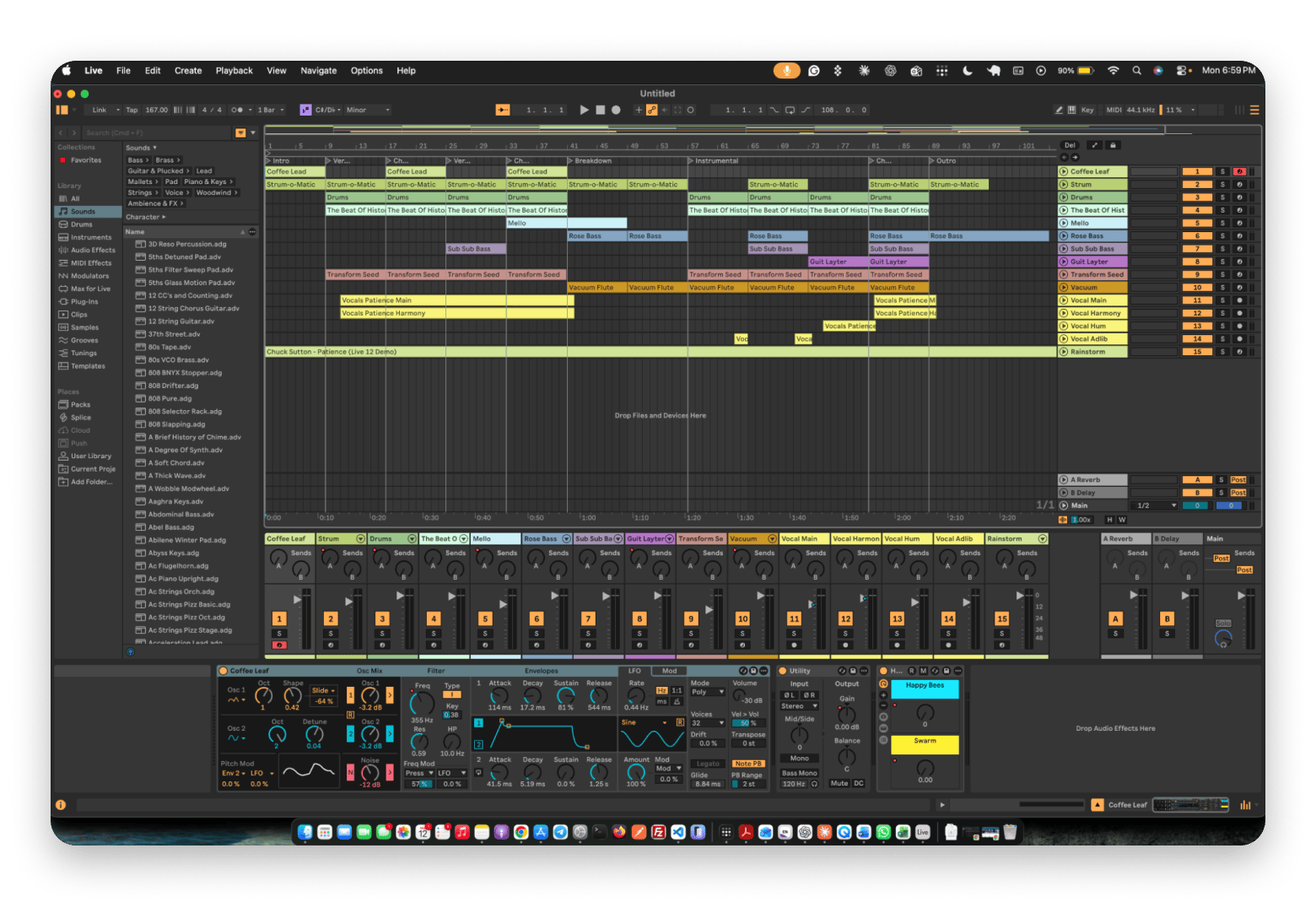
Session View lets you trigger clips like a DJ working the decks. This Ableton Live workflow is one reason many electronic producers prefer it. Live also loads VST and Audio Unit plugins.
Ableton Live is a DAW built around two views. Session View is a grid of clips for jamming and performing, with each column a track and each row a scene you can launch at once. Arrangement View is a classic left-to-right timeline for finishing songs. You can record a Session View jam straight into the Arrangement, so ideas become tracks quickly.
Key features:
Clip-based Session View
VST2, VST3, and Audio Unit support
Arrangement View for finished songs
MIDI Generators and Transformations
Pros:
Great for live sets
Strong library on Suite
Cons:
Intro caps you at 16 tracks
Max for Live needs Suite
Price: Intro is $99, Standard $349, and Suite $749.
Best for: Electronic producers and DJs performing live sets.
GarageBand: Best free Mac DAW
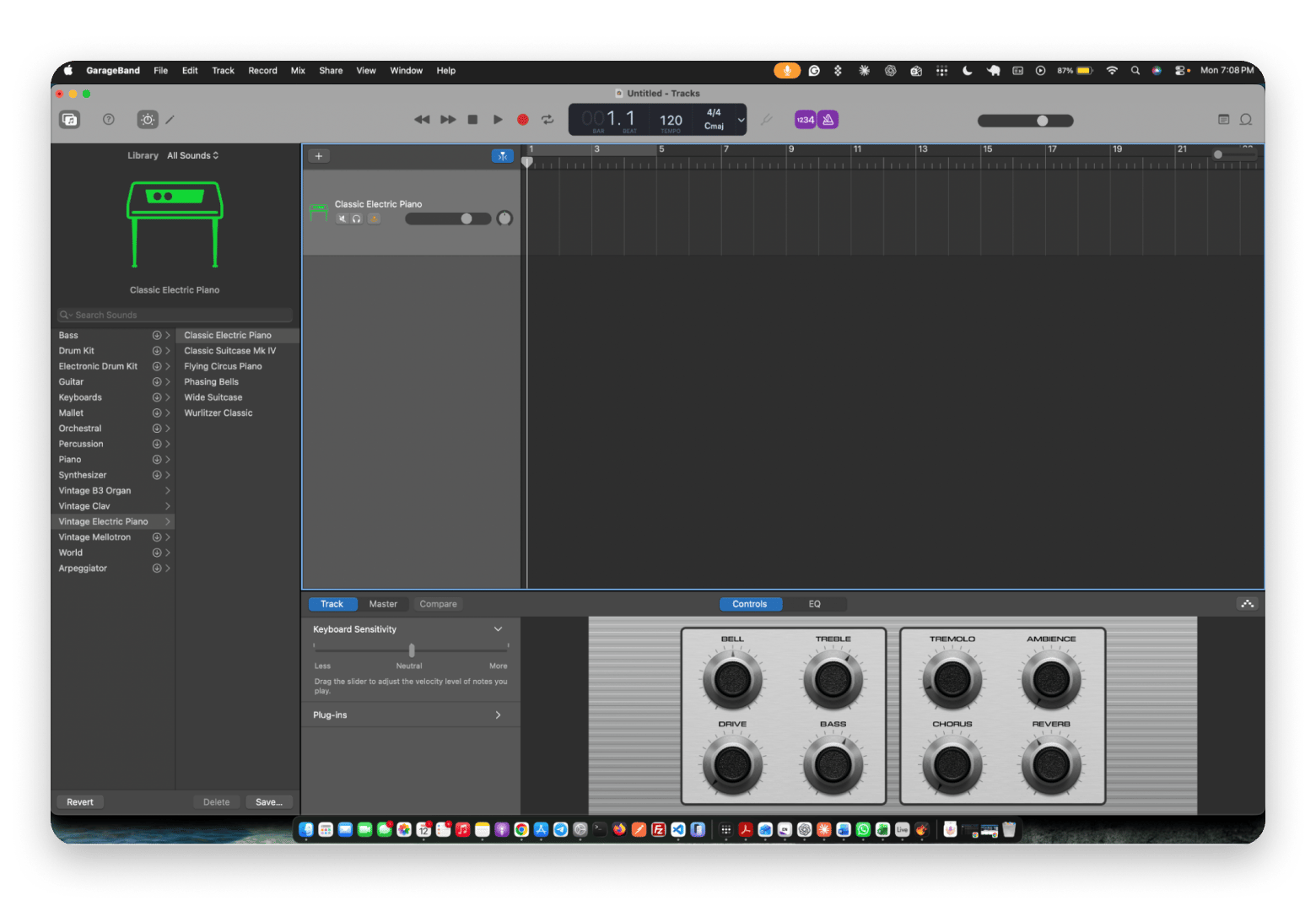
GarageBand is the free FL Studio alternative already on your Mac. It has multi-track recording, a piano roll, and Drummer. It’s also one of the easiest FL Studio alternatives for beginners, and you can open your projects in Logic Pro later.
GarageBand is Apple’s entry-level DAW, built on the same sound engine as Logic Pro. That shared foundation is why projects move up so cleanly. Drummer is a virtual session drummer: pick a style and a player, then steer how loud, busy, or simple the part is with an on-screen pad.
Key features:
Multi-track recording
Built-in Drummer
Apple Loops library
Guitar amps and stompbox effects
Pros:
Free with every Mac
Easy path to Logic Pro
Cons:
Fewer routing tools
Audio Units only
Price: Free with macOS.
Best for: Beginners and songwriters sketching ideas.
Reaper: Best budget pro DAW
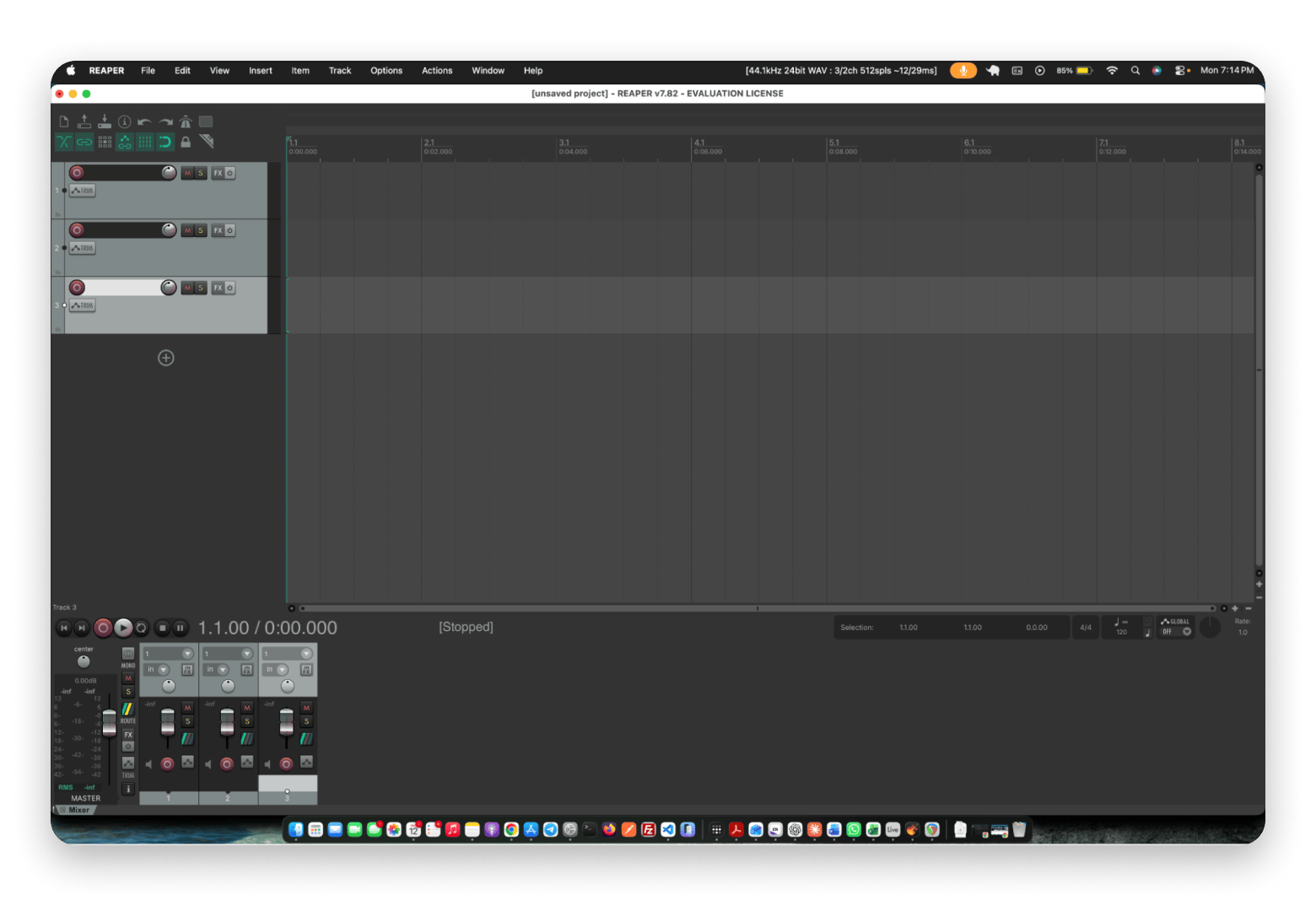
Reaper is a full-featured DAW at a fraction of the usual price. It’s customizable through scripting and runs on Apple silicon. However, you should expect a nag screen during the evaluation period.
REAPER stands for Rapid Environment for Audio Production, Engineering, and Recording. It’s made by Cockos, a small independent developer, and the installer is tiny compared with other pro DAWs. Almost everything can be reshaped: menus, toolbars, shortcuts, and the whole look through themes.
Key features:
Deep customization
Broad plugin support
ReaScript in Lua, EEL2, or Python
Editable JSFX effects
Pros:
Very low price
Light on resources
Cons:
Steep learning curve
Little built-in content
Price: A discounted license is $60 for under $20,000 in yearly revenue. Commercial is $225. A 60-day evaluation is free.
Best for: Budget-minded beat makers and developers who like to customize.
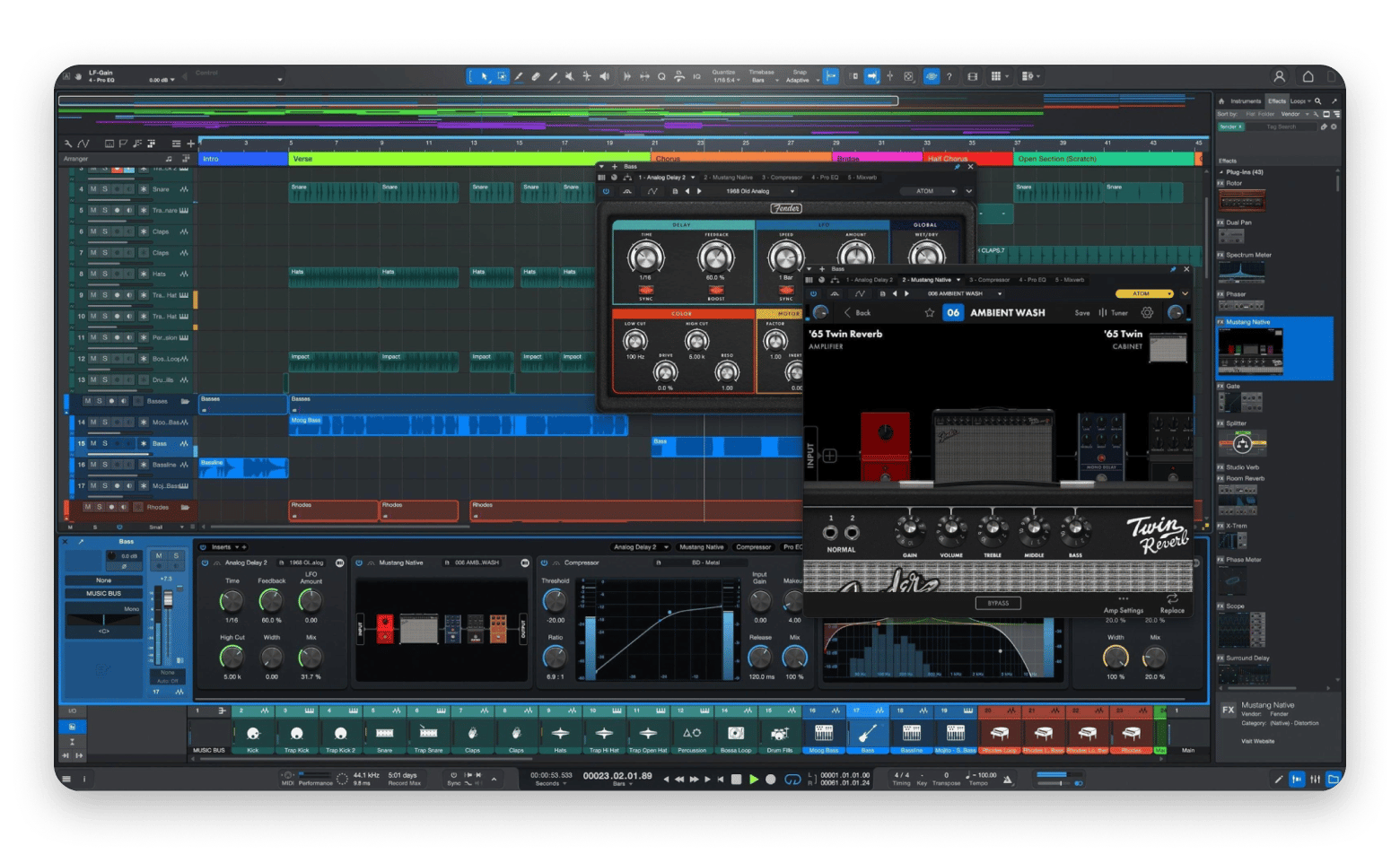
Studio One (now Fender Studio Pro): Best songwriter DAW
Studio One is now sold as Fender Studio Pro, in version 8.1. It keeps what songwriters love, including chord tools, an arranger workflow, and integrated mastering. However, the free Studio One Prime edition has been discontinued as a separate tier. Fender now offers the paid Fender Studio Pro 8 and a separate free Fender Studio app, which has a different feature set.
Studio One started life as PreSonus’ DAW. PreSonus became part of Fender in 2021, and the DAW took the Fender Studio Pro name at NAMM 2026. It still uses the single-window, drag-and-drop workflow Studio One fans know. The Chord Track helps you build and change progressions, and the Arranger lets you move whole sections, like a verse or chorus, around the timeline.
Key features:
Chord Assistant and songwriting tools
VST2, VST3, and Audio Unit plugin support
Fender Mustang guitar and Rumble bass amp modeling
Dedicated mastering page for sequencing and mastering tracks
Pros:
Integrated recording, mixing, and mastering workflow
Perpetual license available
Cons:
The Fender rebrand may introduce uncertainty about the long-term product roadmap
No free, full-featured DAW tier
Price: $199.99 perpetual, or Pro+ at $19.99 a month. A separate free Fender Studio app handles basic recording.
Best for: Singer-songwriters focused on song structure.
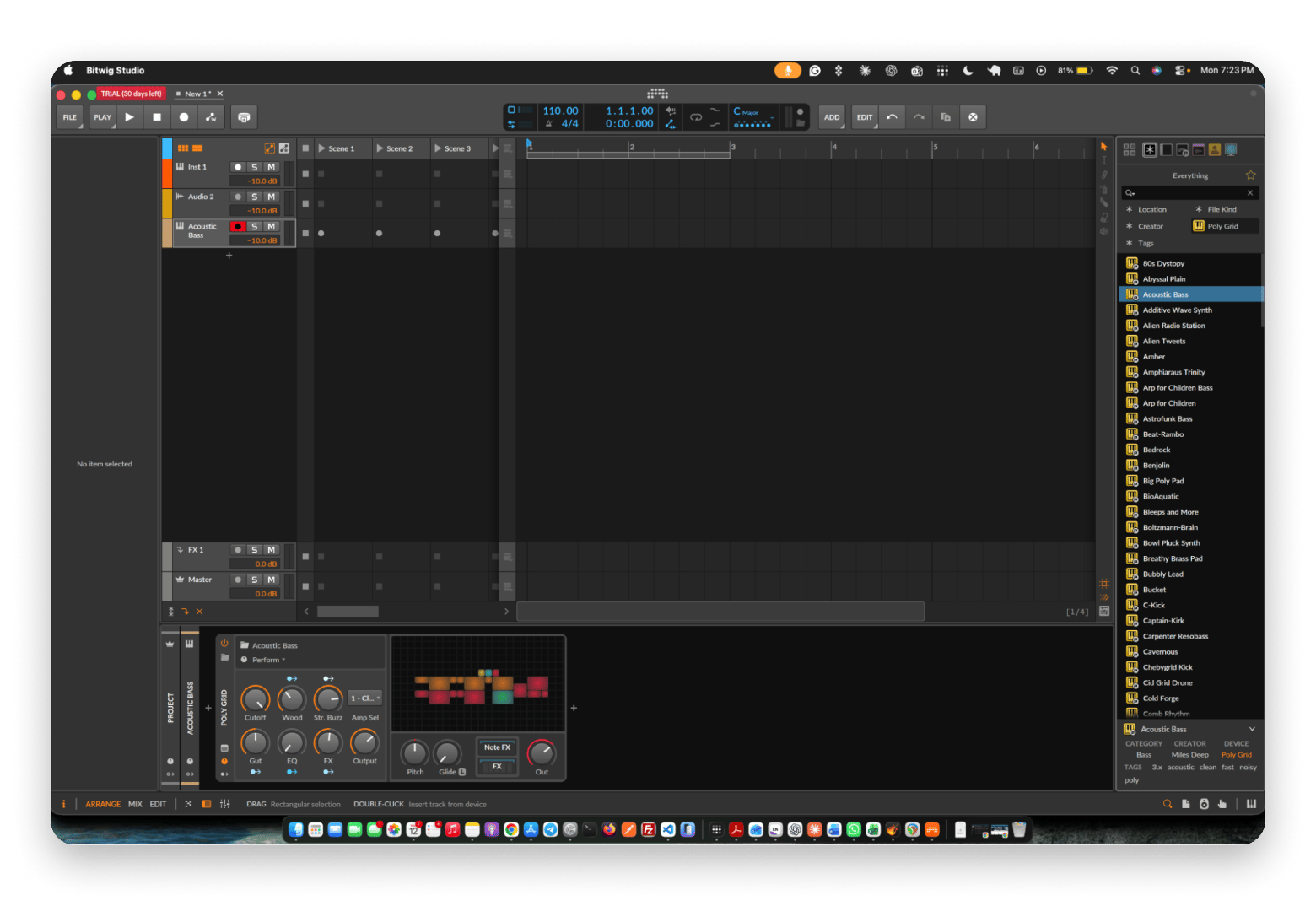
Bitwig Studio: Best for modular thinking and clip launching
Bitwig was founded by former Ableton developers. It combines clip launching with modular synthesis in The Grid, and runs on Mac, Windows, and Linux.
Bitwig Studio is made by Bitwig GmbH in Berlin, and version 6.1 is current. Its signature is modulation. You can attach LFOs, envelopes, and other modulators to almost any parameter, on any device, including third-party plugins. The Grid takes that further: it’s a modular environment where you patch oscillators, filters, and effects together like a virtual modular synth.
Key features:
The Grid modular environment
Clip launcher plus arranger
Modulators for almost any parameter
Sandboxed plugin hosting with CLAP support
Pros:
Runs on Linux too
Deep modulation
Cons:
The Grid needs the top edition
Smaller tutorial scene
Price: Essentials is $99, Producer $199, and Bitwig Studio $399.
Best for: Sound designers and electronic producers.
Cubase: Best for scoring and orchestral work
Cubase is Steinberg’s flagship DAW. It offers deep MIDI editing, a score editor, expression maps, and VariAudio for pitch correction. It loads VST3 plugins.
Steinberg is the company that created the VST plugin standard, and Cubase 15 is the current version. Expression maps are the key to its orchestral reputation. They let one MIDI track switch an instrument’s articulation, like legato to staccato or pizzicato, without juggling separate tracks. VariAudio shows a vocal as editable note blocks, so you can fix pitch and timing by hand.
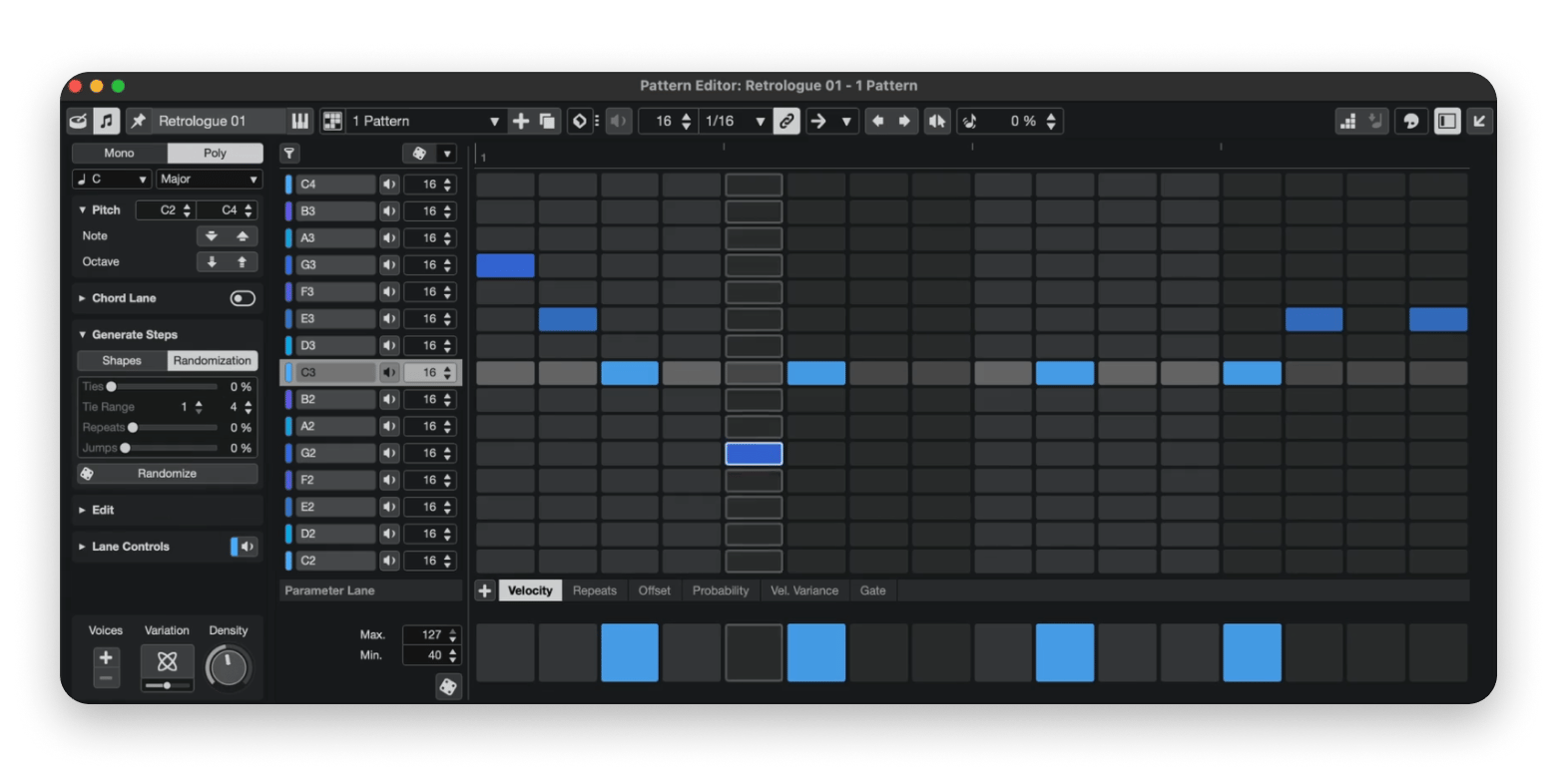
Cubase 15 goes beyond scoring with new tools for beat-making and melodic composition. The Melodic Pattern Sequencer creates step-based melodies with customizable scales, shape generators, and randomization, while the Drum Machine adds 40 modern kits designed for hip-hop, trap, and electronic music. Both features are available in the Pro and Artist editions.
Key features:
Deep MIDI and score editing
Expression maps
VariAudio pitch and timing editing
Melodic Pattern Sequencer and Drum Machine
Pros:
No subscription
Strong for orchestral mockups
Cons:
Cheaper tiers cut features
Pro is expensive
Price: Elements is $99.99, Artist $329, and Pro $579.
Best for: Film scorers and orchestral composers.
Pro Tools: Best for professional recording
Pro Tools is the standard in professional studios, strongest at tracking, editing, and mixing big sessions. It uses AAX plugins, so check your library first.
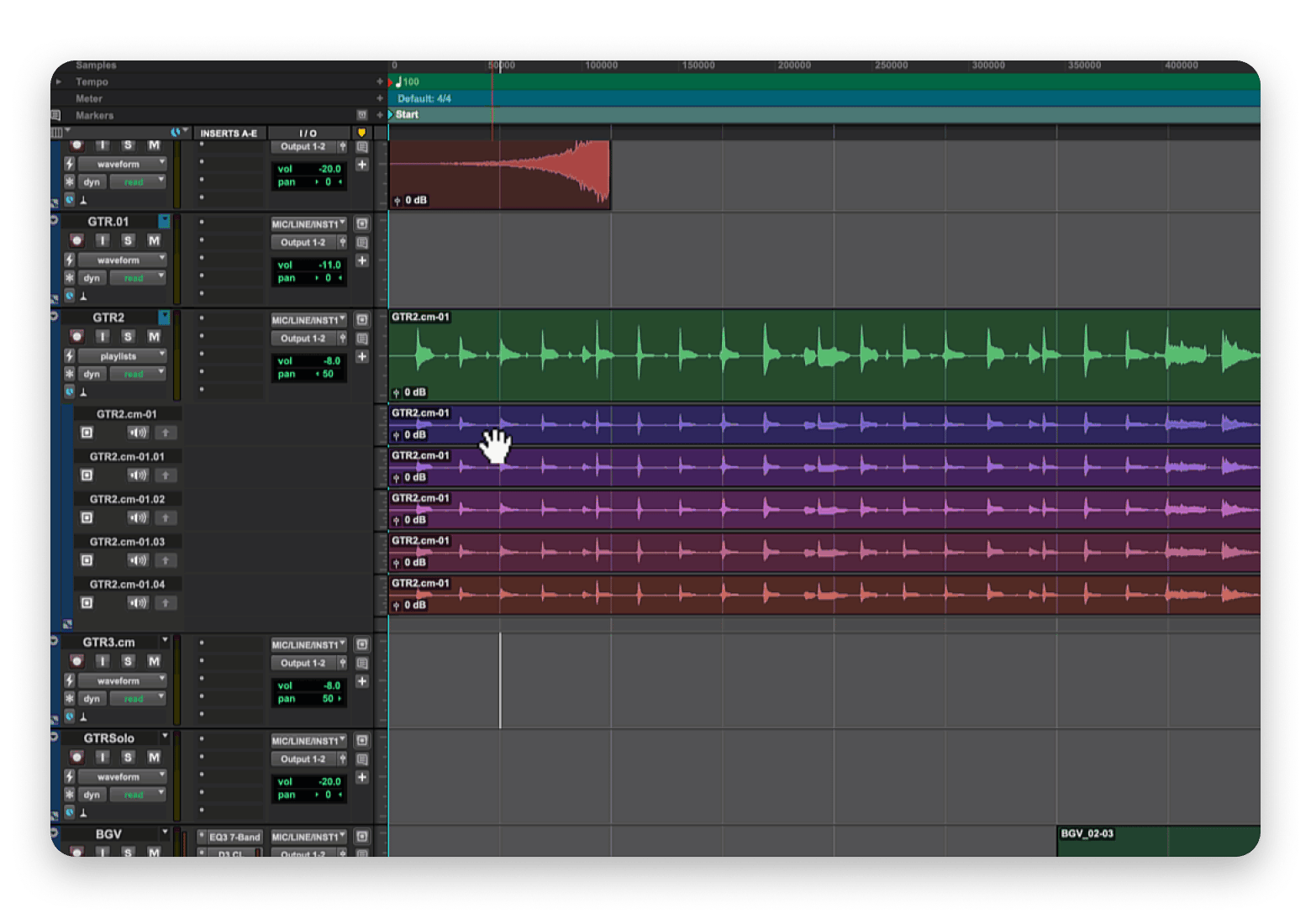
Pro Tools is made by Avid. Its strength is the record-edit-mix chain: comping several takes into one, tight audio editing, and handling sessions with hundreds of tracks. Because so many commercial studios swap Pro Tools sessions, engineers often learn it simply to collaborate.
I comped a vocal take in Pro Tools, and its editing tools felt purpose-built for the job. The playlist lanes made it easy to compare takes, pick the strongest phrases, and combine them into one polished performance.
Key features:
Fast take comping and clip editing
AAX plugin format
Track-based tiers from free Intro to Ultimate
Melodyne Essential included with Artist
Pros:
Industry-standard sessions
Free Intro tier
Cons:
Subscription pricing
Less friendly for beats
Price: Artist is $9.99 a month or $99 a year. Studio is $34.99 a month or $299 a year, and a free Intro tier exists.
Best for: Audio engineers and post-production teams.
LMMS: Best free open-source FL Studio alternative
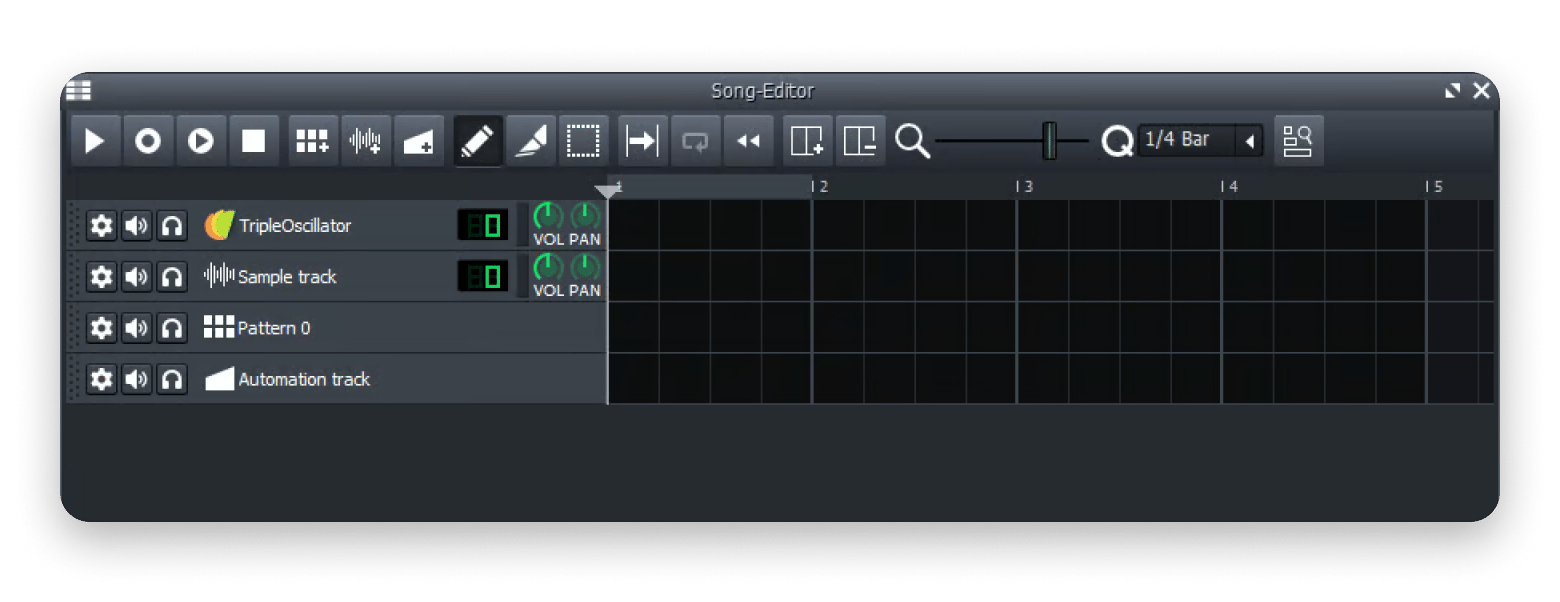
LMMS is a free, open-source DAW inspired by early versions of FL Studio. Its Beat and Bassline editor mimics the Step Sequencer, making it handy beat-making software for newcomers.
LMMS originally stood for Linux MultiMedia Studio, but it now runs on Linux, Windows, and macOS. LMMS’s latest stable release for Mac is Intel-only, so it requires Rosetta 2 on Apple silicon Macs. The newer 1.3.0-alpha.2 release offers a native Apple silicon build, but it remains pre-release software and may be less stable. Volunteers build it, and it’s released free under the GPL license. Along with the Beat and Bassline editor, you get a Song Editor for arranging and a Piano Roll for melodies.
Key features:
Beat and Bassline editor
Cross-platform
Built-in synths, including ZynAddSubFX
SoundFont (SF2) player
Pros:
Completely free
Familiar for FL users
Cons:
Native Apple silicon only in pre-release
Less polished interface
Price: Free.
Best for: Beat makers who want a free tool with a familiar workflow.
What Mac tools help with music production files?
None of these DAWs is on Setapp, a curated platform for 300+ Mac, iOS, and web apps, so I won’t pretend otherwise. However, Setapp does have Mac apps for the chores around music production software, including sorting samples, converting bounces, and tagging tracks. If a session stutters, this guide to viewing and killing processes on Mac helps too.
All three apps are available in Setapp, a subscription with 300+ Mac, iOS, and web apps. Try them free for 7 days.
ForkLift: Sort sample libraries without fighting Finder
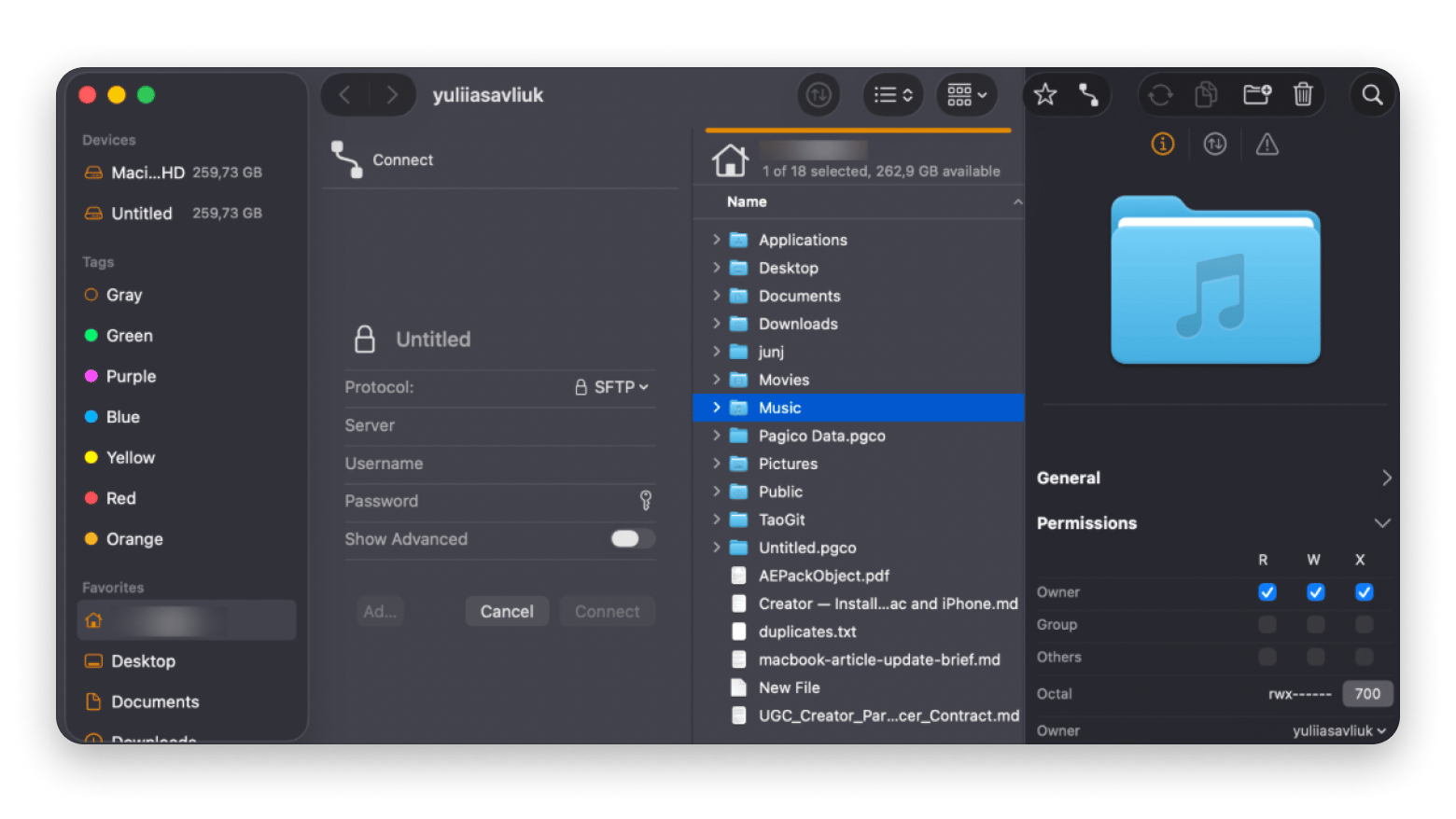
ForkLift is a dual-pane file manager for Mac. Keep your samples in one pane and the project folder in the other, then drag kits across with Quick Look previews.
A dual-pane file manager shows two folders side by side, so moving files is one drag instead of juggling Finder windows. ForkLift is also a file transfer client. It connects to FTP, SFTP, Amazon S3, SMB, WebDAV, and NFS. That means you can pull sample packs from a NAS (network-attached storage drive) or cloud storage into the same window.
Honestly, I’d only reach for ForkLift if your samples live on more than one drive. If everything sits in one folder, Finder is enough.
Its sync tool compares two folders and copies only what changed, one way or both ways. That keeps a laptop sample library matched to your studio drive. A preview panel shows file details, and Quick Look lets you audition a sample before you move it.
Key features:
Dual-pane navigation
Quick Look previews
Remote connections, including SFTP, S3, and SMB
One-way or two-way folder sync
Permute: Convert bounces without fuss
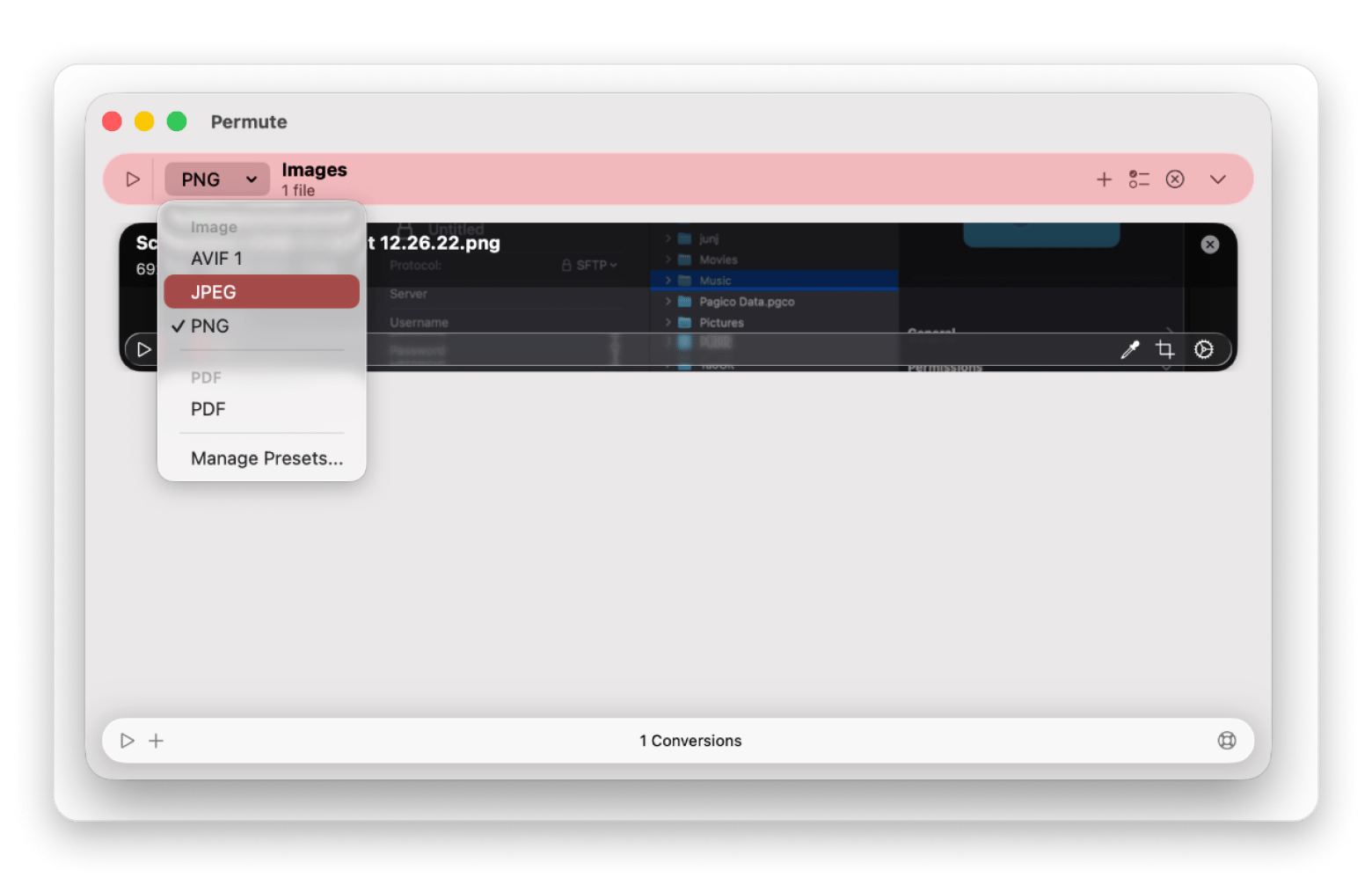
Permute is a media converter for Mac. Drop in a WAV bounce and convert it to Apple Lossless or FLAC for archiving, or a smaller format for demos.
A media converter changes a file from one format to another without you opening a DAW or an editor. Permute handles audio, video, and images in one window. For producers, the most useful extra is pulling the audio track out of a video, such as a reference clip or a live recording, so you can drop it into a session.
Key features:
Drag-and-drop conversion
Apple Lossless and FLAC output
Audio extraction from video
Reusable presets
Meta: Tag finished tracks before release
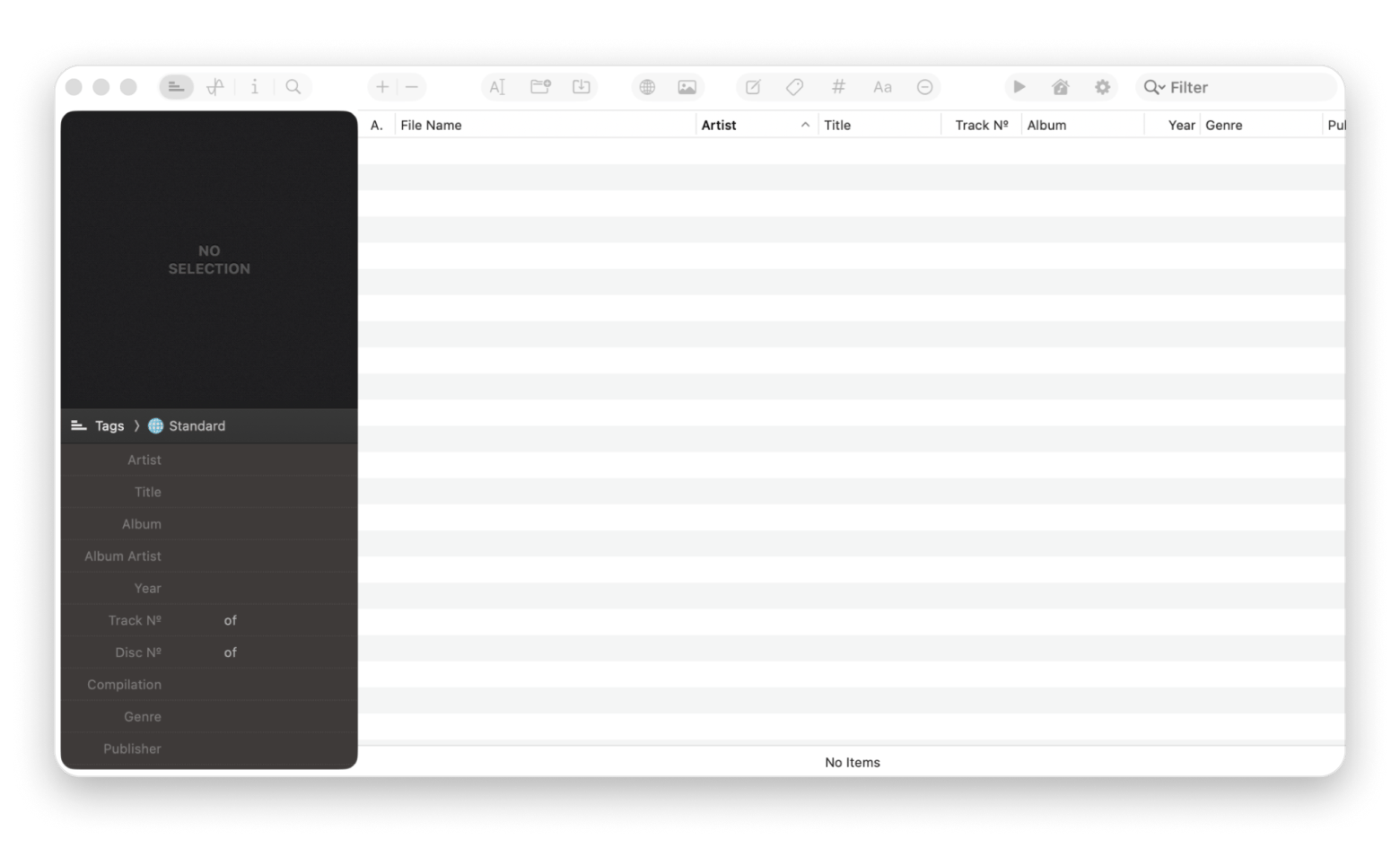
Meta is a music tag editor for Mac. Edit titles, artwork, and track numbers in batches before sending tracks to a distributor. It works with MP3, FLAC, WAV, AIFF, and M4A.
Tags are the details stored inside an audio file: artist, title, album, track number, genre, and cover art. Streaming services and music players read them, so wrong tags mean a messy release. Meta reads and writes the common tag formats, including ID3v1, ID3v2, MP4, and Vorbis, and also handles Ogg files.
Key features:
Batch tag and cover art editing
Track numbering assistant
Cover Finder for artwork
Find and replace with regular expressions
Why do Mac producers switch from FL Studio?
The reasons Mac producers are looking for FL Studio alternatives:
Interface. FL Studio runs on Mac, but its menus, dialogs, and shortcuts feel Windows-native.
Apple’s audio apps. Logic, GarageBand, and MainStage form a set that FL Studio doesn’t join.
Purchase model. FL Studio costs $99 to $499 by edition, plus plugins. Logic is a flat $199.99.
Community. Many producers moved to Ableton or Logic for the tutorials and presets around them.
To be fair, FL Studio is still exceptional. Its piano roll editor is widely praised as one of the best in any DAW, lifetime free updates are rare, and the Step Sequencer is beloved by beat makers. It also runs natively on Apple silicon. However, this guide is for Mac producers whose workflow fits differently.
How do you migrate from FL Studio to a new DAW?
To migrate from FL Studio, export each instrument as a WAV stem and a MIDI file, rebuild your plugin chain in the new DAW, and keep FL Studio installed for three months.
Here are the steps I’d take, in order:
Audit which FL Studio projects you actually need to reopen. Most producers rarely go back to their old projects.
Bounce active projects to stems, with each instrument saved as a separate WAV file.
Rebuild your plugin chain. VST plugins work in most DAWs, but not in Logic or GarageBand, and their internal state doesn’t always transfer.
Relearn shortcuts and workflow. Expect it to take two to four weeks before your speed matches your previous workflow.
Keep FL Studio installed for at least three months.
What surprised me was how few projects I actually reopened after switching. The stems I bounced in the first week covered nearly everything I went back to.
FL Studio’s Fruity, Producer, Signature, and All Plugins editions have different plugin sets, so check that your new DAW’s built-in instruments cover what you used. Back up your stems with one of the best Mac backup tools first.
Which FL Studio alternative fits your workflow?
Not sure which one to pick? Match your style to the DAW built for it:
Best Mac-native DAW: Logic Pro
Electronic music with session view: Ableton Live
Beginner on a free budget: GarageBand
Pro DAW at a fair price: Reaper
Songwriter focused on structure: Studio One
Modular thinking plus clip launching: Bitwig Studio
Orchestral composing or film scoring: Cubase
Professional recording studio: Pro Tools
Free open source that feels like FL: LMMS
If two look equal on paper, pick the one whose VST plugin support (or Audio Unit support) matches your library.
Picking a FL Studio alternative you won’t regret
The best FL Studio alternative for Mac depends on how you make music. Choose Logic Pro for a Mac-native setup, Ableton Live for clips, and GarageBand to start free.
Whichever you choose, the work around the DAW never stops. ForkLift tames sample libraries, Permute converts bounces, and Meta tags finished tracks.
What is the best free FL Studio alternative for Mac?
GarageBand comes free with every Mac and includes a piano roll and Drummer. For an open-source option, LMMS is free and mimics FL Studio’s Step Sequencer, but its stable Mac release is Intel-only. A native Apple silicon build exists only in the 1.3.0 alpha.
Is Logic Pro better than FL Studio on Mac?
It depends on your workflow. Many Mac users pick Logic Pro for its native performance and stock library. FL Studio still wins on piano roll and pattern-based beats. Logic also loads Audio Units only, not VST.
Can I open FL Studio project files in another DAW?
No, not directly. FL Studio project files are proprietary. Export each instrument as a stem and export MIDI instead. Convert the bounces with Permute if you need a different format.
Which DAW is closest to FL Studio’s workflow?
LMMS is closest to the Step Sequencer workflow. Bitwig Studio is closest in spirit for electronic producers who like modular thinking and clips.
What is the best FL Studio alternative for beat making?
Logic Pro, thanks to its Step Sequencer and Live Loops, or Ableton Live for clip-based beats. For free, try GarageBand or LMMS.
Powerful apps live on Setapp
Ditch defaults and discover new gems on one app platform.






 Best solution
 Best solution