
IconJar
Organize your icon sets
Mac
Version 2.11.4
macOS 10.14 or later
21.5 MB
1 languages
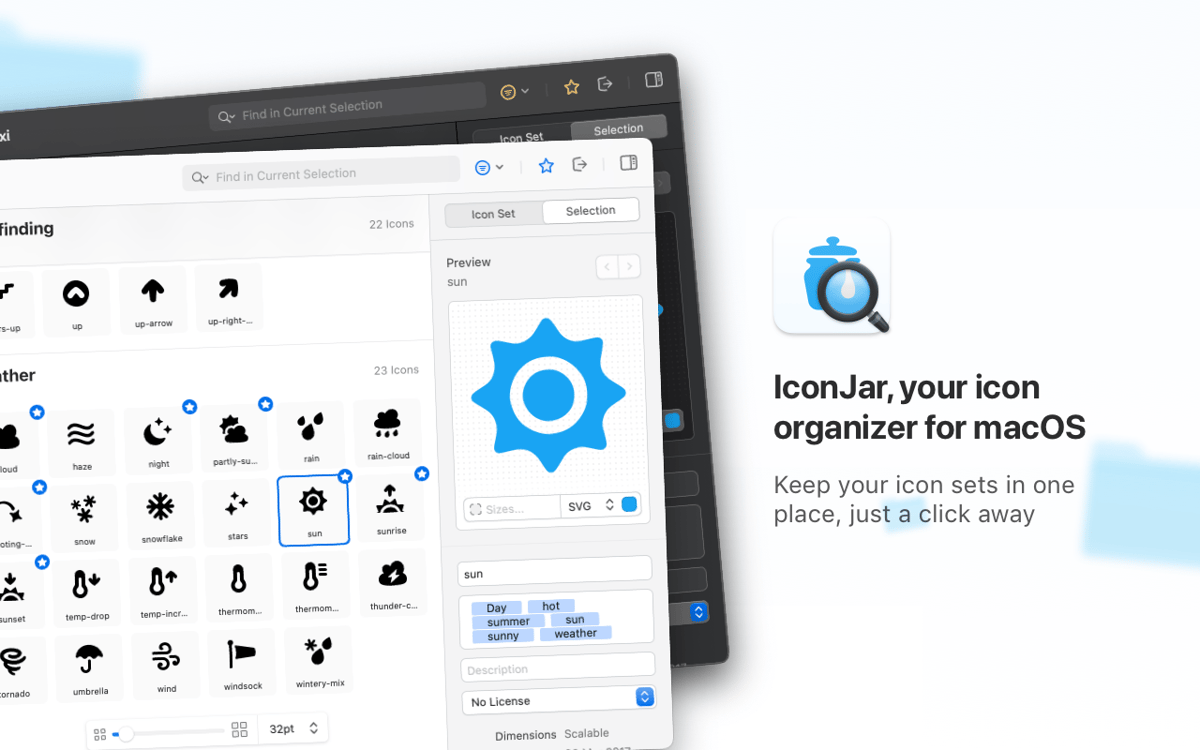
IconJar is a one-stop tool for icon management used by designers and developers across the globe. Search, organize, preview, and extract icons from one spot – instead of creating tons of asset folders to store your collections. The app is optimized for Dark Mode and comes with support for SVGs and icon fonts.
Streamline your design process
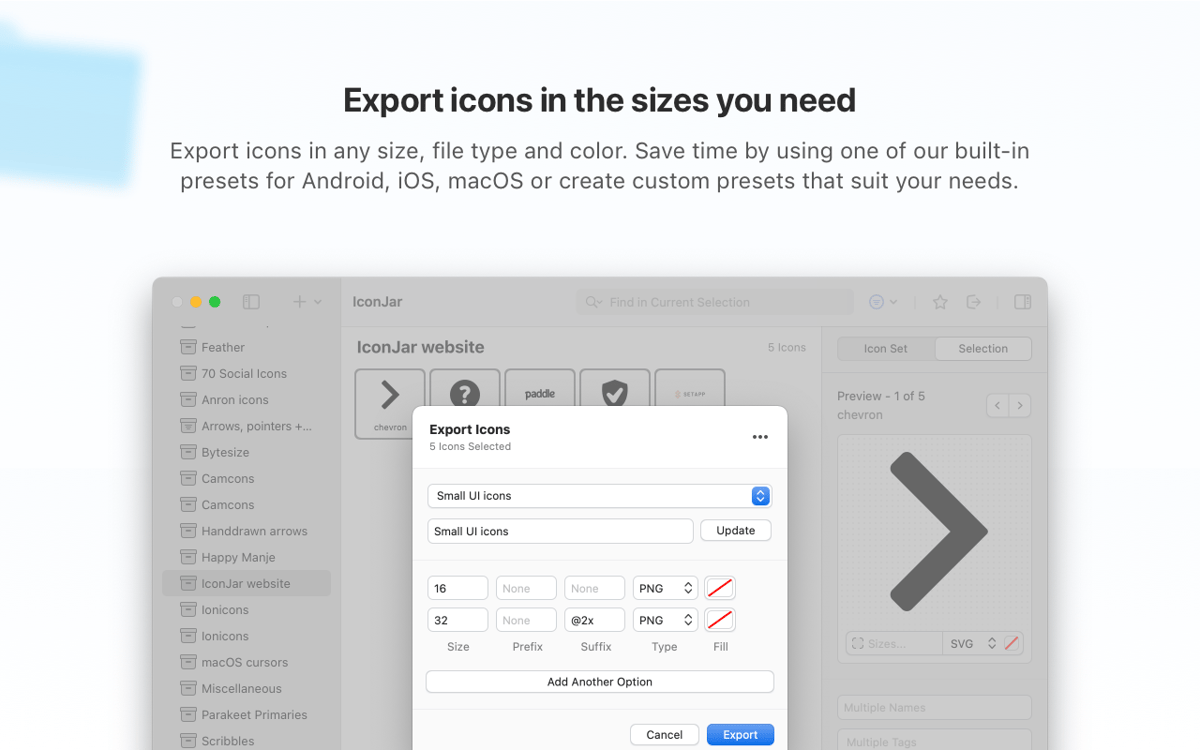
Bulk export icons in the right sizes
Export icons in your preferred format
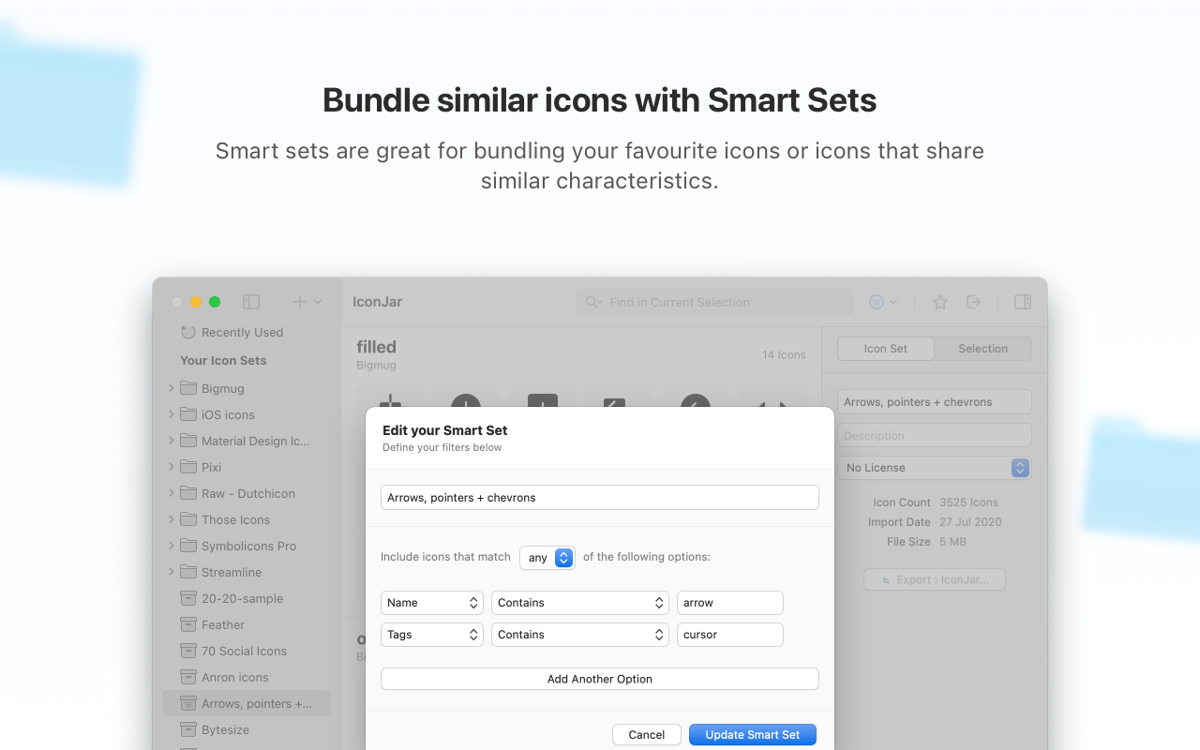
Bundle similar icons into smart sets
IconJar features
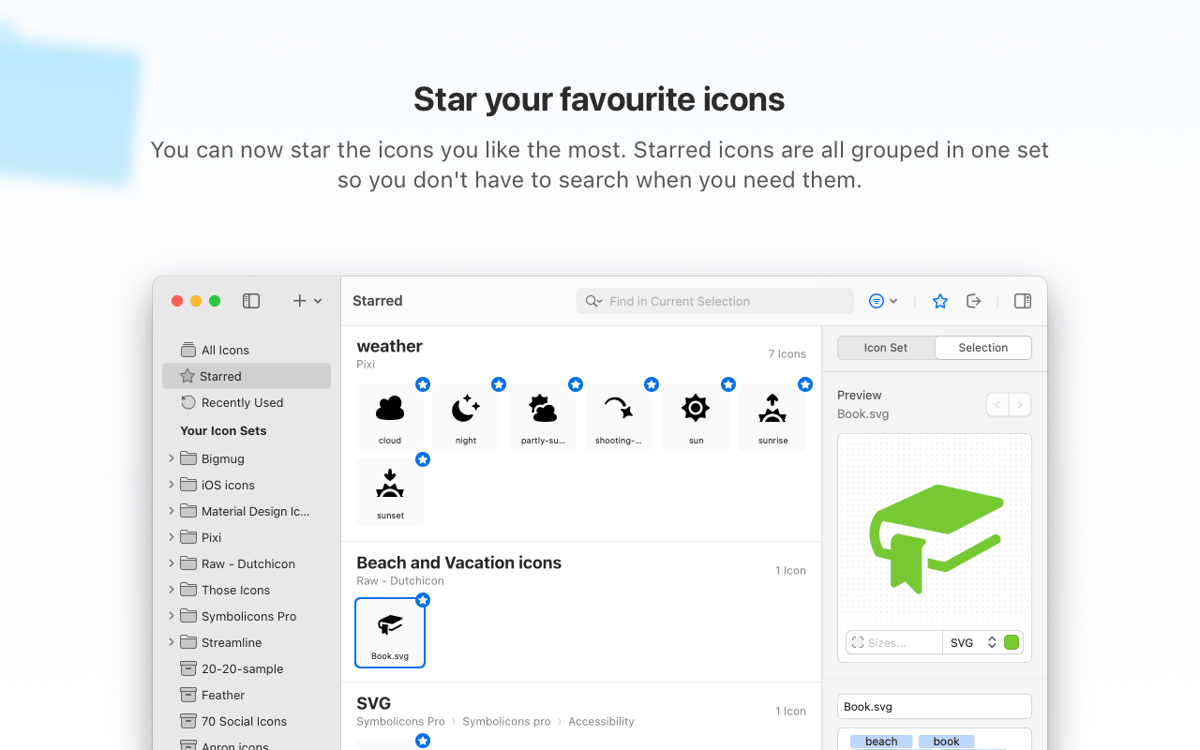
Beautifully organized icon sets
A professional icon organizer, the app brings your up-to-date sets of icons into neat collections. Search through featured icons suggested by designers from all over the world, or import your own from Sketch. Keep every set you need close at hand.
United by one file type
IconJar simplifies a designer’s and developer’s work by introducing its native file format, iconjar.file, which entails options for tagging and licensing. No need to explain how to distribute icons – there’s one reliable way known to every user.
Quicklook for previewing and browsing
IconJar comes with a handy preview option accessible via Quicklook, so you don’t need to open the image each time to check what’s inside. Browse icons, quickly search through them, and get what you need. No muss, no fuss.
Export icons in any format
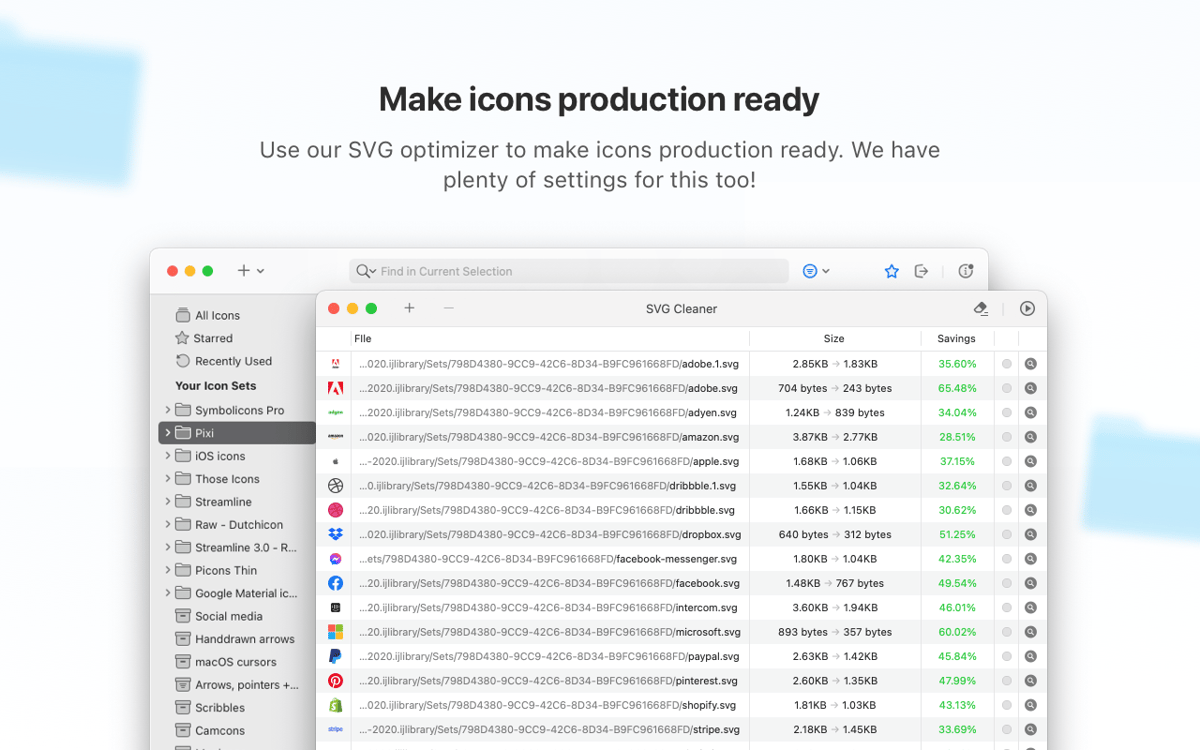
Help your beautiful icons enter the big world. IconJar’s export functionality is seamless: Determine the needed icons, specify the sizes, and export to PNG, TIFF, WebP, GIF, SVG or JPEG. To simplify your workflow even more, you can use built-in presets.
QuickDrag icons on your apps
Supercharge your performance by instantly dragging icons onto the apps – IconJar handles icons of any size, color, and format. Thanks to QuickDrag functionality, IconJar perfectly runs in combination with apps that do not natively support SVGs.
Keep your icon sets up to date
If you have a set of icons that feels a bit old-fashioned, you can quickly update the whole pack or a few selected items. Batch check the icons that you want to replace. You can also customize icon description and meta data – the new info will be merged instantly.
Ratings and reviews
IconJar
•
432 ratings
Orlando
May 14, 2026
App version: 2.11.4
Aplicativo prático e fluido no gerenciamento de ícones, e bastante funcional!
Daniel Camposano
Apr 22, 2026
App version: 2.11.4
awesome app to convert icons to macos :)
Daniel
Apr 16, 2026
App version: 2.11.4
Good app, but it keeps crashing at start
Get hundreds of apps with Membership
Become Setapp member and use hundreds of stellar apps with one subscription.
Try 7 days free, then pay one simple fee.
Install Setapp on Mac
Explore apps for Mac, iOS, and web. Find easy ways to solve daily tasks.

Get the app you came for
That one shiny app is waiting inside Setapp. Install with a click.

IconJar
Choose your subscription
One app or more with a Setapp membership. Get apps the way you want.

Get hundreds of apps with Membership
Become Setapp member and use hundreds of stellar apps with one subscription.
Try 7 days free, then pay one simple fee.
1
Install Setapp on Mac
Explore apps for Mac, iOS, and web. Find easy ways to solve daily tasks.
2
Get the app you came for
That one shiny app is waiting inside Setapp. Install with a click.
IconJar
3
Choose your subscription
One app or more with a Setapp membership. Get apps the way you want.
Home to the top apps
From planning and routine tasks to creative pursuits and coding, tackle tasks with apps on Setapp.


IconJar
Organize your icon sets