Pick by team type, not popularity. Linear suits fast-moving engineering teams, GitLab Issues suits teams already on GitLab, and Trello suits small teams that only need boards.
Free plans go further than you’d expect. YouTrack is free for up to 10 users, ClickUp offers unlimited tasks and members, and Linear’s free plan allows unlimited users.
Self-hosting is a trade-off. Redmine, GitLab Issues, and YouTrack can run on your own servers, but setup and upkeep are on you.
Plan the migration first. Test with one small project, rebuild custom fields by hand, and keep Jira read-only for at least six months.
A Jira alternative is a project tracking tool that covers issue tracking, boards, and sprints without Jira’s setup overhead. For small engineering teams in 2026, the strongest options are Linear for speed, GitLab Issues for repo-based work, and YouTrack for Jira-like depth.
I tested the most talked-about Jira alternatives for smaller teams in 2026, and here’s where each one fits best:
Linear — developer-focused, faster UI with lots of keyboard shortcuts
GitLab Issues — project tracking fully embedded within your GitLab repository
ClickUp — single platform for tasks, docs, and goals
Asana — collaborative tool for cross-functional teams
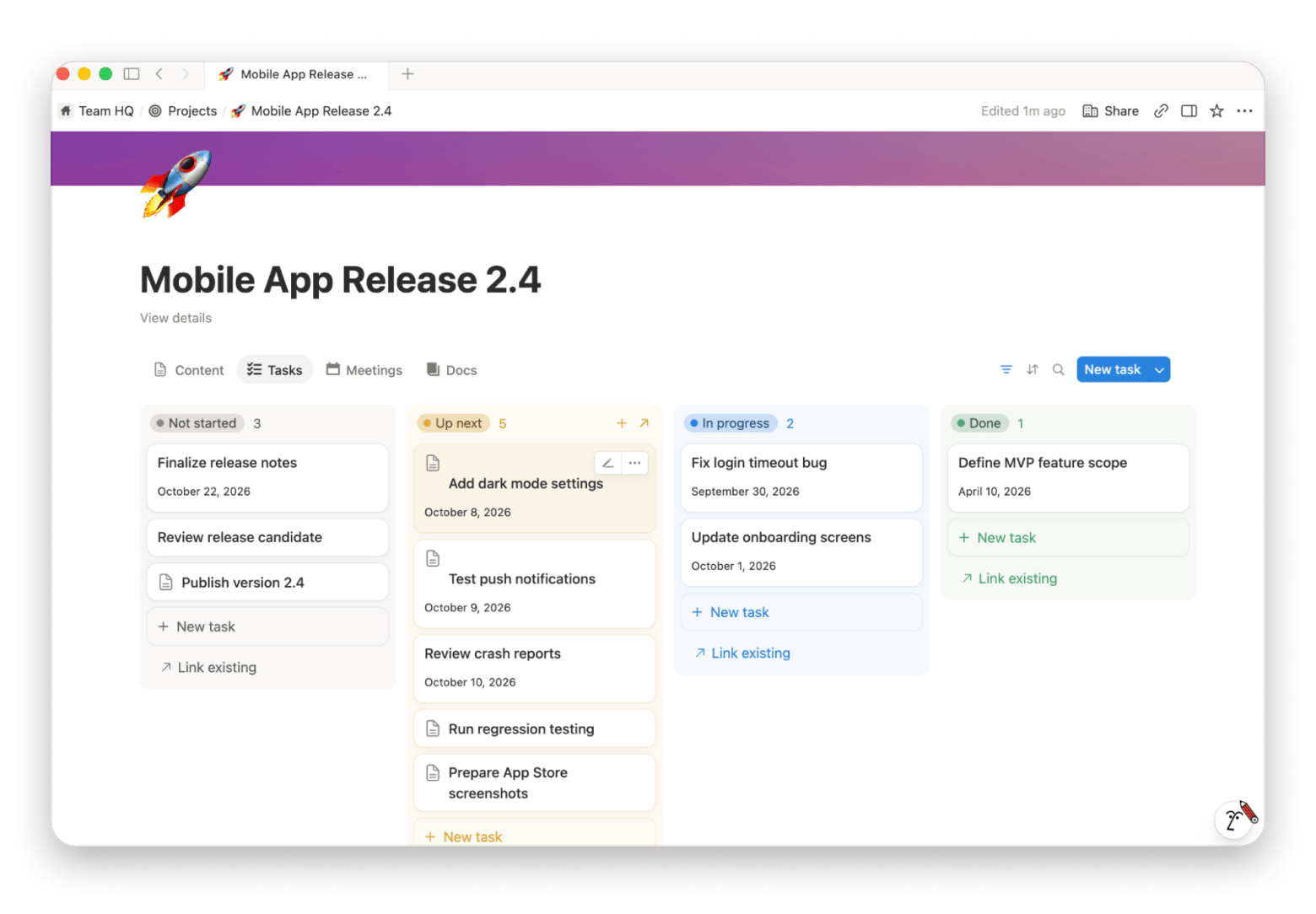
Notion Projects — single workspace for teams already using Notion
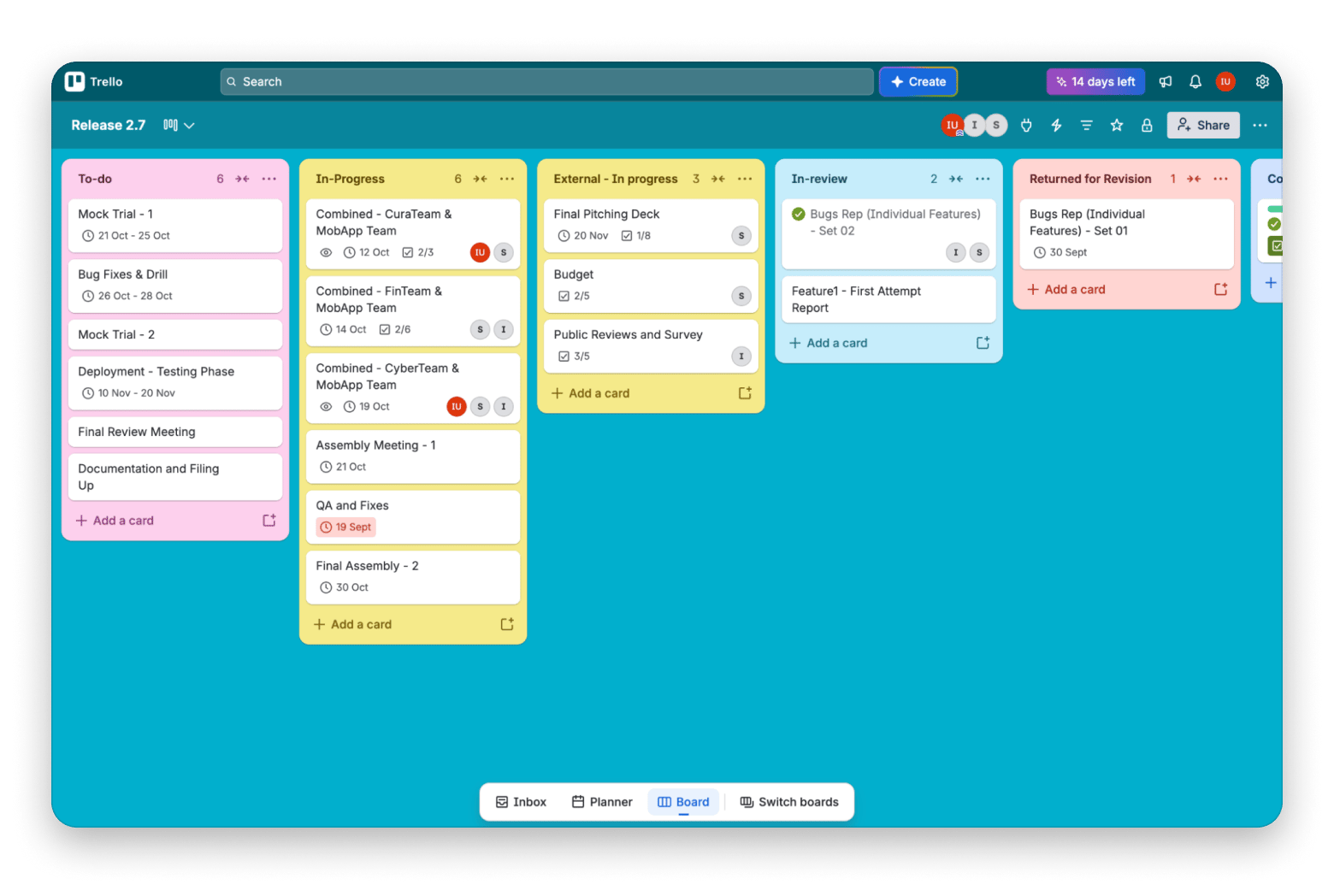
Trello — simple Kanban board tool with zero setup time
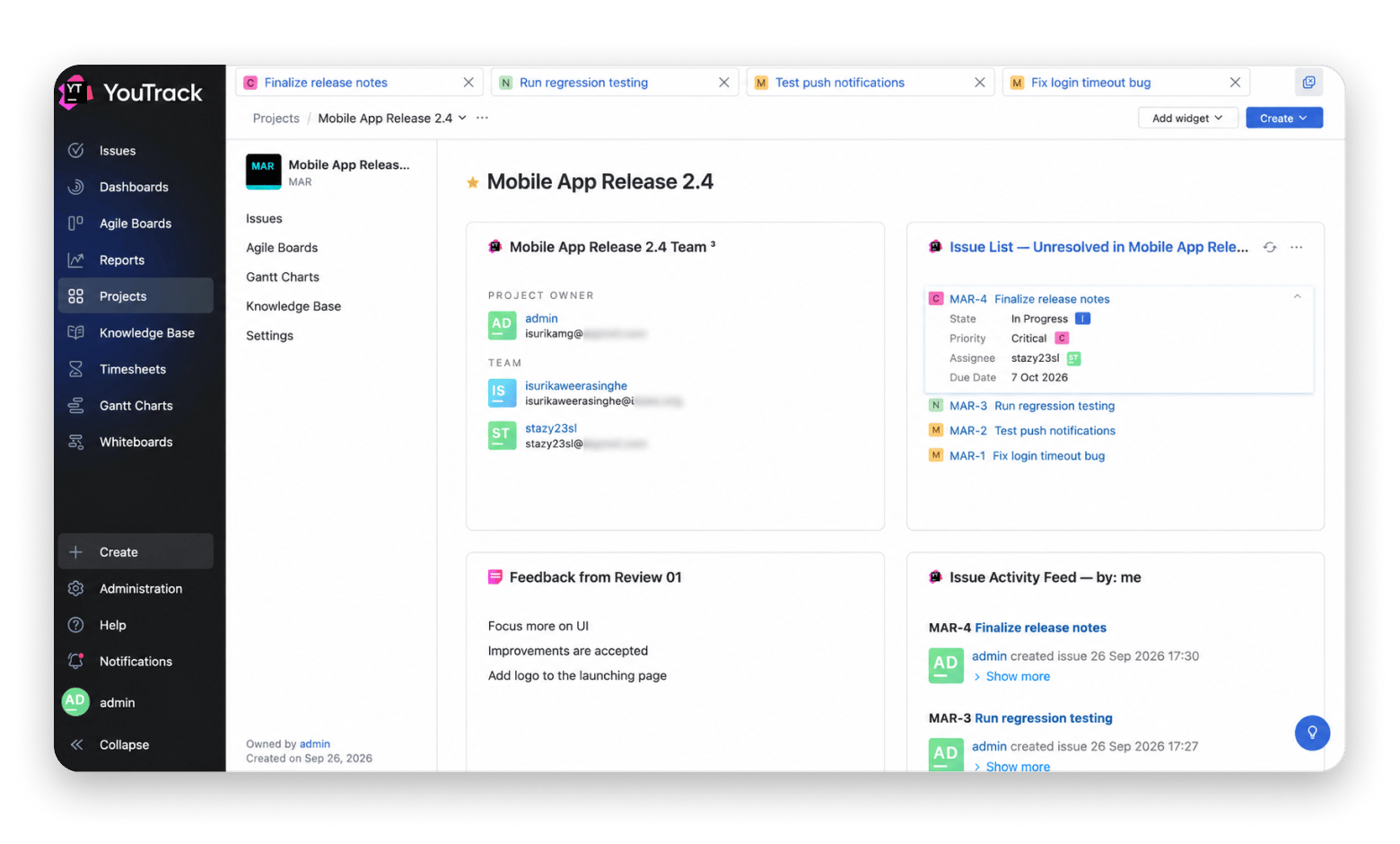
YouTrack — developer-focused agile project management for JetBrains users
Redmine — self-hosted, open-source, free Jira alternative
Basecamp — simple project management for client-facing agencies
They’re not all trying to replace Jira in the same way. Each one has a very different sweet spot, and let’s find it together.
Why teams are looking past Jira
Teams leave Jira mainly because of complexity, speed, cost, and a mismatch with how small teams work. The biggest pain points usually look like this:
Complexity: Jira is a massive enterprise platform with heavy customization, complex workflows, custom fields, and plenty of add-ons. That’s useful when you need it and exhausting when you don’t. A five-person startup can quickly end up managing Jira instead of letting Jira manage the work.
Speed: Faster interfaces are a major selling point of modern project tools, and they target exactly what Jira lacks. In discussions, many small dev groups were happy switching back, as they are way faster and easier to navigate.
Cost: The Free plan supports up to 10 users with 2GB storage, and it’s not bad for a small team. Standard starts at $7.91 per user per month (as of Sept. 2026). The problem with Jira is that there are a lot of hidden costs for add-ons. This can be too much for a startup if you’re only using a handful of Jira’s features.
Culture mismatch: Atlassian built Jira in the early 2000s as issue-tracking software. Still, it treats everything as an “issue” and builds a lot of complexity around it. So, its UI can feel less intuitive compared to modern tools.
Even if you genuinely need Jira, I wouldn’t recommend adopting it without a dedicated project manager to handle the setup and walk you through its steep learning curve.
Best Jira alternatives at a glance: A quick comparison
Option
Best feature
Native Mac app
Self-hostable
Free tier
Starting paid price*
Linear
Best for modern engineering teams
✓
✗
✓ (250 issues)
$10/seat/month
GitLab Issues
Open-source Jira alternative
✗
✓
✓
$29/user/month
ClickUp
All-in-one workspace
✓
✗
✓
$7/user/month
Asana
Cross-functional tracking
✓
✗
✓
$10.99/user/month
Notion Projects
Teams already using Notion
✓
✗
✓
$10/user/month
Trello
Lightweight Kanban
✓
✗
✓
$5/user/month
YouTrack
JetBrains ecosystem
✓
✓
✓ (10 users)
$4.50/user/month
Redmine
Free open-source PM
✗
✓
✓
Infrastructure only
Basecamp
Small teams wanting flat pricing
✓
✗
✓
$25/month flat
*Prices are accurate at the time of writing (September 2026) and may change.
Best Jira alternatives for small teams and engineering startups
Here’s what I found after testing all Jira alternatives listed above.
Before reading on, note down these two things:
Which teams will be using the tool
A list of Jira features you absolutely need
That’ll direct you towards the right pick by the end of the article.
Linear: Best Jira alternative for modern engineering teams
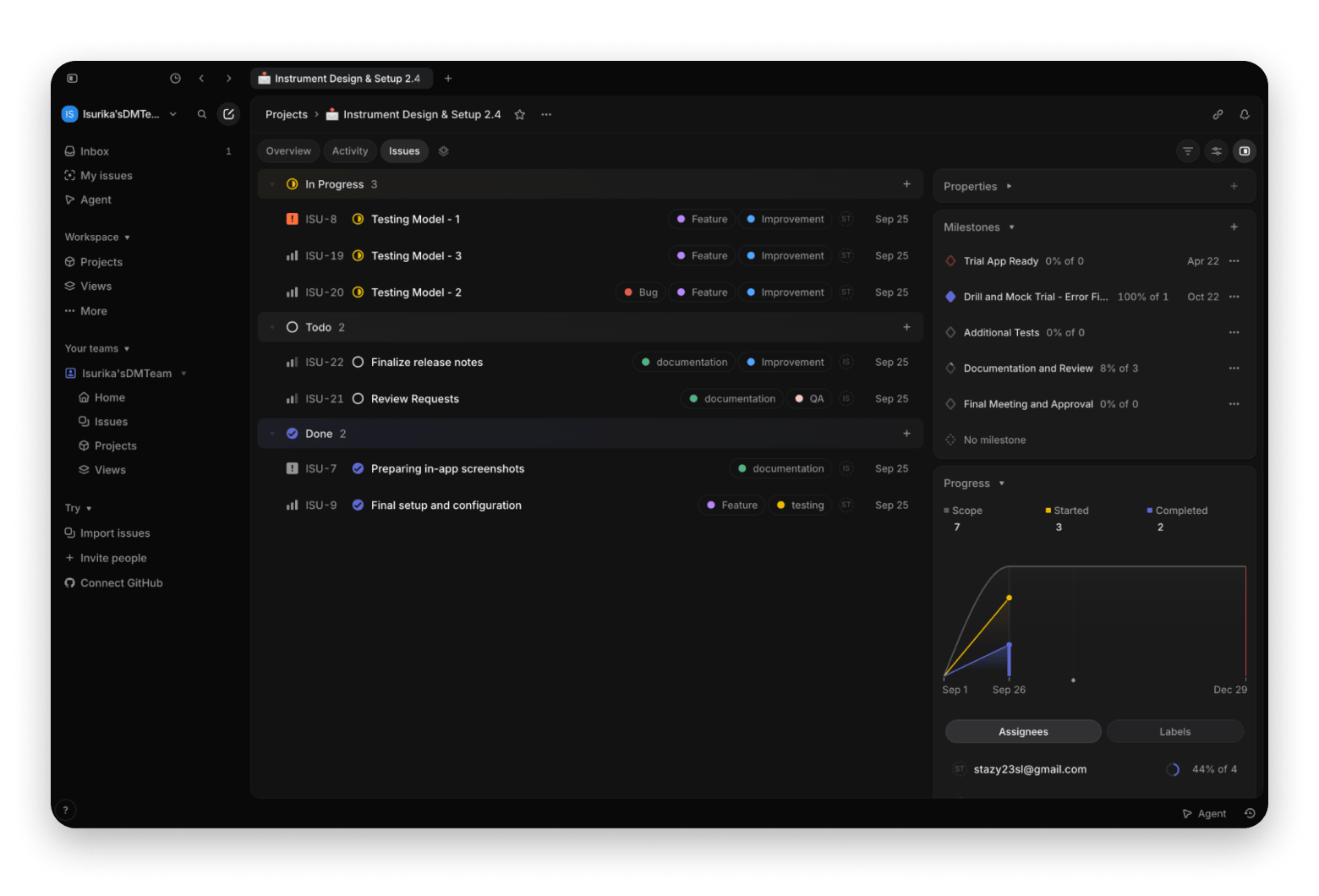
Linear is a simpler Jira alternative built around SaaS and product engineering teams. It has all the usual stuff (issue tracking, product backlog management, sprint planning, etc.), but the whole thing is much lighter and faster.
Features:
Native Mac app available
Offers a free plan (up to 250 issues and unlimited users)
Highly optimized for keyboard shortcuts
Strong GitHub and GitLab integrations
Jira import and sync tools available for gradual migration
Their Free plan is genuinely more useful for a small group. Basic starts at $10/user/month billed yearly. It’s slightly more expensive than Jira, but Jira has a lot of hidden costs too.
My opinion: Linear always feels made for developers and product people. I wouldn’t recommend it for a team that isn't used to thinking in terms of issues, projects, and cycles.
GitLab Issues: Best open-source Jira alternative
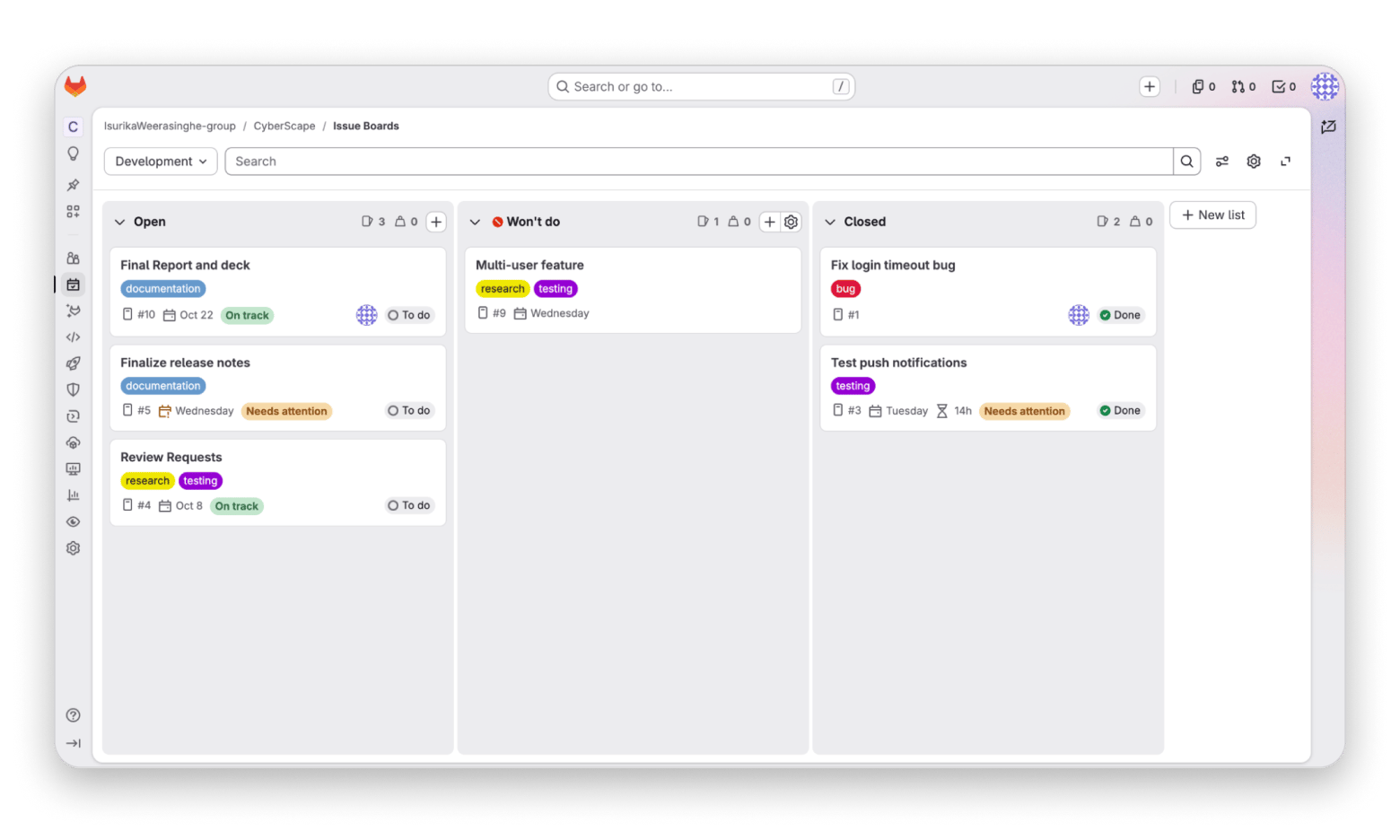
If you’re a bunch of developers who don’t need another issue tracking software sitting between you and the code, GitLab Issues is for you. You can keep issues, merge requests, milestones, and boards close to the repository without jumping between apps.
Features:
No official native Mac app, but third-party macOS clients like Tasks support GitLab Issues.
Offers a free plan
Offers Git repos, CI/CD, and issue tracking in one place
Self-hostable, open-source Jira alternative for developers
The free plan covers up to five users per top-level group, with 10 GiB of storage and 400 CI/CD compute minutes per month.
My opinion: Self-hosting is worth trying for a GitLab-based startup. I wouldn’t advocate it if your code already lives somewhere else, though.
ClickUp: Best all-in-one workspace
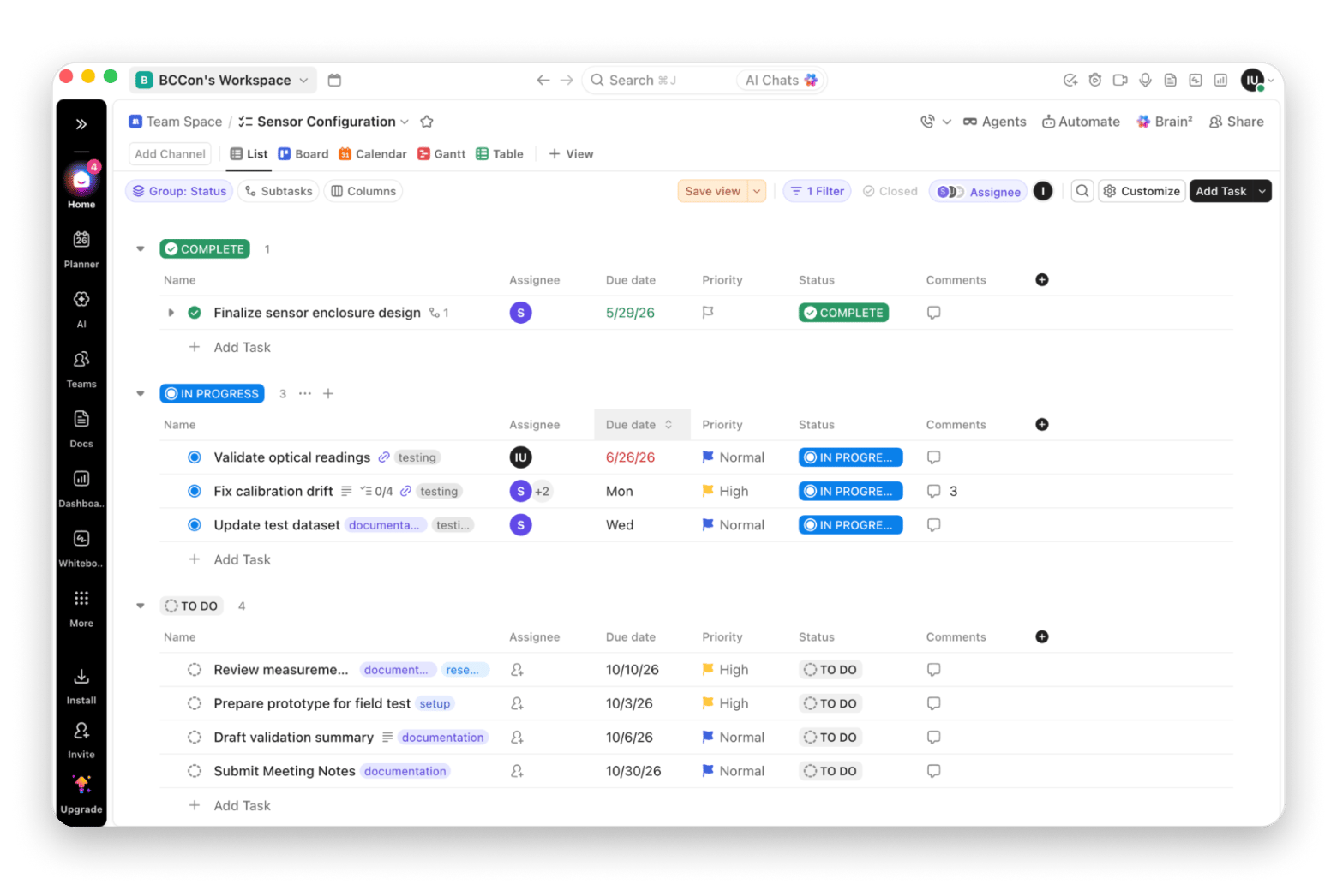
ClickUp takes the opposite approach to Linear. Instead of simplifying things, ClickUp focuses on being the all-in-one solution. It brings tasks, chat, docs, whiteboards, forms, and goals into a single system. ClickUp has a learning curve, but I wouldn’t put it in Jira territory.
If Linear feels too limited and Jira too heavy, ClickUp sits somewhere in the middle.
Features:
Native Mac app available
Feature-dense and highly customizable
Offers a useful free plan
All-in-one Jira alternative for team task management
Their Free Forever plan is pretty generous. You get unlimited tasks and members, so a small team can genuinely use it. Unlimited starts at around $7 per user/month billed annually, which is still pretty reasonable for how much ClickUp throws in.
My opinion: ClickUp is especially useful when your engineering team is working collaboratively with other teams, and everyone needs to see the same project.
Asana: Best for cross-functional project tracking
Features:
Native Mac app available
Offers a free plan, but very limited
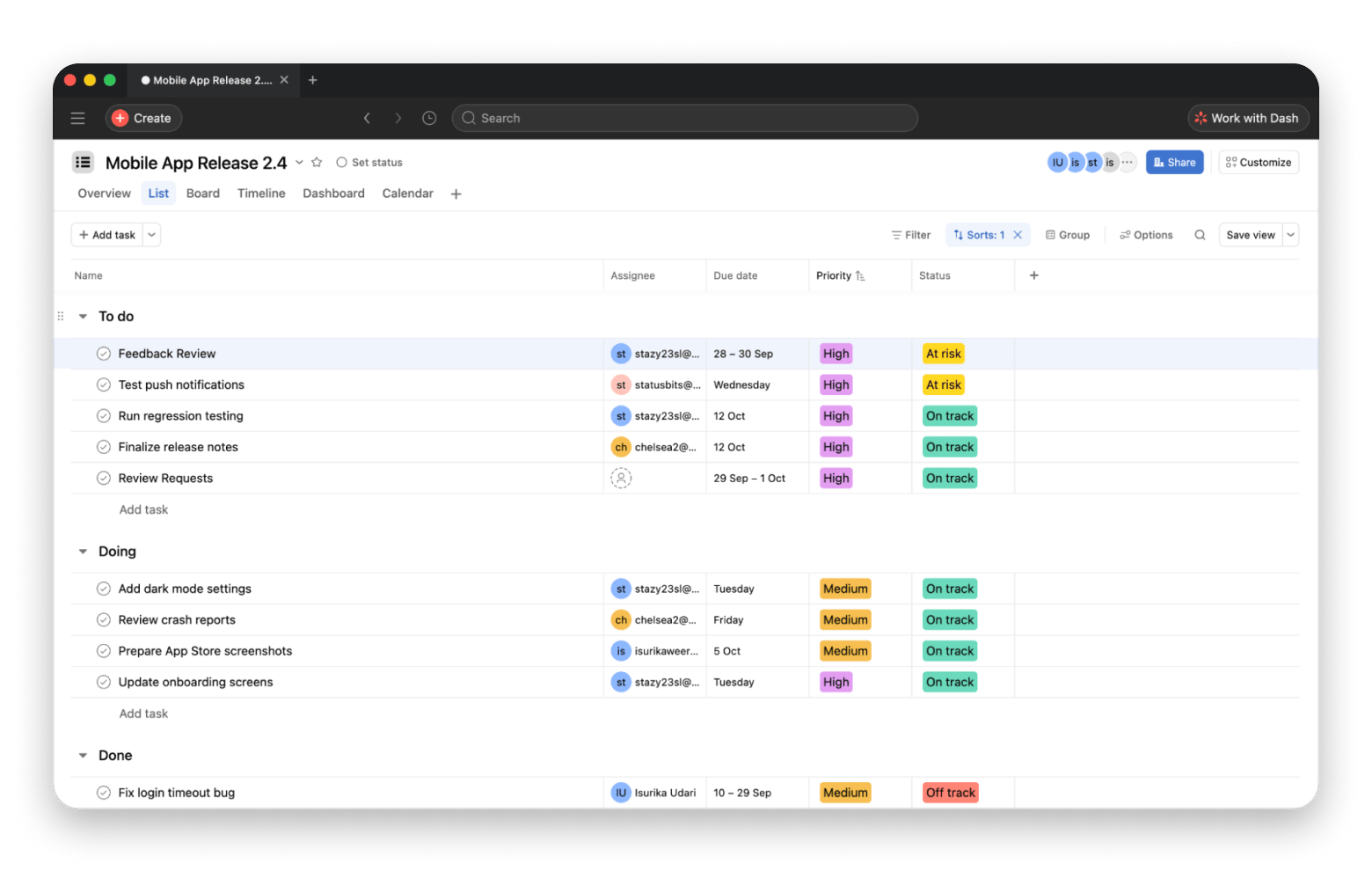
Clean, simpler user interface
Works well for both software and non-software teams
The free Personal plan is fine for trying Asana, but it now only supports up to 2 users. Starter begins at $10.99/user/month billed annually. That’s not cheap, but worth considering if your team needs something easy to learn.
My opinion: The feature set is more limited than tools like Jira or ClickUp, but it does standard project pipelines well. For a tech-savvy group, Asana can feel a bit behind for their needs.
Notion Projects: Best if you already use Notion
If your team already keeps its knowledge in Notion, you can use Notion’s Projects and Sprints templates. Instead of adding another sprint planning tool, you can build projects, sprint boards, timelines, and task databases in the same space.
Features:
Native Mac app available
Offers a free plan, but it's very limited
Integrations with tools like GitHub, Slack, and Jira
Notion’s free plan is great for solo use, but team collaboration usually feels restricted. Plus starts at $10/user/month billed annually.
My opinion: The only downside I see is that Notion gives you a lot of freedom. Someone still has to do the decision-making and customization work, which can become another form of setup work.
Trello: Best lightweight Kanban
Sometimes you really don’t need Jira. You just need a simple Kanban board tool with cards, a few columns, and somewhere to write what needs doing. Trello hits that point right.
Trello, also owned by Atlassian, is ideal for simple “to-do, doing, done” tracking. It’s my best Jira alternative for small teams that want a little upgrade but nothing too serious.
Features:
Native Mac app available
Offers a generous, useful free plan
Kanban board-type simple tool
Trello’s free plan offers unlimited cards and 10 boards per Workspace for up to 10 collaborators. Standard starts at just $5/user/month billed annually, and it’s one of the easier upgrades to swallow.
My opinion: I’d only hesitate with Trello if you need to handle complex dependencies or serious engineering work later, because it can start feeling too basic.
YouTrack: Best issue tracking software for JetBrains ecosystems
YouTrack doesn’t get talked about as much as Linear or ClickUp, but I’d say it’s a must-try Jira alternative for developers, especially if your team already uses JetBrains IDEs.
It gives you a significant portion of Jira’s feature set, including issue tracking, agile boards, sprints, reports, custom fields, and workflows. The interface isn't as sweet as Linear or Trello, but it obviously doesn’t carry the weight of Jira.
Features:
Free plan available
Excellent integration with IntelliJ IDEA, PyCharm, and other JetBrains IDEs
Self-hostable
YouTrack’s free plan is probably one of the best free deals in the list. They give the full feature set right away for up to 10 users. Once you cross that, paid Cloud pricing starts at just $4.50/user/month billed annually.
My opinion: YouTrack is best for people who like Jira’s feature depth but find the overall experience too heavy.
Redmine: Best free open-source Jira alternative
Redmine is the old-school option here. But it’s indeed a very mature, highly customizable, open-source system and completely free.
Redmine offers issue tracking, multiple projects, Gantt charts, calendars, time tracking, custom fields, wikis, forums, role-based permissions, and integrations with version-control systems. So yes, you get a lot without paying for another SaaS subscription.
Features:
Completely free
Fully open source and self-hostable
Highly customizable
Has a large plugin ecosystem
My opinion: It’s powerful, yes, but don’t expect the sleek UI experience of Linear or Asana from Redmine. Self-hosting also means more setup and responsibility. If you just want a project tracker that works when you open your Mac, a managed service will probably be easier.
Basecamp: Best for small teams wanting flat pricing
Basecamp isn't really trying to be Jira. It focuses less on developer workflows and more on projects, discussions, to-dos, schedules, and files, keeping everyone on the same page.
Features:
Native Mac app available
Offers a free plan (for 1 project and up to 20 users)
Offers flat-rate pricing
Built-in group chat, messaging, and file sharing
Unlike common per-user plans, Basecamp has flat-rate plans. That’s a nice perk for small teams, since adding a client or one more person won’t suddenly push the cost up.
My opinion: Basecamp can be surprisingly nice for simple project organization. But if you actually need detailed engineering issue tracking, Git workflows, or Scrum-heavy processes, it can feel too simple.
Mac tools that make any project tracker workflow better
Whatever the Jira alternative you use, you definitely need to build a strong ecosystem around it. If you’re dumping everything into one tool and expecting it to do the work for you, trust me, that’ll stress you out even more.
Sometimes a few supporting Mac tools make life much easier. That’s where Setapp, a subscription with 300+ curated Mac and iOS apps, earns its place.
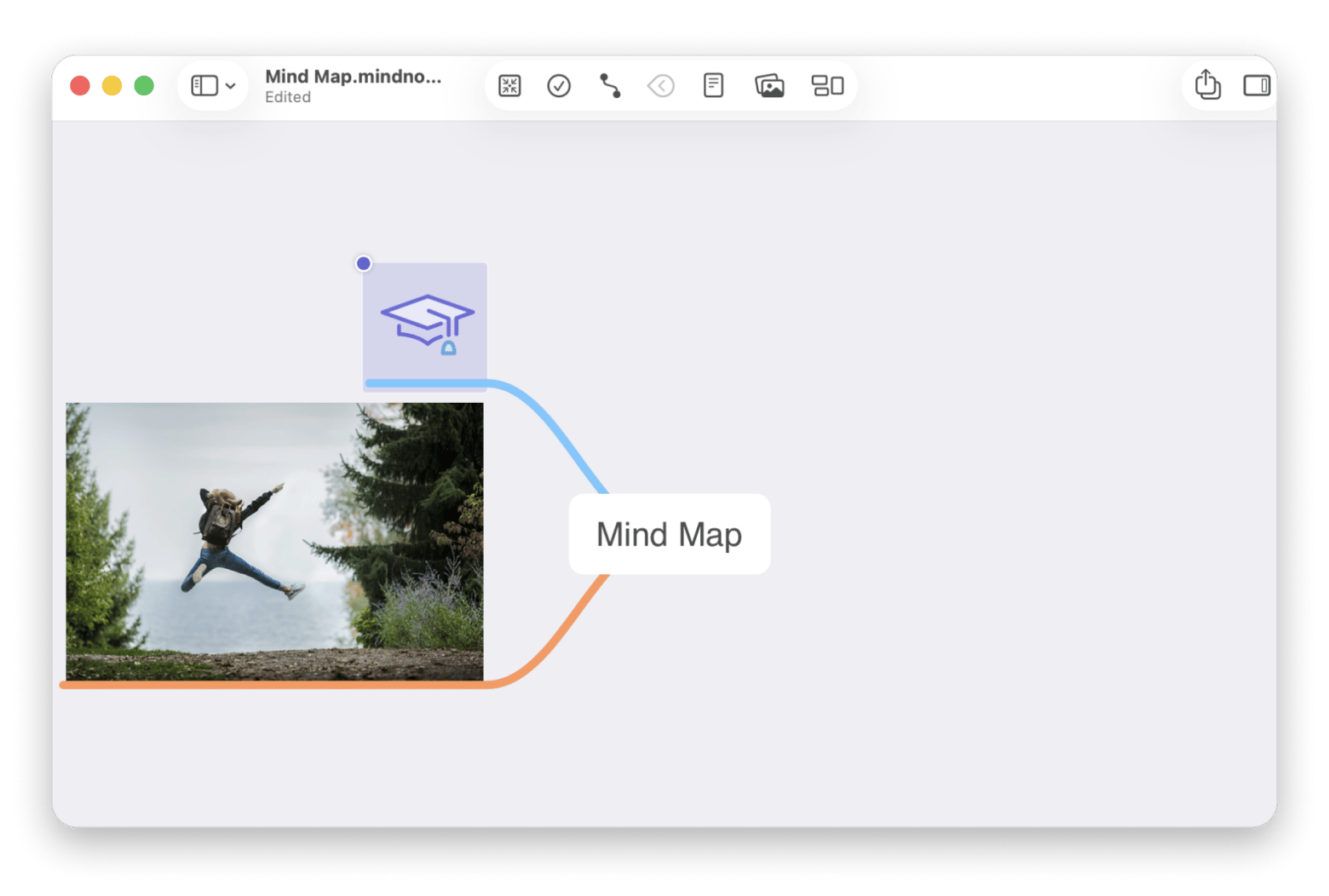
MindNode Classic makes project planning visual
Don’t raise every messy idea as a ticket in your project tracker. That can make it complicated both for you and your team. Use something like MindNode Classic from Setapp to dump your ideas. You can easily figure out what connects to what before turning them into tasks.
Taskheat makes dependencies easier to follow
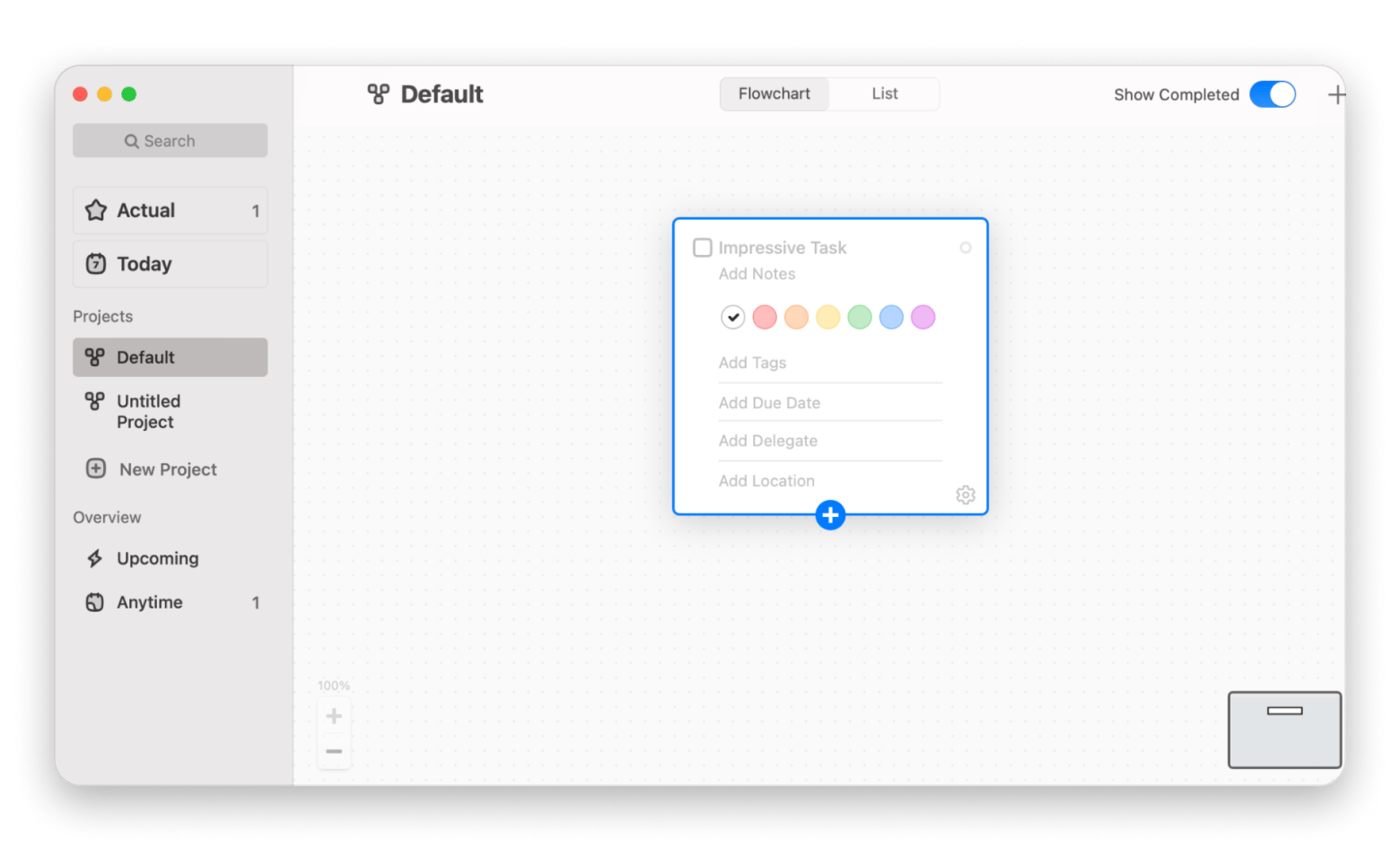
Dependencies can get annoying in simple Kanban board tools like Trello. No need to panic and run for Jira when an external task manager like Taskheat, a flowchart-style task manager for Mac, can easily handle occasional complex dependencies for you.
CleanShot X makes bug reports easier
CleanShot X is also a cool addition to your bug tracking system. You can just take a screenshot, mark what’s wrong, or record the issue happening and attach it to the ticket. Way better than writing three paragraphs trying to explain where the broken button is.
Three-paragraph bug reports slow down every fix. Record the issue with CleanShot X instead. Cancel anytime. Try Setapp Free.
TablePlus makes database checks faster
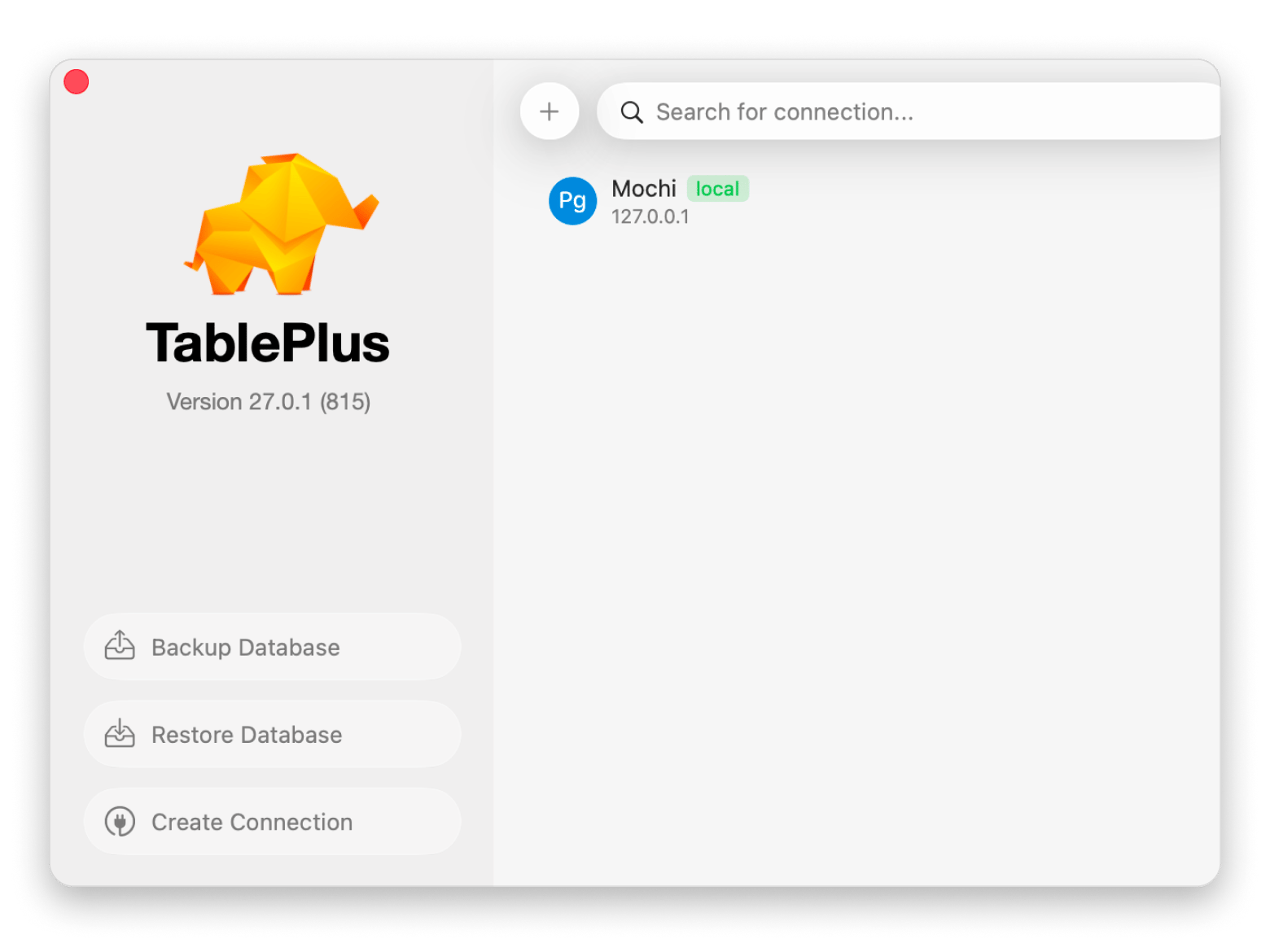
If you work with databases a lot, TablePlus is a must-have alongside your PM tool. It’s a lightweight database management GUI designed for relational databases. You can quickly check the data behind a bug or ticket without messing up the whole thing. Try it once, and you’ll be surprised how much back-and-forth that saves.
Know whether it’s the data before stand-up starts. TablePlus puts your databases in one fast, native window. Risk-free 7-day trial. Start Free Trial.
The four above are my top picks, but Setapp has plenty more task management apps worth exploring.
Migrating from Jira to your new tracker
After using an agile project management tool like Jira for years, it’s normal to feel frustrated with migrating. But do it the right way, so you get less mess:
Start by checking what you actually still use — don't migrate years of dead projects. Keep them read-only and move only the active stuff.
Run a small test project first to check the migration — many modern tools come with a Jira import option, but don’t trust it with your whole workspace.
Pay attention to custom fields — Jira’s specific workflows and custom fields won’t map neatly into another tool. You’d have to recreate them manually.
Give the team time to adjust — your team will need a transition period to adjust to the new setup, so expect a couple of slower weeks.
Don’t delete Jira right after you move — keep it read-only for at least six months.
Choosing the right Jira alternative for your use case
Based on my experience working with and testing the Jira alternatives side by side, I’d pick:
Linear — for modern software and engineering teams looking for a fast, keyboard-first workflow
GitLab Issues — for GitLab teams
ClickUp or Notion — for teams searching for an “all-in-one” workspace
Asana — for cross-functional engineering, marketing, and design teams working together
Trello — for tiny teams that just need a simple Kanban board
YouTrack — for developers already living inside JetBrains IDEs
Redmine or self-hosted GitLab — for people needing something open source and self-hosted
Basecamp — for cross-functional small teams that prefer flat pricing
Whichever tool you pick, I’d still keep a few supporting Mac tools around for the messy bits: MindNode Classic for planning, Taskheat for dependencies, CleanShot X for bug reports, and TablePlus for database checks.
Your tracker won’t plan, capture, or debug for you. Get MindNode Classic, Taskheat, CleanShot X, TablePlus, and 300+ more apps. Free for 7 days. Start My 7-Day Trial.
FAQs
What is the best free Jira alternative?
The best free Jira alternative depends on your team’s goal. If you want something that feels closest to Jira, look at YouTrack first. It’s free for up to 10 users and has a lot of the same issue-tracking depth. For self-hosting, Redmine is also worth a look.
Is Linear really better than Jira for engineering teams?
Linear is not strictly better than Jira, but it suits engineering teams that don’t need Jira’s heavy configuration. Some developer teams still find it too limited, so it comes down to how much control you need.
Which Jira alternative is easiest to migrate to?
The easiest Jira alternative to migrate to depends on your setup. YouTrack is the one I’d test first, and ClickUp is worth checking for a Jira-style structure. Either way, audit and test a small project before moving everything.
What is the best open-source Jira alternative?
The best open-source Jira alternative is Redmine, a mature, free, self-hosted tracker. GitLab Issues is also open source if your code already lives on GitLab.
Can I self-host a Jira alternative?
Yes, you can self-host a Jira alternative. Redmine, YouTrack, and GitLab Issues all offer self-hosted options, though setup and licensing differ.






 Best solution
 Best solution