Apple Numbers is the best Excel alternative for most Mac users. It's already installed, free, and opens .xlsx files, though VBA macros won't survive the move.
Pick by job. Google Sheets is best for real-time teamwork, LibreOffice Calc for free offline .xlsx fidelity, and Airtable or Notion for database-style work.
Excel still wins for heavy work. VBA, Power Query, large pivot tables, and financial modeling have no full replacement here.
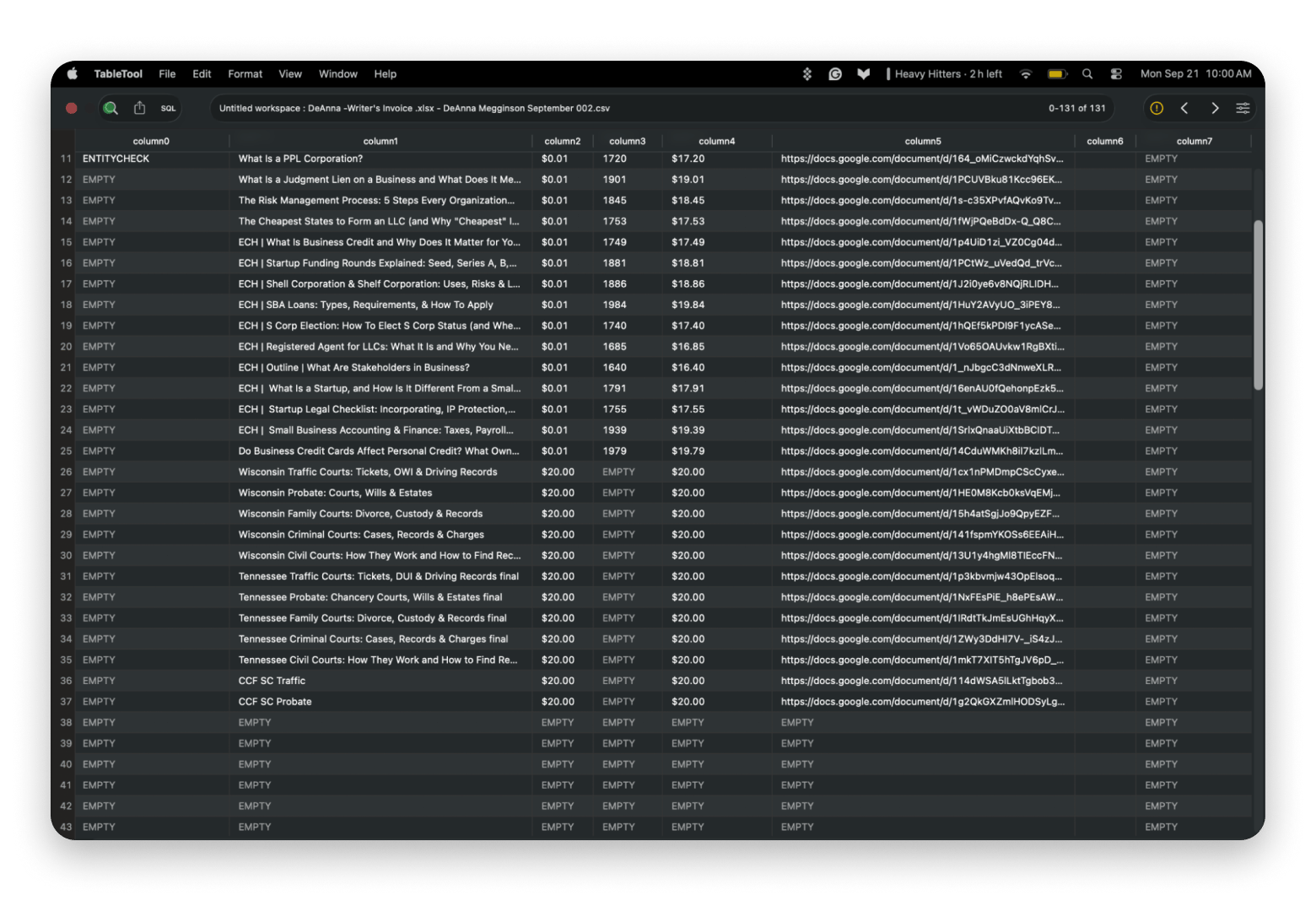
Skip the spreadsheet for small jobs.Soulver turns plain-language notes into calculations, and TableTool opens huge CSV files that choke other apps.
The short answer: if you have a Mac and need an Excel alternative, Apple Numbers is the best option, and you already have it installed. If you have a team working on a document, then Google Sheets will greatly benefit you, but only if you are online. LibreOffice Calc and OnlyOffice are great offline options and are .xlsx compatible, but they lack the advanced features Excel offers. If you need quick calculations without a spreadsheet, Soulver from Setapp can help, while TableTool is a fast, free way to inspect huge CSV files that can choke most other software. Excel is still the right call for VBA, Power Query, pivot-table-heavy work, and serious financial modeling.
*Setapp is a curated app platform for macOS, iOS, and web with 300+ apps you can try for 7 days free.
Deep-dive alternatives to Excel
Now that you have had a chance to view a comparison model, it’s time to see Excel alternatives in the order I have tested them.
Author’s disclaimer: This article is written for people who want a capable spreadsheet without the subscription, a Mac-friendly version, and a simple tool that doesn't take training to use.
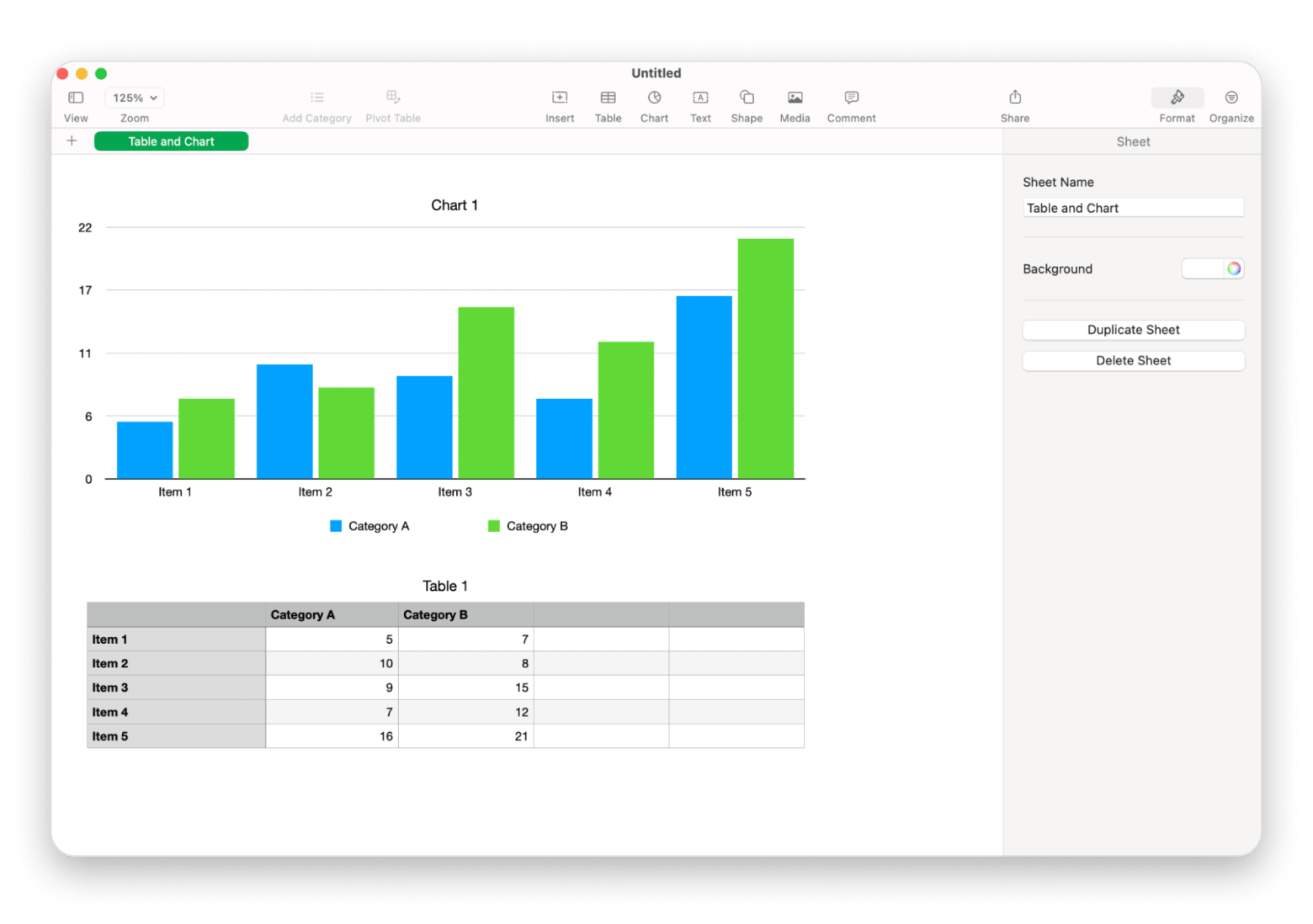
Apple Numbers: Apple’s answer to Excel
Apple Numbers is Apple's free spreadsheet app, and it works best for personal budgets, small-business tracking, and school projects. It opens, views, and edits .xlsx files, but complex formatting and VBA macros won't survive the round trip.
Best for: Casual users, small business owners, and creative professionals who prioritize visual design and ease of use.
Pros:
Already installed on Mac
No subscription needed
Mac native feel and understanding
Real-time collaboration through iCloud
Cons:
Not built for advanced financial modeling
Pivot table features are new, but limited
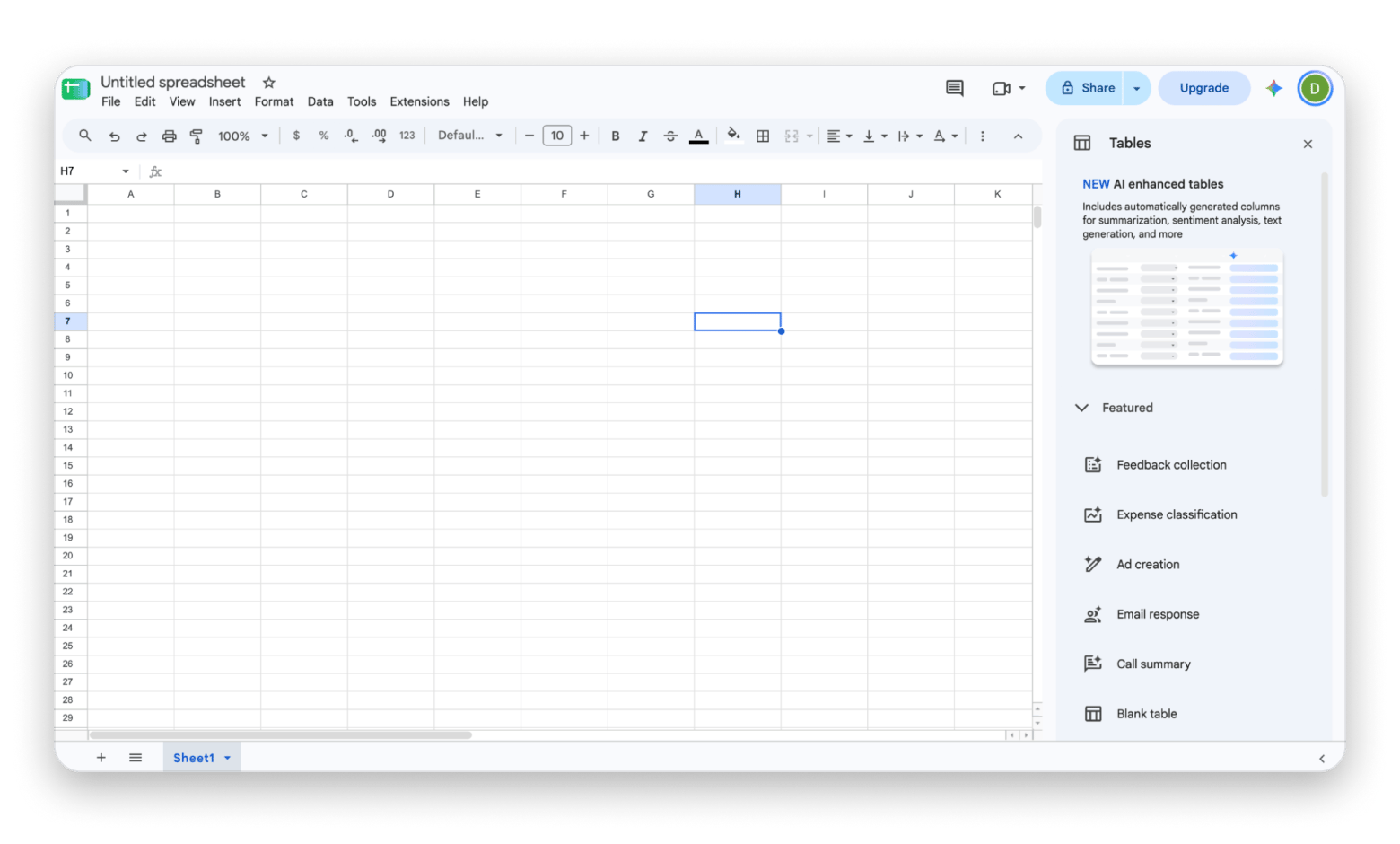
Google Sheets: Best for team collaboration
Google Sheets is a browser-based spreadsheet that works best for teams editing the same file in real time. Advanced Excel formulas may get lost in conversion, and file conversion isn't perfect. Features are limited, as you would see in Apple Numbers, meaning any advanced formulas may get lost if transferred here. File conversion is not all-inclusive either.
Best for: Casual users, small business owners, and creative professionals who prioritize ease of use for small projects.
Pros:
Cloud-basaed
Collaboration in real-time
Accurate version history
Free with a Google account
Cons:
Needs Chrome and the Google Docs Offline extension for offline use
Google has access to your data
Offline editing needs Chrome and an extension, and this guide on how to work on Google Docs offline on Mac walks through the same setup that covers Sheets.
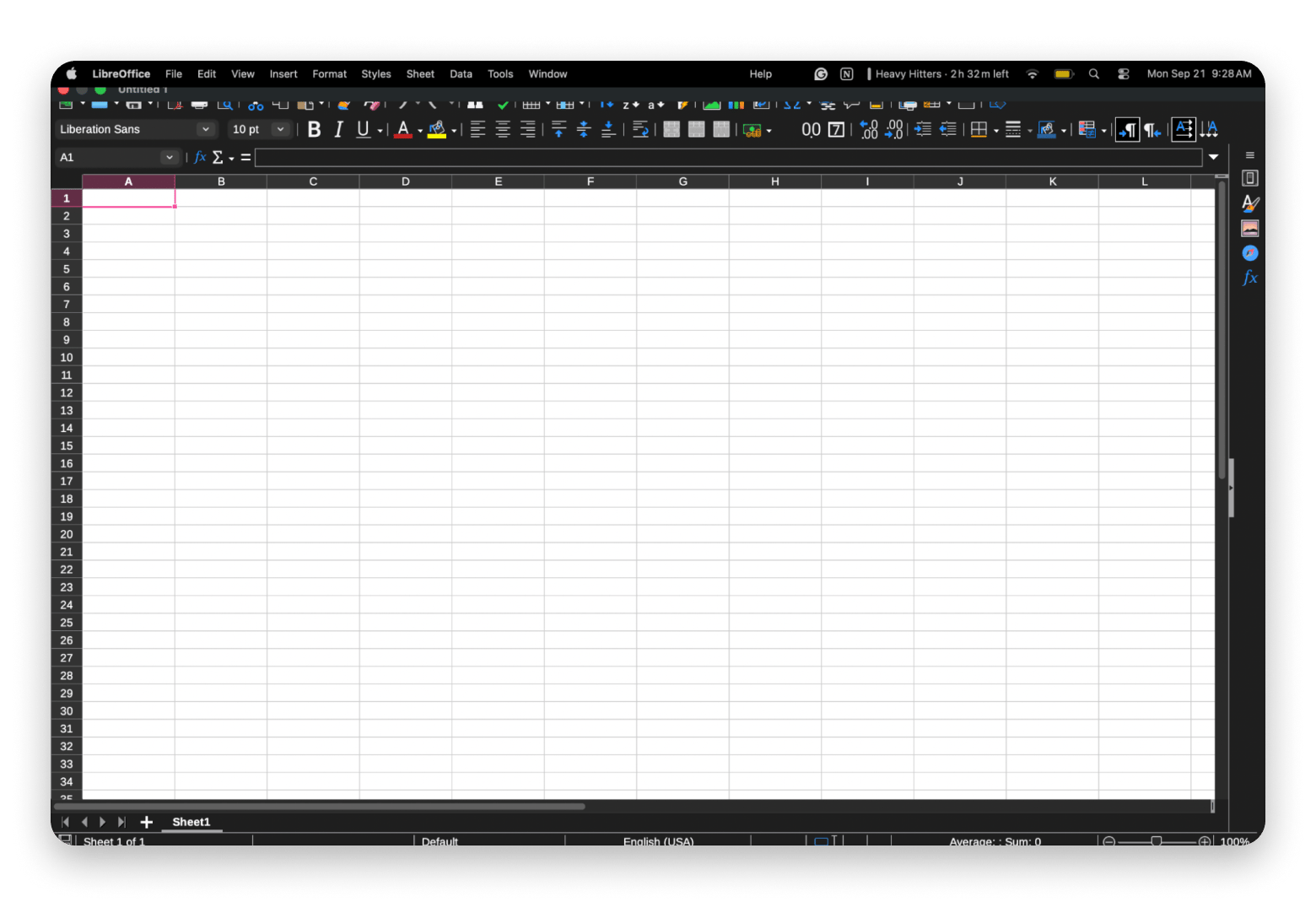
LibreOffice Calc: Best free open-source Excel clone
The next on the list is LibreOffice Calc. Part of a full open-source office suite, it's the closest thing to Excel in this article.
Best for: People who need to open and edit Excel files locally without paying and don't need live collaboration. If that’s you, then look no further.
Pros:
Native to Mac
Works entirely offline
Offers the best .xlsx compatibility of any free tool
Preserves formulas and formatting more faithfully than other applications
Cons:
Can feel dated compared to other applications
Real-time collaboration is weak to nonexistent
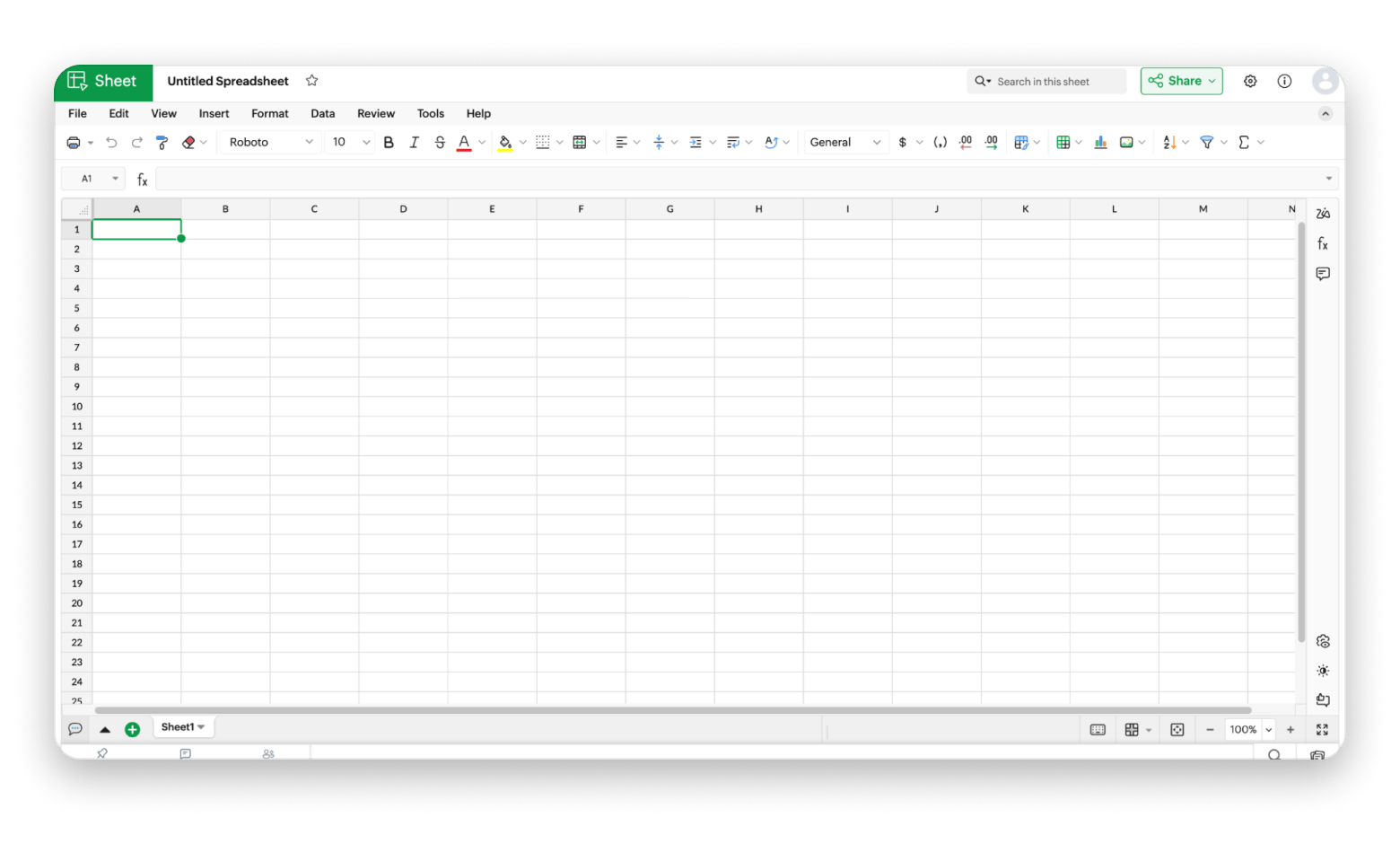
Zoho Sheet: Cloud-based alternative to Google Sheets
Zoho Sheet is a browser-based spreadsheet that works best if your team already uses Zoho apps. It's an alternative for teams outside the Google universe, and there's nothing to install.
Best For: Teams already inside the Zoho ecosystem without giving Google access to your data.
Pros:
Runs in your browser
Supports real-time collaboration like Google Sheets
Handles .xlsx files reasonably well
Cons:
There is a learning curve. The entire Zoho suite is different than native Mac applications and Google’s suite
The features feel dated compared to Apple Numbers or Google Sheets
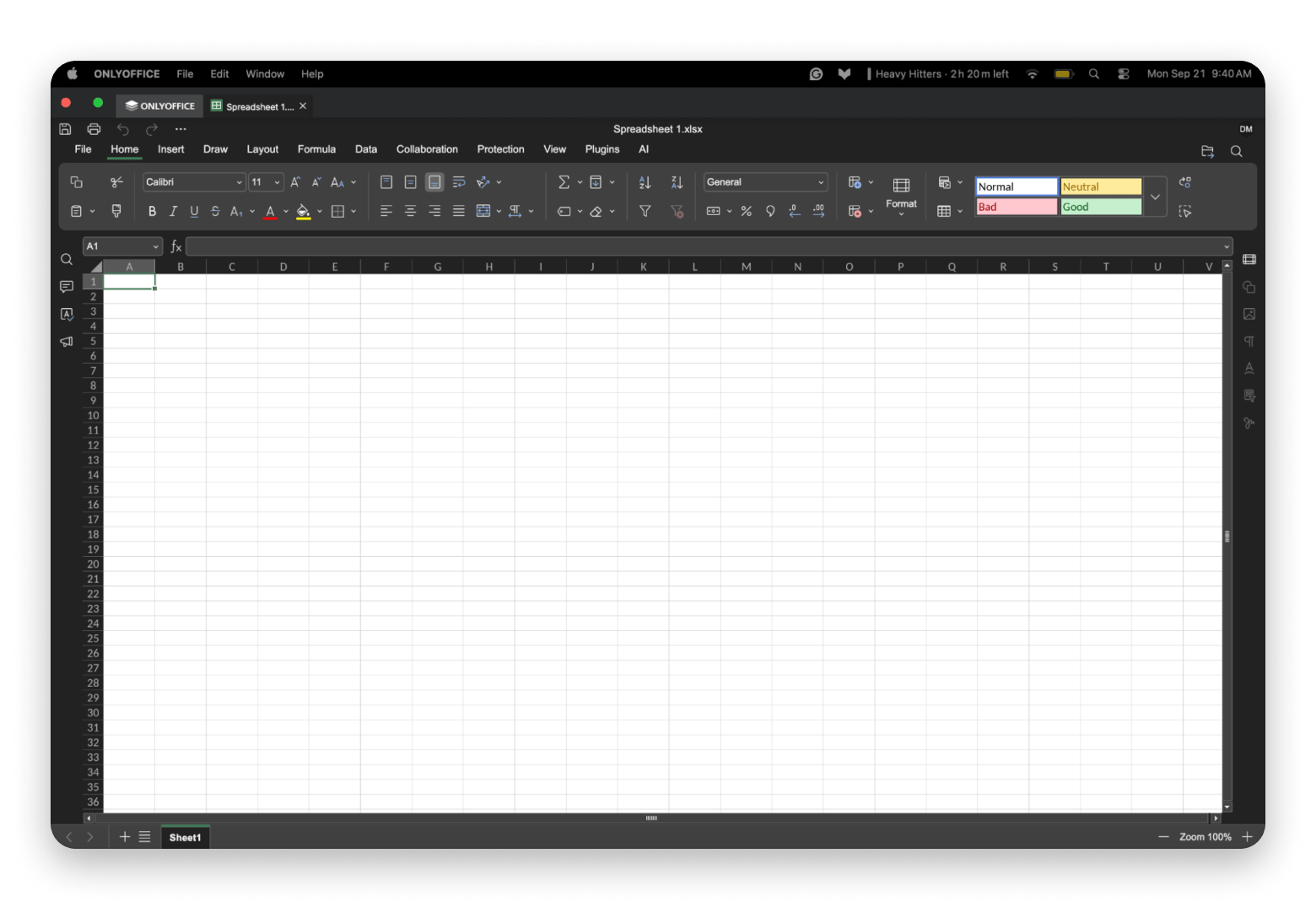
OnlyOffice: Open-source option with Office compatibility
OnlyOffice is an open-source office suite that works best for teams who need reliable Microsoft Office file compatibility. It covers documents, spreadsheets, and presentations, and its layout is similar to Excel and Apple Numbers, with an easier learning curve than Excel.
Best for: Teams that need reliable Office file compatibility on an open-source platform.
Pros:
Excel files are easier to open, reducing concerns about data transfer issues
It supports real-time collaboration and can be self-hosted for data control, something users look for when searching for alternatives to Google
It also offers native Mac apps alongside its cloud version
Cons:
OnlyOffice lacks the specialized tools found in Excel
Limited templates to start from
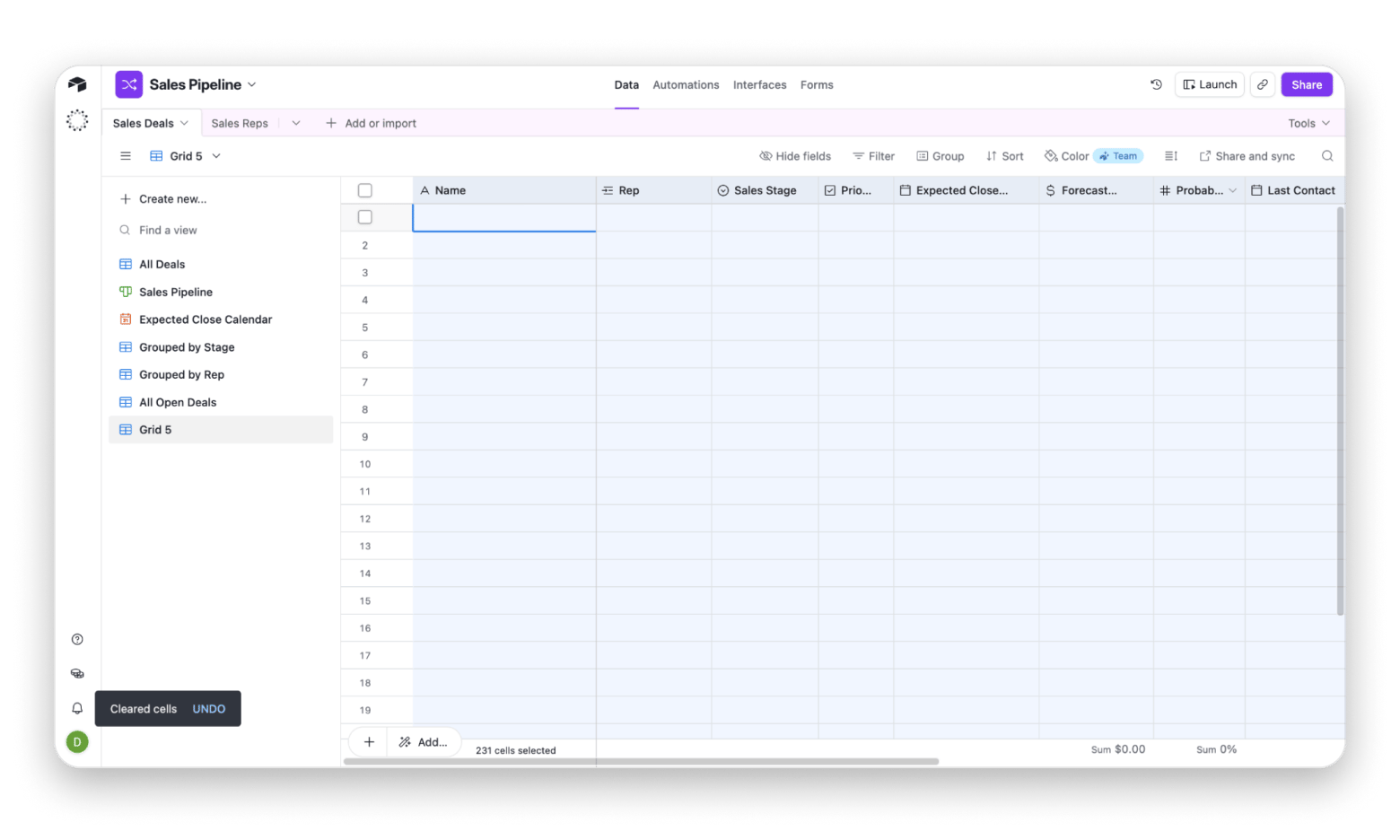
Airtable: Best for database-style work
Airtable is database software that looks like a spreadsheet and works best for teams building content calendars, project trackers, or lightweight CRMs. Its template catalog is large, so it's easy to lose time browsing.
Best for: Teams, business owners, and those wanting custom workflows built around their projects.
Pros:
Instead of plain cells, you get fields like dropdowns, links between tables, and even checkboxes; plus multiple ways to view the same data as a grid, kanban board, calendar, or gallery.
A massive library of templates to work from
Strong interface for external apps to move and share data
Cons:
With so many features, the free plan quickly feels limited, and users are pushed into a paid plan, just like with Excel
Unexpected price changes from developers
There is a storage and data limit, so keep an eye on your plan
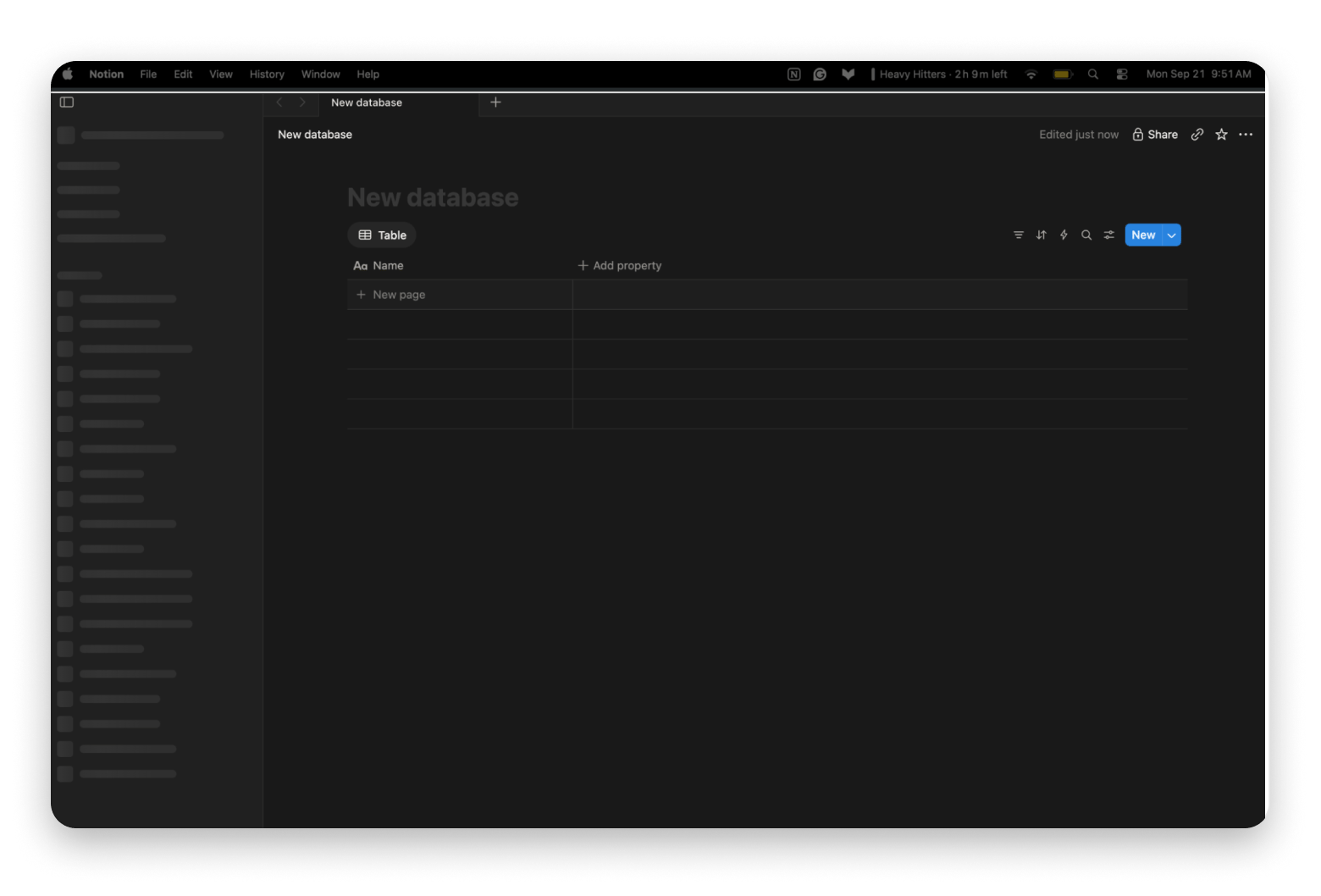
Notion Databases: Tables that offer more
Notion Databases are tables inside Notion pages, and they work best when you want data and written notes in the same place. They behave more like structured documents than calculators, and they connect to other Notion tools, such as your calendar.
Best For: Meeting notes with attendee tables, project trackers linked to full write-ups, or internal wikis that need tabular data mixed with prose.
Pros:
Teams rely on Notion for real-time collaboration
Clean interface with individual rows that are fully customizable
Connect different tables when needed
Cons:
You cannot reference random cells or build free-form layouts like Excel
Not meant for complex math formulas
Not intended for large databases; there will be a lag
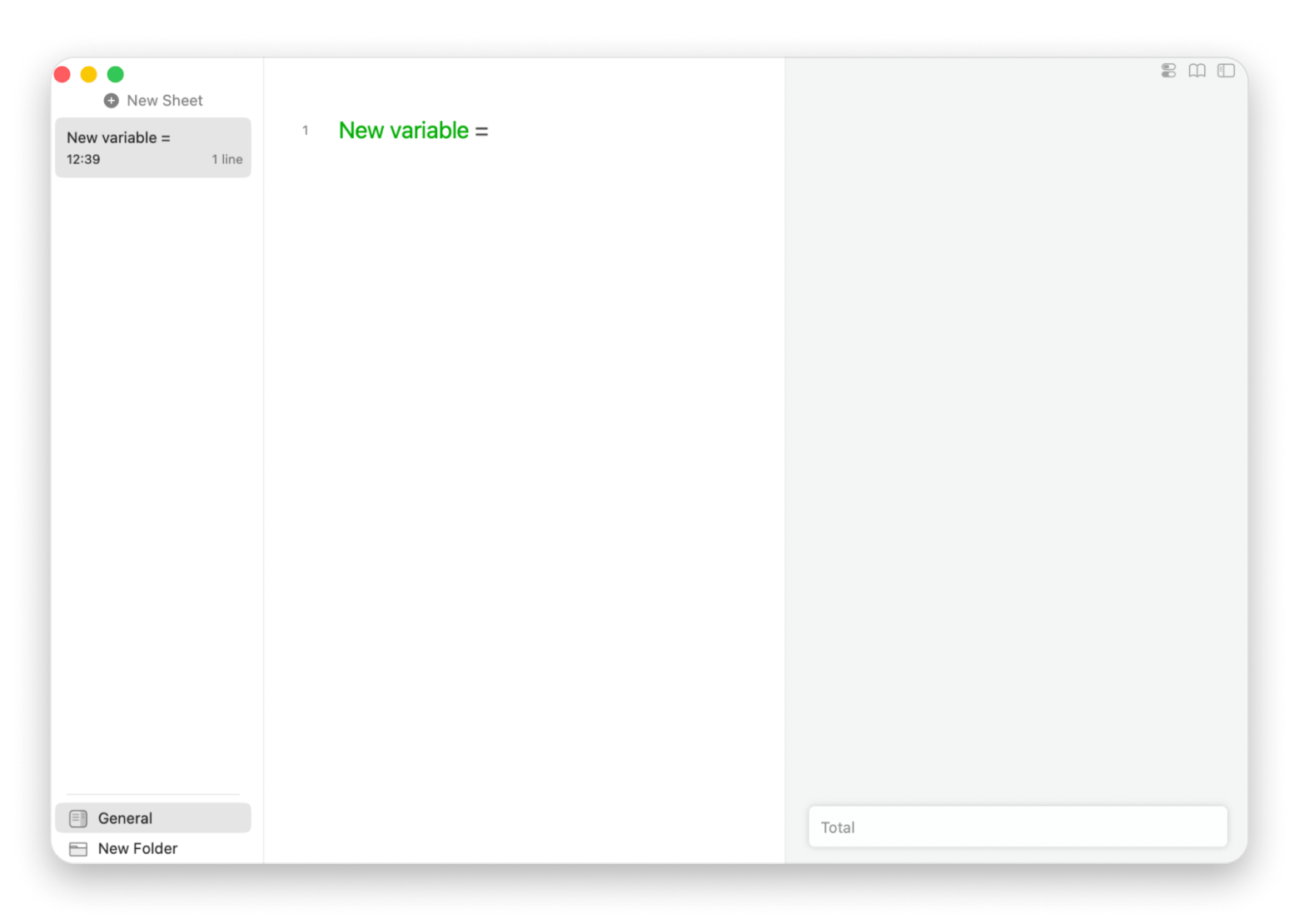
Soulver: Natural-language calculator from Setapp
Soulver from Setapp is a notepad calculator for Mac and iPhone that works best for budgets, quotes, and quick conversions. It understands currencies, units, dates, and percentages, so you never build a formula or touch a cell. Type " $ 3,400 + 10% sales tax," and it returns "$3,740.00".
Soulver is included in Setapp Membership, which starts with a 7-day free trial. It needs macOS 14.6 or later, and the Setapp listing marks it as using AI credits, with 1,000 included in Membership.
Best for: Budget planners, students and teachers, and those needing a quick math solution without large spreadsheets.
Pros:
Natural-language math: type amounts, currencies, units, and dates the way you'd say them
Native on Mac and iPhone
Zero setup, with no learning curve like Excel's, and no formulas to build
Cons:
Needs a Setapp Membership after the 7-day free trial
Some features use Setapp AI credits
Cannot handle pivot tables or complex formulas
If Soulver's notes-first approach appeals, a roundup of note-taking apps for Mac shows what else is out there.
TableTool: Best free CSV viewer
TableTool is a free CSV and TSV viewer for Mac that works best for opening large data files quickly. It isn't a full spreadsheet app: it turns plain data files into viewable tables, and it has no editable fields.
Pros:
Opens huge CSV files that would choke Excel or Numbers, with fast column detection, sorting, and filtering
Free to use
Works best next to a real spreadsheet: check the data in TableTool, then edit it in your preferred app
Cons:
View-only: there are no editable fields
Limited to CSV and TSV files
Not a database, so there are no queries or formulas
Mac only
Why are Mac users looking for Excel alternatives?
Cost, a Windows-first interface, unused features, and file-format lock-in are the main reasons Mac users look beyond Excel. Here are other reasons why Mac users are looking for Excel alternatives:
Excel is the gold standard for a reason when it comes to spreadsheets and advanced calculations software. Those expectations come with costs.
Excel for Mac has come a long way, but its interface conventions are still rooted in Windows, as it is a Microsoft product. It works, but the workarounds can be tedious. Be honest, how long did it take to remember the shortcuts?
Students, small-business owners, and everyday users will never need the advanced formulas and features Excel has developed. Those features serve specific users who are trained to use them. It is a genuine waste of money when they will never be sought out. Not to mention the learning curve.
Finally, the file format lock-in is the real killer when it comes to Excel, Windows, and Mac. A .xlsx file with macros or heavy custom formatting doesn't always survive a trip to another app cleanly.
If your workflow depends on powerful tools like Power Query, VBA automation, complex pivot tables, or heavy-duty financial modeling, Excel is the only option, and none of the alternatives will fully replace it without losing vital parts.
How do you migrate from Excel to a new spreadsheet?
If you have decided on a new spreadsheet application but are not sure how to start the transition from Excel, there are some useful steps you can follow.
Identify why you use Excel in the first place (is it features like macros or complex pivot tables?). If other software or tools can meet your needs, it is a smart idea to learn more about them. Files that rely heavily on these features, though, may need to stay in Excel. Once you identify your needs, if a better option exists, plan your migration carefully to ensure your new tool meets your project or team's goals.
Always save your work in case of transfer issues. This is a must. Batch-export the project to .xlsx, as it is the file most tools import, and check for any transfer issues. Did something get lost? Open the project in your new tool of choice and confirm that the formulas, formatting, and charts came through as expected before you rely on them. Doing due diligence is essential.
Rebuild any macros in the new tool's equivalent. That might mean Google Sheets' Apps Script, Numbers' Shortcuts integration, or an equivalent automation feature elsewhere. Research your new tool to avoid surprises.
Re-share files with collaborators, but keep in mind that Excel file-sharing links won't work once a file lives in Google Sheets or another platform. You will need to send new links from wherever the file now lives. This is where most issues can arise.
Keep Microsoft 365 or Excel, if you have a standalone subscription, for at least 60 days. Migrations surface edge cases that won’t appear on day one and can arise at any time, so don't cancel your Excel subscription the moment you switch. The regret will really hit home when you pay a second time to fix a minor discrepancy.
Which Mac apps work well alongside a spreadsheet?
You rarely use only one application when working with spreadsheets. Setapp offers a range of apps to support your spreadsheet workflow:
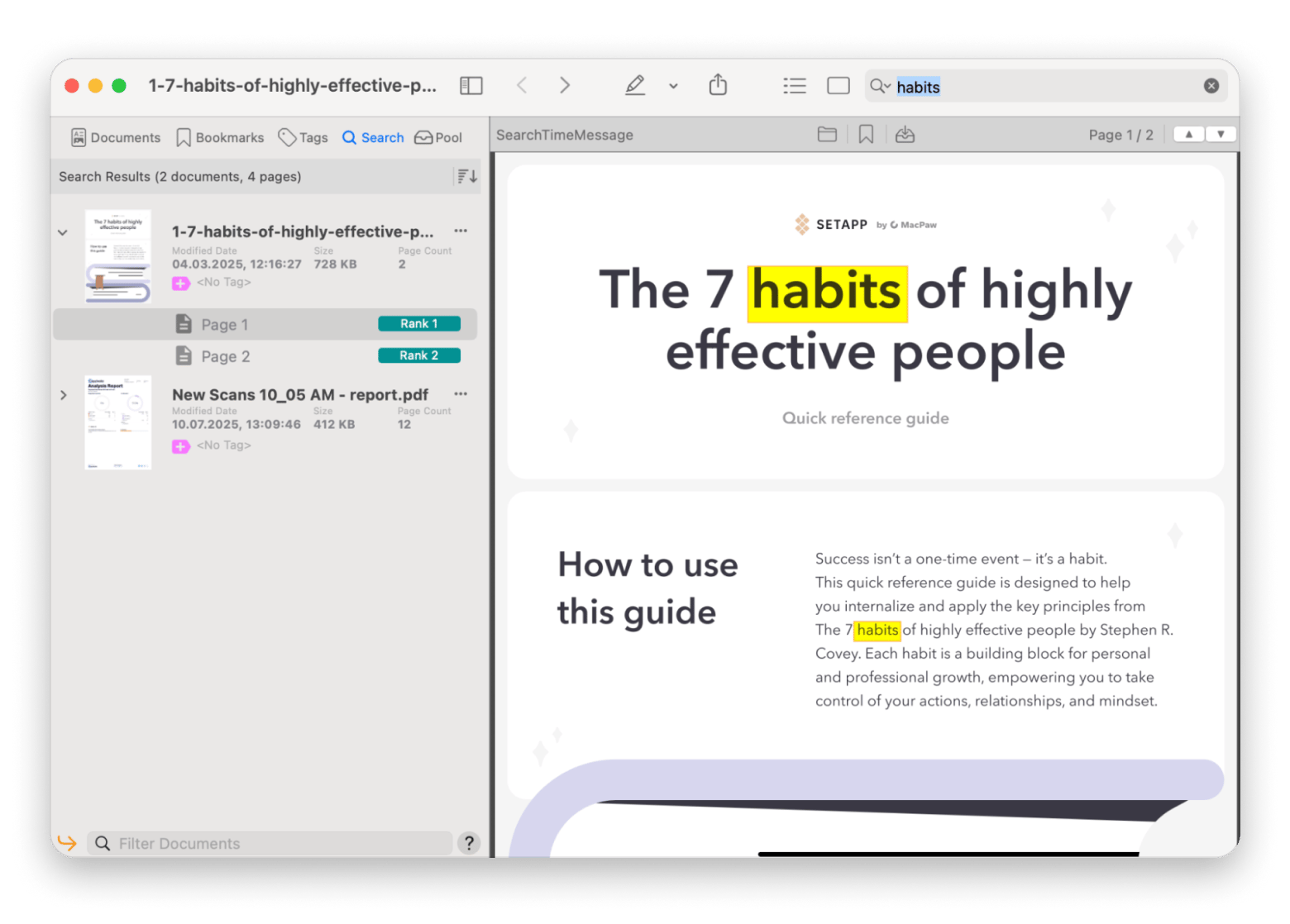
One such application is PDF Search. Instead of opening dozens of files and spreadsheets, PDF Search can find what you need instantly. This Setapp app will not only save you time, but also ensure your information is coming from the correct location. Finally, one search box for every PDF on your Mac. Search in bulk, even from your iPhone or iPad. Uses AI credits: 1,000 included with your Setapp plan. Free for 7 days. Try Setapp Free.
CleanShot X makes it easy to capture clean chart images straight out of a spreadsheet for a report or presentation, without the usual screenshot cropping and annotating hassle. This app is perfect for saving you time when your spreadsheet has outgrown expectations and charts and images start getting lost in the columns and rows.
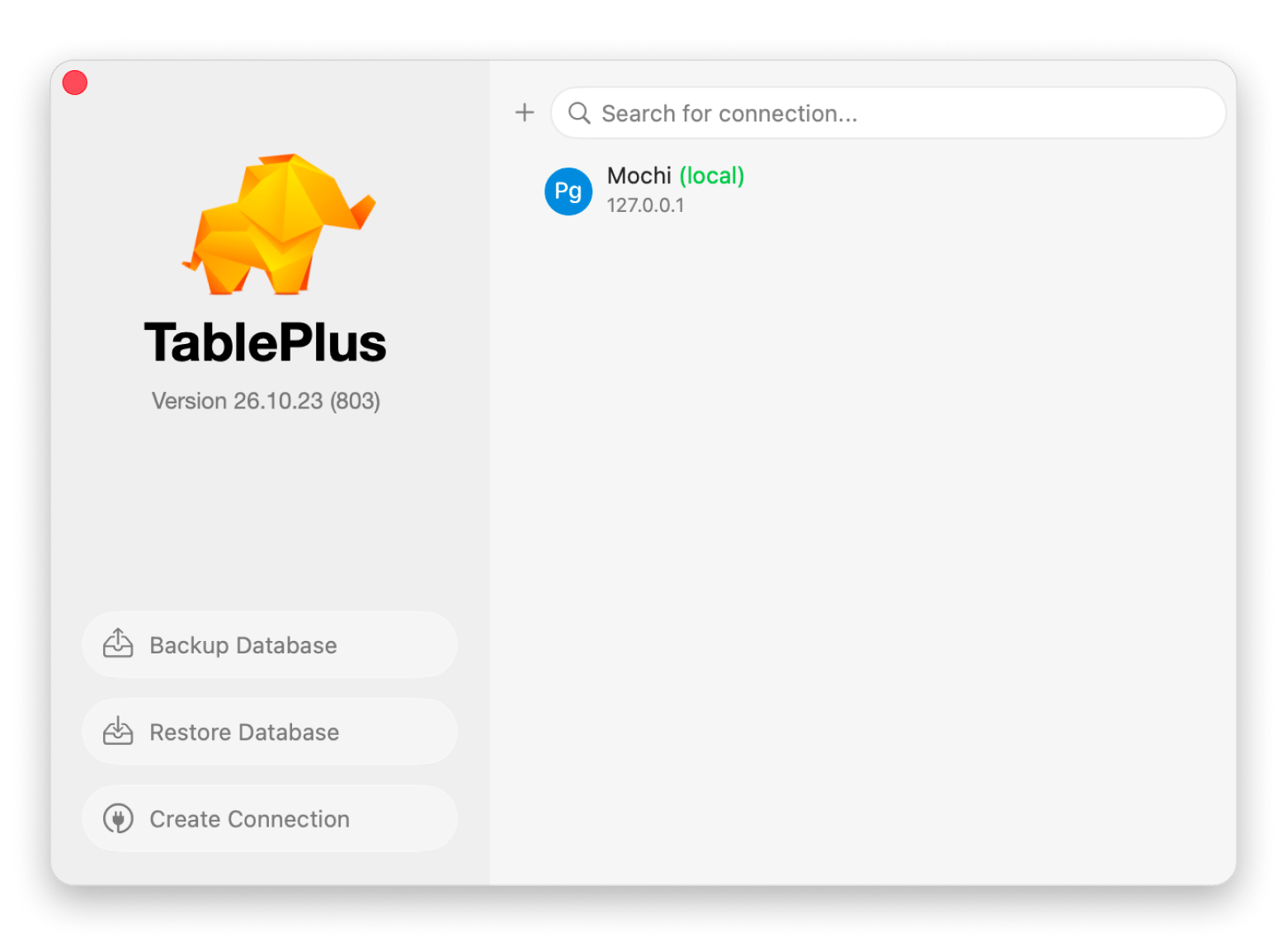
TablePlus from Setapp lets you query a real database instead of fighting a bloated sheet. Organization matters in spreadsheets, so let TablePlus put your data where it needs to be. Stop scrolling a bloated sheet for one record. Query it in TablePlus instead. Cancel anytime. Start My Free Trial.
Once you understand why you relied on Excel, choosing an alternative will not seem so daunting. Below are some use cases to help you focus on your decision.
"I need something that works with Mac and is free" → Apple Numbers
"I work with a team on collaborative projects in real time" → Google Sheets
"I need offline collaboration" → LibreOffice Calc or OnlyOffice
"I want a database app that I can use as a spreadsheet" → Airtable
"I just need simple calculations without all of the fuss" → Soulver on Setapp
"I need to see the data and understand it" → TableTool
"I'm not on Google, but I need online spreadsheets for my team and me" → Zoho Sheet
Keep Excel for the heavy work. Let Setapp apps handle the rest. Soulver, CleanShot X,TablePlus, and PDF Search are all included, with 300+ other Mac apps. Some use AI credits: 1,000 included. Free for 7 days. Start My 7-Day Trial.
FAQ
What is the best free Excel alternative for Mac?
Apple Numbers is the strongest all-around free option for Mac users. It's already bundled with your Mac and handles most everyday spreadsheet tasks well. At the same time, LibreOffice Calc is the better free pick specifically if you need the highest .xlsx compatibility without losing anything important. Understanding your needs will ultimately dictate the route you choose.
Can Apple Numbers open Excel files?
Yes. Numbers imports and exports .xlsx files with a good transfer rate for common features like formulas and standard formatting. Keep in mind that complex formatting and VBA macros typically won't transfer.
Which Excel alternative has the best real-time collaboration?
Google Sheets hands down is the best for real-time collaboration, with live cursors and instant change history. Zoho Sheet, OnlyOffice, Airtable, and Notion Databases also support real-time collaboration and are great options for teams if Google’s cloud-based option is not suitable.
Is there an Excel alternative that works offline on Mac?
Apple Numbers and LibreOffice Calc work offline by default. Google Sheets works offline too, but only in Chrome with the Google Docs Offline extension turned on.
What is the best Excel alternative for financial modeling?
Excel is the industry standard for financial modeling. With an ecosystem of templates, add-ins, and industry-standard file exchange, Excel is hard to replace. Most users only need light calculations such as budgets, estimates, and quick math; for those purposes, Soulver from Setapp is a fast, cell-free alternative worth trying.






 Best solution
 Best solution