Apple Music wins for Mac users. If you're in the Apple ecosystem, Apple Music gives you lossless streaming, Spatial Audio, and seamless device switching — all included in your existing subscription.
Qobuz and Tidal are the audiophile picks. Both stream at 24-bit/192 kHz FLAC with no upcharge. You'll need a DAC to hear the difference, but the gap is real.
Tidal and Bandcamp pay artists the most. Tidal's per-stream rate and Bandcamp's 80–85% revenue share are the best options if that matters to you.
YouTube Music is the only free option worth using. Free tier with ads, massive video catalog, and included with YouTube Premium at no extra cost.
Setapp covers the Mac utilities your new service doesn't.Bartender, One Switch, and Meta handle the menu bar, audio routing, and local file metadata that no streaming app touches — free for 7 days.
The best Spotify alternative for Mac depends on your priority. For Apple ecosystem users, Apple Music is the obvious choice — it’s built into macOS and streams lossless audio at no extra cost. For the best audio quality, Qobuz and Tidal both offer 24-bit/192 kHz FLAC with no upcharge. I tested 9 music streaming services, so read on to find out which one is perfect for you.
The first thing that made me look for better alternatives was the sound quality. I’m still surprised that in 2026, Spotify Premium is limited to a bitrate of 320 kbps, while Apple Music, Tidal, or Qobuz have long offered lossless audio at no extra charge.
The second factor is pricing. Paying $11.99 per month for compressed audio when competitors offer Hi-Res for the same money seems irrational.
If you’re using a Mac, iPhone, and AirPods, Apple Music has a massive advantage. Features like Spatial Audio head-tracking and HomePod handoff are completely built-in. Spotify simply can’t touch that level of macOS integration.
And finally, the economics of the music industry are important to me. Spotify pays artists some of the lowest royalties on the market — $3-5 per 1,000 streams. Tidal offers $12-13. Personally, I find it much more pleasant to realize that my auditions actually provide funds to my favorite artist, because I sincerely do not believe in the outdated “starving artist” myth.
So if you’re like me and ready to trade in your usual algorithms for better sound and native quality, it’s time to consider the best Spotify alternative for Mac.
Quick comparison table: Spotify alternatives at a glance
To save you having to search for each service’s features separately, I’ve compiled a convenient list of their main parameters and prices. Below, you’ll find information on everything from supported audio quality to family plan terms. All prices are current as of the date of writing.
Platform
Best for
Max audio quality
Free tier
Individual plan
Family plan
Apple Music
Apple ecosystem integration
24-bit/192 kHz Lossless + Atmos
No
$11.99/mo
$19.99/mo
Tidal
Audiophiles & supporting artists
24-bit/192 kHz MAX (FLAC)
No
$11.99/mo
$19.99/mo
Amazon Music Unlimited
Amazon Prime users & Alexa integration
24-bit/192 kHz Lossless + Atmos
No
$11.99/mo
$21.99/mo
Qobuz
Pure Hi-Res catalog & editorials
24-bit/192 kHz Lossless
No
$10.83/mo
$17.99/mo
YouTube Music
Music videos & live performances
256 kbps AAC
Yes (with ads)
$11.99/mo
$18.99/mo
Deezer
CD-quality HiFi & Flow recommendations
16-bit/44.1 kHz Lossless
Yes (with ads)
$11.99/mo
$19.99/mo
SoundCloud
Indie music, remixes & DJ sets
256 kbps
Yes (with ads)
$10.99/mo
N/A
Bandcamp
Direct artist support & music ownership
Lossless (FLAC/ALAC upon purchase)
Free (browser streaming)
Pay-per-album
N/A
Apple Music Classical
Classical music enthusiasts
24-bit/192 kHz Lossless
No
Included with Apple Music
Included with Apple Music
Detailed reviews of each Spotify alternative: My top
I tested the main Spotify alternatives on macOS, from Apple Music to niche audiophile and indie platforms. Here’s what you need to know about each:
1. Apple Music: The best Spotify alternative for Mac
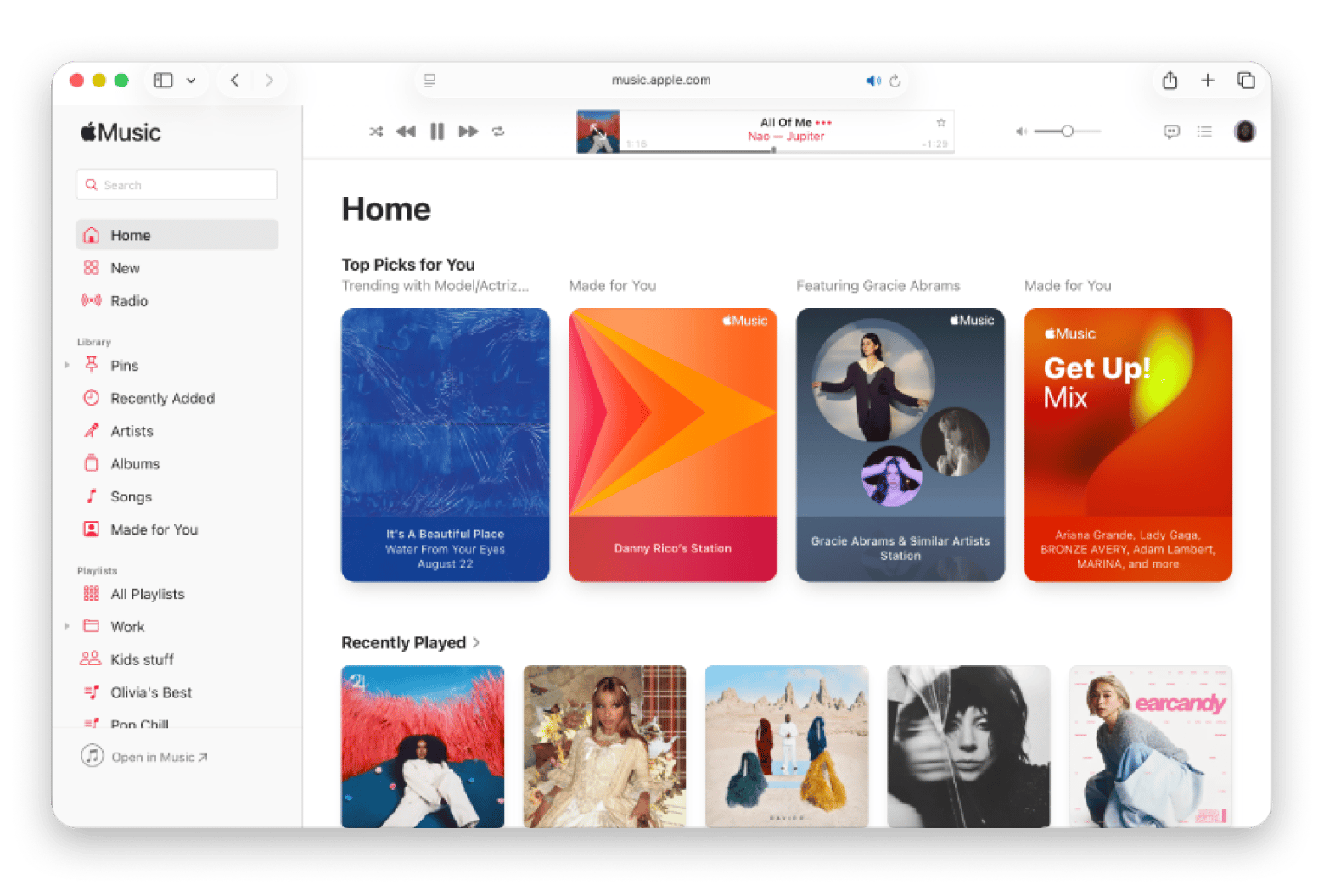
The Music app is already natively built into macOS, so I didn’t even have to download anything extra. For me, this is the first and most natural Spotify alternative: Apple Music offers full lossless audio streaming up to 24-bit/192 kHz as part of a standard subscription. Overall, in the battle of Apple Music vs Spotify, I appreciated the Dolby Atmos and Spatial Audio features the most. Since Bluetooth headphones compress sound anyway, the spatial audio in my AirPods had the same tangible “wow” effect. Also, I like how it can switch between Mac, iPhone, and iPad straight away using Apple Account.
Source: apple.com
What you might miss:
The music discovery algorithms are still noticeably weaker than Spotify’s.
There is no free, ad-supported plan for casual listeners.
Who it’s for: Anyone tied to Apple gear, especially if you rely on AirPods or HomePods.
Pricing (October 2026): from $11.99/mo.
2. Tidal: The best choice for audiophiles and artist support
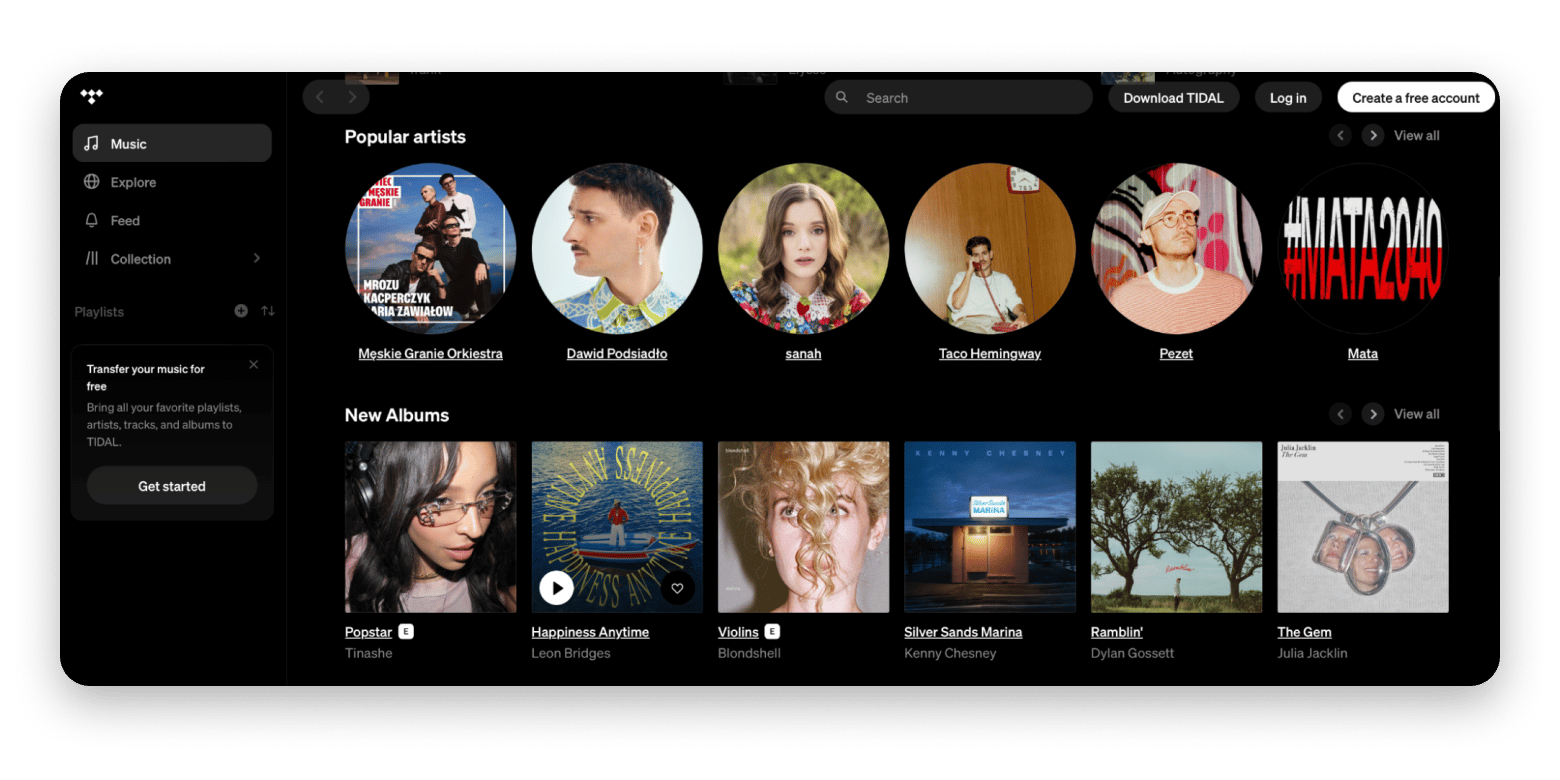
If you’re looking for a Spotify alternative for high-quality audio, then Tidal is my top recommendation. The service offers 24-bit/192 kHz audio in MAX format (based on FLAC) and supports Sony’s 360 Reality Audio technology. I could hear the difference in detail right away when using good headphones. The sound is denser and deeper. The app is quick and responsive. But the real draw is the payout model. Tidal pays artists fairly compared to Spotify. Their hand-curated playlists for jazz, hip-hop, and electronica are a great perk, too.
Source: tidal.com
What you might miss:
The catalog is smaller than those of the major players, although it still has over 100 million tracks.
The social features for sharing playlists are also quite limited.
Who it’s for: Audiophiles and listeners who want to ensure that their money goes to the musicians fairly.
Pricing (October 2026): from $11.99/mo.
3. Amazon Music Unlimited: The best choice for Amazon Prime members
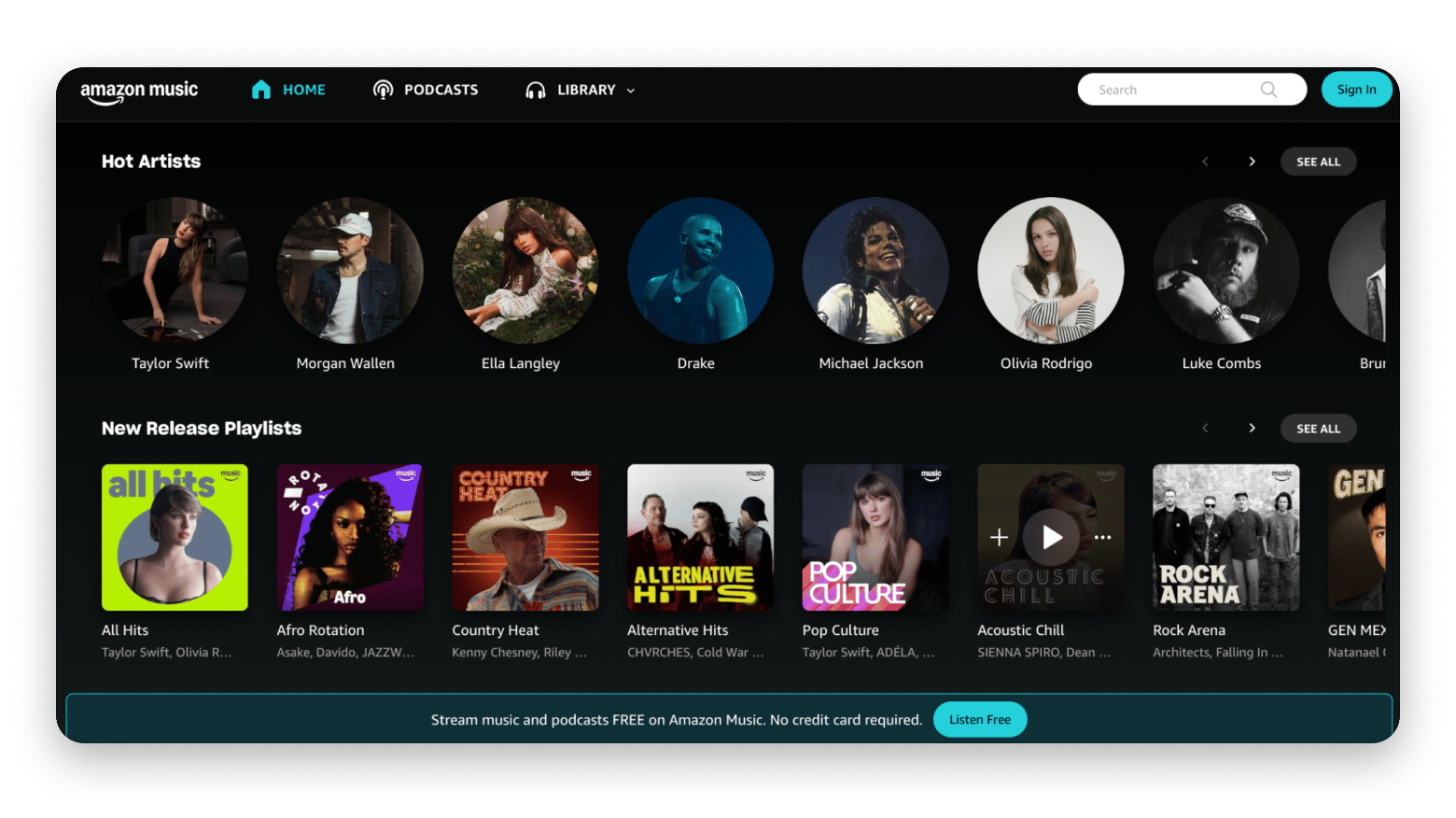
Amazon Music Unlimited delivers top-tier 24-bit/192 kHz lossless audio and Dolby Atmos, easily matching Tidal and Apple Music. Echo owners get hands-free Alexa control, but for vinyl lovers, Auto-Rip is the real hidden gem here. When you buy a physical record on Amazon, its digital version instantly appears in your account. The application works stably on Mac, although it looks somewhat plain.
Source: music.amazon.com
What you might miss:
The recommendation algorithms are not as good as Spotify’s.
The interface can feel cluttered with corporate elements.
Who it’s for: Active Prime subscribers and users of the Amazon smart home ecosystem.
Pricing (October 2026): from $11.99/mo.
4. Qobuz: The best clean catalog of Hi-Res music
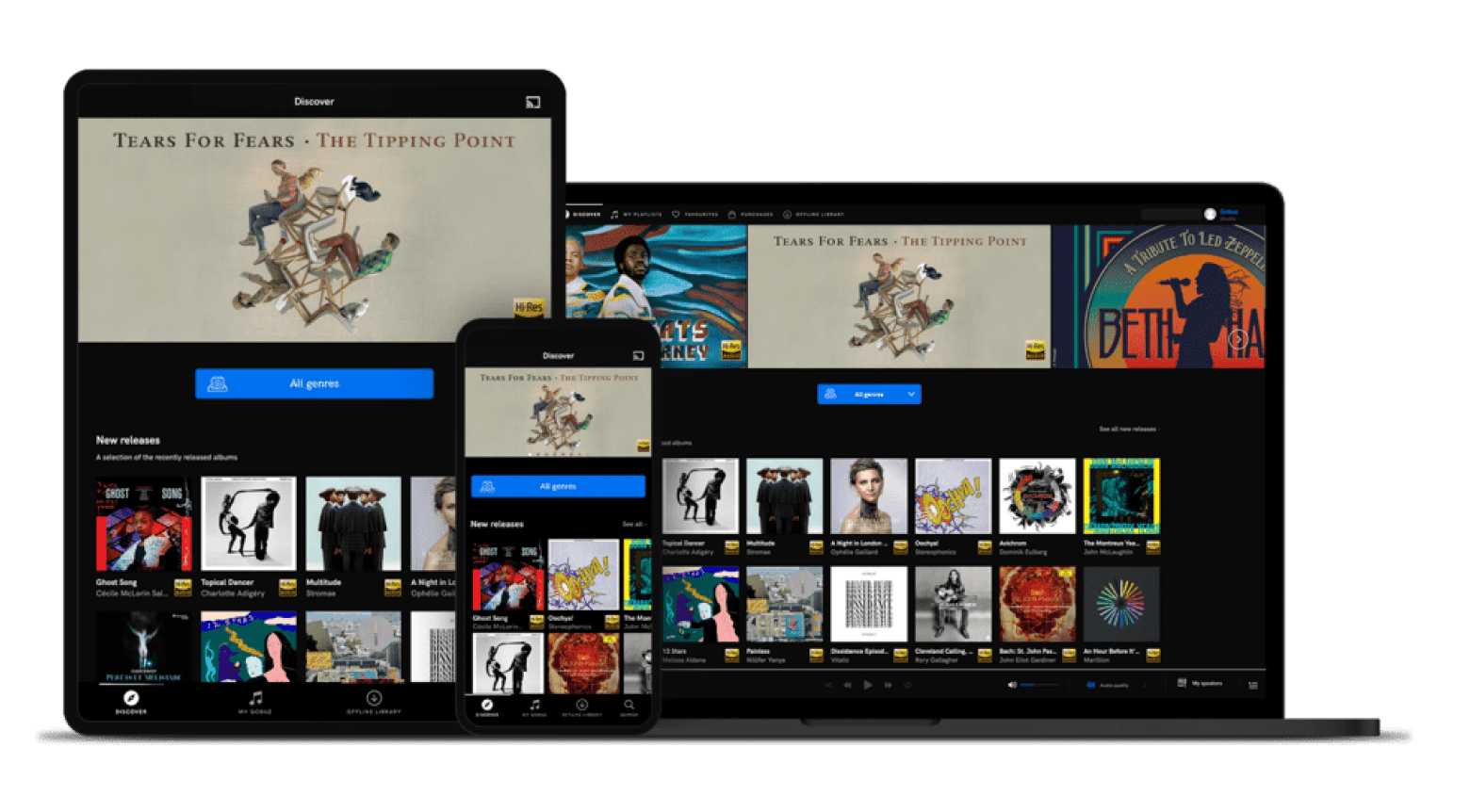
If you’re tired of podcasts and recommendations on Spotify, Qobuz is as clear as can be. I like that it’s a Hi-Res music platform without any unnecessary extras. There, you’ll find just lossless audio streaming at up to 24-bit/192 kHz and the tracks themselves. The service has an excellent selection of jazz and classical music, but I especially liked the digital booklets. It’s very convenient to read album details in the Mac app while listening.
Source: qobuz.com
What you might miss:
The catalog has noticeably less mainstream pop and hip-hop than Spotify or Apple Music.
Who it’s for: Classical and jazz listeners, audiophiles, and anyone who wants a clean app without podcasts cluttering their feed.
Pricing (October 2026): from $10.83/mo.
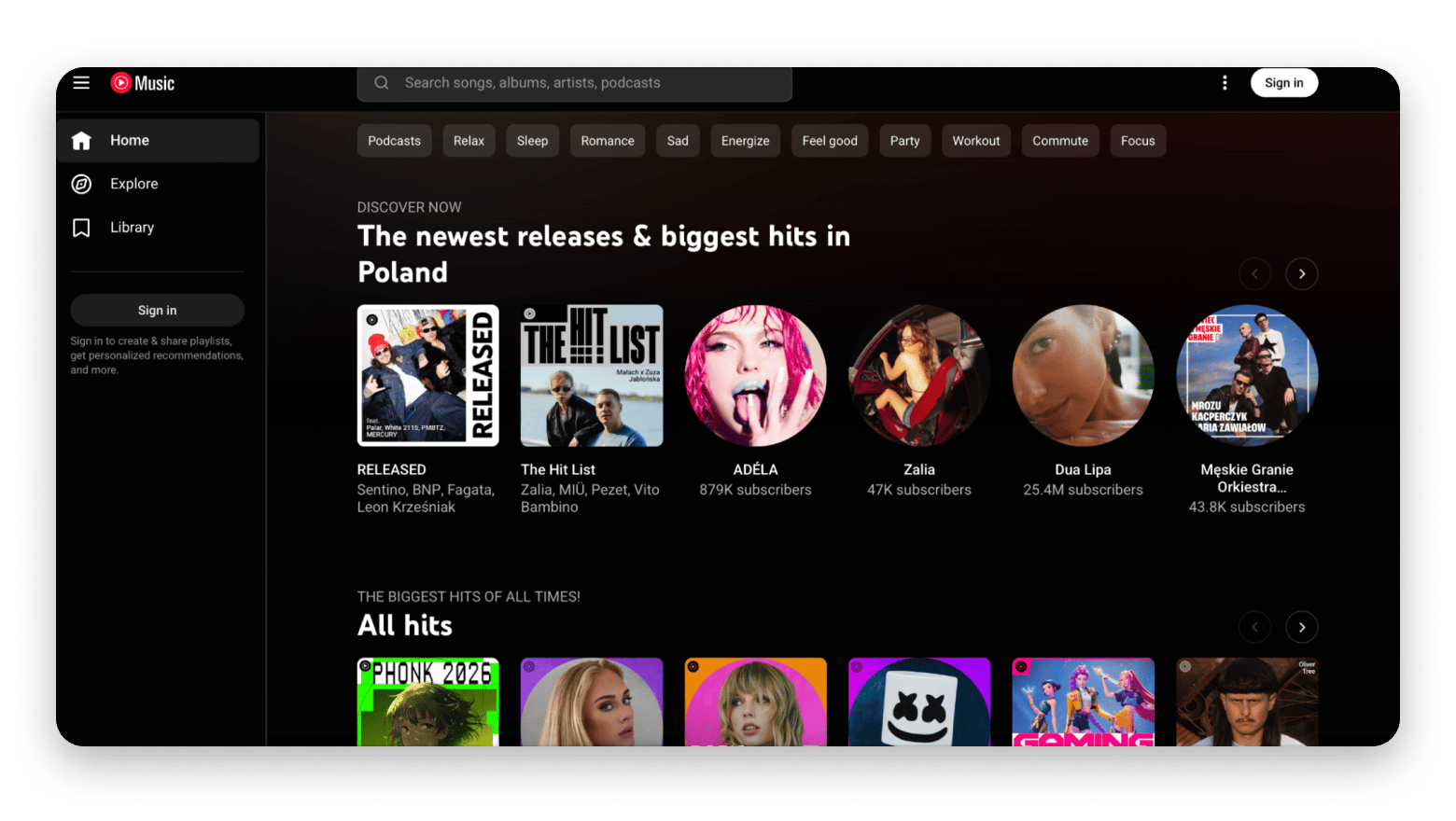
5. YouTube Music: Best integration with music videos
If you already pay for YouTube Premium to remove ads from videos, YouTube Music becomes a free Spotify alternative for you. The thing is that a standard YouTube Premium subscription includes YouTube Music Premium at no extra cost. The service’s main feature is access to millions of official clips, live performances, unofficial covers, and remixes that are unavailable on any other platform. The service mixes everything you watch on YouTube with what you listen to. On macOS, you can stream through a browser or a standalone desktop player.
Source: music.youtube.com
What you might miss:
Sound quality is limited to 256 kbps AAC (there is no lossless audio).
The layout still feels like a video platform converted into an audio app.
Who it’s for: People who like to watch music, not just listen to it.
Pricing (October 2026): from $11.99/mo.
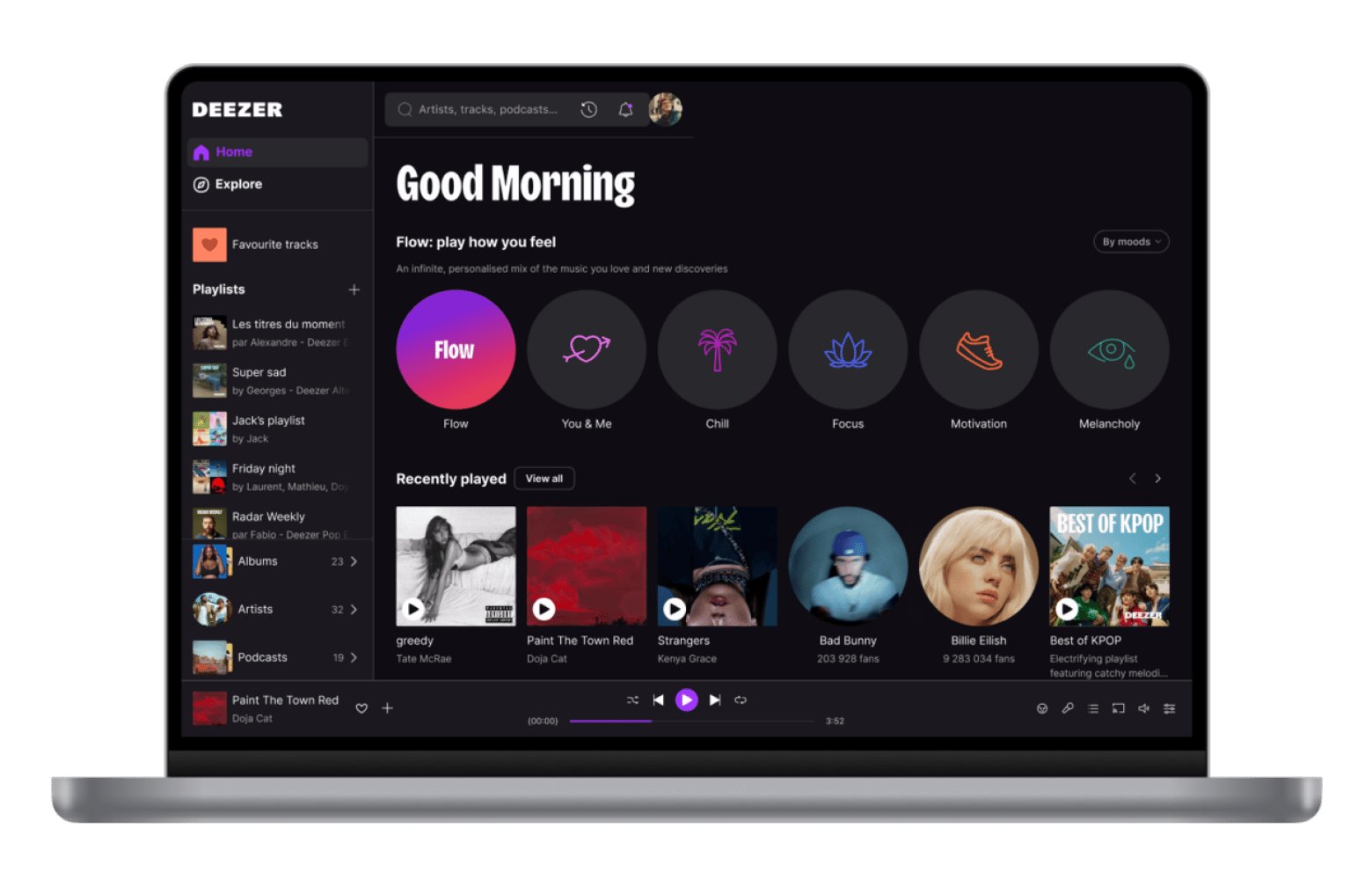
6. Deezer: The best HiFi at a competitive price
If you ask how this not-so-well-known service is better than Spotify, I’ll tell you: Deezer wins if you need high-quality lossless CD-level sound without additional fees, an adequate price ($11.99 per month), and a payment system that supports artists more effectively. However, Spotify is still ahead if the main thing for you is new music discovery algorithms, podcasts, and convenient social features.
Source: deezer.com
What you might miss:
The service focuses more on Europe. If you need releases from some niche American artists, you’ll have to wait.
Who it’s for: Budget-conscious audiophiles who want CD-quality streaming and smart custom mixes.
Pricing (October 2026): from $11.99/mo.
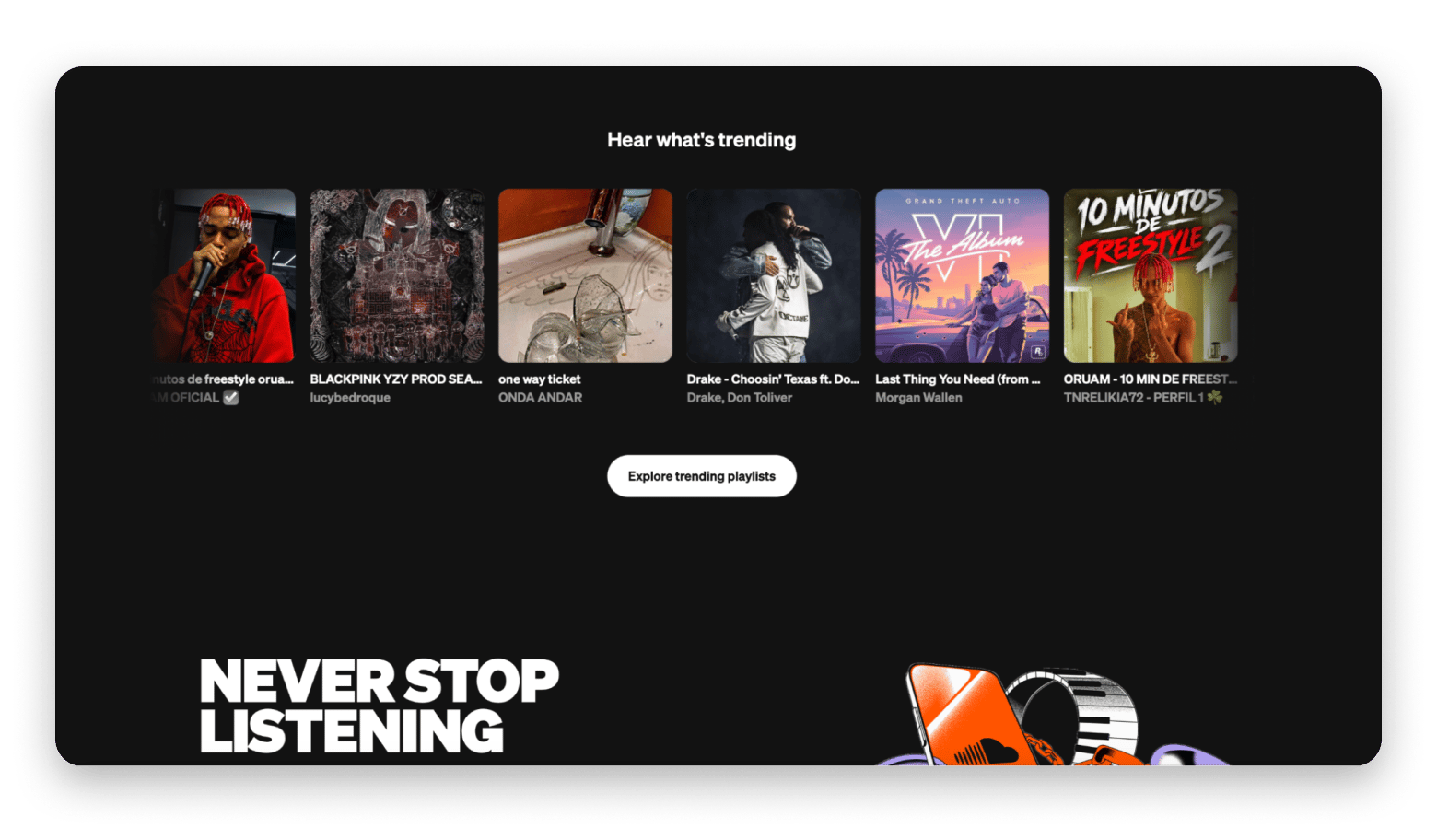
7. SoundCloud: The best place for underground music and remixes
People come to SoundCloud not for pop star albums, but for DJ sets, underground rap, lo-fi beats, and unofficial remixes that can’t be found anywhere else. There is a completely free mode, so it works well as a free Spotify alternative, but you will have to put up with ads. On a Mac, you can listen to everything either through a browser or via a separate application. But! If you take a paid Go+ subscription, you also get access to a basic library of tracks from major labels.
Source: soundcloud.com
What you might miss:
The selection of standard albums is lacking.
The sound quality on the free plan is mediocre at best.
Who it’s for: Fans of electronic music and DJ mixes who are tired of mainstream music from the top charts.
Pricing (October 2026): from $10.99/mo.
8. Bandcamp: Best for supporting artists
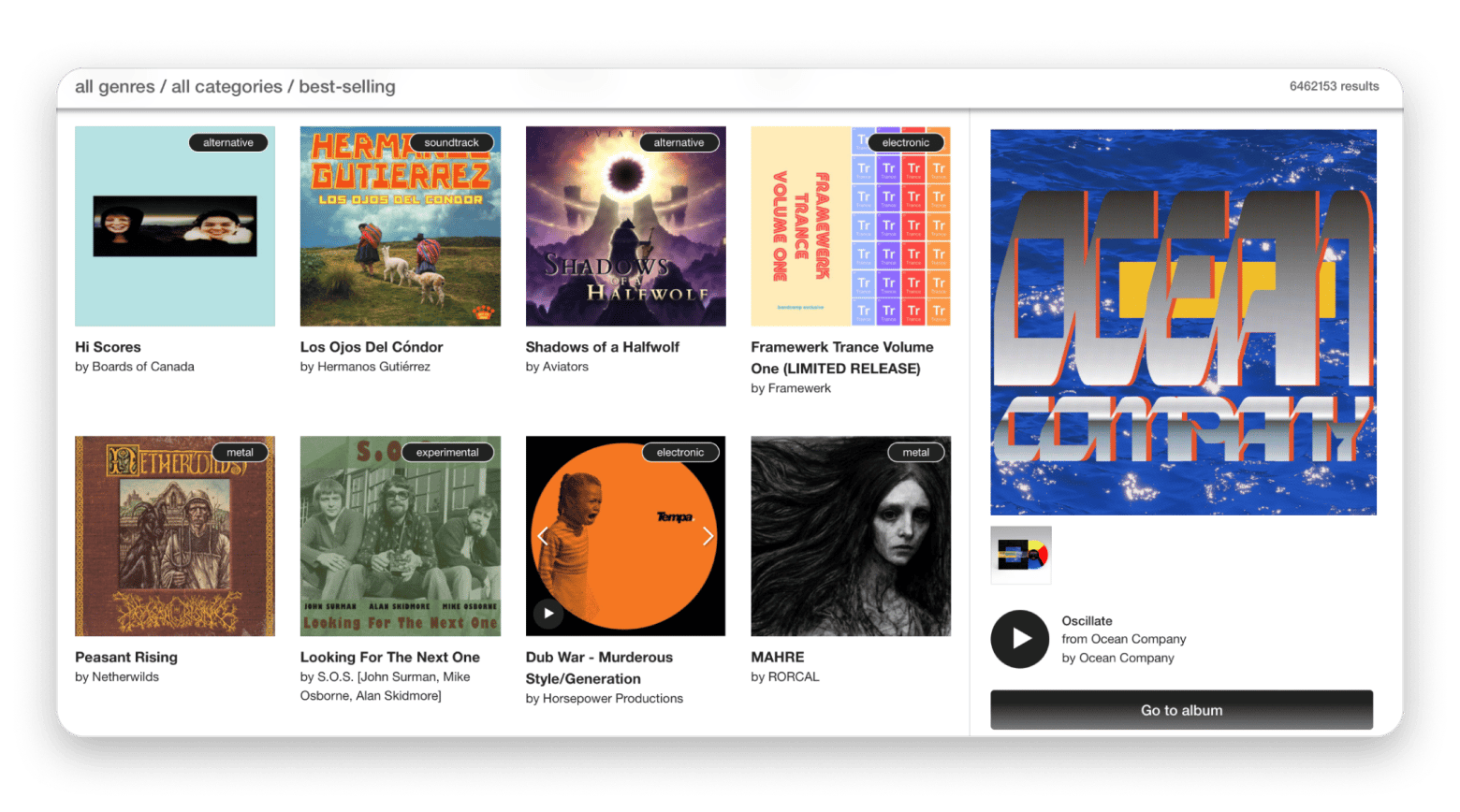
I have included Bandcamp on this list even though it is not a fully-fledged Spotify equivalent. Rather than streaming in the traditional sense, it is the main independent music platform for buying music from artists.
There’s no hybrid podcast + music streaming model here where you simply pay a monthly fee for access to a media library. On Bandcamp, you listen to tracks on the site before buying the album and downloading the files to your Mac in FLAC, ALAC or MP3 format. One major advantage is that artists receive 80-85% of the purchase price, and on Bandcamp Fridays, the platform gives them all the profits without commission.
Source: bandcamp.com
What you might miss:
It’s much more expensive to build a library of albums than to pay $10-12 per month for a standard streaming subscription.
Most popular mainstream albums simply won’t be available on Bandcamp.
Who it’s for: Indie music fans who want to buy files and support their favorite artists financially.
Pricing (October 2026): Pay-per-album.
9. Apple Music Classical: Best for classic music library management
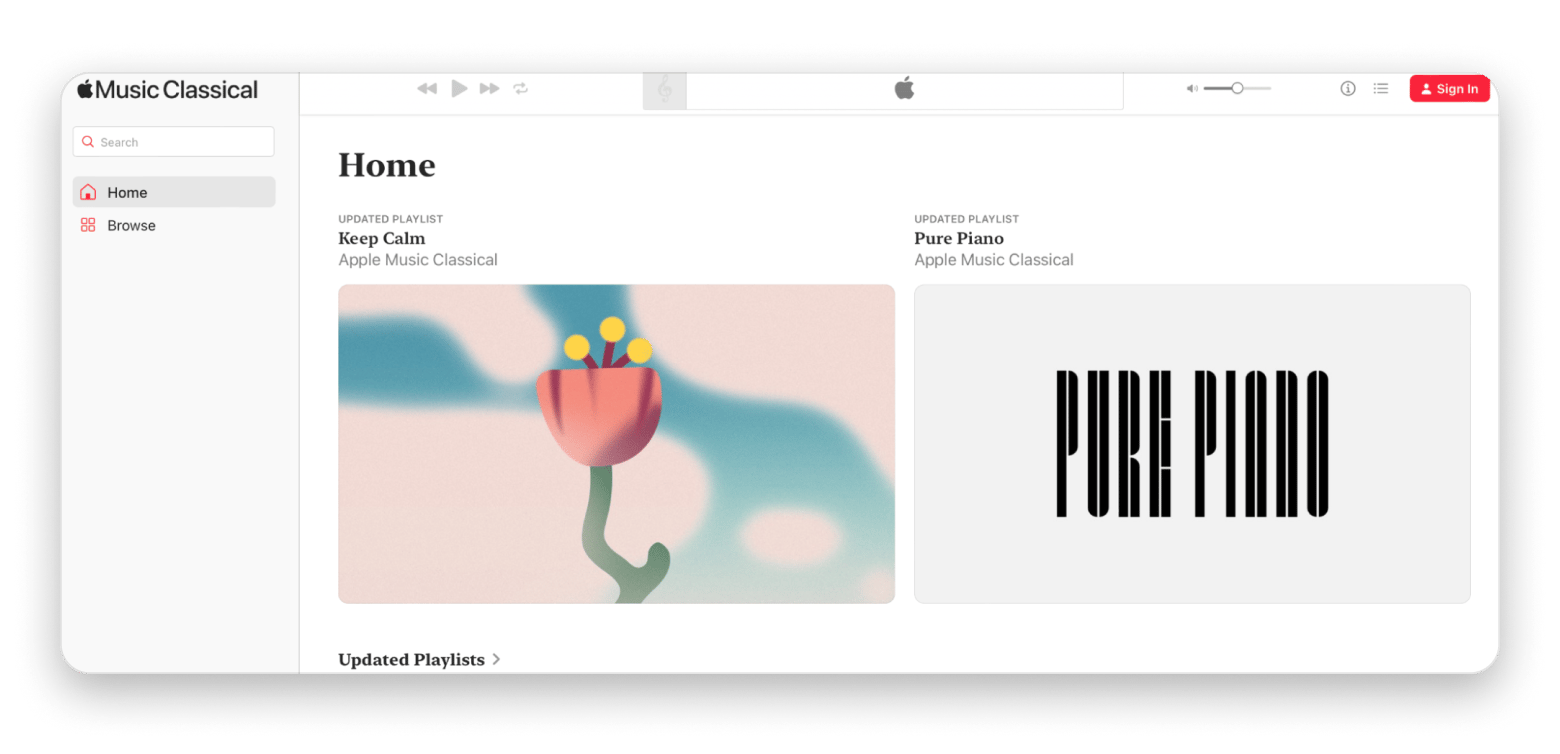
On Apple Music Classical, the database has been rebuilt exclusively for classical music. If you listen to classical music in the evening to relax or to help you focus at work, you’ve likely noticed how disorganized Spotify is. Conventional streaming services search for everything according to the basic scheme “Artist - Track title.” This means that long symphony titles are cut off and the conductor and orchestra are not visible. Instead of the desired recording, the search results include amateur covers and spa playlists. The search function recognizes the difference between composer, conductor, orchestra, and specific parts of a work. You can open any symphony and instantly compare recordings from the past few decades to find your favorite performance. And since it’s already included with Apple Music, you don’t pay a penny extra.
Source: classical.music.apple.com
What you might miss:
This is a separate app, rather than a tab within the main Apple Music app, so you have to switch between the two.
There is no standalone app for Mac computers, so you have to listen through the web version.
Who it’s for: Classical music listeners frustrated with Spotify or standard Apple Music’s classical browsing.
Pricing (October 2026): Included with Apple Music.
Best Mac apps to use alongside any music streaming service
While testing these streaming platforms, I noticed a side effect. My Mac’s menu bar turned into absolute chaos. And no, it wasn’t just because I opened thirty apps and forgot to quit them two weeks ago (though okay, maybe a little). Desktop music players just love sticking their own mini-icons up top.
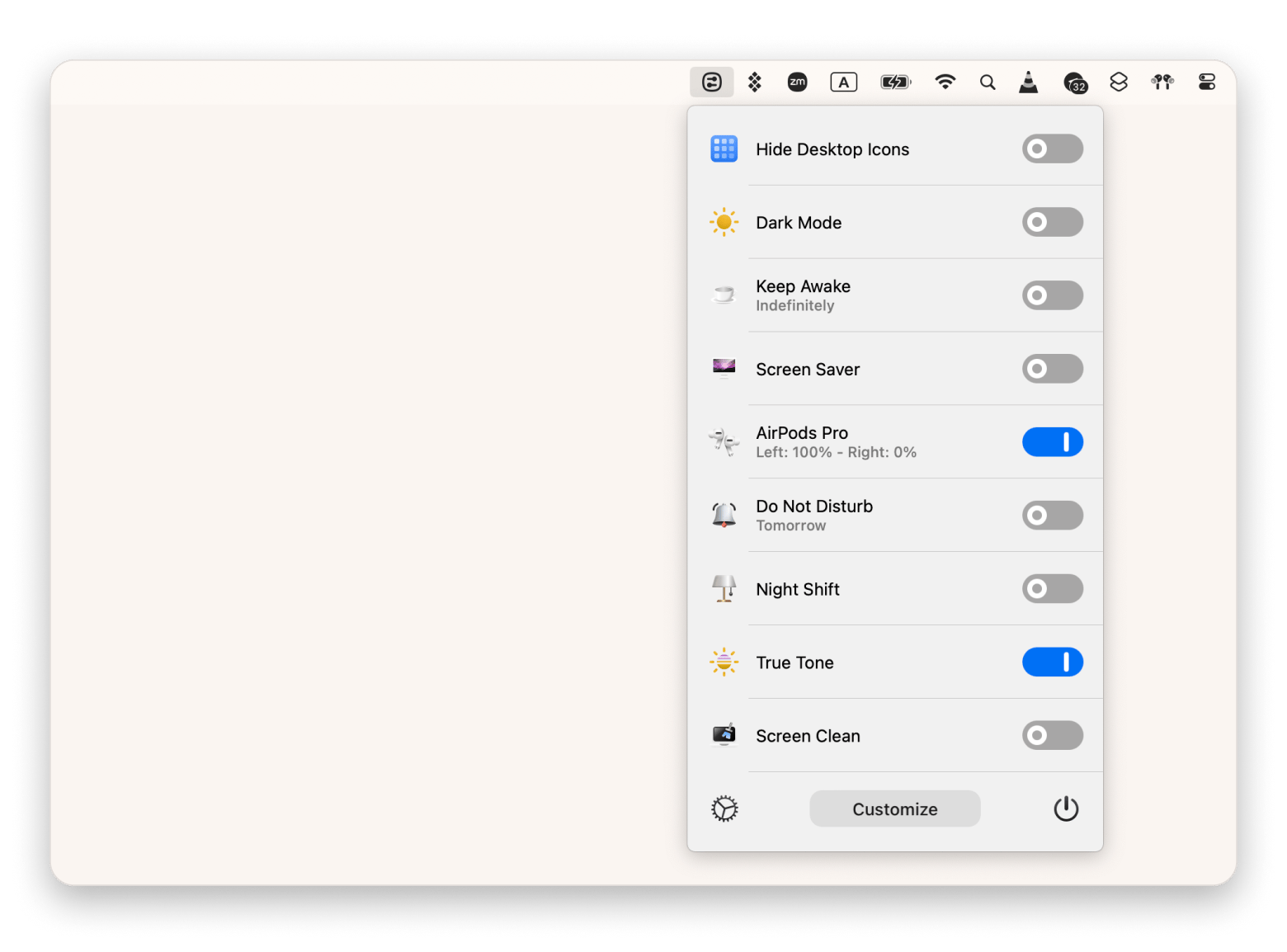
You need Bartender from Setapp to customize your menu bar. It sweeps all that extra noise behind a neat toggle, leaving only the playback icons you use. Now, even my mom couldn’t complain about my workspace being messy.
Use One Switch from Setapp to get a fast device switcher right into your menu bar. Now, you can bounce sound between outputs or mute your mic during a call in a single click.
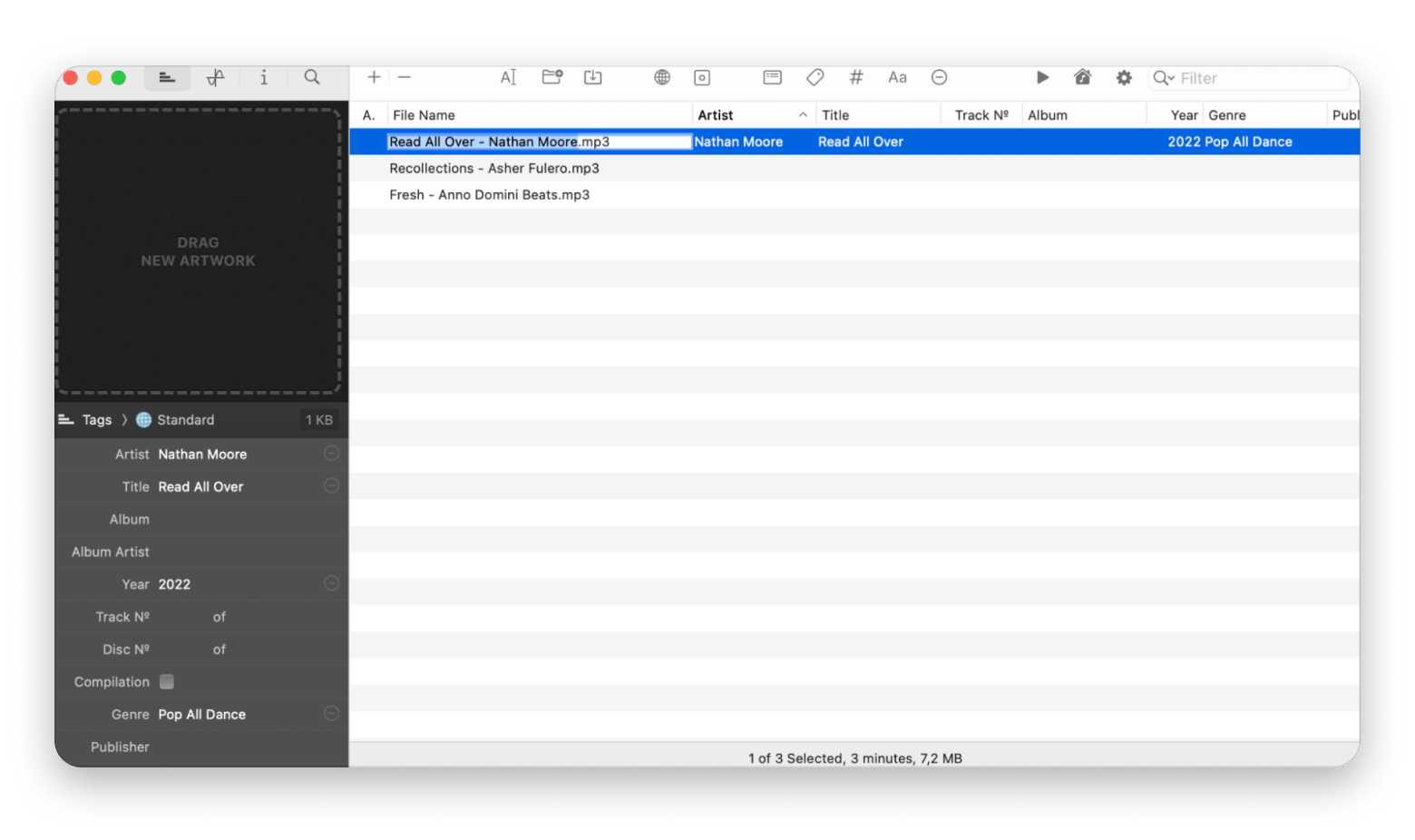
Meta from Setapp lets you drag in a broken folder, batch-edit track info, and drop in proper cover art so your local library looks right in any player. That FLAC you bought on Bandcamp shouldn't look like junk in Apple Music. Meta fixes the metadata in seconds — try it free for 7 days on Setapp. Fix Your Tags Free.
Bartender, One Switch, and Meta are all available on Setapp — a Mac app subscription that gives you 300+ apps for one monthly fee.
Choosing the right Spotify alternative for your use case
Still on the fence? This quick cheat sheet should help you figure out your best Spotify alternative:
I’m deep in Apple’s ecosystem → Apple Music
I want the best audio quality → Qobuz or Tidal
I want artists to get paid more → Tidal or Bandcamp
I already have Amazon Prime → Amazon Music Unlimited
I watch a lot of music videos → YouTube Music
I’m European and want a Spotify alternative not tied to a US giant → Deezer or Qobuz
I listen mostly to independent music, DJ mixes, and remixes → SoundCloud
I want to buy music, not rent it → Bandcamp
I listen primarily to classical → Apple Music Classical.
Migrating from Spotify to your new music app
Ditching Spotify hurts most when you think about losing years of saved playlists. Keep calm. You don’t have to rebuild your entire library manually. Here is what you can do:
Use migration services like Soundiiz and FreeYourMusic. These platforms connect to both your accounts and can automatically transfer your tracks and entire playlists to the new platform in minutes.
Check your library. After importing, review your playlists. Some local or very rare tracks may not transfer due to differences in streaming licensing agreements.
Rebuild your Liked Songs. Transferring saved tracks isn’t always seamless. Most tools just spit out a standalone Liked Songs playlist in your new app. You’ll need to open that playlist, highlight all the tracks, and hit Favorite yourself.
Let your friends know you’re switching apps so they aren’t wondering why you stopped updating your shared mixes.
Keep your free account active for some time. Sooner or later, someone’s going to text you a Spotify link. If you keep the account, you won’t have to deal with sign-up prompts just to hit play.
The right streaming service for your Mac is already out there
Switching from Spotify doesn't mean starting over. It means trading 320 kbps for something that actually does your speakers justice, or finally knowing your streams are paying your favorite artists a fair rate.
If you're deep in Apple's world, Apple Music is the obvious move. If you want the best possible audio, go with Qobuz or Tidal. If you buy music rather than rent it, Bandcamp is in a category of its own.
And once you've picked your streaming service, the Mac side of things is worth a few minutes of setup. Bartender, One Switch, and Meta handle the things your streaming app can't — the menu bar, the audio output switching, and the local files you actually own.
You've upgraded your streaming service. Now upgrade the Mac around it. Bartender, One Switch, and Meta are all on Setapp — 300+ apps, one subscription, free for 7 days. Get 300+ Apps Free.
FAQ
What is the best free Spotify alternative?
YouTube Music is the best Spotify alternative. It has the biggest free library (with ads and no background playback on your phone). For indie or underground stuff, choose SoundCloud and Bandcamp.
Which music streaming service has the best audio quality?
Qobuz and Tidal offer top-tier 24-bit/192 kHz FLAC streaming. Apple Music and Amazon Music include the same high resolution at no extra cost. But note that you’ll need an external DAC for your Mac to hear anything above 48 kHz.
Is Apple Music better than Spotify on Mac?
On a Mac, absolutely. Spotify runs on Electron, which makes it heavy on your RAM and battery. Apple Music is much lighter on macOS and gives you lossless streaming without charging extra.
Which Spotify alternative pays artists the most?
Bandcamp isn’t a typical streaming service, but it puts the most money in creators’ pockets. Artists keep ≈80% of every sale (and 100% on Bandcamp Fridays). For per-stream payouts, Qobuz and Tidal are the best.
Can I transfer my Spotify playlists to another service?
Yes, you can. Use tools like Soundiiz or FreeYourMusic to move your library to another service.
Powerful apps live on Setapp
Ditch defaults and discover new gems on one app platform.






 Best solution
 Best solution