The best offline Canva alternative for Mac is Swift Publisher. It works without an account, exports print-ready PDFs with bleeds and CMYK support, and has 500+ templates for flyers, menus, business cards, and social media.
For a web-based Canva replacement, Adobe Express and VistaCreate are the closest matches. Both offer large template libraries and a drag-and-drop workflow. Adobe Express wins on typography; VistaCreate wins on animated social content.
If you've outgrown Canva templates entirely, Amadine gives you real vector design control. It's Mac-native, works with layers and Bezier curves, and has a much shorter learning curve than Adobe Illustrator.
Pixelmator Pro is the best option when your work mixes photo editing and graphic design. It handles both in one Mac-native app with pro-level AI tools and a solid template library.
Mac users already have two free design tools built in: Pages and Keynote. Pages handles flyers and print layouts; Keynote rivals Canva for slide decks — both export clean PDFs with no subscription required.
Canva is one of those tools that solves a problem so well that it’s easy to ignore its limitations. You can pick a template, drag and drop a few elements, and walk away with a polished brochure or poster.
But then, sometimes you need a little bit more than it allows. Maybe you want to design while offline or need pixel-precise control. Or maybe you’ve found yourself clicking on yet another locked template for the fifth time in one day.
That’s usually the point at which most of us start looking for Canva alternatives, and there are plenty of them. I’ll take you through the top 10 based on my experience and consultation with other designers.
Why Mac users switch from Canva (and what to look for instead)
Mac users look for Canva alternatives because of limited offline access, locked templates behind paid plans, and the lack of a native Mac app — all of which matter when you want more design control or local file ownership.
Canva’s templates have limited control. If you want to create custom shapes or complex typography, you may need a Canva alternative for designers.
The same type of feeling also comes up when you want to work offline or use a Mac app like a ‘real designer’. The fact that Canva fully runs in a browser, requires an account, and stores everything in the cloud can be a problem for users who want offline access or full local ownership.
Quick comparison table: Canva alternatives at a glance
The best Canva alternative for Mac overall is Swift Publisher for offline, print-ready work; Adobe Express if you want a web-based Canva-like experience; and Amadine if you need real vector design control.
Short on time? Here’s a quick overview of the best Canva alternatives for Mac:
Some of these tools are direct alternatives to Canva, but others address the limitations differently.
Before I settled on my own setup, I ran my use case through the Productivity Tools GPT assistant. It helped me cut the list down fast by matching app features to what I actually do every week, rather than what sounds good in a feature comparison.
Adobe Express: Best free Canva-style template tool
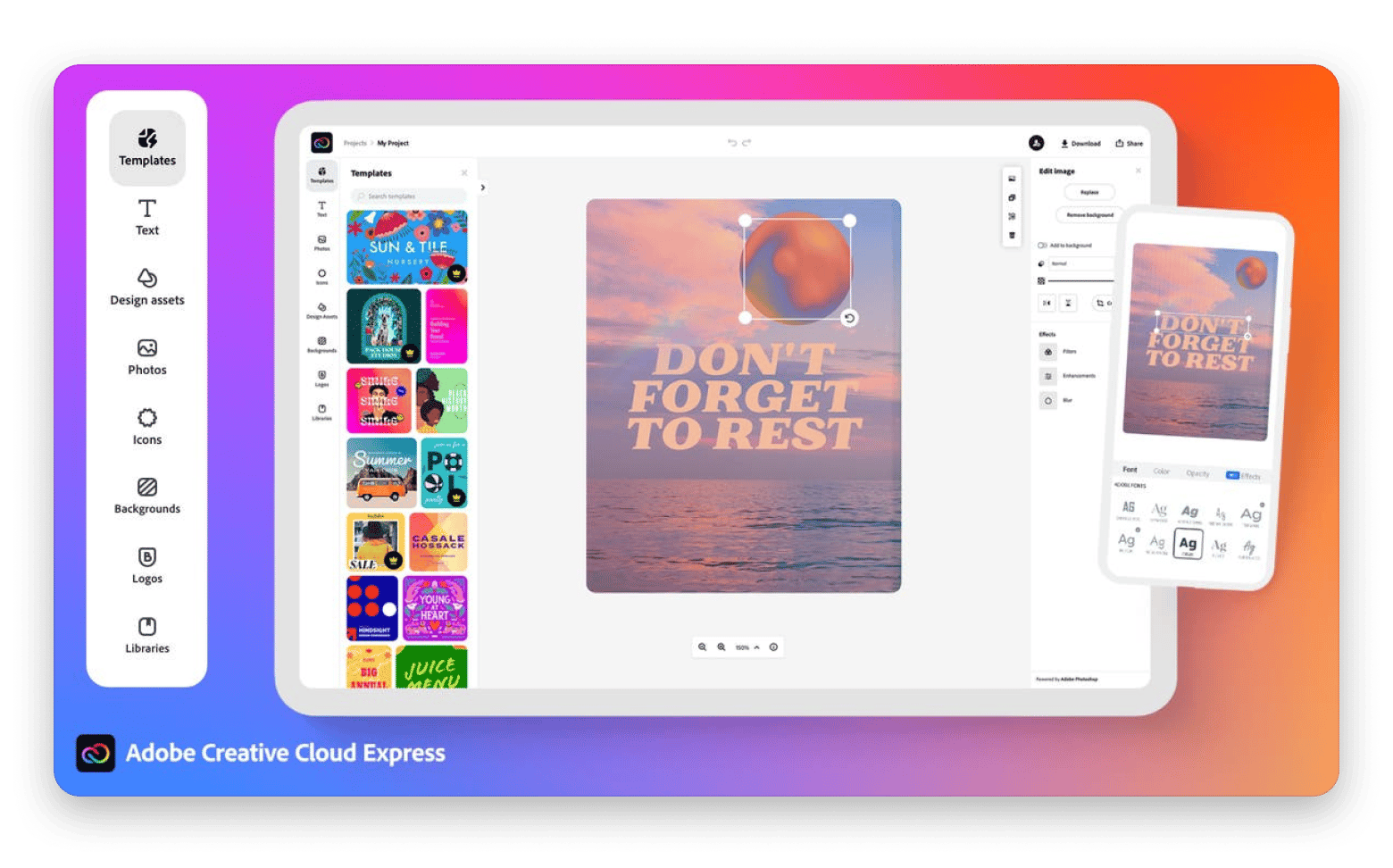
Adobe Express is the closest thing you’ll find to Canva that isn’t Canva. It’s web-based and requires an account to get started. But from there, you just need to pick a template, customize it with drag-and-drop design tools, and then export your design. The free Canva alternative offers over 100k templates.
The features are quite impressive, starting with the typography, as it’s supported by 4,000 fonts from Adobe’s font collection. It also includes 10 free Firefly AI credits per month and 5GB of storage with no time limit. The paid tiers ($9.99 or $19.99 per month) unlock more advanced features, fonts, and templates.
The limitations are quite similar to Canva's: it’s browser-based, cloud-dependent, and requires an account. The templates are even fewer, but a freelance marketer creating social media or event graphics can move from idea to finished design in minutes, even without design skills.
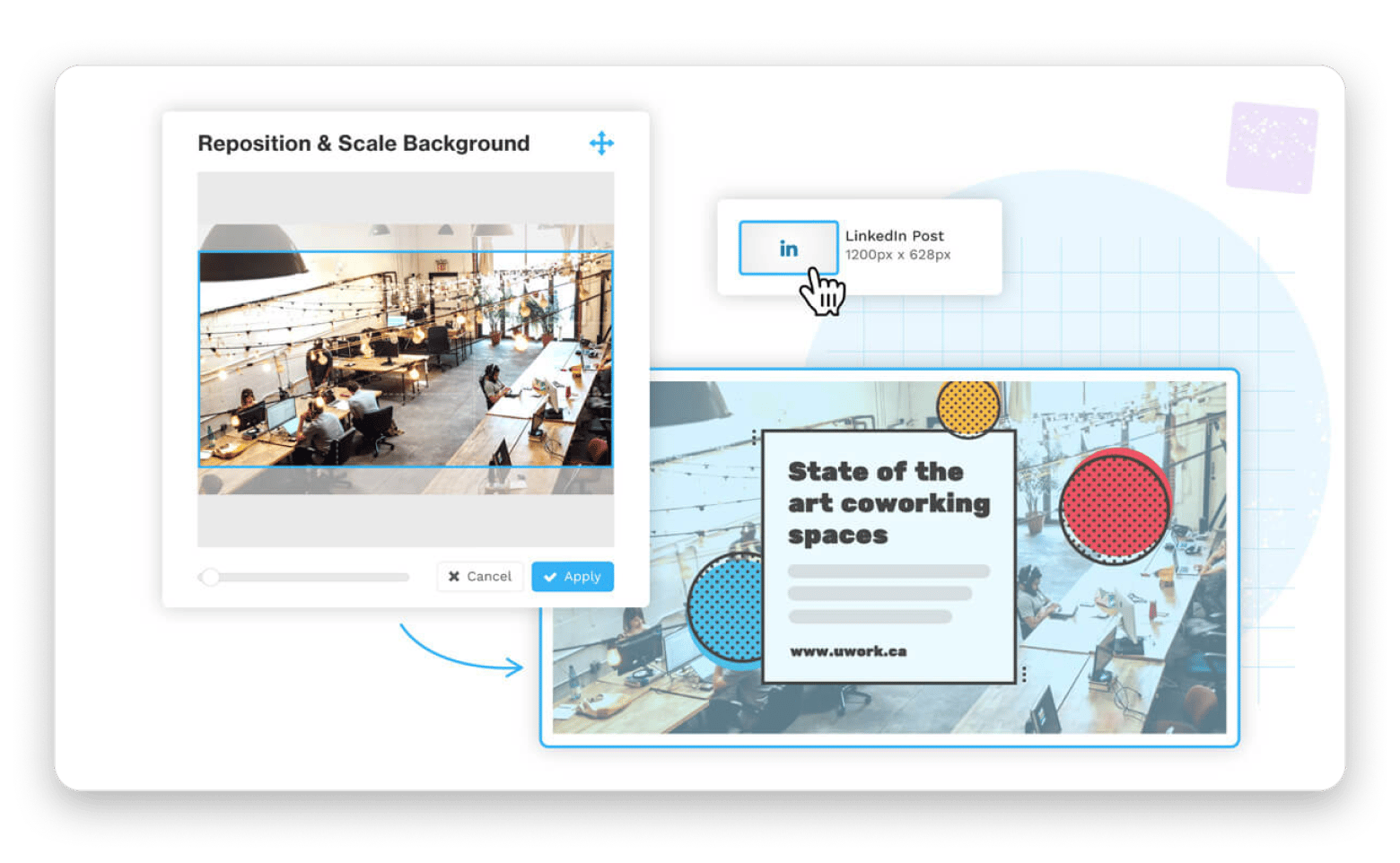
Source: adobe.com
Pros:
Similar workflow to Canva
Large template library
Excellent typography options
Strong Adobe integrations
Cons:
Browser-based workflow
Cloud-dependent storage
Premium features locked behind a subscription
VistaCreate: Best free social media template app
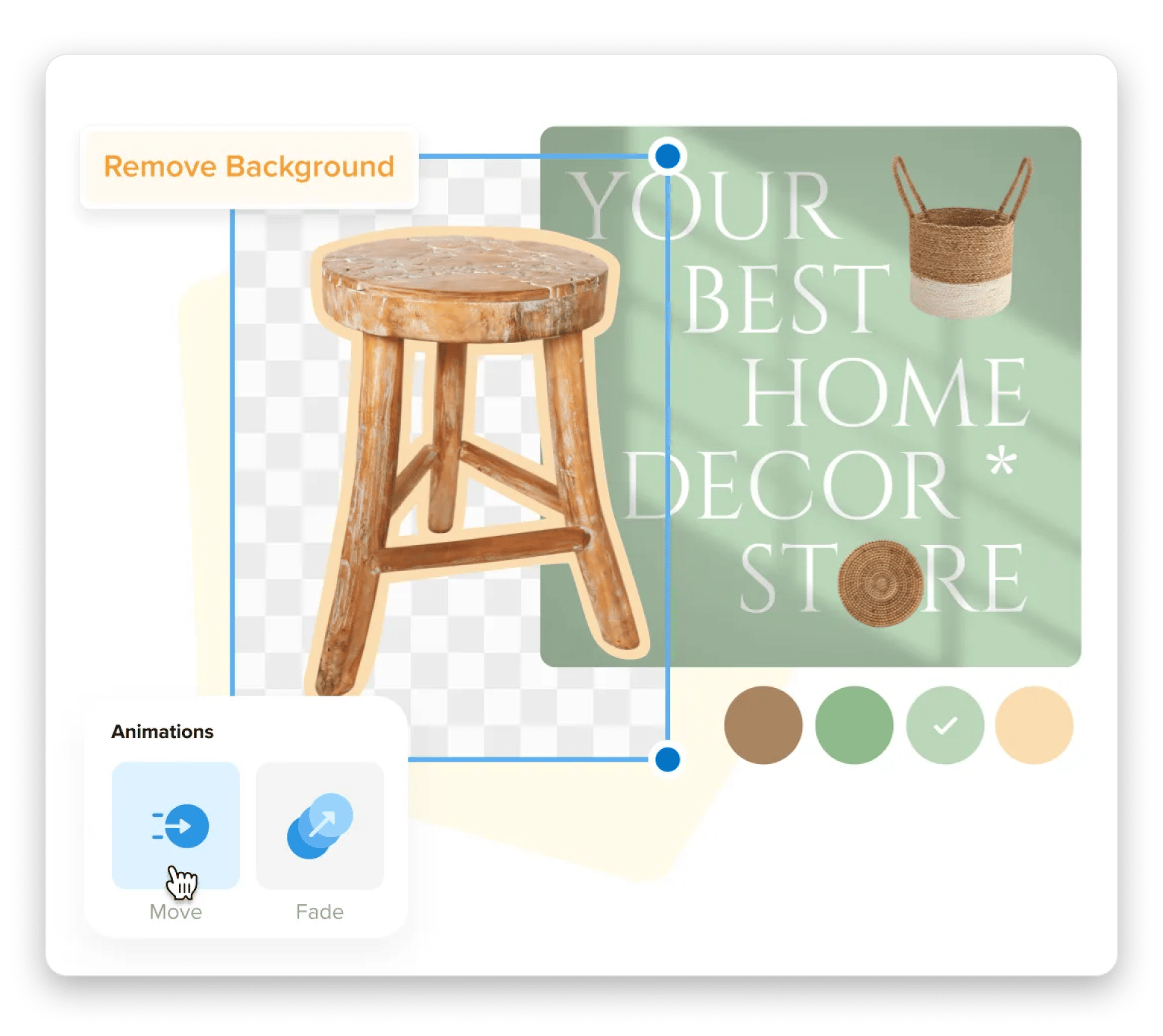
VistaCreate (formerly Crello) is one of the best Canva alternatives if most of your design work revolves around social media posts. It offers over 100k social media templates for Instagram posts, Stories, Facebook ads, YouTube thumbnails, and other common marketing formats.
The paid tier unlocks another 100k+ templates, AI tools, team collaboration, and more design and productivity tools. If you are a solo creator managing multiple social media accounts, you can quickly create campaigns and adapt them to several platform-specific formats without rebuilding the designs from scratch.
The downside is that the number of free templates and the amount of design freedom don’t match Canva's, but it’s a superb option for creating a steady stream of social media content.
Source: create.vista.com
Pros:
Generous free tier
Superb social media templates
Animated content support
Easy to learn to start the workflow
Cons:
Browser-based workflow
Limited advanced design control
Focuses mostly on social media
Visme: Best for presentations and infographics
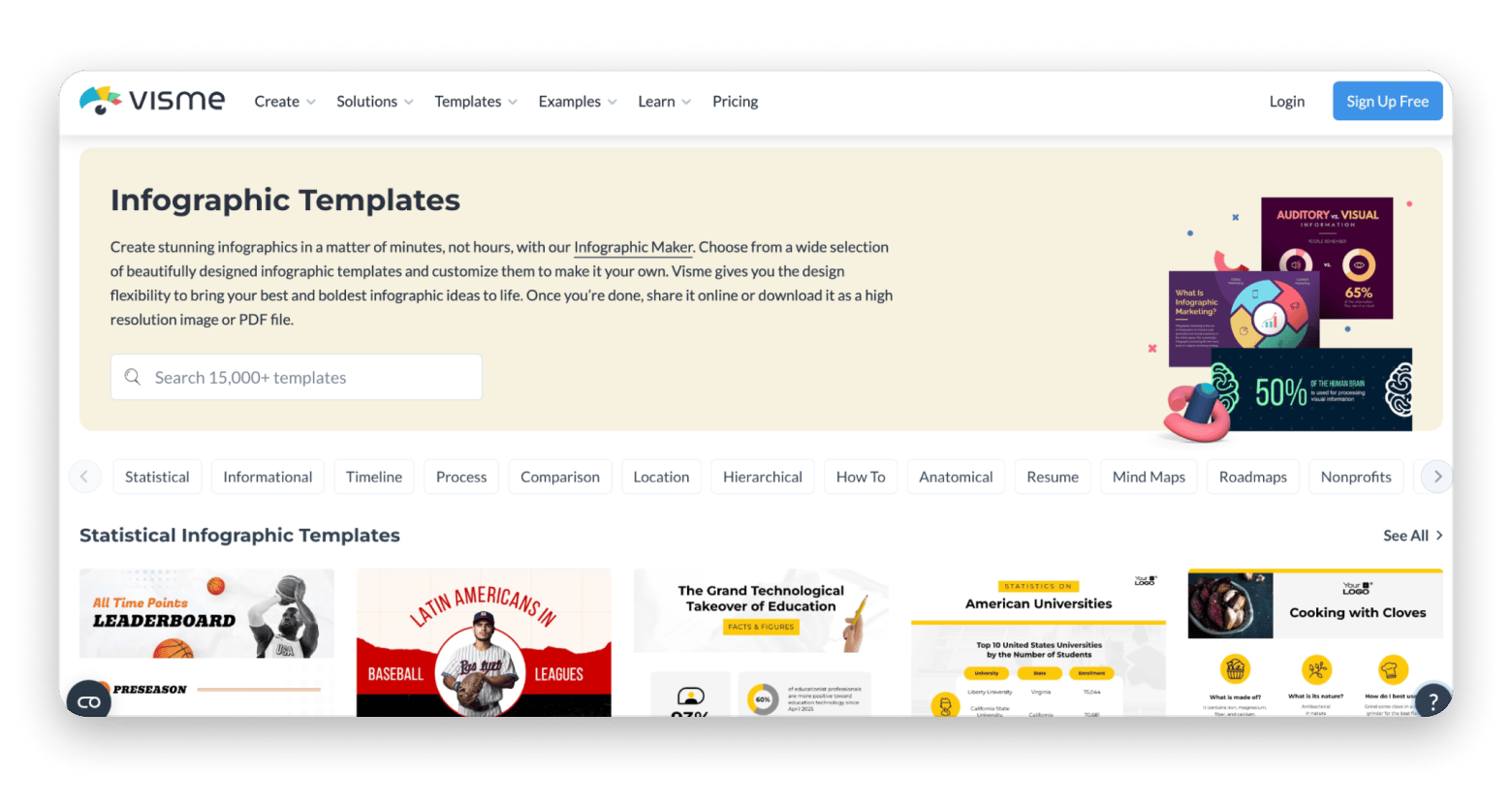
Visme is built for people who work more with infographics than with social media posts. It’s the best Canva alternative for data-heavy visual content where depth matters more than speed.
Canva still attempts this with charts and presentation templates, but Visme goes deeper. It offers infographic templates, interactive charts, presentation tools, and branding features you can use for reports, proposals, training materials, and business presentations. A marketing manager preparing a quarterly performance report can use it to turn spreadsheet data into polished visual content without a dedicated design team.
The only issue is that it’s not as simple as Canva. It has more moving parts, so the learning curve is slightly steeper. The free plan is also quite limited, as the tool targets business users.
Pros:
Best data visualization and infographic tools in this list
Great interactive content capabilities
Good branding and presentation features
Great team functionalities
Cons:
Limited free tier
Browser-based
Steeper learning curve than Canva
Desygner: Best mobile-first Canva clone
Desygner is the best Canva alternative if you are looking for a mobile-first approach. It actually came out as a way to plug that gap, and it does so better than most browser-first alternatives that have mobile apps.
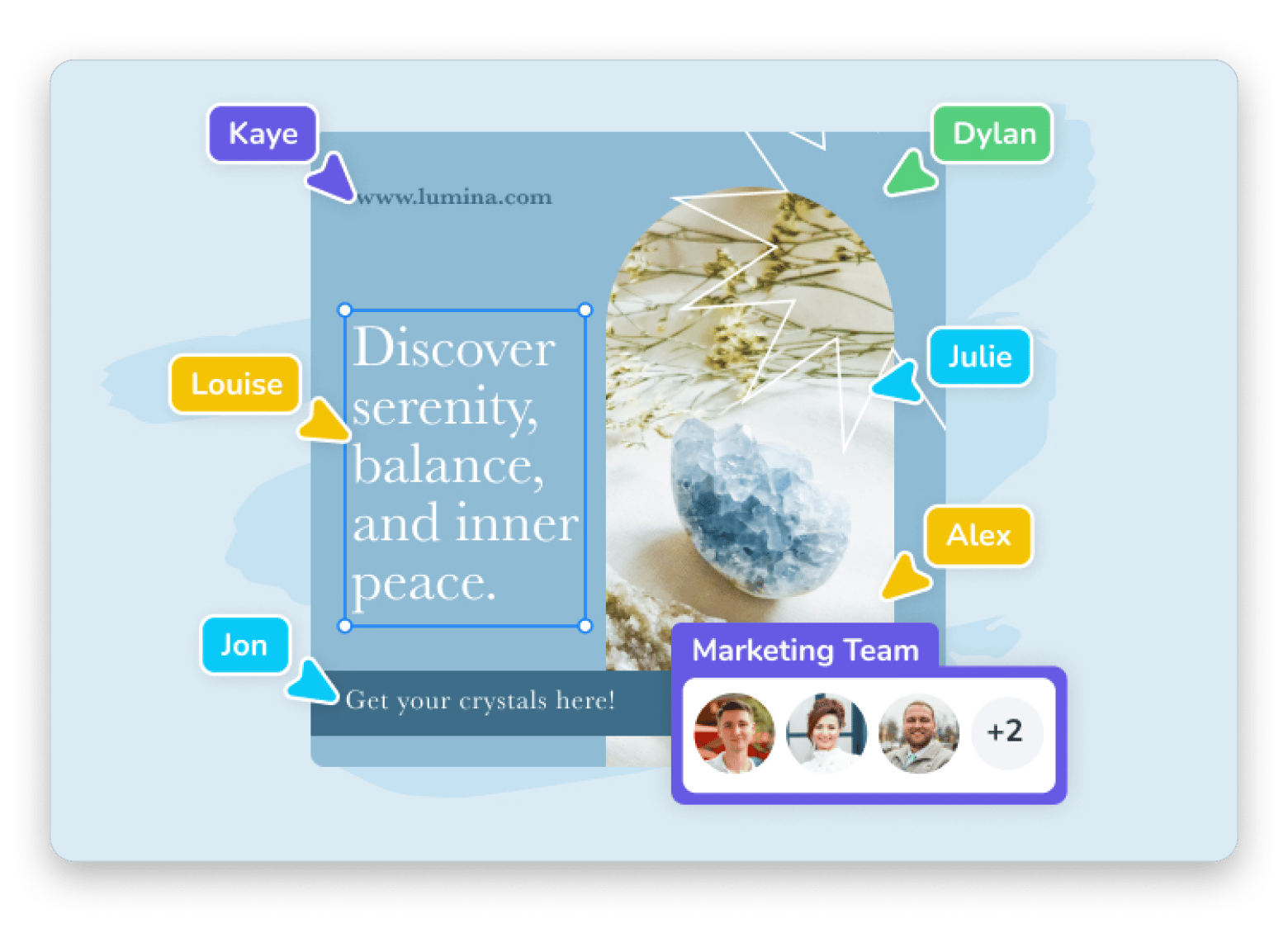
You can use it to create social graphics, promotional materials, and branded content right on your phone. It also offers powerful brand management features that make it easy for businesses with multiple locations or team members to create on-brand graphics. A franchise owner can create approved templates and then allow managers to update the text or pricing.
The downside is that the browser version isn’t as polished or feature-rich as the likes of Canva and Adobe Express.
Source:desygner.com
Pros:
Great mobile experience
Brand control tools for teams
Auto Design feature reduces friction
Cons:
Less refined desktop experience
Smaller template library than Canva or Adobe Express
Snappa: Best simple template tool for marketing
Snappa is similar to Canva but stripped down to prioritize speed and simplicity for digital marketers, bloggers, and social media managers. You get 6,000+ templates for social media posts, ads, blog graphics, and marketing materials. There are also several drag-and-drop design tools for customization.
A unique proposition is that all templates are available on the free tier, so you won’t click on a locked one. When a social media manager wants to create a graphic for quick posts, they can go from draft to final design in as little as 60 seconds.
However, the free plan limits downloads to just 3 per month. The platform's simplicity also means flexibility is quite limited.
Source: snappa.com
Pros:
Fast and easy to use
Great for everyday marketing graphics
Cons:
Smaller template library
Fewer customization options
Monthly price is quite high
Fotor: Best for photo-heavy social graphics
Fotor is one of the best Canva alternatives for Mac, but it sits somewhere between Canva and a traditional photo editor. Like Canva, it offers templates you can use to create social media posts, ads, and marketing materials. The difference is that Fotor also has a capable photo editor with background removal, AI photo enhancement, HDR support, and object removal.
Fotor enhances this with a Mac desktop app, which isn’t common in this space. But the platform's unique design makes it better suited to users who want to start creating graphics with their own photos. A real estate agent can use it to improve property photos and then add branding to create social media graphics.
It’s not as strong as Canva and Adobe Express for custom layouts.
Pros:
Great photo editing tools
AI-powered enhancements
Desktop app available
Cons:
Less flexible for custom design work
Free plan isn’t really useful
Swift Publisher: Best Mac-native offline design app on Setapp
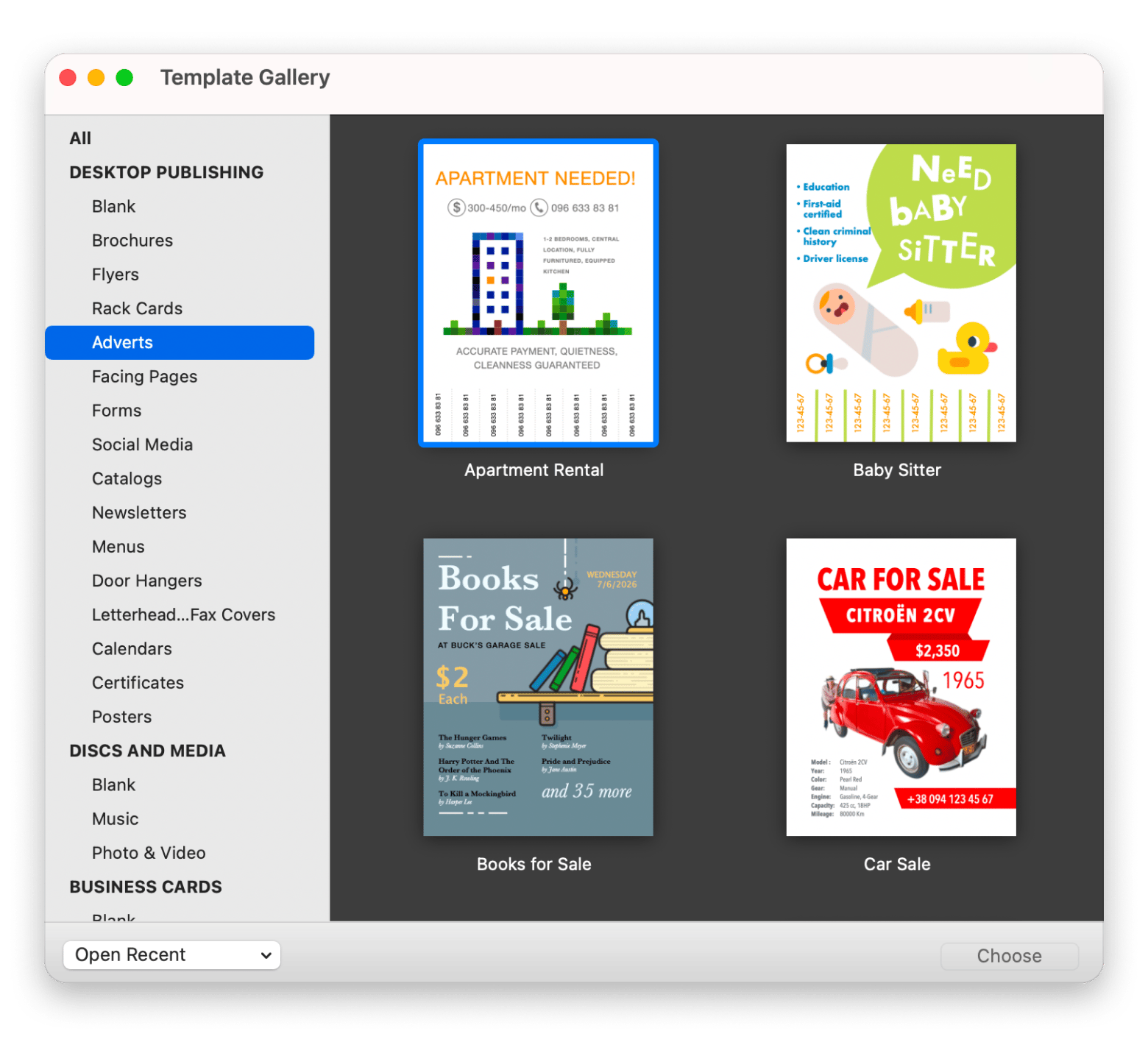
Swift Publisher is the answer to "I want Canva on my Mac, offline, and with no account requirements." It offers over 500 pre-designed templates covering brochures, business cards, social media posts, posters, menus, and Facebook/Twitter covers. It also has 2,000+ clipart images and 100 image masks.
Swift Publisher gives users print-ready PDFs with bleeds and CMYK support, something Canva doesn’t. A small bakery owner can use it to design business cards, a tri-fold takeaway menu, and an Instagram post template. All within the same, simple Mac app.
Swift Publisher is the best Canva alternative for Mac and is suited to small business owners and indie creators who want desktop control over their design files and need print-ready output. But since it’s a local and Mac-first tool, there are no collaboration features.
Pros:
A fully offline Mac app
Large template library
Print-ready output with proper bleeds and CMYK
No account required
Cons:
Not collaborative
Templates are more traditional compared to Canva’s social designs
If you're coming from a Windows background, Swift Publisher covers a lot of the same ground as Microsoft Publisher — and our breakdown of alternatives to Microsoft Publisher for Mac shows how it holds up.
Amadine: Best for users outgrowing Canva templates
Amadine is the natural next step if you’ve reached the limits of Canva's drag-and-drop design tools. Once you need to draw something that doesn’t exist in a template library, like a custom logo mark or icon set, Amadine offers vector design without the learning curve of Adobe Illustrator.
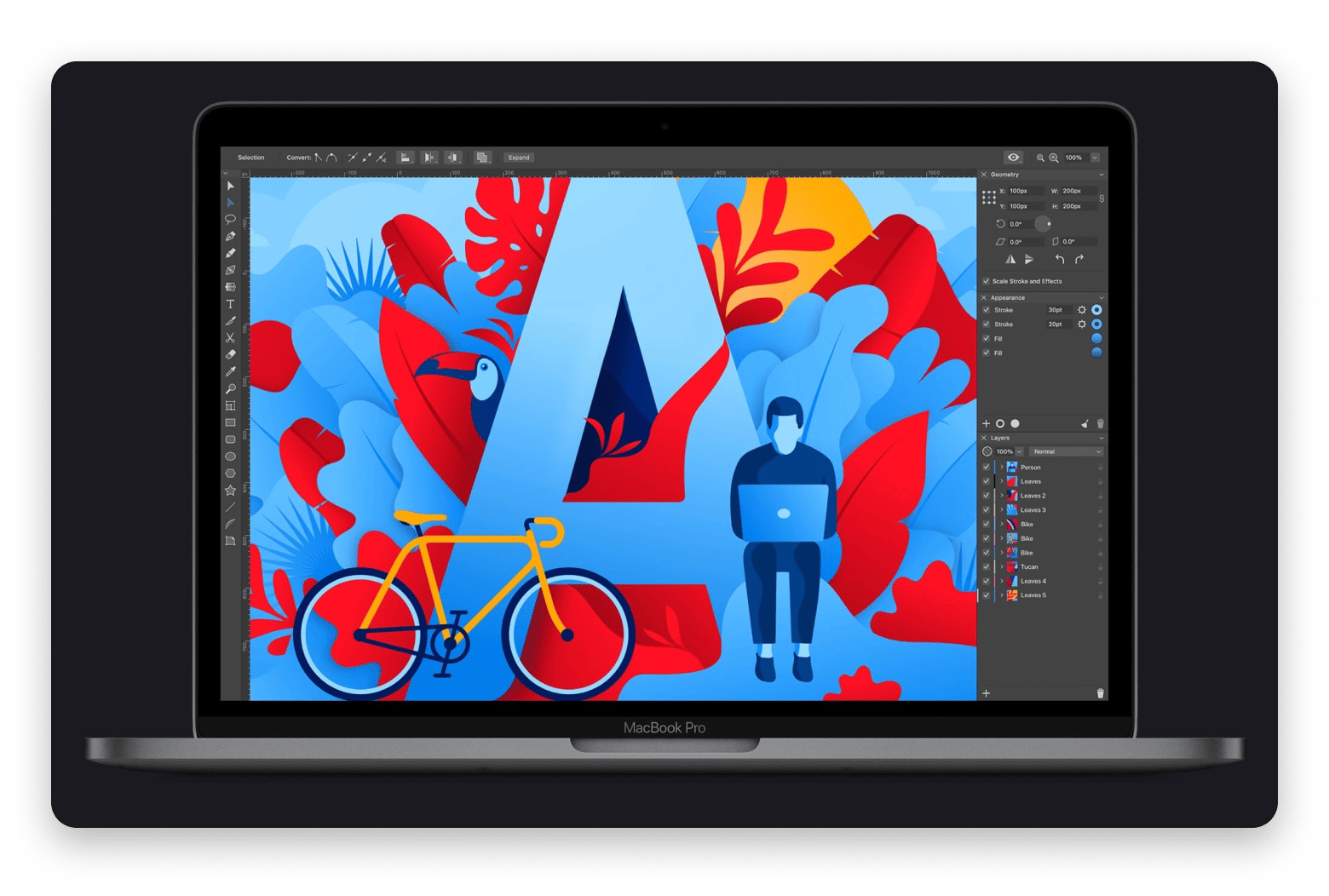
It’s a native Mac app, and it allows you to work with layers, multiple artboards, typography controls, Bezier curves, and SVG exports. If you are a marketer creating branded social graphics, you can move beyond modifying templates and start building reusable assets and custom illustrations. It will take more time than using a simple template, but it will give you something that feels truly yours.
Amadine works best for solo designers, marketers, and brand operators who want pixel-precise control over their graphics.
Source: amadine.com
Pros:
Greater creative freedom than Canva
Excellent vector tools
Intuitive Mac-native interface
Strong typography controls
Cons:
No pre-made templates
Requires more hands-on design work
Pixelmator Pro: Best raster + design combo on Mac
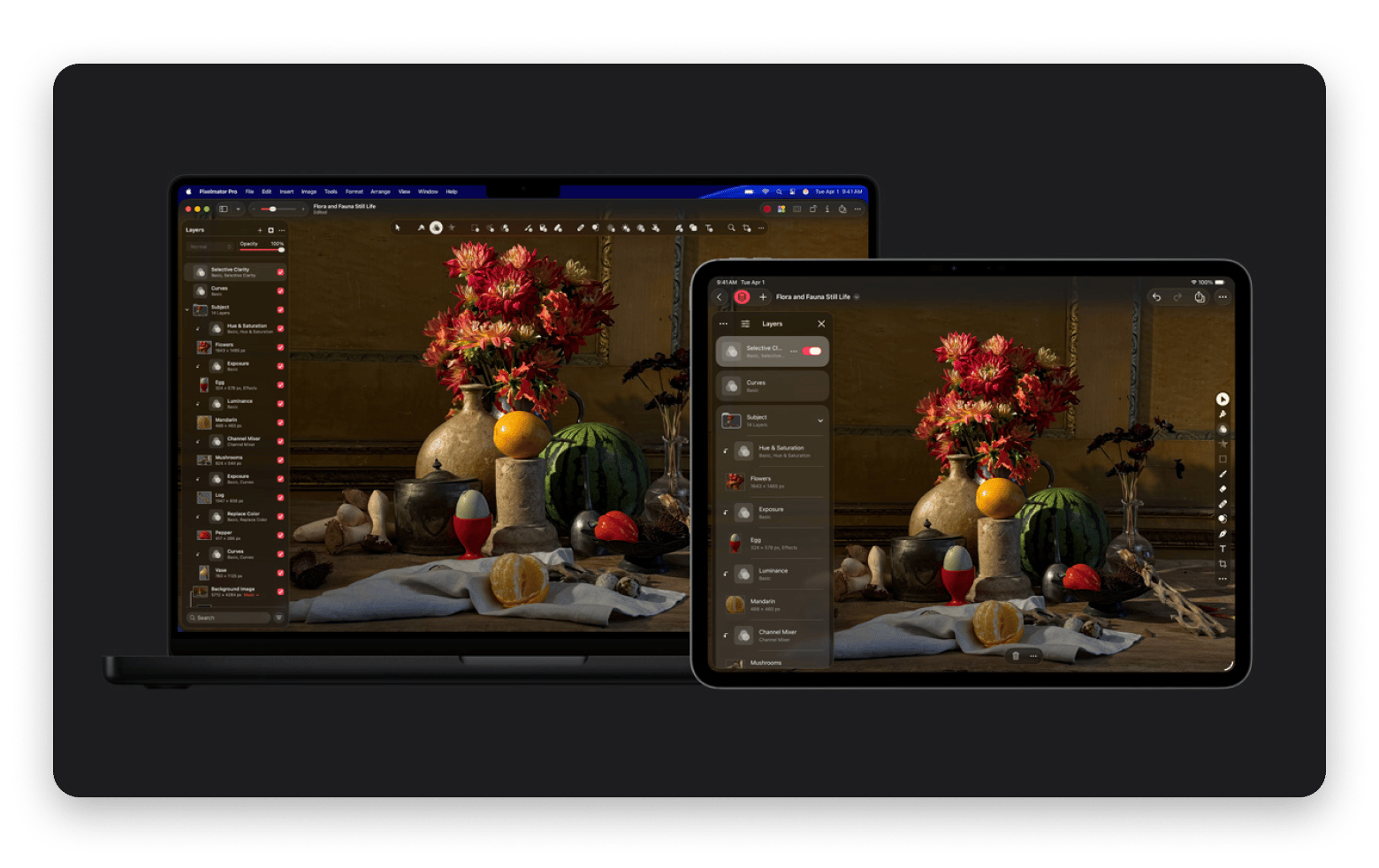
Pixelmator Pro combines a bit of Canva with more of Amadine. For the most part, it’s a vector design tool, but it still offers templates for social media, print, video layouts, and mock-ups.
Its photo editing tools are pro-level and include a Bezier pen tool, smart shapes, photo editing, and AI-powered smart tools. When you combine these with the templates, a social content marketer can edit product photos, create social media graphics, and design promotional materials within the same Mac-native tool.
It’s a great Canva upgrade for marketers, creators, photographers, and small business owners who regularly combine image editing with graphic design work.
Source: apple.com
Pros:
Excellent photo editing tools
Strong vector capabilities
Polished Mac-native experience
Versatile creative workflow
Cons:
Fewer templates than Canva
Requires more design input from the user
Apple Pages and Keynote: Best free built-in options
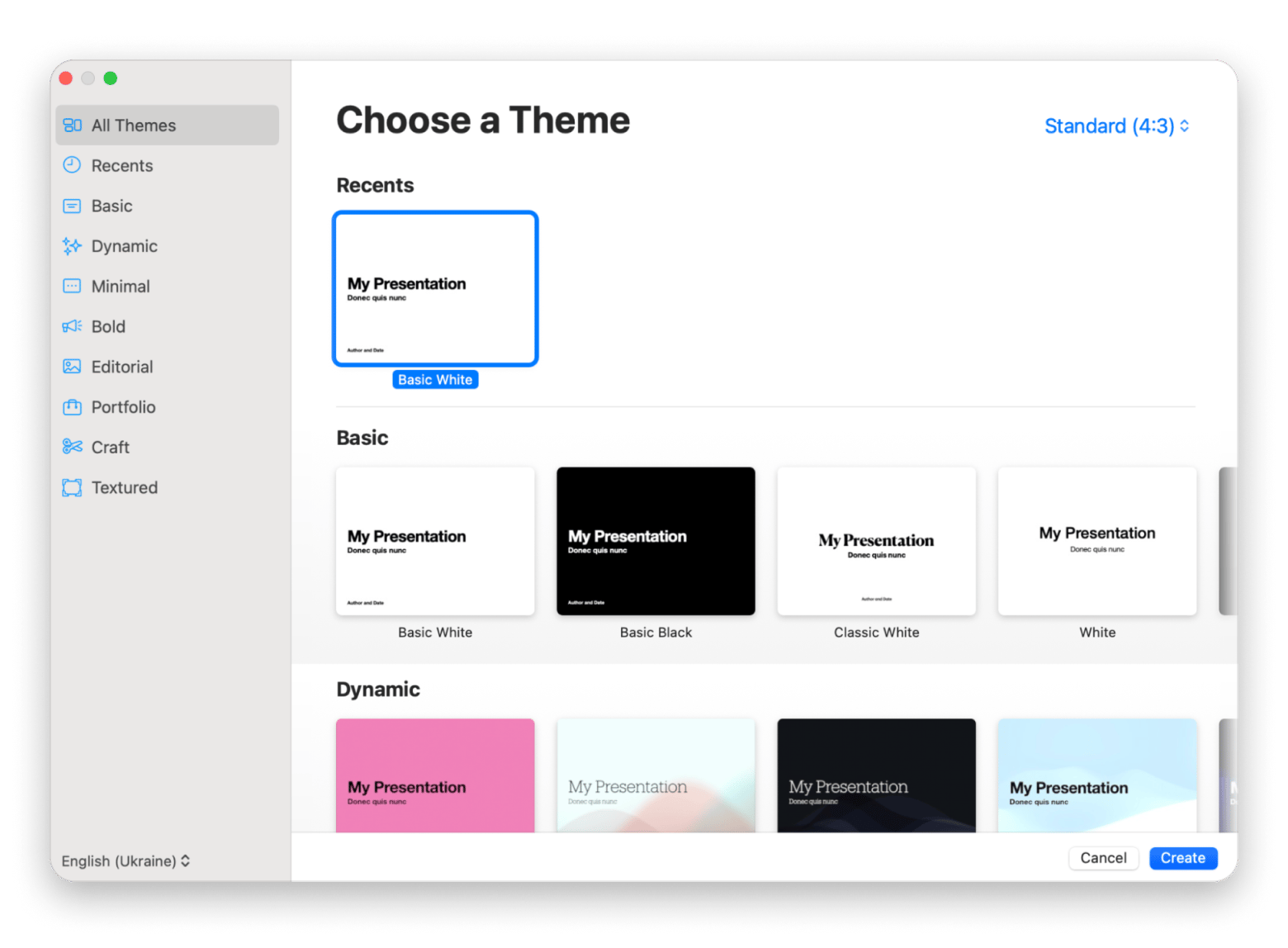
Pages and Keynote are actually more capable design tools than most Mac users realize. Pages has many templates you can use to create flyers, brochures, newsletters, and posters. Keynote then rivals Canva’s slide decks.
While they aren’t dedicated design tools, they are often more than enough for the occasional project. A small business owner can create a promotional flyer in Pages, then create a sales presentation in Keynote.
Pros:
Free and preinstalled
Mac-native and easy to learn
Great PDF export quality
Cons:
Limited design asset library
Not intended for professional design workflows
Other Mac tools that complete a visual content workflow
We all need tools that can complete other parts of the visual workflow, and here are a few that I find quite helpful:
CleanShot X – It makes it easy to capture screenshots and screen recordings you can use in social posts or tutorials. It also comes in handy for collecting inspiration for future projects.
Squash – Large image files can slow down websites and social media workflows, but Squash helps reduce image sizes without affecting the quality. It’s an important tool for blog images.
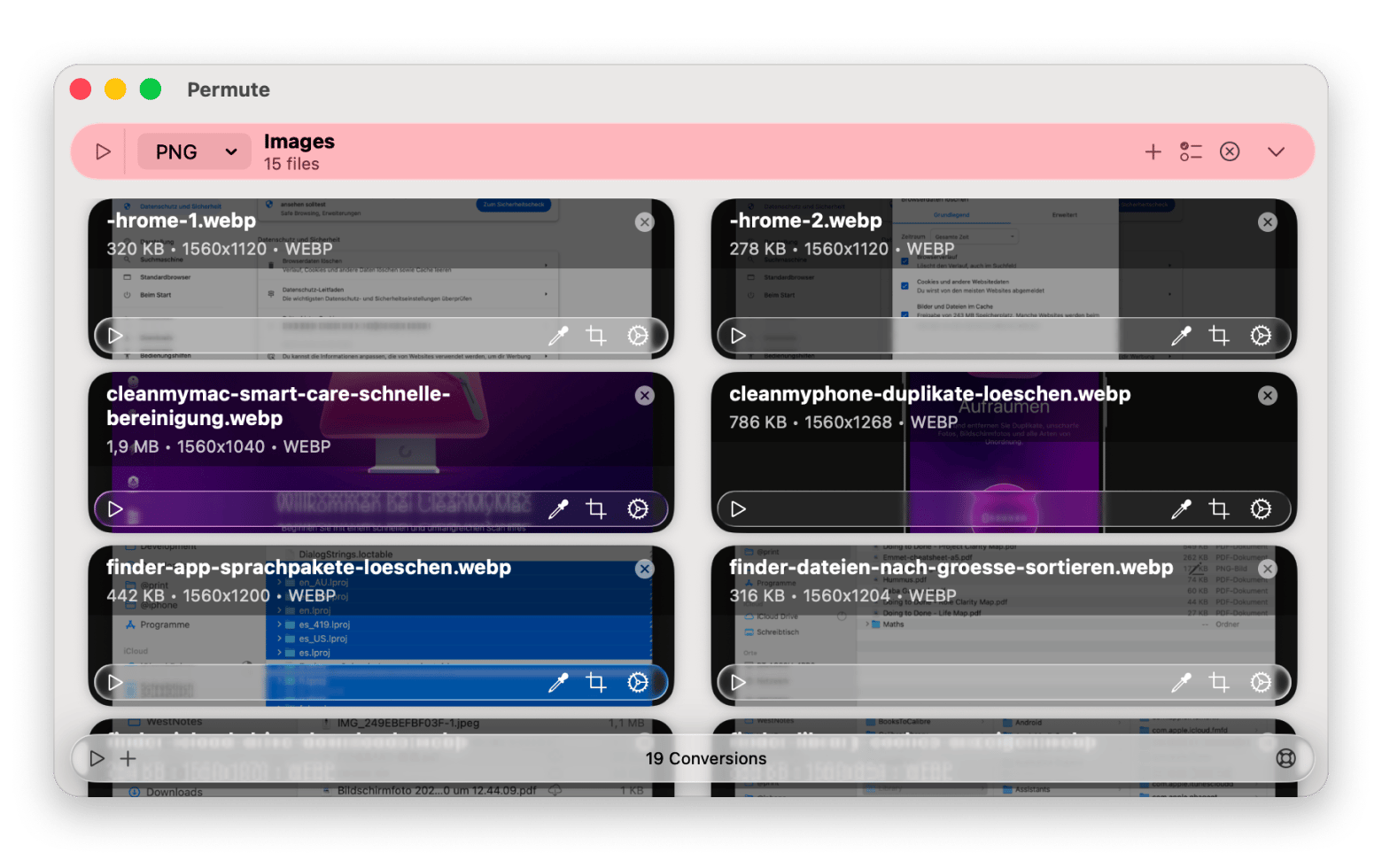
Permute – Handles the conversions after you've finished designing. Batch-convert exported images or videos to the right format for each platform, without touching an online tool. Permute converts everything locally, in bulk, with no quality loss — included in Setapp. Start My 7-Day Trial.
These three are available on Setapp alongside Canva alternatives like Swift Publisher. All three are available through Setapp — a Mac app subscription that gives you access to 270+ Mac, iOS, and web apps for one flat monthly fee.
Migrating from Canva to your new design tool
Switching can seem intimidating when you are already used to a platform, but you can do it in steps to make the process easier.
Download your finished Canva designs. JPG/PNG for final exports and PDF for editable elements.
Identify the templates you mostly rely on and try to rebuild them in your new tool.
Recreate your brand kit. Logos, fonts, and colors are easily transferable.
Download (as PDF) all premium assets you paid for via Canva.
Maintain your free Canva account for at least 30 days for a smooth transition.
While .canva files don’t work in other platforms, you can export your designs in compatible formats like PDF or PPTX. PowerPoint (PPTX) files remain fully editable, but PDF files will require you to adjust a few elements. Either way, there’s no need to start from scratch.
Choosing the right Canva alternative for your use case
The best Canva alternative depends on whether you are looking for more templates, control, or a different way of working.
I want a free template tool that works like Canva → Adobe Express and VistaCreate are direct alternatives.
I make a lot of social media content → VistaCreate for animated content or Fotor if you often start with your own photos.
I make presentations and data visuals → Visme for data-heavy content or Keynote for free, clean slides.
I want a Mac-native offline app with print-ready output → Swift Publisher for bleeds and CMYK support.
I want real design control without Illustrator's complexity → Amadine for vector graphics.
My work mixes photo editing and design → Pixelmator Pro for raster plus vector in one app.
I want a free option I already have on my Mac → Pages and Keynote are built in.
Sometimes, you may need to combine one or two of these for flexibility. The design tools you've been looking for are already on Setapp. Swift Publisher, CleanShot X, Squash, Permute — and 270+ more Mac apps. One subscription, 7 days free. Start My Free Trial.
FAQ
Is there a free Canva alternative that works offline on a Mac?
Yes, Apple Pages and Keynote work completely offline and are free with macOS. But if you want a more dedicated design tool, Swift Publisher has a native Mac app and is part of Setapp (no extra purchase necessary).
What is the best Canva alternative for small business marketing?
Swift Publisher is the best Canva alternative for small business marketing. It offers templates for flyers, menus, brochures, business cards, and social media graphics while supporting professional print output.
Can I make print-ready designs with a Canva alternative on a Mac?
Yes, Swift Publisher is a Canva alternative that prioritizes print-ready exports with features like bleeds and CMYK support. It’s a better option for printed materials than most browser-based design tools.
Which Canva alternative gives me more design control without being too complex?
Amadine gives you more design control with its vector design tools without being too complex. The learning curve is minimal compared to alternatives like Illustrator.
Are there any Canva alternatives that don't require an account?
Yes. Swift Publisher, Pages, and Keynote don’t need an account. They are great for offline workflows and local file ownership.
Desktop publisher for Mac
Prepare your files for print with Swift Publisher.






 Best solution
 Best solution