For Mac-native vector design, Amadine and Sketch are the strongest options. For a free full-featured replacement, Affinity now offers the entire Designer, Photo, and Publisher suite at no cost.
Amadine is the best Mac-native pick for logo and brand work. It covers everything from Bezier curves to multi-artboard SVG export in a clean, purpose-built Mac interface.
Affinity is now completely free. After the Canva acquisition, the full suite combining vector design, photo editing, and layout tools requires only a free Canva account — no purchase needed.
Inkscape is the best free option if you don't mind a non-native UI. It's SVG-native, professional-grade, and runs on Mac, Windows, and Linux. Expect a learning curve.
Still paying Adobe $22.99/mo? Switch to Mac-native design tools — included in Setapp. Start your 7-day free trial — free for 7 days.
There's a certain kind of frustration that sets in after around 8 months of using Adobe Illustrator. The tool is incredibly powerful, but many designers eventually realize they are paying $22.99 a month for the handful of features they’ve used since day one.
More designers are also moving towards tools that feel more at home on macOS than those built around Windows and other ecosystems. Instead of adapting, they want apps that focus on the essentials and fit naturally into how they already work.
I’ve used and tested many design tools over the years, and I'll walk you through the best Adobe Illustrator alternatives for Mac to help you find the one that best fits your needs.
Why Mac designers are looking past Adobe Illustrator
Mac designers are switching away from Adobe Illustrator primarily because of subscription cost and a workflow that still feels more Windows-native than Mac-native.
You can almost feel the subscription fatigue in the macOS community after many apps have switched to the model, but Adobe is even worse with a yearly lock-in for monthly subscriptions. Illustrator alone runs $22.99 a month or $275.88 a year. That’s over $1,300 in 5 years and hard to justify for many designers, as they use only about 20% of the toolset.
There’s also the experience of using the software itself. While it runs smoothly on Apple Silicon, it still follows Adobe’s design philosophy with floating panels, Creative Cloud integrations, and workflows that can feel overwhelming for occasional users.
Which Adobe Illustrator alternative is right for you? Quick comparison
Need a quick overview? Here’s a comparison of the tools we’ll look at:
App
Best for
Mac-native
Vector + raster
CMYK support
Price
Amadine
Logo and brand design on Mac
Yes
No
No
$29.99 one-time (Mac App Store); also $9.99/yr or $2.99/mo subscription
Sketch
UI and product design
Yes
No
No
$12/editor/mo ( annually, Standard plan); also $120 one-time Mac-only license
Affinity
Full Illustrator feature replacement
Yes
Yes
Yes
Free (Canva account required)
Inkscape
Free open-source vector editing
No
No
No
Free
Linearity Curve
Mac + iPad with Apple Pencil
Yes
No
No
Free (limited); Pro from $11.99/mo or $120/yr
Pixelmator Pro
Mixed vector and photo workflows
Yes
Yes
No
$49.99 one-time (Mac App Store); also in Apple Creator Studio $12.99/mo
Boxy SVG
Web SVG and developer handoff
Yes
No
No
Under $10 one-time
CorelDRAW
Print and packaging design
Yes
Yes
Yes
$22.42/mo or $269/yr subscription; $549 one-time purchase
Before I started testing all these apps, I ran my workflow through Productivity Tools first. It helped me figure out which features I actually use day-to-day, so I wasn't just picking the most impressive demo.
Detailed reviews of each Adobe Illustrator alternative
Here's a closer look at where each tool shines, where it falls short, and who it's best suited for.
Amadine: Best Mac-native Illustrator alternative
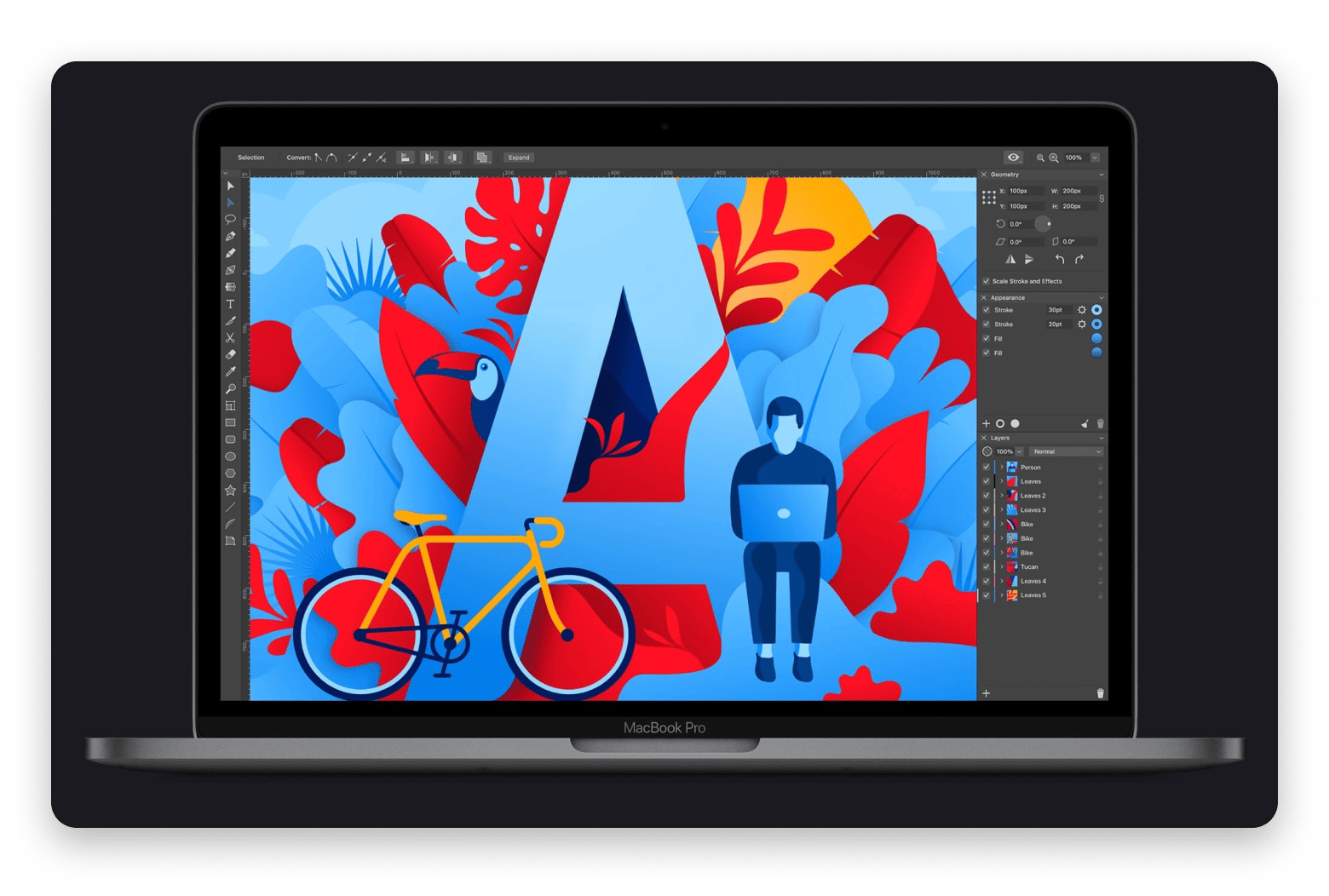
Amadine is the best Adobe Illustrator alternative for Mac as it’s specifically built for macOS, iPad, and iOS.
The Mac-native vector app covers most of the workflows people associate with Illustrator. It’s particularly great for logo design, icon creation, illustrations, marketing assets, and brand identity work. Amadine offers a native Bezier pen tool, multiple artboards, layers, sublayers, blending modes, and full SVG/PDF/AI export.
It can’t match Illustrator's ecosystem and deep CMYK workflows, but it works well for marketers, content creators, and small design teams that want a powerful vector design tool without subscription fees.
Source: amadine.com
Pros:
Intuitive Mac-native interface
Complete toolset for logos and brand design
Supports all common vector file formats
Cons:
Smaller plugin ecosystem
Less depth for advanced print production workflows
Sketch: Best for UI and product design
Sketch helped define modern UI design on the Mac and is one of the best Adobe Illustrator alternatives for designing digital products. It also features in our list of the best simple drawing apps for Mac.
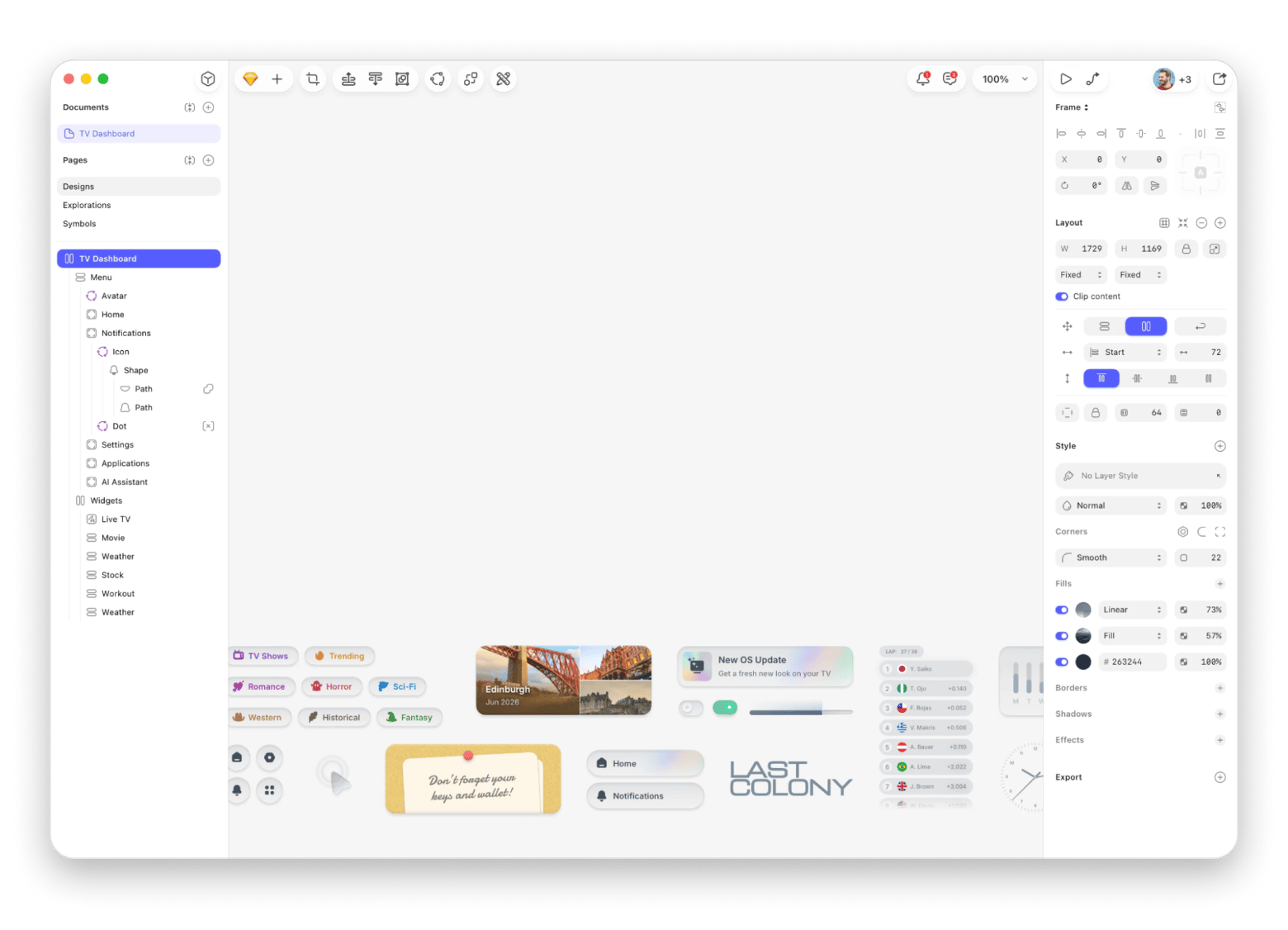
Unlike Illustrator, which is designed to handle everything, Sketch focuses almost entirely on interfaces. The Mac-native vector graphics editor has components, symbols, responsive layouts, prototyping, developer handoff, and real-time collaboration all built into the workflow. It also supports Figma imports and has a strong ecosystem.
However, the specialty also means that it lacks CMYK color support and many of the advanced typography and print-production features that illustrators and brand designers sometimes need.
Source: sketch.com
Pros:
Excellent UI design workflow
Strong collaboration tools
Mature plugin ecosystem
Developer-friendly handoff features
Cons:
Limited print-design capabilities
Less suitable for illustration-heavy projects
Affinity: Best free full Illustrator replacement
Affinity is now the best free Adobe Illustrator alternative as it offers advanced design and Illustration features. I actually expected the app to get a subscription model after the Canva acquisition in 2024, but it took a 180 and became freemium.
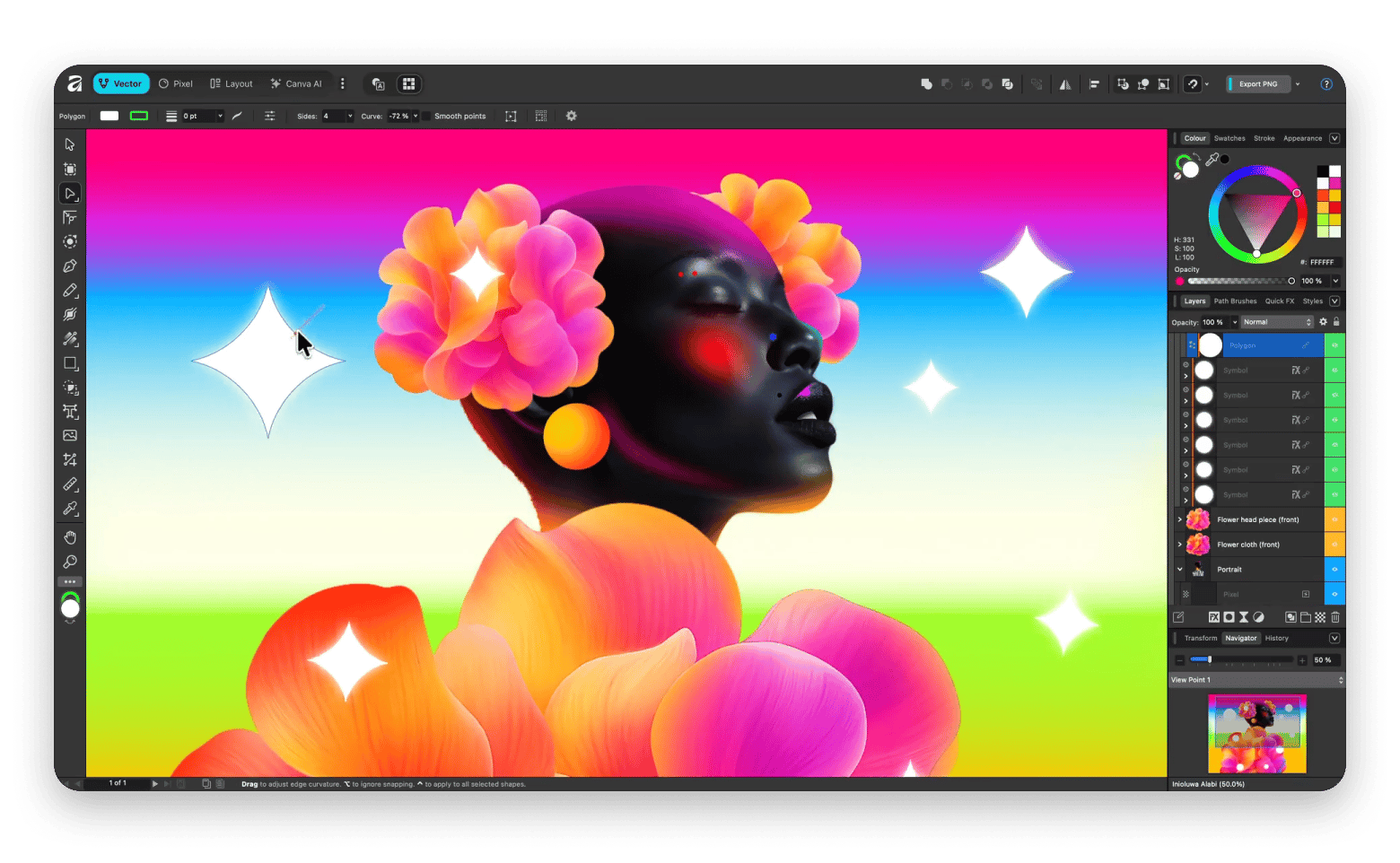
The 3rd version is now a single platform combining Affinity Designer, Affinity Photo, and Affinity Publisher. You get professional vector tools with raster editing capabilities plus support for CMYK workflows, advanced typography, and precision drawing tools. You can use it for everything from logo design to print production, with optional AI editing features via Canva Pro.
The unified app has a steeper learning curve that may overwhelm users who previously just needed one Affinity module.
Source: affinity.studio
Pros:
Standalone app is completely free
Most complete Illustrator feature replacement available
V3 combines Designer, Photo, and Publisher
Optional powerful AI features via Canva Pro
Cons:
Steeper learning curve
More complex interface
Inkscape: Best free open-source vector editor
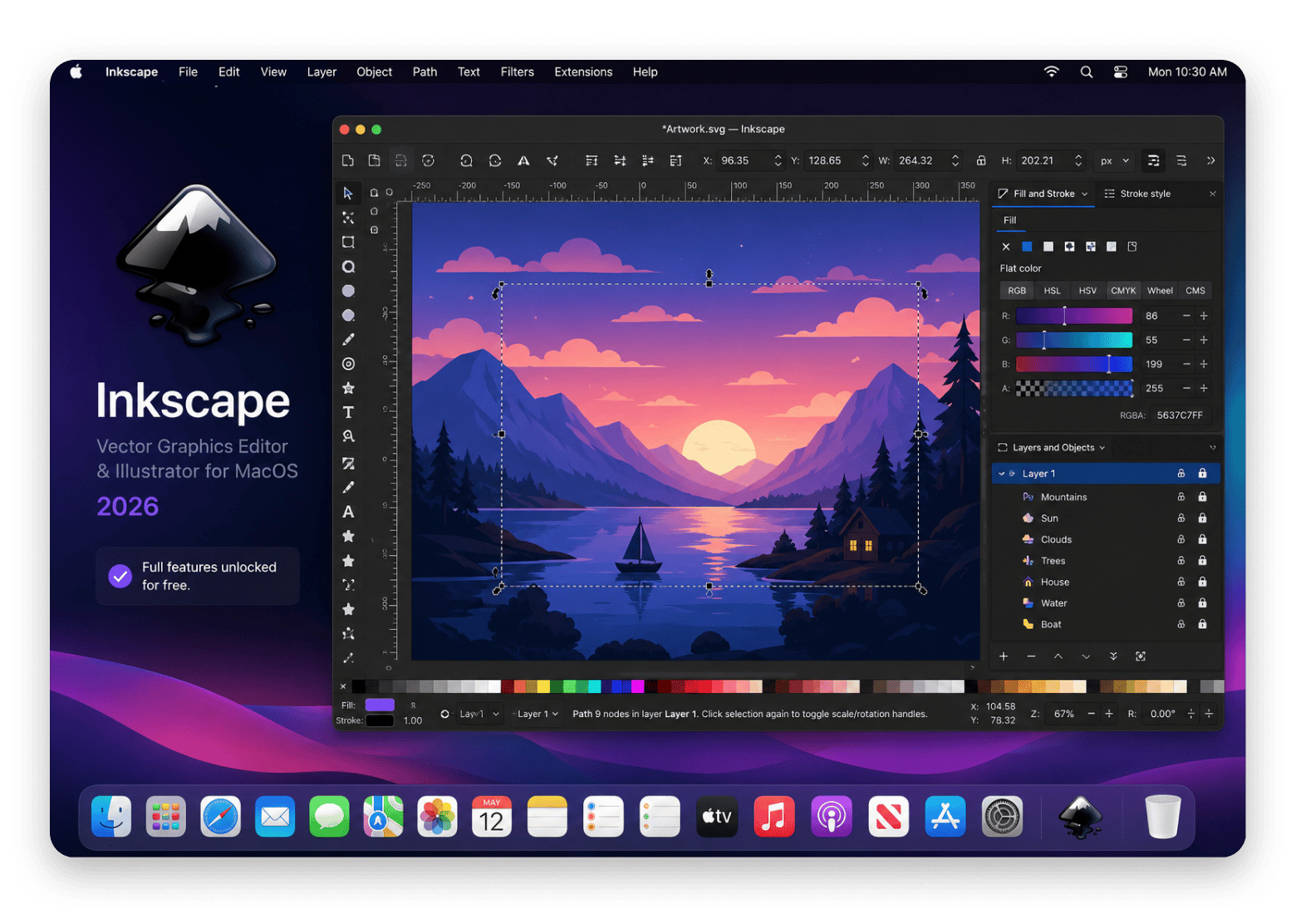
Inkscape is one of the best Adobe Illustrator alternatives with no subscription options, as it’s pro-grade but free. It’s SVG-native, so its files are clean, standard, and readable by any modern browser or vector editor without conversion. You can also install it on Windows and Linux, besides Mac.
The tool is powerful enough for professional work, and there are many editorial illustrators who use it full-time. It supports advanced path editing, Bezier curves, layers, object manipulation, typography tools, and a wide range of export formats.
It has a big community and is actively developed, but it still feels non-native as it uses GTK instead of Cocoa.
Source: github.com
Pros:
Completely free
Powerful vector editing tools
SVG-native workflow
Large community and extensive documentation
Cons:
Less Mac-native interface
Steep learning curve for beginners
Workspace feels dated compared to newer apps
Linearity Curve: Best free vector app with strong iPad workflow
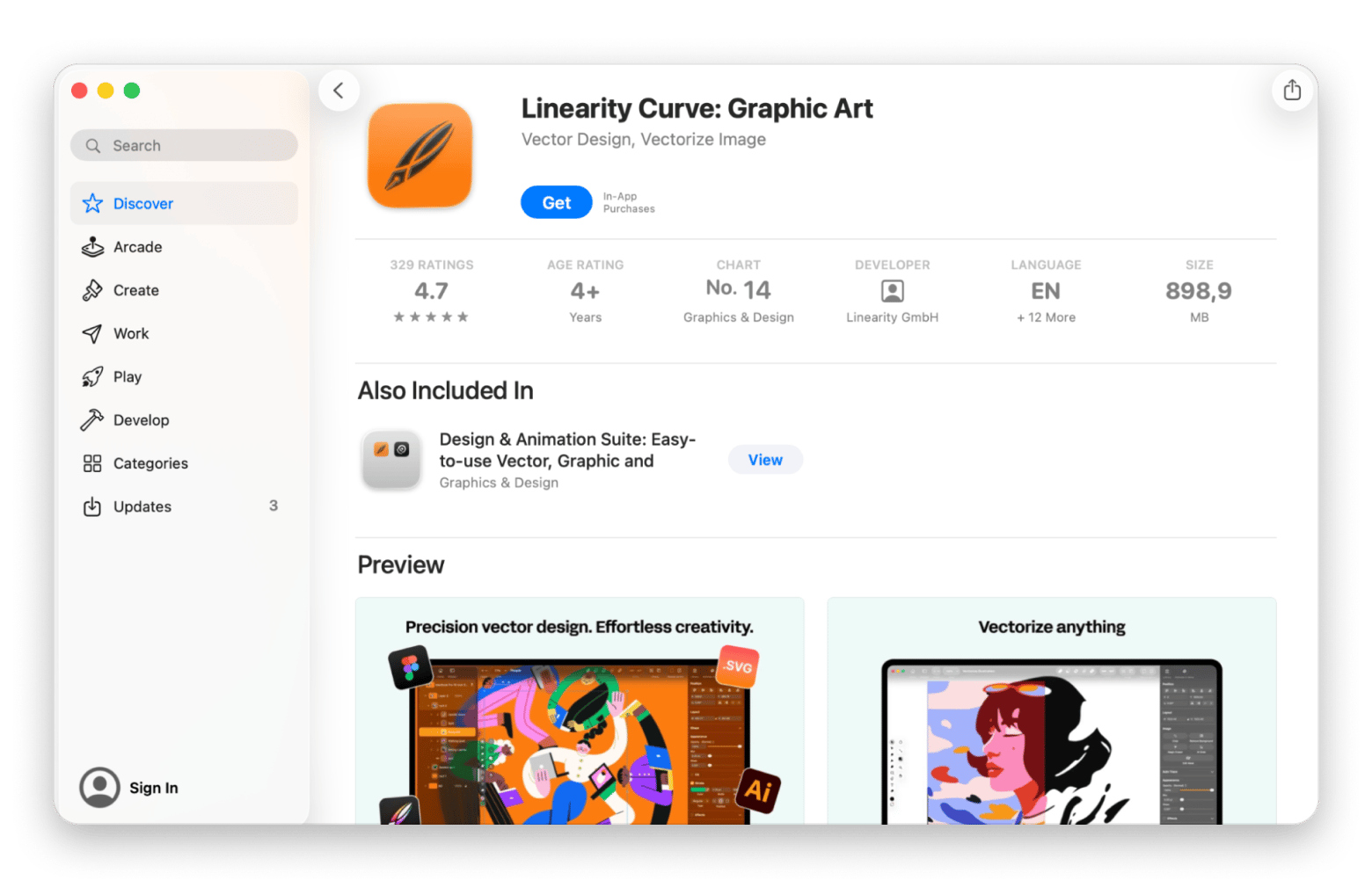
Linearity Curve, formerly known as Vectornator, is a vector design app like Illustrator and has one of the most approachable designs. It’s primarily built for designers who work across Mac and iPad. You can sketch ideas on an iPad with Apple Pencil, refine them on a Mac later, and continue working with the same file.
Features like auto-trace and AI-powered background removal significantly help speed up common design tasks you’d otherwise have to carry out in a different tool.
It's also stronger on iPad, even though it holds up as a solid alternative on Mac.
Pros:
Excellent iPad integration
Apple Pencil support
Modern interface
Easy learning curve
Cons:
Free plan has limited files and exports
Less suitable for complex professional print workflows
Vectr: Best simple browser-based vector tool
Vectr is free, runs on any browser, and supports real-time collaboration through shared links. I know it already sounds like a simple tool, and it’s actually the easiest to use in this list.
The feature set is intentionally minimal. You get basic shapes, a simple pen tool, text, fills, and a few effects. There’s no CMYK color support, complex path operations, or advanced typography.
But if you are a marketing coordinator who just needs to make a simple graphic and would otherwise use Canva, Vectr is for you.
Pros:
No installation required
Beginner-friendly
Real-time collaboration
Cons:
Limited advanced design tools
Not suitable for complex professional projects
Pixelmator Pro: Best vector + raster combo on Mac
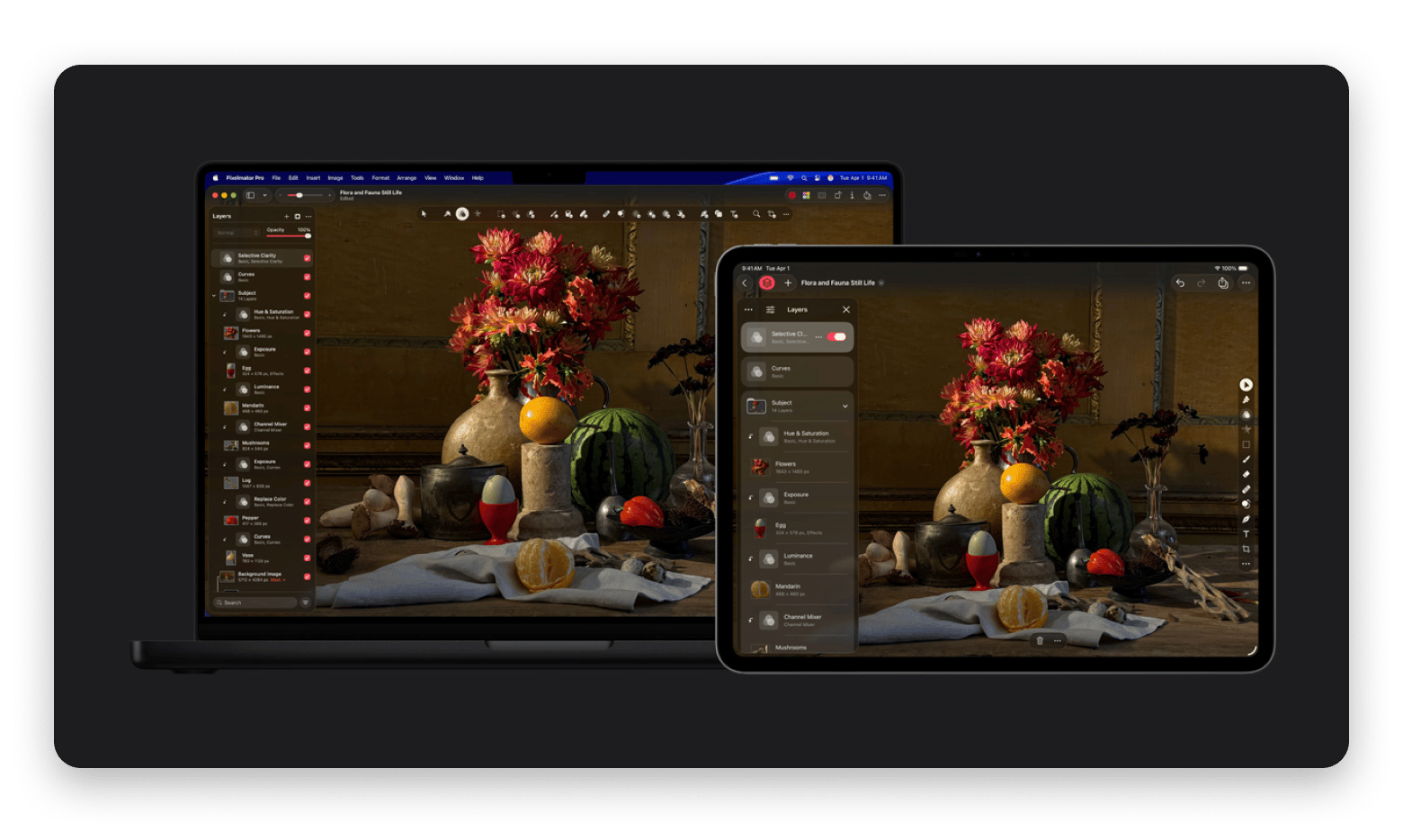
Pixelmator Pro is primarily a photo editor, but its vector tools earn it a spot on this list. It supports vector shapes, a Bézier pen tool, vector text, SVG export, and non-destructive editing, all wrapped in one of the most polished interfaces on macOS.
These make it useful for designers who often work with both vector and raster formats. A marketer creating a campaign can use it to design vector icons, edit product photos, build social graphics, and export final assets on the same platform.
But since it’s not a dedicated vector graphics editor, don’t expect the depth or flexibility of a tool like Amadine or Illustrator.
Source: apple.com
Pros:
Excellent Mac-native experience
Combines vector and raster editing
Intuitive interface
Strong value for mixed creative workflows
Cons:
Less powerful for advanced vector illustration
Fewer specialized vector tools than dedicated design apps
Boxy SVG: Best dedicated SVG editor for web designers
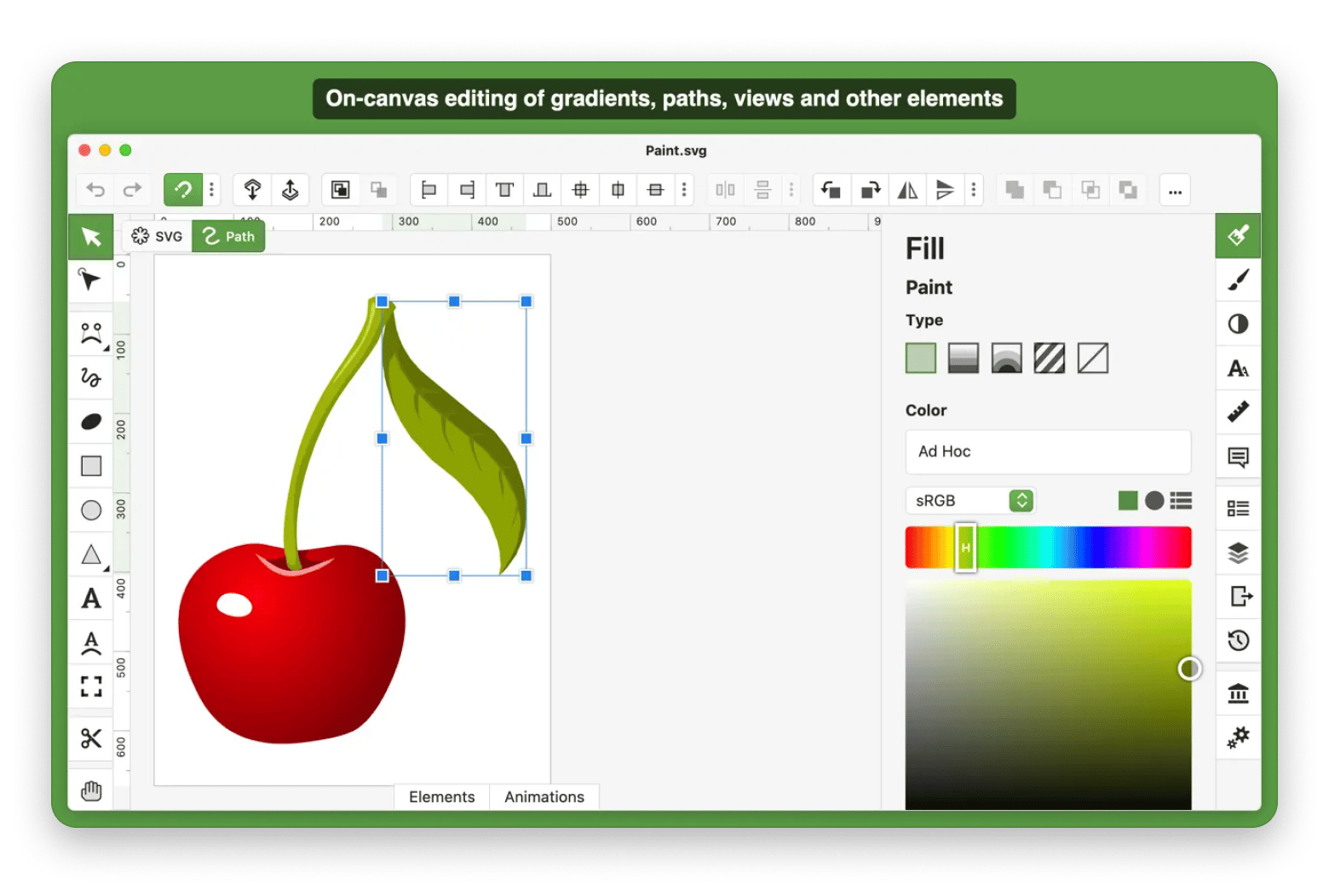
Boxy SVG is different in that it’s built around SVG, unlike most other tools that treat it as just another export format. The app helps designers produce clean, lightweight SVG files that integrate neatly into websites, web apps, and design systems.
For example, you can create icons for a SaaS dashboard and hand them directly to developers without worrying about bloat.
The interface is Mac-native and quite clean. There are no print features or complex edits, but you’ll get basic shape tools, the pen tool, gradients, and pattern fills.
Boxy SVG is the cheapest one-time purchase vector software, and it works quite well for web designers, UI designers, and front-end developers.
Pros:
Clean SVG output
Lightweight workflow
Web-focused toolset
Easy integration into dev projects
Cons:
Limited print-design capabilities
Smaller feature set
Less suitable for complex illustration work
CorelDRAW: Best traditional Illustrator competitor for print
CorelDRAW is a long-running Illustrator competitor, and it’s actually more popular in print-heavy industries that value precision. It’s had an "on-again, off-again" history with the Mac, but it released a new Mac version in 2019 after 18 years of absence.
The new app is Mac-native, although it still carries design elements from its Windows roots. It offers robust CMYK color support, advanced page layout capabilities, professional typography tools, and features geared toward commercial print. Its multi-page layout capabilities and basic photo editing make it ideal for a packaging designer preparing artwork for multiple product variants.
However, unlike Illustrator, which works well for digital platforms, its workflow is better suited to print professionals.
Pros:
Excellent print and CMYK feature depth
One-time purchase option available
Mature toolset
Cons:
Smaller Mac user community
Less appealing for digital-first design workflows
For a broader look at what's available for professional Mac design work, our guide to the best design apps for Mac covers more options worth considering.
Other Mac tools that complete a vector design workflow
A vector editor will handle the creative side, but you also need tools that can enhance and complete your workflow.
Here are a few of my favorites:
Sip – It’s a color picker that lives in the menu bar and helps accurately convert hex, RGB, HSL, and CMYK values from anywhere on your screen. After installing it, you won’t have to guess or use trial and error. You can open a client’s website or PDF and quickly extract brand colors.
Swift Publisher – This one takes your finished vector assets and lays them into print-ready deliverables like brochures and business cards. Bleed and crop marks export correctly, and the output is a print-ready PDF.
CleanShot X – It comes in handy when looking for inspiration or sending drafts to clients. It’s also the fastest way to take screenshots on Mac — capturing, annotating, and sharing a draft takes under 10 seconds.
Migrating from Adobe Illustrator to your new vector app
Let's take a look at a few preparations that can help smooth the transition to your preferred Adobe Illustrator alternative.
Export your most important projects as SVG and PDF files, as these are more compatible than .ai files.
Open the files in your new app to see if there are visual differences. Pay close attention to gradients, blend modes, and type-on-path elements.
Rebuild templates and brand assets in the new tool, as most Illustrator templates don't transfer perfectly. It will give you a cleaner workflow.
Manage your fonts and licensing, especially if you've been relying on Adobe Fonts.
Keep Illustrator available during the transition period to ensure you can open all legacy files. A trial or single-app subscription can help.
Just keep in mind that files that rely heavily on mesh gradients, proprietary brushes, or advanced Illustrator effects may require manual cleanup.
Choosing the right Adobe Illustrator alternative for your use case
The right Adobe Illustrator alternative comes down to the use case. Here’s a selection criterion that can help you select the best fit:
I make logos, icons, and brand identity work on Mac → Amadine has a complete toolset for brand work.
I design UI and product interfaces → Sketch is purpose-built for Mac UI design, prototyping, and developer handoff.
I want Illustrator-level depth → Affinity is the closest feature equivalent.
I want free and don't mind a non-native UI → Inkscape offers serious professional capability at no cost.
I work across Mac and iPad with Apple Pencil → Linearity Curve is the go-to for iPad and Mac workflows.
I mix vector design with photo editing → Pixelmator Pro handles raster and vector in one native Mac app.
My output is web SVG only → Boxy SVG offers SVG-native editing.
I do high-end print and packaging design → keep Illustrator or move to CorelDRAW.
The best design tools for your Mac are already on Setapp — try them all before committing. Sip, Swift Publisher, CleanShot X — 270+ apps in one plan. Cancel before Day 7, $0 charged. Start My Free Trial.
FAQ
Is there a free Adobe Illustrator alternative for Mac that opens .ai files?
Yes. Inkscape and Linearity Curve can open most .ai files, although some complex elements may not transfer properly. You can export as SVG or PDF for best results.
What is the best Adobe Illustrator alternative for logo design on Mac?
Amadine is the best Adobe Illustrator for logo design on Mac. It has a Mac-native interface and several features, with support for SVG and PDF exports.
Can I use an Illustrator alternative for professional print work?
Yes, a tool like CorelDRAW is even better suited for print work than Illustrator. Affinity also offers strong CMYK and print-production workflows.
Which Illustrator alternative has the best pen tool on Mac?
Affinity is the Illustrator alternative with the best pen tool, but Amadine and Sketch also offer excellent pen tools.
Is Affinity Designer still a good Illustrator alternative in 2026?
Yes, Affinity is still one of the closest alternatives to Illustrator in terms of features. It’s fully featured and has AI tools if you have Canva Pro.






 Best solution
 Best solution