Choose based on your workflow — Xmind and MindNode Classic excel at structured mind mapping, while Excalidraw and FigJam handle quick sketching and brainstorming. Match the tool to your actual use case, not Miro's full feature set.
Mac-native apps offer better performance — Mural, draw.io, MindNode Classic, and Kosmik all ship native macOS apps with offline capability and tighter system integration compared to browser-only tools.
Meeting-native whiteboarding eliminates friction — Zoom Whiteboard lives inside your video calls and imports existing Miro boards, making it the smoothest path for teams already in Zoom.
Enterprise facilitation requires dedicated tools — If you run structured workshops with timers, voting, and governance features, MURAL is purpose-built for that. Simpler tools will feel limiting.
Free offline diagramming is possible — draw.io runs completely free on macOS with no account required, stores files locally, and works offline — perfect for technical documentation workflows.
I’ve been using miro for a while because it’s a great productivity tool for creating flowcharts, mind maps, and other collaborative work you can do with your team in real time (thanks to the collaboration feature). But I’ve seen many great alternative productivity tools outside of it, so I thought it would be a nice idea to create a list of miro alternatives, since not everyone is a fan of feature-heavy interfaces or is looking for simpler Mac-style tools.
So, I tried and tested 12 miro alternatives below, and I have a lot to say about them. Some of them were really great in terms of usability, so I added them to my app collection.
Want to know more? Read on.
Best miro alternatives for Mac: Detailed comparisons
miro covers a lot of ground: sticky-note workshops, diagramming, mind maps, and facilitation templates…So the best alternative depends on what you actually do inside the boards.
Comparison table: miro vs popular alternatives (Mac-focused)
Use the table below to quickly match an alternative to the workflow you’re replacing. I focused on who will benefit from each alternative and what the key strengths of each tool are:
Zero friction in Zoom calls, imports Miro/MURAL/Visio boards
Kosmik
Visual note-taking with AI
Native macOS app
Pro $14.99/mo or $11.99/mo annually
AI-powered research browser, auto-tagging, spatial canvases
Mural
Enterprise workshops
Native macOS app
Free (3 murals); Team+ $9.99/mo
Structured facilitation with timers, voting, and enterprise governance
Microsoft Whiteboard
Microsoft 365 Teams
Browser (Safari), iOS app available
Included with Microsoft 365
Native to Teams meetings, inherits Microsoft policies
Lucidspark
Structured brainstorming
Browser-based (verify)
From ~$7.95/month (individual plan)
Tight integration with Lucidchart for process documentation
Conceptboard
Team collaboration with video
Browser-based (verify)
Starter €5/user/mo
Built-in video calling, moderation tools, 150+ templates
Canva Whiteboards
Design-first brainstorming
Web, desktop, mobile
Free
AI assistants, hundreds of templates, turns into design assets
draw.io
Offline technical diagramming
Native macOS app
Free
Works offline, local files, version control-friendly, massive shape library
Want to decide quickly? The Productivity Tools assistant helped me figure out which whiteboarding tool to pick based on my workflow. It's a quick way to get a recommendation without guessing — I ended up with the right tool on the first try instead of testing six apps.
Xmind: Best choice for structured mind mapping (Logic-first thinking)
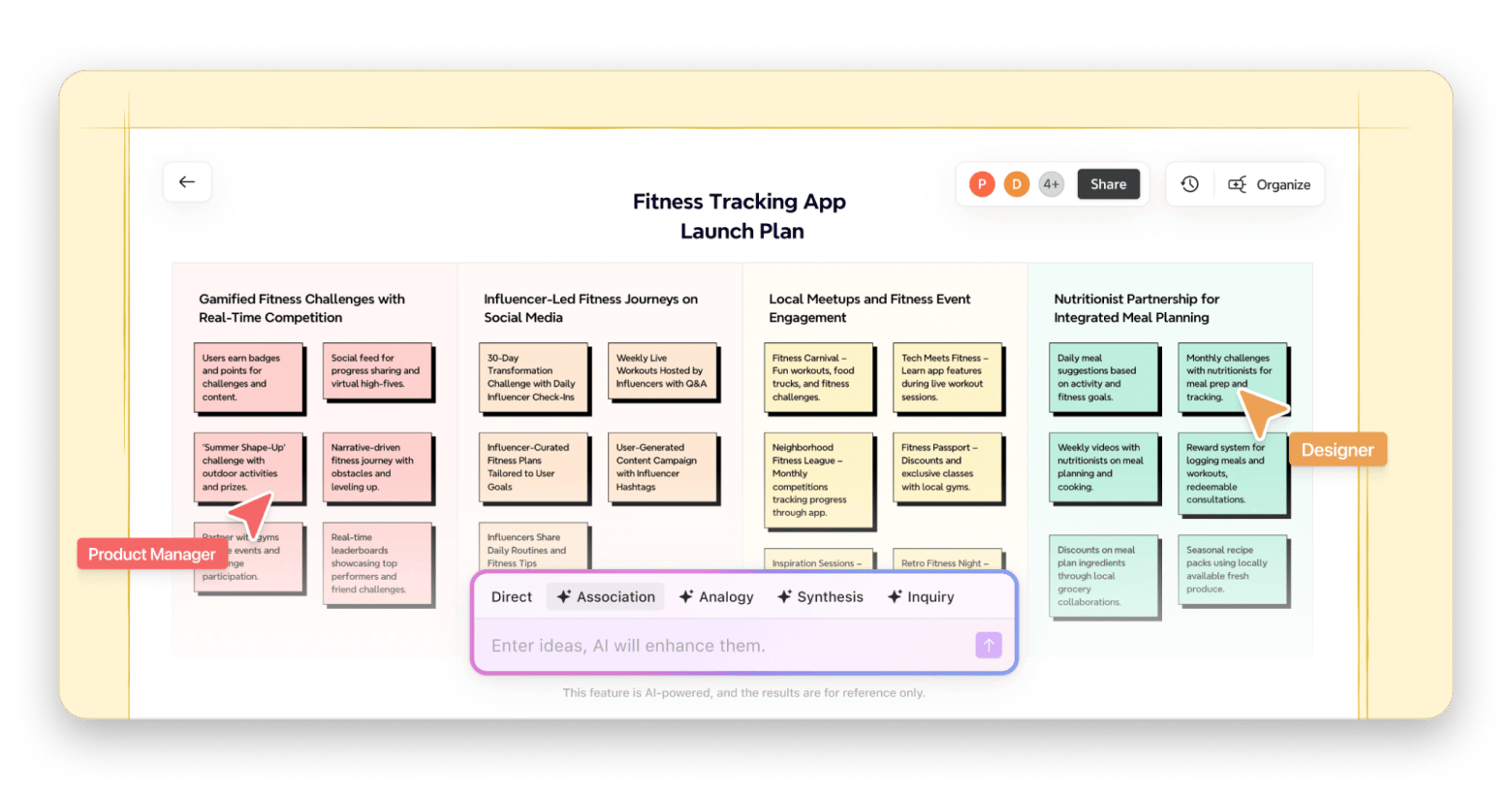
When I tested Xmind as a miro replacement, it felt strongest when I treated it as a mind map tool first, not a freeform workshop canvas. If your goal is to organize logic rather than draw pictures, it's the strongest Miro alternative in this list.
Source: xmind.com
Where I’d pick it over miro:
Turning brainstorms into a hierarchical plan (strategy, research synthesis, outlines).
Solo or small-team structured ideation where the goal is clarity, but not stickies everywhere.
Pros:
Excellent for structured thinking and mind-map workflows (matches the quote above).
Clear plan limits are published (helpful when budgeting/choosing tiers).
Cons:
If your boards are workshop walls (stickies, voting, facilitation templates), Xmind can feel too structured.
macOS-specific requirements/performance details weren’t present in the captured official sources, so you should verify compatibility with your macOS version and Apple silicon setup.
MindNode Classic: Best choice for Mac-native mind mapping without the learning curve
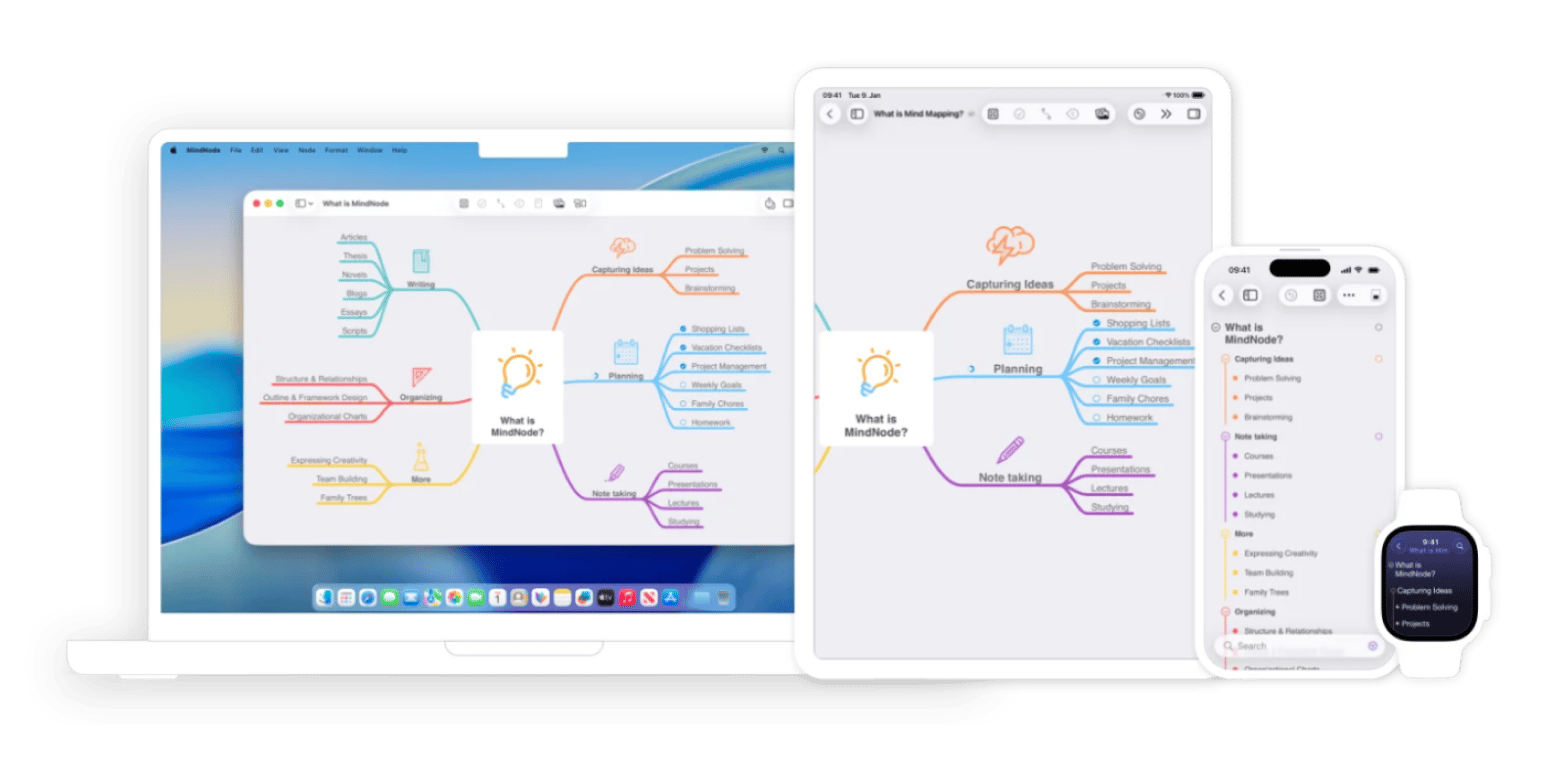
MindNode Classic is a mind mapping app built exclusively for Apple platforms — Mac, iPhone, and iPad.
When I tested MindNode Classic as a Miro alternative, the first thing I noticed was how little friction there was between the idea and the map. No onboarding, just a blank canvas and a tab key to start branching. It's built specifically for Apple platforms, and that shows: the keyboard shortcuts feel native, iCloud sync works without setup, and it sits comfortably alongside the rest of your Mac apps rather than feeling like a web tool running in a wrapper.
Source: mindnode.com
Where I'd pick it over miro:
You need to get a messy idea into a clear structure quickly, without learning a new tool first.
Your workflow lives in the Apple ecosystem, and you want sync that just works.
Solo thinking sessions or small-team brainstorms.
Pros:
Genuinely Mac-native: Feels like it belongs on your Mac the same way Notes or Reminders do.
Fast to start and easy to stay in: The interface gets out of the way and lets you think
iCloud sync across Mac, iPhone, and iPad with no configuration needed
Cons:
No real-time multiplayer collaboration: If your team needs to edit the same board simultaneously, MindNode isn't built for that workflow
It's intentionally focused, which is a strength most of the time, but it means you won't find the breadth of templates or integrations that miro offers.
Excalidraw: Best option if you want open-source vibes and privacy-leaning collaboration
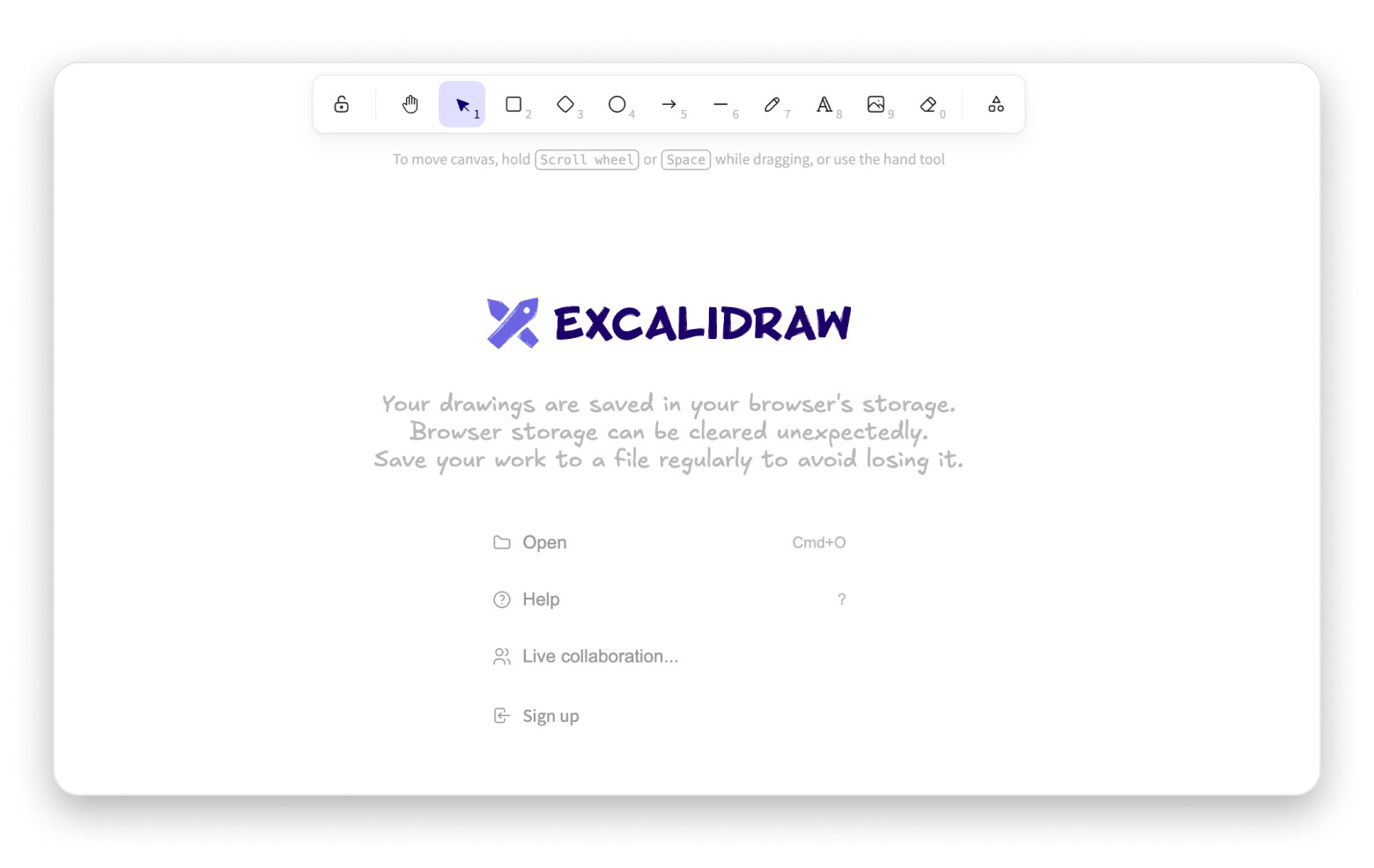
Excalidraw is the tool to reach for when whiteboarding should feel lightweight, sketchy, and shareable, without enterprise overhead. It's the most popular open-source miro alternative and the top pick if data control matters to your team.
Source: excalidraw.com
Where I'd pick it over miro:
Quick diagrams and collaborative sketches.
Teams that care about openness and data control themes.
Pros:
The free plan includes end-to-end encryption locally in your browser, unlimited collaborators, and integrations with Notion and Obsidian.
Cons:
In my experience, it’s not trying to be a full miro replacement for facilitation (templates, workshop mechanics, etc.)
FigJam: Ideal for design/product teams already living in Figma
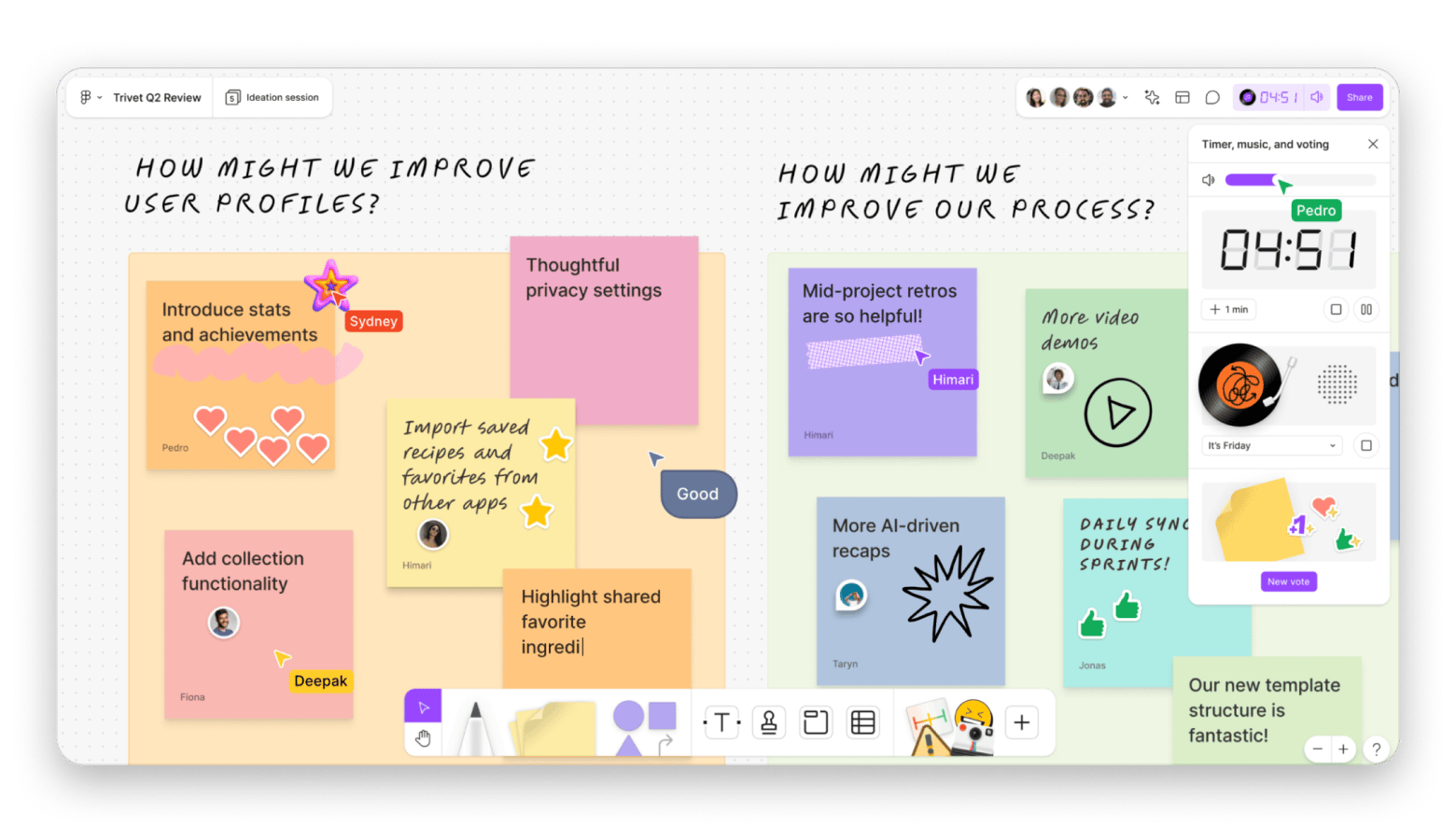
FigJam (as a part of Figma) is the online alternative I recommend when the real requirement is: “We’re already in Figma, please don’t make us add another tool.” It's built for quick, playful brainstorming — stickers, stamps, simple sticky-note flows — and works well for early-stage thinking right alongside design files.
Design teams that want whiteboarding right next to their design files.
Pros:
Works well for fast sticky-note flows and casual collaboration.
If you already pay for Figma, adding FigJam is easier than buying a separate subscription.
Cons:
FigJam is simpler than miro, so it lacks advanced facilitation features like voting, timers, complex templates, or deep workshop frameworks.
Not ideal for technical diagrams, flowcharts, or architecture mapping. It's basically built for sticky notes and sketches.
Zoom Whiteboard: Best choice for meeting-native whiteboarding and miro migration
Zoom Whiteboard is worth shortlisting if reducing meeting friction is your priority. Your team is already in Zoom calls, and asking everyone to switch to a separate whiteboarding tool mid-meeting is where collaboration breaks down.
Zoom Whiteboard eliminates that context-switch by living directly inside your video calls. I’m not a fan of Zoom calls, but I'm sure this tool is a lifesaver if you spend a lot of time on calls.
Where I'd pick it over miro:
Real-time whiteboarding during Zoom calls
Teams migrating away from miro who want a supported import path
Pros:
It offers an infinite canvas, 250+ templates, and task integrations in higher tiers.
Includes importers for Miro, MURAL, and Visio — this is a standout migration feature
Mural: Best for enterprise-grade facilitation on Mac (with a verified macOS app)
Mural is built for structured, facilitated workshops — the kind where someone needs to guide 20 people through a design sprint or keep stakeholders on track during strategy sessions. It's aimed at larger organizations that care about governance, permissions, and audit trails.
The practical Mac advantage for me is that MURAL explicitly supports macOS as a platform (web, iOS, Windows, Android, macOS). Most whiteboarding tools just work in a browser, but MURAL ships a native Mac app, which matters if your team wants offline access, better performance, or tighter OS integration.
Source: mural.co
Where I'd pick it over miro:
Design thinking workshops, professional facilitation.
Larger teams need structured collaboration frameworks.
Pros (officially verified):
Timers, voting, facilitation mode, and activity flows are core features.
Mural invests in teaching people how to run better workshops.
Pre-built frameworks for design thinking, agile, and strategy work.
Cons:
Plans are built for larger teams. Small teams or individuals will find it expensive.
If you just need sticky notes and arrows, Mural's depth becomes unnecessary complexity.
Microsoft Whiteboard: Best option for Microsoft 365-first organizations on Mac
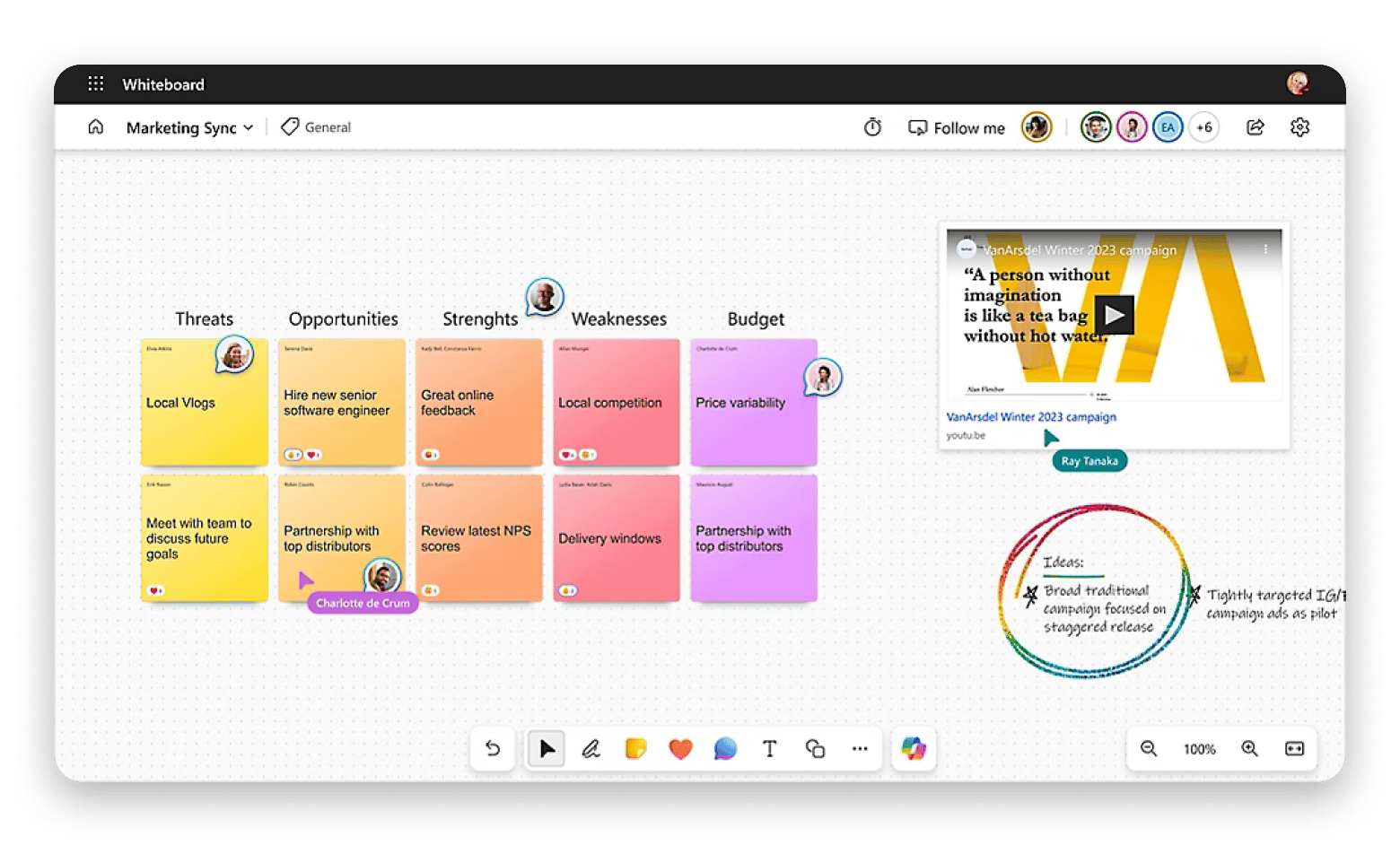
Microsoft Whiteboard is a sensible alternative when your organization standardizes on Microsoft 365/Teams and wants to keep everything inside that ecosystem. The critical Mac detail you should know: Microsoft clearly supports Whiteboard for the web, including Safari. A standalone macOS app is not listed in the captured official support docs.
But I still wanted to test on Apple products. Luckily, there’s an iOS app (you can download it from the official page or the App Store). So it’s a great choice for working on your board during your commute or while traveling.
Source: microsoft.com
Where I'd pick it over miro:
Teams already collaborating in Microsoft 365 and Teams.
Organizations with Microsoft admin controls and storage policies.
Pros:
It lives inside Teams meetings and integrates with OneDrive, SharePoint, and Office apps without friction.
Personal discovery: Inherits your organization's existing Microsoft policies, such as data residency, DLP, retention, and eDiscovery.
Cons:
You're stuck in a browser tab (Safari or Edge), as there’s no native macOS app.
You can't build complex diagrams or customize layouts as freely as dedicated whiteboarding tools.
Hard to export boards to other formats or migrate to another platform if you decide to switch.
draw.io (desktop): Best free offline diagramming alternative for Mac
If you need diagramming, such as flowcharts, architecture diagrams, process maps, rather than workshops, draw.io is the clearest Miro swap for Mac users who want offline capability. The desktop app is free, runs on macOS, and keeps everything in local files.
I would say, if you need a tool for occasional diagramming (just for yourself), that’s what draw.io is used for.
Can run offline via a free desktop application on macOS (plus Windows/Linux).
Your diagrams live on your Mac as .drawio or .xml files with full control.
Cons:
Multiple people can't edit the same diagram simultaneously, like miro. You'd need to pass files back and forth or use cloud storage with manual syncing.
No automatic cloud sync unless you configure it. You're responsible for organizing, naming, and backing up your own files.
Kosmik: Ideal for visual note-taking with a verified Mac download
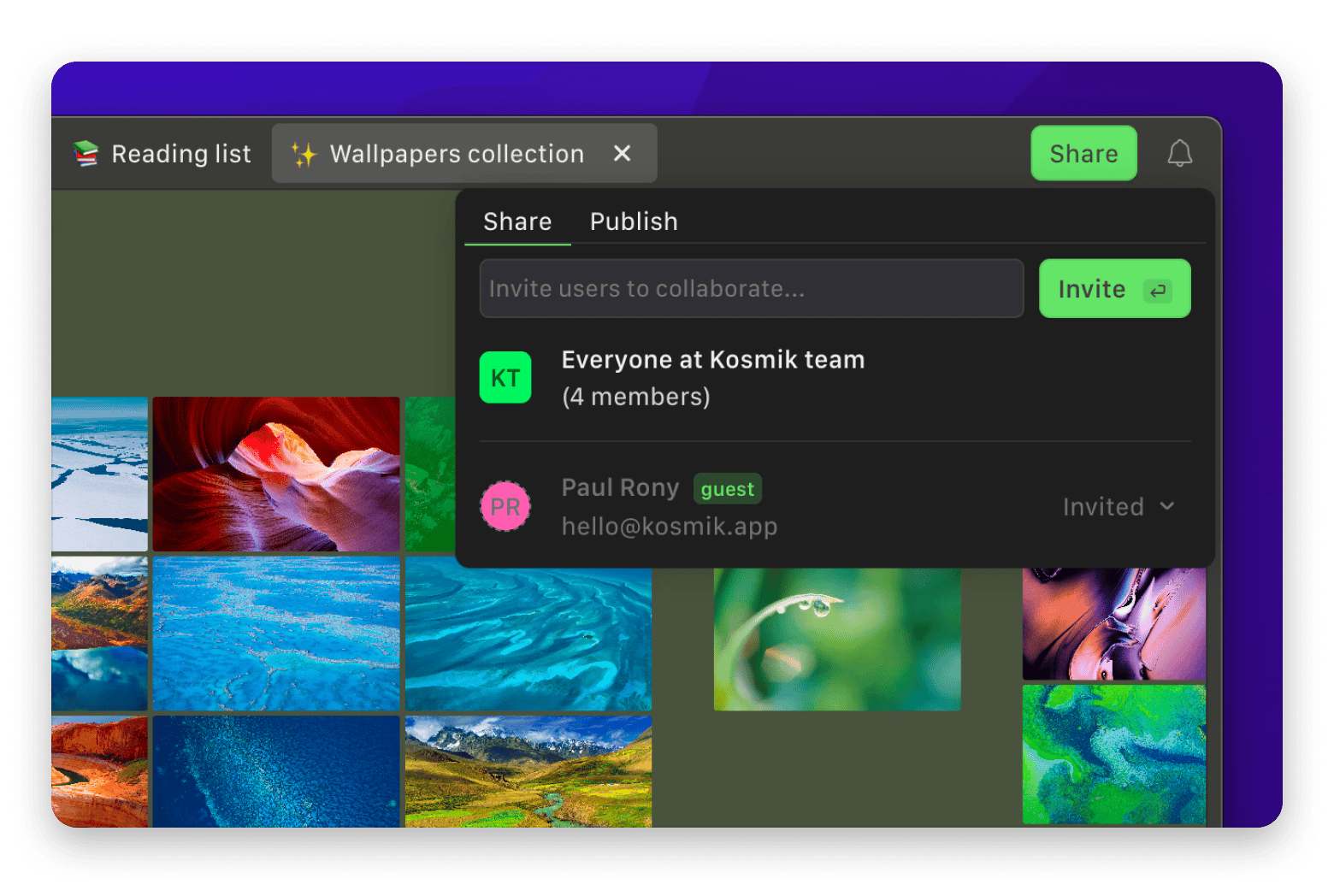
If you’re looking for an AI-powered note-taking tool, Kosmik might be your choice. It’s a quite new tool, and sometimes you can stumble upon bugs. But still, I enjoyed testing it thanks to its flexibility.
For example, I can create an unlimited number of canvases (or, as they call them, “universes”) where you can plan projects, create different kinds of boards with AI's help, and so on. Plus, you can embed the universe, so two becomes one.
Source: kosmik.app
Where I'd pick it over miro:
Personal or small-team visual knowledge spaces.
Collecting, clustering, and working with information visually.
Pros:
The built-in AI browser lets you research and drag content straight onto a canvas without switching.
AI auto-tagging identifies objects, colors, and themes in your saved content, so search actually works even when you can't remember what you named something.
Cons:
It's still a work in progress, with bugs popping up and some features feeling half-finished.
No user-created tagging system: You're relying on AI tags, which are good but not always what you'd choose yourself.
Conceptboard: Best option for team whiteboards with transparent EUR pricing
Conceptboard is a more classic team whiteboard alternative with built-in video calling features. It’s a solid choice for team collaboration to run efficient online meetings and brainstorming.
It feels similar to miro for me, but it lacks the integration options that its counterpart offers. Anyway, I enjoyed using its well-designed interface.
Source: conceptboard.com
Where I'd pick it over miro:
Team collaboration boards where pricing transparency matters.
You get 150+ templates covering brainstorming, retrospectives, and 1:1s.
Pros:
Moderation tools for running structured remote workshops like design thinking sessions
You become proficient quickly, which matters when you're running a workshop with mixed technical confidence.
Cons:
Text formatting inside boards is limited: all text in a box must share the same font, style, and size.
Fewer integrations than miro if your team relies on tools outside Microsoft Teams, Confluence, or Webex.
Canva Whiteboards: Best for Canva-centric teams who want “good enough” whiteboarding with design DNA
If your team already builds assets in Canva, Canva Whiteboards can be a very low-friction alternative, especially for lightweight brainstorming that quickly turns into marketing/design deliverables. The instructions are simple, and if you have used Canva before (or even if you haven't), you will quickly get used to how the whiteboarding tool works.
For example, you can use Canva to manage a project and then create a presentation that highlights the key points of the working session using Canva Whiteboards. Plus, you get hundreds of templates to choose from, which is helpful for working on different projects, tasks, or goals.
AI assistants let you generate ideas, visuals, and summaries directly on the board without leaving Canva.
Hundreds of templates covering everything from SWOT analysis and retrospectives to campaign planning and mood boards.
Free to use, available on web, desktop, and mobile
Cons:
It's a whiteboard feature inside a design tool: If you need serious workshop mechanics (voting, facilitation timers, moderation tools), it falls short of miro.
Graphics added to the canvas act as free-standing elements and don't attach to sticky notes.
Canva requires an internet connection for full functionality.
Lucidspark: Best for structured brainstorming when you’re already in the Lucid ecosystem
If your team already uses Lucidchart for diagramming, Lucidspark is the natural next step for whiteboarding (both tools are part of the same Lucid suite, so boards and diagrams sit in the same workspace). You can sketch out ideas in Lucidspark and push them directly into a Lucidchart workflow without switching tools or reformatting anything.
I tested it for a sprint planning session and a customer journey map. The sticky notes are intuitive — easy to color-code, move around, and connect- and the voting and dot-voting features are built in, which means you don't need a separate polling tool mid-workshop.
Source: lucid.co
Where I'd pick it over miro:
Agile planning, retrospectives, and sprint ceremonies for teams already on Lucidchart.
Structured brainstorming sessions where ideas need to flow directly into process documentation.
Pros:
Sticky notes, freehand drawing, voting, dot voting, and a built-in timer are enough to run a proper facilitated session.
Tight integration with Lucidchart means a brainstorm can become a flowchart or process doc without starting from scratch.
Emoji reactions and voting features keep participants engaged.
Cons:
External guests have to create an account to contribute, which is the friction you'll feel in impromptu sessions with clients or outside collaborators.
The feature set is wide, and onboarding takes time. Not the “lighter” version of miro, I’d say.
What is miro and why looking for alternatives?
miro is a collaborative online whiteboard tool that teams use for brainstorming, workshops, mapping processes, and keeping visual project context in one place.
People typically start looking for a Miro alternative for three reasons:
They want a more specialized tool (mind mapping, diagramming)
They need a stronger privacy posture (open-source / self-hosted direction)
They want tighter integration with tools they already pay for (Zoom, Microsoft 365, Figma)
Summary: How to choose the right miro alternative on a Mac
Depending on what you're looking for in the miro alternative:
Choose Xmind if your real need is structured mind mapping and turning messy ideas into a hierarchy.
If you want a Mac-native option for this use case, check MindNode Classic.
Choose Excalidraw if you want a lightweight, privacy-leaning whiteboard with a strong free tier, and you’re okay with browser-first usage on macOS.
Choose Zoom Whiteboard if your whiteboarding happens inside meetings and you want a Miro importer to reduce migration pain.
Choose Mural if you run serious workshops and want a tool that explicitly lists macOS among supported platforms.
Choose draw.io desktop if you need offline diagramming on Mac for free.
If free also means offline and local files, draw.io desktop is the simplest Mac answer.
Is FigJam or miro better?
miro is better for structured ideation — template variety, sticky-note grouping, advanced mapping. FigJam is faster for playful brainstorming — stickers, stamps, simple flows. For design teams already in Figma, FigJam is the simpler procurement call. For repeatable workshop formats, miro wins.
Is Miro no longer free?
miro still has a free plan with no limit on team members. Packaging changes over time, so check the current help center for up-to-date limits. If cost isn't the issue, the more common reasons to switch are privacy, platform fit, or workflow specialization.
Is miro russian owned?
miro published an official update closing its russian office and pausing operations there. For the ownership structure, miro's community forum covers investor discussions.
If this is driving your decision, the most actionable alternatives are:
Open-source approach: Excalidraw
Enterprise procurement and compliance: MURAL, Microsoft Whiteboard, Zoom Whiteboard






 Best solution
 Best solution