PuTTY is outdated — your SSH workflow deserves better
Core Shell brings full OpenSSH support, Keychain integration, proxy jump, and per-host settings to macOS — everything PuTTY left behind. Available on Setapp.
The best PuTTY alternative for Mac is Core Shell. It gives you everything PuTTY does — saved sessions, key management, port forwarding — in a native macOS interface with Keychain integration, ProxyJump support, and tag-based host organization. No outdated UI, no workarounds.
You don't need to install PuTTY on Mac at all. macOS already includes OpenSSH in Terminal. What it lacks is PuTTY's GUI for saved hosts and per-session settings — that's the gap Core Shell and SSH Config Editor fill.
For cross-platform work, Termius and Tabby lead. Termius syncs sessions across Mac, Windows, Linux, iOS, and Android with an encrypted vault. Tabby is free, open-source, and deeply customizable with CSS theming and plugins.
SSH Config Editor is the best bridge for PuTTY migrants. It gives you a visual GUI for ~/.ssh/config — manage hosts, port forwarding, keys, and known_hosts without the Terminal. Rated 96% on Setapp.
Teams need more than a terminal. Termius Teams offers shared encrypted vaults, ShellHub adds access control and audit logs, and Apache Guacamole gives browser-based session sharing — no installs needed.
Core Shell and SSH Config Editor are both on Setapp — along with 270+ other Mac and iOS apps. Try Setapp free for 7 days.
If you’ve spent time managing servers or working remotely on a Mac, chances are you’ve run into PuTTY, which has been the go-to SSH client for years.
But PuTTY is showing its age. I’ve been in the Mac world long enough to see tools come and go. Today, there are many reliable SSH and remote access tools that offer far more functionality.
In this guide, I'll walk you through the best PuTTY alternatives in 2026 that have made my workflow smoother, more secure, and a whole lot more enjoyable.
Is there a version of PuTTY for Mac?
Technically, yes — PuTTY can be installed on macOS via Homebrew or MacPorts. But most Mac users don't bother because macOS already includes OpenSSH in Terminal, which handles SSH connections natively. What PuTTY gives you that Terminal doesn't is a GUI for managing saved sessions, keys, and port forwarding — and that's exactly what modern Mac SSH clients like Core Shell and SSH Config Editor are built for.
A quick comparison table for the top PuTTY alternative picks for 2026
Cross-Platform Use
Termius: Cloud sync, encrypted vault, AI autocomplete
Tabby: Fully customizable, open-source, multi-tab support
ShellHub: Browser-based, no install needed, firewall rules
Termius Teams: Shared encrypted vaults, live terminal sharing
ShellHub: Access control, auditing
Apache Guacamole: Browser-based sharing for SSH, RDP, VNC
Cloud & DevOps Integration
Termius Pro: AWS/Azure/DO integrations, cert support
SecureCRT Enterprise: Directory auth, team policies
Warp Terminal: AI command suggestions, team spaces
Mobile SSH Access
Termius Mobile: iOS/Android, biometrics, full sync
JuiceSSH: Android-friendly, intuitive
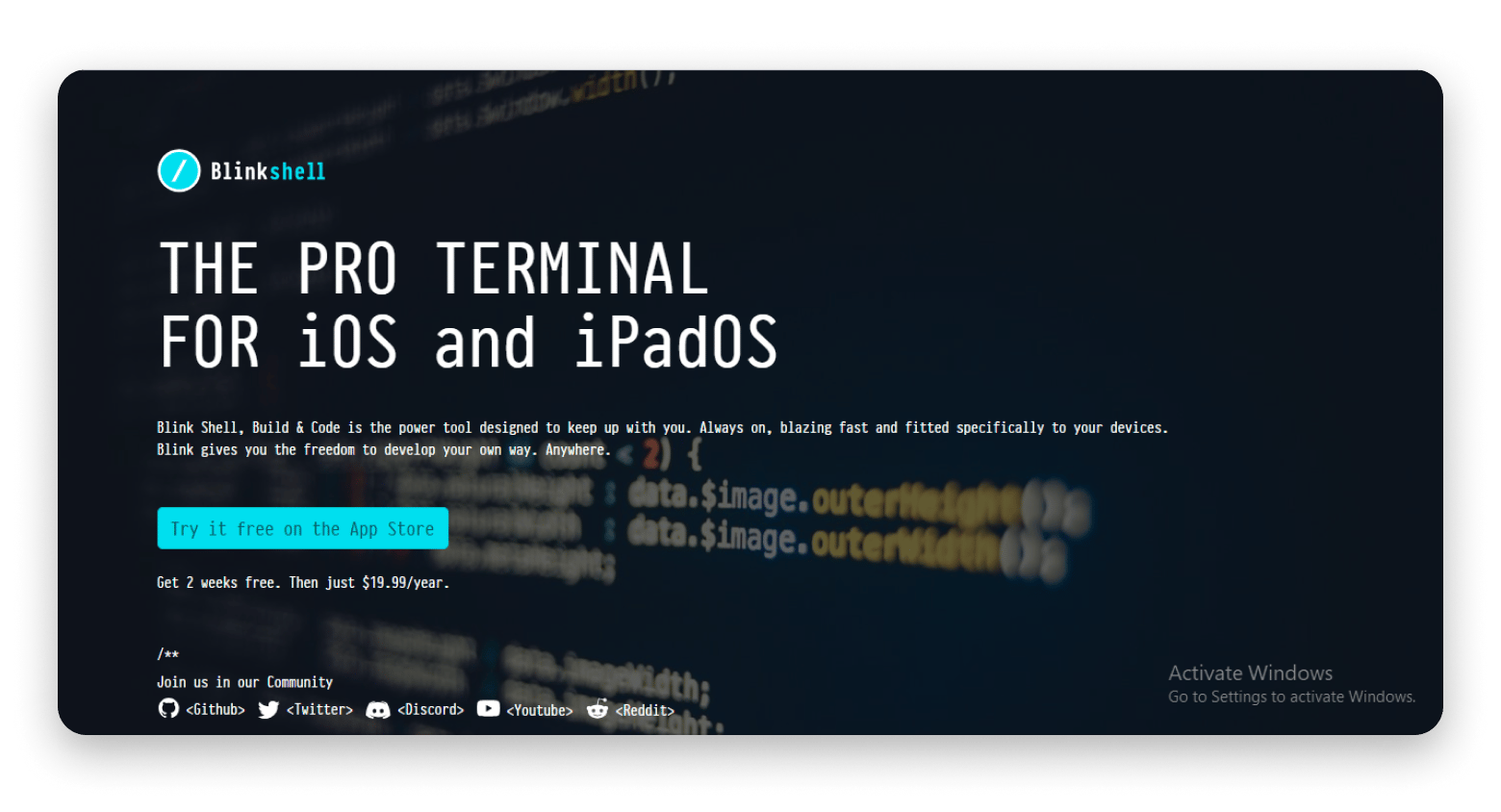
Blink Shell: iOS-exclusive, mosh + local shell support
Which tools help to stay focused and organized? For this, I recommend trying the GPT assistant that can recommend the best productivity tools based on your work style.
Best SSH clients for productivity & modern remote access
If you're using SSH as part of your regular workflow, not just for the occasional server check-in, you need a client that works smarter, not harder.
The tools in this category are built with modern users in mind. They're sleek, efficient, and packed with features that save time.
Sounds like what you're looking for? Let me take you through some of the best SSH clients in 2026 that are built for real productivity.
Cross-platform SSH clients
Working across macOS, Windows, and Linux can be a hassle when it comes to managing different SSH setups. You want something that works, no matter what system you're on. That's where tools like Termius, Tabby, and ShellHub stand out.
Termius
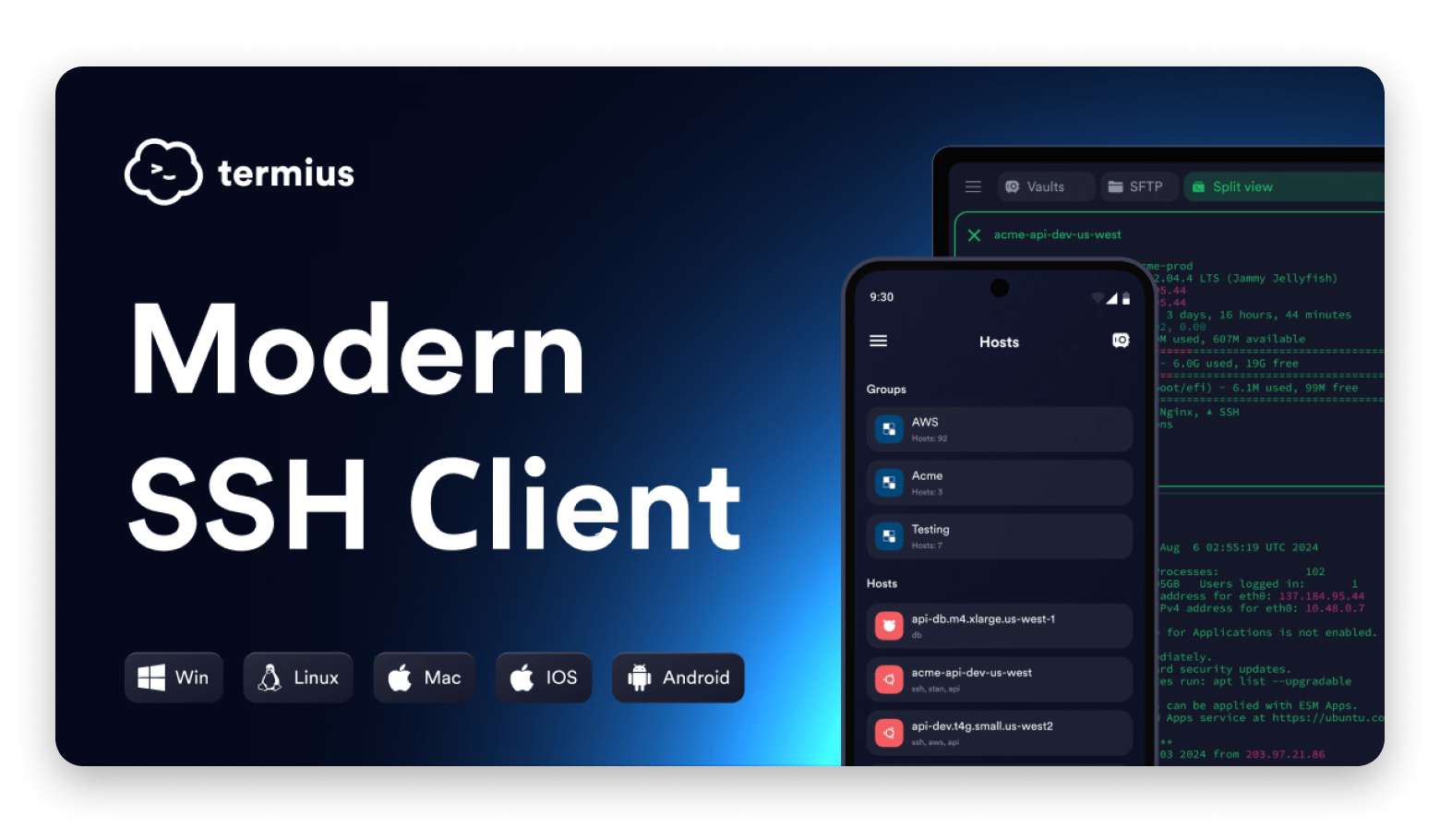
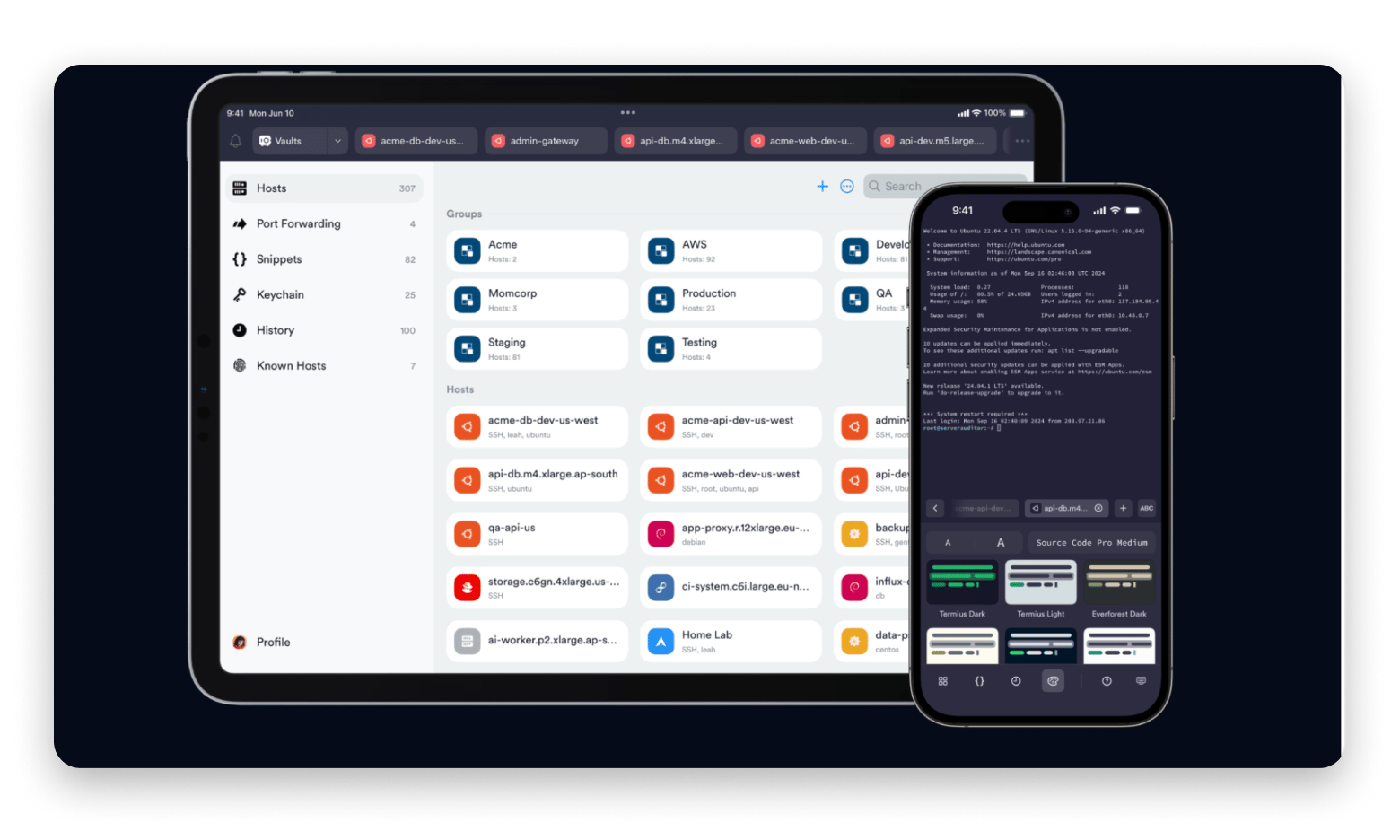
Termius is my personal favorite for boosting productivity. It syncs your sessions and profiles securely across devices with its encrypted cloud vault. The sleek interface supports multi-tabs, split views, command snippets, SFTP file transfers, and even AI-powered autocomplete to speed things up.
Source: termius.com
Tabby
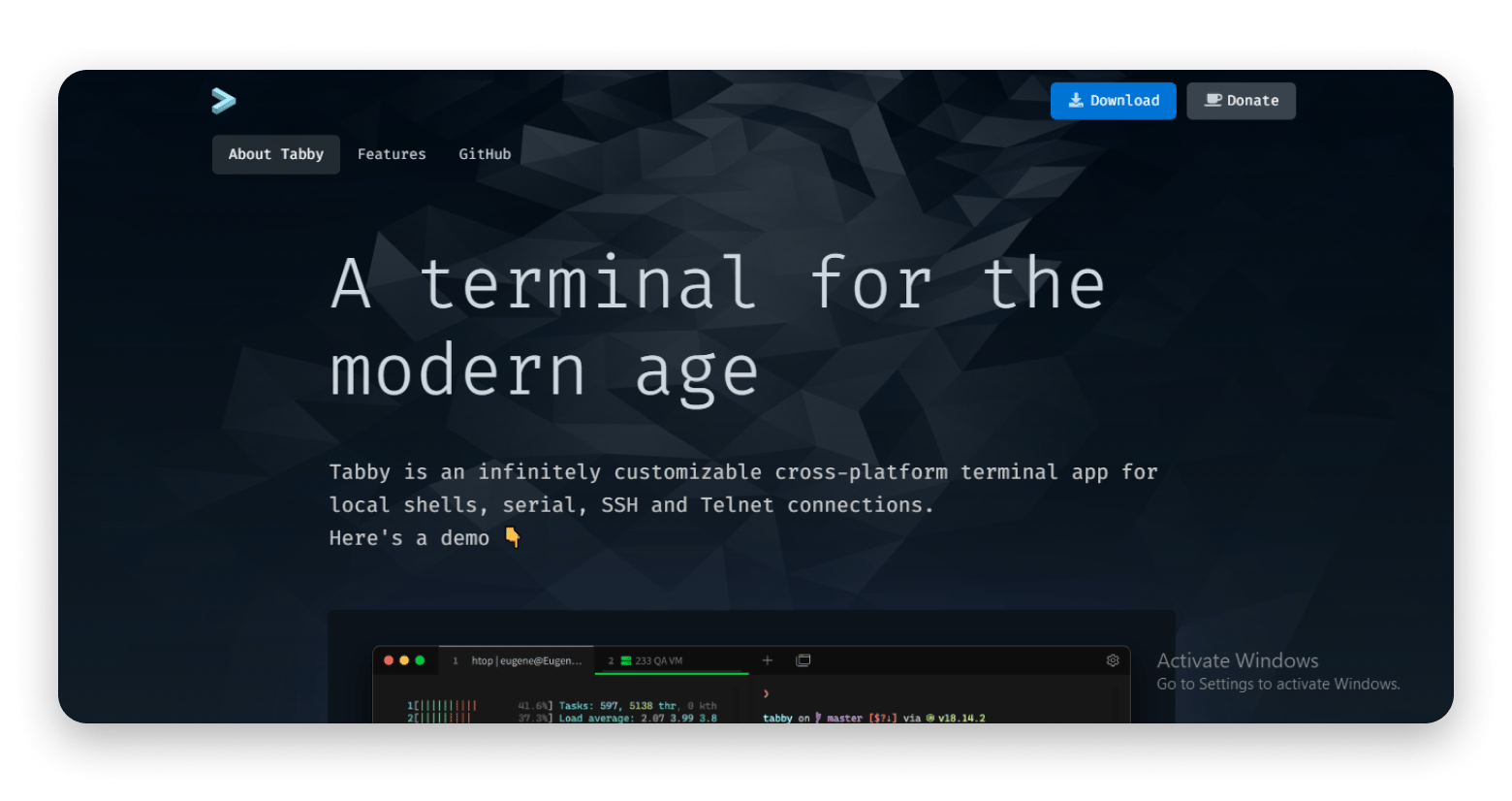
Tabby is another excellent cross-platform option built on web technologies. The best thing is that it’s super customizable. You can tweak themes with CSS, add plugins, and arrange tabs and split panes exactly how you like.
Source: tabby.sh
ShellHub
ShellHub is a great tool if you want full control without installing software on every device. This browser-based SSH client feels like a desktop app and lets you manage devices, set firewall rules, enable multi-factor authentication, and track user activity remotely.
Source: images.app.goo.gl
SSH tools with built-in session & credential management
Managing multiple SSH sessions and private keys manually can get messy fast. I’ve been there, juggling terminals and forgetting which key goes where.
Luckily, modern tools make it easier (and way more secure). The best SSH clients in 2026 can handle sessions, credentials, and key management all in one clean, efficient package. Here's what I use and recommend:
Royal TSX
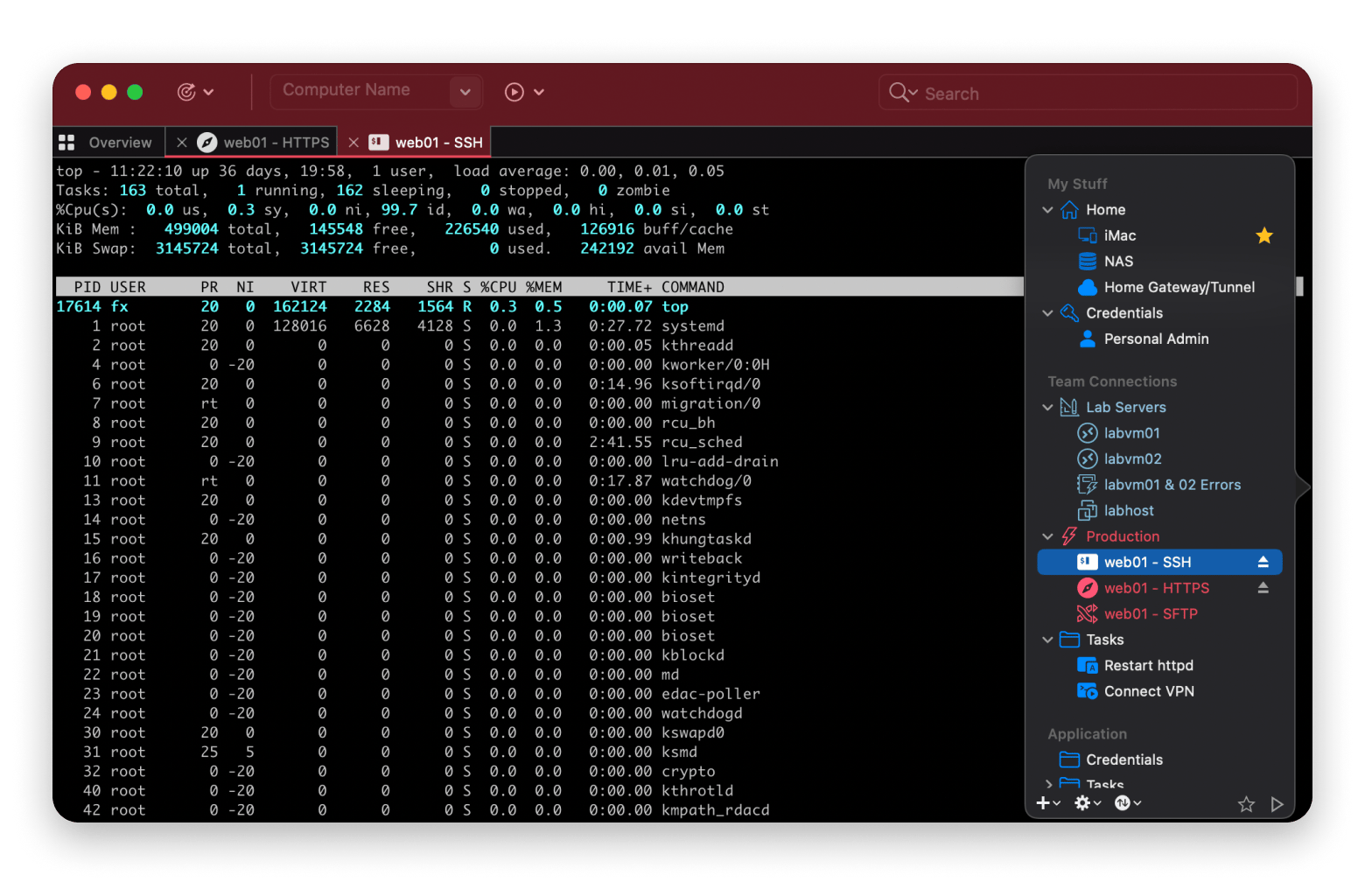
I use Royal TSX when I need a full remote access manager built for Mac. It offers centralized credential management and allows you to assign and reuse credentials across sessions and folders. You also get access to Secure Gateway support for SSH-based tunneling and dynamic folders for importing external data.
Source: images.app.goo.gl
SecureCRT
SecureCRT is built for security. What I appreciate is the session logging, built-in credential manager, and how customizable everything is. You can automate a lot with scripts, and it’s solid enough for enterprise use, but still flexible enough for power users.
Source: vandyke.com
Core Shell
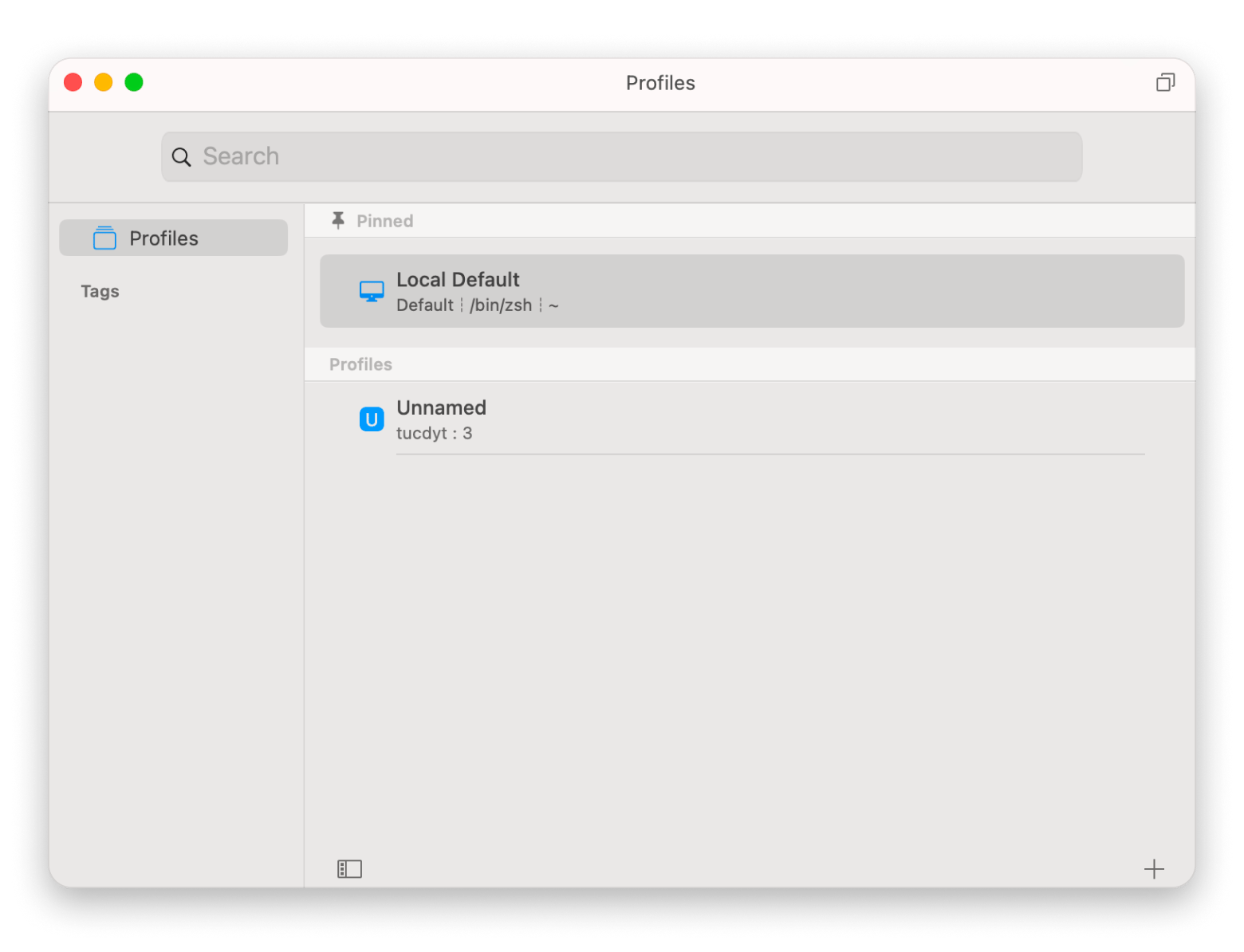
Core Shell is another awesome SSH client for macOS. It provides seamless OpenSSH compatibility and comes packed with features like agent forwarding and proxy jump. I like its integration with macOS Keychain for secure passphrase storage. The advanced options editor, customizable color schemes, and tag-based host organization work magic for improving my workflow.
If you're migrating from PuTTY and miss the saved-sessions model, pair Core Shell with SSH Config Editor. It gives you a visual GUI for managing your ~/.ssh/config file — add hosts, configure port forwarding, manage known_hosts, and generate RSA keys without touching the Terminal. Rated 96% by Setapp users. Manage hosts, port forwarding, known_hosts, and RSA keys from one Mac-native interface. Try SSH Config Editor Free.
SSH tools with advanced UI and customization
I’m in the terminal all the time, so having a clean and flexible interface matters. It helps me move quickly and make fewer mistakes. These PuTTY alternatives in 2026 are built with smart design and useful features that make working in the terminal feel easier, faster, and more enjoyable.
Modern & customizable interfaces
When your tools are customizable and modern, everything runs smoother. If you’re like me and enjoy dialing things in exactly how you like them, you’ll love these:
Tabby
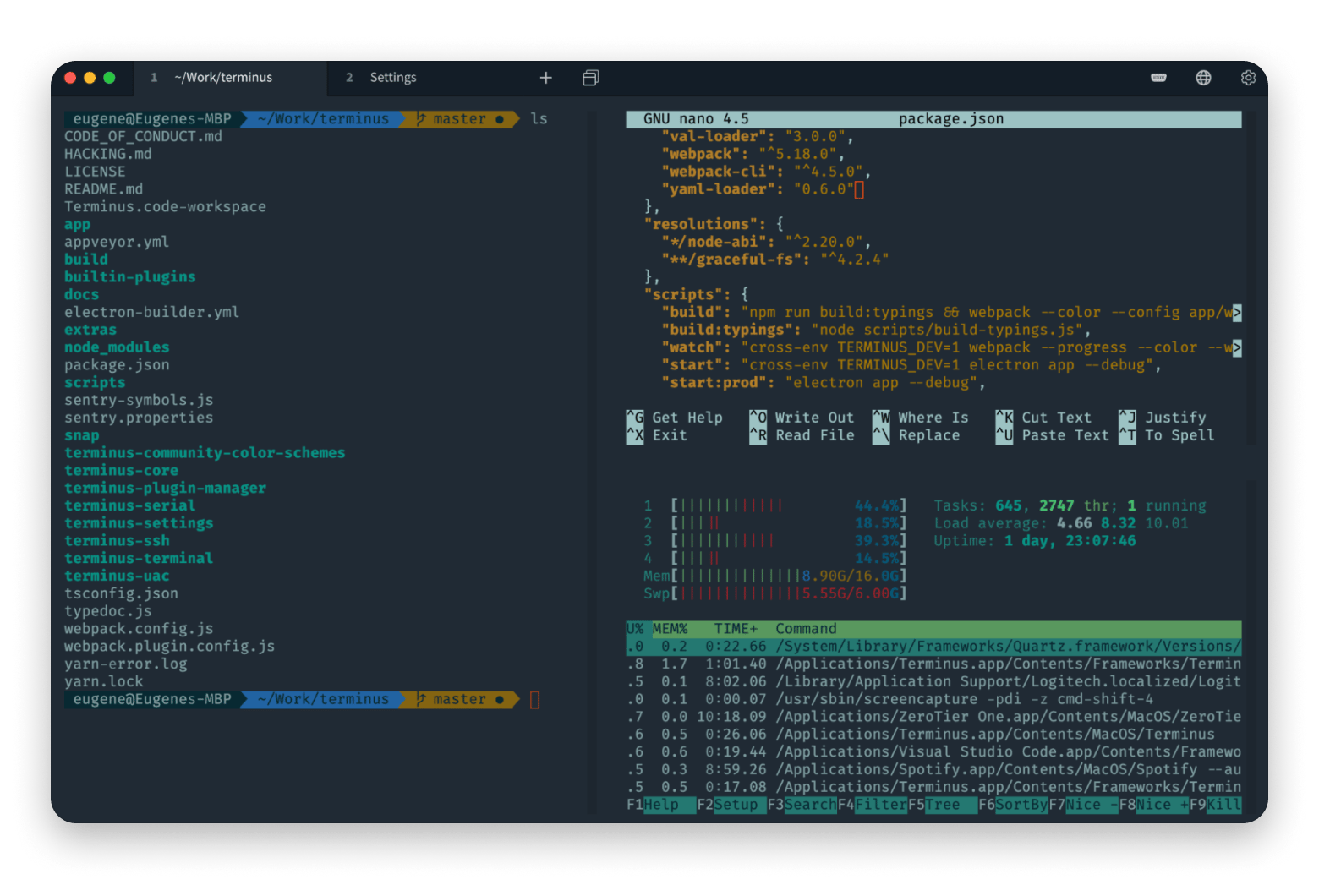
Tabby, which I mentioned earlier, deserves a second nod here. It’s an open-source powerhouse with deep theme customization, built-in shell integration, advanced keyboard shortcuts, and layouts you can shape to your exact preferences.
Source: images.app.goo.gl
ZOC Terminal
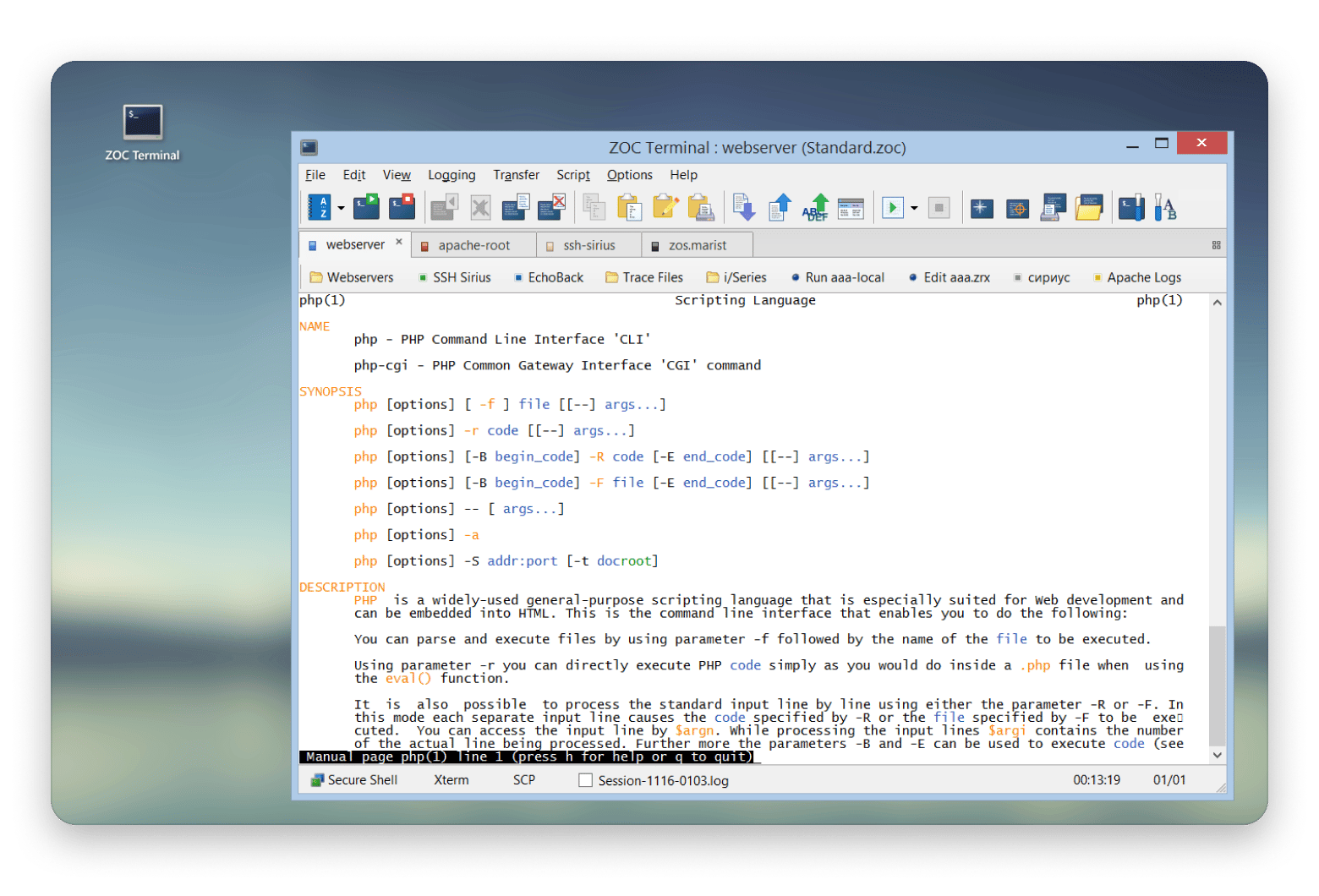
ZOC Terminal is a professional terminal emulator that comes with a sleek, modern interface with customizable tabs, color-coded sessions, advanced scripting, and flexible keyboard mapping. It can help you keep your workflow efficient and tailored exactly how you like it.
Source: emtec.com
Team collaboration & remote sharing features
When you're working with a team, a private terminal isn't always enough. These SSH and remote access tools help you share access securely, collaborate in real time, and keep logs of what’s going on.
Termius Teams
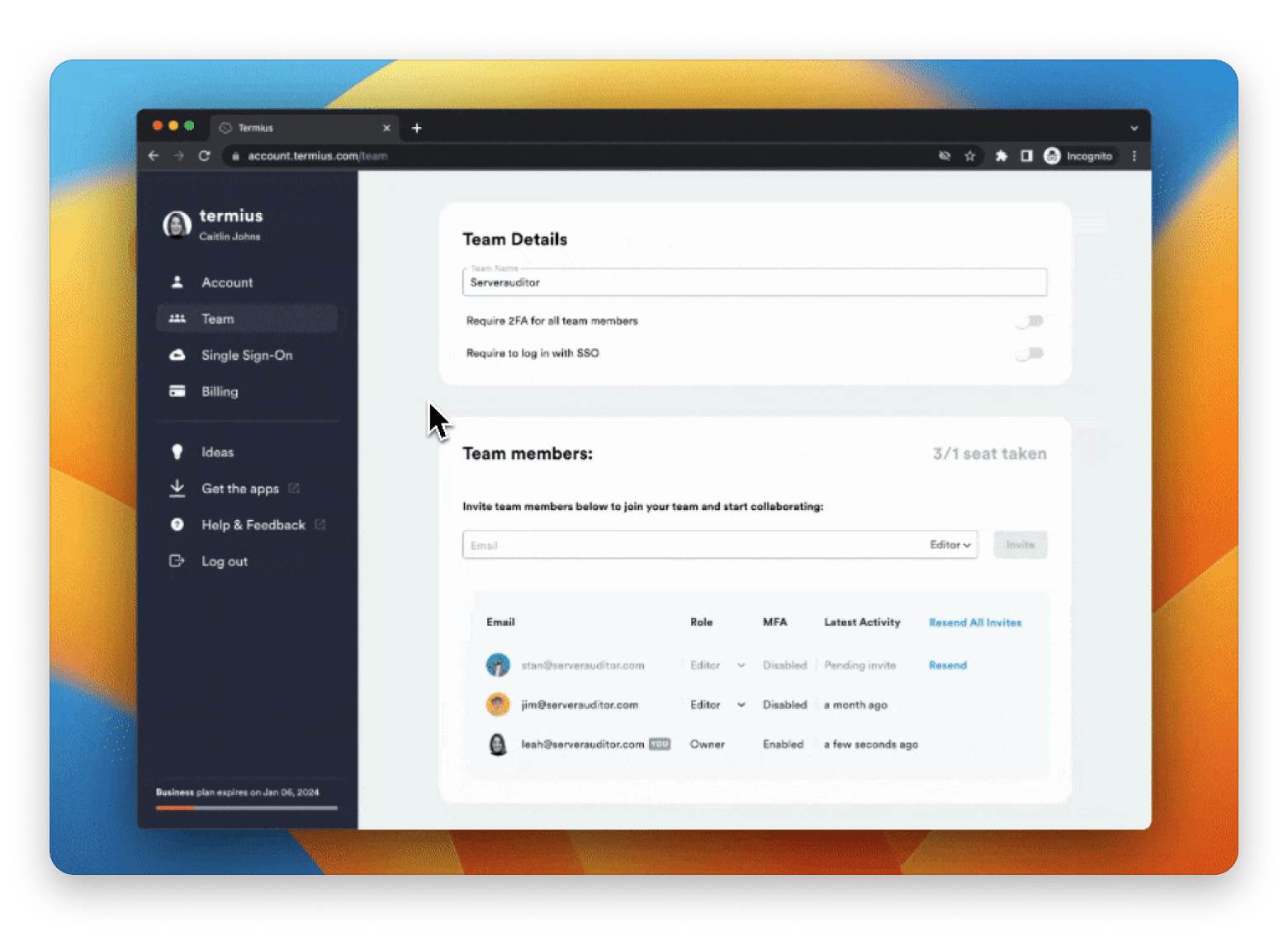
Termius Teams makes it easy to manage SSH, SFTP, and other connections all in one place. With shared encrypted vaults and real-time terminal sharing, your team can stay connected, work safely, and get things done faster.
Source: images.app.goo.gl
ShellHub
ShellHub works really well for teams. It lets you share sessions, control who gets access, and keeps a log of every SSH connection for easy tracking. It's a solid pick for DevOps teams that need a central place to manage everything.
Source: images.app.goo.gl
Apache Guacamole
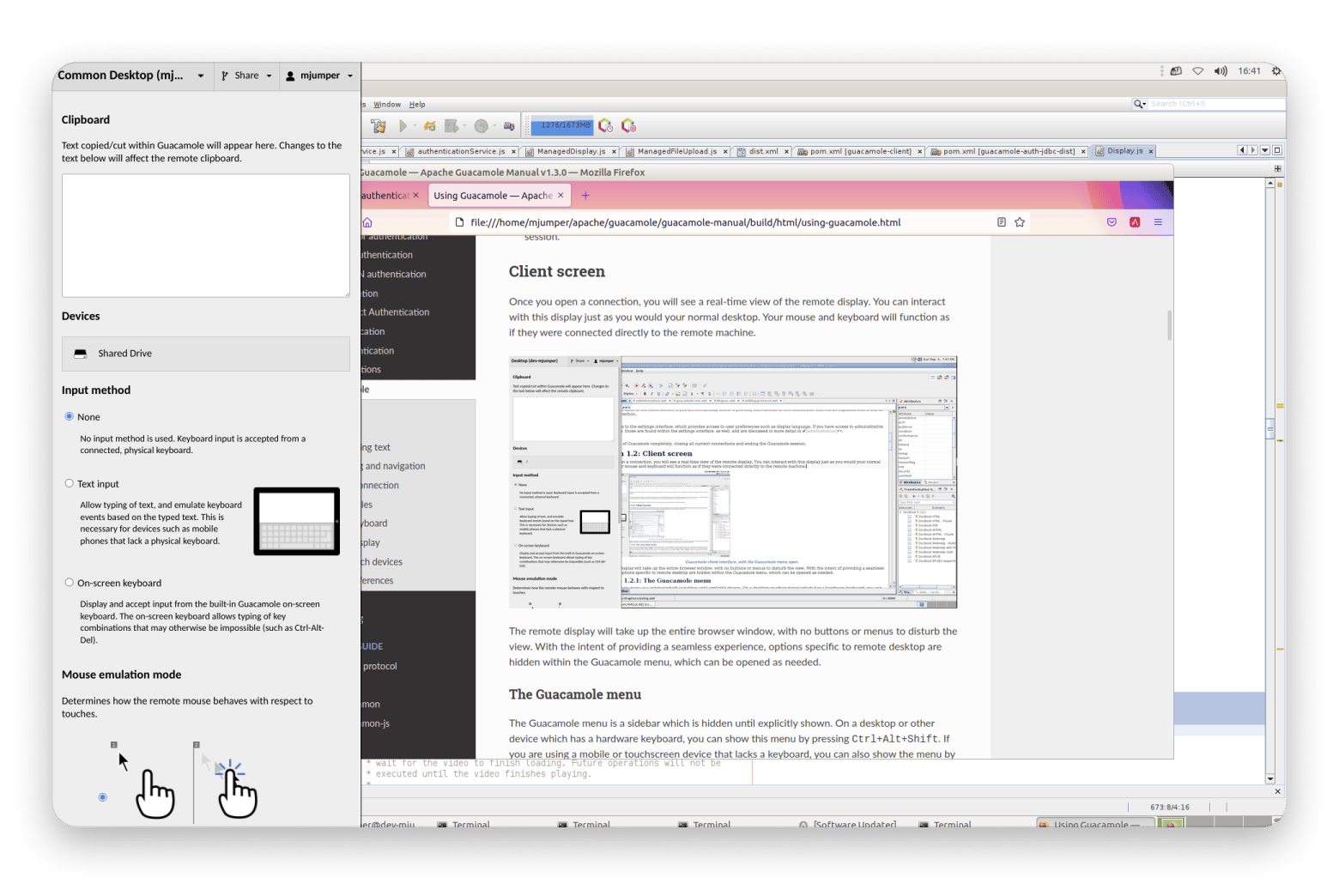
Apache Guacamole, despite the quirky name, delivers excellent session sharing through the browser, no local client needed. It supports SSH, RDP, and VNC, which makes it ideal for helpdesk teams or remote troubleshooting.
These days, not everything has to run on your own machine. Maybe you work in the cloud all the time, or you just like using tools in your browser. Either way, here are the best SSH clients in 2026 that don’t need to be installed.
Best web-based SSH clients
Wetty
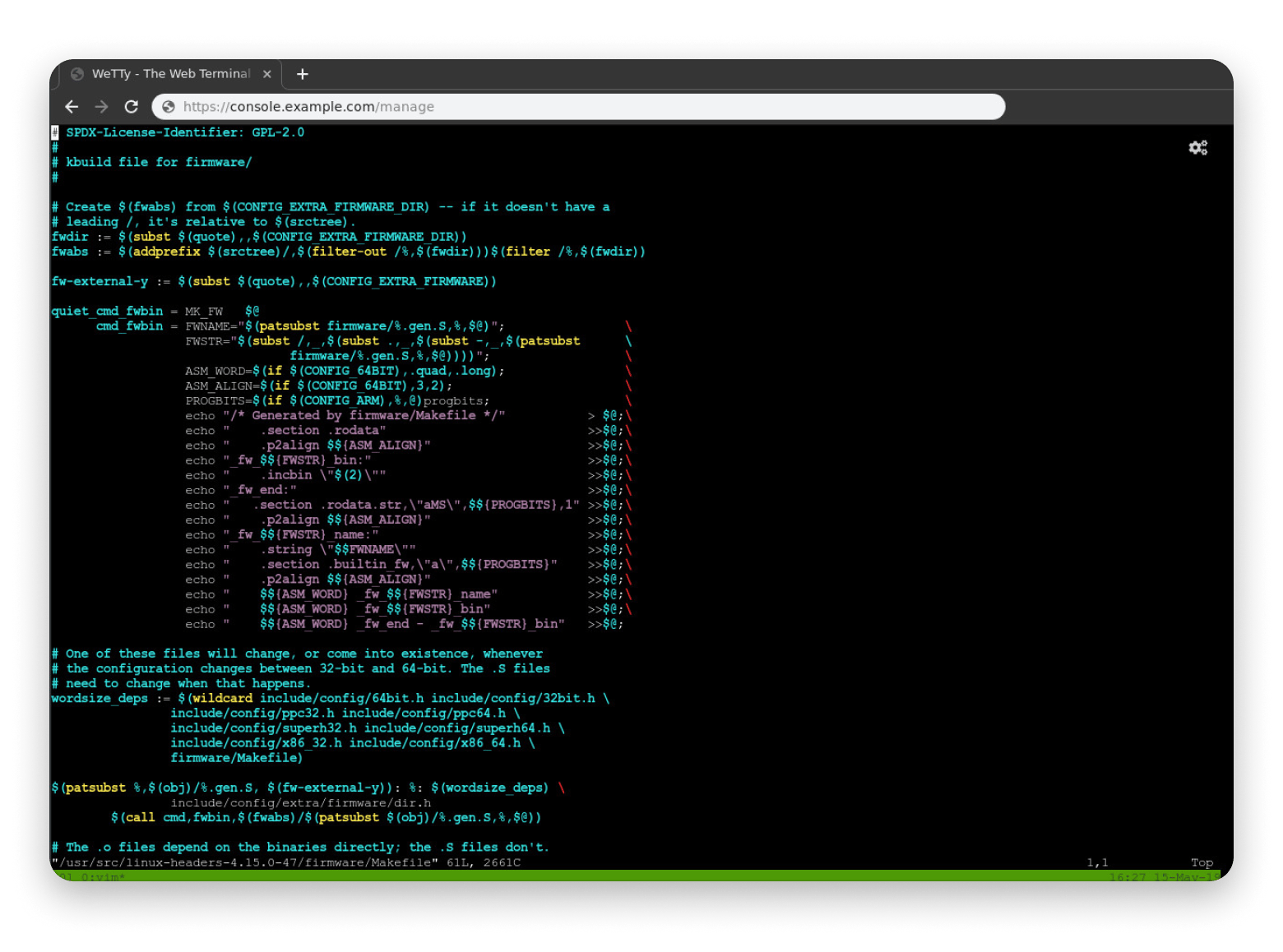
Wetty (Web + TTY) is a sleek solution that provides SSH access directly in your browser. It’s fast, responsive, and secure when paired with HTTPS. For Chromebook users or lightweight workflows, it’s a no-brainer.
Source: supertechcrew.com
Apache Guacamole
This tool lets you access desktops and terminals via a browser without installing a thing. It supports SSH, RDP, and VNC, which makes it great for remote support and admin tasks. On the plus side, it’s open source.
ShellHub
ShellHub fits in this category, too. It lets you manage sessions via web UI, enforce 2FA, and control who connects where, all from a centralized dashboard.
These browser-based SSH tools are my go-to for zero-trust setups, quick access, and a clean, no-install workflow. They're great for Chromebook users, freelancers, and remote teams alike.
SSH clients with cloud & DevOps integration
As a Mac expert, I'm always on the lookout for the best PuTTY alternatives that make my cloud and DevOps work smoother. These next-gen SSH clients let you ditch clunky old key handling and connect securely, and they often integrate directly with services like AWS Systems Manager.
Termius Pro
Termius Pro excels in cloud workflows and has direct integrations with AWS, Azure, and DigitalOcean. It syncs SSH keys, tags hosts, and offers an encrypted vault and certificate support, perfect for DevOps teams.
SecureCRT Enterprise
SecureCRT Enterprise is great for teams that need strong security. It lets you use directory logins, set rules for everyone in one place, and even run scripts to connect with cloud services. It’s a solid pick when things get a little more complicated.
Warp Terminal
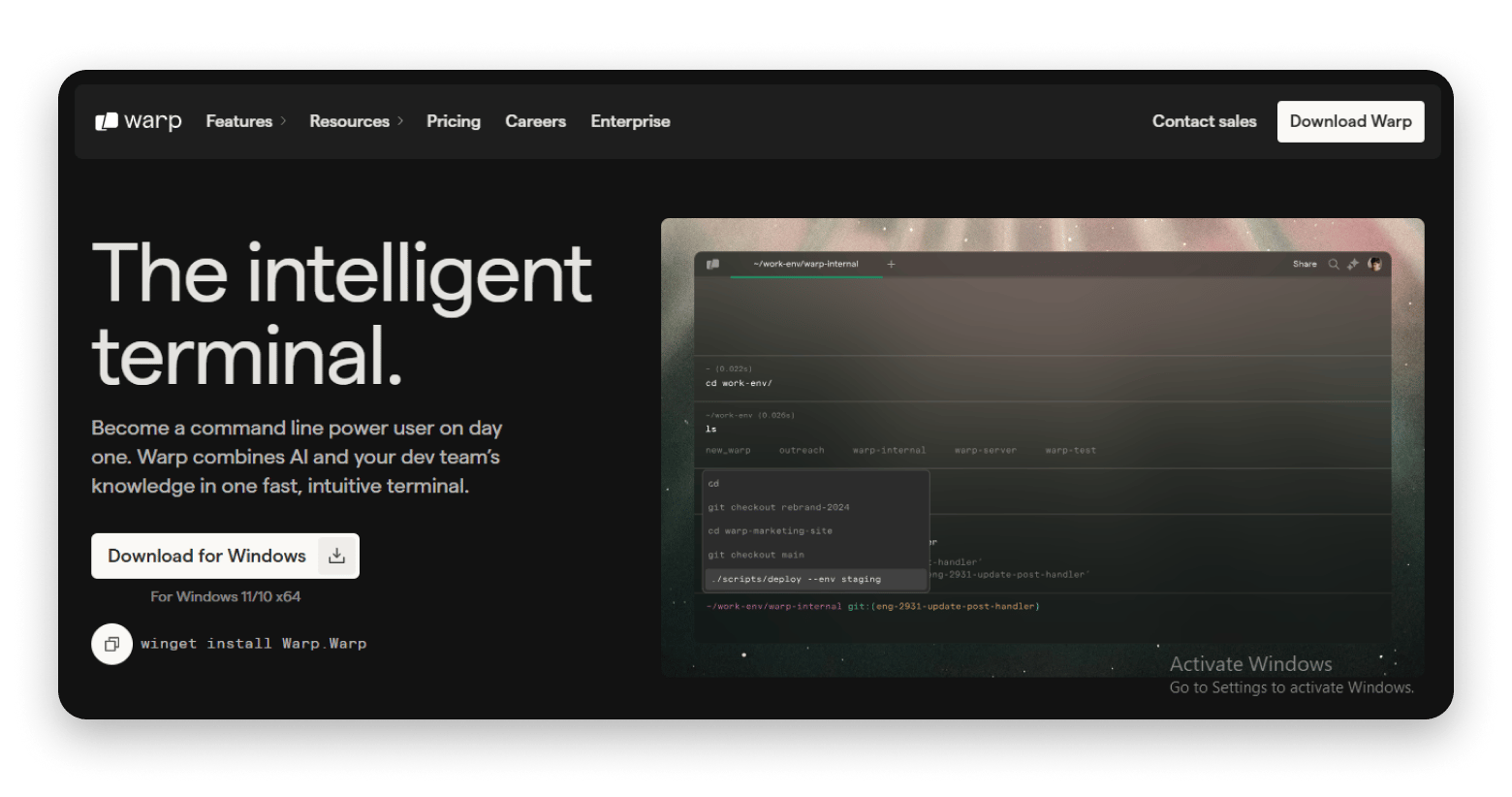
Warp is made with developers in mind. It comes with AI command help, shared sessions, and team spaces, all designed to make terminal work smoother. It’s built to boost your productivity and make DevOps tasks feel a lot easier.
Source: warp.dev
Best SSH clients for mobile access
There’s nothing worse than getting a server alert when you’re away from your desk. Thankfully, mobile SSH clients are better than ever and let you handle emergencies right from your phone.
JuiceSSH
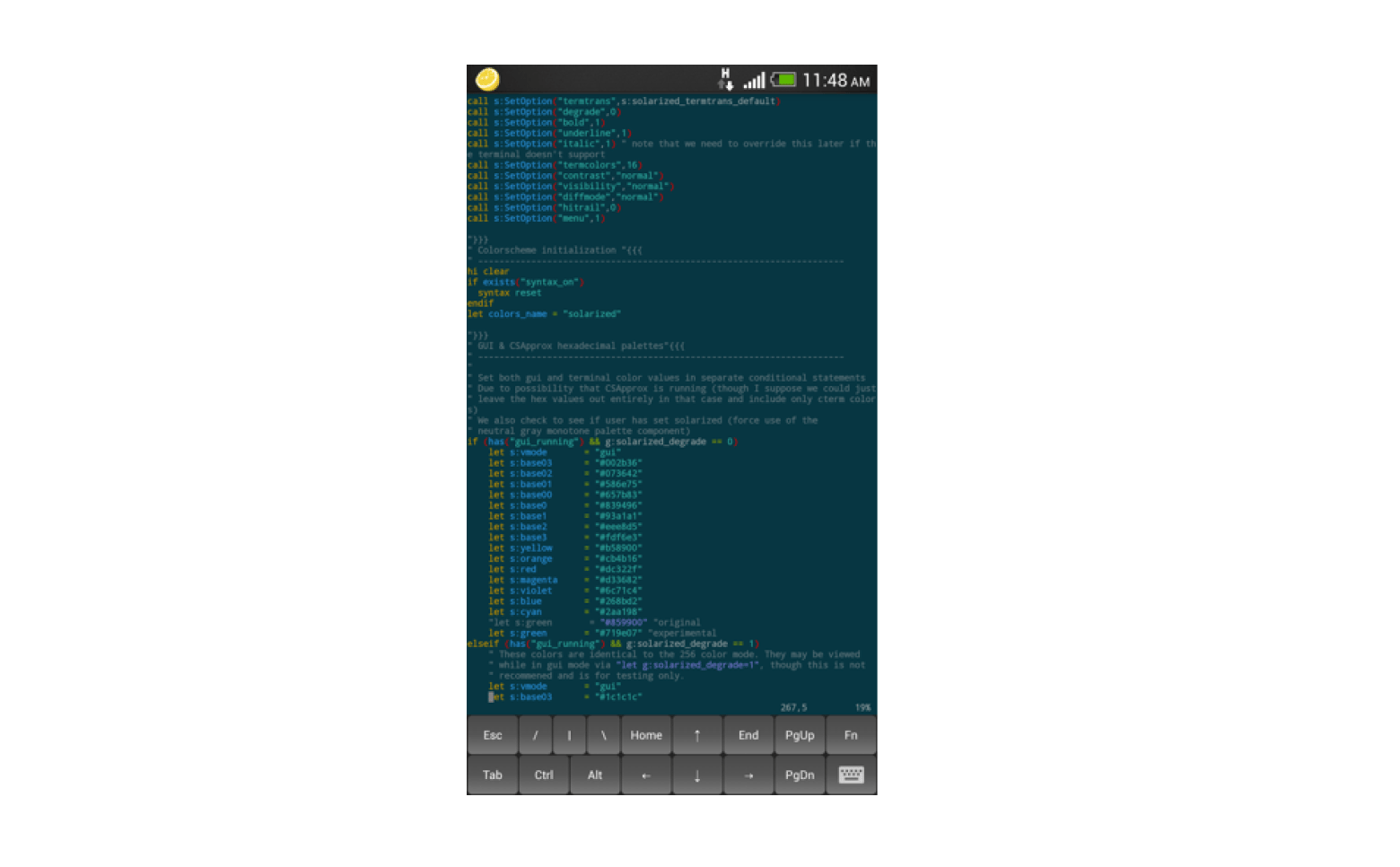
JuiceSSH is one of the best SSH options for Android. It's intuitive, supports key authentication, and even syncs your credentials securely.
Source: juicessh.com
Termius Mobile
This tool is available on both iOS and Android, and is incredibly full-featured. Syncs with desktop, supports SFTP, stores credentials in the cloud, and has biometrics for quick access.
Source: termius.com
Blink Shell
Blink Shell is an iOS-only app that feels like a desktop terminal crammed into your iPad or iPhone. With mosh support and local shells, it’s powerful and snappy.
Source: blink.sh
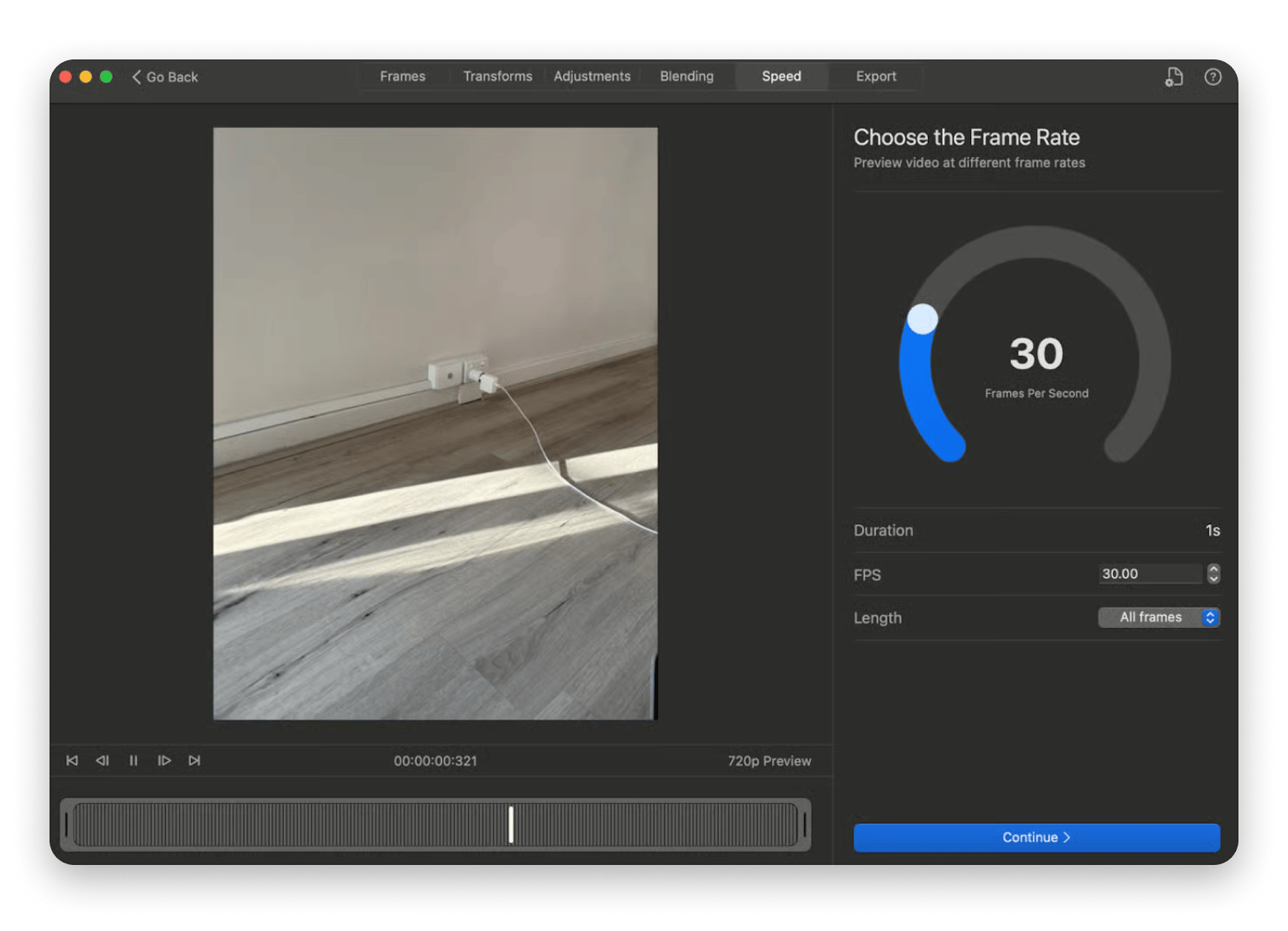
Using your phone to check video cameras or smart devices? Give GlueMotion a try. It’s excellent for processing and optimizing time-lapse video, especially when dealing with remote camera feeds.
Free PuTTY alternative options (open source)
Budget-friendly doesn't necessarily mean low quality. Some of the best PuTTY alternative in 2026 out there are completely free and open-source. Many of these tools provide incredible power and flexibility without costing you a penny.
KiTTY
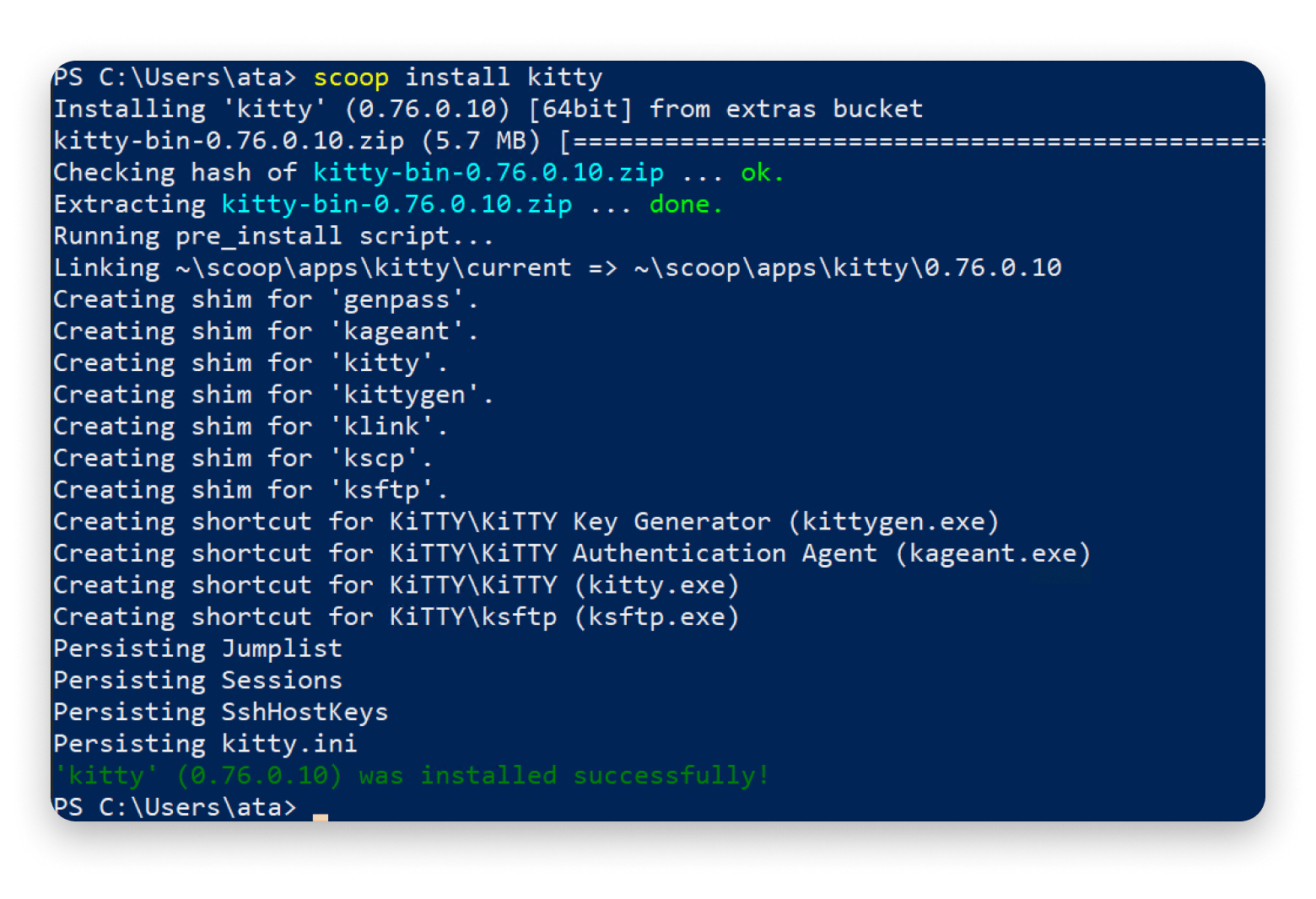
KiTTY is a direct PuTTY alternative that adds tabs, scripting, and better portability. If you like PuTTY but want more, this is your upgrade.
Source: google.com
OpenSSH
This tool is specifically built into macOS and Linux. If you live in the terminal as I do, you’re probably using it already. It’s secure, reliable, and endlessly scriptable.
Source: openssh.com
Tabby
I’ve mentioned this tool earlier because of its reliability and accurate working capability. It's an open-source and cross-platform SSH client that has become a favorite for a reason.
Key security features in SSH clients
SSH clients today are expected to do more than just connect. You need strong encryption, access control, and ways to monitor what’s happening. Here are the security features I consider non-negotiable in 2026:
2FA or MFA support: This provides an extra layer of security beyond just a password or key. Many clients integrate with authenticator apps or hardware tokens.
Secure credential vaults: Your SSH keys, passwords, and other sensitive login details should be stored in an encrypted vault, not plain text. This is crucial for protecting against local attacks.
Short-lived SSH certificates: Instead of long-lived keys, using short-lived certificates reduces the window of exposure if a credential is compromised.
End-to-end encryption: All data transmitted between your client and the remote server must be fully encrypted, from your end to theirs. This is standard for SSH, but good clients ensure proper implementation.
Access logs and session recording: For auditing and compliance, especially in enterprise environments, logging who accessed what and when, and even recording entire terminal sessions, is becoming critical. This helps with post-incident analysis.
Security matters, especially when you're deep into a session, toggling between full-screen terminals and other apps. If you ever get stuck, here's a quick guide on how to enter and exit full-screen on a Mac.
How to choose the right SSH tool for your use case
With so many great options, choosing the right SSH client depends on your specific workflow. Are you a cloud engineer? A developer? A mobile-first sysadmin? Here’s how I break it down:
You are…
Choose these
Sysadmins
Royal TSX, SecureCRT
Developers
Tabby, Warp Terminal
Cloud workflows
Termius Pro, SecureCRT Enterprise
Enterprises
SecureCRT Enterprise, Royal TS/X
Mobile/Remote users
Blink Shell, Termius Mobile
Final thoughts on the best PuTTY alternative for your workflow
PuTTY had a good run, but in 2026, there are simply better SSH and remote access tools. Whether you need cloud sync, an intuitive UI, mobile access, or enterprise-grade security, there’s a PuTTY alternative that's just the right fit for you.
If you do a lot of file transfers alongside SSH work, Dropzone is worth adding to your workflow — it lets you drag and drop files straight to your server without touching the command line.
The best SSH client in 2026 is Termius Pro. This tool takes the crown for its cross-platform support, cloud integration, and secure credential management.
Is PuTTY still safe and reliable to use?
Yes, PuTTY is still safe and reliable to use, although it’s outdated. Modern alternatives like Termius Pro, Tabby, and ShellHub offer better security, UX, and features.
Which SSH client is best for cross-platform compatibility?
Some of the best SSH clients for cross-platform compatibility are Tabby and Termius. They both work well across macOS, Windows, and Linux.
Are there any free PuTTY alternatives with cloud sync?
Yes, there are so many free PuTTY alternatives with cloud sync. Termius, ShellHub, and Tabby all support syncing to varying degrees.
Can I use SSH securely on mobile in 2026?
Yes, you can use SSH securely on mobile in 2026. Tools like Termius Mobile, JuiceSSH, and Blink Shell support biometric login, encryption, and cloud sessions.
Is there a PuTTY alternative for Mac that saves sessions like PuTTY does?
Yes, Core Shell organizes hosts with tags and per-host settings, and SSH Config Editor gives you a visual interface for your ~/.ssh/config file. Both replicate PuTTY's saved-sessions model on Mac.
What's the best free PuTTY alternative for Mac?
OpenSSH is built into macOS and handles SSH connections out of the box. If you want a GUI, Tabby is free and open-source with tabs, split panes, and deep customization. For a lighter option, Mounty-style tools pair OpenSSH with a visual layer.
Does macOS Terminal replace PuTTY?
For SSH connections, yes — macOS Terminal uses OpenSSH under the hood, so you can connect to any server without installing anything. What Terminal lacks is PuTTY's GUI session list and per-host settings. That's where a dedicated Mac SSH client like Core Shell fills the gap.






 Top-rated on Setapp
 Top-rated on Setapp