TablePlus is the best DBeaver alternative for most Mac users. It's built with native Mac UI components — not Java or Electron — which makes it noticeably faster and cleaner for everyday database work across MySQL, PostgreSQL, SQLite, Redis, and more.
SQLPro Studio is the better pick if you need to connect to multiple databases simultaneously. Written in Swift and Objective-C, it supports MongoDB, Redis, and all major SQL databases — with none of DBeaver's Java overhead.
DataGrip is the right choice if SQL is the majority of your day. JetBrains has optimized it for Apple Silicon, and its schema-aware code intelligence catches errors before you run a query — but it's an IDE, not a lightweight client.
For free, open-source MySQL/MariaDB work on Mac, Sequel Ace is the simplest option. It's the maintained successor to Sequel Pro, Mac-native, and covers all the essentials — just don't expect multi-database support.
DBeaver starts. Then it loads. Then it loads some more. TablePlus and SQLPro Studio open before that first JVM tick. Both Mac-native. Both in Setapp — 250+ apps. Cancel before Day 7, $0 charged. Start free for 7 days.
DBeaver is free and open-source, but it's built on Eclipse, which means it carries that legacy weight on Mac: slow to load, visually heavy, and nothing like a native app. I dropped it years ago.
Here are my top 10 DBeaver alternatives for Mac, organized by what you actually need.
Top DBeaver alternatives for Mac (detailed comparisons)
The alternatives we’ll look at all take different approaches. I see them in three different lenses:
Native or near-native Mac clients that prioritize speed and feel
Cross-platform power tools that prioritize features over elegance
Open-source alternatives that offer a better interface
We’ll look at where the different alternatives fit, but here’s a summary table for quick analysis:
Tool
Best for
Platform
Pricing
DbVisualizer
Cross-platform database management with broad JDBC support
Available in Setapp Membership + 250 more apps for $9.99/mo + tax
HeidiSQL
Fully free/open source
Win (Mac via workarounds)
Free
LibreOffice Base
Simple desktop DB projects
Mac/Win/Linux
Free
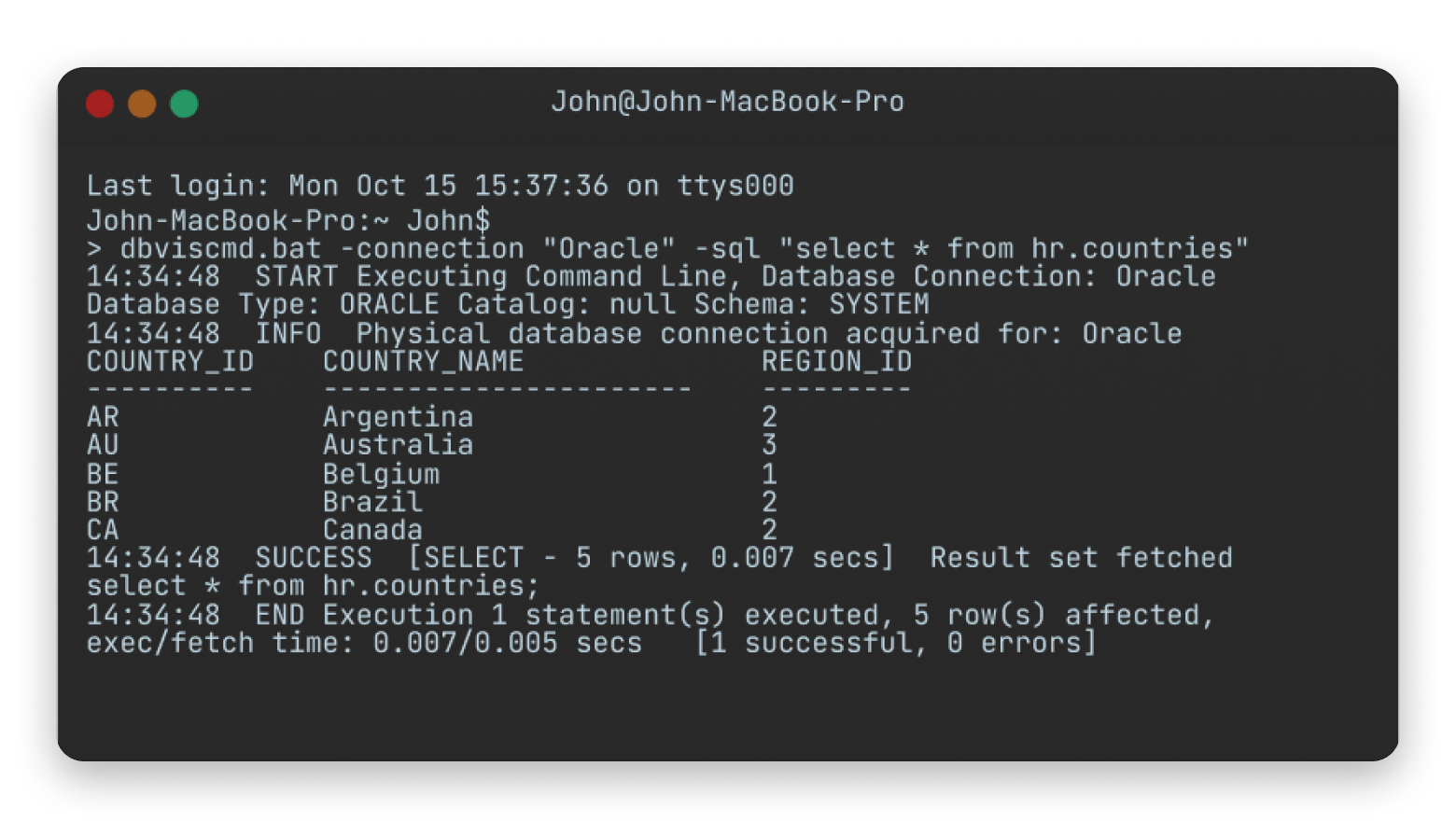
1. DbVisualizer: Best choice for cross-platform teams that want “JDBC covers everything”
Best for: Cross-platform teams managing multiple database systems through JDBC connections.
Platforms: macOS, Windows, Linux
DBVisualizer is the best DBeaver alternative if cross-platform compatibility and JDBC driver support are non-negotiable.
It has been around since the 90s and is the closest thing to DBeaver. And like the latter, it's known for its ability to connect to all types of databases since it also uses JDBC drivers.
However, despite running entirely on Java like DBeaver, DB Visualizer is much cleaner and better organized. Even its Entity-Relationship (ER) diagrams and table relationship visualizers are much prettier than DBeaver's.
That said, I find it to be more enterprise-focused. The free tier is quite stripped down, so you’ll most likely end up with the Pro version. And at $199 per user for the first year, it doesn’t come cheap.
Source: dbvis.com
When it makes sense:
You work across many different database systems
Cross-platform consistency matters for teams
JDBC compatibility is a priority
You manage production databases regularly
Stability matters more than visual polish
When it doesn’t:
You want a lightweight Mac-native experience
Modern UI design matters a lot to you
You mainly work with a single database type
You prefer simpler workflows with less configuration
Pricing: Free, $199/user first year
2. DataGrip: Best option if you want IDE-level SQL help (and you’re okay with JetBrains complexity)
Best for: Pro developers who want smart SQL assistance and IDE-style productivity features.
Platforms: macOS, Windows, Linux
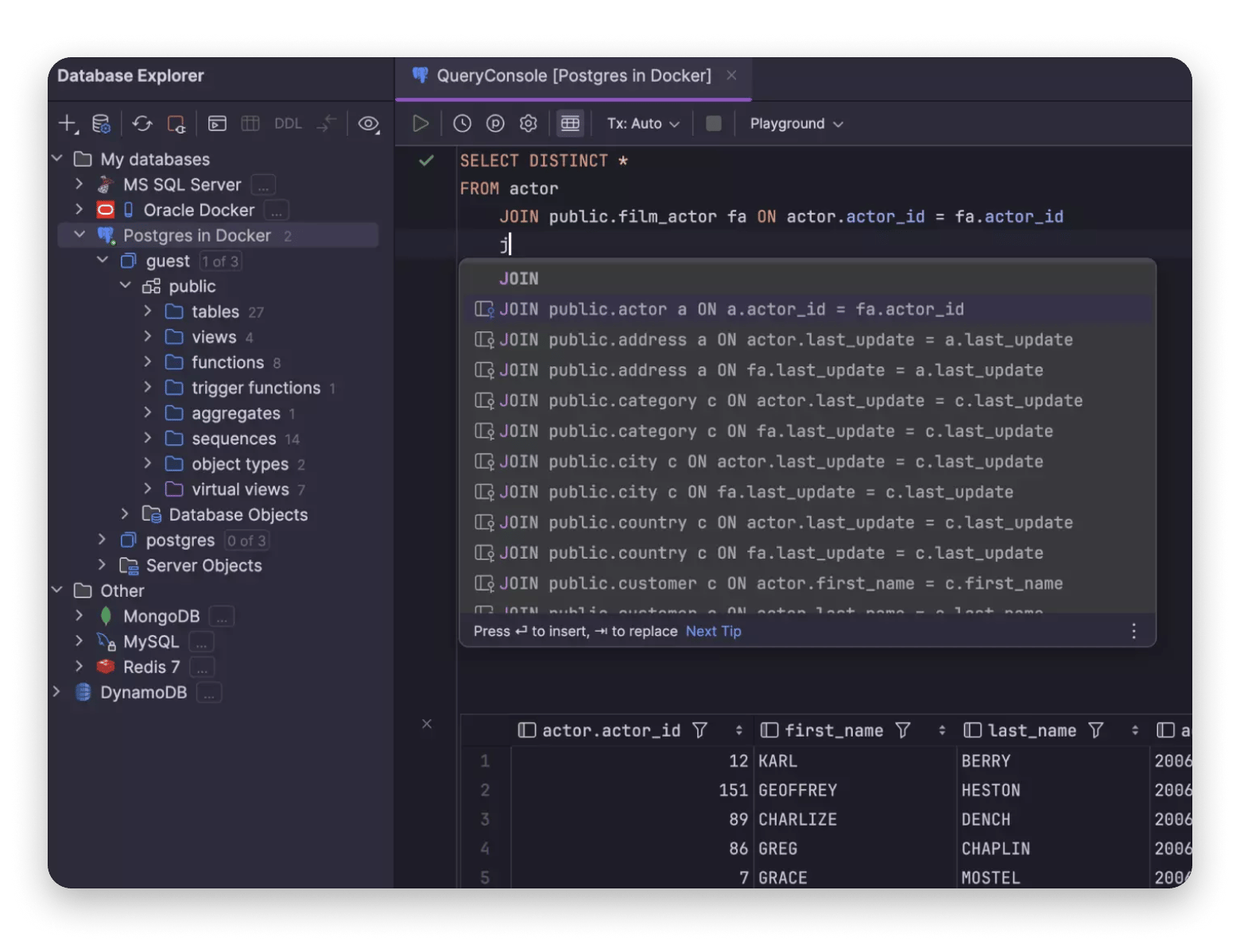
DataGrip is an excellent DBeaver alternative, especially for pro developers who spend a lot of time in SQL. It’s built by JetBrains, the same company behind IntelliJ IDEA and PyCharm, and it comes with the power and complexity that implies.
Instead of a simple database client, it’s more of an IDE for SQL. That means it’s a bit heavier, but JetBrains has optimized it to run smoothly on Macs (especially Apple silicon).
The biggest benefit is in its code intelligence. It analyzes your entire database schema, caches it, and uses that information to detect errors and suggest completions.
Source: jetbrains.com
When it makes sense:
You spent hours writing SQL
You work with large or complex schemas
Productivity matters more than simplicity
Already using IntelliJ, PyCharm, or another JetBrains IDE
When it doesn't:
A lightweight database client is enough
You only browse tables occasionally
Looking for a simple Mac-native interface
You don’t like IDE-style workflows or heavier applications
Pricing: Free, from ~$8.25/month ($99/year)
If SQL Server is part of your stack and you're evaluating whether DataGrip or a lighter client makes more sense, I've also compared theSQL Server Management Studio alternatives for Mac — TablePlus and SQLPro Studio both appear there with a specific SSMS-replacement angle.
3. TablePlus: Ideal for Mac users who want a fast, native-feeling database client
Best for: Mac users who want a fast, lightweight, native-feeling database client.
Platforms: macOS, Windows, Linux, iOS
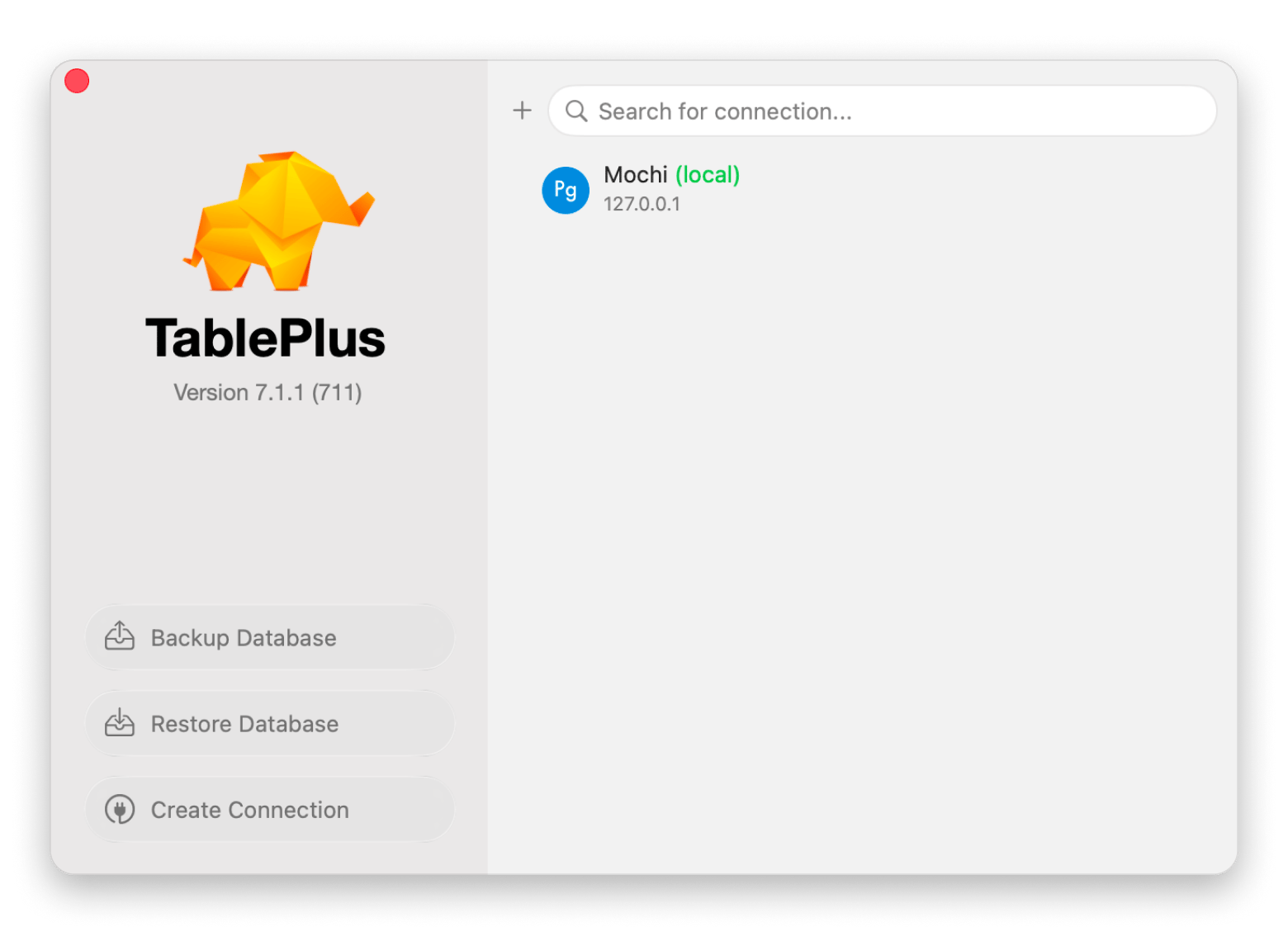
TablePlus is the first tool I recommend when someone says DBeaver looks clunky or feels too heavy on Mac. Unlike the other apps we’ve discussed, TablePlus is built as a "Mac-first" database client. It uses native UI components rather than Electron or Java, which makes it super-fast, lightweight, and efficient.
The tool supports the most widely used databases (MySQL, PostgreSQL, SQL Server, SQLite, Redis, and more), and you can always add plugins and drivers as your database grows.
When it makes sense:
You want a lightweight Mac-native experience
You work across multiple databases regularly
You prefer cleaner interfaces with less clutter
You want something simpler than DBeaver or DataGrip
When it doesn’t:
Need to connect to obscure or JDBC-only database systems
ER diagrams or visual schema design are part of your workflow
4. Beekeeper Studio: Best choice for a modern UI with a free tier (and paid upgrades)
Best for: Users who want a cleaner, modern interface with a generous free tier
Platforms: macOS, Windows, Linux
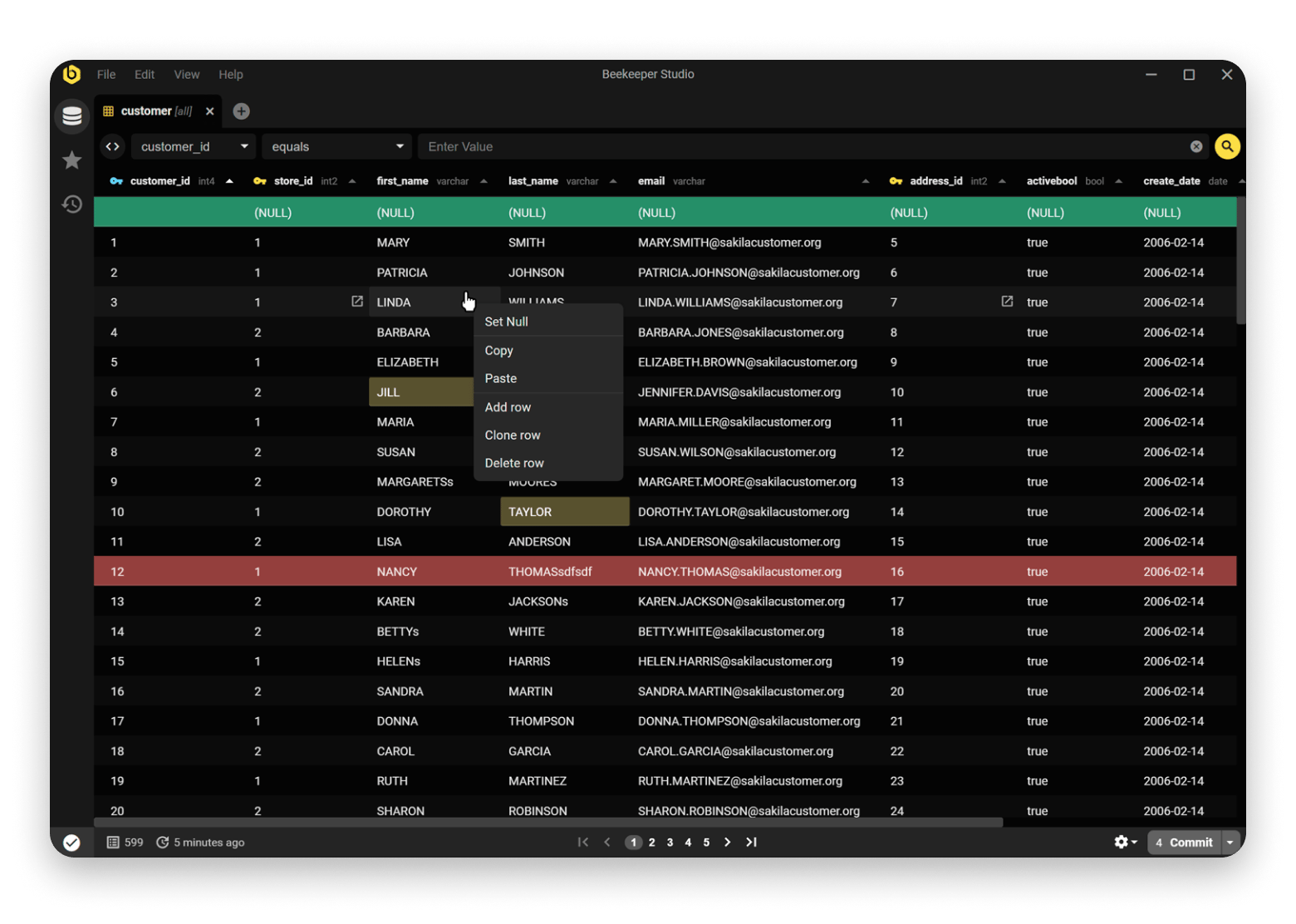
Beekeeper Studio is the right DBeaver alternative if you want a modern interface and a usable free tier.
It lies somewhere between TablePlus and DBeaver. It’s a more modern version of a database client when you compare it with DBeaver. It removes the features most devs don’t really need and packages the rest in one of the best interfaces in this list.
It’s built on Electron and supports the databases most developers use. However, this also means that it’s a bit heavier on your Mac than a Mac-native tool like Table Plus.
There’s a free and open-source plan, and the pro one converts to a perpetual license after 12 months of payments.
Source: beekeeperstudio.io
When it makes sense:
You want a cleaner, more modern interface
DBeaver feels visually overwhelming
You mainly focus on day-to-day querying and management
You want a usable free tier or open-source tool
When it doesn’t:
You need deep enterprise administration & visualization features
You rely heavily on complex customization
You want the absolute lightest Mac-native experience possible
Pricing: Free, from $9/user/month billed yearly
5. DbGate: Best option if you want both desktop and web access (and optional AI tools)
Best for: Devs and teams that need free NoSQL support on both desktop and browser
Platforms: macOS, Windows, Linux, Web
DbGate also has a free and open-source tier. But in my view, the tool stands out because it also supports NoSQL databases like MongoDB and Redis in this plan. In the other tools we’ve looked at, you’d need a premium plan.
I also like DbGate’s flexibility in where you can deploy it. It can be Mac, Windows, Linux, or even a browser. The premium tier offers an AI assistant that makes several processes super-easy.
When it makes sense:
Besides desktop, you also need browser access
Free NoSQL support is important to your work
You need to share the database with a team
You need a free and open-source tool
When it doesn’t:
Mac-native simplicity is important to you
You mainly work solo on local databases
You prefer enterprise-oriented tools
Pricing: Free, from $12/month
6. Sequel Ace: Best choice if you live in MySQL/MariaDB and want a macOS-native tool
Best for: Mac users who work primarily with MySQL or MariaDB and want a free, native tool
Platforms: macOS
Sequel Ace is completely free and open-source, coming in to succeed Sequel Pro after the latter was abandoned in 2019. Like TablePlus, it’s Mac-native, which makes it faster and more user-friendly compared to tools that run on Electron on Java.
It works well for essential database tasks like connecting, querying, browsing, editing, and exporting. However, it has a big catch in that it only supports MySQL and MariaDB. You also won’t get automatic ER mapping diagrams, data migration wizards, or direct cloud integration.
When it makes sense:
You only work with MySQL or MariaDB
A free, open-source, Mac-native tool is a priority
DBeaver feels like too much for what's actually needed day-to-day
When it doesn't:
You manage many different database systems
ER diagrams or schema tooling are needed
Enterprise administration features matter heavily
Pricing: Free and open-source
7. Navicat Premium: Best for enterprises that need a “big suite” and can justify the price
Best for: Enterprises managing multiple database systems with advanced administration needs
Platforms: Windows, macOS, Linux, iOS
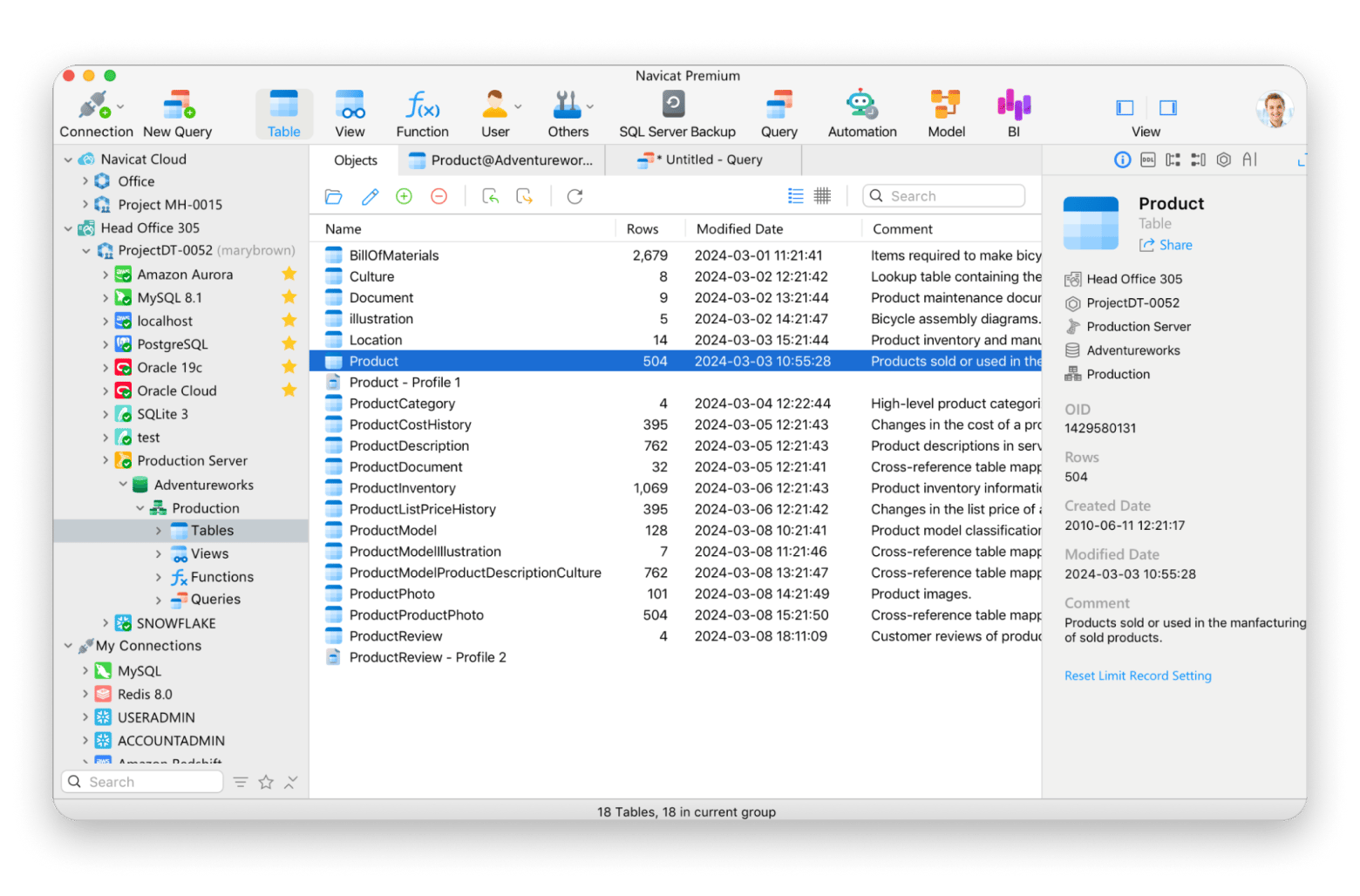
Navicat Premium has been around for over 20 years and is more like a luxury premium upgrade on DBeaver. It does pretty much everything DBeaver can do, but the interface feels a bit more organized and professional.
Like DBeaver, it supports pretty much every other database, with advanced features such as visual ER diagrams, schema synchronization across databases, scheduled batch jobs, migration wizards, and cloud collaboration.
However, the tool is more geared towards bigger organizations. The features are optimized for their complicated workflows with a price to match.
Source: navicat.com
When it makes sense:
You manage multiple database systems at scale
Enterprise administration features matter
You want an all-in-one database management suite
Your team needs advanced management and migration tools
When it doesn’t:
You want a lightweight Mac-native experience
Budget matters
You prefer minimalist interfaces and faster workflows
Pricing: ~$399.99/year subscription or $1,299 perpetual license/user
8. SQLPro Studio: Best option if you want to manage multiple DBMS
Best for: Devs who want a fast, native multi-database client without the Java or Electron overhead
Platforms: macOS, Windows, iOS, iPadOS
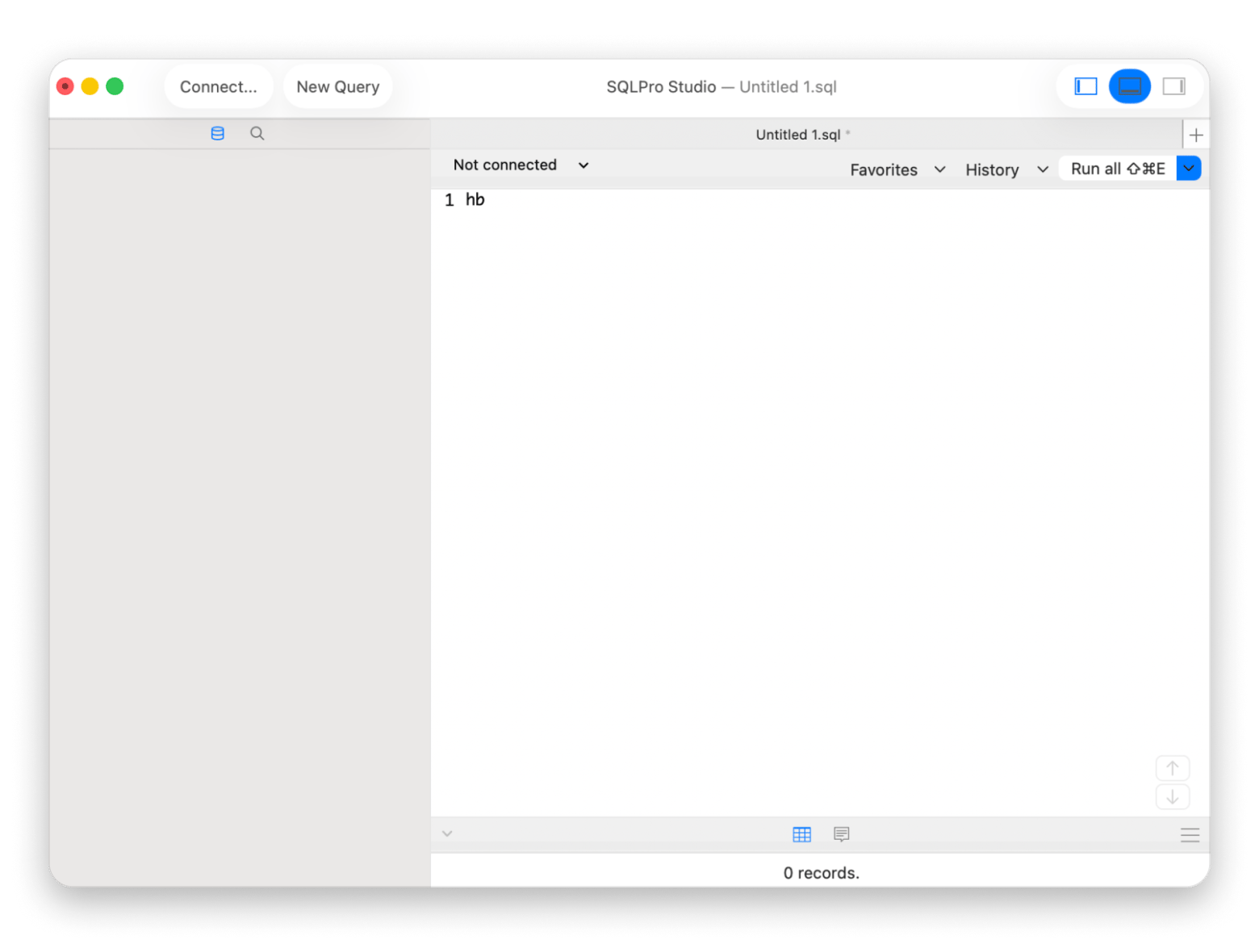
SQLPro Studio is one of the best DBeaver alternatives for Mac as it’s built natively in Swift and Objective-C. You won’t face the complexities brought by Java or Electron wrappers, your RAM won’t sweat, and you also won’t need to wait for the app to load.
SQLPro Studio supports all major databases, including MongoDB and Redis, and it connects to multiple ones simultaneously. The interface isn’t as modern as TablePlus or BeeKeeper, but it’s much better and more functional than DBeaver.
A key advantage for Mac users is that SQLPro Studio is part of the top development tools. If you have a subscription, you don’t need to pay extra.
When it makes sense:
You have or are considering a Setapp subscription
You want a clean, Mac-native experience
Simplicity is more important than enterprise depth
You want wide database support without DBeaver’s complexities
When it doesn't:
Enterprise admin tools are necessary
Your work involves deep customization or automation
Pricing: Available on Setapp, no extra purchase needed
9. HeidiSQL: Best for fully free/open-source users who are okay with macOS maturity caveats
Best for: HeidiSQL Windows users who don’t mind stability issues
Platforms: Windows, Linux, macOS (new)
HeidiSQL has been popular with Windows users for over 20 years, and it’s now an extra DBeaver alternative for Mac. While it’s still best for Windows users, the developers have created a Mac version. It’s still in the early phases, but it’s free and open source.
The Mac version offers a familiar interface if you are moving from Windows, but you can expect some stability issues as the tool matures.
When it makes sense:
You already use HeidiSQL on Windows
You want a fully free database client
Lightweight database management is enough for your needs
You are comfortable working with early releases
When it doesn’t:
You want a polished Mac experience
Stability and seamless setup are important to you
You prefer officially supported macOS software
You need enterprise admin or collaboration tools
10. LibreOffice Base: Ideal for simple desktop database projects, not pro DB administration
Best for: Non-technical users who need a simple, local desktop database for basic data storage
Platforms: Mac, Windows, Linux
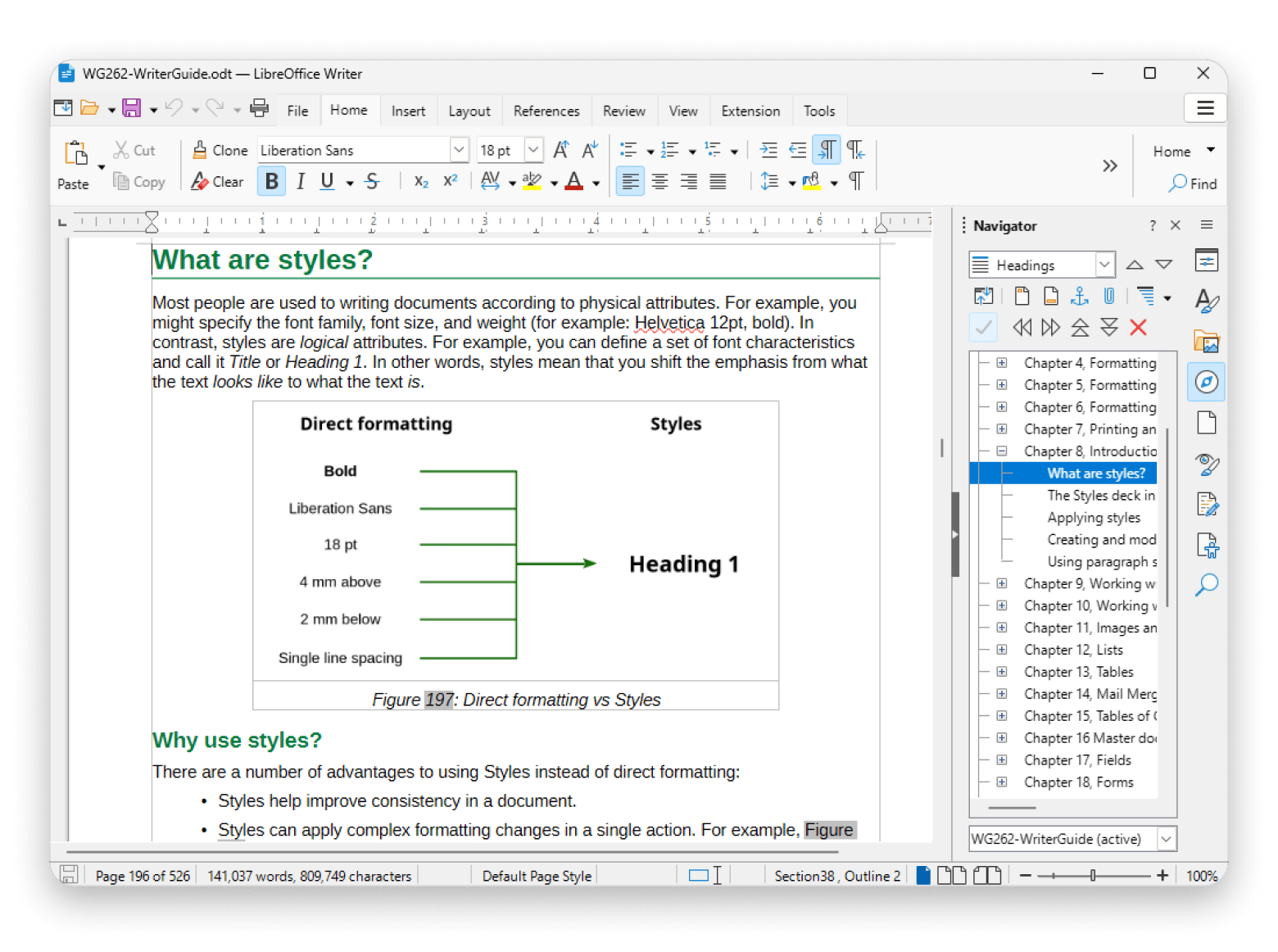
LibreOffice Base is part of the LibreOffice suite. It’s an open-source equivalent of Microsoft Access, so it’s not really a complete DBeaver alternative.
You can use it to manage a simple relational database on your local machine, but it doesn’t really go beyond personal or hobby databases.
Source: libreoffice.org
When it makes sense:
You manage small local database projects
You want a completely free desktop solution
You only deal with simple forms and reports
When it doesn’t:
You manage large databases
Advanced SQL workflows are part of your work
You deal with many database systems
You want modern developer-oriented tools
How to choose the right DBeaver alternative on Mac
If you want the same level of compatibility as DBeaver, DbVisualizer is the best alternative. DataGrip also offers the same, but it’s more of an IDE assistance for users who spend a lot of time writing SQL.
For larger teams, Navicat Premium offers broad administration and management tools, but you can go with Beekeeper Studio for more approachable workflows if your team is smaller.
However, these are still heavy tools, so you might want to look at TablePlus or SQLPro Studio if you want a Mac-native experience. The former is more modern with a cleaner UI and approachable workflows, while the latter is more capable with multi-database support.
DBeaver works. It just doesn't work like a Mac app. TablePlus and SQLPro Studio do — and both are rated 99% and 97% by Mac developers on Setapp. 250+ apps — cancel before Day 7, $0 charged. Start My Free 7-Day Trial.
FAQ
What is the best DBeaver alternative?
TablePlus is the best DBeaver alternative for users looking for a simplified Mac-native database tool. SQLPro Studio also offers more features with a similar Mac-first setup, but you can go for DbVisualizer or Navicat Premium if you are looking for a similar level of workflow as DBeaver.
What is the best database app for Mac?
TablePlus is the best database app for Mac if you want an app that’s fast and feels Mac-native. DBeaver and DbVisualizer are the best for cross-platform support, while DataGrip leads in SQL coding intelligence.
Is DBeaver good for Mac?
Yes, DBeaver works well on Mac. However, it runs on Java, which means it uses more RAM than other apps. If you want an app that’s built for Mac and runs smoothly, you can try TablePlus or SQLPro Studio.
Is DBeaver still free?
Yes, DBeaver is still free when using the Community Edition. There’s also a paid Enterprise Edition that adds NoSQL support, cloud integrations, and an AI assistant.






 Best solution
 Best solution