Proton Drive is the top pick for privacy — end-to-end encryption by default, Swiss jurisdiction, and a Mac app that's matured significantly since launching in 2024.
pCloud is the best for lifetime pricing — one-time plans from $199 for 500 GB mean you stop paying monthly after ~4 years.
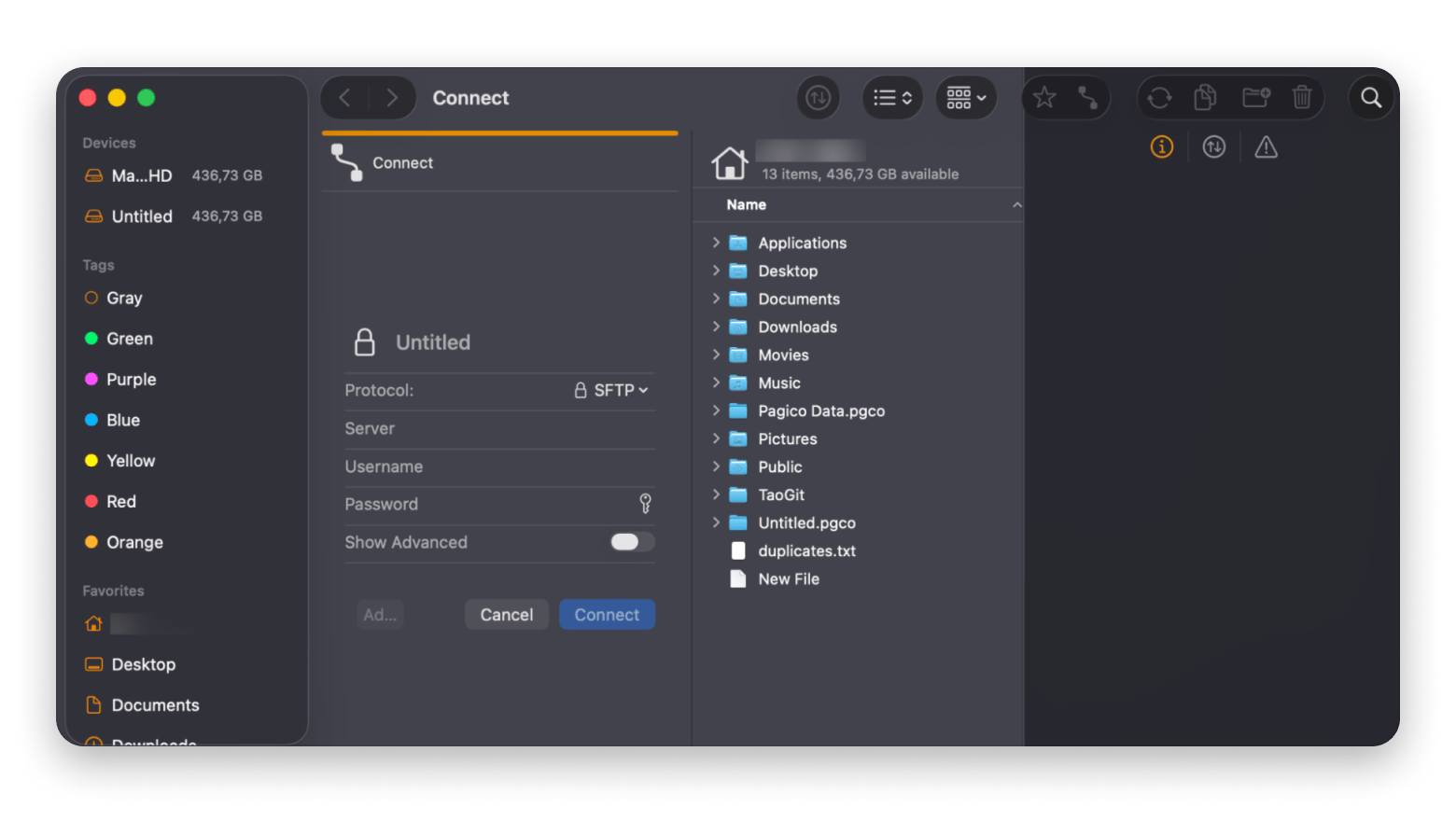
If you use multiple cloud services, CloudMounter is a Mac-native tool that mounts Google Drive, Dropbox, OneDrive, and more as local Finder drives — no switching apps, no separate sync clients, available on Setapp.
Every month on an expensive or invasive cloud plan is data you don't fully control.Start your Setapp free trial — get CloudMounter, ForkLift, Dropshare, and 270+ other Mac apps. Cancel before Day 7 — $0 charged.
The best Google Drive alternative for Mac depends on your priority: Proton Drive for maximum privacy, pCloud for lifetime pricing, iCloud Drive for Apple ecosystem users, and CloudMounter if you want to keep using multiple clouds without juggling separate apps.
Most of us just find ourselves using Google Drive because it comes with every Gmail account. But it starts to show cracks once your storage grows or your needs change.
I’ve used and tried most of the popular Google Drive alternatives for Mac, and I’ve listed the best ones. Their strengths range from privacy to cost, and you can use most of them alongside the free Google Drive.
Privacy is often the first thing that pushes people towards Google Drive alternatives. Google stores all your files in an unencrypted format, and its terms allow the service to scan any file. If you’ve stored contracts, financial records, or anything sensitive, you might want to look for a more private Google Drive alternative.
The Mac desktop client is also another issue. While the Windows versions seem to be more tolerable, the Mac version has a negative reputation. Users across forums and Reddit threads often report high CPU usage during sync and battery drain, especially on Apple Silicon. I’ve also experienced some awkward syncing and streaming issues that I didn’t experience on an Intel-based Mac.
Apart from that, you may also want to look for a Google Drive alternative once you exceed 15GB, which is easy, as the storage is also shared by Gmail and Google Photos.
These alternatives can help you avoid the high costs of a Google Drive subscription while retaining it for essential services like collaboration.
To give you a quick idea of what we’ll look at, here’s a comparison table of the best cloud storage alternatives to Google Drive:
Before I landed on my current cloud setup, I ran my needs through the Productivity Tools GPT assistant. It helped me figure out which combination of apps actually made sense for my workflow instead of just installing everything and seeing what stuck.
Detailed reviews of each Google Drive alternative
Let’s get to the details of each Google Drive alternative, starting with Proton Drive.
Proton Drive: Best end-to-end encrypted Google Drive alternative
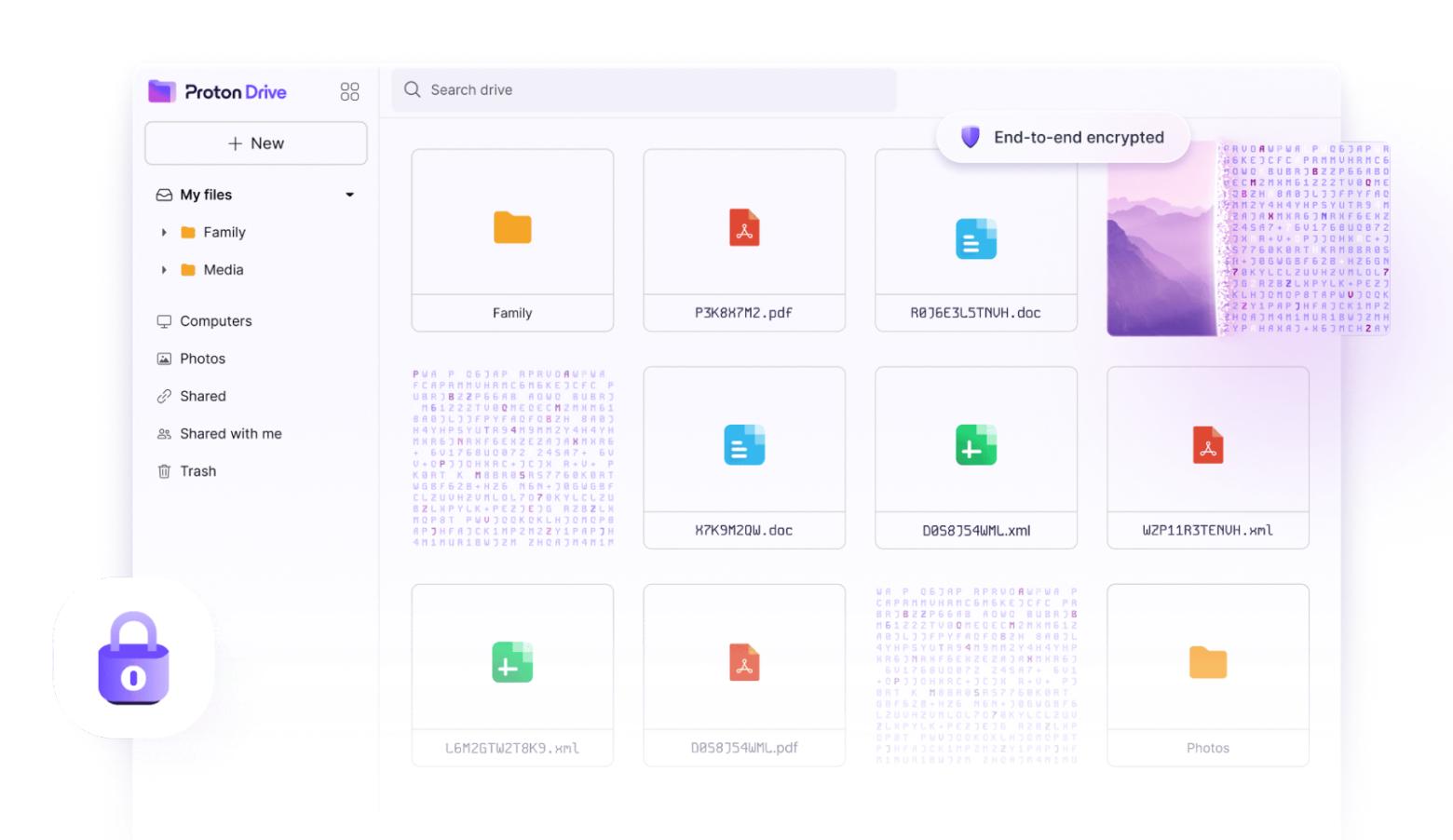
Proton Drive is the best Google Drive alternative if privacy is your main concern. Unlike Google Drive, it uses end-to-end encryption on all files, meaning even Proton can’t read your files. Its Swiss location also means it is outside the reach of the Five Eyes (FVEY) intelligence alliance.
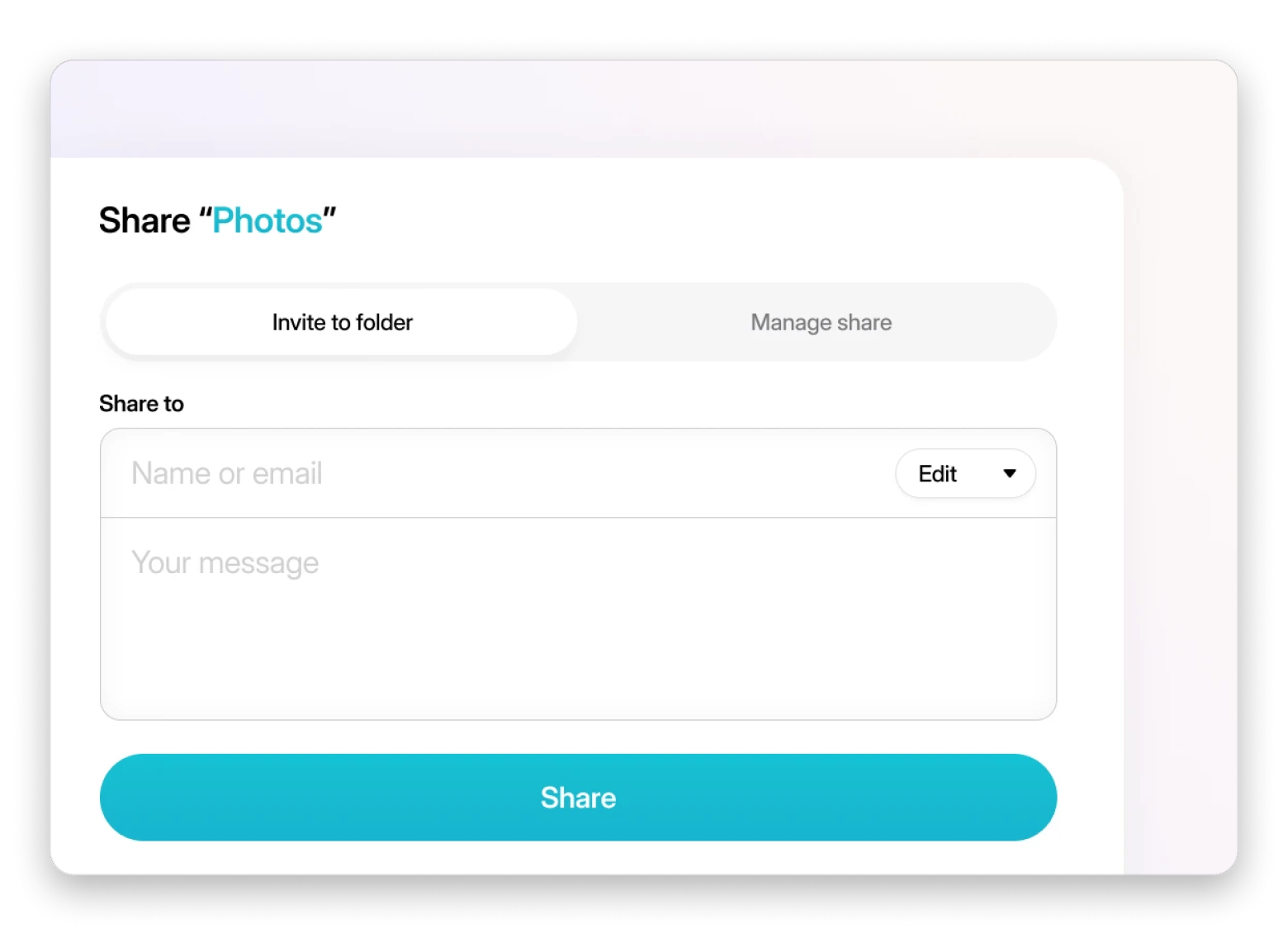
The Mac app was only launched in 2024, but it has since matured. Its Docs and Sheets are also quite powerful despite launching in 2024 and 2025, respectively. Sharing via links with passwords works well, but the collaboration is still behind Google Drive.
Source: proton.me
Pros:
Default end-to-end encryption
Strong Swiss privacy protections
Encrypted document sharing and editing
Cons:
Collaboration features are limited compared to G Docs
Cloud storage pricing (as of June 2026):
Free 5 GB
Subscriptions from $4.99/month for 200 GB (Drive Plus)
pCloud: Best for lifetime storage pricing
pCloud is one of the best Google Drive alternatives for Mac thanks to its lifetime pricing plans. It still offers regular subscriptions, but the one-time purchase option lets you save big if you store large files. The cost is equivalent to just 4 years of Google Drive use.
The cloud storage privacy is also much better than Google Drive since the company reincorporated in Switzerland in 2015. However, unlike Proton Drive, end-to-end encryption is an additional product.
I find the Mac app quite commendable as it cleanly integrates with Finder and even has version control for comparing file versions.
Source: pcloud.com
Pros:
Lifetime storage plans
Easy Finder integration
Great media playback
Cons:
End-to-end encryption is a paid add-on
No document collaboration
Cloud storage pricing (as of June 2026):
Free 10GB plan
Paid plans start at €4.99/month
Lifetime plans from €199 for 500 GB
Sync.com: Best for Office and document collaboration with privacy
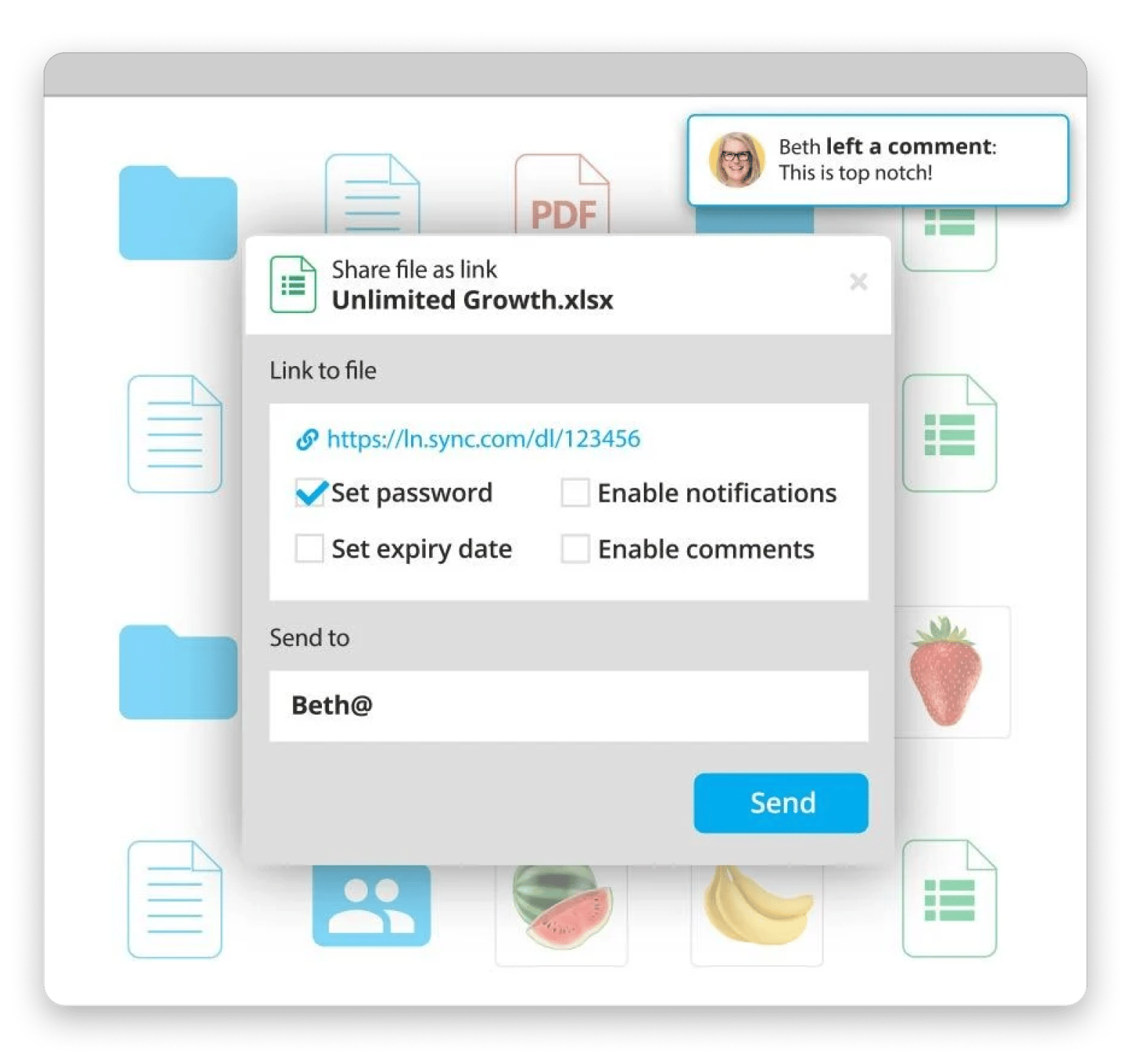
Sync.com gets closest to Google Drive while also addressing its weaknesses. It integrates with Microsoft Office online, letting you create, open, and co-edit documents directly in the browser.
Sync.com uses zero-knowledge encryption on all files to ensure maximum cloud storage privacy. Its Mac desktop client is also quite impressive as you can sync files right from your browser, although it’s still behind alternatives like Dropbox. The main drawback is that Sync.com doesn’t have its own document platform.
Source: sync.com
Pros:
Free 5 GB plan
Zero-knowledge encryption by default
Strong Microsoft 365 integration
Cons:
Less flexible desktop apps (relatively)
More expensive than Google Drive
Cloud storage pricing (as of June 2026):
Free 5GB plan
Paid plans start at $3.50 per month for 150GB
Dropbox: Best Mac sync engine and ecosystem
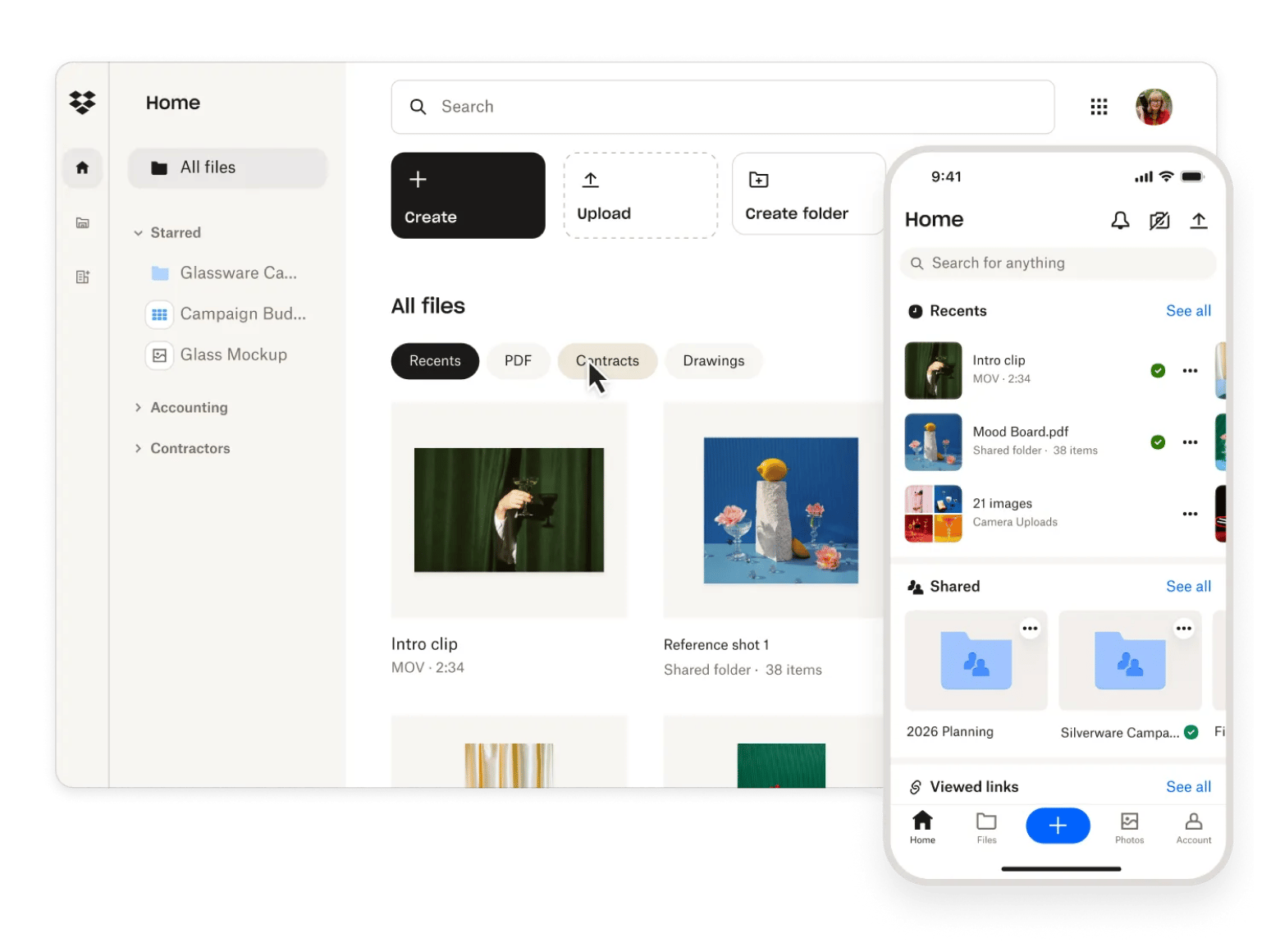
Dropbox offers the most reliable syncing, making it one of the best cloud storage apps for Mac. I haven’t experienced any sync conflicts, delayed uploads, or weird folder behaviors like on Google Drive.
Dropbox also offers the largest integration ecosystem for Mac. It integrates with both Google Workspace (Docs, Sheets, Slides) and Microsoft 365 to allow easy collaboration. There are also others like AutoCAD and Slack.
However, there’s no end-to-end encryption, and Dropbox says it can access your files. Its 2GB free tier is also quite limited.
Source: dropbox.com
Note: I've been running Dropbox and Google Drive simultaneously for two years. Google Drive has caused at least three conflicts on my end this year where two versions of a file existed, and I had to manually pick the right one. Dropbox has done that zero times in the same period.
Microsoft OneDrive: Best if you already use Microsoft 365
Microsoft OneDrive is a strong Google Drive alternative if your main focus is collaboration. It’s built into Microsoft 365, which honestly holds much of the appeal. This means you can collaborate on Word, Excel, and PowerPoint as you would on Google Drive.
If your main focus isn’t the workspace, OneDrive’s appeal goes down. There’s no end-to-end encryption, and Microsoft’s terms allow it to access any of your files. The fact that it’s heavily integrated with Microsoft 365 also means the ecosystem lock-in is stronger than with other alternatives.
Pros:
Bundled with Microsoft 365
Real-time Office document collaboration
Improved Mac app.
Cons:
No zero-knowledge encryption
Strong ecosystem lock-in
Cloud storage pricing (as of June 2026):
Free 5 GB plan
Paid plans start from $1.99/month for Microsoft 365 Basic with 100GB
Apple iCloud Drive: Best for deep Mac integration
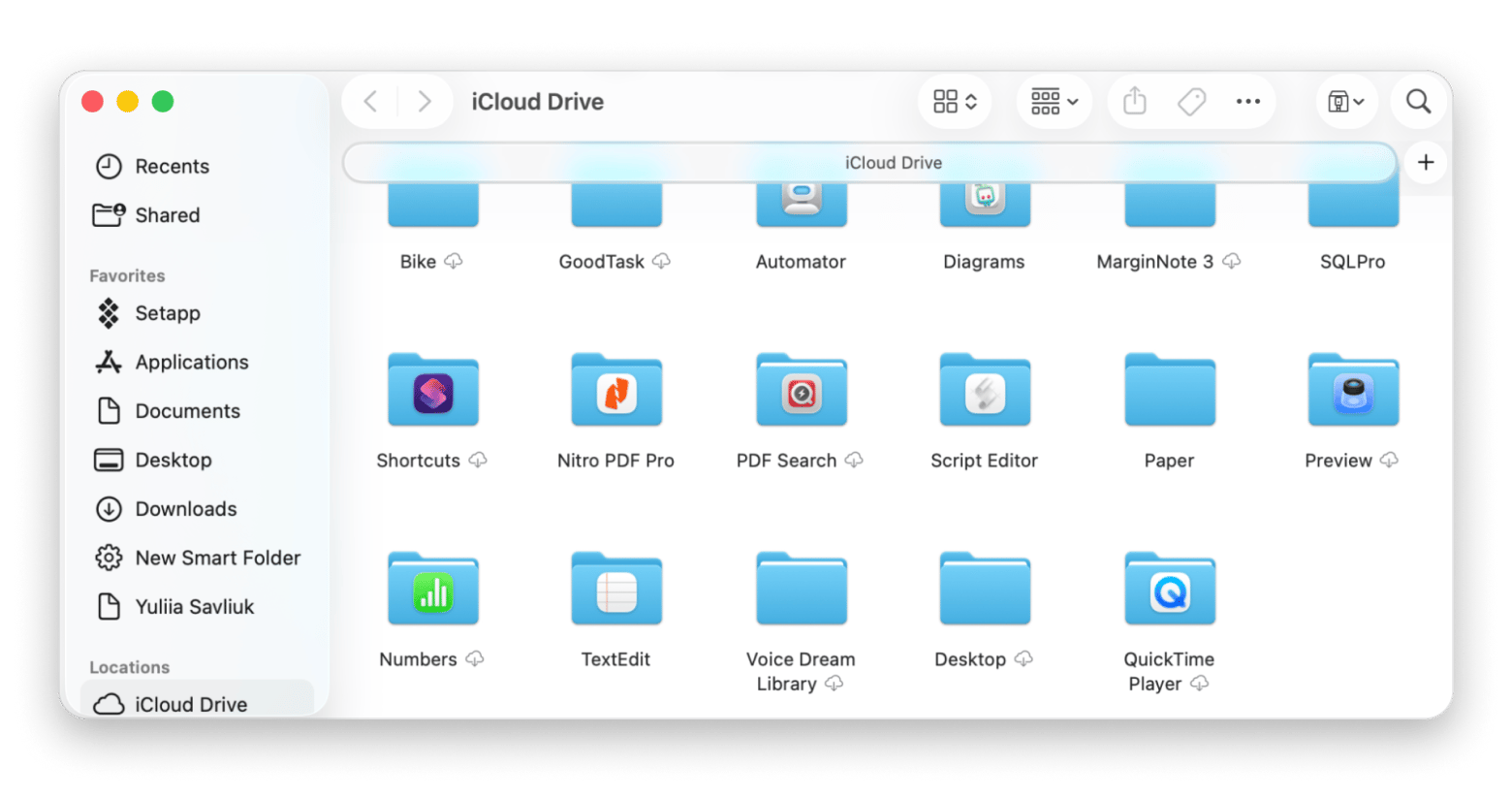
Apple iCloud Drive is the best Google Drive alternative for Mac if you want to remain within the Apple ecosystem. It’s deeply embedded in macOS, and it also offers continuity on iPhones and iPads. The sync is seamless; you can share photos across devices, and there’s the advantage of Handoff and Continuity.
It’s actually part of every iCloud account, but upgrading from the free 5GB is inevitable if you want to store files or have a large photo library. You can manually turn on end-to-end encryption, but file sharing is quite clunky compared to Google Drive and Dropbox.
Pros:
Deepest macOS integration available
Seamless iPhone and iPad sync
Excellent Finder experience
Cons:
Advanced Data Protection is off by default
Poor cross-platform collaboration
Cloud storage pricing (as of June 2026):
Free 5 GB plan
Paid plans start at $0.99 per month for 50GB
Internxt: Best open-source privacy-focused alternative
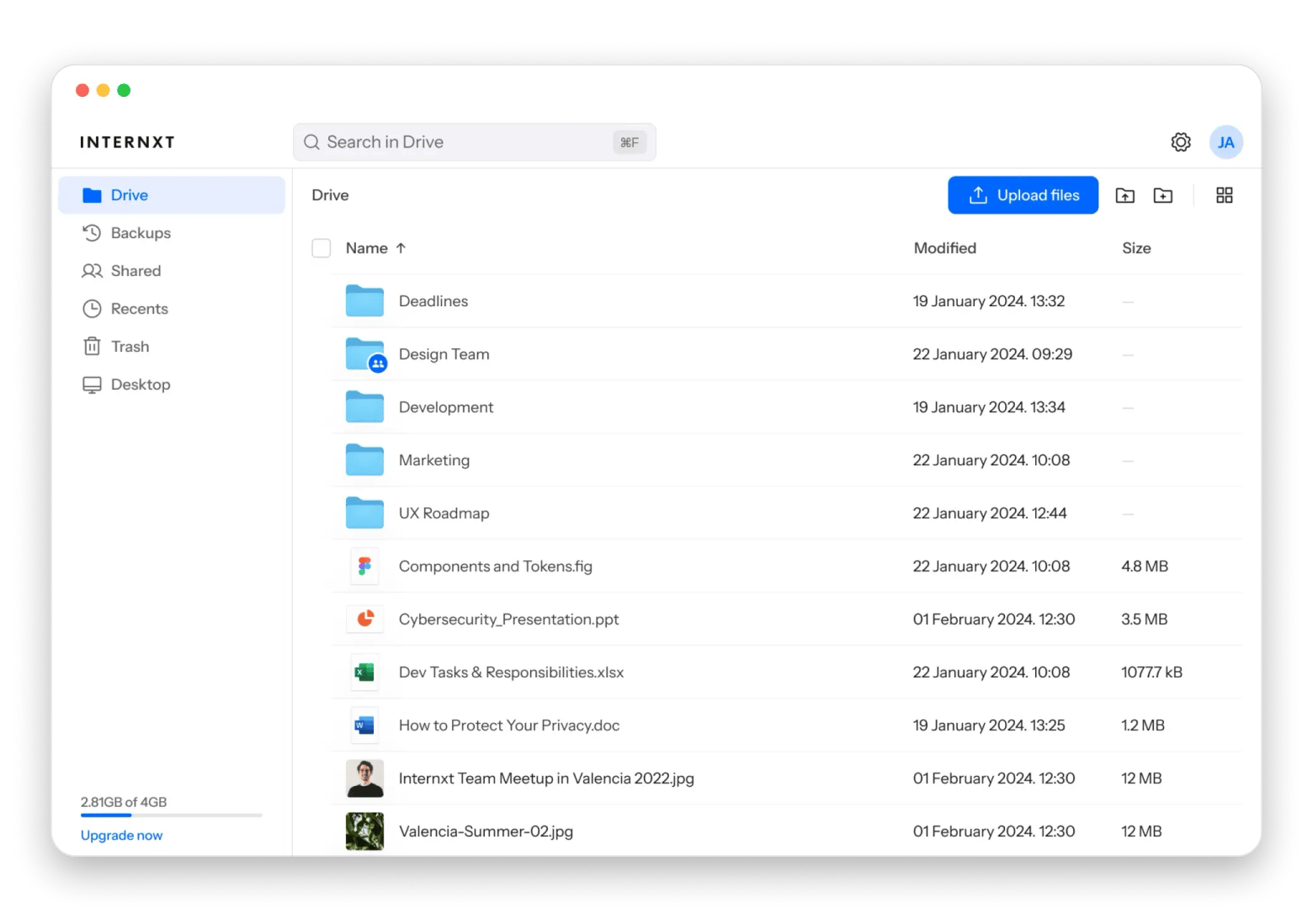
Internxt is the newest entrant, but it even features in our best iCloud alternatives list. It’s one of the most privacy-friendly services, and it uses AES-256 end-to-end encryption with Kyber-512 post-quantum key exchange. The apps are fully open source and have been audited by security firms.
There’s a Mac app, but it’s much simpler than competitors like Dropbox. I also find it quite clunky during file sync and share, as there are often lots of delays. It’s based in Spain (which puts it under EU laws), and the free tier is limited to 1GB – the smallest in this list.
Source: internxt.com
Pros:
Open-source platform
Zero-knowledge encryption
Strong privacy focus
Cons:
Fewer integrations compared to alternatives
Collaboration features are limited and unreliable
Cloud storage pricing (as of June 2026):
Free plan with 1 GB of storage.
Paid plans start at €1.99/month for 1 TB
Lifetime plans start at €380 for 1 TB
Icedrive: Best UX-focused privacy alternative
Icedrive is from a relatively small company, but it’s one of the best free Google Drive alternatives if you are looking for a polished, privacy-conscious cloud service. I love the interface and the freedom it offers. You can edit, upload, delete, and open files as if they were on your local drive. It caches recently used files to make this seamless.
There’s also zero-knowledge encryption using Twofish, which offers the same level of security as AES. You can collaborate with public and user-to-user links, and the team is currently working on Icedrive Docs. While there are several limits on the features here and there, you can enjoy lifetime plans just like with pCloud.
Source: icedrive.net
Pros:
Best interface design of any option here
Finder virtual drive integration
Cons:
Bandwidth limits on sharing
Client-side encryption is limited to one folder
Cloud storage pricing (as of June 2026):
Free 10 GB plan
Paid plans start at $3.00/mo for the 2 TB plan
Lifetime plans from $99 for 100 GB
CloudMounter: Best Mac-native multi-cloud manager
CloudMounter differs from the other tools on this list as it’s more of a Mac-native cloud client that brings everything together. If you use multiple cloud services, it's handy to avoid dealing with 4 cloud apps.
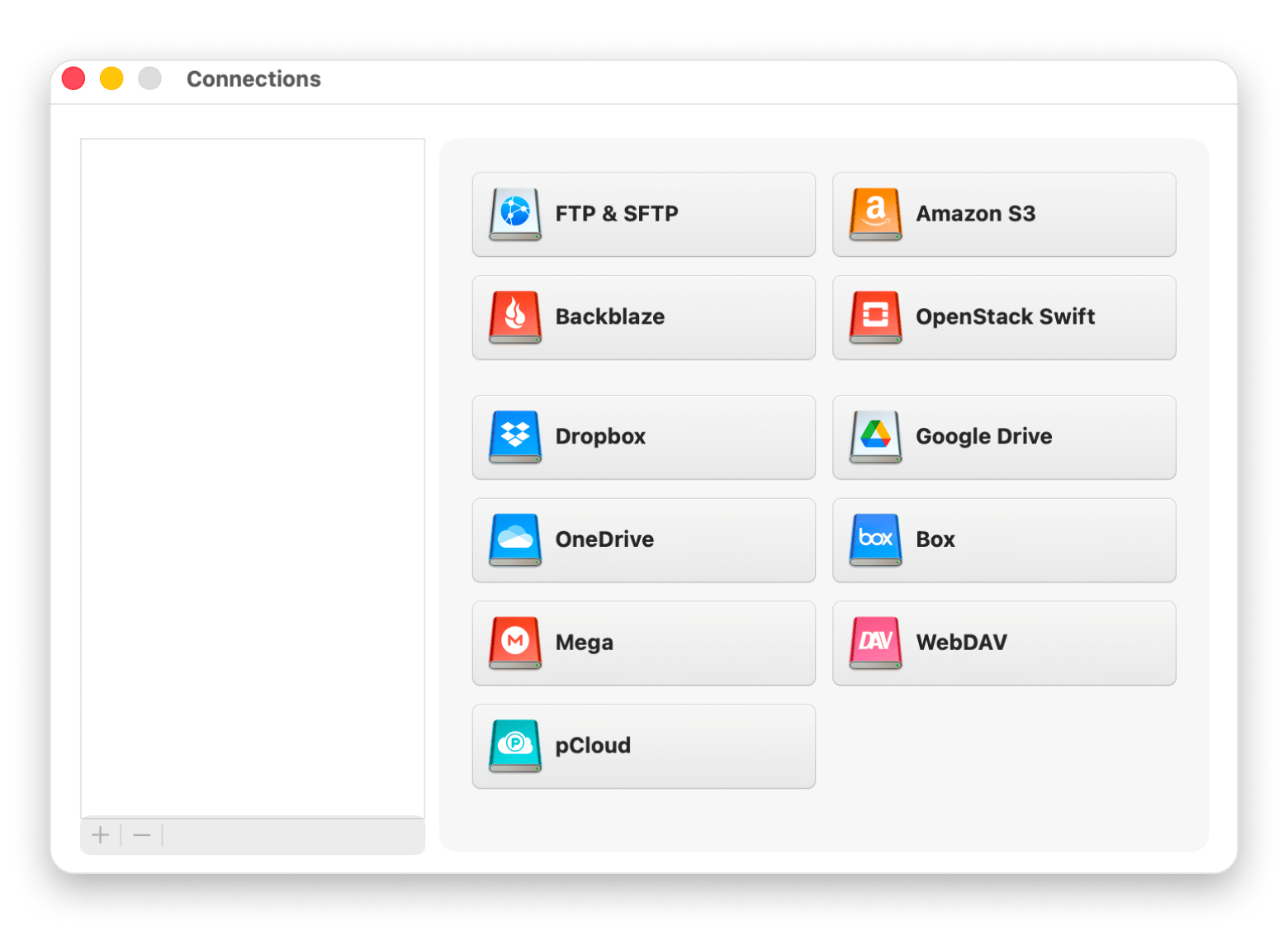
The tool lets you mount your Google Drive, Dropbox, OneDrive, iCloud, Amazon S3, Backblaze B2, and more as local Finder drives on your Mac. You don’t have to download the files, but you can browse and open them just like you would local ones.
I find it handy as most of us can’t avoid Google Drive, Apple Cloud Drive, and at least one other service if we work with large files. Just connect your Google Drive for your docs, iCloud for iOS files, then add any other service you have. You even get AES-256 encryption for the folders you want to secure.
Pros:
Mounts any cloud as a Finder drive
No local sync required
Works with all major providers
Available on Setapp
Cons:
Not a storage provider itself, it requires existing cloud accounts
Cloud storage pricing (as of June 2026):
It’s available on Setapp for $8.99/mo + tax, including 270+ apps; no other purchase is necessary
Other Mac tools that make any cloud storage work better
Switching from Google Drive also means that you’ll need to find a way to deal with the files you’ve stored. Installing a few additional Mac tools can make the process smoother and enhance your file organization on Mac.
Forklift – This is a dual-pane file manager for Mac that connects directly to different clouds via FTP, SFTP, WebDAV, Amazon S3, and Google Drive. You can then move files around or manipulate them as you’d like. It’s actually even a complete Finder replacement.
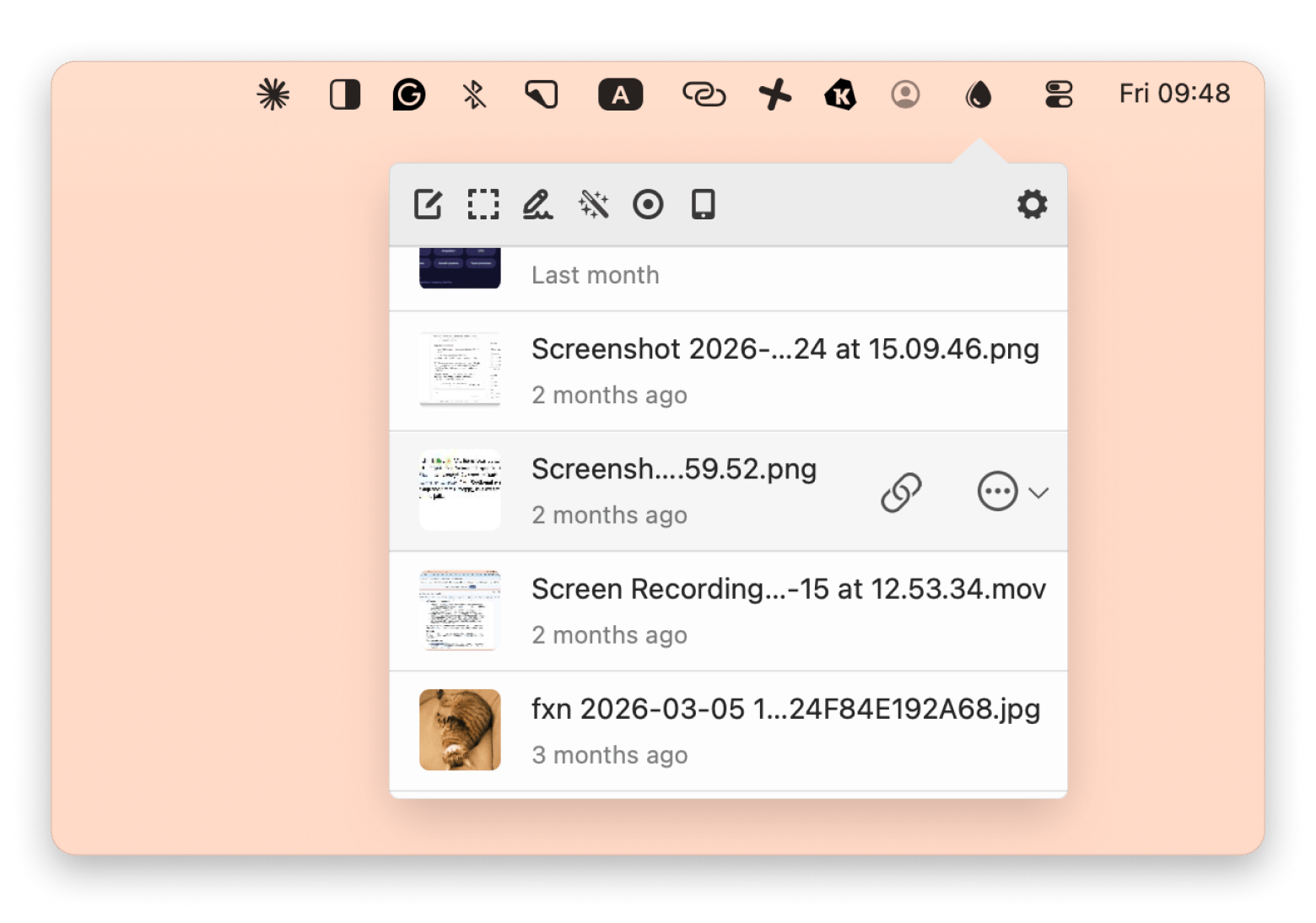
Dropshare – It replaces the hustle of “navigate to cloud, right-click, get shareable link, copy.” It sits right on your menu bar, and you can configure it with whatever cloud service or backend you want. When you drop a file there, it immediately uploads it and copies a link to your clipboard. I find it quite handy when sharing many files.
The best part is that these two are available on Setapp alongside CloudMounter. You only need to pay a single subscription of $$8.99/mo + tax per month and access them, plus hundreds of other premium Mac, iOS, and web apps.
How to migrate off Google Drive without losing anything
Moving away from Google Drive is actually easier than most people expect, but it’s still a process.
Choose what to download (some of it may be old or unnecessary). CloudMounter can help you manage them in a better way.
Move sensitive files first to a privacy-focused cloud.
Move all your other files to your preferred cloud service. Forklift’s dual-pane view can come in handy here.
Leave Google Drive active for a month to verify you have everything.
If sharing doesn’t seem to come naturally with your new service provider, you can first use Dropshare to recreate the quick file-sharing workflow.
Choosing the right Google Drive alternative for your use case
Here’s a quick decision framework I’ve put together to help you find the best Google Drive alternative for Mac.
I need maximum privacy – Proton Drive offers zero-knowledge encryption by default. Also enjoys better privacy protection under Swiss laws.
I want to pay once and stop paying monthly fees – pCloud offers the best lifetime plan. Internxt and Icedrive are alternatives.
I'm deep in the Apple ecosystem already – use iCloud Drive with Advanced Data Protection turned on.
I want collaboration features as good as Google Docs – OneDrive offers native Microsoft Office sharing, but you can stay on Drive for shared docs only.
I want to keep using Drive but hate the Mac client – CloudMounter is a multi-cloud manager that works with any cloud service.
I'm a power user who works across multiple clouds – combine CloudMounter with your preferred storage provider.
Still paying for a Google Drive plan that doesn't respect your privacy or fit your Mac? Switch to Setapp — CloudMounter, ForkLift, Dropshare, and 270+ Mac apps. Cancel before Day 7 — $0 charged. Start My Setapp Trial.
FAQ
What is the most private alternative to Google Drive?
Proton Drive is the most private alternative to Google Drive. It offers end-to-end encryption by default and operates from Switzerland. Not even the company can access your files.
Is there a free Google Drive alternative with more than 15 GB of storage?
There are cloud services like Mega and MediaFire that offer 20GB of free storage, but they aren’t true Google Drive alternatives. The closest alternatives are pCloud and Icedrive, as they both offer a free 10 GB plan.
Can I use a Google Drive alternative without losing my shared Docs?
Yes. Most people keep their shared docs in Google Drive and move the larger files to alternative cloud services. CloudMounter can help you simplify the management through a single Finder window.
Which Google Drive alternative works best with Mac and iPhone together?
iCloud Drive works best for Mac and iPhone users as it’s part of the Apple ecosystem. Other alternatives, like Proton Drive, also offer apps for both platforms.
Is iCloud Drive a real alternative to Google Drive?
Yes, iCloud Drive is a real alternative to Google if you primarily use Apple devices. Collaboration isn’t seamless, but you can enhance it with Dropshare.
Expand cloud storage on Mac
CloudMounter connects unlimited storage to Finder.






 Best solution
 Best solution