Aion
Close idle apps automatically
Mac
Version 2.11.25
macOS 14.0 or later
24.8 MB
10 languages
Aion is an idle app manager for Mac. It watches what's actually happening with your open apps and quietly closes the ones that have been sitting idle — so your Mac stays fast and uncluttered, without interrupting anything you're still using. Aion checks the context before it acts: downloads, audio, video, camera, microphone, meetings, and active windows are all protected automatically. Set per-app rules, pin the apps you always want open, and tie cleanup behavior to your macOS Focus modes. Everything runs locally — your app usage history stays on your Mac, where it belongs.
Quit apps that are truly idle
Protect downloads and meetings
Set per-app rules and schedules
Sync with macOS Focus modes
Aion features
Close idle apps — not active ones
Most app quitters work on a timer. Aion works on context. Before closing anything, it checks whether an app is actually idle — protecting downloads in progress, active audio or video playback, camera and microphone use, ongoing meetings, and open windows. If something's still happening, Aion leaves it alone.
Set rules for every app
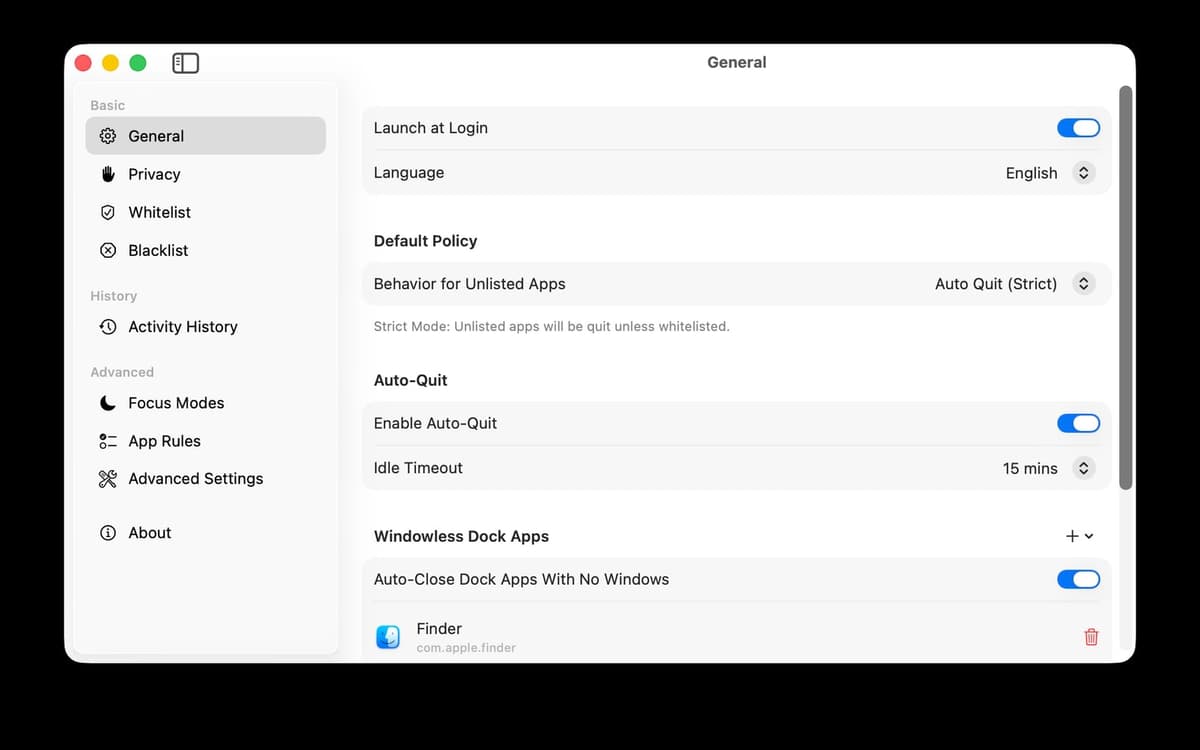
Not every app should be treated the same. Set individual timers, mark apps as always-on, or tell Aion to leave certain ones alone entirely. You're in control of what gets cleaned up and what doesn't — Aion just handles the work of doing it.
See what's running and why
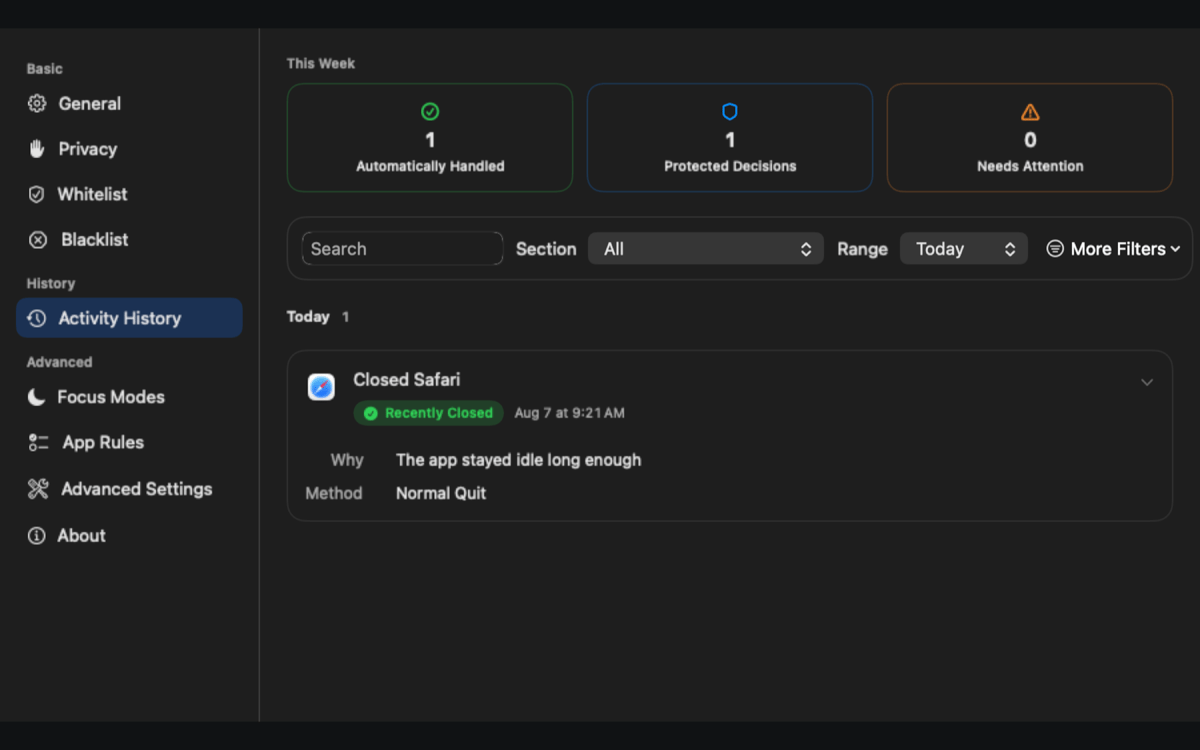
The menu bar panel shows every open app at a glance — including which ones are protected and the reason they're being kept alive. No guessing, no surprises. Activity History keeps a clear local record of every cleanup and protection decision Aion has made.
Schedule cleanup around your day
Close specific apps on a schedule, not just when they go idle. Combine scheduled cleanup with per-app rules and Focus mode integration to build a routine that keeps your Mac tidy without you thinking about it.
Connect to macOS Focus modes
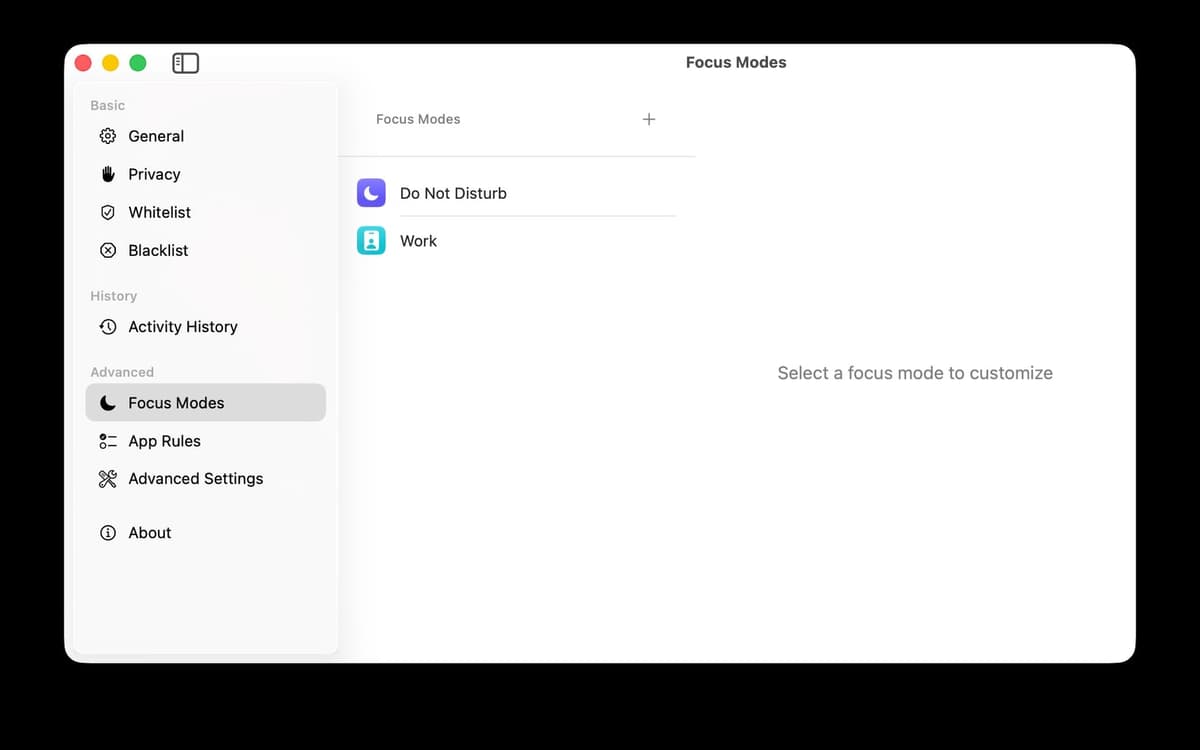
Aion can adjust its behavior based on whichever Focus mode is active. Working? Keep things running. Off the clock? Let Aion close what you don't need. It fits naturally into how you already use your Mac.
Private by design
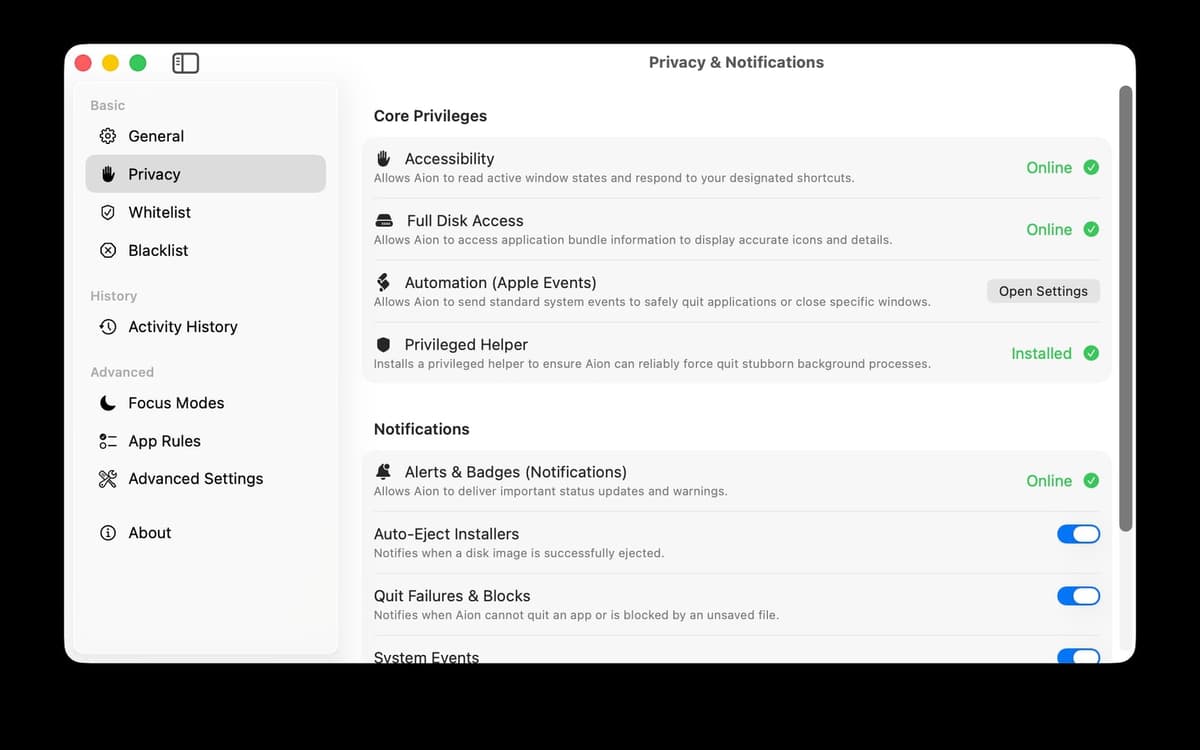
Aion makes all decisions locally. Your app usage history never leaves your device. The optional privileged Helper improves how force-quit and network activity detection work — but Aion stays fully usable without it if you'd rather keep things simple.
Ratings and reviews
Aion
•
8 ratings
Ryan Thorpe
Oct 10, 2026
App version: 2.11.25
I had no idea my mac needed this kind of tlc.
Response from Developer
Oct 11, 2026
Thanks for the lovely review! Every Mac deserves a little TLC 😊 We're glad Aion could help yours feel cared for.
Get hundreds of apps with Membership
Become Setapp member and use hundreds of stellar apps with one subscription.
Try 7 days free, then pay one simple fee.
Install Setapp on Mac
Explore apps for Mac, iOS, and web. Find easy ways to solve daily tasks.

Get the app you came for
That one shiny app is waiting inside Setapp. Install with a click.

Aion
Choose your subscription
One app or more with a Setapp membership. Get apps the way you want.

Get hundreds of apps with Membership
Become Setapp member and use hundreds of stellar apps with one subscription.
Try 7 days free, then pay one simple fee.
1
Install Setapp on Mac
Explore apps for Mac, iOS, and web. Find easy ways to solve daily tasks.
2
Get the app you came for
That one shiny app is waiting inside Setapp. Install with a click.
Aion
3
Choose your subscription
One app or more with a Setapp membership. Get apps the way you want.
Home to the top apps
From planning and routine tasks to creative pursuits and coding, tackle tasks with apps on Setapp.


Aion
Close idle apps automatically