
ChopShop
Edit video. Skip the drama

Mac
Version 2.2
macOS 15.0 or later
37.5 MB
11 languages
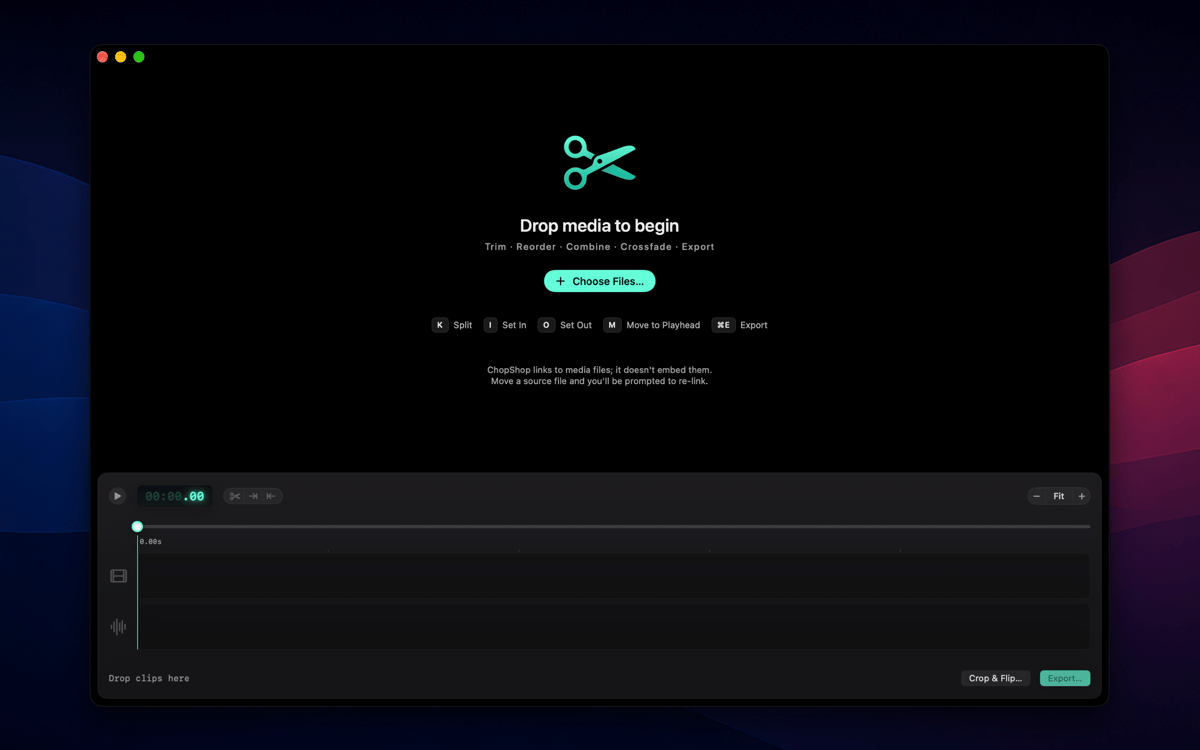
ChopShop is a fast, focused video editor for Mac. Drop in your clips, trim them down, and export — no project setup, no subscriptions, no ceremony. It's built for the everyday cut: the screen recording you need to shorten, the voice memo sequence you want to tidy up, the clip you'd like to play in reverse. ChopShop gets out of the way and lets you get it done.
Trim and export a screen recording fast
Cut voice memos into a clean sequence
Reverse a clip for a creative effect
Edit on the timeline, no project setup
ChopShop features
Two-track timeline
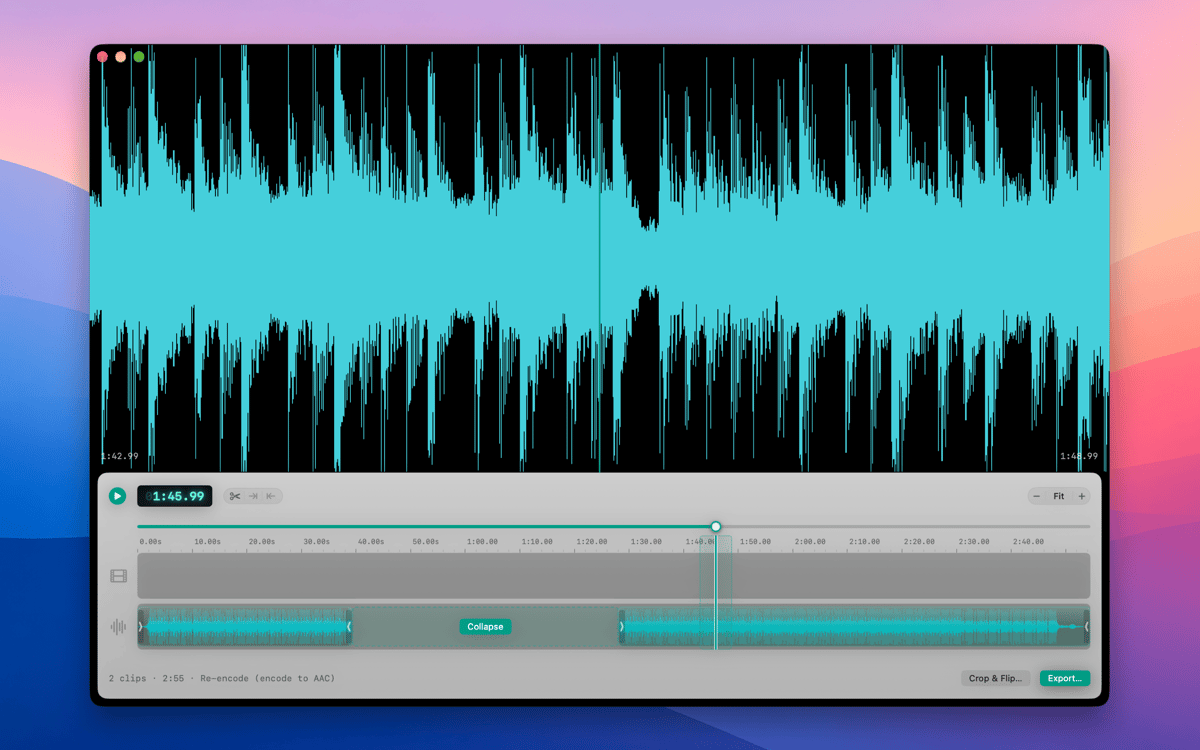
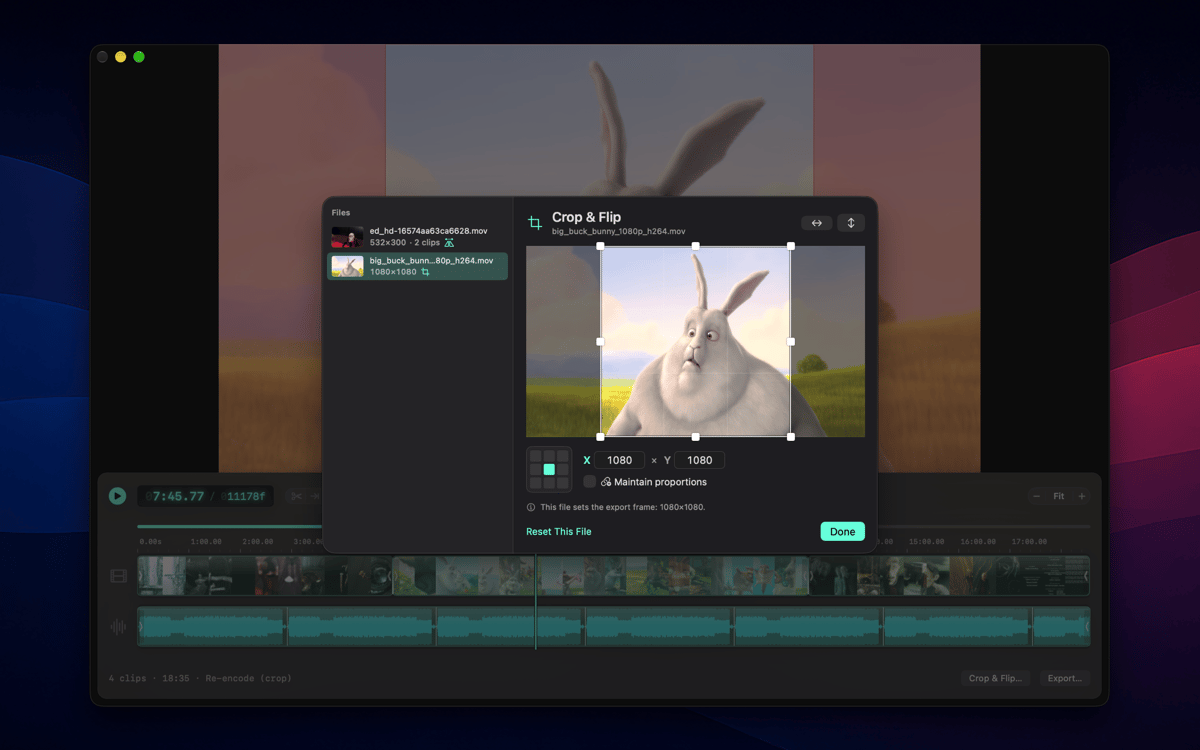
Lay video and audio side by side, overlap them, and arrange everything exactly where you want it. No nesting, no nested sequences, no surprises — just a clean two-track layout that does what you expect.
Frame-accurate editing
Split clips at the playhead, set in and out points, and nudge by a single frame or ten at a time. Single-key shortcuts for splits and I/O points keep your hands on the keyboard and your edit moving.
Reverse and retime
Flip any clip to play backward or dial in a new speed — ChopShop pre-renders the result so playback stays smooth. Great for effect shots or slowing down a detail you want viewers to catch.
Linked and unlinked audio
Keep a clip's sound married to its picture when you need them to move together — or break them apart when you don't. Full control over which way your audio behaves, always.
Live preview and frame copy
Size the preview window to fit your footage in one click, then copy the current frame straight to your clipboard whenever you need a still. What you see is exactly what you'll export.
Native Mac app, lightweight by design
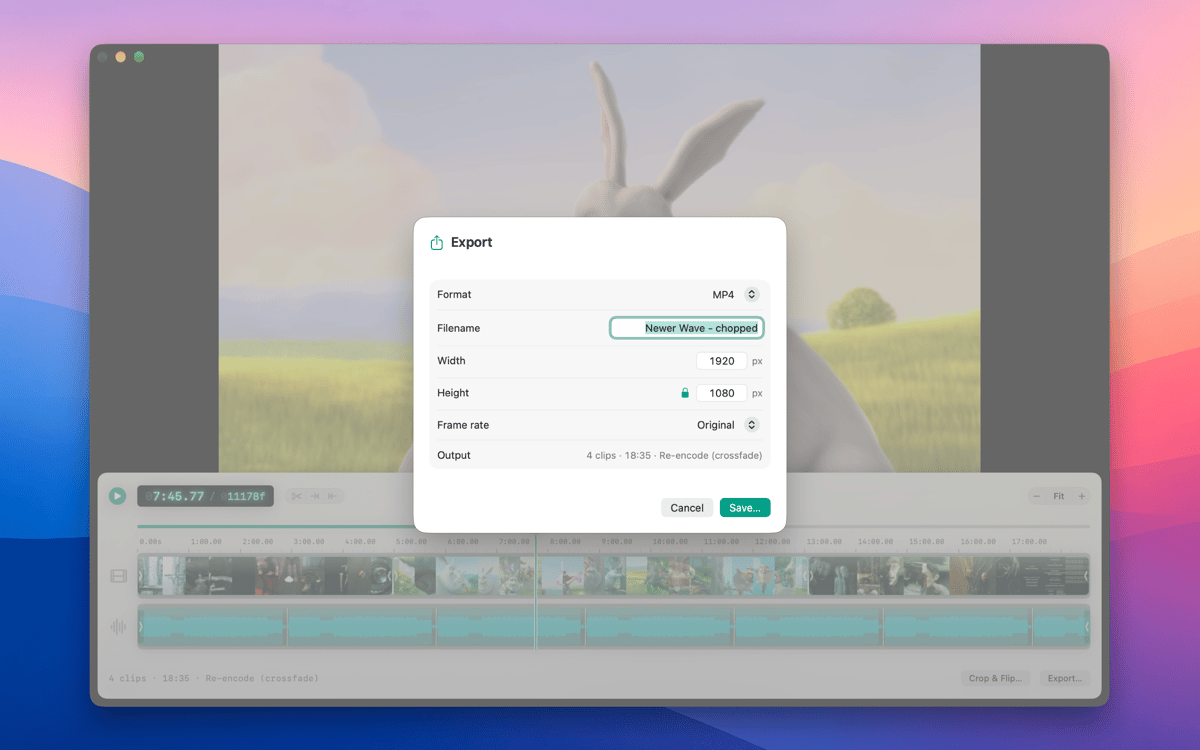
ChopShop is a true Mac app — document-based .chop format, multi-window editing, full undo/redo, and copy/paste of clips. It imports MP4, MOV, M4A and more, exports fast, and stays out of your Dock when you're not using it. Available in 11 languages.
Get hundreds of apps with Membership
Become Setapp member and use hundreds of stellar apps with one subscription.
Try 7 days free, then pay one simple fee.
Install Setapp on Mac
Explore apps for Mac, iOS, and web. Find easy ways to solve daily tasks.

Get the app you came for
That one shiny app is waiting inside Setapp. Install with a click.

ChopShop
Choose your subscription
One app or more with a Setapp membership. Get apps the way you want.

Get hundreds of apps with Membership
Become Setapp member and use hundreds of stellar apps with one subscription.
Try 7 days free, then pay one simple fee.
1
Install Setapp on Mac
Explore apps for Mac, iOS, and web. Find easy ways to solve daily tasks.
2
Get the app you came for
That one shiny app is waiting inside Setapp. Install with a click.
ChopShop
3
Choose your subscription
One app or more with a Setapp membership. Get apps the way you want.
Home to the top apps
From planning and routine tasks to creative pursuits and coding, tackle tasks with apps on Setapp.


ChopShop
Edit video. Skip the drama