
Chunk
Time-block your whole day
Mac
Version 3.4.4
macOS 13.0 or later
223.5 MB
32 languages
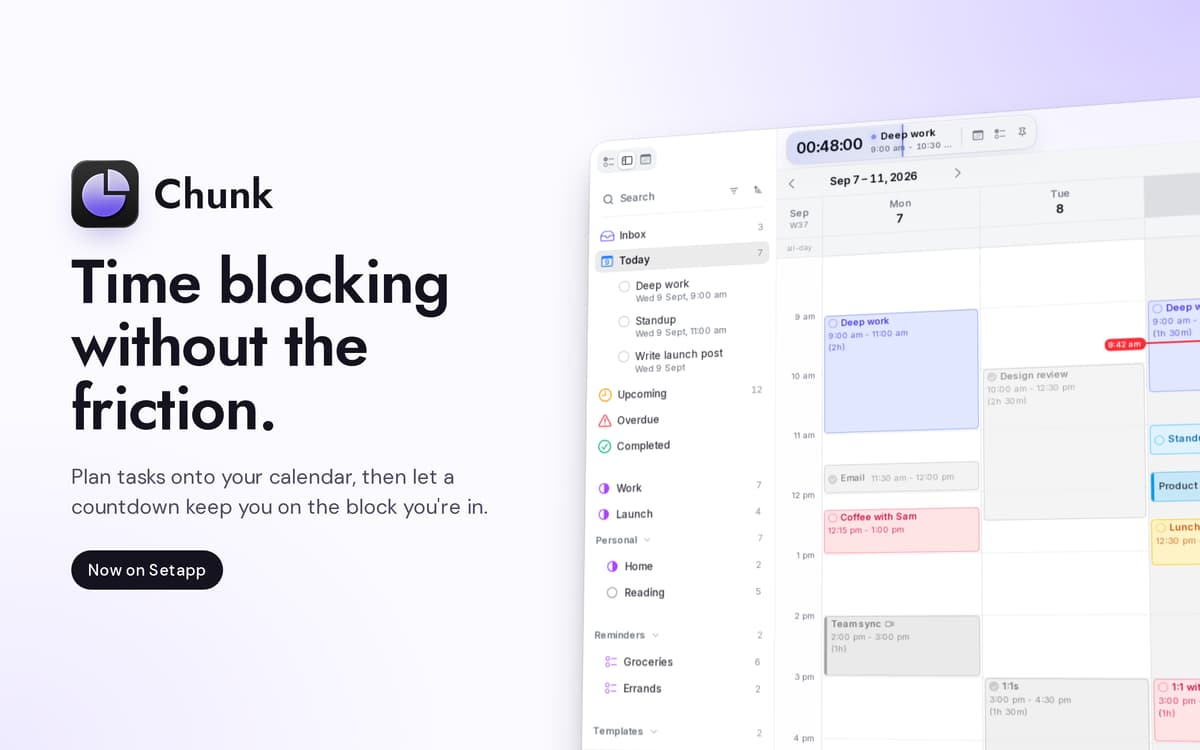
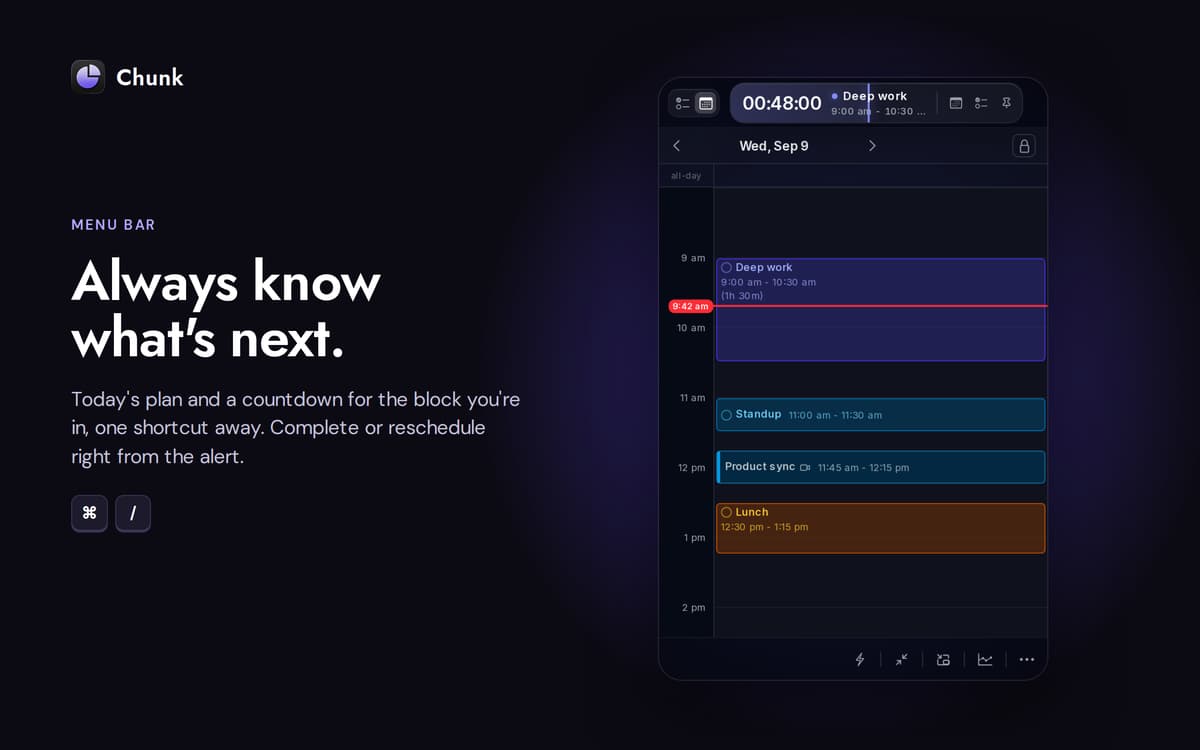
Chunk is a menu-bar time blocker for Mac. Hit Cmd+/ and a translucent panel slides in, ready for colour-coded blocks. Drag meetings, deep work, and the afternoon coffee onto a 24-hour timeline, and the menu bar counts down the time left in your current block. Two-way sync with Google, Outlook, and Apple Calendar keeps everything in one place; the schedule itself lives on your Mac.
Plan tomorrow in 30 seconds flat
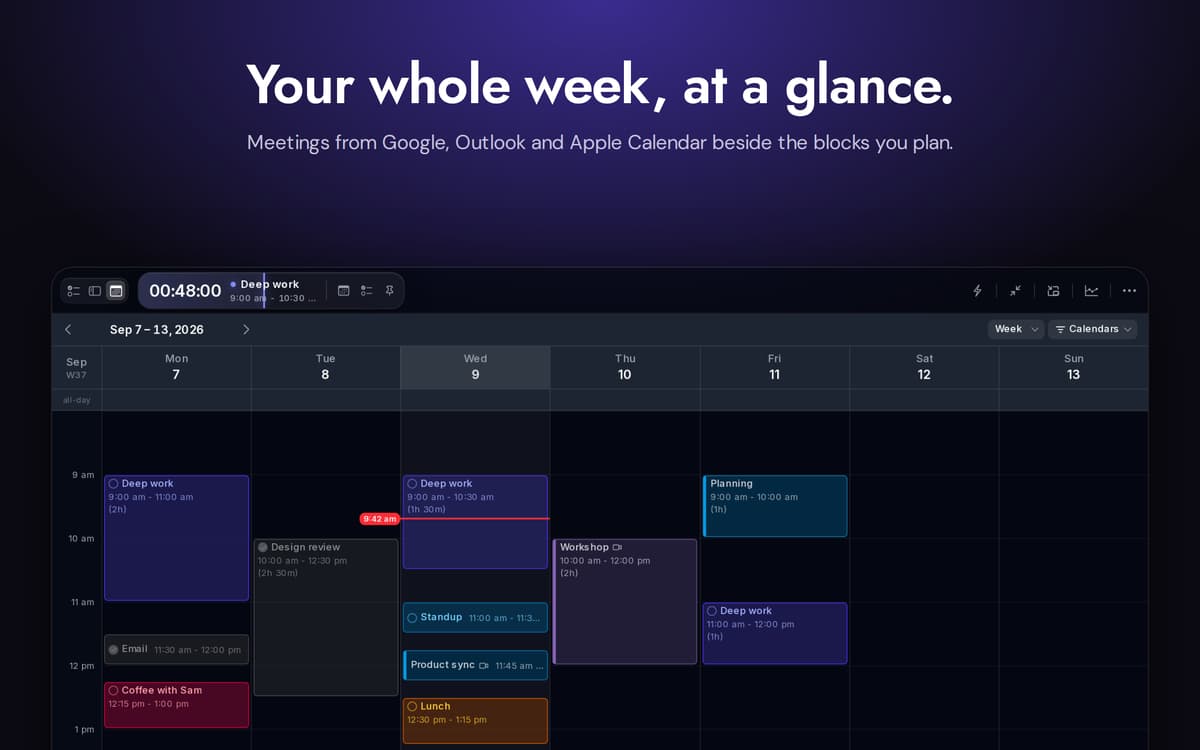
Sync Google, Outlook and Apple Calendar
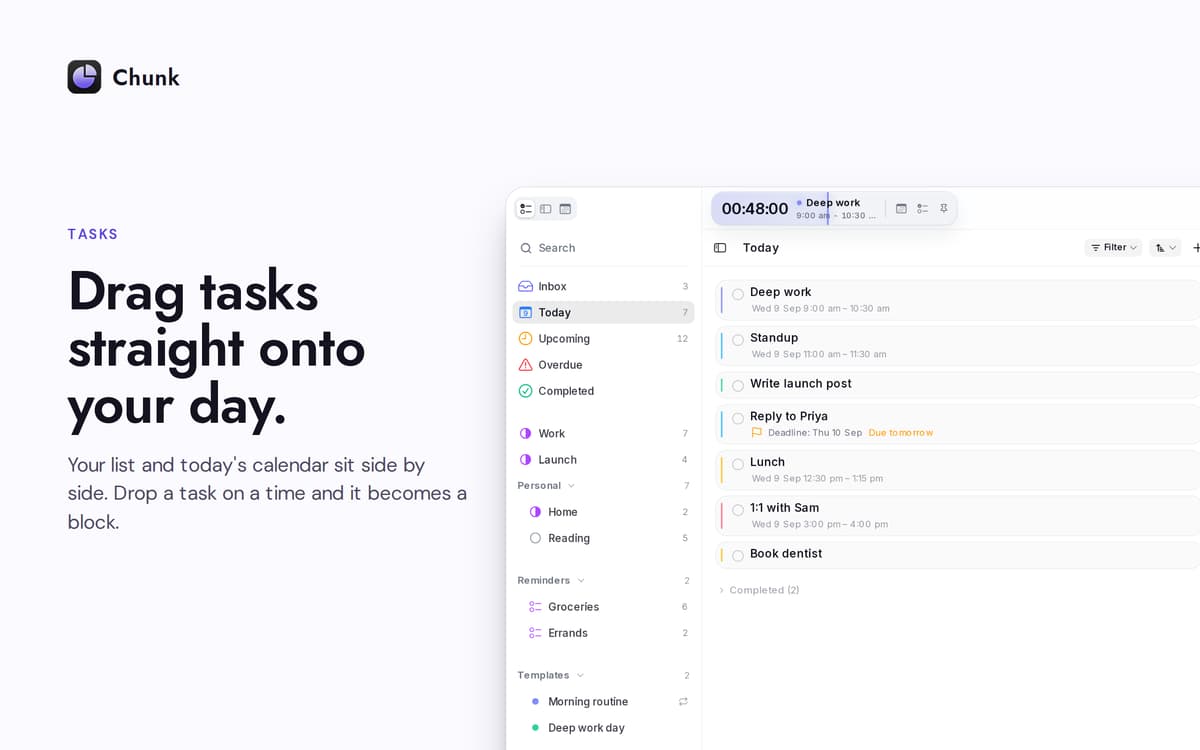
Drag tasks straight onto your day
Re-plan without breaking focus
Chunk features
Drag-to-block timeline
A 24-hour vertical timeline you build by dragging. Resize blocks from either edge. The snap interval shrinks the more you zoom in, all the way down to one minute when you need it.
Calendars in lockstep
Connect Google, Outlook, or Apple Calendar — pick one, pick all three. Anything you change in Chunk pushes back to the source within seconds. External events show up on the same timeline as your own blocks, so you only have one place to look.
Apple Reminders, side by side
Your Reminders lists appear inside Chunk's task sidebar. Tick something off here and it's ticked off in the system Reminders app. Drag a reminder onto your day to turn it into a time block.
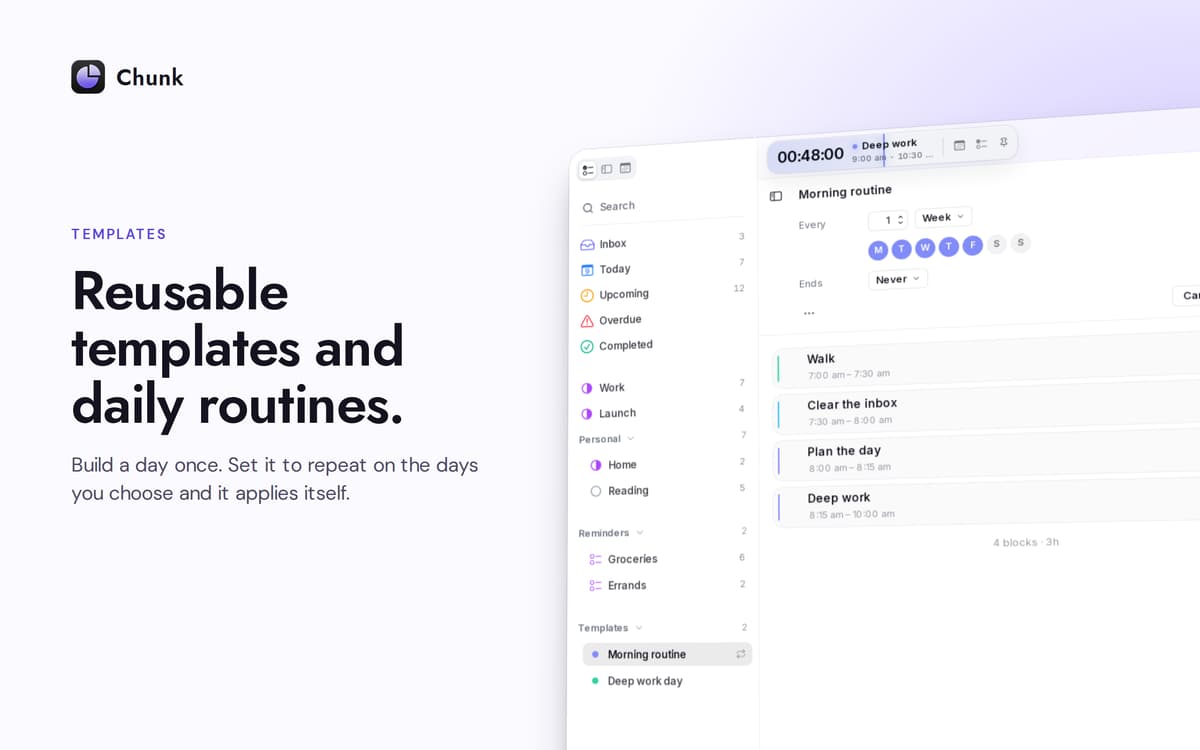
Templates that show up on their own
Save a typical day once. Pick which weekdays it should auto-apply on. Chunk fills the schedule in before you even open the panel — a fresh week, already laid out.
A countdown that doesn't hide
The menu bar shows the time left in your current block. The main panel floats above fullscreen apps, so a quick glance — or a quick re-plan — never costs you what you were doing.
Plan with Claude, on your Mac
Connect Chunk to Claude and let it draft, move, or reshape your day from natural-language prompts. The connection runs locally; your schedule never leaves the device.
Get hundreds of apps with Membership
Become Setapp member and use hundreds of stellar apps with one subscription.
Try 7 days free, then pay one simple fee.
Install Setapp on Mac
Explore apps for Mac, iOS, and web. Find easy ways to solve daily tasks.

Get the app you came for
That one shiny app is waiting inside Setapp. Install with a click.

Chunk
Choose your subscription
One app or more with a Setapp membership. Get apps the way you want.

Get hundreds of apps with Membership
Become Setapp member and use hundreds of stellar apps with one subscription.
Try 7 days free, then pay one simple fee.
1
Install Setapp on Mac
Explore apps for Mac, iOS, and web. Find easy ways to solve daily tasks.
2
Get the app you came for
That one shiny app is waiting inside Setapp. Install with a click.
Chunk
3
Choose your subscription
One app or more with a Setapp membership. Get apps the way you want.
Home to the top apps
From planning and routine tasks to creative pursuits and coding, tackle tasks with apps on Setapp.


Chunk
Time-block your whole day