
Compresto
Compress videos, images & PDFs
Mac
Version 1.31.1
macOS 13.0 or later
27.5 MB
6 languages
Videos, screenshots, and PDFs can quickly pile up on your Mac, filling up your storage and making you delete things you’d rather keep. Compresto shrinks your files by up to 90%, so you can reclaim that space without losing anything. And when you need to send something, it just goes — no more files too large to attach or uploads that take forever.
Compress videos without losing quality
Shrink images, GIFs, and PDFs in seconds
Process hundreds of files at once
Automate compression with folder monitoring
Compresto features
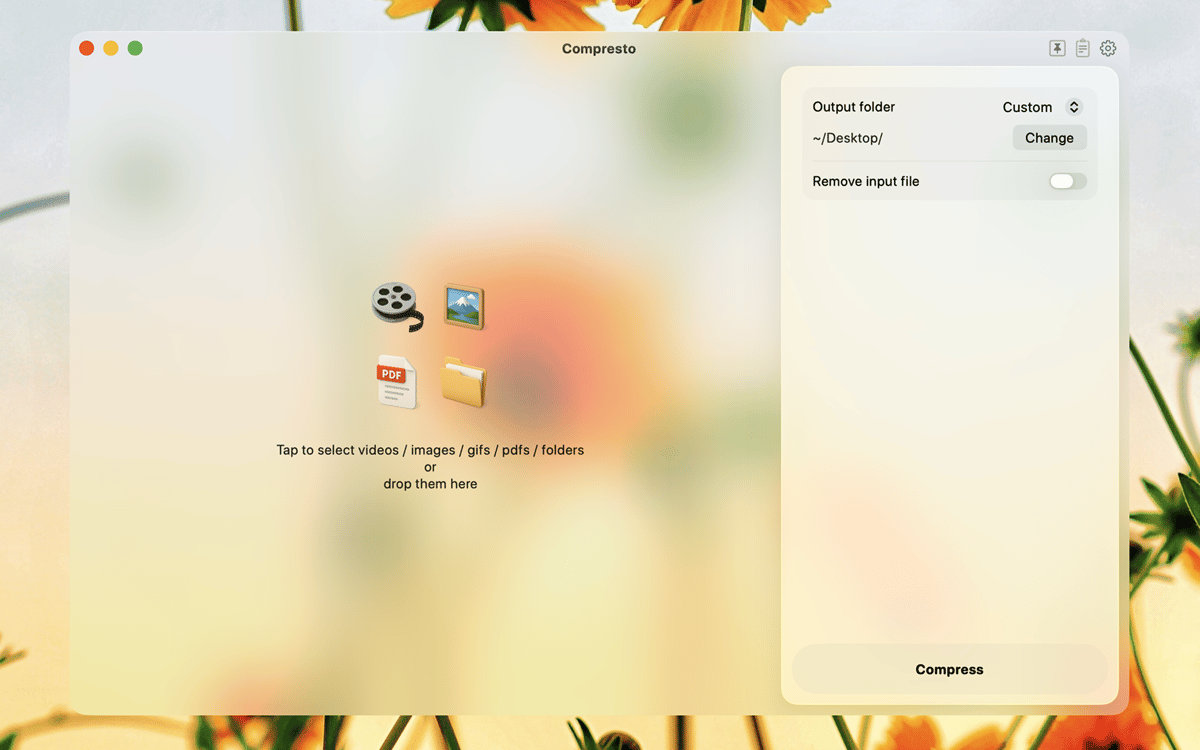
Compress videos, images, GIFs, and PDFs in one place
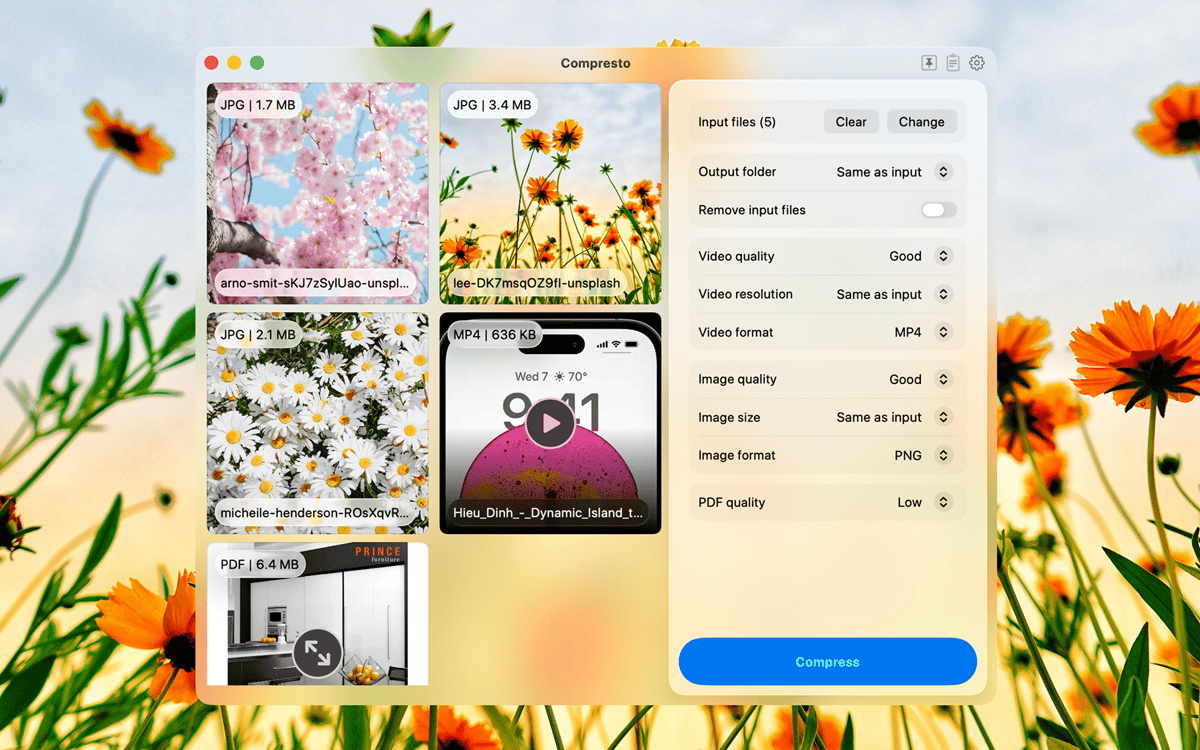
Whether it’s a video recording, a batch of screenshots, or a heavy PDF, Compresto handles them all. Drop a file in, get a smaller one out, with no visible difference in quality.
Process hundreds of files simultaneously
Got a whole folder of videos, screenshots, or exports to compress? Drop them all in at once and Compresto processes everything in the background while you get on with your work. It also shows you exactly how much space you saved.
Automate compression with folder monitoring
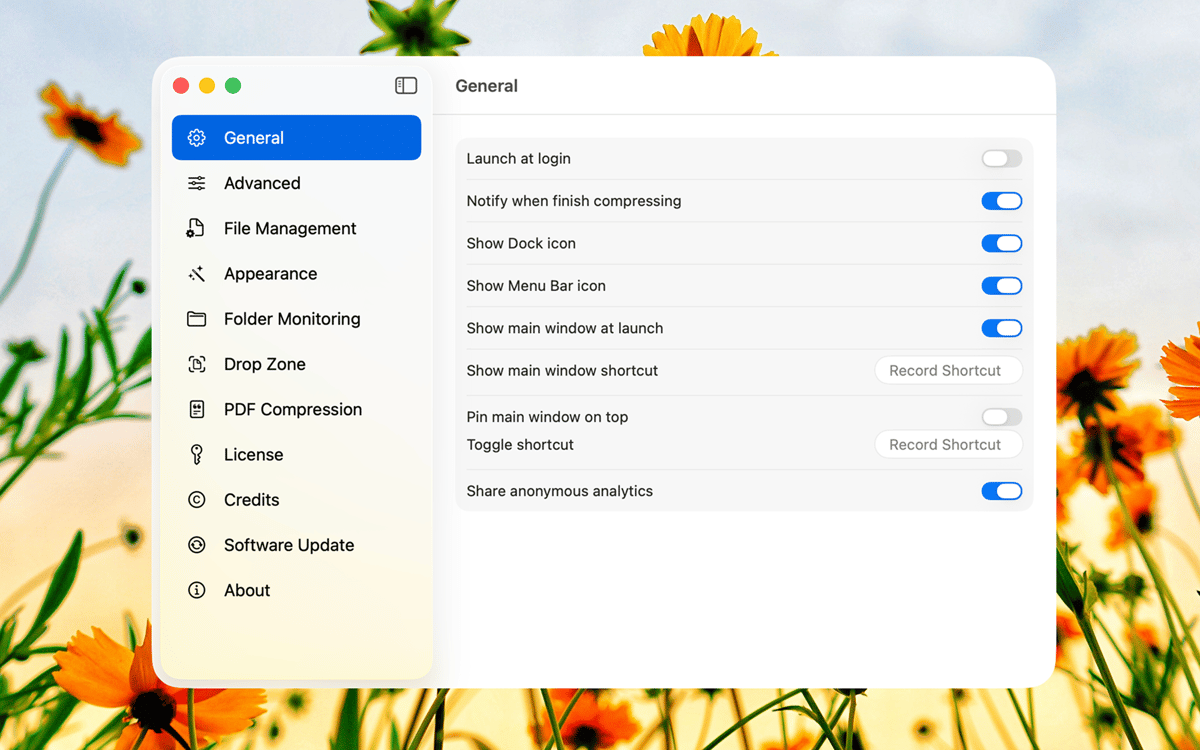
If you work with files regularly, compression shouldn’t be something you think about. Point Compresto at a folder and it automatically compresses any new file that lands there.
Keep your files private with offline processing
Compresto works entirely offline. Your files stay on your Mac and are never uploaded anywhere, which also means compression is fast and works without an internet connection.
Ratings and reviews
Compresto
•
73 ratings
Campany
Sep 4, 2026
App version: 1.30
1. It set itself as the default for MP4s without my permission. 2. The initial MP4 file was 58.2, and the compressed file was 58.1. Not much compression. 3. Both the original file and the compressed file then triggered a malware warning. “Apple could not verify that file.MP4” is free of malware that may harm your Mac or compromise your privacy. MOVE TO TRASH or DONE. 4. I was not even able to open it with Bitdefender to check the file. I got the same warning message. 5. I deleted the original and compressed files. Then I exported the MP4 again as a fresh file. I was able to open this file with all appropriate programs and with Bitdefender for review. I am deleting Compresto ASAP
Response from Developer
Sep 5, 2026
Compresto never scanned or altered those files for malware. A bug made it the default app for MP4s, and recent macOS then showed a Gatekeeper warning on any MP4 you double-clicked — original and compressed. The files themselves were fine, which is why a fresh export opened normally. We’re sorry. Please reset MP4s to QuickTime (Get Info → Open with → Change All), and we’ll ship a fix so this cannot happen again.
Andre Dick
Jul 25, 2026
App version: 1.29
It managed what the other apps couldn’t do. It got to a specific compression size with minimal loss. And it worked with my “old” Intel processor Mac! 🙌🏾
Ned Donovan
Jul 24, 2026
App version: 1.29
It consistently eliminates elements from the PDF that makes it untrustworthy for professional use.
Get hundreds of apps with Membership
Become Setapp member and use hundreds of stellar apps with one subscription.
Try 7 days free, then pay one simple fee.
Install Setapp on Mac
Explore apps for Mac, iOS, and web. Find easy ways to solve daily tasks.

Get the app you came for
That one shiny app is waiting inside Setapp. Install with a click.

Compresto
Choose your subscription
One app or more with a Setapp membership. Get apps the way you want.

Get hundreds of apps with Membership
Become Setapp member and use hundreds of stellar apps with one subscription.
Try 7 days free, then pay one simple fee.
1
Install Setapp on Mac
Explore apps for Mac, iOS, and web. Find easy ways to solve daily tasks.
2
Get the app you came for
That one shiny app is waiting inside Setapp. Install with a click.
Compresto
3
Choose your subscription
One app or more with a Setapp membership. Get apps the way you want.
Home to the top apps
From planning and routine tasks to creative pursuits and coding, tackle tasks with apps on Setapp.


Compresto
Compress videos, images & PDFs