DiskMap
See where your disk went
Mac
Version 5.0
macOS 13.0 or later
13.7 MB
7 languages
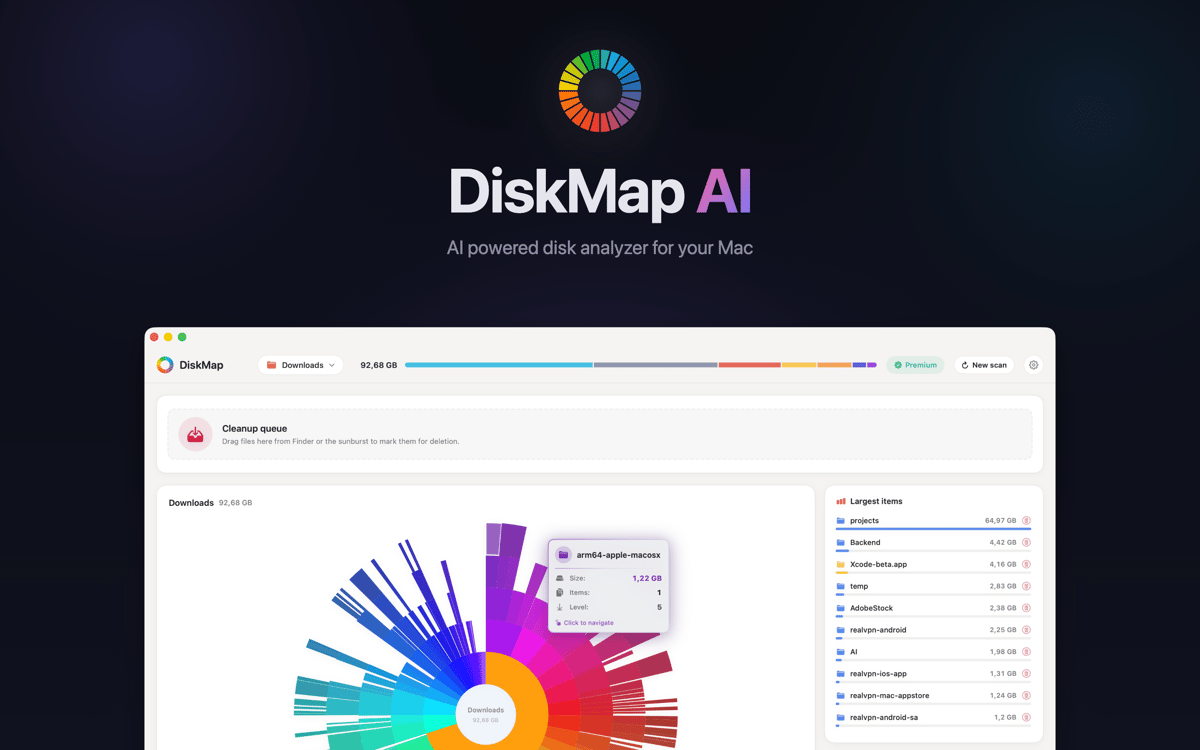
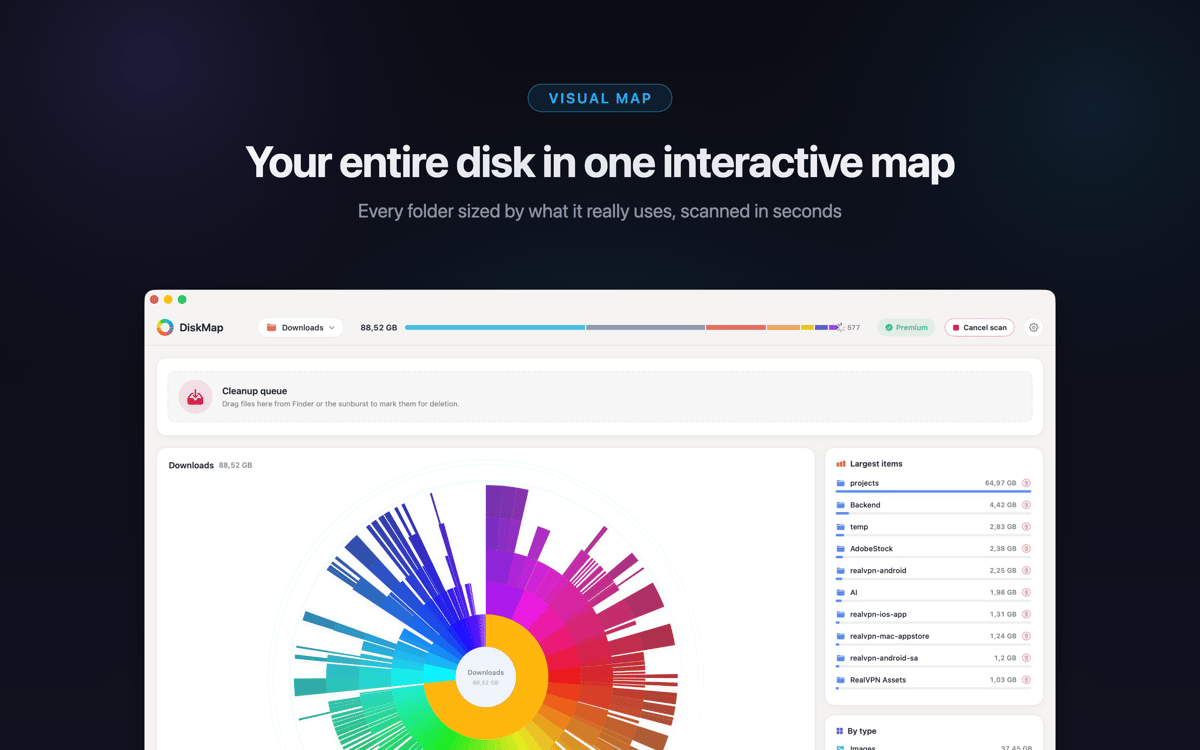
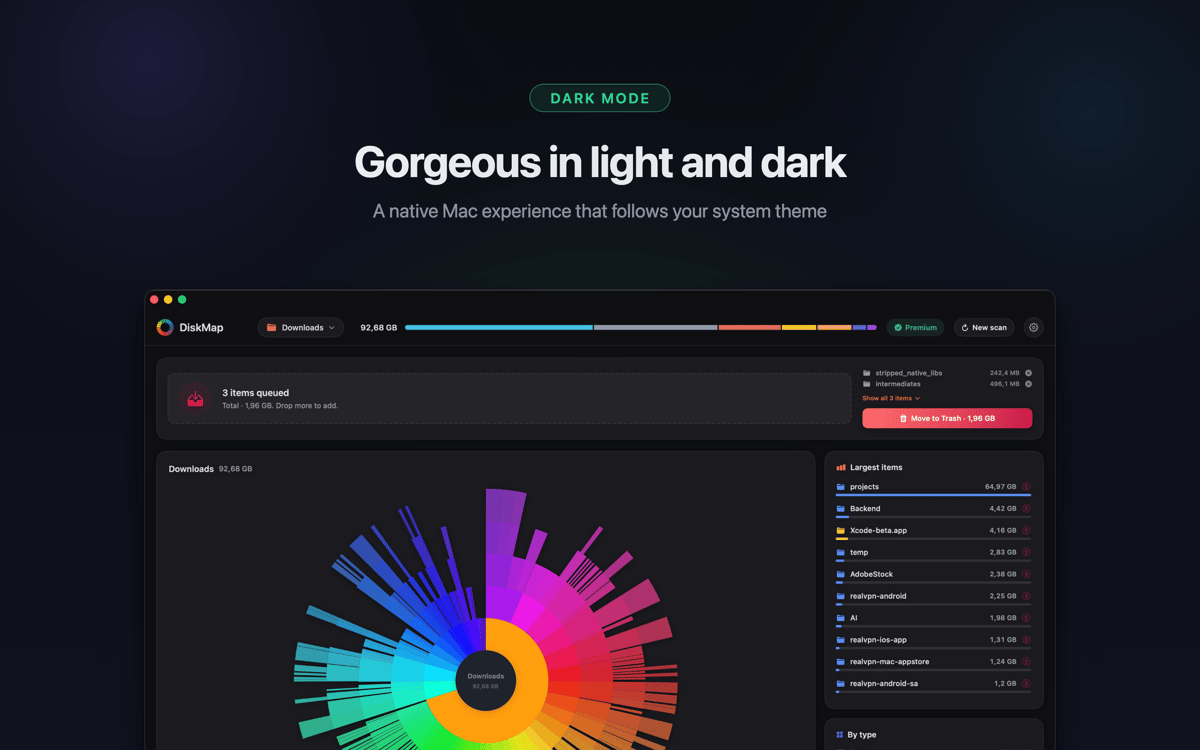
DiskMap is a disk space analyzer for Mac. It scans any drive and builds an interactive visual map of every file and folder — sorted by size, so the biggest space hogs are obvious at a glance. Pick a drive, hit Scan, and in seconds you know exactly where your gigabytes went. Found something you don't need? Preview it and remove it on the spot.
Find and remove large files in minutes
Scan any drive and see sizes instantly
Find large files and old downloads fast
Spot duplicate folders you forgot about
DiskMap features
See your whole disk in seconds
DiskMap scans your drive and maps every file and folder by size — no waiting, no guessing. Most scans finish in under 30 seconds, even on drives packed with millions of files. The visual layout makes the problem obvious: the biggest folders are impossible to miss.
Drill into any folder
Tap into any folder to go deeper. Navigate your entire drive layer by layer, with sizes shown at every level. You're always in control of where you look — no need to know file paths ahead of time.
Find and remove what's wasting space
Spot old downloads, forgotten archives, bloated app caches, and duplicate folders you didn't know were there. Preview anything with Quick Look before you delete it. Nothing gets removed without your say.
Works with all your drives
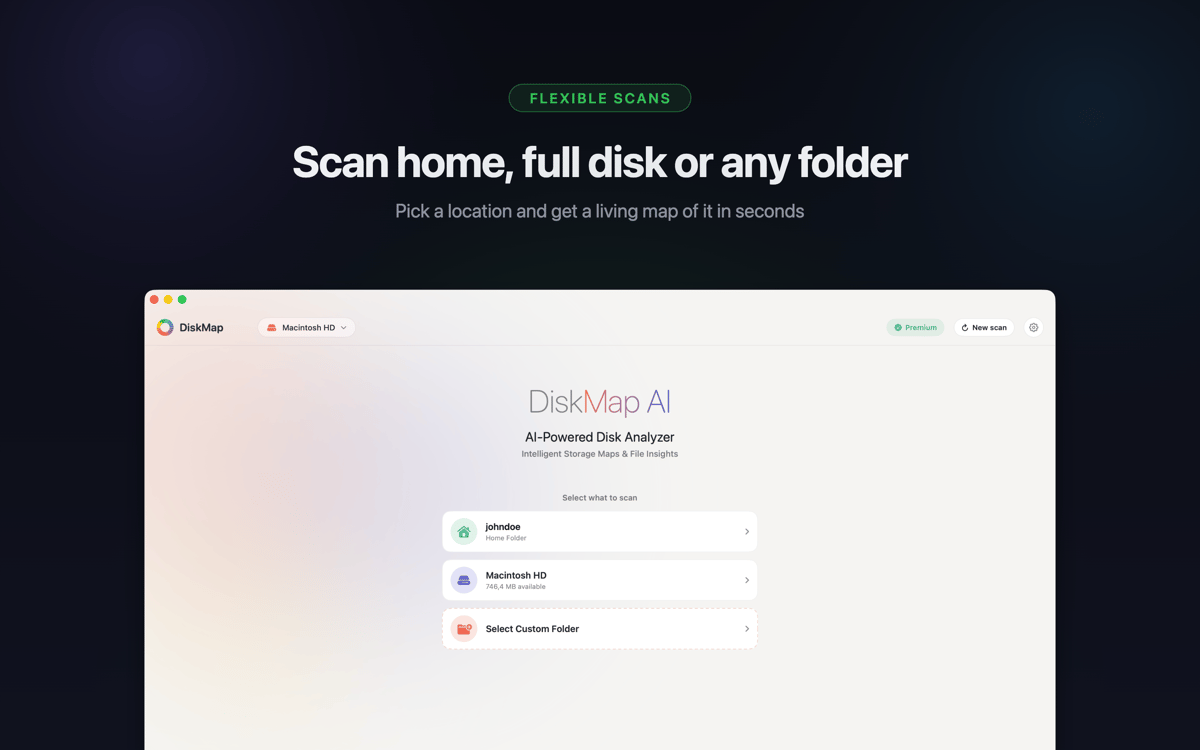
Scan your startup disk, external USB and Thunderbolt drives, SD cards, flash drives, network volumes, mounted DMG images, and Time Machine drives. Supports APFS, HFS+, ExFAT, and FAT32 — if it mounts on your Mac, DiskMap can map it.
System files stay safe
System files are clearly marked and protected. DiskMap never deletes anything automatically or without your explicit action. You stay in full control the whole time.
Lightweight by design
No background processes, no telemetry, no data sent anywhere. DiskMap runs quietly, finishes fast, and gets out of your way. Your files stay on your Mac — period.
Get hundreds of apps with Membership
Become Setapp member and use hundreds of stellar apps with one subscription.
Try 7 days free, then pay one simple fee.
Install Setapp on Mac
Explore apps for Mac, iOS, and web. Find easy ways to solve daily tasks.

Get the app you came for
That one shiny app is waiting inside Setapp. Install with a click.

DiskMap
Choose your subscription
One app or more with a Setapp membership. Get apps the way you want.

Get hundreds of apps with Membership
Become Setapp member and use hundreds of stellar apps with one subscription.
Try 7 days free, then pay one simple fee.
1
Install Setapp on Mac
Explore apps for Mac, iOS, and web. Find easy ways to solve daily tasks.
2
Get the app you came for
That one shiny app is waiting inside Setapp. Install with a click.
DiskMap
3
Choose your subscription
One app or more with a Setapp membership. Get apps the way you want.
Home to the top apps
From planning and routine tasks to creative pursuits and coding, tackle tasks with apps on Setapp.


DiskMap
See where your disk went