DockFlow
Dock presets for every task
Mac
Version 1.71
macOS 13.5 or later
35 MB
1 languages
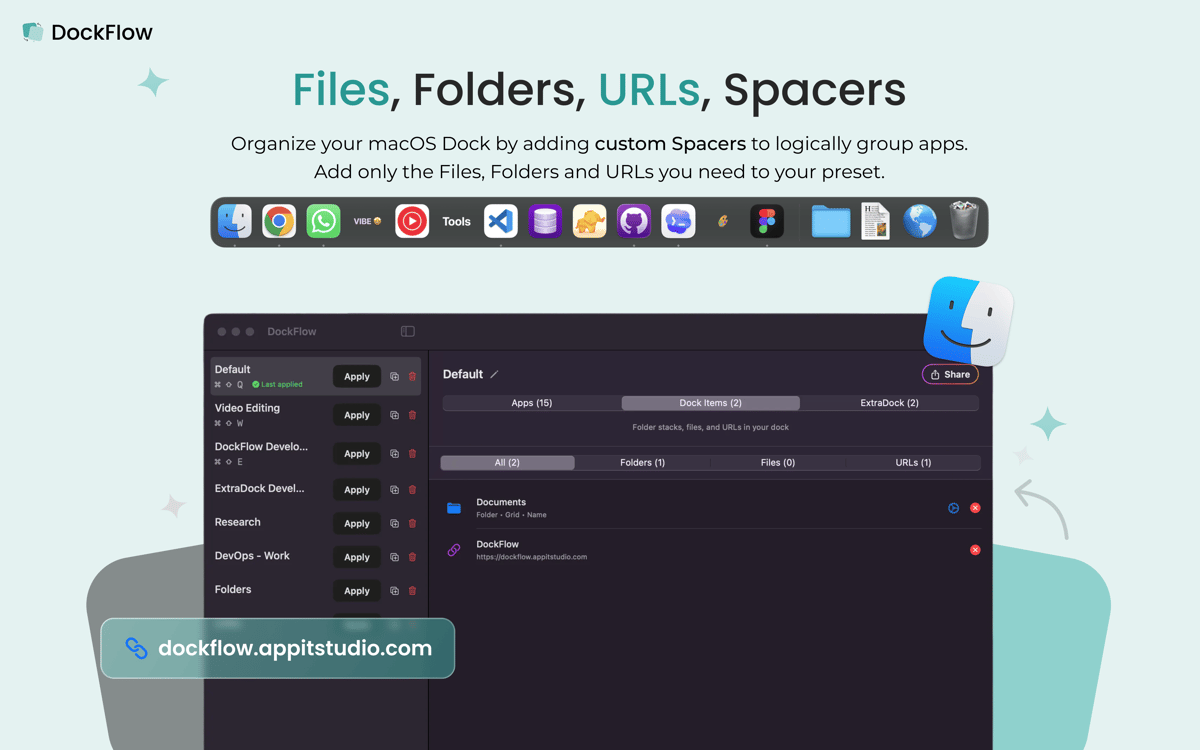
DockFlow lets you switch your Mac's Dock between workflows in seconds. Build presets for coding, design, meetings, or deep focus, then apply the right layout the moment your context changes. A preset can launch apps, browser profiles, and projects too, so your whole workspace lands ready to go. It works with the real macOS Dock and asks for zero special permissions.
Switch Dock layouts in one click
Launch apps, projects, and profiles
Build presets for work, code, design
Trigger Dock changes with Shortcuts
DockFlow features
Presets for every workflow
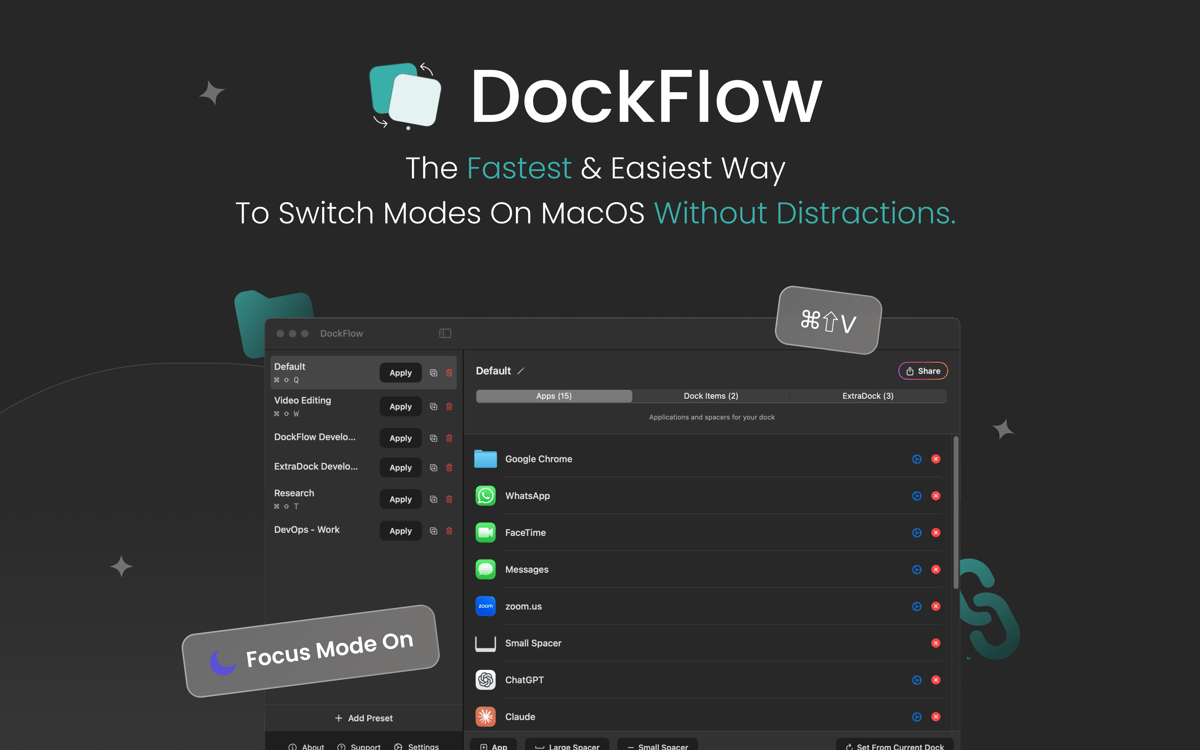
Save as many Dock layouts as you need. Set one up for coding, one for design, one for meetings, and switch between them without touching a single icon by hand.
One-click switching
Pick a preset from the menu bar or fire off a keyboard shortcut, and your Dock rearranges instantly. No dragging icons around, no rebuilding from scratch.
Launch your whole setup
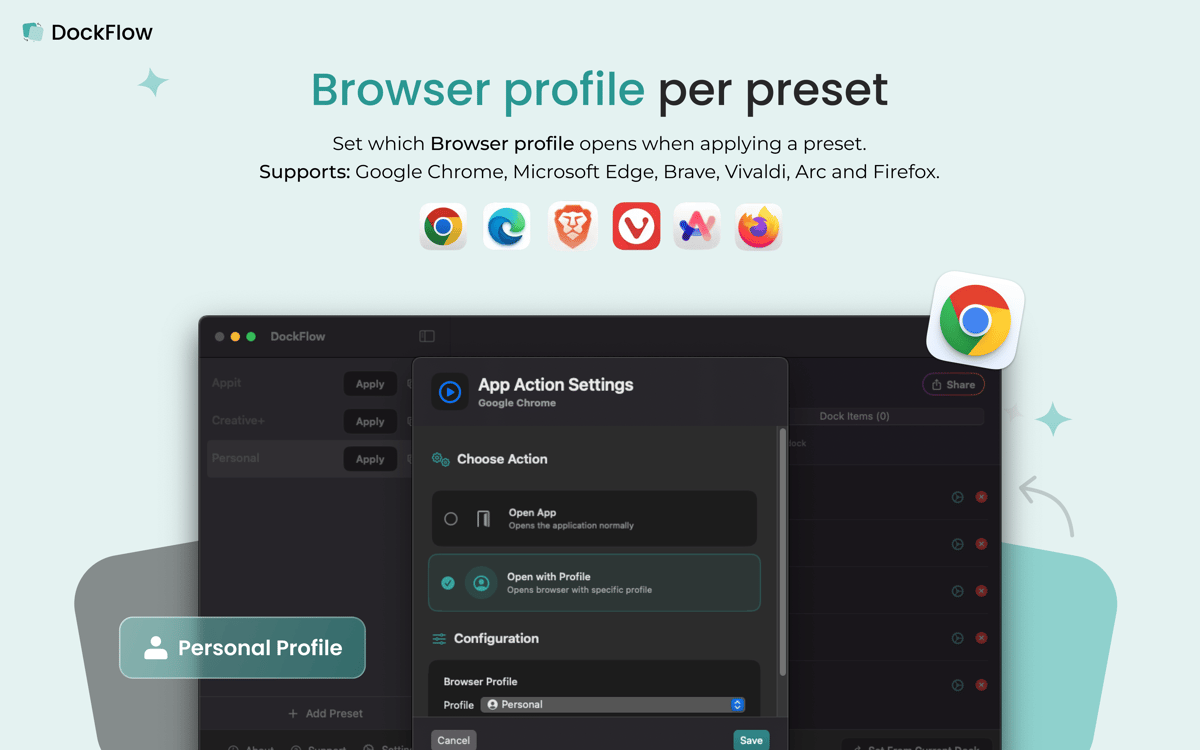
A preset isn't just icons — it can open specific apps, browser profiles, and IDE projects the moment you apply it, so your workspace is ready the second you switch.
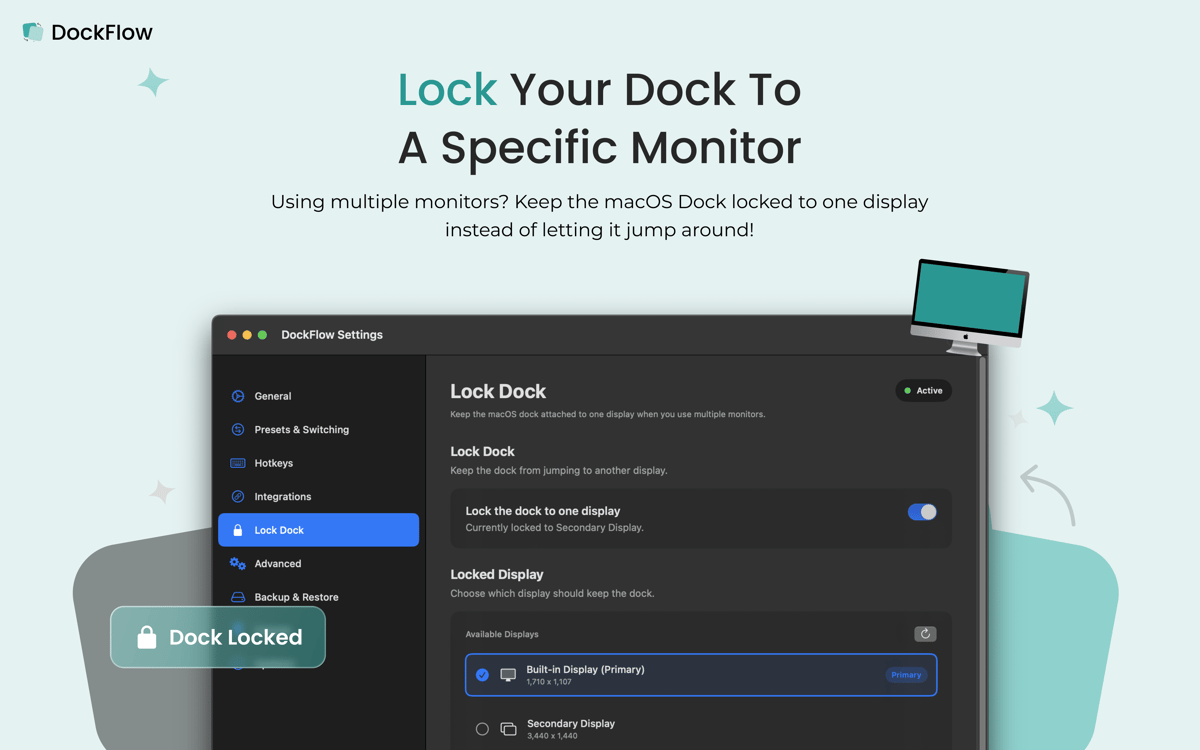
Dock stays put on multi-monitor setups
Pin your Dock to one screen so it stops jumping between displays when you're working across multiple monitors.
Shortcuts and Focus integration
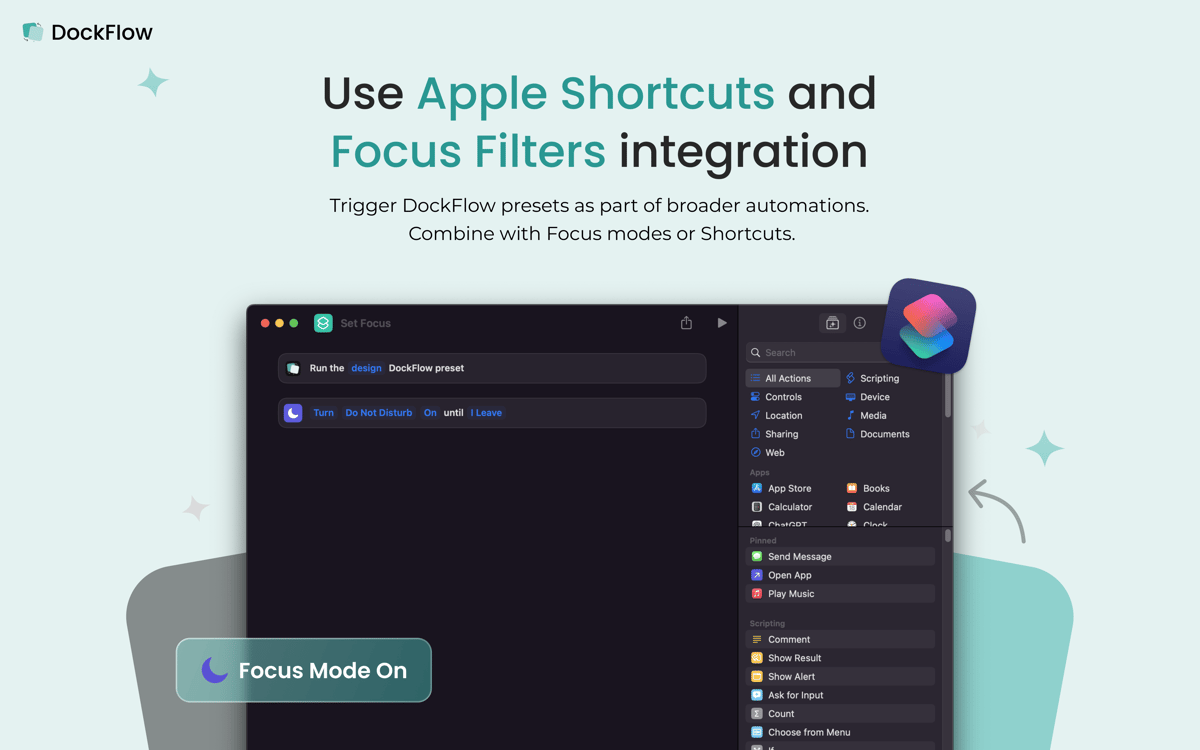
Wire presets into Apple Shortcuts and Focus modes, so your Dock can change automatically as your day moves from one mode to the next.
No special permissions
DockFlow works with the actual macOS Dock and doesn't ask for extra system access. Set it up once, and it just works in the background.
Get hundreds of apps with Membership
Become Setapp member and use hundreds of stellar apps with one subscription.
Try 7 days free, then pay one simple fee.
Install Setapp on Mac
Explore apps for Mac, iOS, and web. Find easy ways to solve daily tasks.

Get the app you came for
That one shiny app is waiting inside Setapp. Install with a click.

DockFlow
Choose your subscription
One app or more with a Setapp membership. Get apps the way you want.

Get hundreds of apps with Membership
Become Setapp member and use hundreds of stellar apps with one subscription.
Try 7 days free, then pay one simple fee.
1
Install Setapp on Mac
Explore apps for Mac, iOS, and web. Find easy ways to solve daily tasks.
2
Get the app you came for
That one shiny app is waiting inside Setapp. Install with a click.
DockFlow
3
Choose your subscription
One app or more with a Setapp membership. Get apps the way you want.
Home to the top apps
From planning and routine tasks to creative pursuits and coding, tackle tasks with apps on Setapp.


DockFlow
Dock presets for every task