
Drain
Smart grayscale for focus
Mac
Version 1.06
macOS 26.0 or later
6.7 MB
5 languages
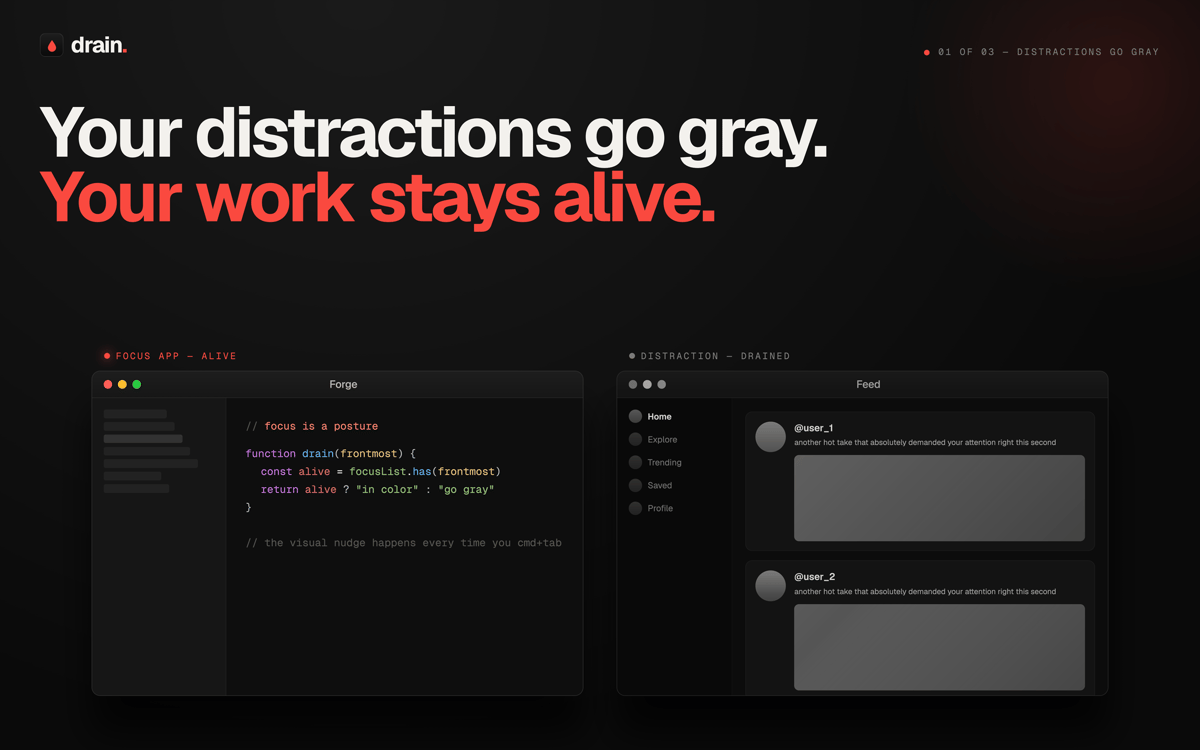
Drain is a grayscale app for Mac that helps you stay focused by making your screen less distracting. Turn your display black and white manually, on a schedule, or only for specific apps. It’s a simple way to reduce mindless scrolling, curb digital overload, and make your Mac a little calmer to use.
Make your screen less tempting
Cut down mindless app hopping
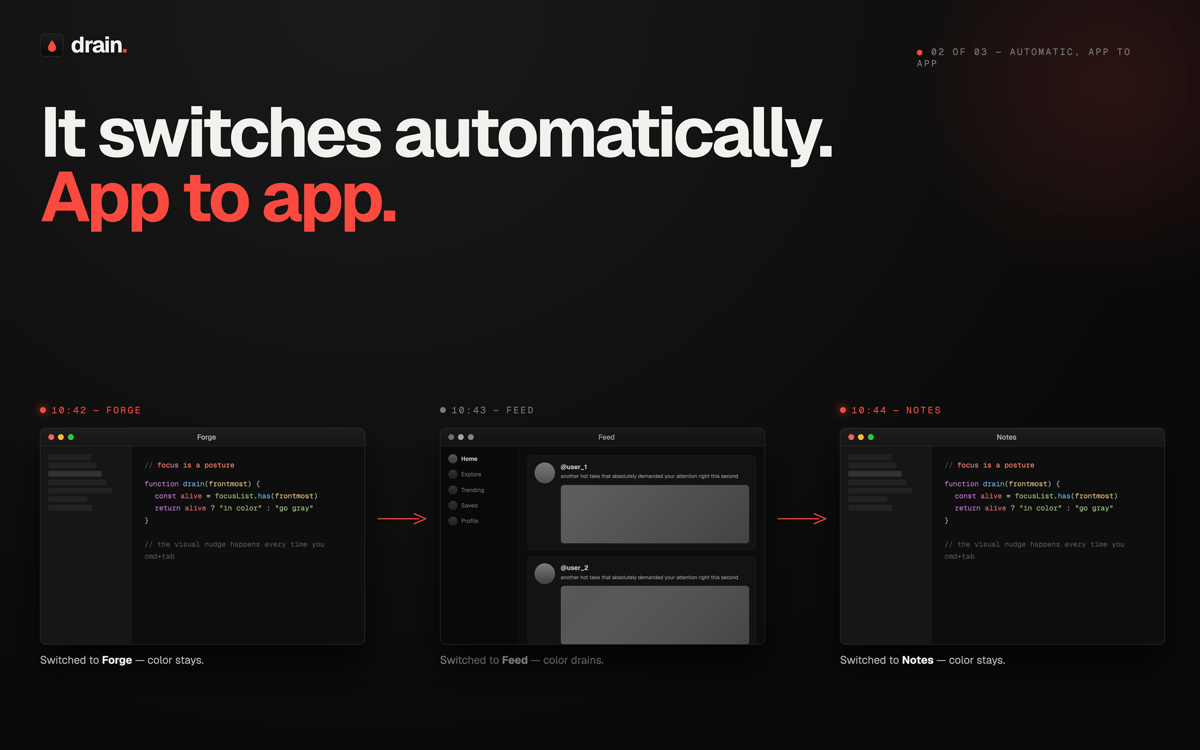
Turn grayscale on automatically
Stay focused without willpower
Drain features
Make your screen less distracting
Switch your Mac to grayscale in a click and tone down the visual noise. When everything looks a bit less shiny, it’s easier to stay on task.
Automate grayscale your way
Set schedules, create routines, and let Drain handle the timing. You can have grayscale kick in during work hours, late at night, or whenever your focus tends to wander off.
Use app-based rules
Choose which apps should trigger grayscale automatically. Great for social media, news, or any app that has a habit of stealing “just two minutes” from your day.
Stay in control with quick toggles
Turn grayscale on or off whenever you need it. No digging through system settings. No fuss. Just a fast reset for your screen and your attention span.
Build healthier screen habits
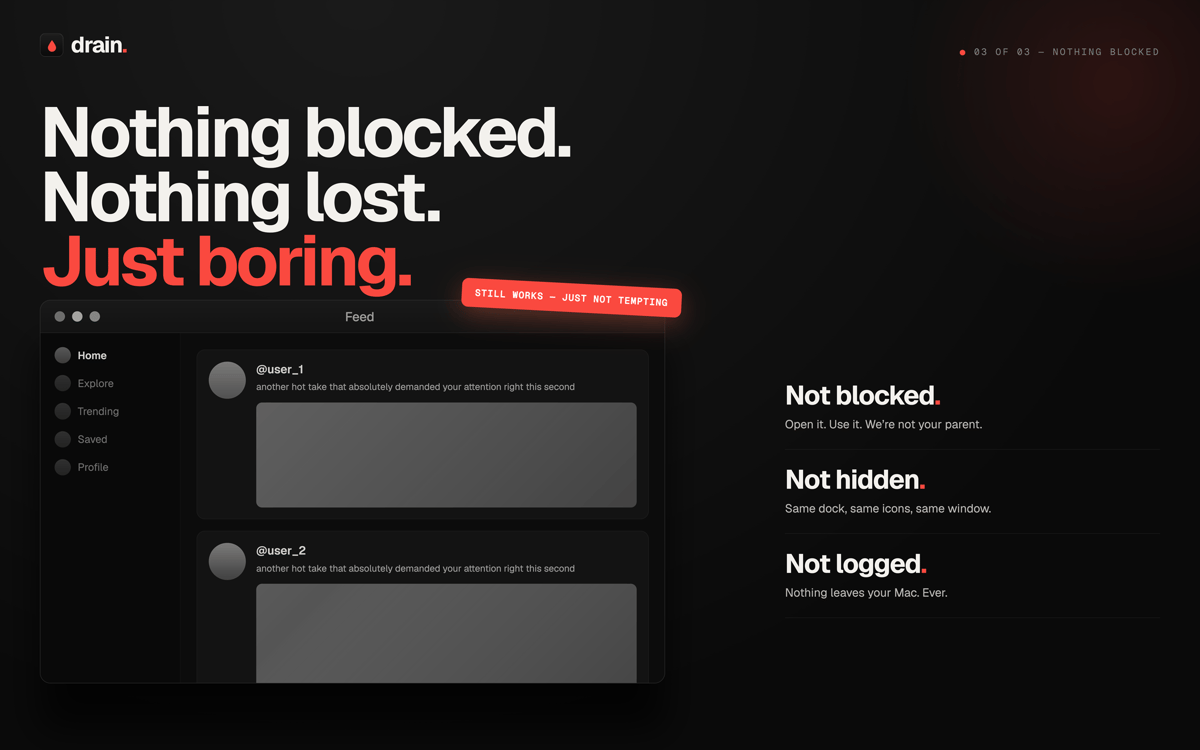
Drain helps you create a calmer digital environment without blocking apps or getting in your way. It’s gentle, practical, and surprisingly effective.
Keep things simple
The app focuses on one job and does it well: making your Mac less visually addictive. If you want a lightweight focus tool, Drain keeps things refreshingly straightforward.
Get hundreds of apps with Membership
Become Setapp member and use hundreds of stellar apps with one subscription.
Try 7 days free, then pay one simple fee.
Install Setapp on Mac
Explore apps for Mac, iOS, and web. Find easy ways to solve daily tasks.

Get the app you came for
That one shiny app is waiting inside Setapp. Install with a click.

Drain
Choose your subscription
One app or more with a Setapp membership. Get apps the way you want.

Get hundreds of apps with Membership
Become Setapp member and use hundreds of stellar apps with one subscription.
Try 7 days free, then pay one simple fee.
1
Install Setapp on Mac
Explore apps for Mac, iOS, and web. Find easy ways to solve daily tasks.
2
Get the app you came for
That one shiny app is waiting inside Setapp. Install with a click.
Drain
3
Choose your subscription
One app or more with a Setapp membership. Get apps the way you want.
Home to the top apps
From planning and routine tasks to creative pursuits and coding, tackle tasks with apps on Setapp.


Drain
Smart grayscale for focus