Hingely
Your MacBook lid, in motion
Mac
Version 1.0.7
macOS 15.0 or later
13.2 MB
1 languages
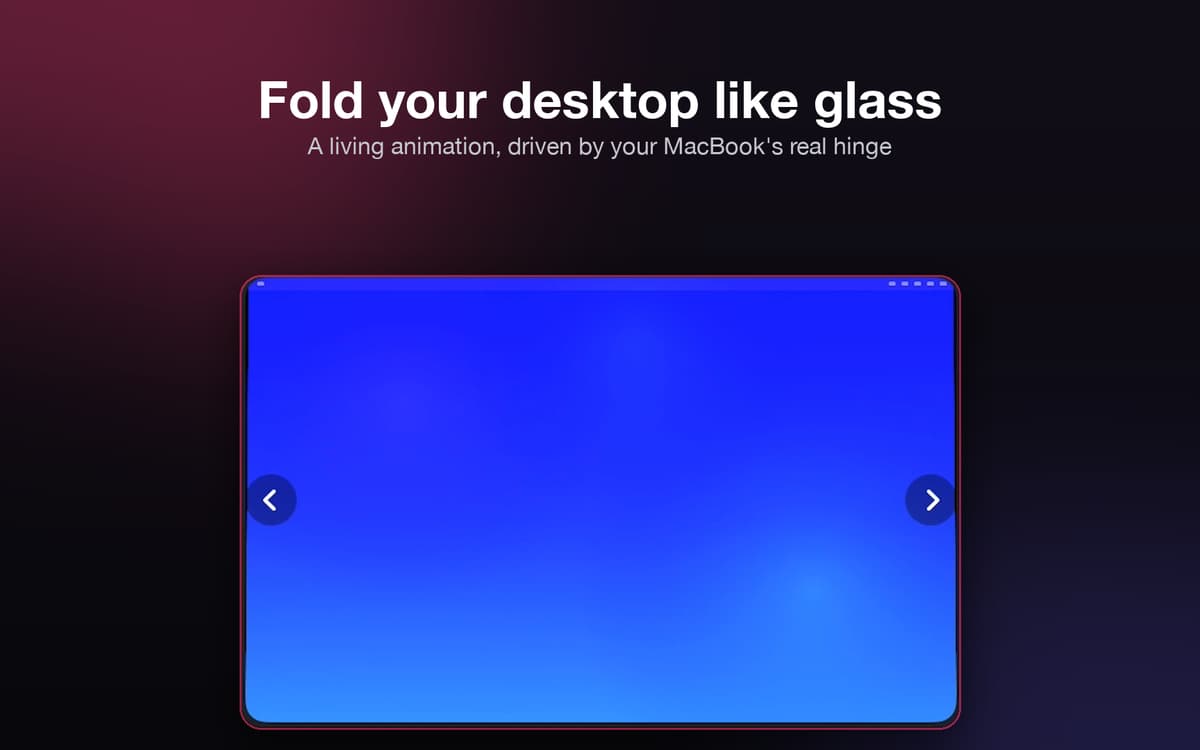
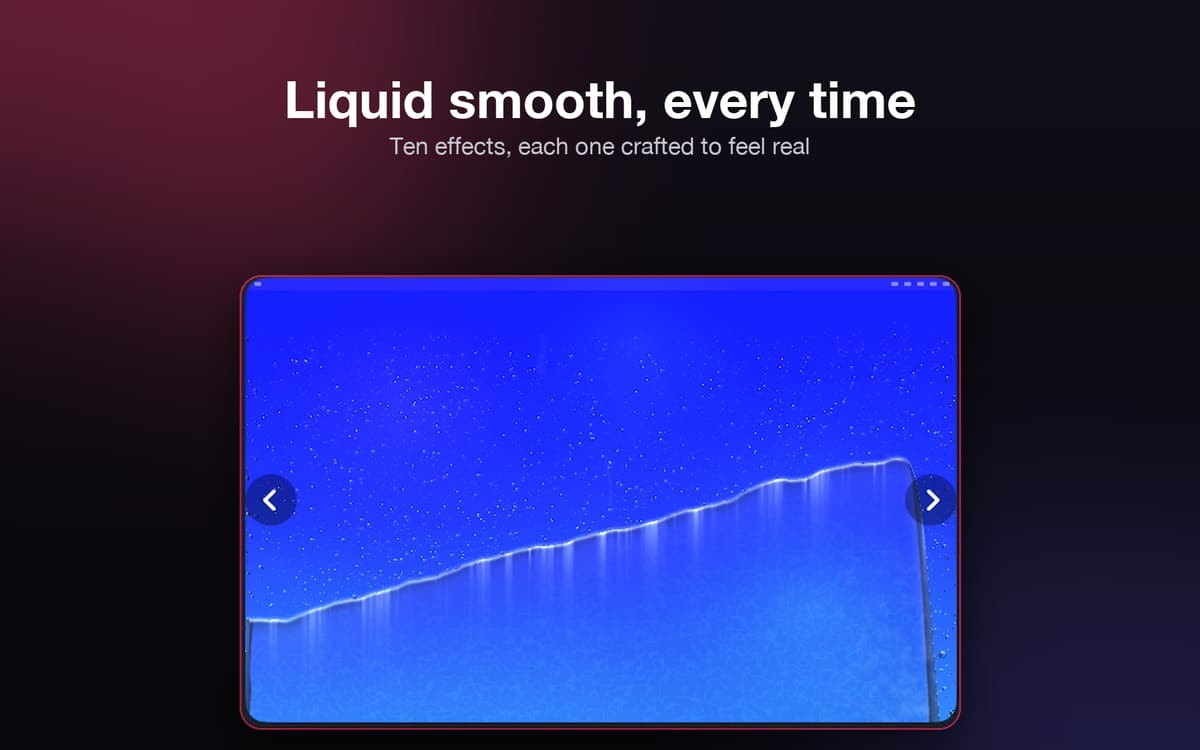
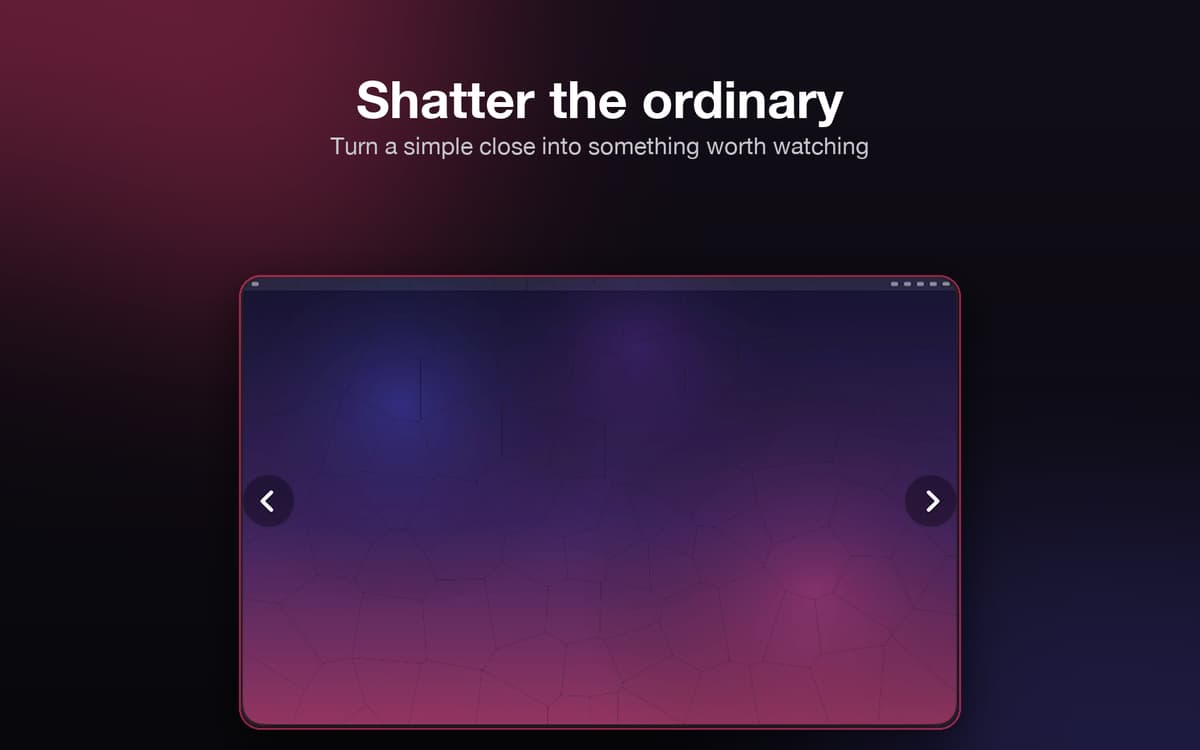
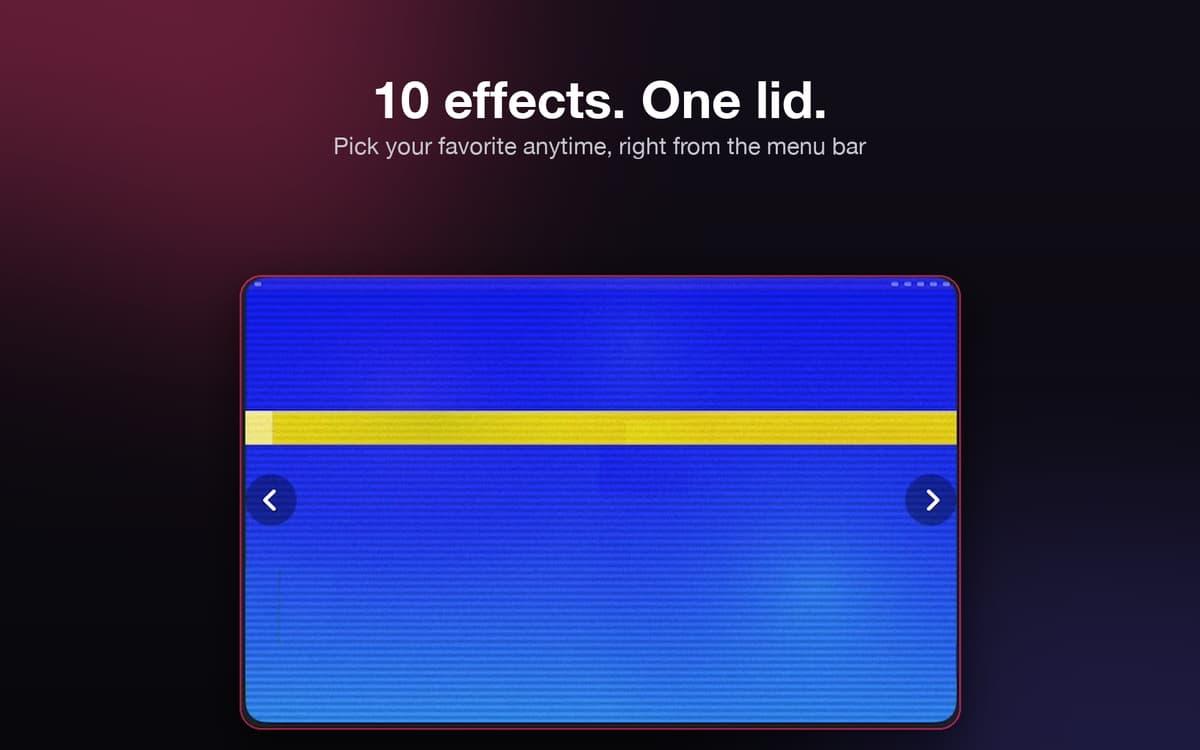
Hingely watches your MacBook's lid and turns the moment you close it into something worth a second look. Pick from ten effects — fold, shatter, glitch, and more — and your desktop reacts in real time to the actual hinge angle, not a canned clip. No settings maze, no fuss: open the lid, and it just works. It sits quietly in your menu bar until you want it. Please note: - Requires macOS 15 or later and a compatible lid-angle sensor. - Supported on MacBook Pro 14-inch and 16-inch models introduced in 2021 or later, and MacBook Air models with M2 or later. - Not supported on the 2020 M1 MacBook Air or 13-inch M1/M2 MacBook Pro.
Turn closing your lid into a show
Match the effect to your mood
Pause it anytime from the menu bar
Works quietly — no setup, no fuss
Hingely features
Pick your effect
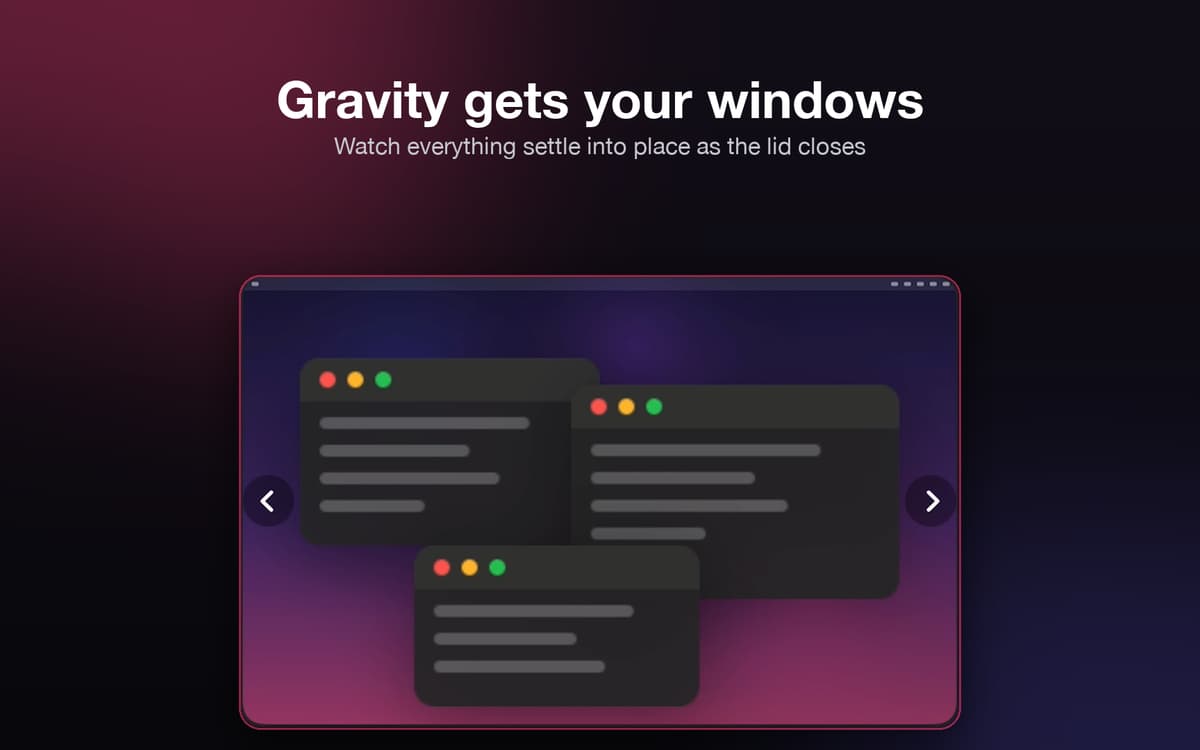
Choose from ten effects, including Duo, Water, Gravity, Shatter, and Glitch. Switch things up anytime from the menu bar.
Follow the real hinge
Hingely tracks your MacBook’s actual lid angle. The animation responds to how you move the lid instead of playing a preset clip.
Keep snapshots private
Hingely takes one snapshot of your screen to create the animation. It’s never stored and disappears as soon as the effect ends.
Pause with one click
Need a quieter moment? Pause the effect from the menu bar without quitting Hingely.
Ratings and reviews
Hingely
•
19 ratings
Tanmay Sharma
Oct 26, 2026
App version: 1.0.7
Did not work for me, tried restarting the app as well, but nothing happens on any lid movements
Response from Developer
Oct 27, 2026
Thank you for your feedback! We're sorry to hear about your experience. Could you please share more details about your workflow with the app and your device at [email protected] so we can better understand what went wrong? Thank you!
BRITTANY J PARKS
Oct 25, 2026
App version: 1.0.7
Immediate love and 5 stars, but I have to take one star away for the timing. It would be dope if you could control settings to change up the timing of the effect. Most of them, except “CRT Off”, don’t show the effect until you’ve almost closed the lid entirely. So you barely even see it and that’s if you close it very slowly. I like CRT TV Off because it shows the effect when I first start to close the lid. I wish fog, pixelate and the others were the same. 4 stars total.
Response from Developer
Oct 26, 2026
Thank you for your feedback, Brittany! We're planning to add more controls in upcoming updates. In the meantime, try changing the Resting angle in the app Settings > Advanced, where you can set the angle for the start of the animation. Thanks for pointing that out and for trying Hingely.
jc
Oct 21, 2026
App version: 1.0.7
Not working. On a 2024 MacBook Pro with M4 Pro, repeatedly getting the “needs a lit” popup. Update: fixed, works great now. thanks!
Response from Developer
Oct 21, 2026
Thanks for the update! We're glad to hear the app works fine on your device now. Please reach out to us at [email protected] if you notice any issues, and we'll address them promptly. Thank you for your feedback!
Get hundreds of apps with Membership
Become Setapp member and use hundreds of stellar apps with one subscription.
Try 7 days free, then pay one simple fee.
Install Setapp on Mac
Explore apps for Mac, iOS, and web. Find easy ways to solve daily tasks.

Get the app you came for
That one shiny app is waiting inside Setapp. Install with a click.

Hingely
Choose your subscription
One app or more with a Setapp membership. Get apps the way you want.

Get hundreds of apps with Membership
Become Setapp member and use hundreds of stellar apps with one subscription.
Try 7 days free, then pay one simple fee.
1
Install Setapp on Mac
Explore apps for Mac, iOS, and web. Find easy ways to solve daily tasks.
2
Get the app you came for
That one shiny app is waiting inside Setapp. Install with a click.
Hingely
3
Choose your subscription
One app or more with a Setapp membership. Get apps the way you want.
Home to the top apps
From planning and routine tasks to creative pursuits and coding, tackle tasks with apps on Setapp.


Hingely
Your MacBook lid, in motion