
Image Stack
Batch image processing, simplified
Mac
Version 1.1.2
macOS 15.0 or later
20.5 MB
6 languages
Image Stack is a batch image processor for Mac that helps you convert, resize, rename, and organize images with reusable presets. Create your workflow once, then apply it to a single image or thousands of files in just a few clicks. Presets sync through iCloud, so your setup is always ready wherever you work. It’s a simple way to keep image processing fast, consistent, and hassle-free.
Convert images in batches
Resize photos with presets
Rename files automatically
Prepare images for delivery
Image Stack features
Build once, reuse forever
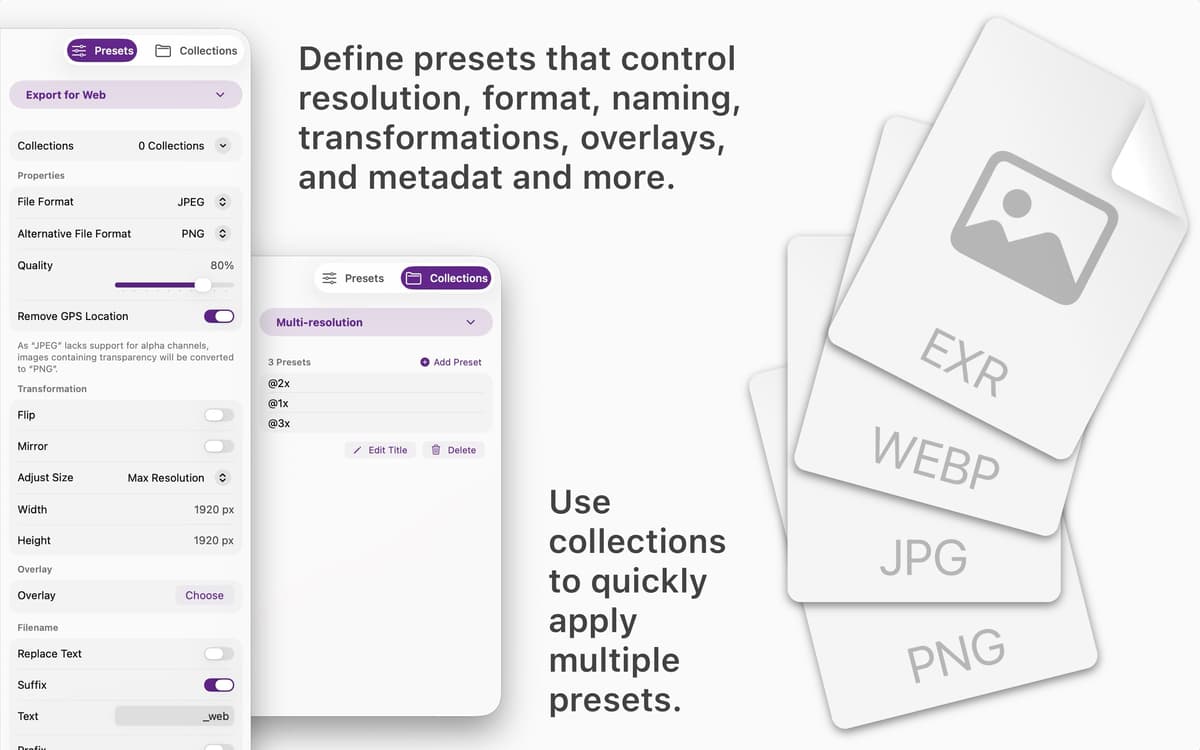
Create presets for formats, dimensions, file names, metadata, watermarks, and more. Save them once and use them whenever you need consistent results.
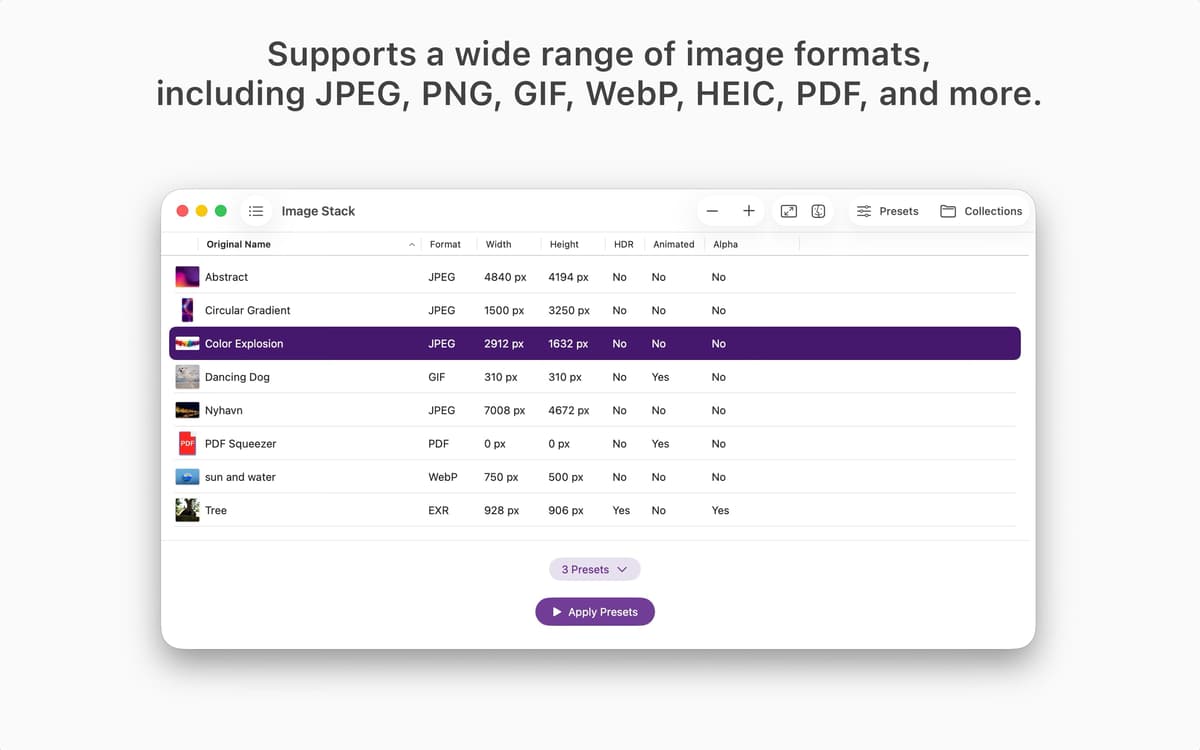
Process thousands of images at once
Drop in a single file or a huge image collection. Image Stack handles batch processing quickly without turning your workflow into a waiting game.
Combine presets into collections
Group multiple presets together and run them in one step. Prepare images for websites, social media, clients, archives, or internal projects with less manual work.
Keep your workflow consistent
Every image follows the same rules every time. No forgotten settings, no accidental mismatches, no repetitive adjustments.
Access presets on all your devices
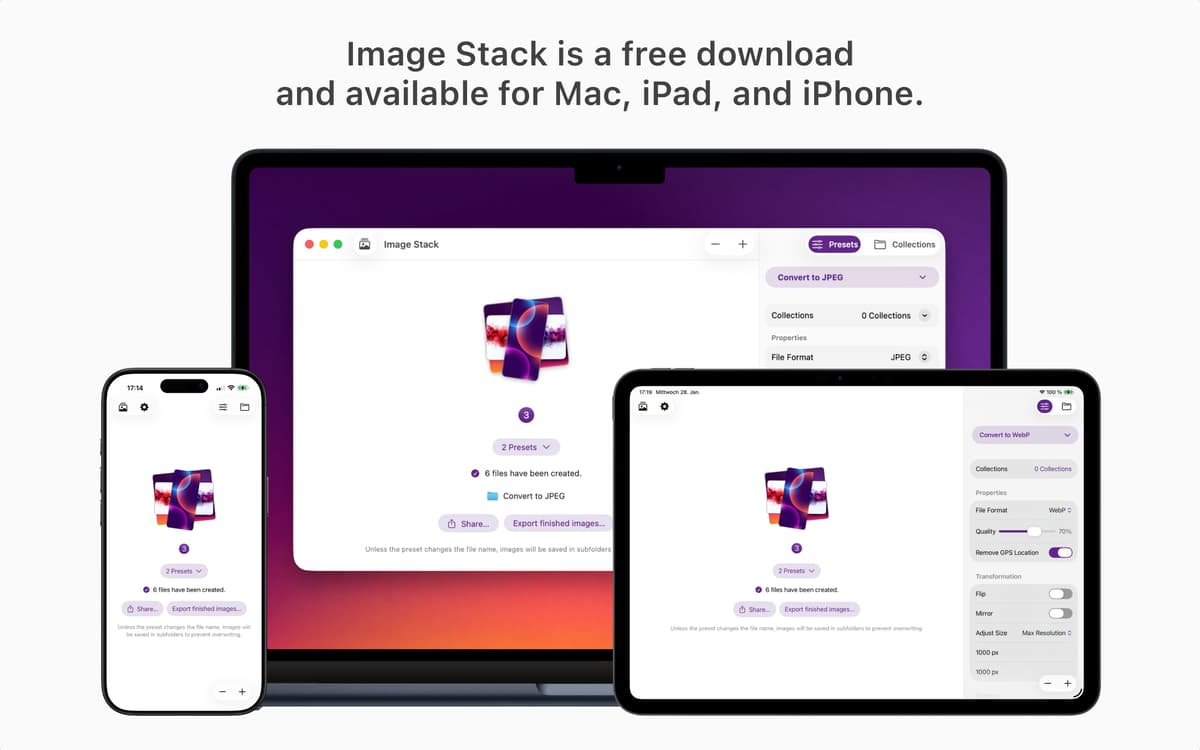
Your presets sync through iCloud, making them available wherever you use Image Stack. Pick up right where you left off.
Designed for speed and clarity
Image Stack focuses on one job: getting images in and ready-to-use files out. No unnecessary menus, no complicated setup, just a clean workflow that stays out of your way.
Get hundreds of apps with Membership
Become Setapp member and use hundreds of stellar apps with one subscription.
Try 7 days free, then pay one simple fee.
Install Setapp on Mac
Explore apps for Mac, iOS, and web. Find easy ways to solve daily tasks.

Get the app you came for
That one shiny app is waiting inside Setapp. Install with a click.

Image Stack
Choose your subscription
One app or more with a Setapp membership. Get apps the way you want.

Get hundreds of apps with Membership
Become Setapp member and use hundreds of stellar apps with one subscription.
Try 7 days free, then pay one simple fee.
1
Install Setapp on Mac
Explore apps for Mac, iOS, and web. Find easy ways to solve daily tasks.
2
Get the app you came for
That one shiny app is waiting inside Setapp. Install with a click.
Image Stack
3
Choose your subscription
One app or more with a Setapp membership. Get apps the way you want.
Home to the top apps
From planning and routine tasks to creative pursuits and coding, tackle tasks with apps on Setapp.


Image Stack
Batch image processing, simplified