
ImageWiz
Any image, from one prompt
Web
Version 1.0
ImageWiz is an AI image generator that turns a plain-language prompt into a finished picture in seconds. Choose from dozens of styles, from photoreal to pixel art, or describe your own. It also makes app icons, with hand-tuned looks that keep them on the right side of tasteful. To tweak anything, bring in an image and tell ImageWiz what to change. It runs in your browser, and your Setapp plan already covers the AI credits.
Generate images in any style from a prompt
Design app icons that look the part
Edit any image by describing the change
Remove backgrounds and upscale in one tap
ImageWiz features
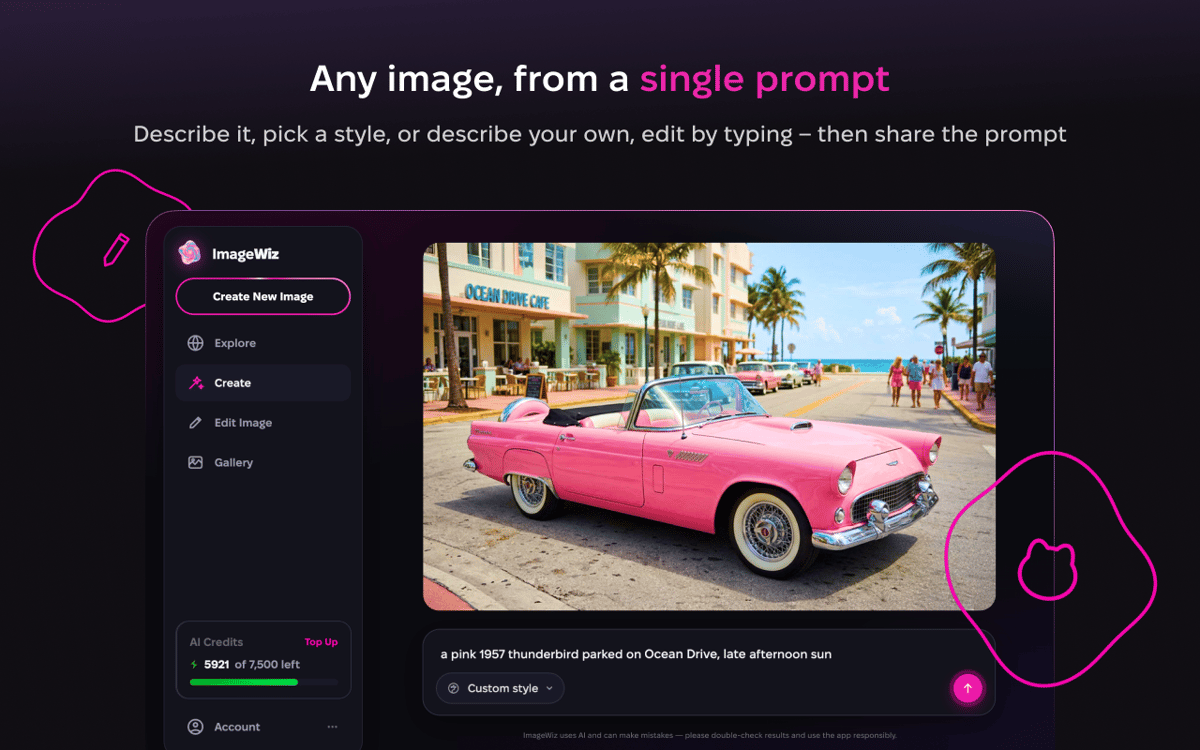
Type it, get it
No settings to learn, no tricks to memorize. Type what you want, like “a compass for a hiking app,” and ImageWiz shows you a result right away. Not quite right? Ask for fresh variations, switch styles, or refine it with a quick note. Most images come from GPT Image 2.0, and each request goes to whichever model does the best job for your prompt.
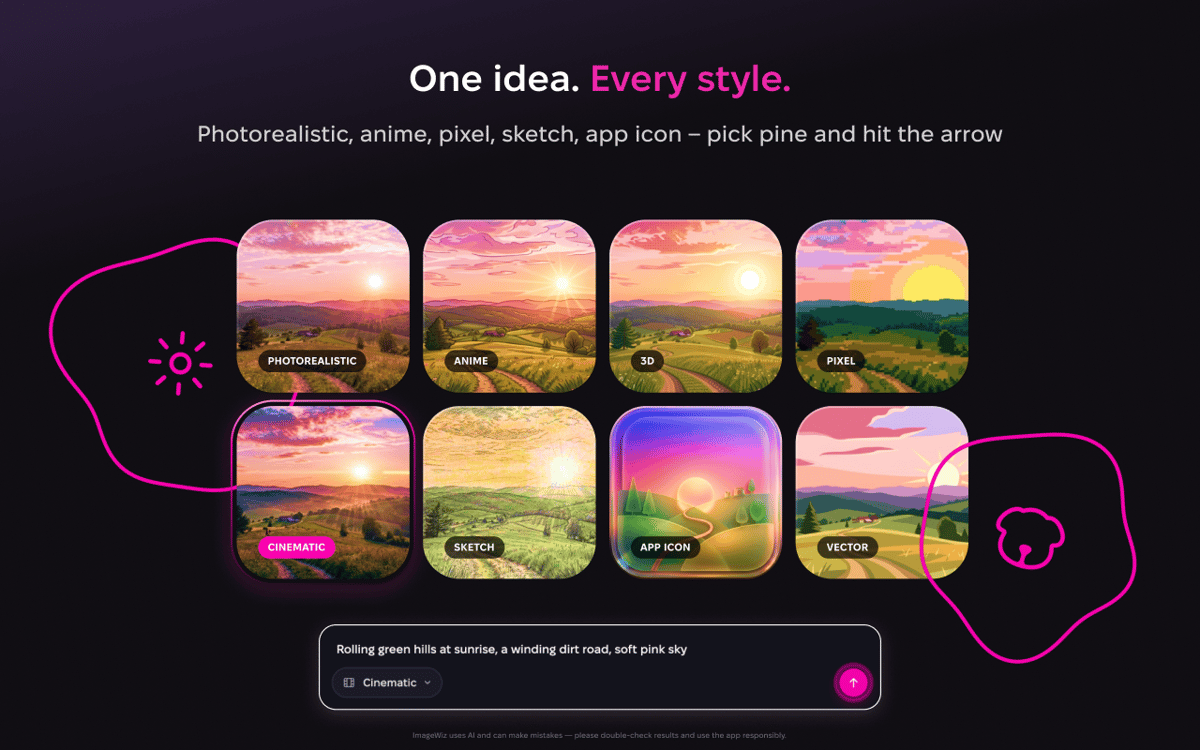
One prompt, many looks
The same idea can be a watercolor, a 3D render, a flat illustration, or a pixel-art sprite. Glide through the built-in styles until one clicks. Want a look nobody’s named yet? Start with Custom and describe it yourself.
App icons that look the part
Icons play by their own rules, so ImageWiz gives them their own styles. Each one is a hand-tuned recipe for lighting, material, and color. Type the concept once, explore a few directions, and export a clean, ready-to-ship file.
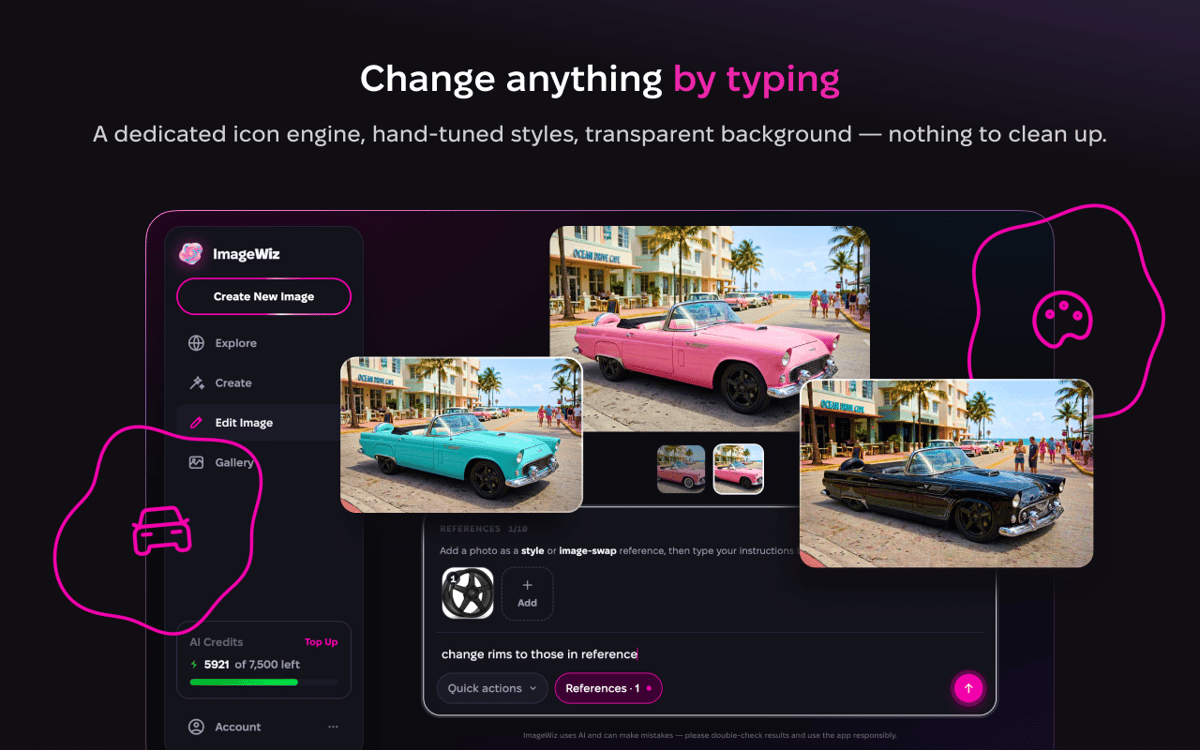
Edit by typing
Bring in any image, or start from one you just made, and say what to change. Swap the background, shift the mood, fix the bit that bugs you. One-tap tools like remove background, upscale, extend, beautify, retro, and black & white cover the everyday jobs. New ones land regularly.
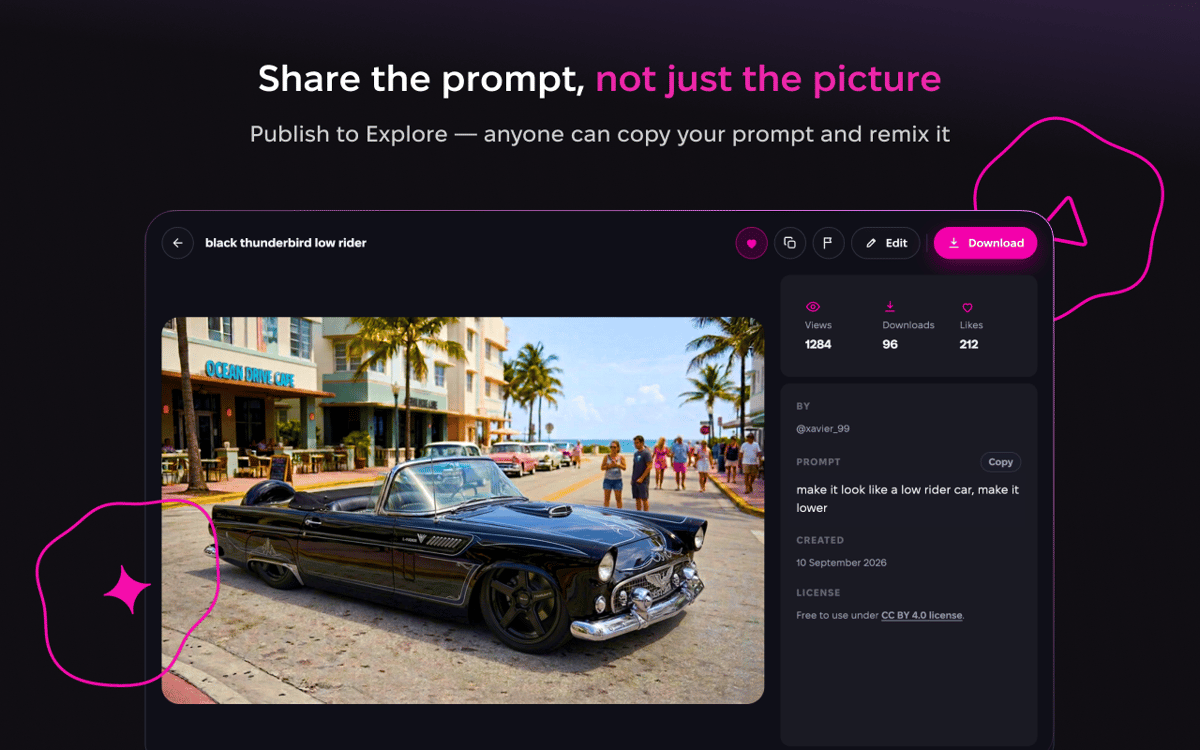
Publish and explore
Made something good? Publish it to Explore, where you can browse images and prompts from everyone else and share the thinking behind your own. It’s the quickest way to pick up prompt ideas and see what a style can do before you try it.
Nothing to install
ImageWiz runs in your browser, so there’s no download and no extra sign-up. Sign in with Setapp and start creating. Every plan includes a monthly allowance of AI credits, so you can generate freely.
Get hundreds of apps with Membership
Become Setapp member and use hundreds of stellar apps with one subscription.
Try 7 days free, then pay one simple fee.
Install Setapp on Mac
Explore apps for Mac, iOS, and web. Find easy ways to solve daily tasks.

Get the app you came for
That one shiny app is waiting inside Setapp. Install with a click.

ImageWiz
Choose your subscription
One app or more with a Setapp membership. Get apps the way you want.

Get hundreds of apps with Membership
Become Setapp member and use hundreds of stellar apps with one subscription.
Try 7 days free, then pay one simple fee.
1
Install Setapp on Mac
Explore apps for Mac, iOS, and web. Find easy ways to solve daily tasks.
2
Get the app you came for
That one shiny app is waiting inside Setapp. Install with a click.
ImageWiz
3
Choose your subscription
One app or more with a Setapp membership. Get apps the way you want.
Home to the top apps
From planning and routine tasks to creative pursuits and coding, tackle tasks with apps on Setapp.


ImageWiz
Any image, from one prompt