JoyTap
Add typing sound to keyboard
Mac
Version 26.1.30.0
macOS 14.0 or later
21.6 MB
1 languages
JoyTap brings mechanical keyboard sounds to your Mac’s silent keyboard. This simple menu bar app plays authentic switch sounds as you type — across every app, from code editors to email. Whether you’re a developer grinding through code or a writer working on your next article, the audio feedback makes typing more satisfying and helps you stay focused for longer sessions.
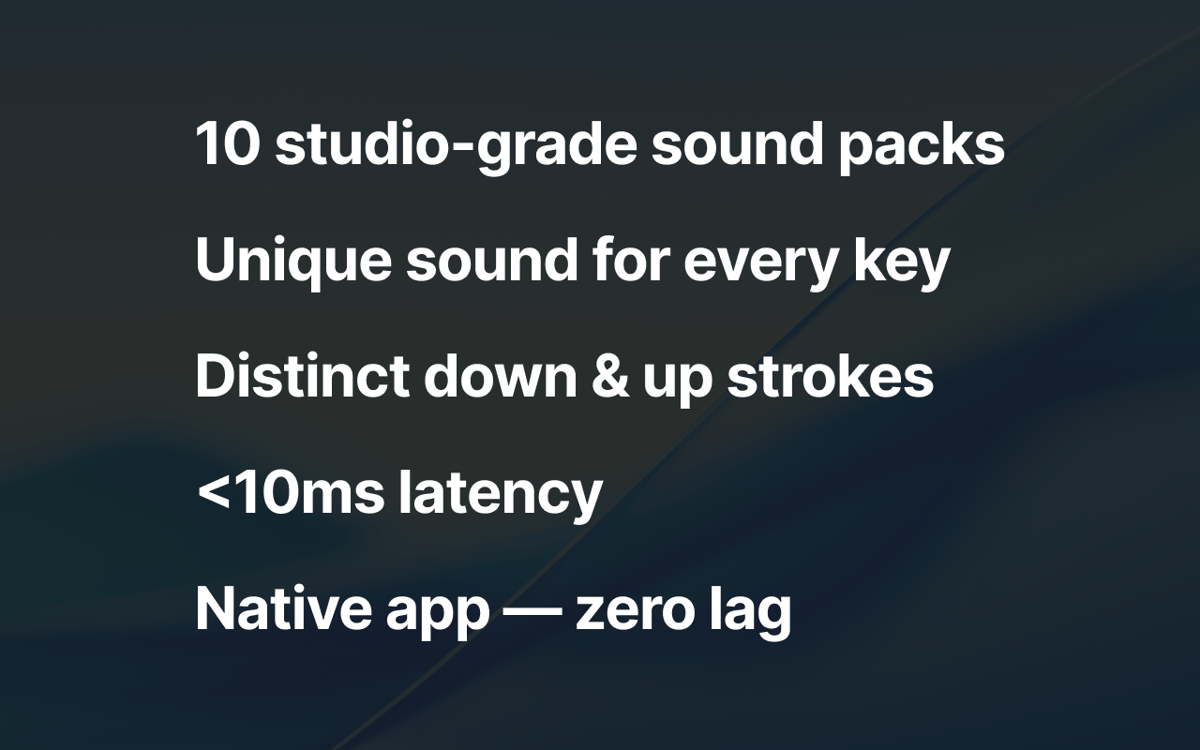
Add mechanical keyboard sounds to your Mac
Choose from 10+ authentic switch profiles
Control volume and access from menu bar
Enjoy typing on any app across macOS
JoyTap features
Choose from authentic mechanical switch sounds
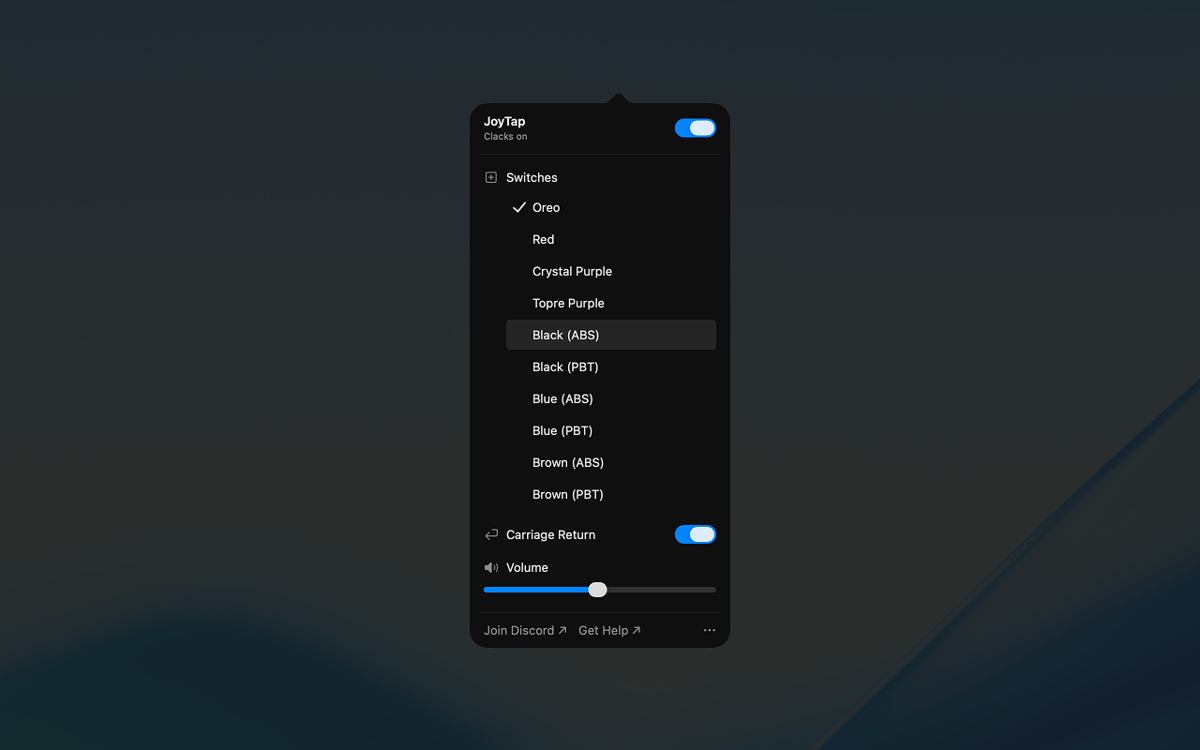
Select from 10+ realistic switch profiles based on real mechanical switches — Oreo, Crystal Purple, Topre Purple, and classic linear and tactile switches in both ABS and PBT variants. Each profile captures the distinct sound characteristics of its physical counterpart, from deep thocks to crisp clicks.
Access controls from your menu bar
JoyTap lives in your menu bar for quick access. Toggle sounds on or off instantly when you need silence, switch between different switch profiles with a single click, and customize settings without interrupting your workflow.
Fine-tune volume to match your environment
Adjust the sound level independently to suit any situation. Turn it up when working alone for maximum satisfaction, or lower it when you need to stay quiet in shared spaces or during calls.
Ratings and reviews
JoyTap
•
141 ratings
Rach Safdieh
Aug 26, 2026
App version: 26.1.30.0
It’s a great app but uses a tonnnn of memory
Bikram Choudhury
Aug 5, 2026
App version: 26.1.30.0
It’s fun. I never realised that I typed so fast!
Aditya Balasubramanian
Jun 29, 2026
App version: 26.1.30.0
4.5/5
Get hundreds of apps with Membership
Become Setapp member and use hundreds of stellar apps with one subscription.
Try 7 days free, then pay one simple fee.
Install Setapp on Mac
Explore apps for Mac, iOS, and web. Find easy ways to solve daily tasks.

Get the app you came for
That one shiny app is waiting inside Setapp. Install with a click.

JoyTap
Choose your subscription
One app or more with a Setapp membership. Get apps the way you want.

Get hundreds of apps with Membership
Become Setapp member and use hundreds of stellar apps with one subscription.
Try 7 days free, then pay one simple fee.
1
Install Setapp on Mac
Explore apps for Mac, iOS, and web. Find easy ways to solve daily tasks.
2
Get the app you came for
That one shiny app is waiting inside Setapp. Install with a click.
JoyTap
3
Choose your subscription
One app or more with a Setapp membership. Get apps the way you want.
Home to the top apps
From planning and routine tasks to creative pursuits and coding, tackle tasks with apps on Setapp.


JoyTap
Add typing sound to keyboard