
Leftovers
Sort files effortlessly
Mac
Version 1.3
macOS 14.6 or later
26.3 MB
1 languages
Leftovers is a downloads folder organizer for Mac. Your Downloads folder is probably a graveyard of old DMGs, random PDFs, and files you meant to sort out six months ago. Leftovers fixes that with a swipe — keep, trash, or move files one by one, without it feeling like a chore. A notch popup alerts you seconds after a file lands, so nothing piles up in the first place.
Clear out your Downloads folder fast
Sort new files right as they arrive
Rename and share files without Finder
Keep only what you actually need
Leftovers features
Swipe to sort
Tidy up your Downloads folder like you're swiping through cards. Flick a file left to trash it, right to keep it, or drop it straight into a folder. It's quick, satisfying, and surprisingly hard to mess up.
Notch popup for new downloads
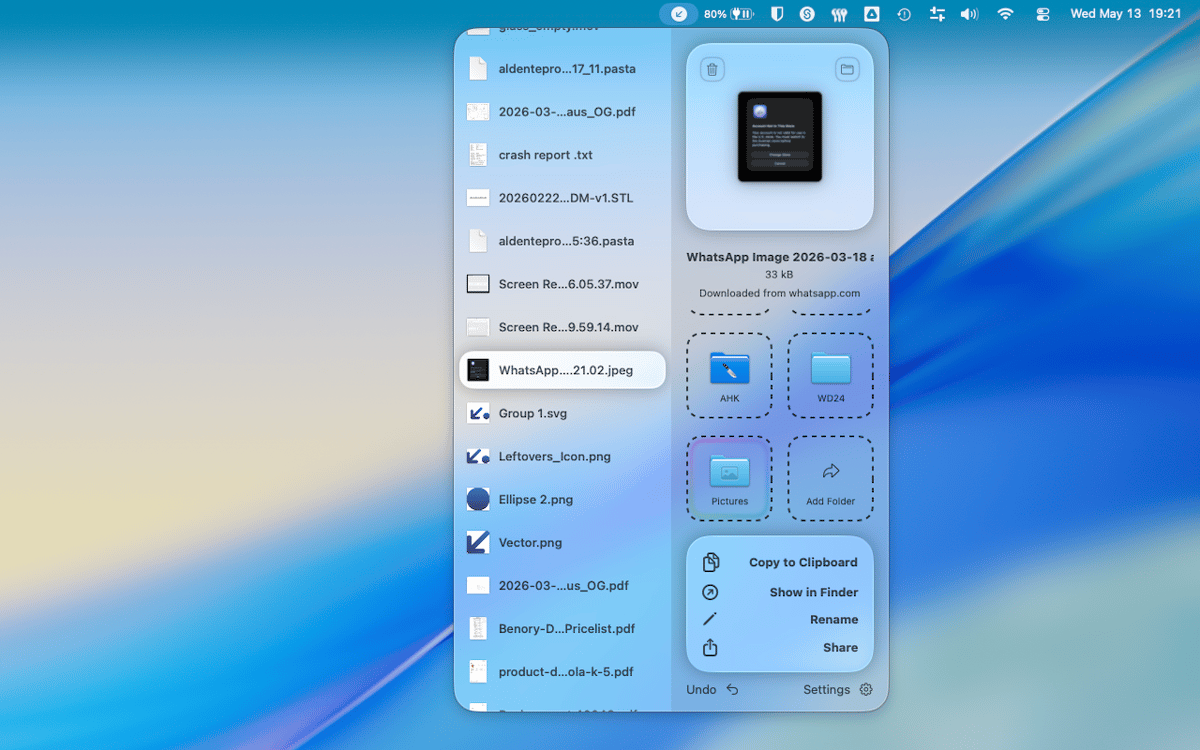
A few seconds after a file hits your Downloads folder, Leftovers pops up in the notch to ask what you want to do with it. Deal with it now or snooze it for later — either way, nothing gets buried.
Quick access, anywhere
Copy a file to clipboard, rename it, or share it — all without leaving Leftovers or opening Finder. Quick access functions are there when you need them and out of the way when you don't.
Undo everything
Made a mistake? Every action in Leftovers is undoable. Move something to the wrong folder, trash the wrong file — just undo and carry on. No panic required.
Works on any folder
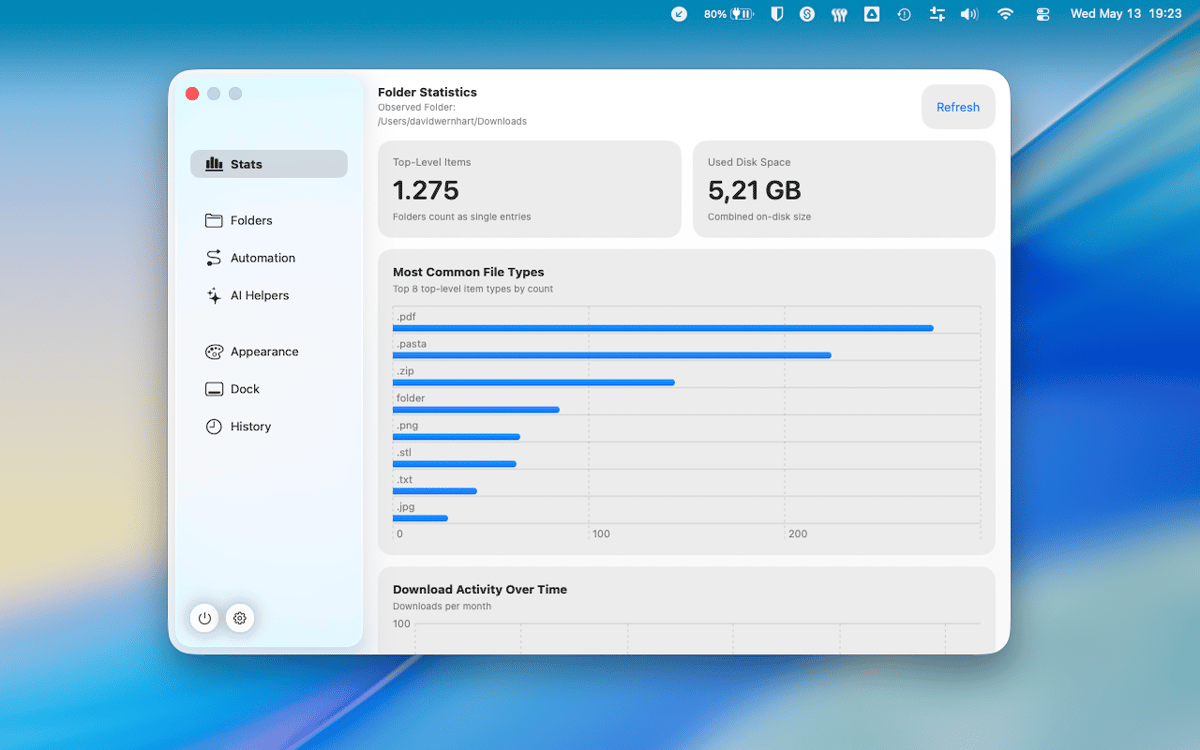
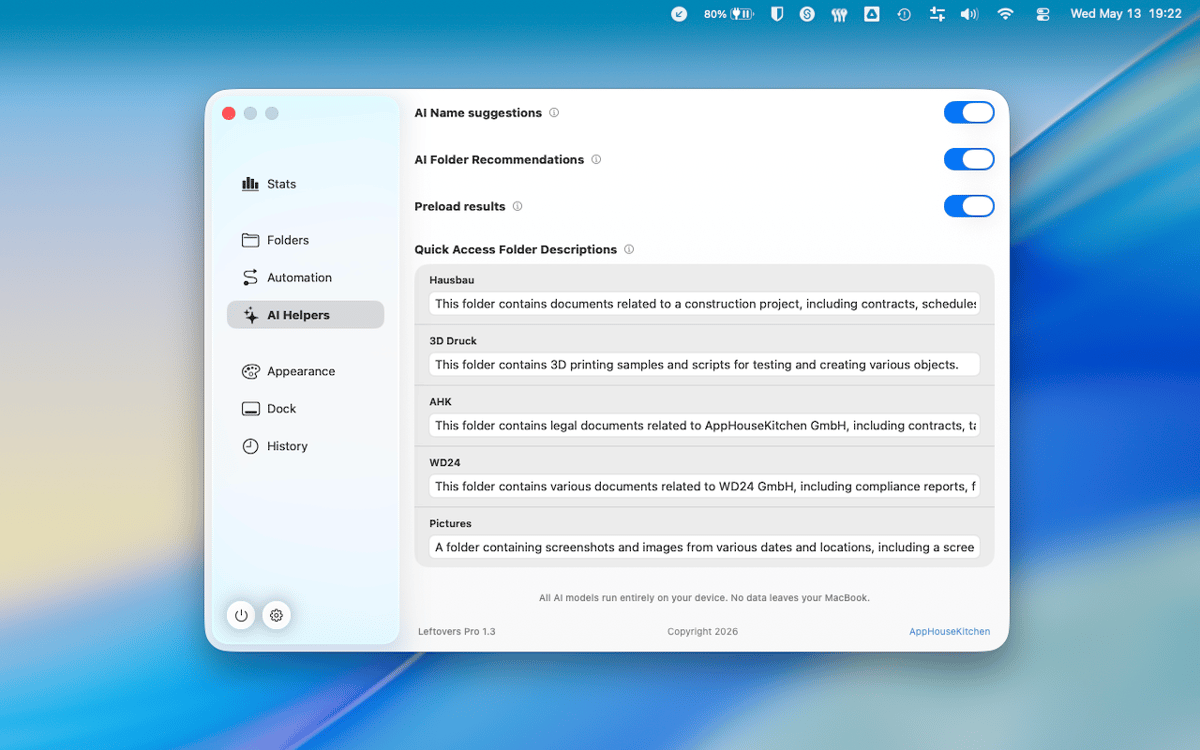
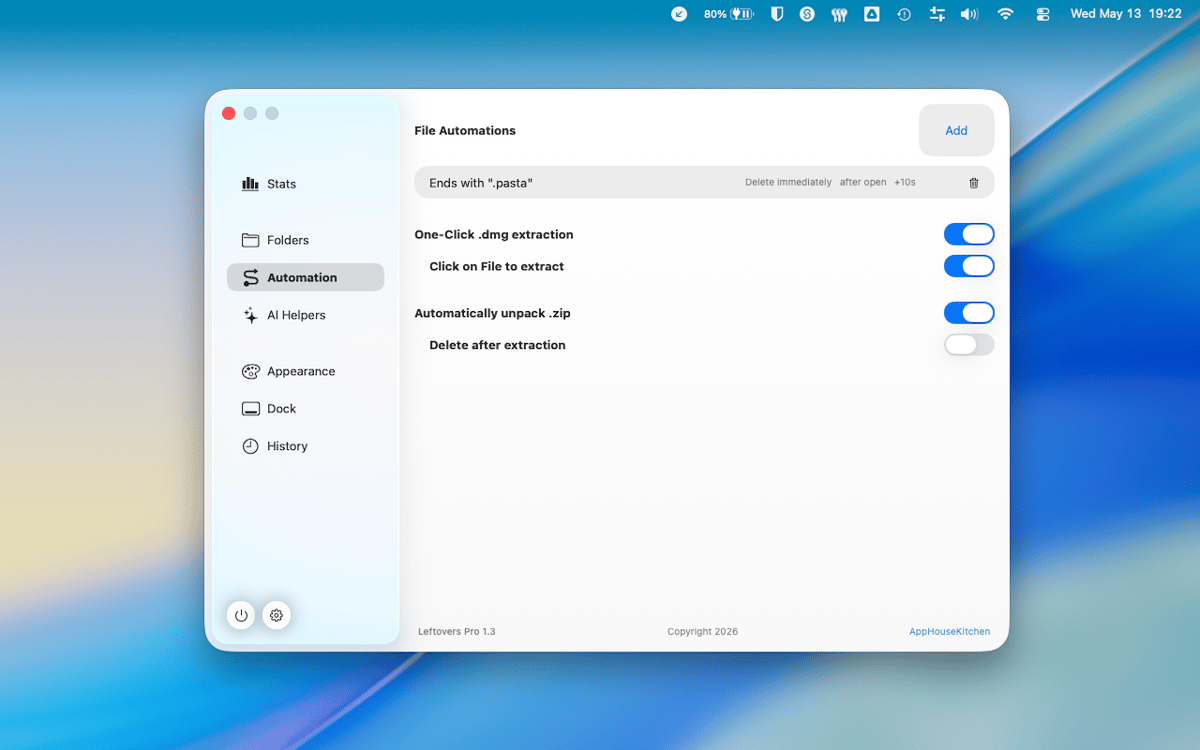
Downloads is the default, but Leftovers works on any folder you point it at. Desktop chaos, project folders, screenshot dumps — same swipe-through workflow, anywhere on your Mac.
Zero data collected
Leftovers doesn't collect any data from you. What's on your Mac stays on your Mac, full stop.
Get hundreds of apps with Membership
Become Setapp member and use hundreds of stellar apps with one subscription.
Try 7 days free, then pay one simple fee.
Install Setapp on Mac
Explore apps for Mac, iOS, and web. Find easy ways to solve daily tasks.

Get the app you came for
That one shiny app is waiting inside Setapp. Install with a click.

Leftovers
Choose your subscription
One app or more with a Setapp membership. Get apps the way you want.

Get hundreds of apps with Membership
Become Setapp member and use hundreds of stellar apps with one subscription.
Try 7 days free, then pay one simple fee.
1
Install Setapp on Mac
Explore apps for Mac, iOS, and web. Find easy ways to solve daily tasks.
2
Get the app you came for
That one shiny app is waiting inside Setapp. Install with a click.
Leftovers
3
Choose your subscription
One app or more with a Setapp membership. Get apps the way you want.
Home to the top apps
From planning and routine tasks to creative pursuits and coding, tackle tasks with apps on Setapp.


Leftovers
Sort files effortlessly