
MacMD Viewer
Native Mac markdown reader
Mac
Version 1.6.1
macOS 14.0 or later
20.1 MB
1 languages
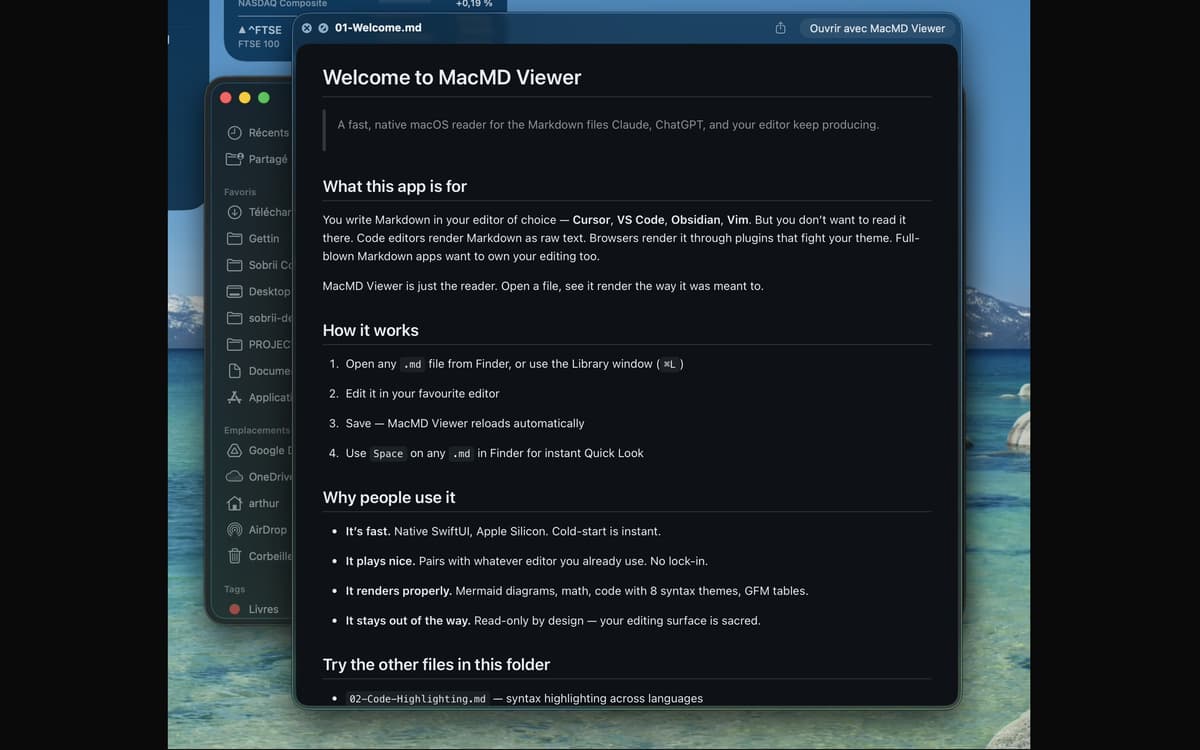
MacMD Viewer is a markdown reader for Mac. Open a .md file and it renders exactly as intended — clean typography, syntax-highlighted code blocks, working tables, and Mermaid diagrams. It pairs with whatever editor you already use, watches the file, and reloads the moment you save. No editing, no friction — just your content, looking the way it should.
Preview README files without raw text
Read AI-generated docs from Claude or GPT
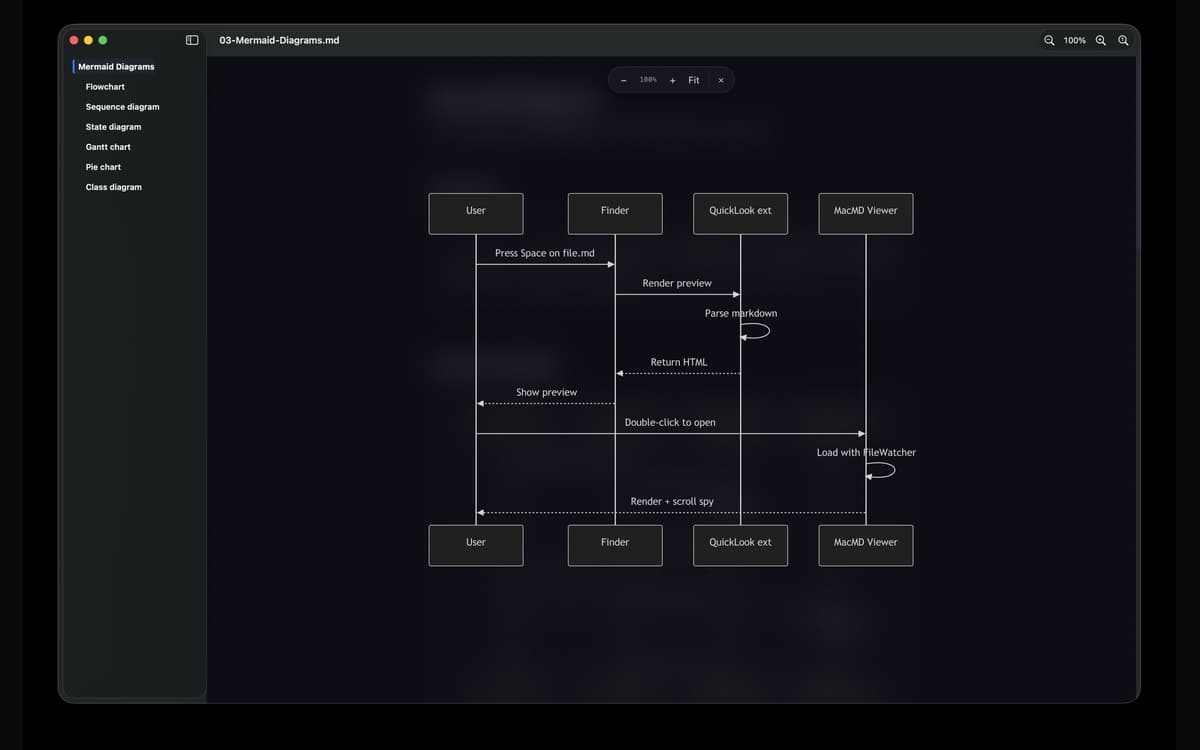
View Mermaid diagrams rendered in full
Quick Look any .md file from Finder
MacMD Viewer features
Beautiful rendering, right away
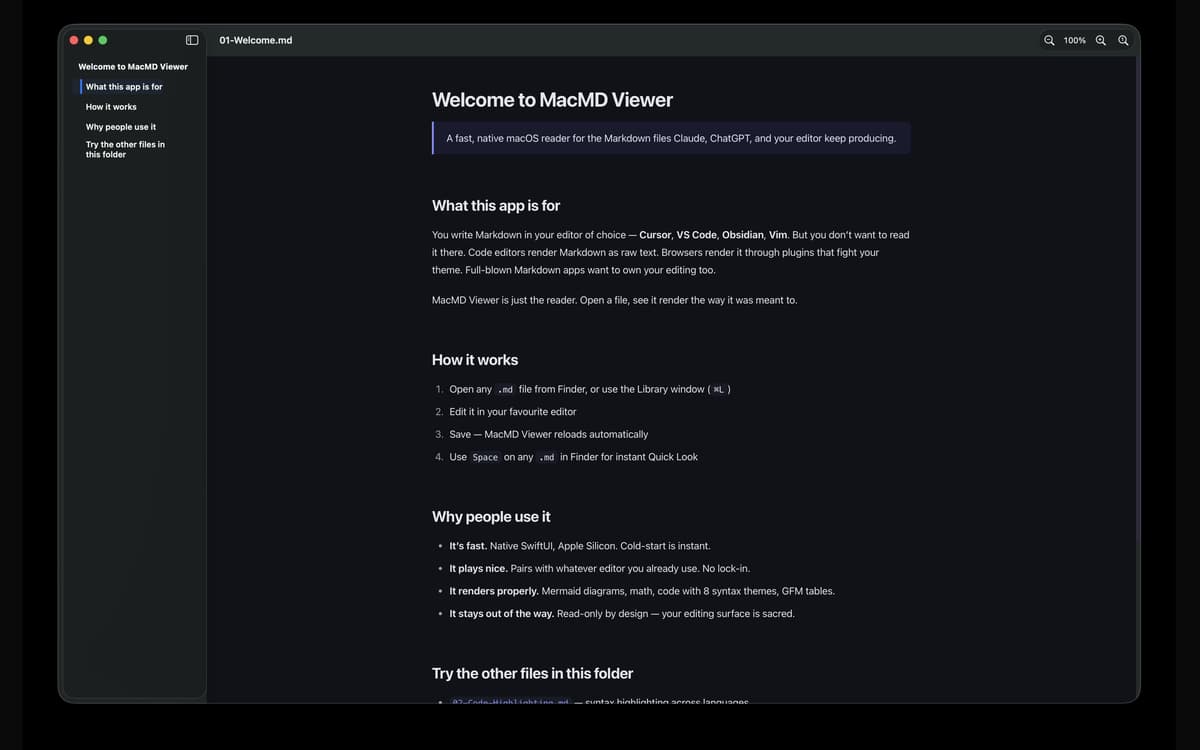
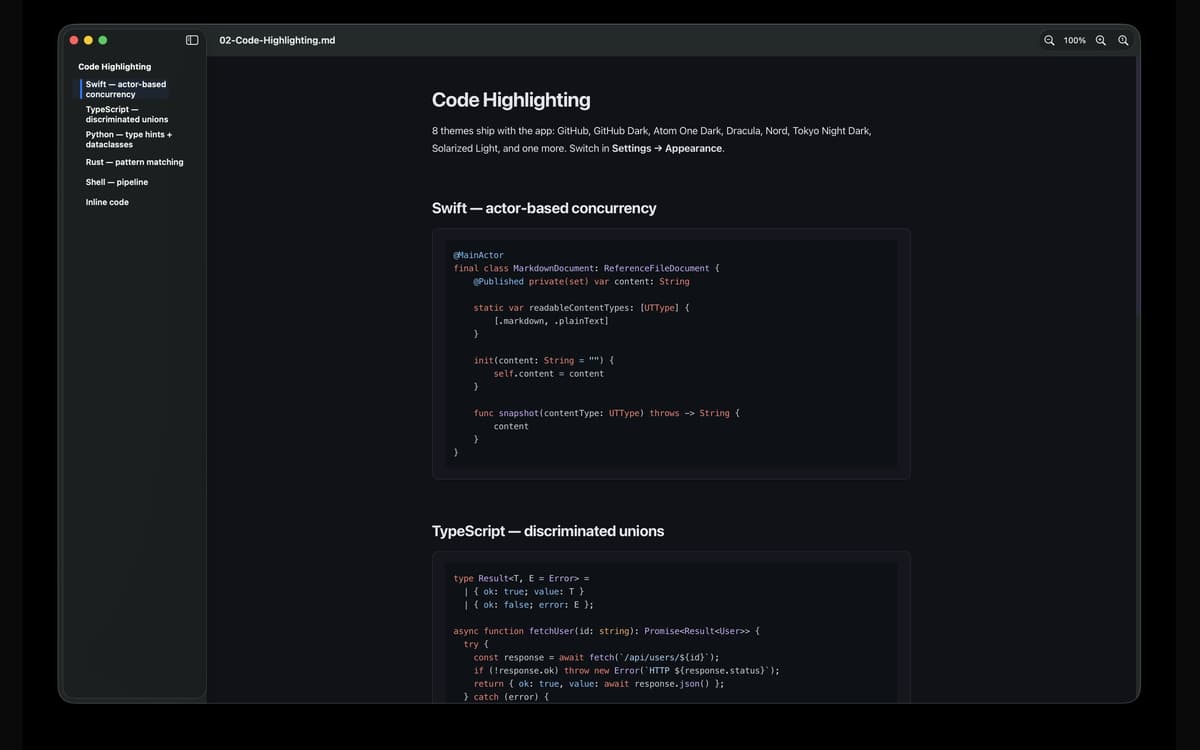
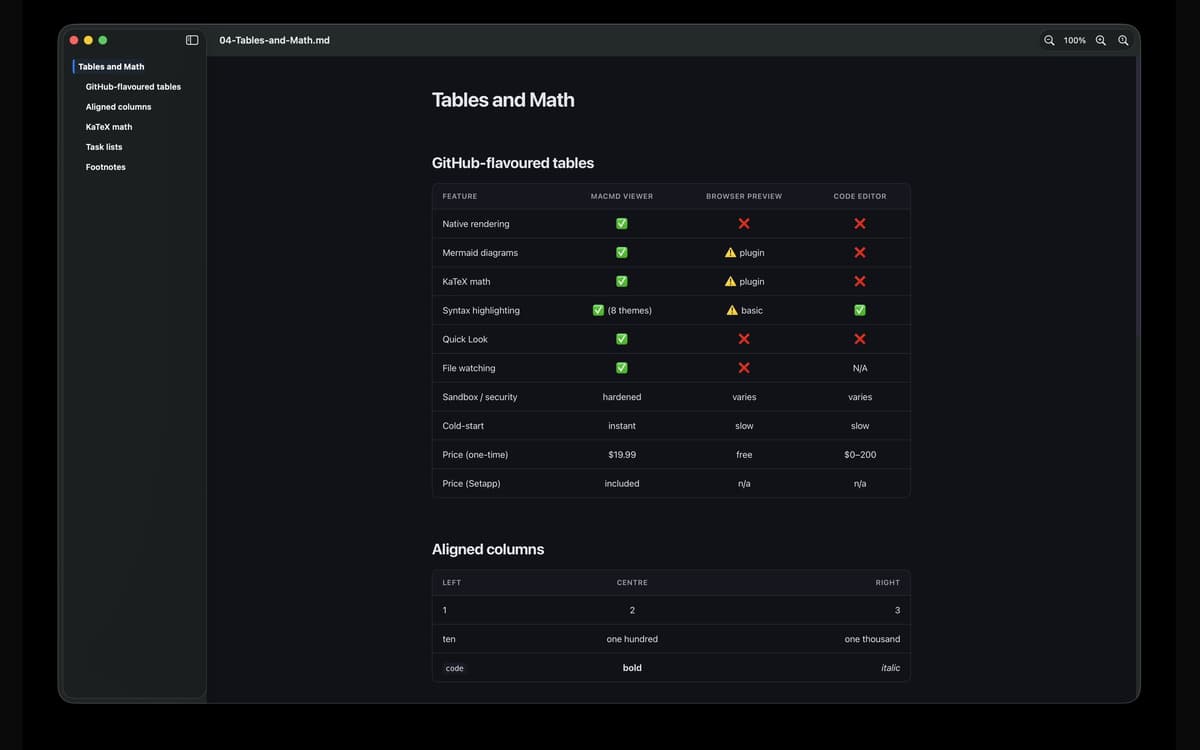
Open any .md file and MacMD Viewer does the one thing it's built for — renders it properly. Tables line up. Code blocks highlight. Mermaid diagrams actually draw. No raw text, no guesswork.
Quick Look that actually works
Press Space on any .md file in Finder and you'll see a real rendered preview — not a wall of syntax. It's the upgrade macOS Quick Look should've shipped with.
Live file watching
MacMD Viewer keeps an eye on your file. The moment you save in your editor — VS Code, Cursor, Vim, Obsidian, anything — the preview updates automatically. No manual refresh needed.
Table of contents sidebar
Long docs are easier to navigate with a sidebar that tracks your position as you scroll. Jump to any section in one click and always know where you are in the document.
Seven syntax highlighting themes
Switch between GitHub, GitHub Dark, Atom One Dark, Dracula, Nord, Solarized Light, and Tokyo Night Dark. Light, Dark, or Follow System — per-app appearance override included. Your eyes, your call.
Built for Mac, properly
Native SwiftUI. Apple Silicon and Intel universal binary. Cold-start is instant. Hardened-runtime sandboxed, so linked files open through standard macOS permissions — no surprises, nothing sneaky.
Ratings and reviews
MacMD Viewer
•
1 ratings
Aldo Bergamini
Jul 1, 2026
App version: 1.2.2
Surprised by how well the app fits with my evolving AI coding setup. Well thought product.
Get hundreds of apps with Membership
Become Setapp member and use hundreds of stellar apps with one subscription.
Try 7 days free, then pay one simple fee.
Install Setapp on Mac
Explore apps for Mac, iOS, and web. Find easy ways to solve daily tasks.

Get the app you came for
That one shiny app is waiting inside Setapp. Install with a click.

MacMD Viewer
Choose your subscription
One app or more with a Setapp membership. Get apps the way you want.

Get hundreds of apps with Membership
Become Setapp member and use hundreds of stellar apps with one subscription.
Try 7 days free, then pay one simple fee.
1
Install Setapp on Mac
Explore apps for Mac, iOS, and web. Find easy ways to solve daily tasks.
2
Get the app you came for
That one shiny app is waiting inside Setapp. Install with a click.
MacMD Viewer
3
Choose your subscription
One app or more with a Setapp membership. Get apps the way you want.
Home to the top apps
From planning and routine tasks to creative pursuits and coding, tackle tasks with apps on Setapp.


MacMD Viewer
Native Mac markdown reader