
MenuBarMonitor
Your Mac's vitals, at a glance
Mac
Версія 0.2.0
macOS 13.0 чи новіша
8.6 MB
1 мов(и)
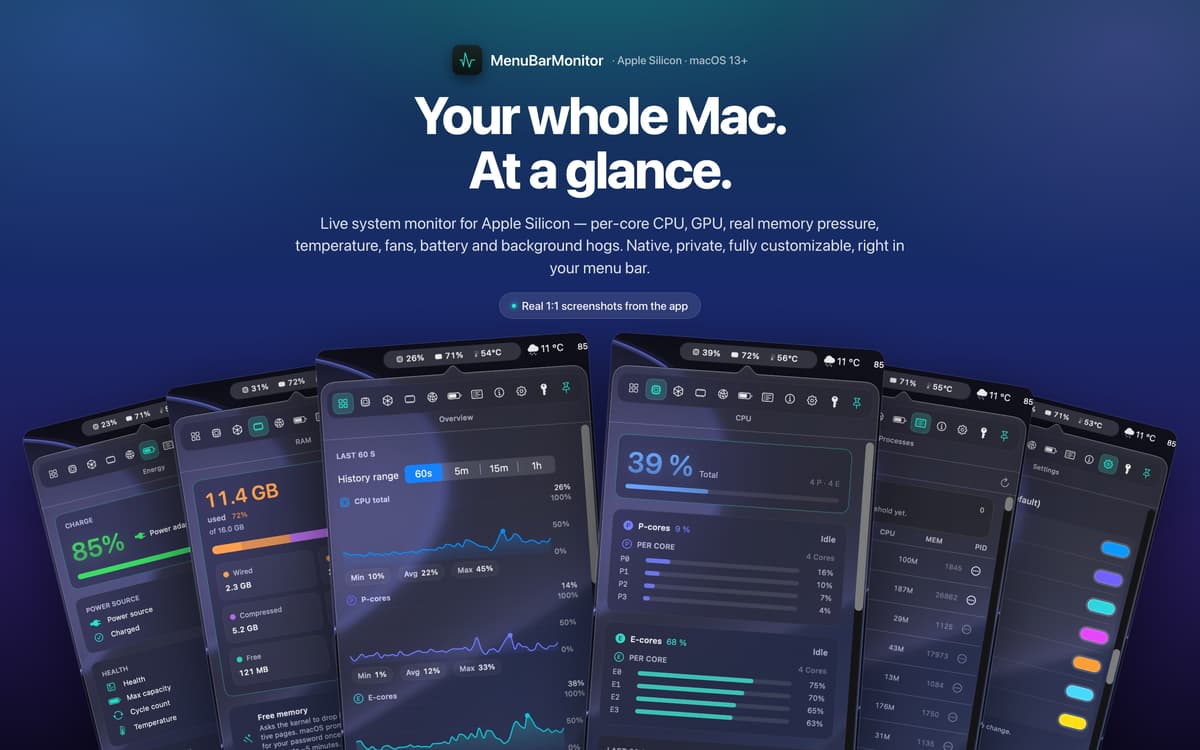
MenuBarMonitor is a system performance monitor for Mac. It puts live CPU, GPU, RAM, temperature, and fan speed right in your menu bar — always visible, never in the way. Click once to go deeper: per-core activity, real memory pressure, disk I/O, battery health, and a background hog detector that helps you catch resource-hungry apps before they cause trouble. Built natively for Apple Silicon, it reads the numbers that actually matter on an M-series Mac — with no root access required and no telemetry, ever.
See live CPU and GPU load in your menu bar
See live CPU and GPU load in your menu bar
Track fan speed and temperature in real time
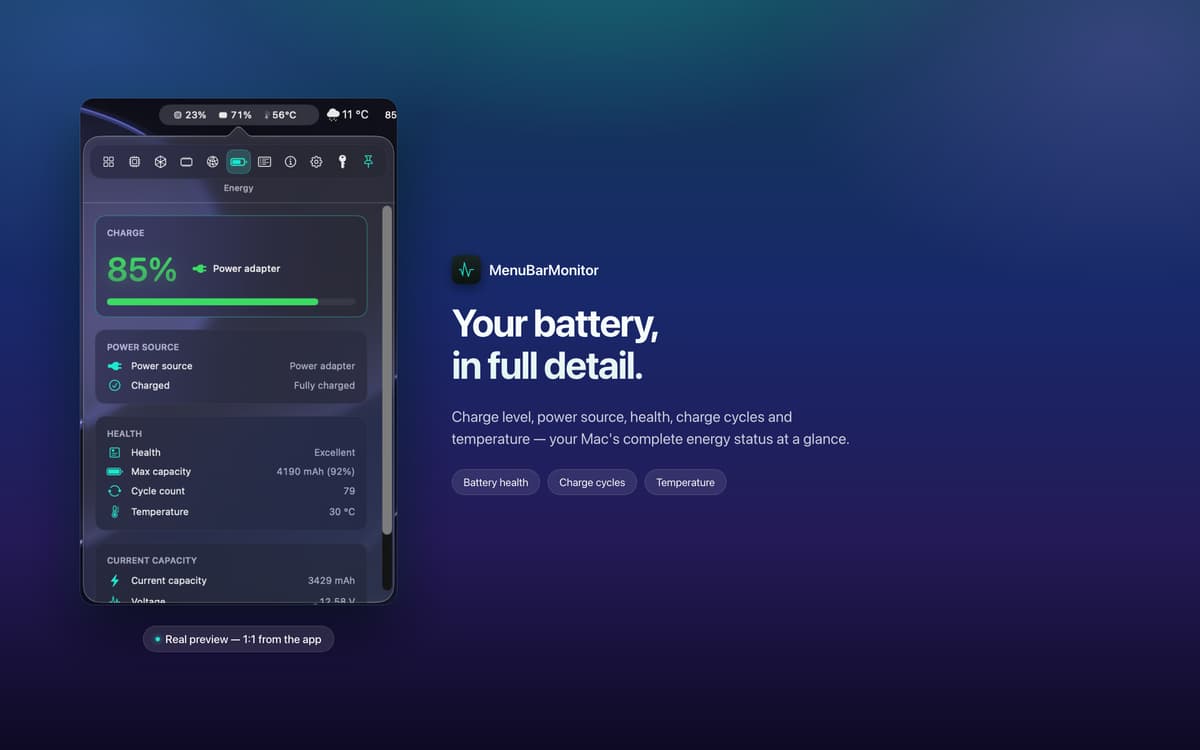
Monitor battery and disk I/O at a glance
Можливості MenuBarMonitor
Your vitals, always in view
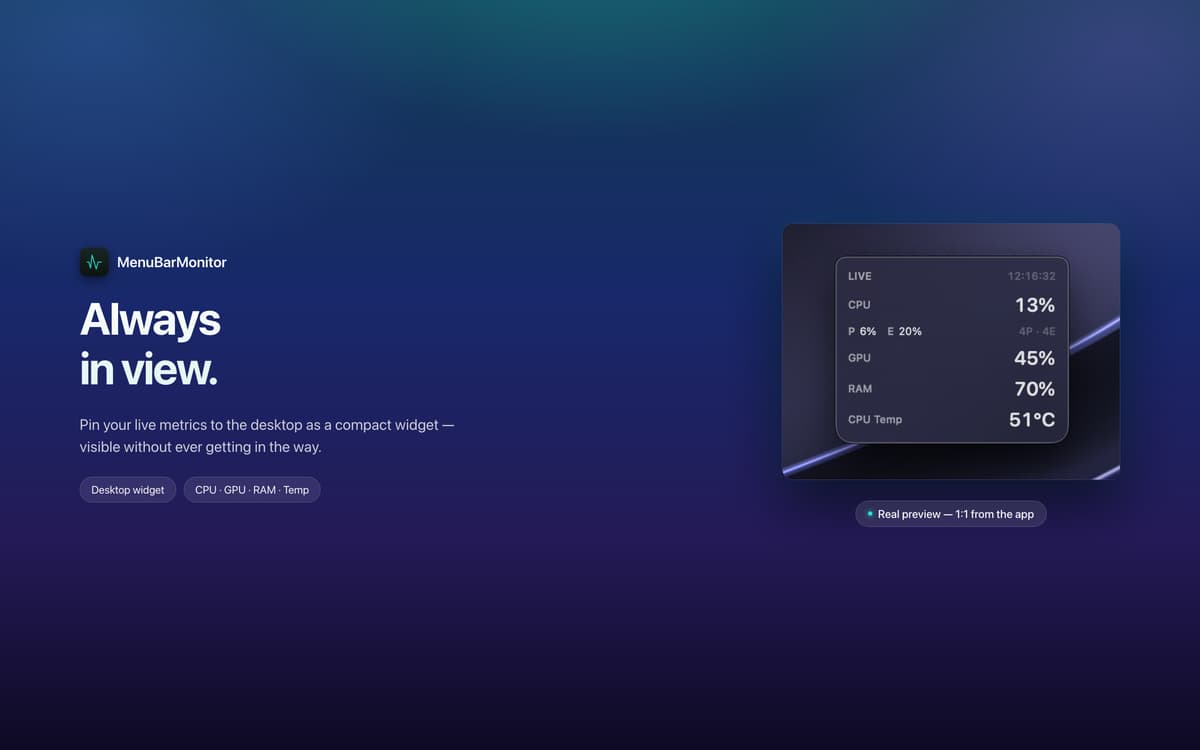
MenuBarMonitor sits quietly in your menu bar, showing a clean monochrome line with your CPU, GPU, RAM, and temperature at all times. No hunting through system utilities, no extra clicks — just the numbers you need, right where you're already looking.
Deep stats, one click away
Tap the menu bar to open the full dashboard. See per-core load across performance and efficiency cores, live clock speeds, GPU utilization, genuine memory-pressure events, fan RPM, disk I/O, and battery health — exactly the way macOS reports them.
Built right for Apple Silicon
MenuBarMonitor reads M-series-specific metrics directly, not generic estimates. If you're on Apple Silicon, you're getting accurate, native data — the kind that actually tells you what your chip is doing.
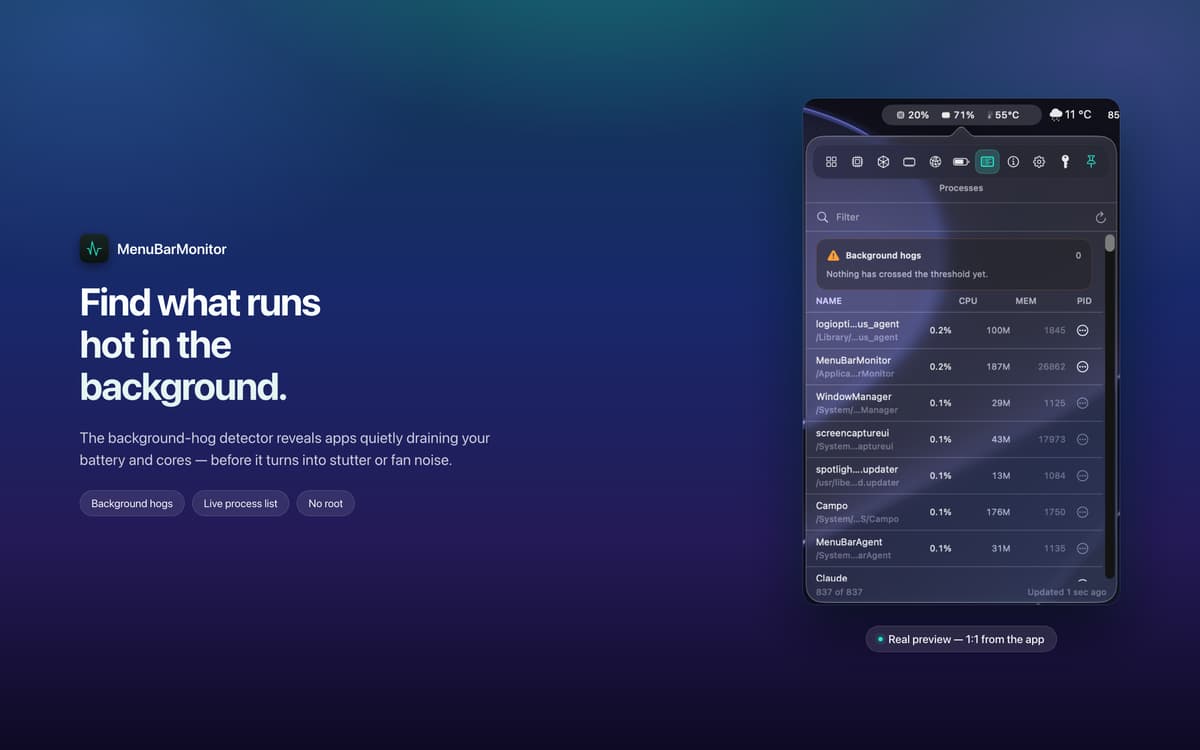
Catch the app that's hogging your Mac
Something running hot in the background before you've even noticed? The built-in hog detector flags resource-hungry apps early, so you can deal with them before the fans spin up or performance takes a hit.
Make it yours
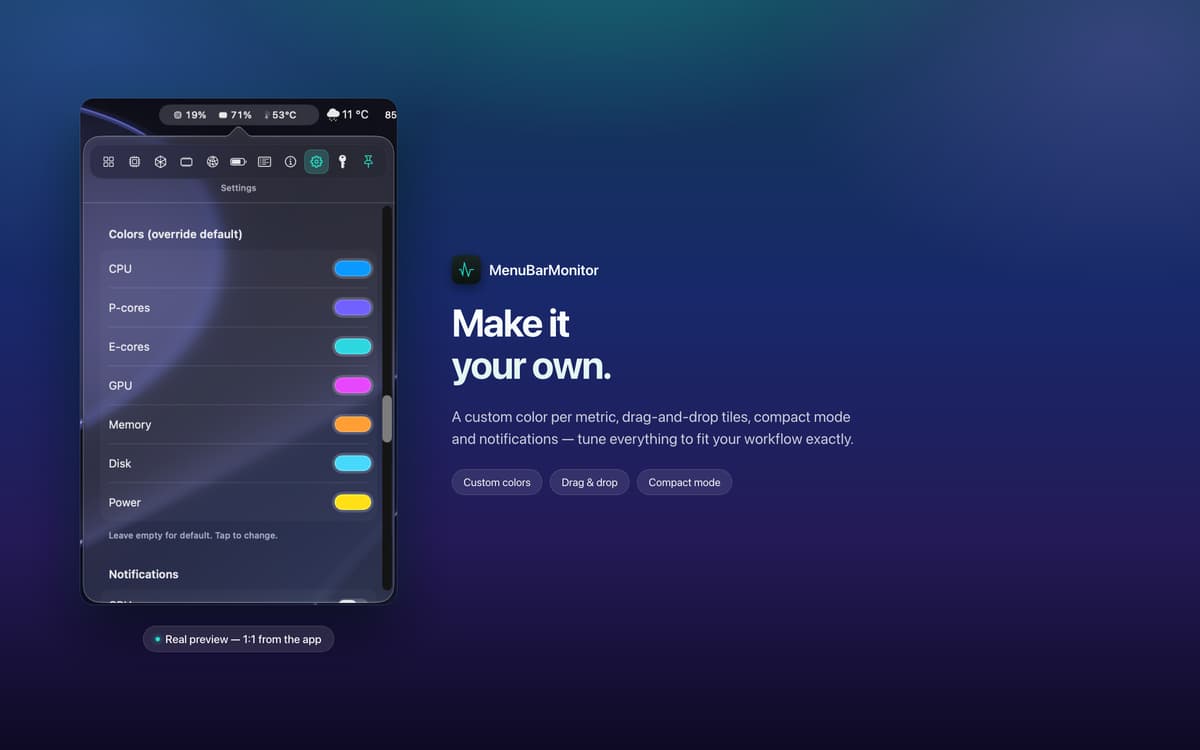
Drag and drop tiles to reorder your metrics, switch to Compact Mode for a smaller footprint, or start from a preset and fine-tune from there. MenuBarMonitor works the way you work.
Private and lightweight by design
MenuBarMonitor needs no root access and collects zero telemetry. Your data never leaves your machine. It's also light on system resources itself — a performance monitor that doesn't eat into the performance it's monitoring.
Отримайте сотні програм з Membership
Підпишіться на Setapp і користуйтесь сотнями чудових програм.
Перші 7 днів безплатно, а далі – в єдиному простому плані.
Завантажити Setapp на Mac
Знайдіть в Setapp застосунок для macOS, iOS або web, що допоможе вирішити ваше завдання.

Установіть знайдену програму
Виконайте завдання за допомогою новенької програми зі Setapp.

MenuBarMonitor
Виберіть план підписки
Один застосунок або всі разом в підписці Setapp. Користуйтеся застосунками на своїх умовах.

Отримайте сотні програм з Membership
Підпишіться на Setapp і користуйтесь сотнями чудових програм.
Перші 7 днів безплатно, а далі – в єдиному простому плані.
1
Завантажити Setapp на Mac
Знайдіть в Setapp застосунок для macOS, iOS або web, що допоможе вирішити ваше завдання.
2
Установіть знайдену програму
Виконайте завдання за допомогою новенької програми зі Setapp.
MenuBarMonitor
3
Виберіть план підписки
Один застосунок або всі разом в підписці Setapp. Користуйтеся застосунками на своїх умовах.
Нагору
Від планування та рутинних завдань до програмування і творчості – працюйте ефективніше зі Setapp.

TypingMind
ШІ зі зручним інтерфейсом
генеруйте й обробляйте текст
користуйтеся бібліотекою
ШІ

Spark Mail
Упорядкуйте імейли
ШІ

CleanMyMac
Видаляйте тільки непотрібне

Bartender
Налаштуйте меню під себе

CleanShot X
Робіть будь-які скриншоти

Luminar Neo
Редагуйте фото
ШІ

ClearVPN
Безпечний звʼязок

Craft
Робота з документами
ШІ
MenuBarMonitor
Your Mac's vitals, at a glance