
Mirror Input
Any device. Any app. Live
Mac
Version 1.2.3
macOS 14.0 or later
18.1 MB
1 languages
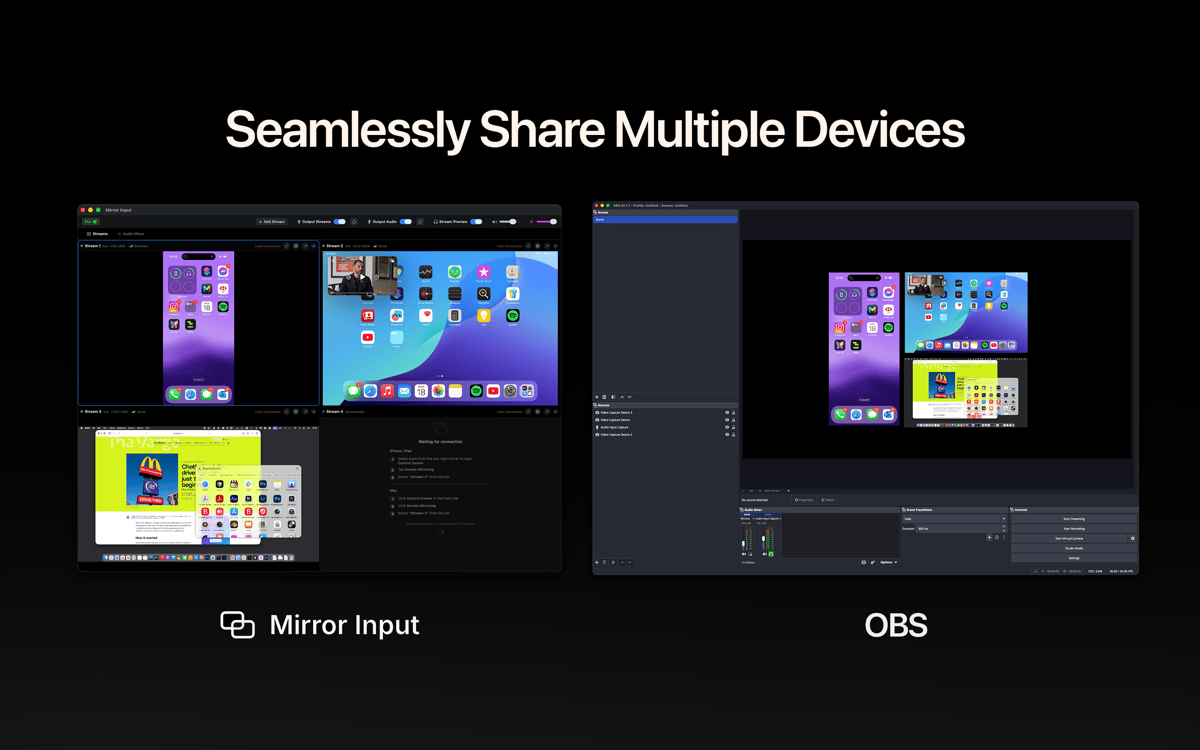
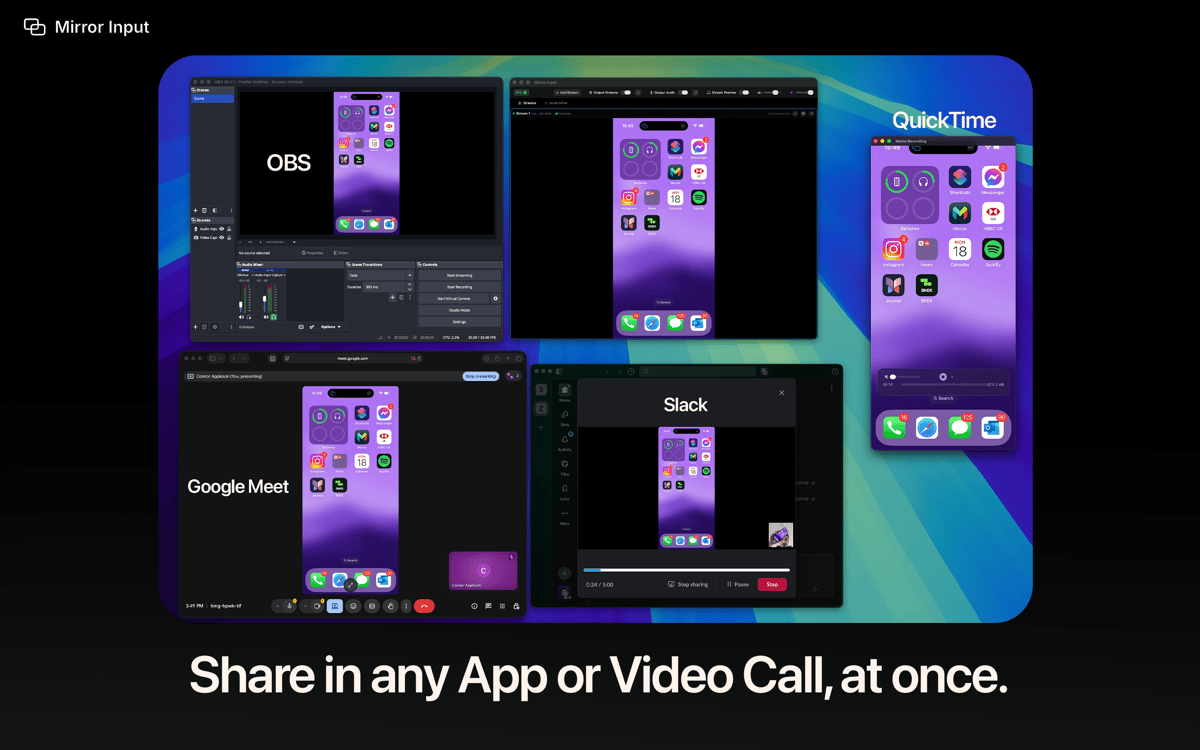
Mirror Input — Turn your iPhone, iPad, Vision Pro, or another Mac into a real camera source in Zoom, Teams, OBS, FaceTime, and any app with a camera picker — or share any stream as a window straight from your video app's screen-share picker. It's all wireless over Apple's built-in Screen Mirroring, so there's nothing to install on the sending device — no cables, no capture cards. Pick it like a camera | share it like a window. You're live in under a minute.
Demo iPhone apps with 1:1 touch mirroring
Record a 4K Vision Pro preview video
Turn your iPad into a teaching whiteboard
Run a wireless multi-Mac studio
Mirror Input features
Virtual Camera | Shareable Window
Pick any device as a camera source, or share it as a window from your video app's screen-share picker. Two ways, ultimate flexibility. No plugins needed.
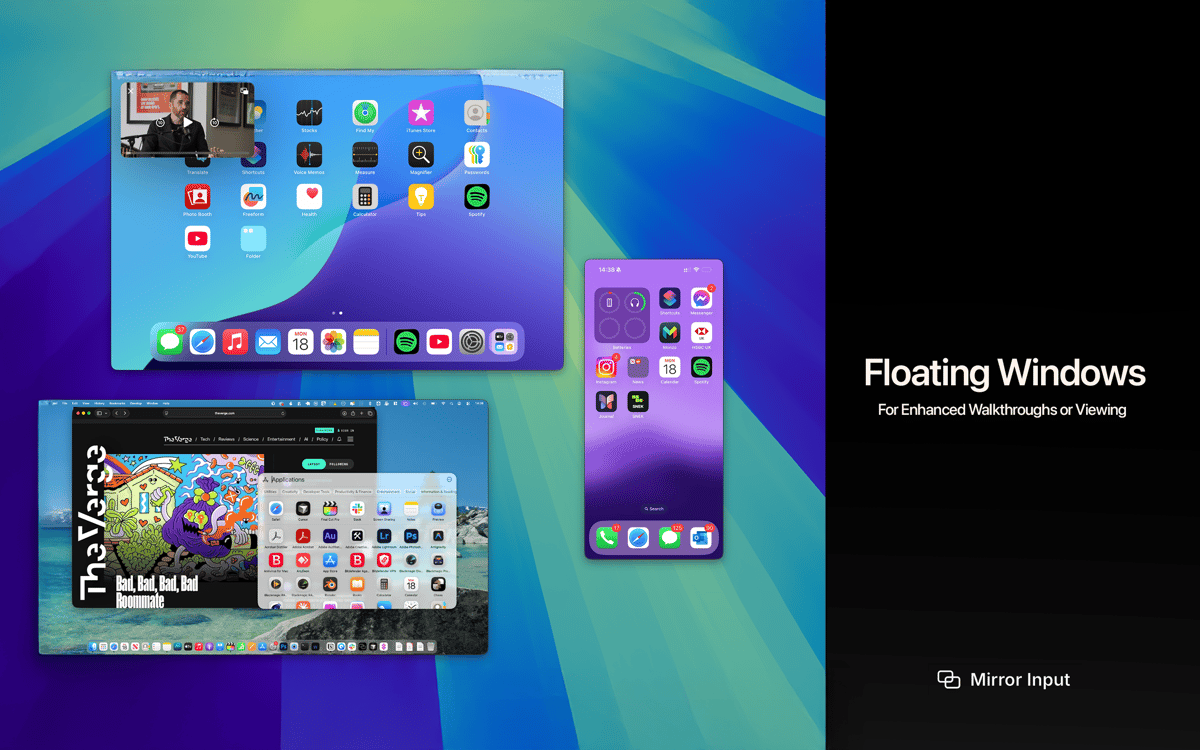
Floating Window
Pin any stream above every app and follow it across Spaces — perfect for keeping your iPad in the corner of the screen while you record, or floating a reference device through a presentation. Resizable, aspect-locked, no black bars.
Up to six devices, one Mac
Stream iPhones, iPads, Vision Pros, and other Macs into the same scene — each with its own dedicated feed. Ideal for multi-device demos, tutorials, and that fully wireless Apple studio.
4K at 60 fps
Hardware-accelerated decoding and direct GPU rendering keep multiple streams smooth, even on a busy network. Smart sync keeps audio and video aligned through bumps and dropped frames.
Wireless audio mixer
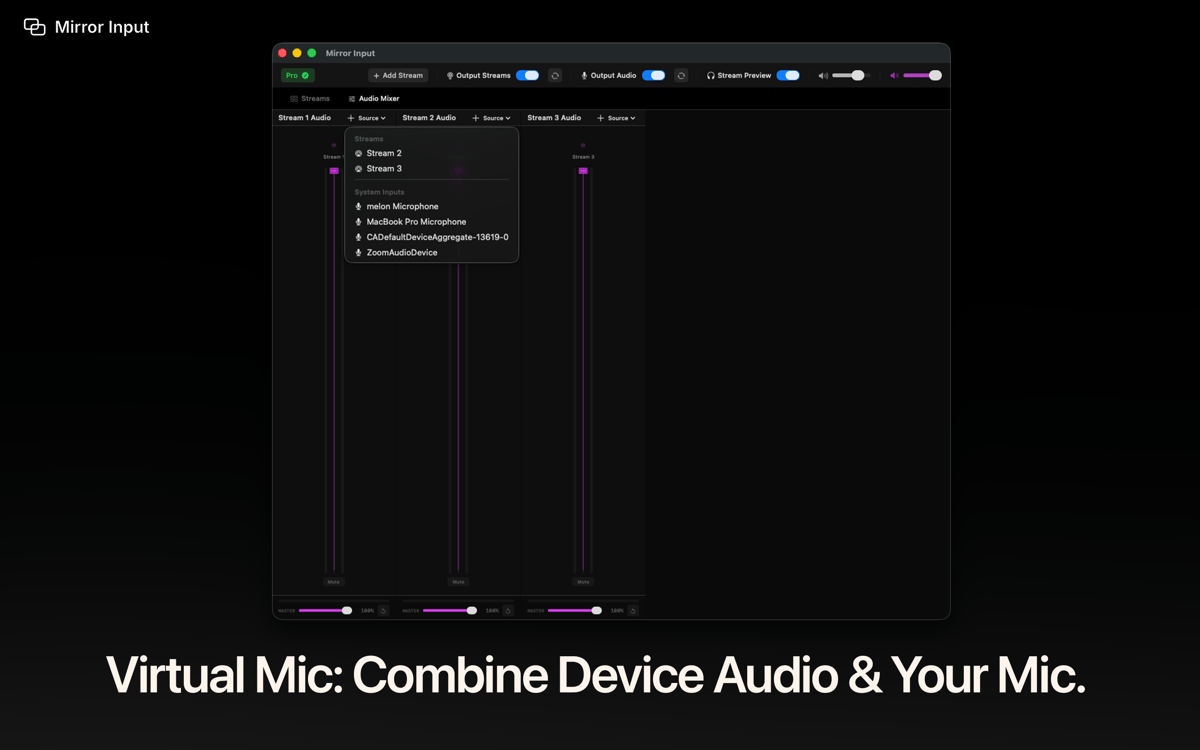
Blend device audio with your microphone into one clean virtual mic any app can pick up. Perfect for gameplay, demos, and live presentations.
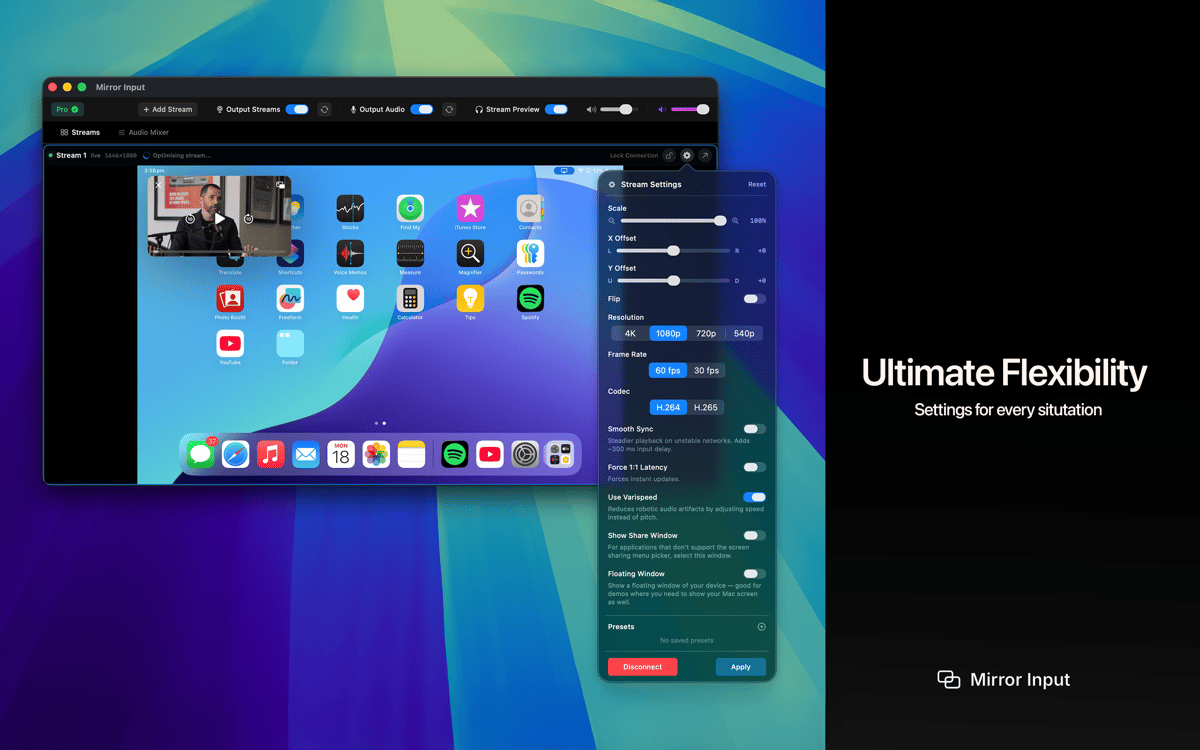
Transform controls
Scale, crop, offset, rotate, or flip each stream independently. Save presets and switch setups instantly between calls.
Get hundreds of apps with Membership
Become Setapp member and use hundreds of stellar apps with one subscription.
Try 7 days free, then pay one simple fee.
Install Setapp on Mac
Explore apps for Mac, iOS, and web. Find easy ways to solve daily tasks.

Get the app you came for
That one shiny app is waiting inside Setapp. Install with a click.

Mirror Input
Choose your subscription
One app or more with a Setapp membership. Get apps the way you want.

Get hundreds of apps with Membership
Become Setapp member and use hundreds of stellar apps with one subscription.
Try 7 days free, then pay one simple fee.
1
Install Setapp on Mac
Explore apps for Mac, iOS, and web. Find easy ways to solve daily tasks.
2
Get the app you came for
That one shiny app is waiting inside Setapp. Install with a click.
Mirror Input
3
Choose your subscription
One app or more with a Setapp membership. Get apps the way you want.
Home to the top apps
From planning and routine tasks to creative pursuits and coding, tackle tasks with apps on Setapp.


Mirror Input
Any device. Any app. Live