
MistBar
Tidy menu bar, built-in tools


Mac
Version 1.0.17
macOS 14.0 or later
63.4 MB
1 languages
MistBar is a menu bar manager and everyday toolkit for Mac. It hides the icons you never click behind a single hub — bring them back with a hover, click, or hotkey — and folds in the small utilities most people run as separate apps: clipboard history, mail access, quick notes, app launching, text expansion, and a live AI usage readout. No screen recording, no account, no purple dot. Everything runs on your Mac, privately, using the Accessibility API. Native AppKit, built for macOS 26 Tahoe and Apple Silicon.
Hide and reveal menu bar icons fast
Search your clipboard history in seconds
Quick-capture notes without switching apps
Track AI usage live from the menu bar
MistBar features
Hide menu bar clutter, privately
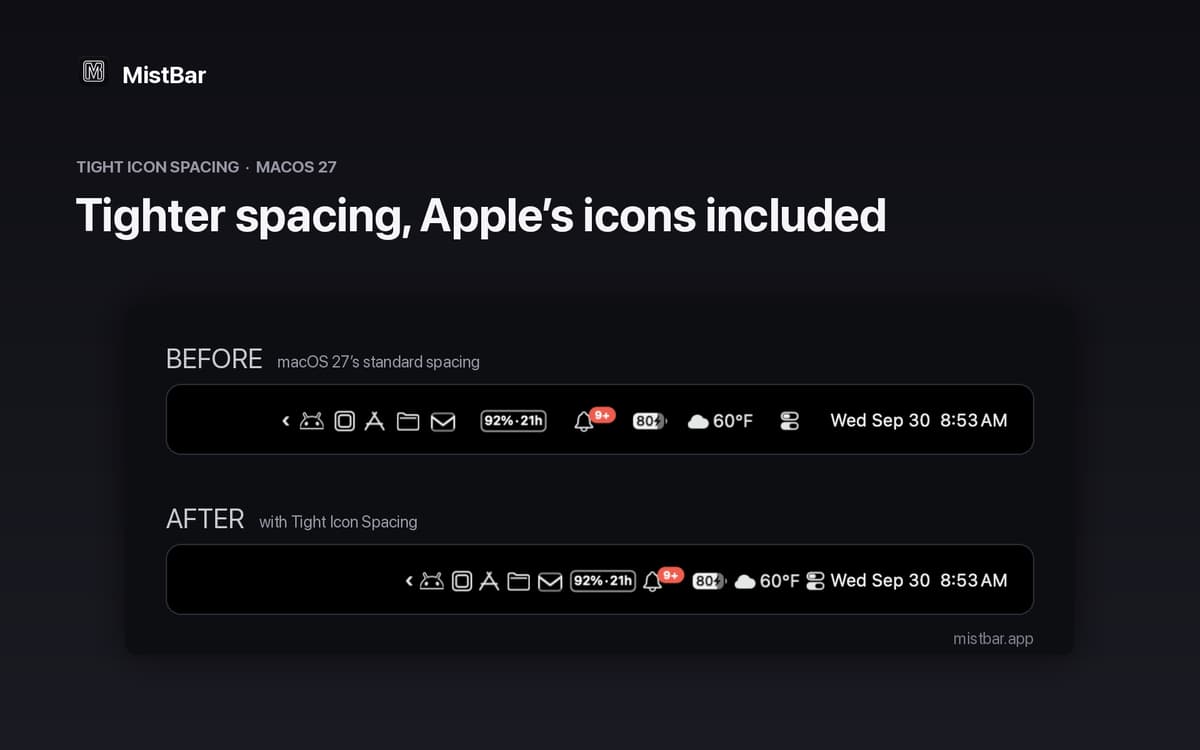
MistBar tucks away the icons you never use behind a single hub. Bring them back with a hover, click, or custom hotkey — whatever fits your flow. It works through the Accessibility API, not Screen Recording, so your screen is never captured and that purple recording dot never shows up.
Clipboard history, always a keystroke away
Every time you copy something, MistBar saves it. Pull up a searchable history of your clips with a single shortcut and grab what you need — no hunting through apps, no retyping. It's the clipboard manager Mac should've had from the start.
Mail at a glance
Check unread counts and fire off a quick reply for Gmail, Outlook, iCloud, and Fastmail — right from the menu bar. No need to open a full inbox just to see if anything important landed.
Quick-capture notes without leaving what you're doing
Got a thought mid-meeting? MistBar connects to Apple Notes so you can jot it down instantly, without breaking your focus or switching apps. The note lands exactly where it belongs.
Text expansion built right in
Turn short snippets into full phrases as you type. No separate app, no extra setup — just define your shortcuts and let MistBar fill in the rest.
Live AI usage readout
See your Claude, Codex, and Copilot usage and reset times directly in the menu bar. For Claude and Codex, MistBar reads data already on your Mac — nothing to configure, no accounts to connect.
Get hundreds of apps with Membership
Become Setapp member and use hundreds of stellar apps with one subscription.
Try 7 days free, then pay one simple fee.
Install Setapp on Mac
Explore apps for Mac, iOS, and web. Find easy ways to solve daily tasks.

Get the app you came for
That one shiny app is waiting inside Setapp. Install with a click.

MistBar
Choose your subscription
One app or more with a Setapp membership. Get apps the way you want.

Get hundreds of apps with Membership
Become Setapp member and use hundreds of stellar apps with one subscription.
Try 7 days free, then pay one simple fee.
1
Install Setapp on Mac
Explore apps for Mac, iOS, and web. Find easy ways to solve daily tasks.
2
Get the app you came for
That one shiny app is waiting inside Setapp. Install with a click.
MistBar
3
Choose your subscription
One app or more with a Setapp membership. Get apps the way you want.
Home to the top apps
From planning and routine tasks to creative pursuits and coding, tackle tasks with apps on Setapp.


MistBar
Tidy menu bar, built-in tools