
MoveMatic
Motion that moves your product
Mac
Version 3.2
macOS 15.0 or later
39 MB
12 languages
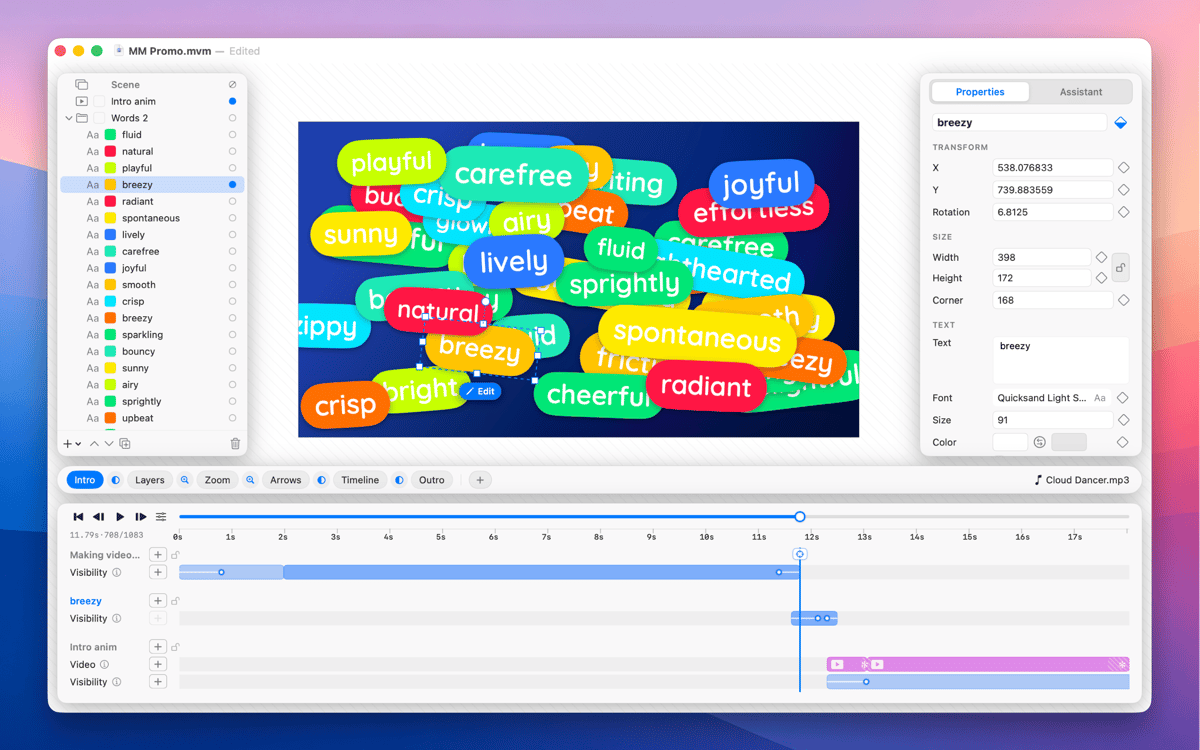
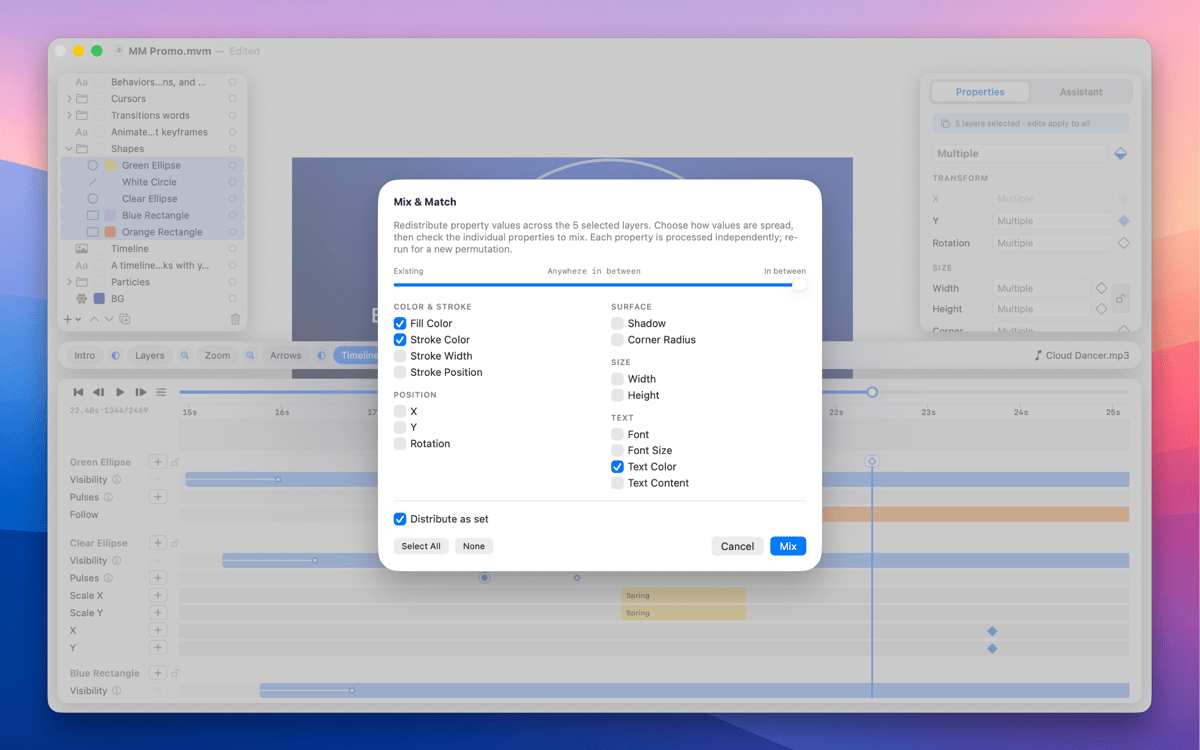
MoveMatic is a native Mac motion design app for the animation that ships in product demos, App Store preview videos, and the marketing clips you wish were animated. Animate cursors, camera zooms, particles, and self-drawing arrows on a ripple-aware timeline, across multi-scene documents. Export straight to MP4 at any aspect ratio — no After Effects required.
Animate App Store preview videos
Build product feature demo clips
Create social marketing animations
Design presentation animations fast
MoveMatic features
Visibility spans
Every layer lives on a time range with its own intro and outro effects (fade, pop, slide, draw-on); you choreograph when things exist, not just tween values from A to B.
Ripple-aware timeline
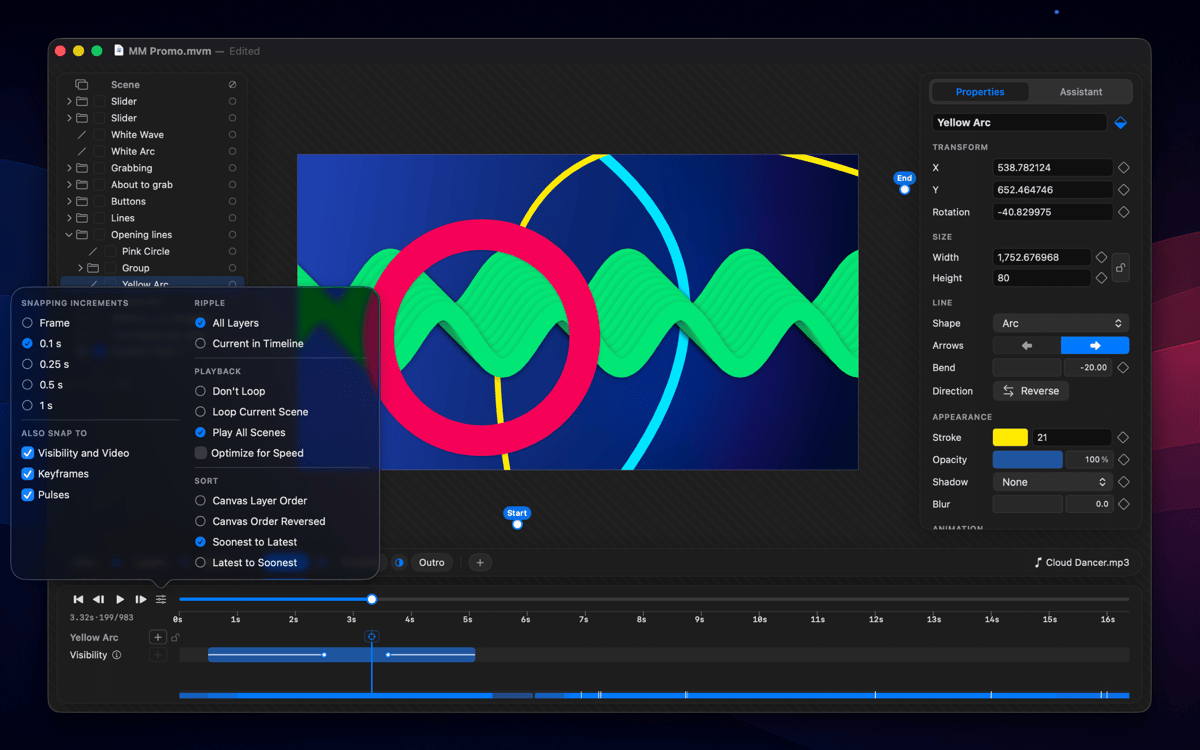
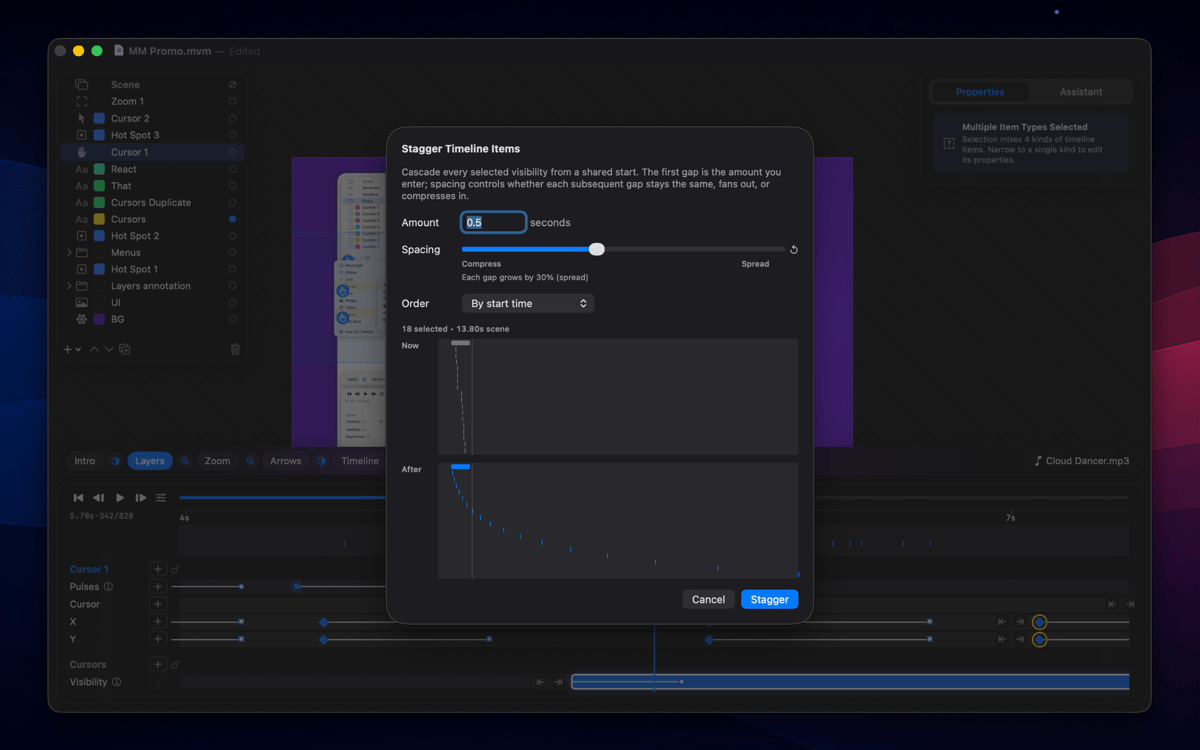
Drag a keyframe and span edges, pulses, group children, and clips all shift with it; cycle ripple modes with one key and every edit honors it.
Procedural motion
Animated cursors with click hotspots, layers that follow a path or another layer, attractors, and behaviors you configure once — the scene animates itself, no keyframing required.
Multi-scene documents
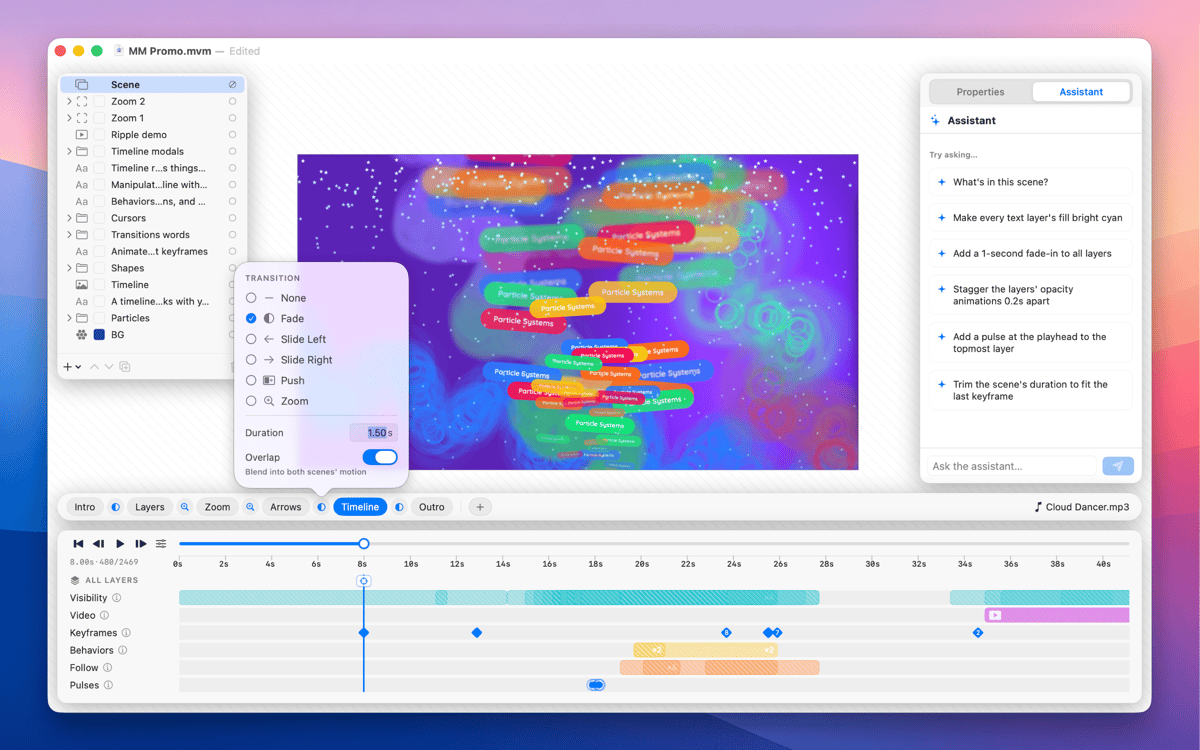
A document is a sequence of scenes, each with its own layers and timeline; drop Fade, Slide, Push, or Zoom transitions between them and render as one continuous clip or scene-by-scene.
Camera zoom layers
Drop a zoom region and the playhead lenses into it for that span, full-screen or picture-in-picture, for product detail shots without re-staging the composition.
Arrows that draw themselves
Drop two points and MoveMatic generates a keyframable curve with a stroke that draws on and an arrowhead that lands at the end.
Get hundreds of apps with Membership
Become Setapp member and use hundreds of stellar apps with one subscription.
Try 7 days free, then pay one simple fee.
Install Setapp on Mac
Explore apps for Mac, iOS, and web. Find easy ways to solve daily tasks.

Get the app you came for
That one shiny app is waiting inside Setapp. Install with a click.

MoveMatic
Choose your subscription
One app or more with a Setapp membership. Get apps the way you want.

Get hundreds of apps with Membership
Become Setapp member and use hundreds of stellar apps with one subscription.
Try 7 days free, then pay one simple fee.
1
Install Setapp on Mac
Explore apps for Mac, iOS, and web. Find easy ways to solve daily tasks.
2
Get the app you came for
That one shiny app is waiting inside Setapp. Install with a click.
MoveMatic
3
Choose your subscription
One app or more with a Setapp membership. Get apps the way you want.
Home to the top apps
From planning and routine tasks to creative pursuits and coding, tackle tasks with apps on Setapp.


MoveMatic
Motion that moves your product