
OrcaSheets
AI-powered data analytics
Mac
Version 26.9.2
macOS 10.13 or later
266 MB
1 languages
Handling massive datasets usually means waiting for cloud uploads or struggling with complex SQL queries. If you just want answers without the lag or the privacy risks of third-party servers, meet OrcaSheets. It’s a local-first analytics engine that processes billions of rows directly on your Mac. The app combines the speed of a high-performance database with a simple chat interface, so you can query your data as easily as sending a Slack message.
Analyze billions of rows in seconds
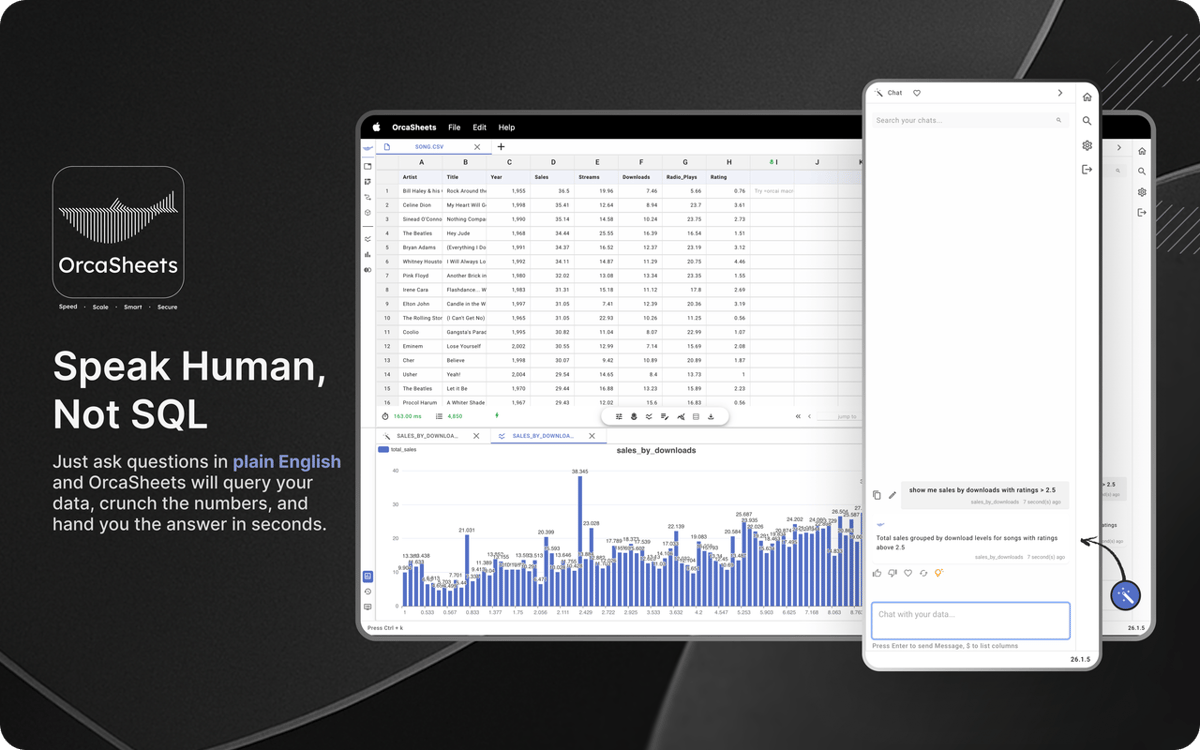
Chat with your data using plain English
Automate workflows with smart recipes
Keep all sensitive data 100% offline
OrcaSheets features
Process massive datasets locally
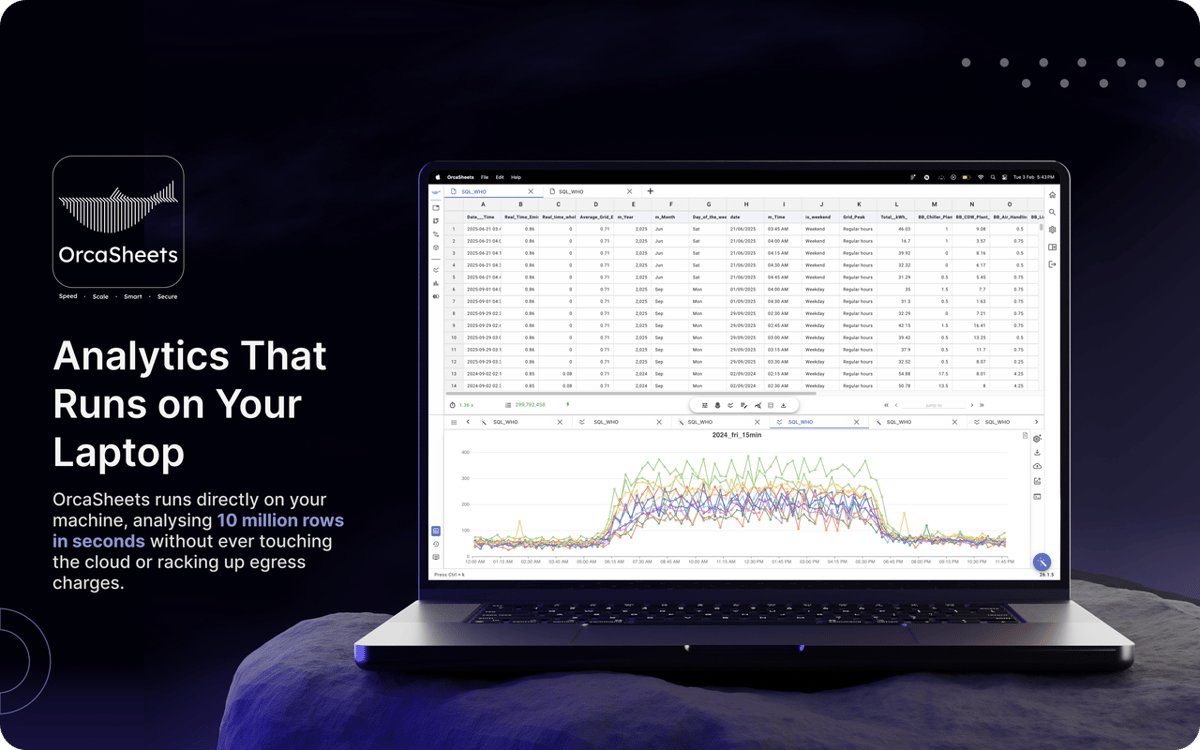
Stop waiting for dashboards to load. OrcaSheets can process up to a billion rows directly on your machine in seconds. Filters, pivots, and statistical analysis run smoothly without lag because everything happens on your hardware, not on remote servers.
Generate data transformations in plain English
You don’t need SQL, Python, or complex macros. With Connector + OrcAI, you can describe what you want in simple language and OrcaSheets will generate the columns or transformations for you.
Chat with your data
Instead of manually digging through tables, use built-in AI chat to explore your dataset. Ask questions, validate trends, or request summaries. OrcaSheets treats your spreadsheet like a live knowledge base and responds with context-aware insights in seconds.
Use ready-made analytics recipes
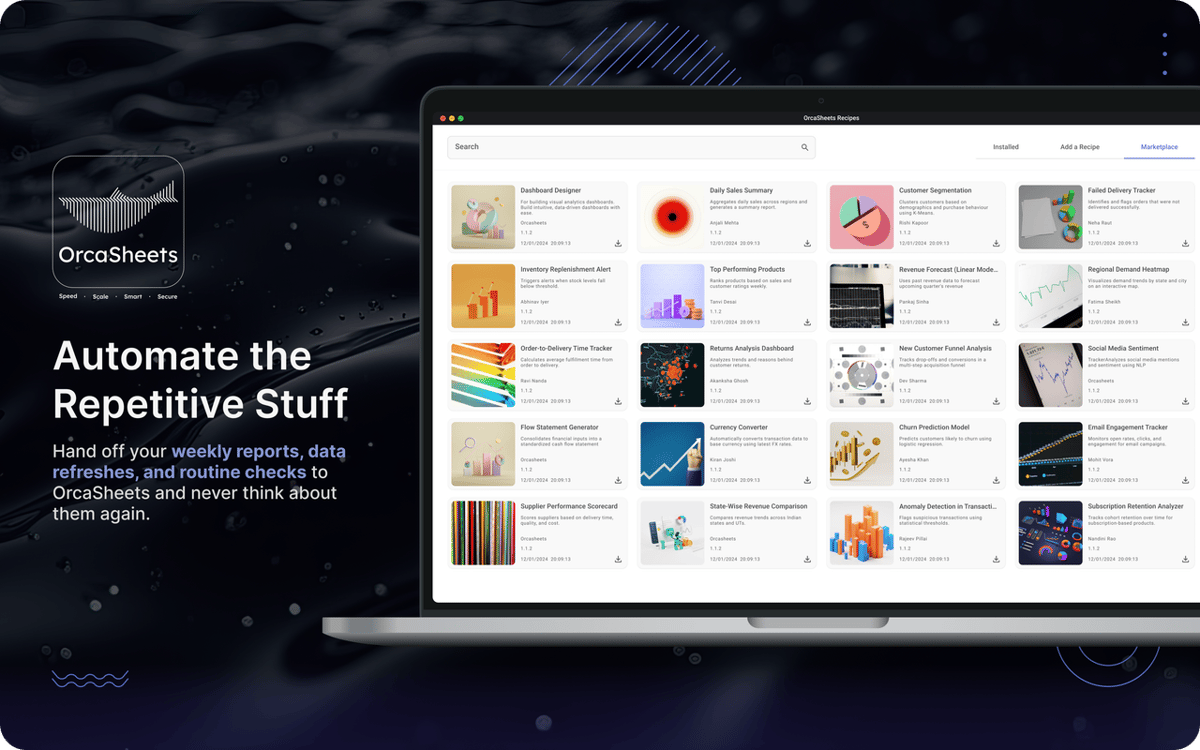
Speed up recurring workflows with prebuilt analytics recipes such as customer cohort analysis, sales performance dashboards, and marketing attribution models. Customize them to fit your data and skip rebuilding the same structure every time.
Work offline with full privacy
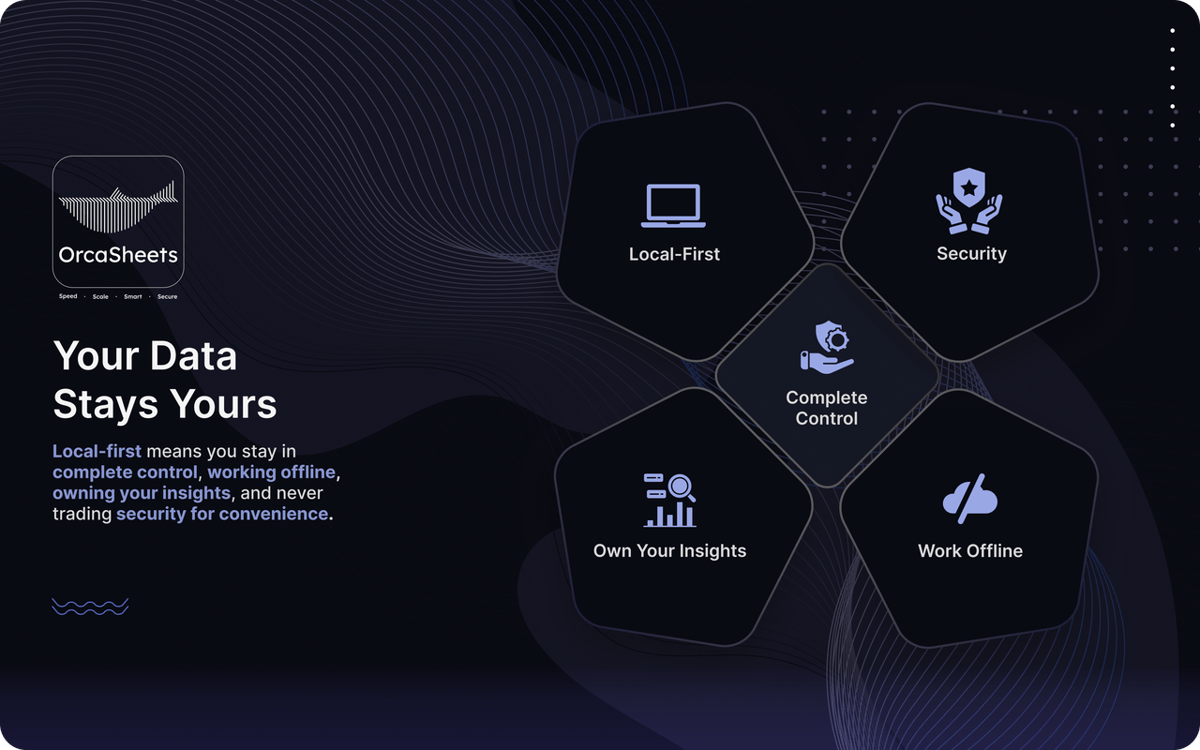
Your data never leaves your device. OrcaSheets operates with a local-first architecture, meaning no servers, no shadow copies, and no background tracking. It works offline and ensures that every calculation and insight stays entirely under your control.
Ratings and reviews
OrcaSheets
•
43 ratings
aditya yadav
Oct 7, 2026
App version: 26.9.2
What I like most about orcaSheets is how quickly I can go from raw data to meaningful insights without spending hours building queries or reports manually. The natural language analysis combined with SQL gives me a great balance of simplicity and control, while the ability to connect data from different sources and turn insights into dashboards and reports makes the whole workflow really efficient. What stands out to me most, though, is the local first approach having more control over where my data is processed gives me greater confidence when working with sensitive or business critical information. Overall, it feels like a powerful, flexible, and security conscious approach to modern data analytics
Aditya Patil
Oct 7, 2026
App version: 26.9.2
This is very helpful for opening big heavy excel files, charts creation over here is smooth, great find on setapp. and that AI chat is making my life easier.
Response from Developer
Oct 7, 2026
Thank you Aditya, for your encouraging words, we will keep improving and watch out for upcoming major release !!
Rohaan Ansari
Oct 7, 2026
App version: 26.9.2
amazing app. couldn’t recommend it enough
Response from Developer
Oct 7, 2026
thank you Rohaan for unconditional review :) , we would appreciate any particular feature that you liked and also what you dont liked on which we can improve on :)
Get hundreds of apps with Membership
Become Setapp member and use hundreds of stellar apps with one subscription.
Try 7 days free, then pay one simple fee.
Install Setapp on Mac
Explore apps for Mac, iOS, and web. Find easy ways to solve daily tasks.

Get the app you came for
That one shiny app is waiting inside Setapp. Install with a click.

OrcaSheets
Choose your subscription
One app or more with a Setapp membership. Get apps the way you want.

Get hundreds of apps with Membership
Become Setapp member and use hundreds of stellar apps with one subscription.
Try 7 days free, then pay one simple fee.
1
Install Setapp on Mac
Explore apps for Mac, iOS, and web. Find easy ways to solve daily tasks.
2
Get the app you came for
That one shiny app is waiting inside Setapp. Install with a click.
OrcaSheets
3
Choose your subscription
One app or more with a Setapp membership. Get apps the way you want.
Home to the top apps
From planning and routine tasks to creative pursuits and coding, tackle tasks with apps on Setapp.


OrcaSheets
AI-powered data analytics