
Proximate
Bring alerts to your cursor

Mac
Version 1.13.6
macOS 14.0 or later
239 MB
52 languages
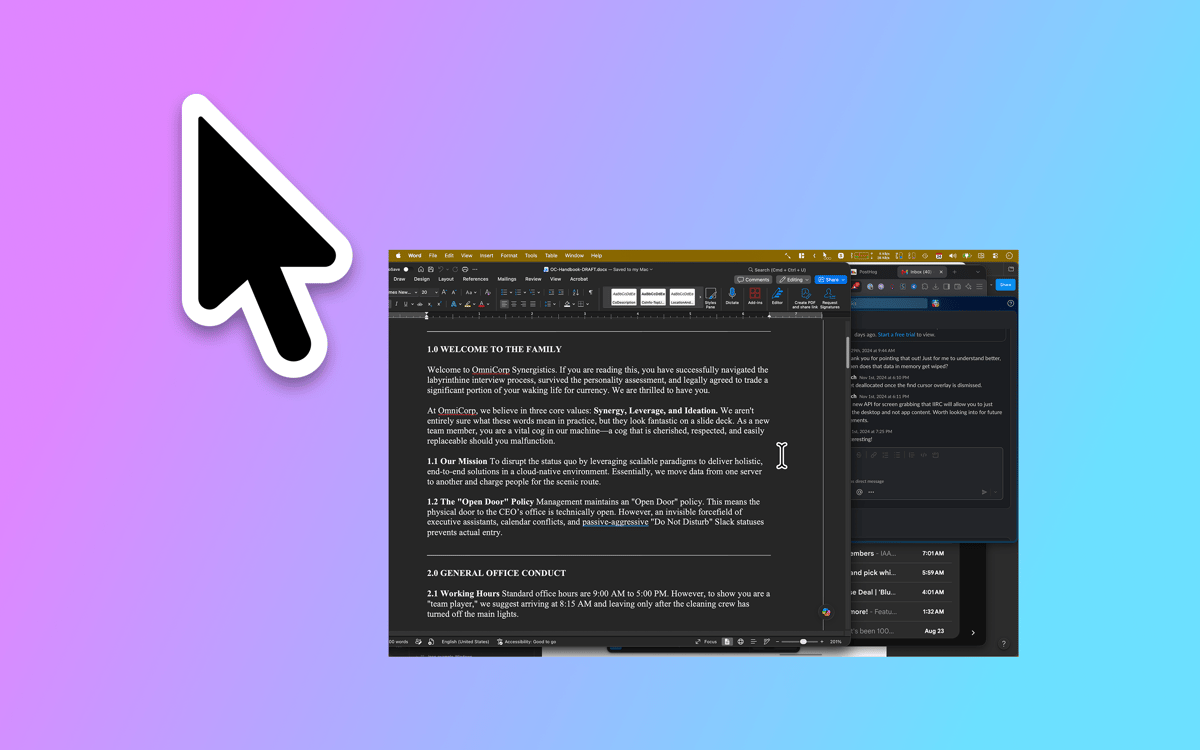
Proximate is a cursor notification utility for Mac. It moves the things you tend to miss — app alerts, the time, countdown timers — right next to where your eyes already are: your mouse pointer. On large displays, notifications appear way off in a corner while you're deep in work. Proximate quietly surfaces what matters without pulling you out of your flow.
Stop missing notifications on big screens
Always know the time without looking away
Set countdown timers by your mouse pointer
Stay focused while staying in the loop
Proximate features
Cursor notifications
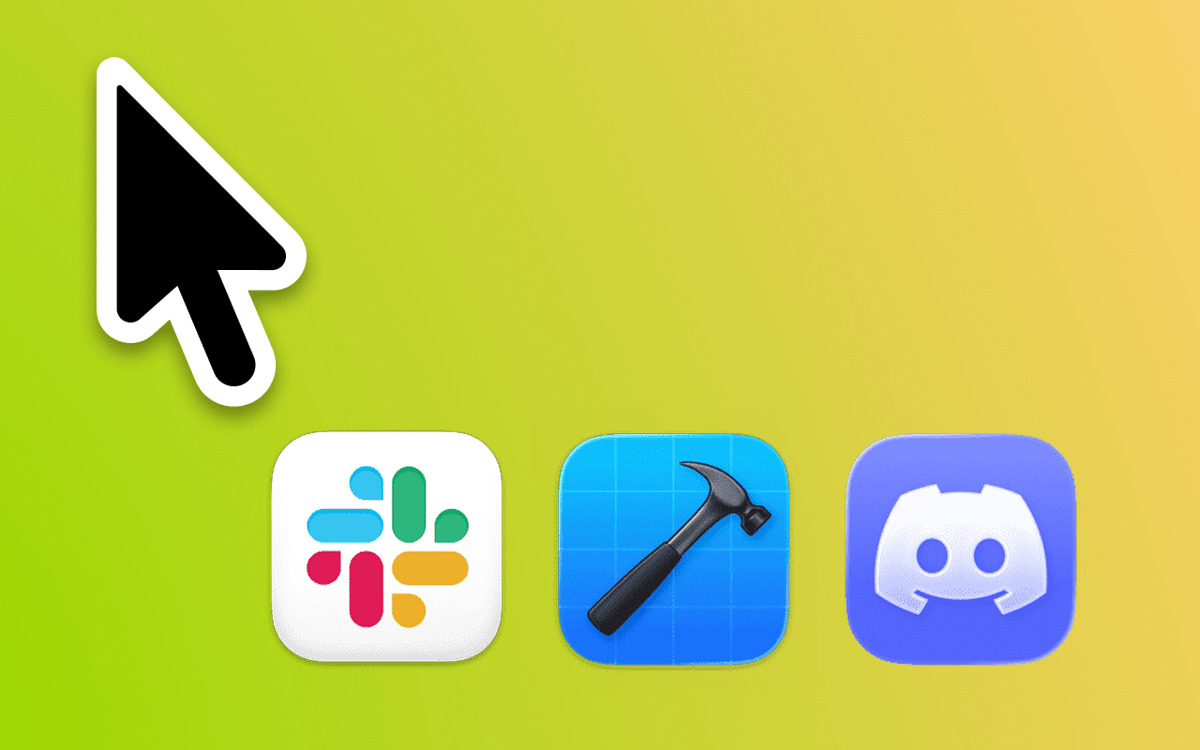
Pick which apps to monitor, and Proximate shows their icons right by your pointer the moment they need attention. No more squinting at the top-right corner of a 27-inch screen. Icons disappear automatically once you've checked in — no cleanup needed.
Cursor clock
Working full-screen? The menu bar clock disappears with it. Proximate keeps the time and date floating next to your cursor so you always know where you stand — without ever glancing away from your work.
Cursor timers
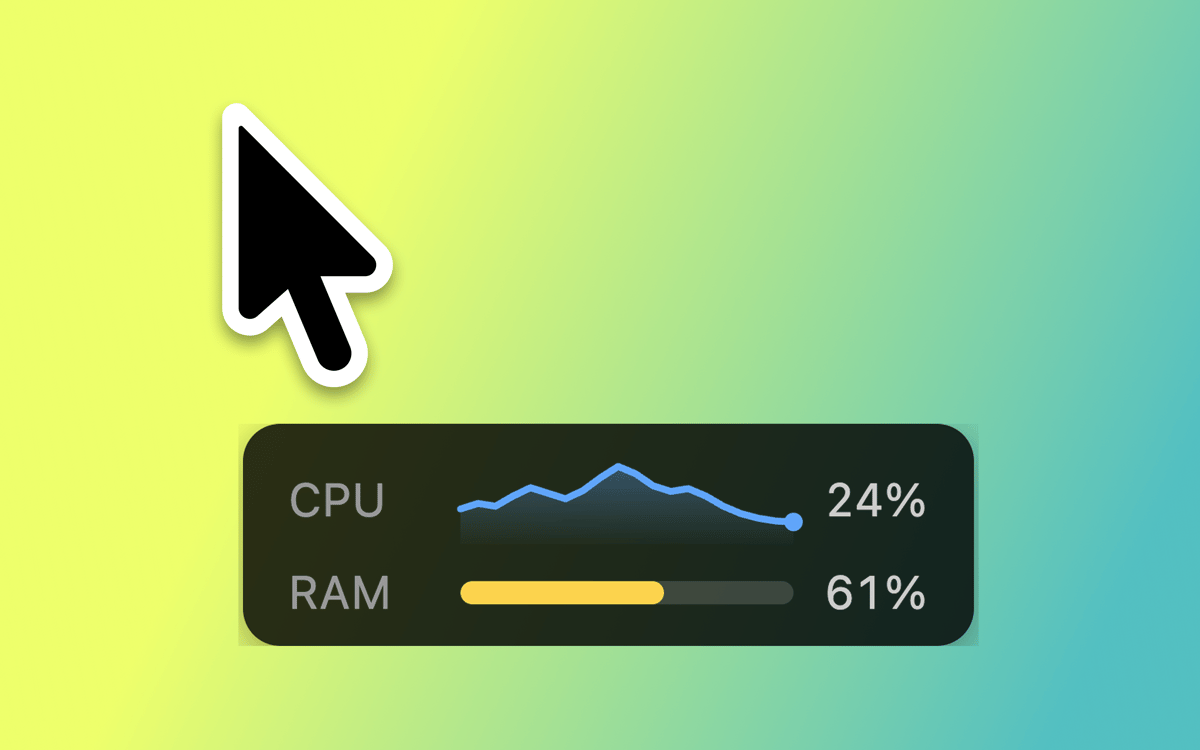
Set one or more timers that live right next to your pointer. Count down to a deadline, time a focused work sprint, or just keep track of how long something's been running. Choose from a digital counter, a progress bar, or a color-changing circle.
Keyboard shortcuts for everything
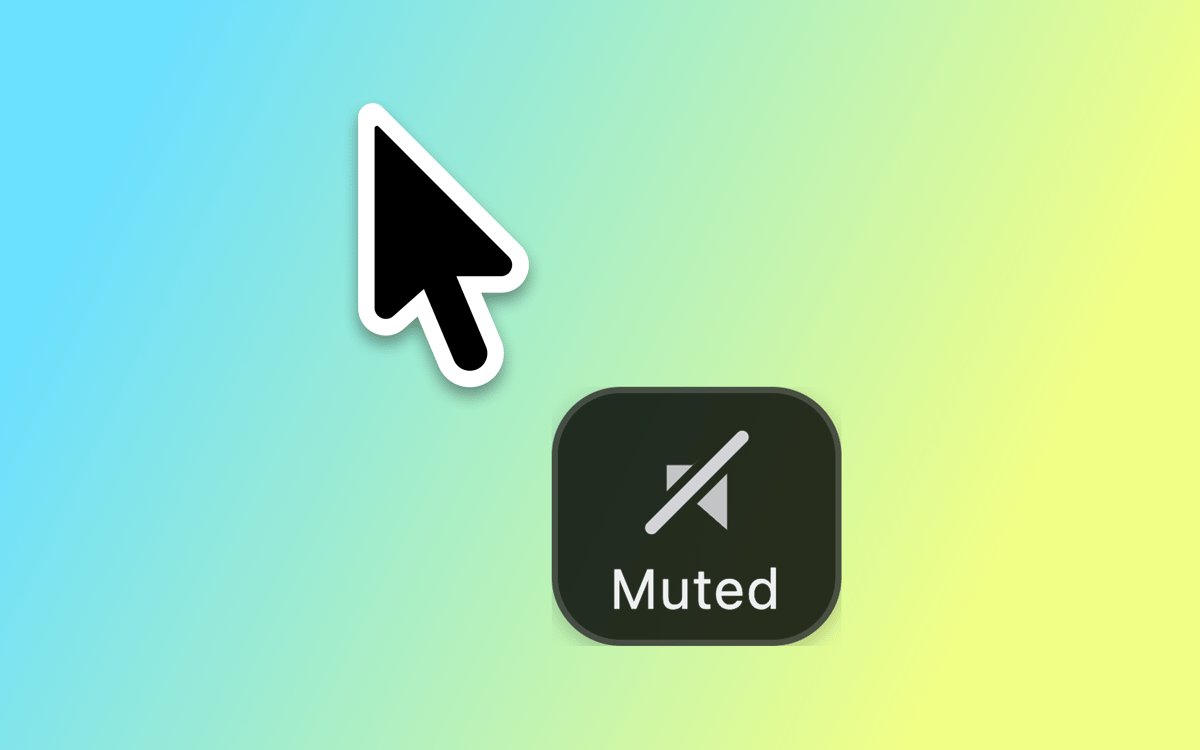
Toggle all Proximate elements on and off, wipe away icon notifications in one go, or re-center your mouse pointer on screen — all without touching your trackpad. Quick, clean, and always within reach.
Fully customizable look
Position app icons and the clock at any angle and distance from your pointer. Adjust icon size, clock font, colors, and time format. Set transparency rules based on whether your mouse is moving or still. Proximate fits in exactly how you want it to.
iCloud sync for settings
Use Proximate across multiple Macs? Your settings follow you automatically via iCloud. Set it up once and it works everywhere — no manual configuration required.
Get hundreds of apps with Membership
Become Setapp member and use hundreds of stellar apps with one subscription.
Try 7 days free, then pay one simple fee.
Install Setapp on Mac
Explore apps for Mac, iOS, and web. Find easy ways to solve daily tasks.

Get the app you came for
That one shiny app is waiting inside Setapp. Install with a click.

Proximate
Choose your subscription
One app or more with a Setapp membership. Get apps the way you want.

Get hundreds of apps with Membership
Become Setapp member and use hundreds of stellar apps with one subscription.
Try 7 days free, then pay one simple fee.
1
Install Setapp on Mac
Explore apps for Mac, iOS, and web. Find easy ways to solve daily tasks.
2
Get the app you came for
That one shiny app is waiting inside Setapp. Install with a click.
Proximate
3
Choose your subscription
One app or more with a Setapp membership. Get apps the way you want.
Home to the top apps
From planning and routine tasks to creative pursuits and coding, tackle tasks with apps on Setapp.


Proximate
Bring alerts to your cursor