
ShelfShot
Product shots, polished

Mac
Version 0.5.7
macOS 13.0 or later
43.3 MB
1 languages
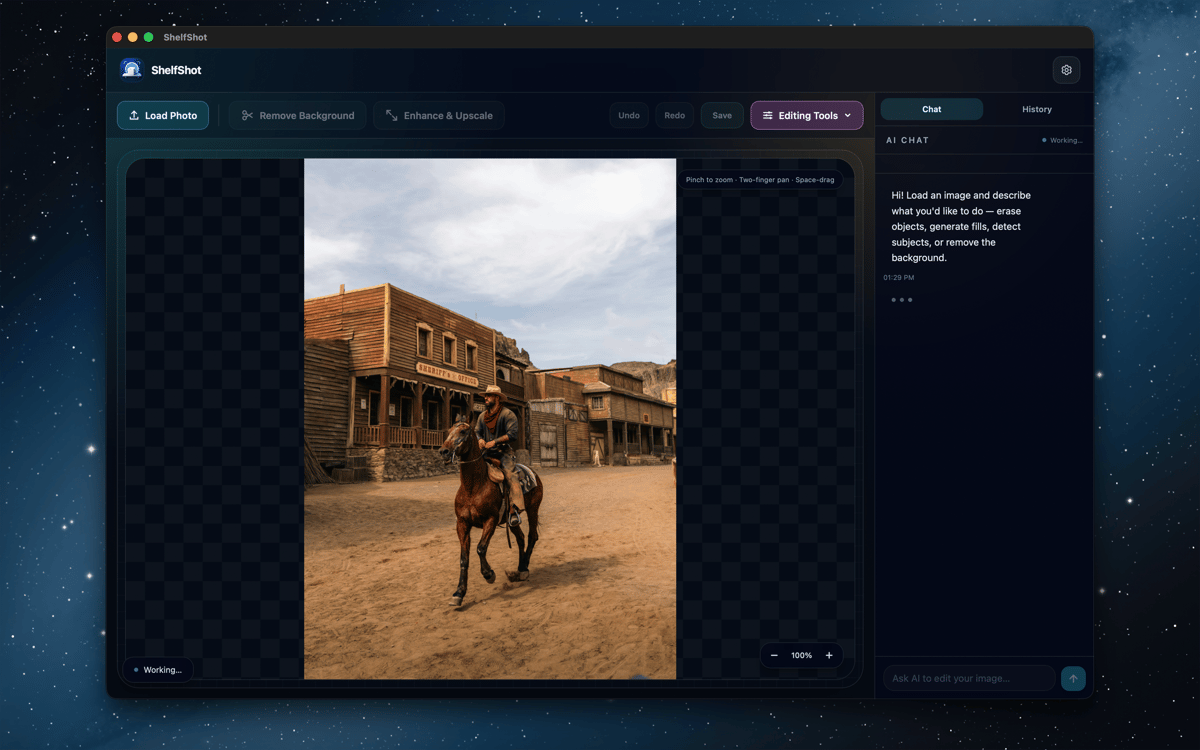
ShelfShot is an AI product photo editor for Mac. Remove backgrounds, retouch details, generate new scenes, upscale images, and process whole folders from one focused workspace. Manual edits stay local, while AI actions run through Setapp AI only when you start them. It’s built for cleaner product images without turning your Mac into a tiny photo-production circus.
Remove product backgrounds
Retouch small image details
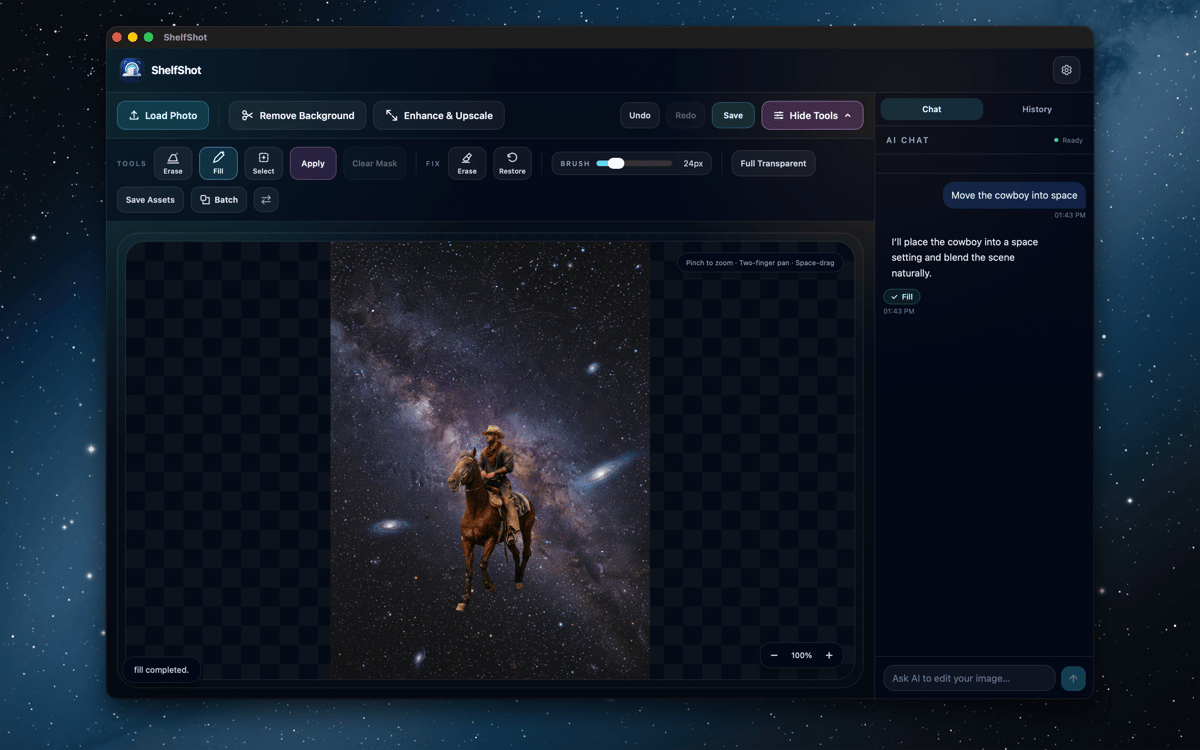
Generate fresh product scenes
Batch-edit catalog folders
ShelfShot features
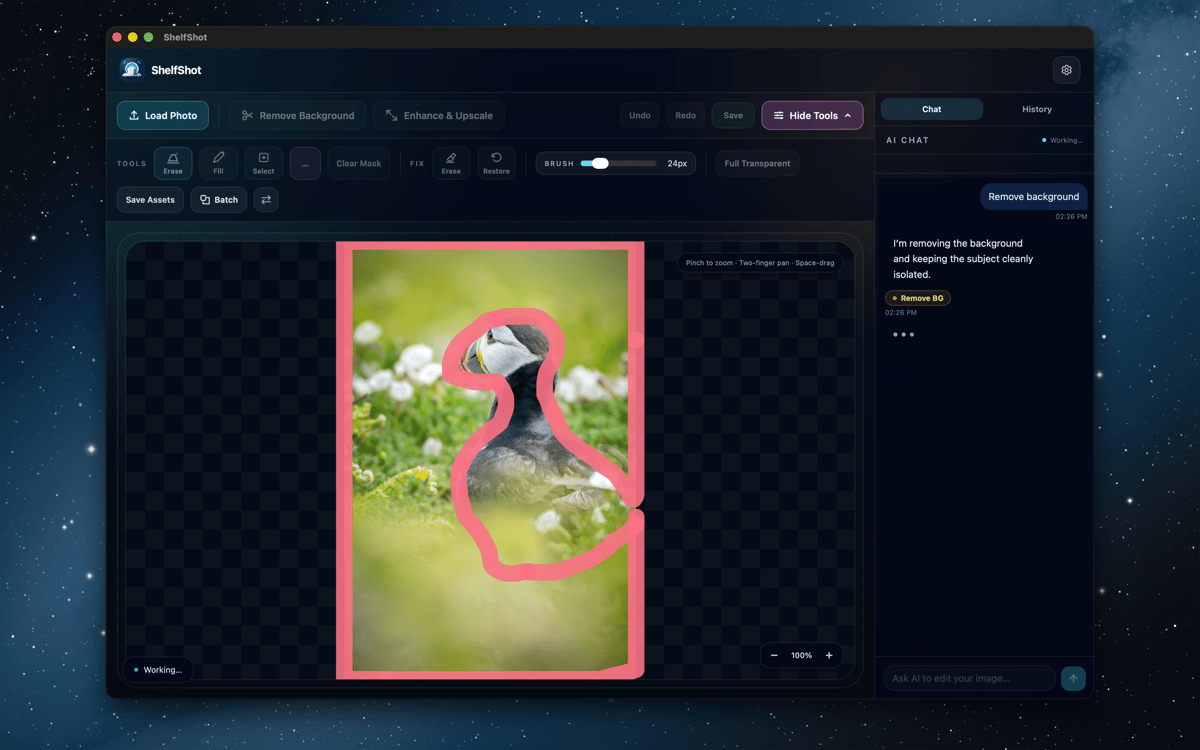
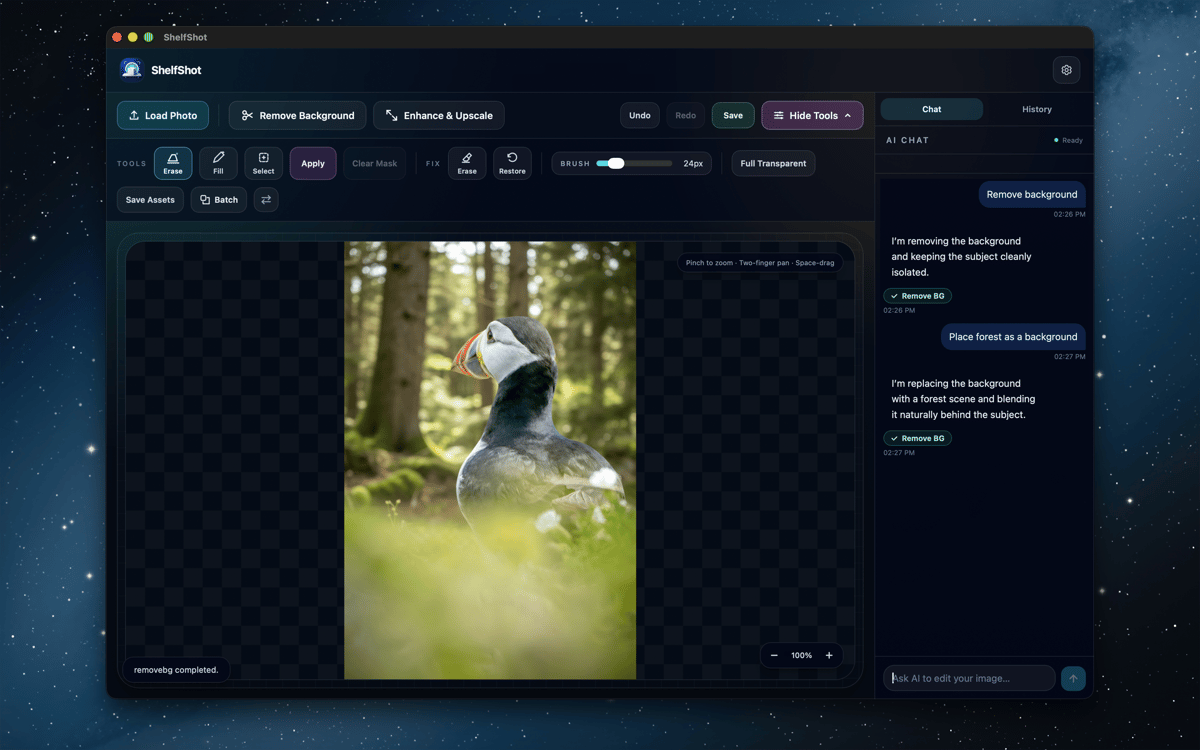
Remove backgrounds and refine edges
Cut out products with AI, then tidy tricky spots with local erase and restore brushes. Great for glass, shadows, fine edges, and all the tiny pixels that like drama.
Retouch with AI guidance
Use instructions and optional masks to fix details, replace areas, remove backgrounds, upscale, or make custom edits. Review every result before publishing, especially product colors, labels, textures, and shape.
Generate product scenes
Describe a setting, mood, or commercial composition and create a fresh product visual. Handy for campaign ideas, store assets, and testing a look before planning a bigger shoot.
Upscale for sharper exports
Create larger PNGs when a catalog, listing, or campaign needs more pixels. Inspect the final image at full size, then export the version that’s ready to work.
Process folders in batches
Apply background removal, transparent output, upscaling, custom prompts, or marketplace-style presets to multiple files. Batch results are saved into a dedicated output folder.
Use marketplace-minded presets
Start with Amazon, Etsy, or Shopify-style workflows for common listing prep. They’re helpful shortcuts, not compliance guarantees, so you can still check the current marketplace rules before going live.
Ratings and reviews
ShelfShot
•
4 ratings
Khabib
Oct 26, 2026
App version: 0.5.7
Great app for editing photos
Greg Wilkinson
Sep 30, 2026
App version: 0.5.7
Works easily - good with sharpening portraits. Early days as yet.
Get hundreds of apps with Membership
Become Setapp member and use hundreds of stellar apps with one subscription.
Try 7 days free, then pay one simple fee.
Install Setapp on Mac
Explore apps for Mac, iOS, and web. Find easy ways to solve daily tasks.

Get the app you came for
That one shiny app is waiting inside Setapp. Install with a click.

ShelfShot
Choose your subscription
One app or more with a Setapp membership. Get apps the way you want.

Get hundreds of apps with Membership
Become Setapp member and use hundreds of stellar apps with one subscription.
Try 7 days free, then pay one simple fee.
1
Install Setapp on Mac
Explore apps for Mac, iOS, and web. Find easy ways to solve daily tasks.
2
Get the app you came for
That one shiny app is waiting inside Setapp. Install with a click.
ShelfShot
3
Choose your subscription
One app or more with a Setapp membership. Get apps the way you want.
Home to the top apps
From planning and routine tasks to creative pursuits and coding, tackle tasks with apps on Setapp.


ShelfShot
Product shots, polished