
SmashTunes
Your music, always in view
Mac
Version 5.12.1
macOS 13.5 or later
27.1 MB
3 languages
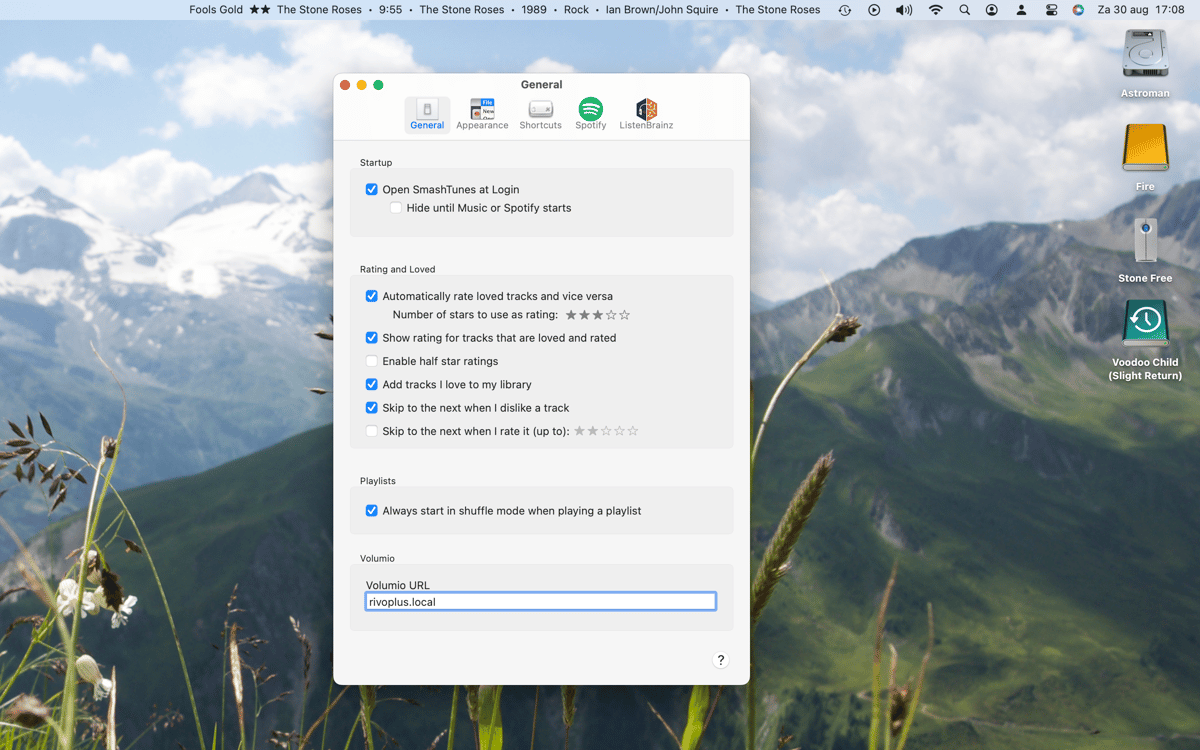
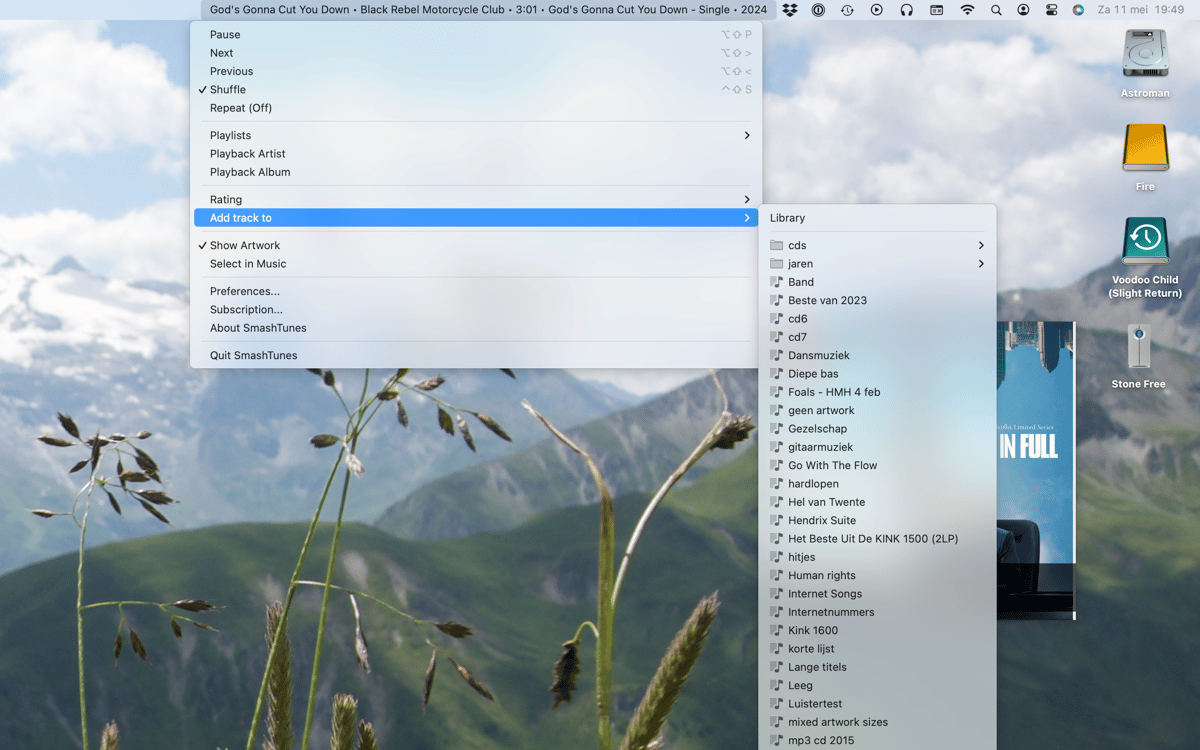
SmashTunes is a menu bar music player for Mac. It shows the currently playing track from Spotify or Apple Music right in your menu bar — you choose what info to display and how much space it can take up. Control playback, save songs to your library, and manage playlists without ever leaving what you're doing. It also supports ListenBrainz scrobbling and comes with a desktop widget that shows album artwork and track details.
See what's playing at a glance
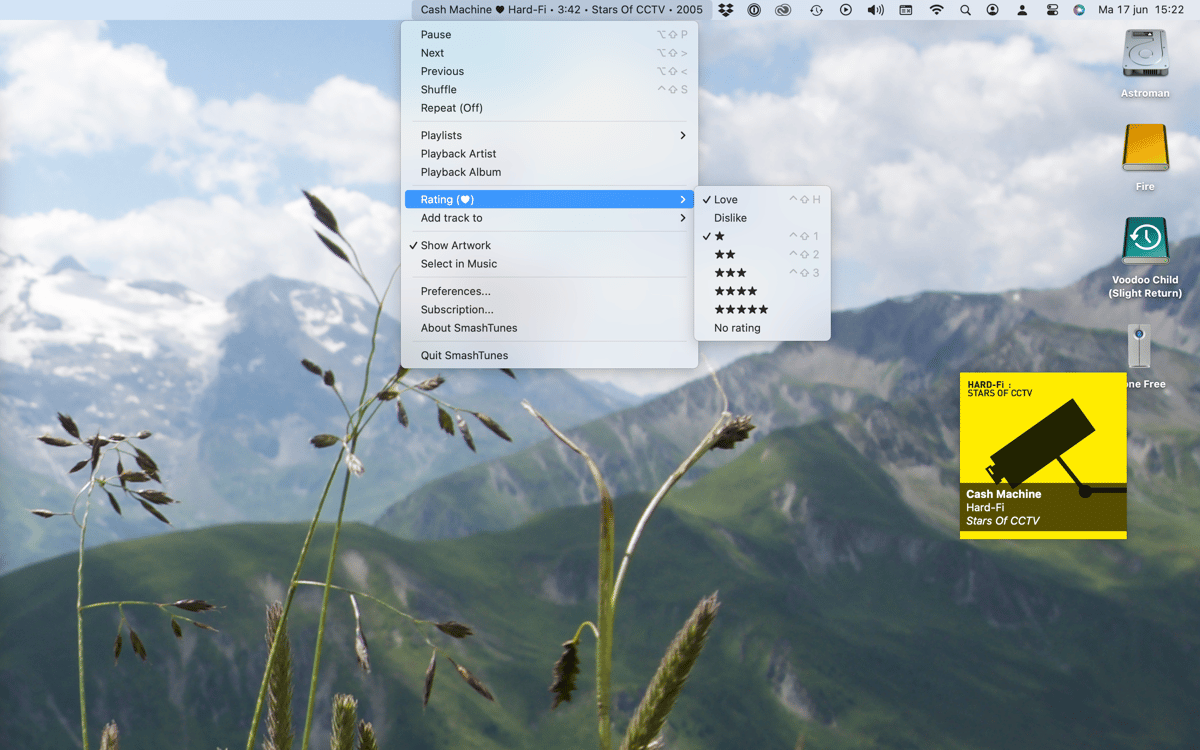
Control music without switching apps
Save tracks to your library or playlists
Scrobble your listening to ListenBrainz
SmashTunes features
Always know what's playing
SmashTunes puts your current track right in the menu bar, so you never have to switch apps just to check what's on. It works with both Spotify and Apple Music and adapts to whatever space you've got. Pick exactly which track details to show — title, artist, album — and let SmashTunes fit quietly into your workflow.
Control playback from anywhere
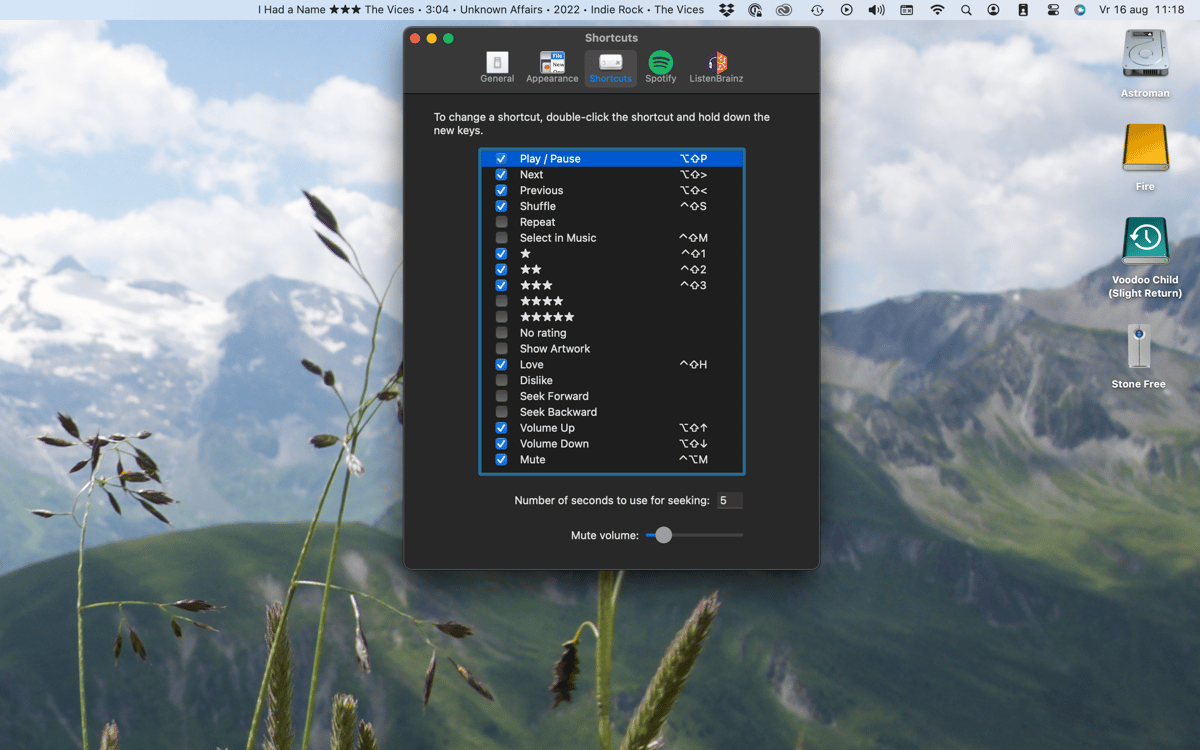
Skip, pause, or go back without opening Spotify or Music. SmashTunes gives you full playback controls straight from the menu bar. Prefer keeping your hands on the keyboard? Set up fully customizable keyboard shortcuts and handle everything without touching your mouse.
Save tracks on the spot
Hear something you love? Add it to your library or a playlist right from the menu bar. No need to switch to the player, find the track, and dig through menus — SmashTunes keeps that one click away.
Scrobble to ListenBrainz
SmashTunes integrates with ListenBrainz, so your listening history gets recorded automatically as you go. If you track your music habits or just want to keep a log of what you've been into, it's all taken care of in the background.
Desktop widget with artwork
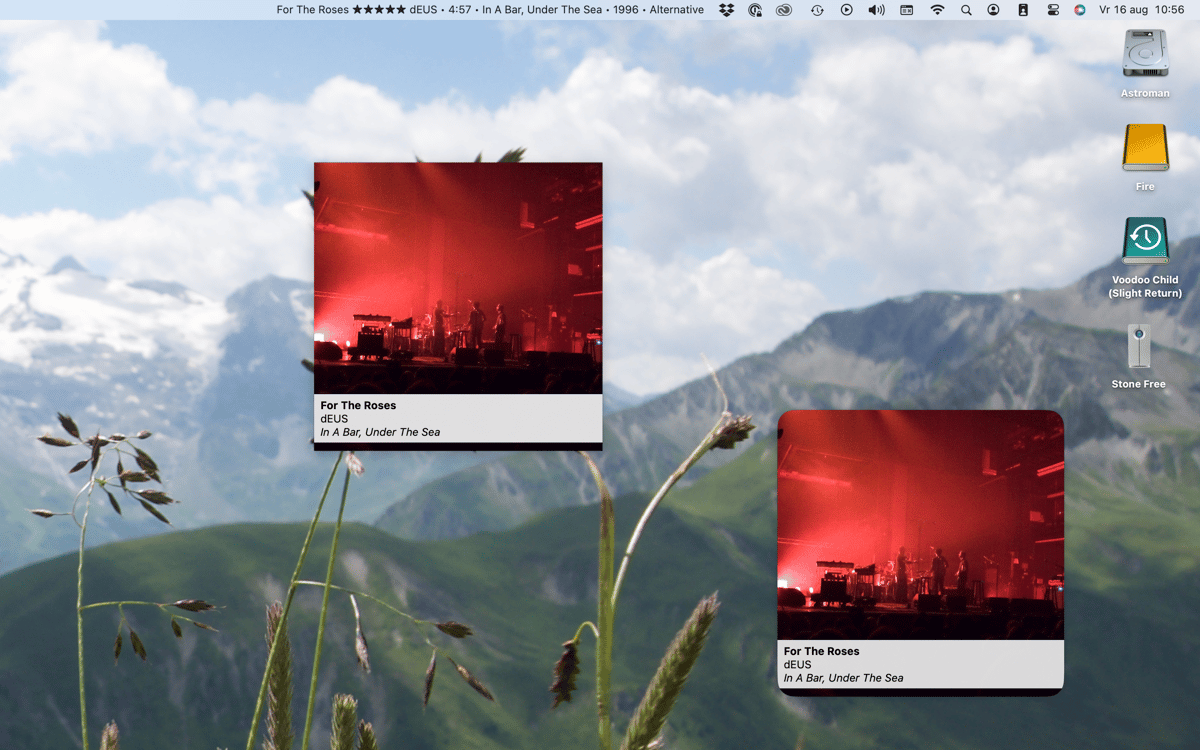
SmashTunes includes a native macOS desktop widget that shows the album artwork and track info for whatever's currently playing. It's a clean, at-a-glance view that works well on any desktop setup — no extra clicks needed.
Get hundreds of apps with Membership
Become Setapp member and use hundreds of stellar apps with one subscription.
Try 7 days free, then pay one simple fee.
Install Setapp on Mac
Explore apps for Mac, iOS, and web. Find easy ways to solve daily tasks.

Get the app you came for
That one shiny app is waiting inside Setapp. Install with a click.

SmashTunes
Choose your subscription
One app or more with a Setapp membership. Get apps the way you want.

Get hundreds of apps with Membership
Become Setapp member and use hundreds of stellar apps with one subscription.
Try 7 days free, then pay one simple fee.
1
Install Setapp on Mac
Explore apps for Mac, iOS, and web. Find easy ways to solve daily tasks.
2
Get the app you came for
That one shiny app is waiting inside Setapp. Install with a click.
SmashTunes
3
Choose your subscription
One app or more with a Setapp membership. Get apps the way you want.
Home to the top apps
From planning and routine tasks to creative pursuits and coding, tackle tasks with apps on Setapp.


SmashTunes
Your music, always in view