
Speedup
Fast-forward the boring parts

Mac
Version 1.0.3
macOS 15.0 or later
8.4 MB
1 languages
Speedup is a screen recording editor for Mac. Open any .mp4, .mov, or .m4v, mark the parts that drag, pick a speed multiplier for each, and export a polished video — no project files, no import steps. It's built for one thing: making long process recordings actually worth watching. Your files stay on your Mac the whole time.
Speed up long screen recordings
Mark and skip slow sections
Trim dead air before export
Export clean .mp4 in one click
Speedup features
Open and play — no setup required
Drop in a recording from QuickTime, CleanShot, OBS, or any app that saves .mp4, .mov, or .m4v. Speedup plays it immediately — no import step, no project file to manage. What you see is what you edit.
Mark regions, your way
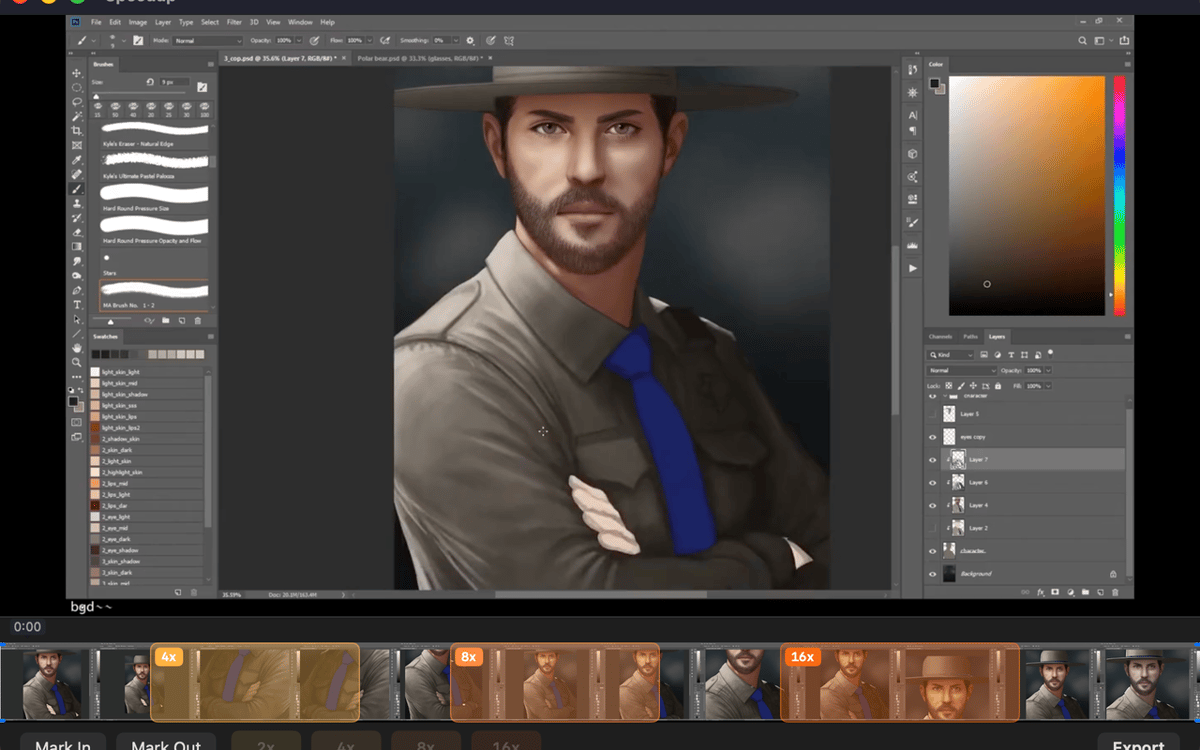
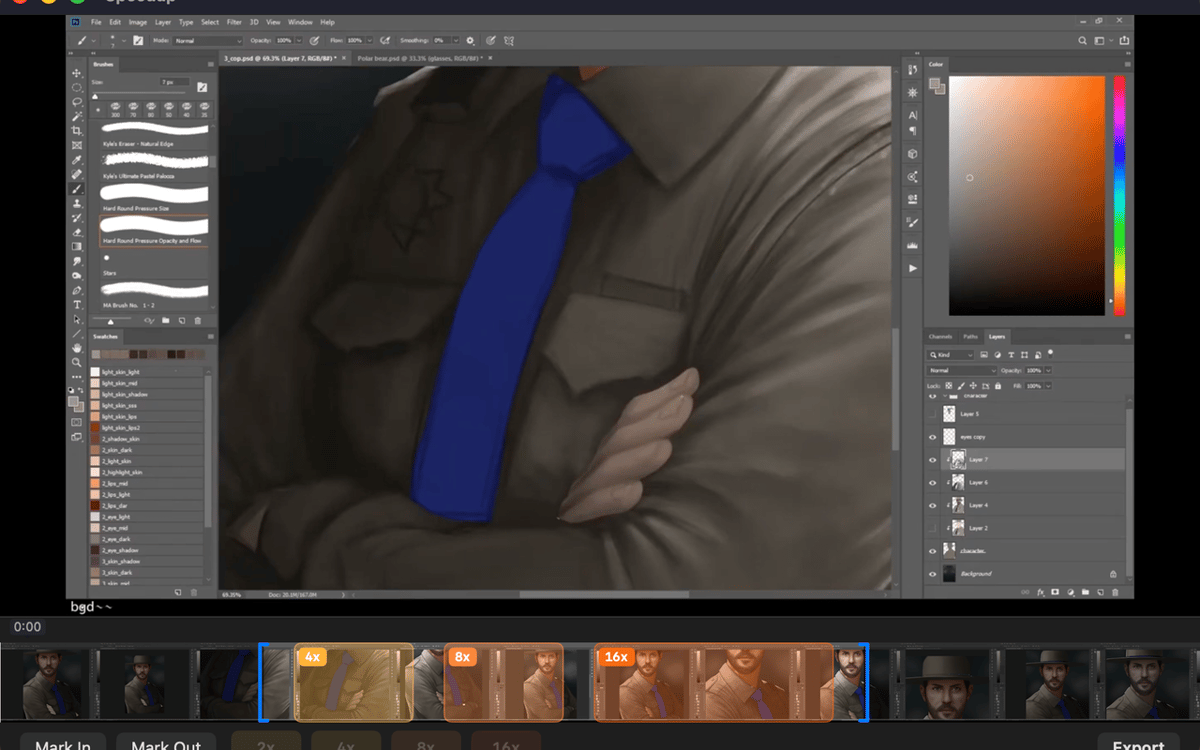
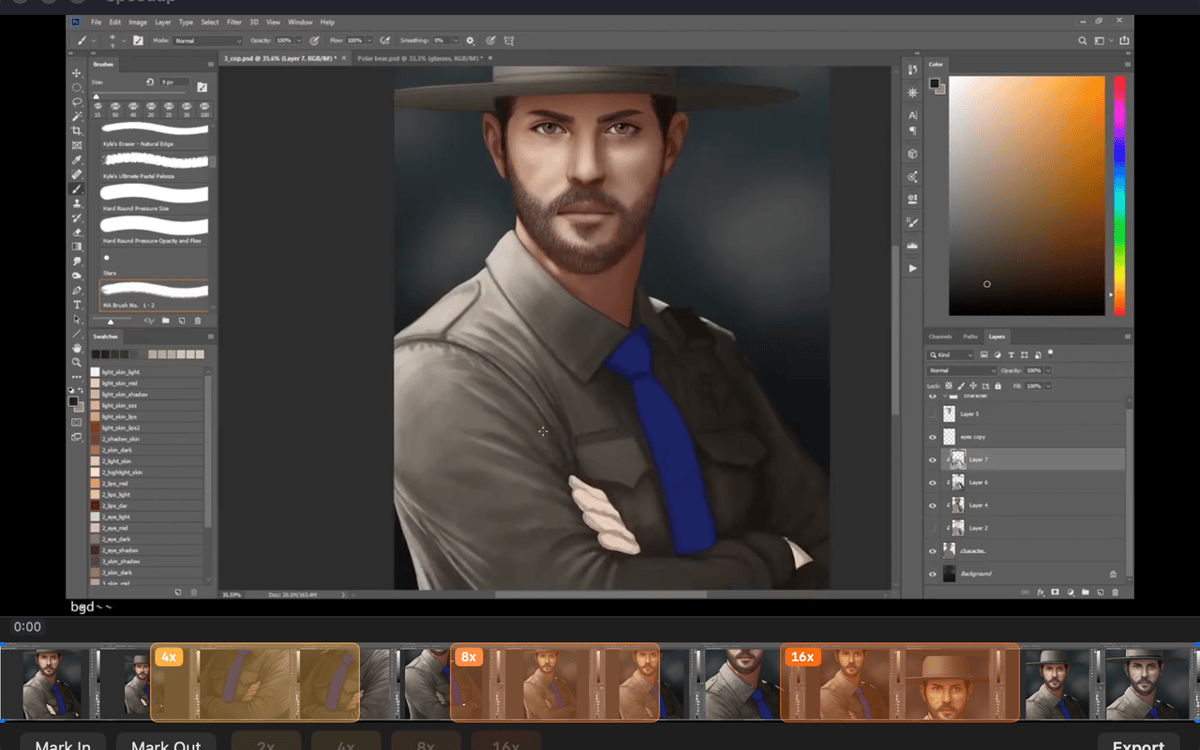
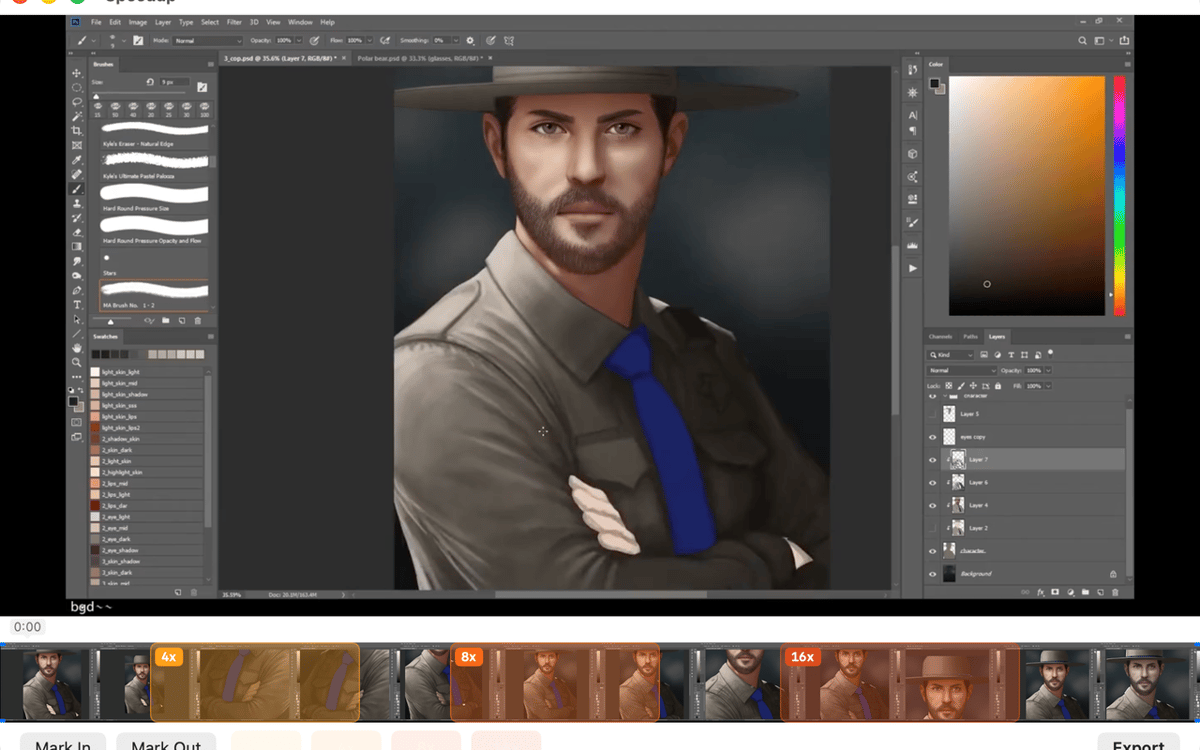
Two ways to mark a stretch: drag across the filmstrip for a fast range selection, or scrub with the playhead and use mark in / mark out for precision. Pick whichever fits the moment — both work the same way in the final export.
Set speed per region
Tap a speed chip — 2×, 4×, 8×, or 16× — for each marked region. Sped-up sections play fast and muted; everything else stays at full speed with audio intact. You stay in control of exactly how fast the boring parts go.
Trim the edges clean
Drag the trim handles at either end of the timeline to cut dead air from the start and finish. It's the kind of small thing that makes a big difference when someone's actually watching your video.
Export with one shortcut
Hit ⌘E or click Export and the finished .mp4 lands right next to the source file in Finder. No export settings to dig through, no mystery output folder.
Stays on your Mac, always
Speedup runs entirely locally. No telemetry, no analytics, no background network activity. Your recordings never leave your machine — which is exactly how it should be.
Get hundreds of apps with Membership
Become Setapp member and use hundreds of stellar apps with one subscription.
Try 7 days free, then pay one simple fee.
Install Setapp on Mac
Explore apps for Mac, iOS, and web. Find easy ways to solve daily tasks.

Get the app you came for
That one shiny app is waiting inside Setapp. Install with a click.

Speedup
Choose your subscription
One app or more with a Setapp membership. Get apps the way you want.

Get hundreds of apps with Membership
Become Setapp member and use hundreds of stellar apps with one subscription.
Try 7 days free, then pay one simple fee.
1
Install Setapp on Mac
Explore apps for Mac, iOS, and web. Find easy ways to solve daily tasks.
2
Get the app you came for
That one shiny app is waiting inside Setapp. Install with a click.
Speedup
3
Choose your subscription
One app or more with a Setapp membership. Get apps the way you want.
Home to the top apps
From planning and routine tasks to creative pursuits and coding, tackle tasks with apps on Setapp.


Speedup
Fast-forward the boring parts