Strongbox
Store your passwords securely


Mac, iOS
Version 1.64.2
macOS 12.0 or later
153.3 MB
17 languages
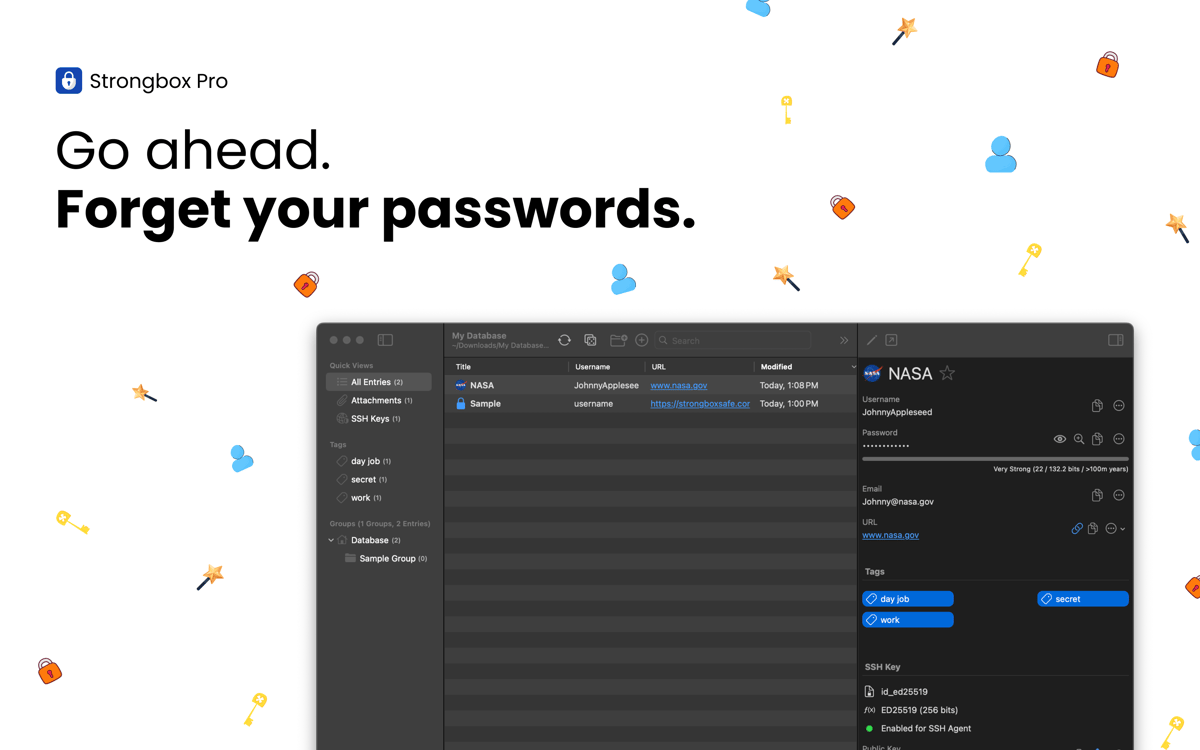
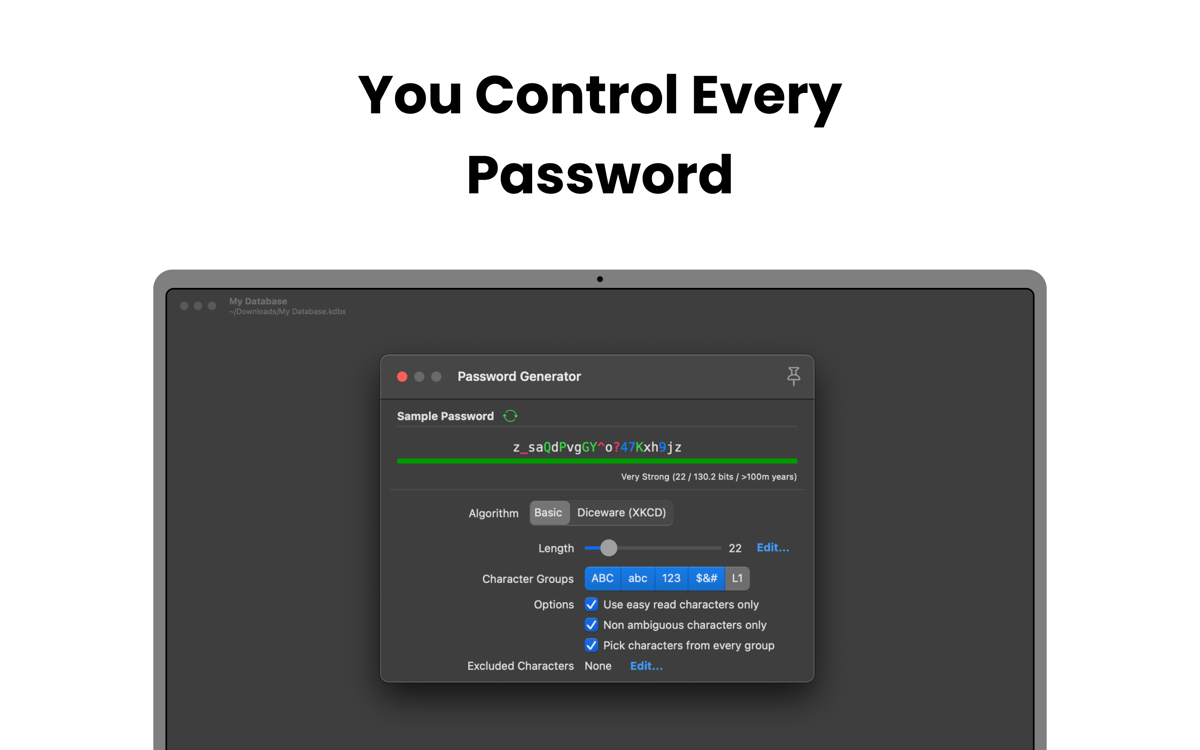
Strongbox keeps your passwords, bank details, recovery keys, and private notes securely stored in a fully encrypted KeePass database. You can create multiple vaults, add custom fields, generate strong passwords, and more. Deeply integrated with the Apple ecosystem, the app works seamlessly with Face ID, Touch ID, and AutoFill, so you can access your info faster and more safely on iPhone, iPad, and Mac.
Secure all passwords and sensitive info
Identify and fix weak or reused passwords
Get alerts for exposed passwords
Sync vaults across devices
Strongbox features
Protect your data with top‑grade encryption
All your sensitive data is protected with advanced cryptography designed to resist hacking. By default, Strongbox uses AES‑256, but you can also choose TwoFish or ChaCha20 if you prefer. With GPU‑resistant Argon2 key derivation and support for hardware keys like YubiKey, your data stays safe, even if your devices are lost or stolen.
Keep your vault in sync
Strongbox keeps your database up-to-date across all your devices and merges changes from multiple sources, so you never lose updates or run into conflicts. On top of that, your vault is backed up, giving you peace of mind that your data is always safe and accessible.
Organize and navigate your vault
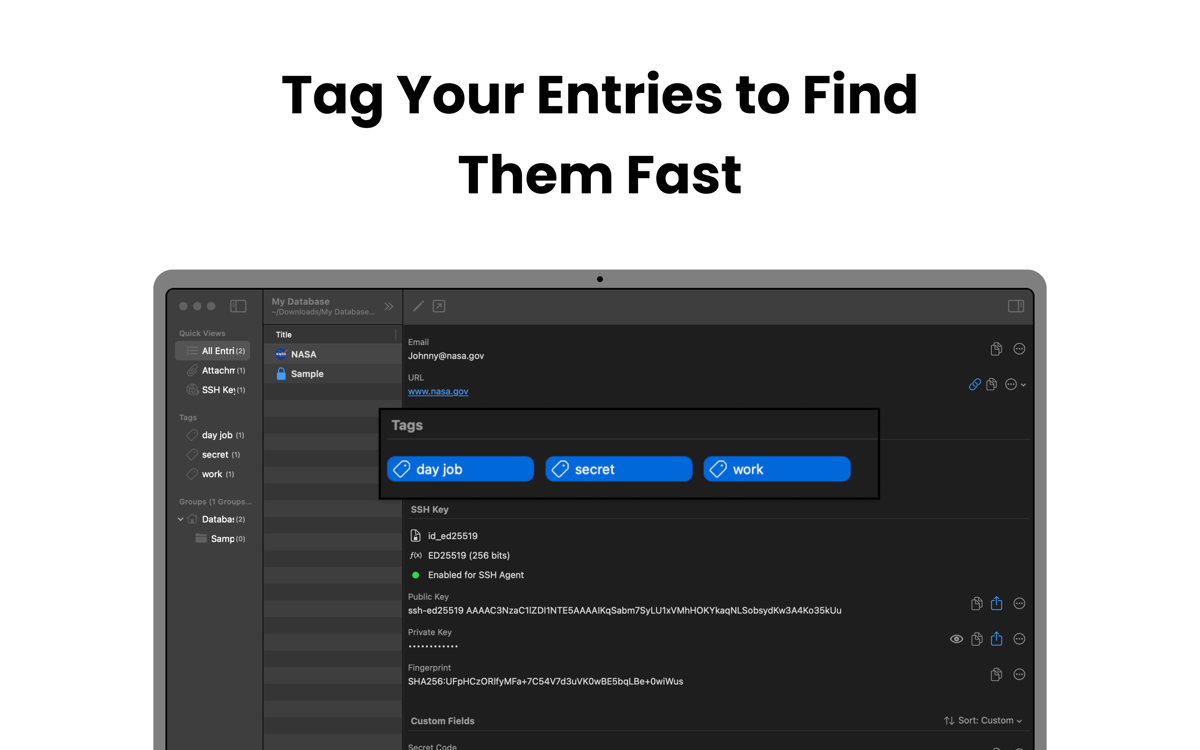
Strongbox lets you group entries into folders, add tags like “family,” “work,” or “social,” and mark your favorites for quick access. You can also add Markdown notes to entries and display website favicons, making your vault structured, visually clear, and easy to navigate.
Strengthen weak and duplicate passwords
Scan your vault to find passwords that are weak, short, common, or reused across accounts. Strongbox then helps you update them or generate stronger alternatives, reducing the risk of hacks.
Get notified about exposed passwords
Strongbox checks your saved passwords against known data breaches using Have I Been Pwned. If any password has appeared in a breach, the app alerts you immediately and shows which accounts are affected. This gives you time to update credentials and prevent unauthorized access before problems occur.
Ratings and reviews
Strongbox
•
66 ratings
Benedikt Otto
Jul 7, 2026
App version: 1.64.2
Intalled the app and tried to import browser passwords. The app would not read any of the exported .csv files from neither Safar, Firefox, nor Chrome. The Documentation said to edit the first line in the file manually, as to make it match the requirements for the app (which is already completely ridiculous). But what’s even more criminal is that I wasn’t even able to do it. Plus I had help from google Gemini to fix the Problem and it still didn’t work. I wont trust my passwords to an app from developers who can’t fix a issue as simple as a browser import… Big NOPE from me.
Mike Harris
Jul 6, 2026
App version: 1.64.2
Great interface and usability. I like the way it integrates so cleanly with apple password management. I also like that you are 100% in control of your own data.
Isabelle Louche
Jul 3, 2026
App version: 1.64.2
Très bonne application, facile a utiliser
Get hundreds of apps with Membership
Become Setapp member and use hundreds of stellar apps with one subscription.
Try 7 days free, then pay one simple fee.
Install Setapp on Mac
Explore apps for Mac, iOS, and web. Find easy ways to solve daily tasks.

Get the app you came for
That one shiny app is waiting inside Setapp. Install with a click.

Strongbox
Choose your subscription
One app or more with a Setapp membership. Get apps the way you want.

Get hundreds of apps with Membership
Become Setapp member and use hundreds of stellar apps with one subscription.
Try 7 days free, then pay one simple fee.
1
Install Setapp on Mac
Explore apps for Mac, iOS, and web. Find easy ways to solve daily tasks.
2
Get the app you came for
That one shiny app is waiting inside Setapp. Install with a click.
Strongbox
3
Choose your subscription
One app or more with a Setapp membership. Get apps the way you want.
Home to the top apps
From planning and routine tasks to creative pursuits and coding, tackle tasks with apps on Setapp.


Strongbox
Store your passwords securely