
Taphouse
Homebrew without the typing
Mac
Version 1.5.9
macOS 14.0 or later
30.6 MB
6 languages
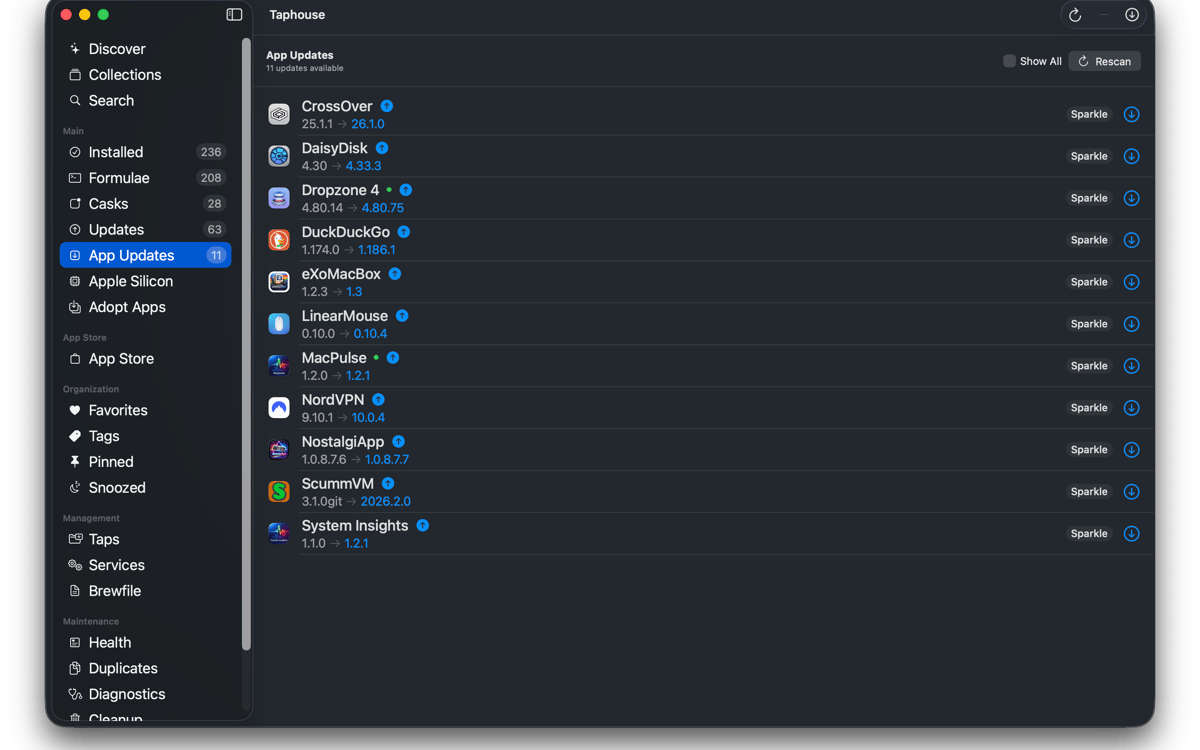
Taphouse is a native Homebrew app for Mac that turns brew commands into simple point-and-click actions. Built in SwiftUI, it gives you a cleaner way to browse, install, update, and manage packages — without giving up the terminal when you still want it.
Install brew apps visually
Update packages in one click
Manage brew services easily
Manage brew services easily
Taphouse features
Browse and install
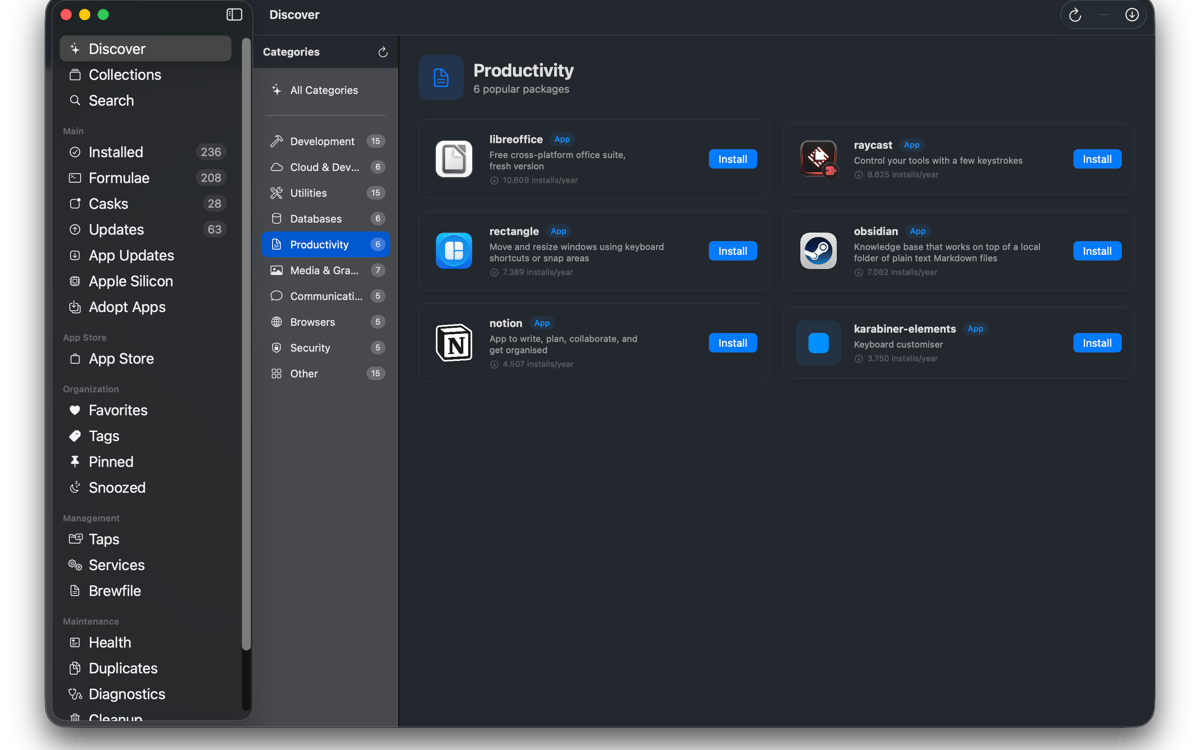
Search Homebrew formulae, casks, and third-party taps from one search bar. Check dependencies, licenses, disk usage, and Homebrew caveats before installing. Install packages with one click and watch the live command output in real time. No mystery. Just Homebrew doing its thing.
Manage what you have
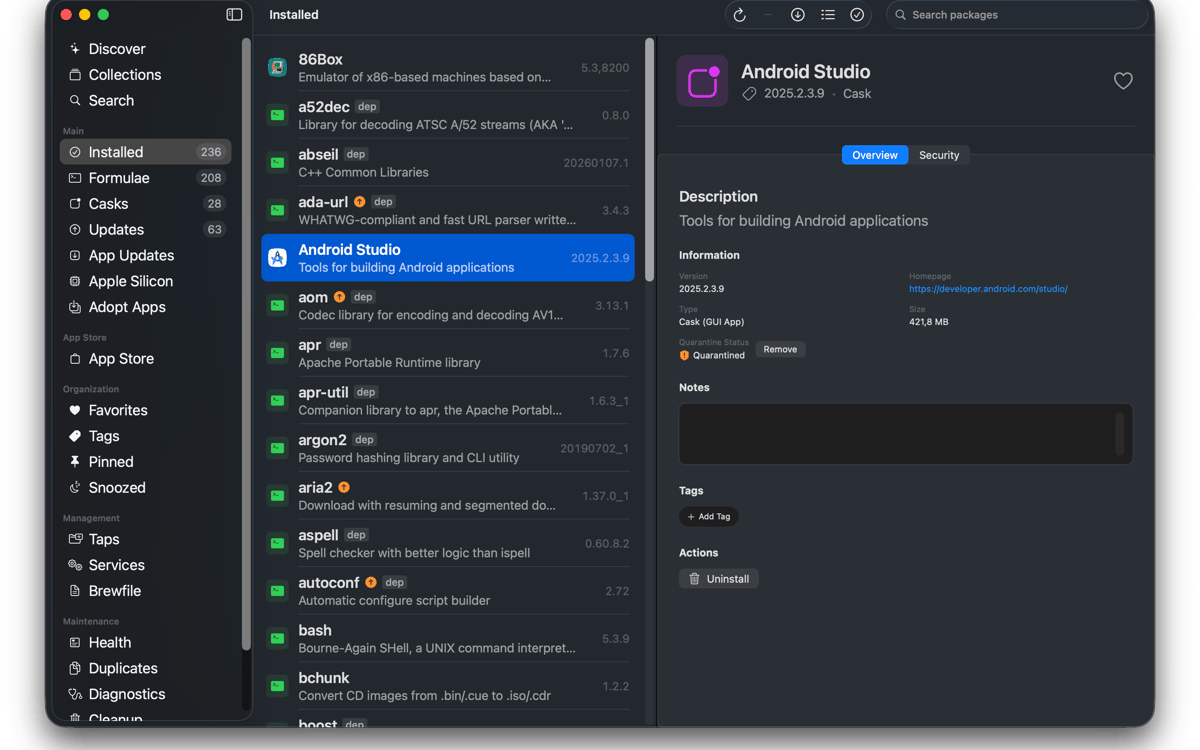
See everything you’ve installed in one tidy list. Filter by formulae, casks, favorites, pinned packages, or available updates. Select multiple packages to upgrade, uninstall, or pin at once. You can even adopt apps already sitting in your Applications folder so future updates run through Homebrew too.
Stay up to date
Choose when Taphouse checks for updates and get notified when something’s ready. Automatic background upgrades are available too, with battery-aware behavior so your Mac doesn’t start working overtime at the wrong moment. The menu bar icon shows outdated packages at a glance. Updating running apps? Taphouse can close them cleanly first before upgrading.
Manage services, taps, and Brewfiles
Start and stop brew services without typing commands manually. Add, remove, and pin taps in a couple of clicks. Import and export Brewfiles to move your setup between Macs. Search also supports full third-party tap paths and can add missing taps automatically.
Keep Homebrew healthy
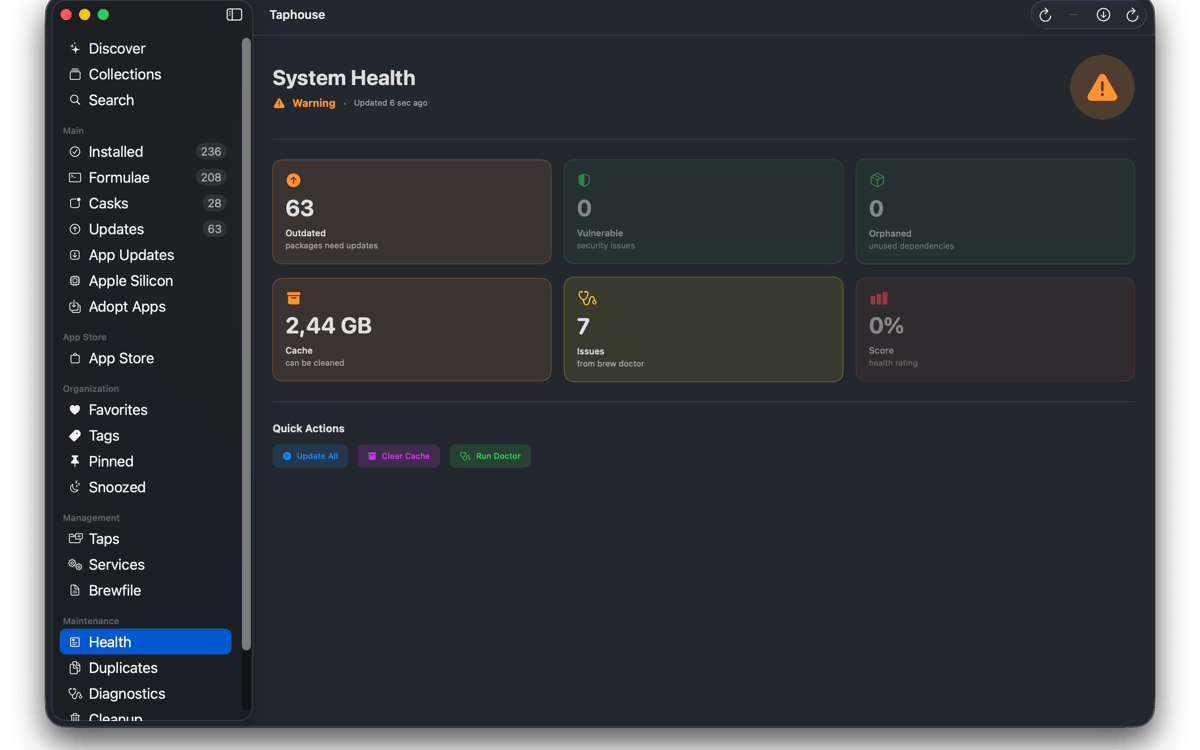
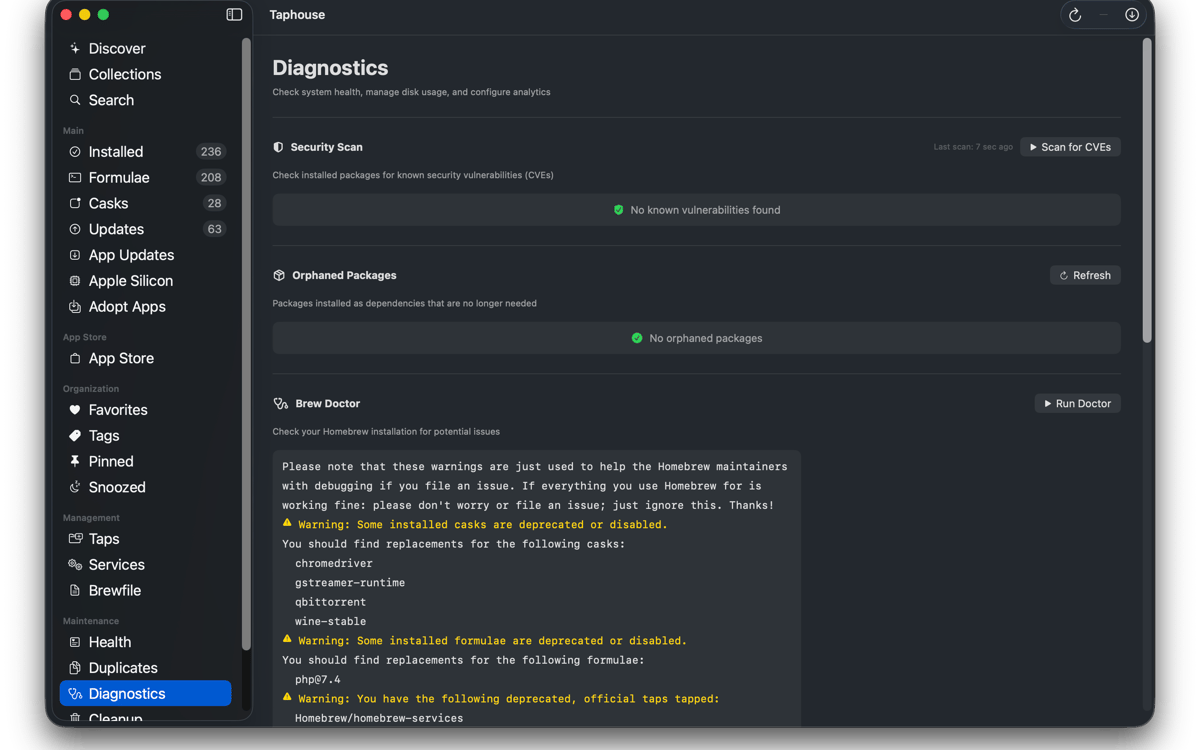
Run brew doctor in a readable interface instead of a wall of Terminal text. See how much space Homebrew uses and clear files you no longer need. You can also remove quarantine flags, track duplicate installs, and keep your package setup organized without bouncing between tools.
And a few extras
Taphouse also includes installation history, dependency tree visualization, package notes, tags and collections, compact list mode, Apple Silicon migration tools, and mas CLI integration. Everything maps directly to real brew commands, so your setup stays portable, familiar, and fully yours.
Ratings and reviews
Taphouse
•
61 ratings
Steve Solari
Oct 14, 2026
App version: 1.5.8.9
Makes updates easy because everything is in one place
Mike Procario
Oct 5, 2026
App version: 1.5.8.7
I have just started using it. My first time use went well.
Binu Alexander
Oct 5, 2026
App version: 1.5.8.7
Nice app , very useful
Get hundreds of apps with Membership
Become Setapp member and use hundreds of stellar apps with one subscription.
Try 7 days free, then pay one simple fee.
Install Setapp on Mac
Explore apps for Mac, iOS, and web. Find easy ways to solve daily tasks.

Get the app you came for
That one shiny app is waiting inside Setapp. Install with a click.

Taphouse
Choose your subscription
One app or more with a Setapp membership. Get apps the way you want.

Get hundreds of apps with Membership
Become Setapp member and use hundreds of stellar apps with one subscription.
Try 7 days free, then pay one simple fee.
1
Install Setapp on Mac
Explore apps for Mac, iOS, and web. Find easy ways to solve daily tasks.
2
Get the app you came for
That one shiny app is waiting inside Setapp. Install with a click.
Taphouse
3
Choose your subscription
One app or more with a Setapp membership. Get apps the way you want.
Home to the top apps
From planning and routine tasks to creative pursuits and coding, tackle tasks with apps on Setapp.


Taphouse
Homebrew without the typing